คู่มือและคำแนะนำการใช้งาน KUMI
KUMI is a consumer electronics brand specializing in smartwatches, fitness trackers, and TWS earbuds, known for integrating AIoT technology and health monitoring features.
เกี่ยวกับคู่มือ KUMI Manuals.plus
คูมิ เทคโนโลยี บจก. is a consumer electronics manufacturer based in Shenzhen, China, dedicated to the research, development, and sales of smart hardware and AIoT (Artificial Intelligence of Things) products.
The brand is widely recognized for its diverse lineup of smartwatches and fitness bands, including the popular KU, GW, GT, และ ซีรีย์ K, which combine fashion with functionality. KUMI devices typically feature comprehensive health monitoring—such as heart rate, blood oxygen (SpO2), and sleep tracking—alongside smart capabilities like Bluetooth calling, AI voice assistants, and app integration via the KUMI Life, KUMI Sports, or KUMI Wear platforms.
In addition to wearables, KUMI produces audio products like TWS earbuds. The company strives to provide affordable, high-quality smart solutions that enhance the daily lives and health management of users globally.
คู่มือ KUMI
คู่มือล่าสุดจาก manuals+ คัดสรรมาเพื่อแบรนด์นี้
คู่มือการใช้งาน KUMI KU7 Meta Smart Watch
คู่มือการใช้งานสมาร์ทวอทช์ KUMI M2
คู่มือการใช้งานนาฬิกาสมาร์ทวอทช์ KUMI GW5 Fit
คู่มือการใช้งานนาฬิกา KUMI GEARGT3
คู่มือการใช้งานสมาร์ทวอทช์ GPS KUMI U5 Pro
คู่มือผู้ใช้สร้อยข้อมืออัจฉริยะ Kumi SmartBand N8
คู่มือการติดตั้งนาฬิกาอัจฉริยะ Kumi GW7
KUMIU6 KUMI U6 GPS สมาร์ทวอทช์ คู่มือผู้ใช้
คู่มือการใช้งาน KUMI GW5 Smart Watch สำหรับผู้ชายผู้หญิง
KUMI U6 GPS Smart Watch: User Manual for Health and Connectivity
KUMI KU6 Smart Watch Operating Guide
KUMI KU6 Meta Smartwatch Operating Guide | User Manual
คู่มือการใช้งานสมาร์ทวอทช์ KUMI GT5 MAX
คู่มือการใช้งานสมาร์ทวอทช์ KUMI GW5
คู่มือการใช้งานสมาร์ทวอทช์ KUMI U5 Pro - การตั้งค่า การใช้งาน และคำแนะนำด้านความปลอดภัย
คู่มือผู้ใช้สมาร์ทวอทช์ KUMI GW3: คุณสมบัติ การตั้งค่า และการใช้งาน
คู่มือผู้ใช้และคำแนะนำการใช้งาน KUMI KU7 Meta Smartwatch
คู่มือผู้ใช้สมาร์ทวอทช์ KUMI GT5 Pro
คู่มือการใช้งานสมาร์ทวอทช์ KUMI KU6 Meta
คู่มือการใช้งานสมาร์ทวอทช์ KUMI GW5: คุณสมบัติ ฟังก์ชั่น และความปลอดภัย
คู่มือการใช้งานฉบับย่อสำหรับสมาร์ทวอทช์ KUMI GW5
คู่มือ KUMI จากร้านค้าออนไลน์
Kumi Smart Watch U3 User Manual
คู่มือผู้ใช้สมาร์ทวอทช์ KUMI KU1 Pro
คู่มือการใช้งานสมาร์ทวอทช์ Kumi GW5 Pro
คู่มือผู้ใช้สมาร์ทวอทช์ Kumi รุ่น GW5 PRO
คู่มือการใช้งานนาฬิกาอัจฉริยะ Kumi รุ่น GW5 สีดำ
คู่มือการใช้งานนาฬิกาอัจฉริยะ Kumi
คู่มือการใช้งานนาฬิกาอัจฉริยะ Kumi รุ่น GW3 Pro สีดำ
คู่มือผู้ใช้ชุดนาฬิกาอัจฉริยะ Kumi (GW5 และ KU6)
คู่มือผู้ใช้สมาร์ทวอทช์ Kumi รุ่น GW5 PRO
คู่มือผู้ใช้สมาร์ทวอทช์ KUMI GW6
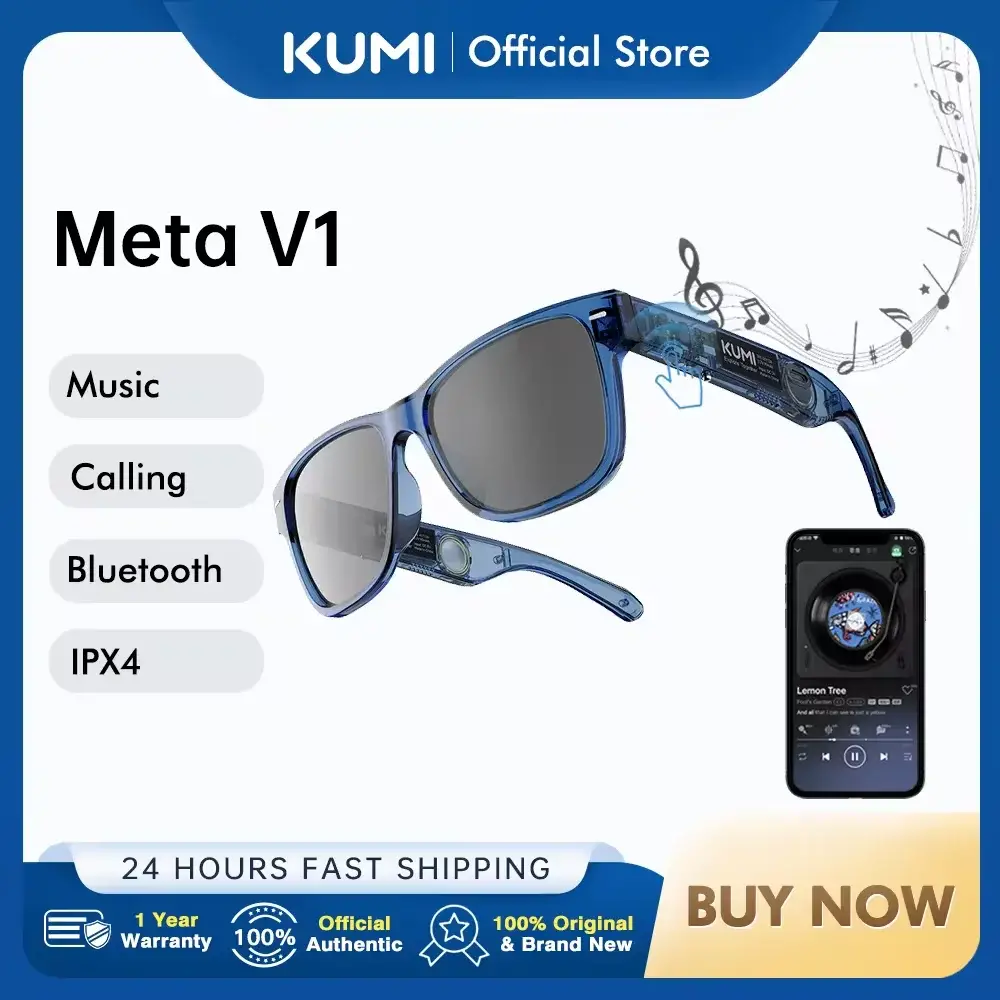
KUMI Meta V1 Smart Glasses User Manual
KUMI WATCH Gear GT3 Smartwatch User Manual
KUMI GT5 Pro+ Smart Watch User Manual
คู่มือผู้ใช้สมาร์ทวอทช์ KUMI U5 Pro
คู่มือผู้ใช้สมาร์ทวอทช์ KUMI GT6 Pro
KUMI Smart Watch Silicone Band Instruction Manual
KUMI KU7 Smartwatch User Manual
คู่มือการใช้งานสมาร์ทวอทช์ KUMI GT6
คู่มือการใช้งานสมาร์ทวอทช์ KUMI GW16T
คู่มือผู้ใช้สมาร์ทวอทช์ KUMI GW5 Pro
คู่มือวิดีโอ KUMI
รับชมวิดีโอการตั้งค่า การติดตั้ง และการแก้ไขปัญหาสำหรับแบรนด์นี้
KUMI X3 Pro Smartwatch: 4G Communication, ChatGPT, GPS, Social Media & Camera Control
KUMI Ring H1 Smart Ring: Health Tracking, Smart Control & Fashionable Design
Kumi AI-Scribe: AI-Powered Medical Documentation & Clinical Decision Support Software Demo
Kumi Scribe AI: Optimizing Hospital Performance and Medical Controlling
สมาร์ทวอทช์ KUMI GT6: หน้าจอ HD 1.72 นิ้ว, กันน้ำ IP68, ตรวจสอบสุขภาพ และควบคุมด้วย AIoT
สาธิตคุณสมบัติของสมาร์ทวอทช์ KUMI K6: การโทร, อัตราการเต้นของหัวใจ, การกันน้ำ
KUMI KU7 Meta Smartwatch: คู่มือการตั้งค่าและคุณสมบัติครบถ้วน (การจับคู่แอป การโทร ChatGPT หน้าปัดนาฬิกา AI เพลง SOS)
KUMI Smartwatch Manufacturing Process & Quality Control Overview
สมาร์ทวอทช์ KUMI Watch Gear GT3: กันน้ำระดับ IP68, การโทรผ่านบลูทูธ และฟังก์ชั่นหน้าปัดหมุนได้ (สาธิตการใช้งาน)
สมาร์ทวอทช์ KUMI GW6: ผสานรวม AI, ติดตามสุขภาพ และโหมดกีฬาview
สมาร์ทวอทช์ KUMI GW5: ระบบติดตามการออกกำลังกายขั้นสูง ดีไซน์กันน้ำ และการแจ้งเตือนอัจฉริยะ
สมาร์ทวอทช์ KUMI GW6: ผู้ช่วย AI, การติดตามสุขภาพ และคุณสมบัติการปรับแต่งมากมายview
KUMI support FAQ
คำถามที่พบบ่อยเกี่ยวกับคู่มือ การลงทะเบียน และการสนับสนุนสำหรับแบรนด์นี้
-
How do I connect my KUMI smartwatch to my phone?
To connect your KUMI smartwatch, download the specific app mentioned in your user manual (e.g., KUMI Life, KUMI Sports, or LookFit). Enable Bluetooth on your smartphone, open the app, and use the 'Add Device' function within the app to pair. Do not pair directly through your phone's Bluetooth settings.
-
Why is my KUMI watch not receiving message notifications?
Ensure the companion app is running in the background and has not been closed by your phone's battery optimization settings. Additionally, verify that notification permissions are enabled for the app in your phone's system settings and that the specific apps (WhatsApp, SMS, etc.) are toggled on within the KUMI app.
-
Is my KUMI device waterproof?
Many KUMI smartwatches are rated IP67 or IP68, making them resistant to dust and immersion in water. However, capabilities vary by model; please refer to your specific user manual to determine if your device is suitable for swimming or showering.
-
How do I reset my KUMI smartwatch?
You can factory reset your device by navigating to the 'Settings' menu on the watch, scrolling to 'System' or 'Reset', and confirming the action. Note that this will erase all data on the watch.
-
Which app should I download for my KUMI watch?
Different KUMI models use different apps. Common apps include 'KUMI Life', 'KUMI Sports', 'KUMI Wear', and 'LookFit'. Check the QR code in your instruction manual or on the watch screen to download the correct version.