1. บทนำ
This manual provides essential information for setting up, operating, maintaining, and troubleshooting your Sharp Aquos QLED 55 Inch 4K Ultra HD Xumo Smart TV. Please read this manual thoroughly before using your television and retain it for future reference.
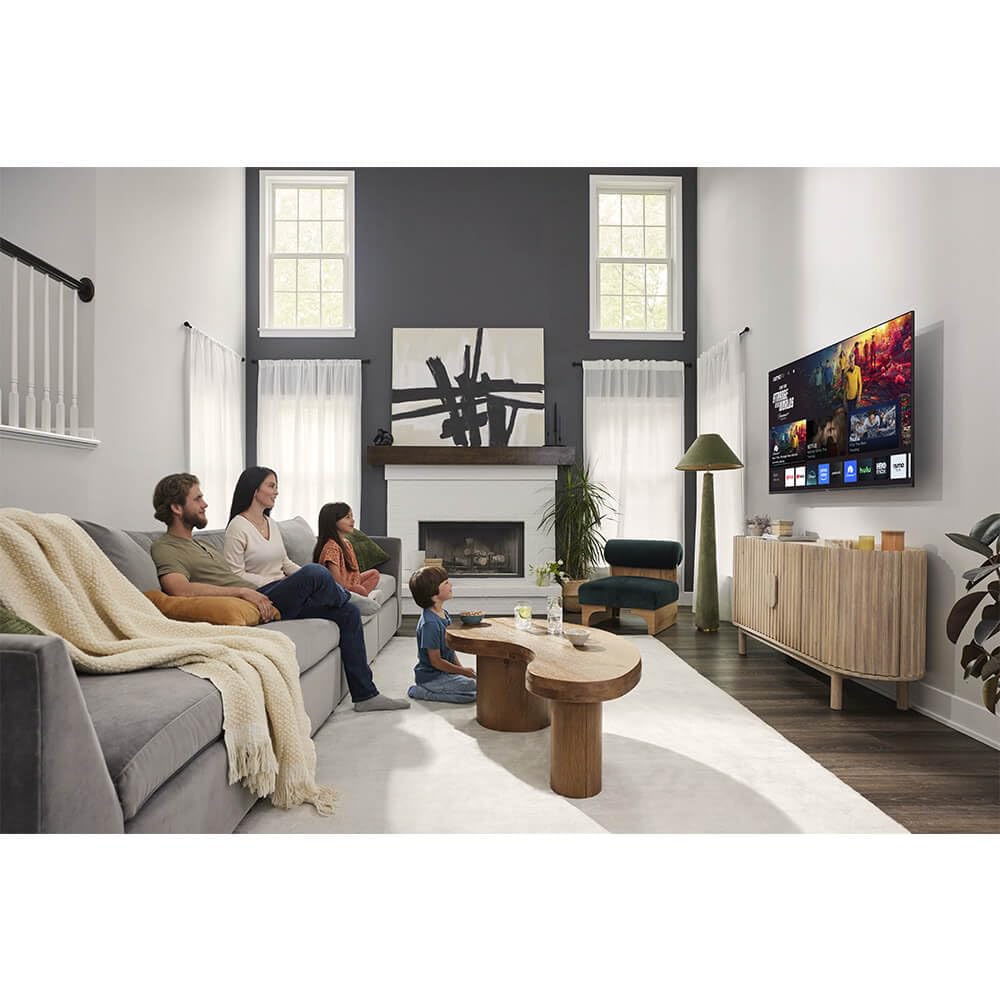
ภาพ: ด้านหน้า view of the Sharp Aquos QLED 55 Inch 4K Ultra HD Xumo Smart TV.
2. ข้อมูลด้านความปลอดภัย
Always follow basic safety precautions when using this television to reduce the risk of fire, electric shock, and injury. Keep the television away from moisture, direct sunlight, and heat sources. Ensure proper ventilation and do not block any ventilation openings. Use only the power cord and accessories specified by the manufacturer. Refer to the full safety guidelines in the included printed manual.
3. อะไรอยู่ในกล่อง
Your Sharp Aquos QLED 55 Inch 4K Ultra HD Xumo Smart TV package includes:
- Sharp Aquos QLED 55 Inch 4K Ultra HD Xumo Smart TV
- รีโมตคอนโทรลด้วยเสียง
- ชั้นวางทีวี (2 ชิ้น)
- สกรูสำหรับขาตั้งทีวี
- สายไฟ
- คู่มือการใช้งาน (เอกสารนี้)
- คู่มือเริ่มต้นอย่างรวดเร็ว
4. การตั้งค่า
4.1 การติดตั้งขาตั้งทีวี
- วางหน้าจอทีวีลงบนพื้นผิวที่นุ่มและเรียบอย่างระมัดระวังเพื่อป้องกันความเสียหาย
- จัดวางขาตั้งแต่ละชิ้นให้ตรงกับรูสกรูที่อยู่ด้านล่างของทีวี
- ยึดชิ้นส่วนขาตั้งแต่ละชิ้นด้วยสกรูที่ให้มา ตรวจสอบให้แน่ใจว่าขันแน่นสนิทแล้ว
4.2 การติดตั้งบนผนัง (ทางเลือก)
If you choose to wall mount your TV, ensure you use a VESA-compatible wall mount kit (sold separately) that supports the 55-inch screen size and weight. Follow the instructions provided with your wall mount kit. Remove the TV stand before mounting.
4.3 การเชื่อมต่ออุปกรณ์
Connect your external devices (cable box, gaming console, soundbar, etc.) to the appropriate ports on the back of the TV. The Sharp Aquos QLED TV features multiple HDMI inputs for versatile connectivity.

ภาพ: ด้านหลัง view of the Sharp Aquos QLED TV showing cable management through the stand.
4.4 การเชื่อมต่อสายไฟ
Plug the power cord into the TV's power input, then into a wall outlet. The TV is now ready for initial setup.
5. คู่มือการใช้งาน
5.1 การตั้งค่าเริ่มต้นและการเชื่อมต่อเครือข่าย
Upon first power-on, the TV will guide you through the initial setup process. This includes selecting your language, connecting to your Wi-Fi network (dual-band Wi-Fi supported for reliable streaming), and agreeing to terms and conditions. Follow the on-screen prompts.
5.2 ฟังก์ชั่นการควบคุมระยะไกล
The included voice remote allows for intuitive navigation. Use the directional pad to move through menus, the OK button to select, and dedicated buttons for popular streaming services. The built-in voice search feature provides hands-free control for launching apps, adjusting volume, and switching inputs.
5.3 Xumo Smart TV Platform
The Xumo Smart TV system offers fast and intuitive access to your favorite streaming applications. The clean home screen allows for easy navigation and personalized content recommendations.
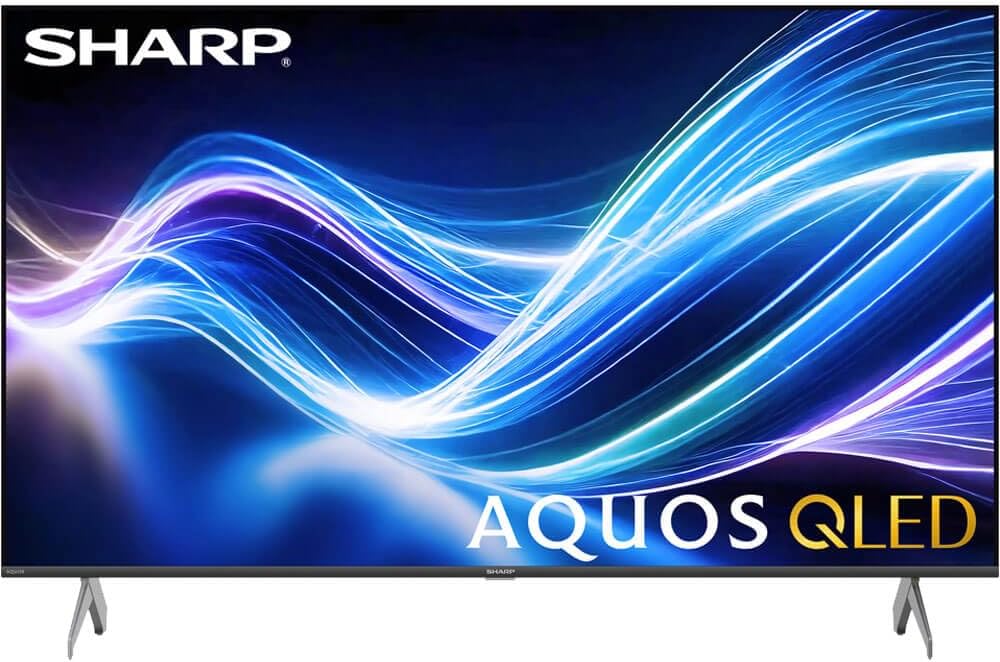
Image: The Xumo Smart TV home screen displaying various streaming apps and voice search functionality.
5.4 การตั้งค่าภาพและเสียง
Your Sharp Aquos QLED TV supports advanced picture and sound technologies:
- จอแสดงผล 4K QLED: Enjoy vibrant, lifelike images with Quantum Dot color and enhanced brightness.
- Dolby Vision และ HDR10: These premium HDR formats optimize contrast, depth, and clarity for cinematic picture quality. Access picture settings via the TV menu to fine-tune brightness, contrast, color, and sharpness.
- เสียงที่ดื่มด่ำ: The TV features optimized sound processing for clear dialogue and enhanced bass. Connect Bluetooth headphones or speakers for wireless listening. Adjust audio modes (Standard, Music, Movie, Speech, Custom) in the sound settings.
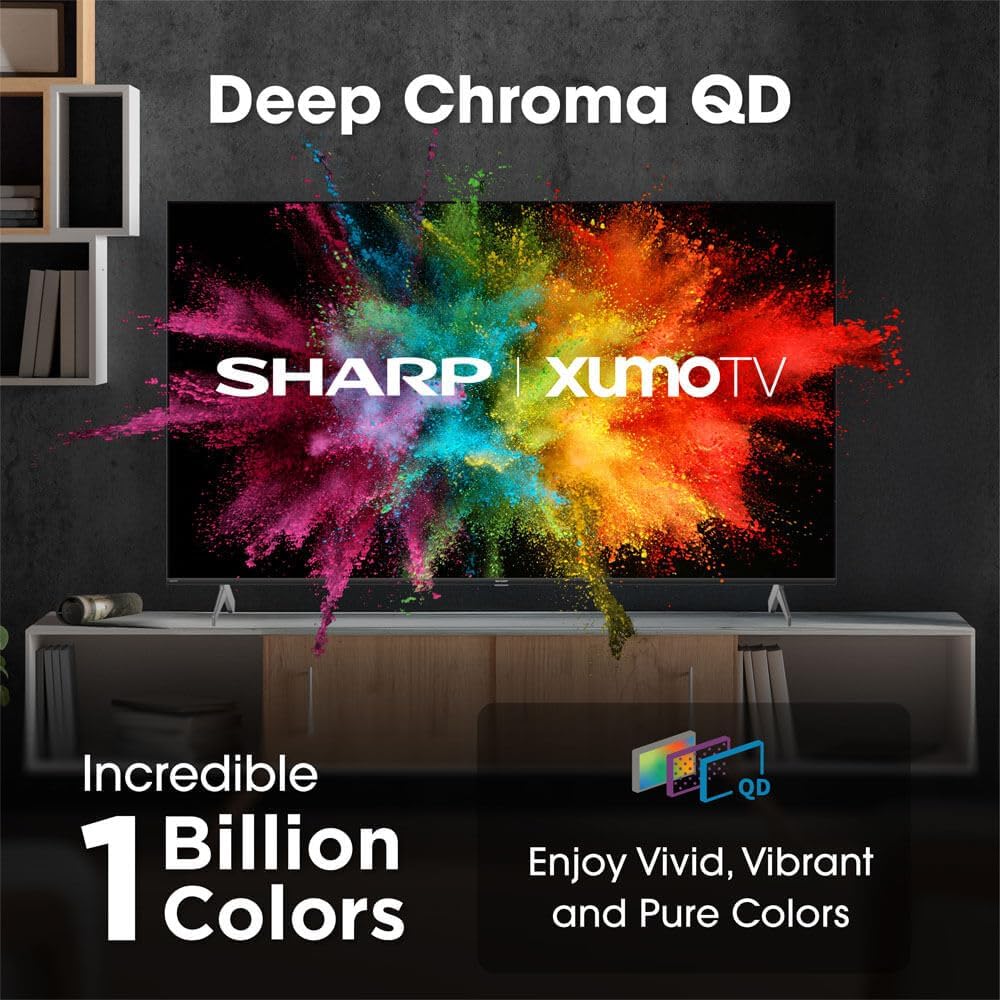
Image: Comparison of Dolby Vision enhanced picture quality against a standard display.

Image: Visual representation of Dolby Atmos creating immersive sound in a living room setting.
6. การบำรุงรักษา
6.1 การทำความสะอาดทีวี
ในการทำความสะอาดหน้าจอ ให้เช็ดเบาๆ ด้วยผ้านุ่มที่ไม่เป็นขุย สำหรับรอยฝังแน่น ให้เช็ดเบาๆampen the cloth with water or a screen-cleaning solution. Never spray liquid directly onto the screen. Clean the TV's exterior with a soft, dry cloth.
6.2 การอัปเดตซอฟต์แวร์
ทีวีของคุณอาจได้รับการอัปเดตซอฟต์แวร์อัตโนมัติเพื่อปรับปรุงประสิทธิภาพและเพิ่มฟีเจอร์ใหม่ๆ โปรดตรวจสอบให้แน่ใจว่าทีวีของคุณเชื่อมต่ออินเทอร์เน็ตเพื่อรับการอัปเดตเหล่านี้ คุณยังสามารถตรวจสอบการอัปเดตด้วยตนเองได้ในเมนูการตั้งค่าของทีวี
7 การแก้ไขปัญหา
| ปัญหา | สาเหตุที่เป็นไปได้ | สารละลาย |
|---|---|---|
| ไม่มีไฟฟ้า | Power cord not connected, power outlet not working. | Check power cord connection, try a different outlet. |
| ไม่มีภาพ/เสียง | Incorrect input selected, external device off/disconnected. | Verify input source, check device power and connections. |
| รีโมทไม่ทำงาน | Batteries low/dead, obstruction between remote and TV. | เปลี่ยนแบตเตอรี่ นำสิ่งกีดขวางออก และเชื่อมต่อรีโมทใหม่หากจำเป็น |
| ปัญหาการเชื่อมต่อ Wi-Fi | Router issues, incorrect password, weak signal. | Restart router, re-enter Wi-Fi password, move TV closer to router or use Ethernet. |
8. ข้อมูลจำเพาะ
- ยี่ห้อ: คม
- หมายเลขรุ่น: 4TC55HP7050U
- ขนาดหน้าจอ: 55 นิ้ว
- เทคโนโลยีการแสดงผล: QLED Smart
- ปณิธาน: 4K อุลตราเอชดี
- อัตราการรีเฟรช: 60เฮิรตซ์
- คุณสมบัติพิเศษ: Flat, Dolby Vision, HDR10, Xumo Smart TV, Voice Remote, Bluetooth, Dual-band Wi-Fi
- เทคโนโลยีการเชื่อมต่อ: RCA, HDMI (multiple ports)
- บริการอินเทอร์เน็ตที่รองรับ: Netflix, Hulu, Amazon Prime Video (and more via Xumo platform)
- น้ำหนักสินค้า: 32 ปอนด์
- สี: สีดำ
9. การรับประกันและการสนับสนุน
สำหรับข้อมูลการรับประกันและการสนับสนุนทางเทคนิค โปรดดูบัตรรับประกันที่แนบมากับผลิตภัณฑ์ของคุณ หรือเยี่ยมชมเว็บไซต์อย่างเป็นทางการของ Sharp webไซต์ โปรดเก็บใบเสร็จรับเงินไว้เป็นหลักฐานการซื้อสำหรับการเรียกร้องการรับประกัน