1. บทนำ
The Brother DCP-L2640DW is a compact, high-performance monochrome laser all-in-one printer designed for home offices and small workgroups. This manual provides essential information for setting up, operating, maintaining, and troubleshooting your printer to ensure optimal performance.
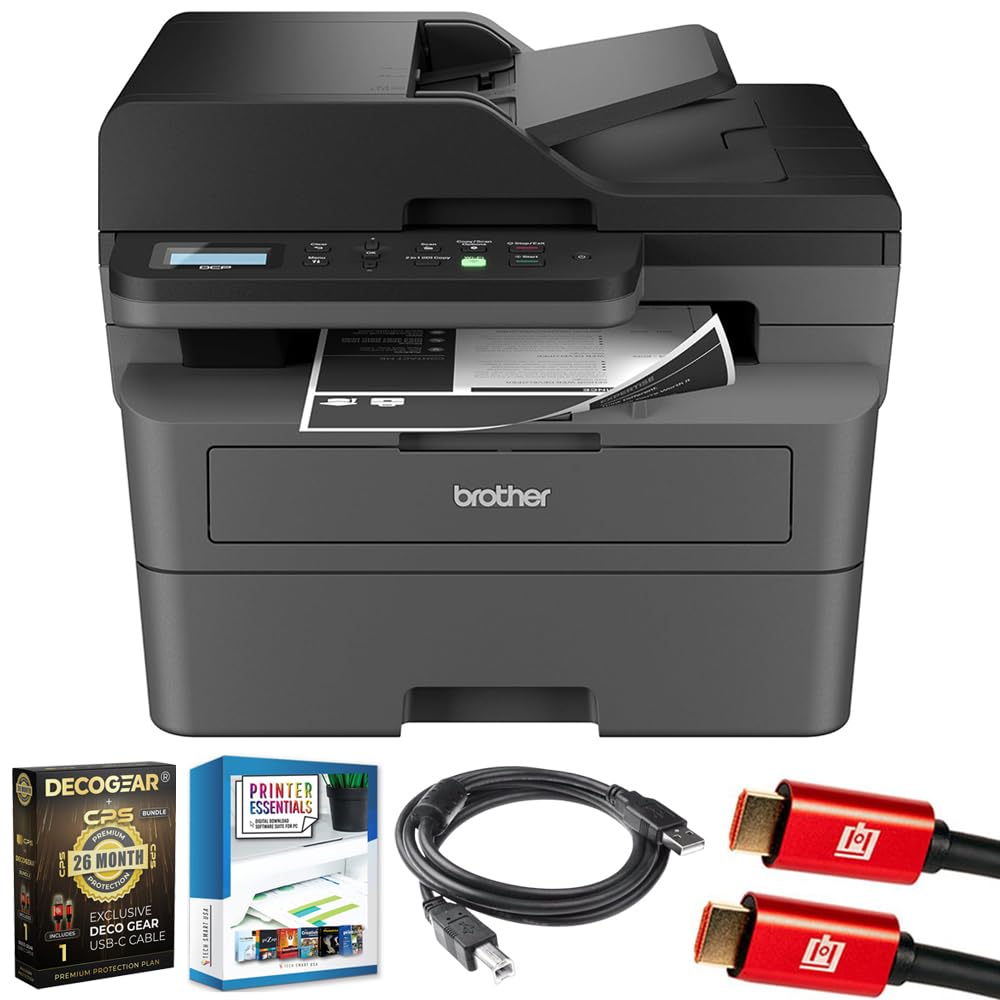
Image 1.1: Brother DCP-L2640DW Compact Monochrome Laser Printer
2. คุณสมบัติหลัก
- ฟังก์ชั่น 3-in-1: Print, copy, and scan capabilities in a compact design.
- ความเร็วในการพิมพ์ที่รวดเร็ว: Delivers up to 36 pages per minute for efficient task completion.
- การพิมพ์สองหน้าอัตโนมัติ: Built-in two-sided printing to save time and paper.
- 50-Sheet Automatic Document Feeder (ADF): เพื่อการสแกนและถ่ายเอกสารหลายหน้าอย่างมีประสิทธิภาพ
- High-Capacity Paper Handling: 250-sheet paper tray plus a manual feed slot for diverse media types.
- ตัวเลือกการเชื่อมต่อที่ยืดหยุ่น: Dual-band Wi-Fi, Ethernet, USB, and mobile printing via Brother Mobile Connect, AirPrint, Mopria, and Wi-Fi Direct.
- ระบบรักษาความปลอดภัยเครือข่ายขั้นสูง: Features like TLS/SSL, SNMP v3, and IP filtering for secure operation.

ภาพที่ 2.1: จบแล้วview of the Brother DCP-L2640DW's key features including print speed, connectivity, and compact design.
3. อะไรอยู่ในกล่อง
- เครื่องพิมพ์เลเซอร์ขาวดำ Brother DCP-L2640DW
- Starter Black Toner Cartridge (approx. 700 pages)
- Brother DR830 Drum Unit (approx. 15,000 pages)
- สายไฟ AC
- Documentation (Quick Setup Guide, Product Safety and Protection Information)
4. การตั้งค่า
4.1. การแกะกล่อง
- นำเครื่องพิมพ์ออกจากบรรจุภัณฑ์อย่างระมัดระวัง
- นำเทปกาวป้องกันและวัสดุบรรจุภัณฑ์ทั้งหมดออกจากภายนอกและภายในเครื่องพิมพ์
4.2. Toner Cartridge and Drum Unit Installation
- เปิดฝาครอบด้านหน้าของเครื่องพิมพ์
- Remove the toner cartridge and drum unit assembly from the printer.
- แกะกล่องตลับหมึกและชุดดรัมใหม่
- ใส่ตลับหมึกเข้าไปในชุดดรัมให้แน่นจนกระทั่งล็อคเข้าที่
- Slide the green tab on the drum unit from left to right several times to clean the corona wire. Return the tab to the home position.
- Reinstall the toner cartridge and drum unit assembly into the printer.
- ปิดฝาครอบด้านหน้า
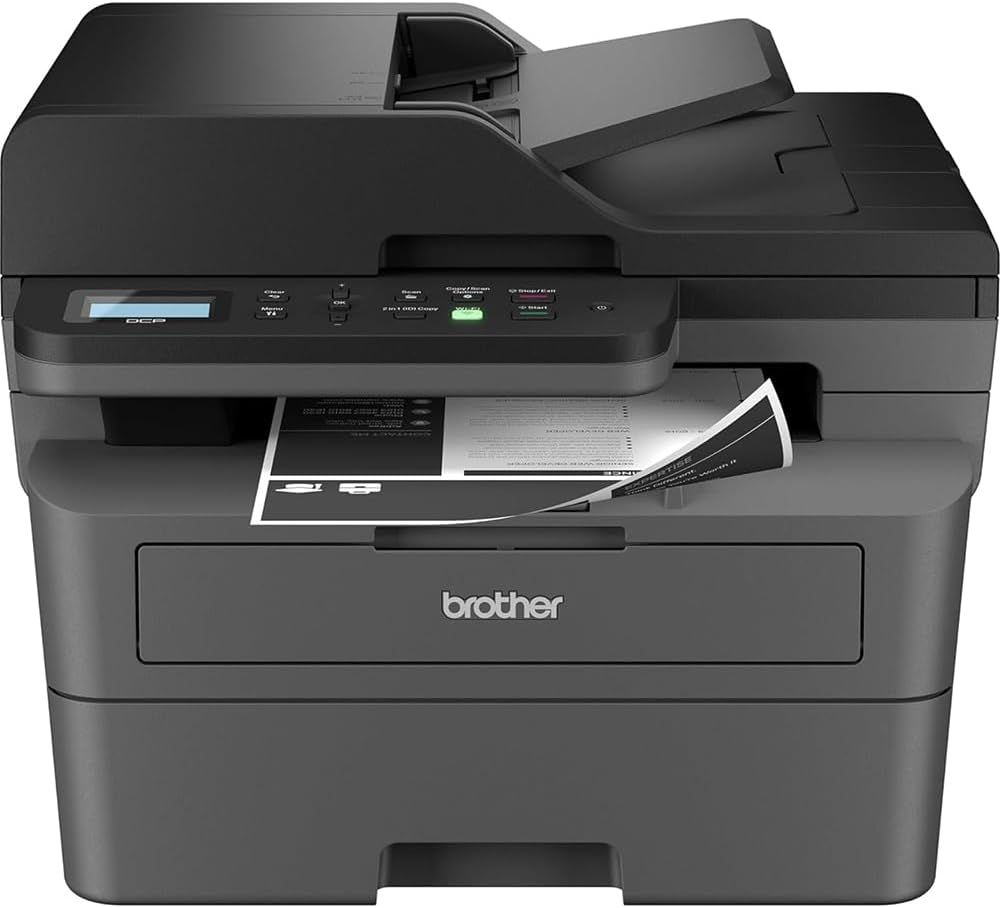
Image 4.1: The Brother DCP-L2640DW printer with the front cover open, showing the toner cartridge and drum unit assembly.
4.3. การเชื่อมต่อไฟฟ้า
- เสียบสายไฟ AC เข้ากับช่องเสียบไฟของเครื่องพิมพ์
- เสียบปลายอีกด้านของสายไฟเข้ากับเต้ารับไฟฟ้าที่มีสายดิน
- กดปุ่มเปิดปิดเพื่อเปิดเครื่องพิมพ์
4.4. Initial Setup & Connectivity
Follow the on-screen instructions on the printer's LCD display to complete the initial setup, including language selection and date/time settings.
- การตั้งค่าไร้สาย: Navigate to the network settings on the printer's control panel, select your Wi-Fi network, and enter the password.
- การเชื่อมต่ออีเทอร์เน็ต: Connect an Ethernet cable from your router or network hub to the printer's Ethernet port.
- การเชื่อมต่อ USB: เชื่อมต่อสาย USB จากคอมพิวเตอร์ของคุณเข้ากับพอร์ต USB ของเครื่องพิมพ์
- การติดตั้งไดร์เวอร์: Install the printer drivers from the included CD-ROM or download them from the official Brother support webเว็บไซต์.
วิดีโอ 4.1: ผลิตภัณฑ์เหนือview video demonstrating the Brother DCP-L2640DW printer's features and ease of use.
5. คู่มือการใช้งาน
5.1. การพิมพ์เอกสาร
- Load paper into the 250-sheet paper tray or the manual feed slot.
- From your computer or mobile device, open the document you wish to print.
- เลือก 'พิมพ์' จากเมนูของแอปพลิเคชัน
- Choose your Brother DCP-L2640DW printer.
- Adjust print settings (e.g., number of copies, duplex printing) as needed.
- คลิก 'พิมพ์'
5.2. การคัดลอกเอกสาร
- วางเอกสารคว่ำหน้าลงบนกระจกสแกนเนอร์ หรือหงายหน้าขึ้นในช่องป้อนเอกสารอัตโนมัติ (ADF)
- บนแผงควบคุมของเครื่องพิมพ์ ให้กดปุ่ม 'คัดลอก'
- Use the arrow keys to select the number of copies or adjust other settings.
- กด 'เริ่ม' เพื่อเริ่มการคัดลอก

Image 5.1: The Brother DCP-L2640DW highlighting its Automatic Document Feeder for multi-page tasks.
5.3. การสแกนเอกสาร
- วางเอกสารคว่ำหน้าลงบนกระจกสแกนเนอร์ หรือหงายหน้าขึ้นในช่องป้อนเอกสารอัตโนมัติ (ADF)
- On the printer's control panel, press the 'Scan' button.
- Select your desired scan destination (e.g., PC, email, cloud).
- Adjust scan settings (e.g., resolution, color mode) as needed.
- กด 'เริ่ม' เพื่อเริ่มการสแกน
5.4. การพิมพ์ผ่านมือถือ
The Brother DCP-L2640DW supports various mobile printing solutions:
- แอป Brother Mobile Connect: Download the app to manage your printer, print, and scan from your smartphone or tablet.
- Apple AirPrint: Print directly from your Apple iOS device without installing drivers.
- บริการพิมพ์ Mopria: สั่งพิมพ์จากอุปกรณ์ Android ที่ได้รับการรับรองมาตรฐาน Mopria
- Wi-Fi Direct: Print directly from your mobile device to the printer without needing a router.

Image 5.2: The Brother Mobile Connect App interface, showing options for document print, photo print, scan, copy, and toner monitoring.
6. การบำรุงรักษา
6.1. การเปลี่ยนโทนเนอร์
When the toner is low or empty, the printer's display will indicate that the toner cartridge needs to be replaced. Always use genuine Brother toner cartridges for optimal performance and print quality.
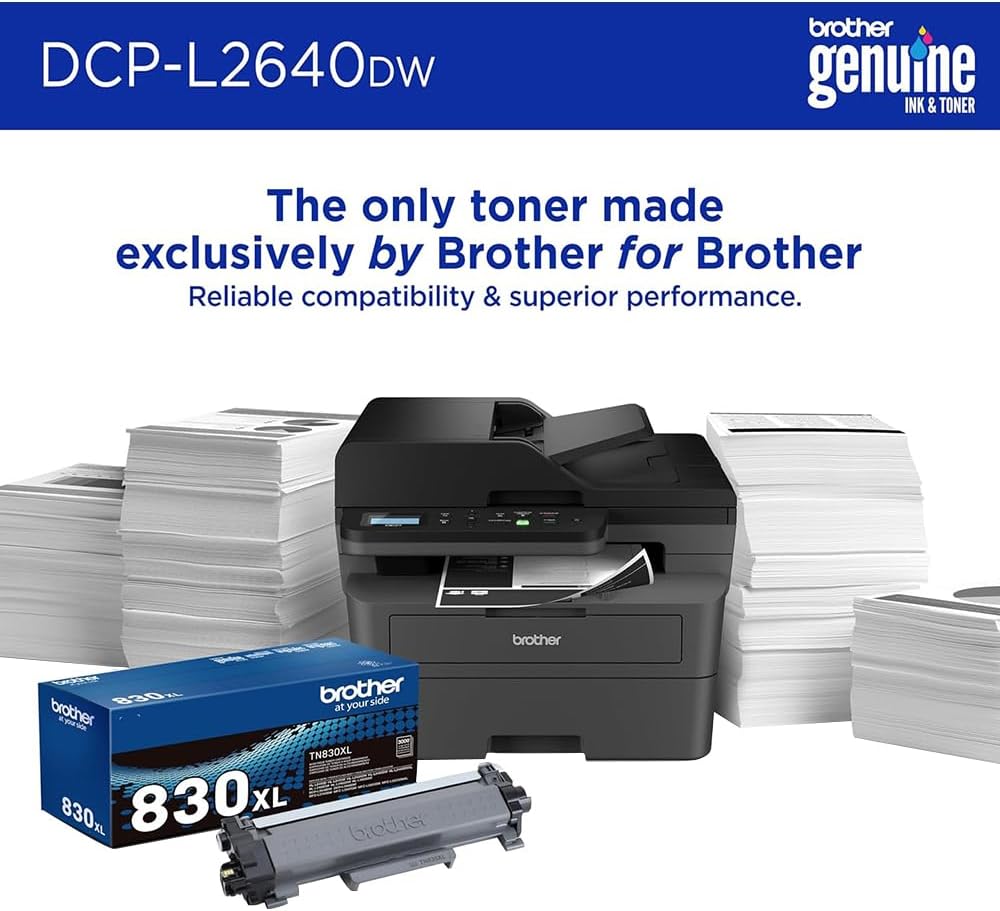
Image 6.1: Brother Genuine Ink & Toner packaging, emphasizing reliable compatibility and superior performance.
6.2. การเปลี่ยนชุดดรัม
The drum unit is a separate consumable that needs to be replaced periodically, typically after approximately 15,000 pages. The printer will notify you when it's time to replace the drum unit.
6.3. การทำความสะอาด
- ภายนอก: เช็ดทำความสะอาดภายนอกเครื่องพิมพ์ด้วยผ้าเนื้อนุ่มที่ไม่เป็นขุย
- กระจกสแกนเนอร์: Clean the scanner glass with a soft, lint-free cloth moistened with glass cleaner.
- สายไฟโคโรนา: Regularly clean the corona wire inside the drum unit by sliding the green tab.
7 การแก้ไขปัญหา
- กระดาษติด: Follow the on-screen instructions or refer to the printer's documentation to clear paper jams from various access points.
- ปัญหาการเชื่อมต่อ: Ensure the printer is connected to the correct network (Wi-Fi or Ethernet) or directly to the computer via USB. Restarting the printer and router can often resolve temporary connection problems.
- คุณภาพการพิมพ์ไม่ดี: Check toner levels, clean the corona wire, and ensure you are using appropriate paper for your print job.
- ข้อความแสดงข้อผิดพลาด: Refer to the printer's LCD display for specific error codes and consult the online manual or Brother support for solutions.
8. ข้อมูลจำเพาะ
| คุณสมบัติ | รายละเอียด |
|---|---|
| หมายเลขรุ่น | DCP-L2640DW |
| เทคโนโลยีการพิมพ์ | เลเซอร์ |
| เอาท์พุตเครื่องพิมพ์ | เอกรงค์ |
| ความเร็วในการพิมพ์สูงสุด ขาวดำ | 36 หน้าต่อนาที |
| ความละเอียดการพิมพ์ขาวดำสูงสุด | 1200 x 1200 จุดต่อนิ้ว |
| การพิมพ์สองหน้าอัตโนมัติ | ใช่ |
| ประเภทสแกนเนอร์ | รถบรรทุกพื้นเรียบ |
| ความจุแผ่นอินพุตสูงสุด | 250 แผ่น |
| ความจุของตัวป้อนเอกสารอัตโนมัติ (ADF) | 50 แผ่น |
| เทคโนโลยีการเชื่อมต่อ | USB, Ethernet, Dual-band Wi-Fi |
| ตลับหมึกที่รองรับ | TN830, TN830XL |
| ขนาดสินค้า | ลึก 15.7 นิ้ว x กว้าง 16.1 นิ้ว x สูง 12.5 นิ้ว |
| น้ำหนัก | Not specified in provided data, typically around 20-30 lbs for similar models. |
9. การรับประกันและการสนับสนุน
The Brother DCP-L2640DW Monochrome Laser Printer comes with a Limited Warranty. For specific warranty terms and conditions, please refer to the documentation included with your product or visit the official Brother support webเว็บไซต์.
สำหรับความช่วยเหลือด้านเทคนิค การดาวน์โหลดไดรเวอร์ และแหล่งข้อมูลเพิ่มเติม โปรดเยี่ยมชม [ที่อยู่เว็บไซต์] การสนับสนุนพี่ชาย Webเว็บไซต์.


