1. บทนำ
This manual provides essential information for setting up, operating, maintaining, and troubleshooting your NIMO 15.6-inch Laptop N152. Please read this manual thoroughly before using your device to ensure proper functionality and longevity.

Image 1.1: NIMO 15.6-inch Laptop, top-down view.
2. การตั้งค่า
2.1 การแกะกล่องและการตรวจสอบเบื้องต้น
Carefully remove all components from the packaging. Verify that all items listed in the 'What's in the Box' section (Section 6) are present and undamaged. If any items are missing or damaged, contact customer support.
2.2 Charging the Laptop
Before first use, fully charge your NIMO laptop. Connect the provided 65W USB-C PD Fast Charger to the laptop's USB-C port and then to a power outlet. The charging indicator light will illuminate. A 15-minute charge provides approximately 2 hours of use.

Image 2.1: The 65W USB-C PD Fast Charger can charge multiple devices.
2.3 การเปิดเครื่องและการกำหนดค่าเริ่มต้น
Press the power button to turn on the laptop. Follow the on-screen instructions to complete the Windows 11 Home setup, including language selection, network connection, and user account creation. You can set up the fingerprint reader during this process for secure login.
3. คู่มือการใช้งาน
3.1 คีย์บอร์ดและทัชแพด
The NIMO N152 features an ergonomic backlit keyboard. To adjust the backlight brightness or toggle it on/off, use the dedicated function keys (Fn + F-key combination, refer to keyboard legends). The touchpad supports multi-touch gestures for enhanced navigation.
เครื่องอ่านลายนิ้วมือ 3.2
The fingerprint reader is integrated into the touchpad for secure and instant login. Once configured, simply place your registered finger on the sensor to unlock your device.
3.3 คุณสมบัติการแสดงผล
The 15.6-inch Full HD (1920x1080) IPS anti-glare display offers clear visuals. The 180° hinge allows the screen to lay completely flat, useful for sharing content or collaborating.

Image 3.1: The 180° lay-flat hinge for versatile viewการไอเอ็นจี
3.4 การเชื่อมต่อ
The laptop is equipped with various ports for external devices:
- พอร์ต USB 3.0: เพื่อการถ่ายโอนข้อมูลความเร็วสูง
- พอร์ต USB 2.0: สำหรับอุปกรณ์ USB มาตรฐาน
- ช่องต่อ HDMI: เชื่อมต่อกับจอแสดงผลภายนอกหรือโปรเจ็กเตอร์
- พอร์ต Type-C: สำหรับการชาร์จและถ่ายโอนข้อมูล
- เครื่องอ่านการ์ด Micro SD: สำหรับการขยายพื้นที่เก็บข้อมูลหรือการถ่ายโอน fileจากการ์ดหน่วยความจำ
- แจ็คเสียง: สำหรับหูฟังหรือลำโพงภายนอก
- ล็อคเคนซิงตัน: เพื่อความปลอดภัยทางกายภาพ
ภาพที่ 3.2: ด้านข้าง view of the NIMO laptop showing available ports.
For wireless connectivity, the laptop supports Wi-Fi 6 for stable, high-speed internet and Bluetooth 5.2 for connecting wireless peripherals.
4. คุณสมบัติหลัก
4.1 การปฏิบัติงาน
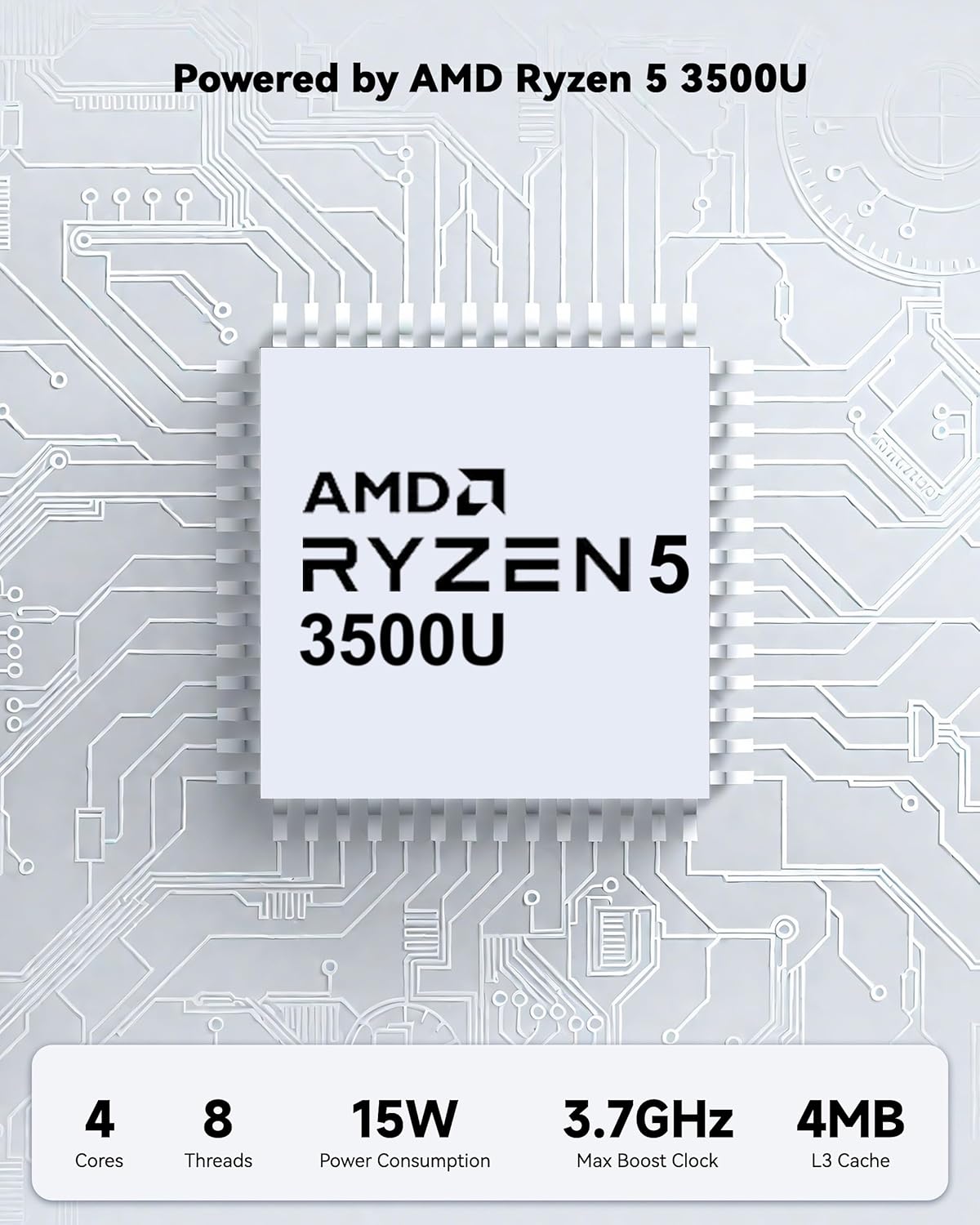
Powered by an AMD Ryzen 5 processor with 4 cores up to 3.7GHz and 16GB DDR4 RAM, the NIMO N152 is designed for efficient multitasking. The 512GB PCIe SSD ensures fast boot-ups and quick file transfers. The RAM is upgradable for future needs.

Image 4.1: AMD Ryzen 5 processor details.
4.2 Visuals and Audio
The 15.6-inch Full HD (1920x1080) IPS anti-glare display provides vibrant visuals with an 85% screen-to-body ratio. The integrated 2MP webcam allows for clear video calls.
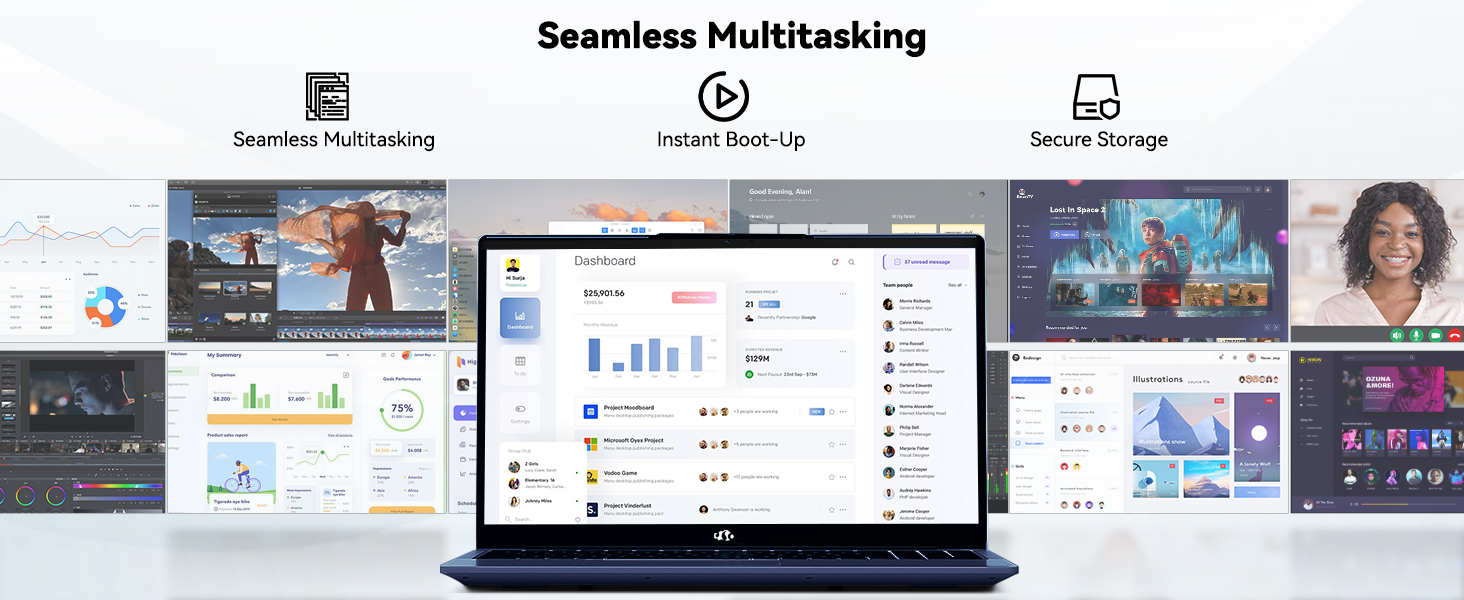
Image 4.2: The laptop's stunning Full HD display.

Image 4.3: The 1080p FHD camera for clear video conferencing.
4.3 อายุการใช้งานแบตเตอรี่
The laptop features a 54WH battery with smart battery optimization for extended lifespan and efficient power control, providing approximately 9 hours of average battery life.

Image 4.4: Smart Battery Optimization features.
4.4 การออกแบบและการพกพา
The NIMO N152 has a durable metal A-shell and a slim, lightweight design, weighing approximately 3.75 pounds.

Image 4.5: The NIMO laptop's lightweight and slim profile.
4.5 ผลิตภัณฑ์เกินview วีดีโอ
วิดีโอที่ 4.1: ทั่วไปview of the NIMO 15.6-inch laptop, highlighting its features and design.
4.6 Power and Portability Video
Video 4.2: This video demonstrates the power and portability aspects of the NIMO 15.6-inch laptop.
5. การบำรุงรักษา
5.1 การทำความสะอาด
- ใช้ผ้าที่ไม่เป็นขุยและนุ่มเพื่อทำความสะอาดหน้าจอและภายนอก
- สำหรับรอยเปื้อนฝังแน่น ให้เช็ดเบาๆampชุบผ้าด้วยน้ำหรือน้ำยาทำความสะอาดที่ปลอดภัยต่อหน้าจอ
- หลีกเลี่ยงสารเคมีรุนแรง สารกัดกร่อน หรือตัวทำละลาย
- Keep vents clear of dust and debris to ensure proper airflow.
5.2 การดูแลแบตเตอรี่
- หลีกเลี่ยงการปล่อยแบตเตอรี่จนหมดบ่อยครั้ง
- เก็บแล็ปท็อปไว้ในที่แห้งและเย็นเมื่อไม่ได้ใช้งานเป็นเวลานาน
- Use only the provided NIMO charger.
5.3 การอัปเดตซอฟต์แวร์
Regularly update your operating system and drivers to ensure optimal performance and security. Windows 11 Home will prompt you for updates.
6 การแก้ไขปัญหา
6.1 Laptop Not Powering On
- Ensure the charger is securely connected to both the laptop and a working power outlet.
- ตรวจสอบว่าเต้ารับไฟฟ้าใช้งานได้โดยเสียบอุปกรณ์อื่น
- ควรปล่อยให้แล็ปท็อปชาร์จไฟอย่างน้อย 30 นาที ก่อนที่จะลองเปิดเครื่องอีกครั้ง
6.2 ปัญหาเกี่ยวกับหน้าจอ
- If the screen is blank, try connecting an external monitor to check if the display output is working.
- ปรับความสว่างหน้าจอโดยใช้ปุ่มฟังก์ชัน
- รีสตาร์ทแล็ปท็อป
6.3 ปัญหาการเชื่อมต่อ
- ไวไฟ : Check your router and internet connection. Ensure Wi-Fi is enabled on the laptop.
- บลูทูธ: Verify Bluetooth is enabled and devices are in pairing mode.
- อุปกรณ์ยูเอสบี: Try connecting the device to a different USB port or another computer to rule out device issues.
6.4 ประสิทธิภาพช้า
- ปิดแอปพลิเคชันที่ไม่จำเป็นซึ่งทำงานอยู่เบื้องหลัง
- ตรวจสอบและติดตั้งการอัปเดต Windows ที่รอดำเนินการอยู่
- ตรวจสอบให้แน่ใจว่ามีพื้นที่ว่างเพียงพอบน SSD
- รันการสแกนไวรัส
7. ข้อมูลจำเพาะ
| คุณสมบัติ | ข้อมูลจำเพาะ |
|---|---|
| ชื่อรุ่น | นิโม N152 |
| ขนาดหน้าจอ | 15.6 นิ้ว |
| ความละเอียดหน้าจอ | 1920 x 1080 พิกเซล (Full HD IPS) |
| โปรเซสเซอร์ | AMD Ryzen 5 (4 Cores, up to 3.7 GHz) |
| แรม | หน่วยความจำ DDR4 16 GB (สามารถอัปเกรดได้) |
| ความเร็วหน่วยความจำ | 3200 เมกะเฮิรตซ์ |
| ฮาร์ดไดรฟ์ | SSD ขนาด 512 GB (PCIe) |
| โคโปรเซสเซอร์กราฟิก | AMD Integrated graphics |
| ระบบปฏิบัติการ | วินโดวส์ 11 โฮม |
| ประเภทไร้สาย | Wi-Fi 6 (802.11a/b/g/n/ac), Bluetooth 5.2 |
| พอร์ต USB 2.0 | 1 |
| พอร์ต USB 3.0 | 3 |
| อายุการใช้งานแบตเตอรี่โดยเฉลี่ย | 9 ชั่วโมง |
| น้ำหนักสินค้า | 3.75 ปอนด์ |
| ขนาดสินค้า | 14.07 x 8.98 x 0.76 นิ้ว |
| สี | สีฟ้า |
| หลัง Webความละเอียดของกล้อง | 2 MP |
| คุณสมบัติพิเศษ | คีย์บอร์ดเรืองแสง, เครื่องอ่านลายนิ้วมือ, ระบบเสียง HD, แป้นตัวเลข |
7.1 อะไรอยู่ในกล่อง
- แล็ปท็อป NIMO N152 จำนวน 1 เครื่อง
- 1 x ที่ชาร์จเร็ว Type-C 65W PD
- 1 x คู่มือผู้ใช้
- ระบบปฏิบัติการ Windows 11 Home (ติดตั้งมาแล้ว)
8. การรับประกันและการสนับสนุน
Your NIMO N152 laptop comes with a การรับประกันจากผู้ผลิต 2 ปี. Additionally, NIMO offers a 90-day hassle-free return and exchange policy. For any product-related questions, technical assistance, or warranty claims, please contact NIMO customer service.
8.1 ข้อมูลการติดต่อ
For support, you can reach out to the professional after-sales team via email or phone. Please refer to the official NIMO website or product page for the most current contact details.

Image 8.1: NIMO products are covered by a 2-year support.

Image 8.2: 90-Day Return policy.


