1. บทนำ
Thank you for choosing the GOBOULT Mustang Thunder Bluetooth Headphones. This manual will guide you through the features, setup, and operation of your new headphones, ensuring an optimal audio experience. Please read these instructions carefully before use.

Image 1.1: GOBOULT Mustang Thunder Bluetooth Headphones in Silver Black.
2. เนื้อหาบรรจุภัณฑ์
ตรวจสอบให้แน่ใจว่ามีสินค้าทั้งหมดอยู่ในแพ็คเกจของคุณ:
- GOBOULT Mustang Thunder Bluetooth Headphones
- สายชาร์จแบบ USB Type-C
- สายสัญญาณเสียง 3.5 มม. (สำหรับเชื่อมต่อแบบมีสาย)
- คู่มือการใช้งาน
3. สินค้าหมดview
Familiarize yourself with the main components and controls of your headphones.

Image 3.1: Illustration of tactile controls and AI Voice Assistant feature on the headphone.
คุณสมบัติหลัก:
- 40mm Bass Drivers: For powerful and immersive sound.
- Zen ENC Mic: ระบบตัดเสียงรบกวนรอบข้างเพื่อการโทรที่คมชัด
- บลูทูธ v5.4: Stable and low-latency wireless connectivity.
- การชาร์จเร็วแบบ Type-C: Efficient power replenishment.
- เวลาเล่น 70 ชั่วโมง: อายุการใช้งานแบตเตอรี่ที่ยาวนานขึ้นสำหรับการใช้งานเป็นเวลานาน
- โหมดปรับเสียง EQ 4 แบบ: ผู้เชี่ยวชาญด้านเสียงที่ปรับแต่งได้files (Rock, Pop, Vocal, Bass).
- 3 Brightness LED Modes: Adjustable LED lighting on the earcups.
4. การตั้งค่าและการใช้งานเบื้องต้น
4.1 การชาร์จหูฟัง
ก่อนใช้งานครั้งแรก ควรชาร์จหูฟังของคุณให้เต็ม
- เสียบสายชาร์จ USB Type-C เข้ากับพอร์ตชาร์จบนหูฟัง
- เชื่อมต่อปลายสายอีกด้านหนึ่งเข้ากับอะแดปเตอร์ไฟ USB (ไม่รวมอยู่ด้วย) หรือพอร์ต USB ของคอมพิวเตอร์
- ไฟ LED จะแสดงสถานะการชาร์จ โดยจะดับลงหรือเปลี่ยนสีเมื่อชาร์จเต็มแล้ว
A full charge provides up to 70 hours of playtime without LED lights, or 50 hours with LED lights active.
4.2 การเปิด/ปิดเครื่อง
- การเปิดเครื่อง: กดปุ่มเปิด/ปิดค้างไว้ประมาณ 3 วินาที จนกว่าไฟแสดงสถานะ LED จะสว่างขึ้น
- วิธีปิดเครื่อง: กดปุ่มเปิด/ปิดค้างไว้ประมาณ 3 วินาที จนกระทั่งไฟแสดงสถานะ LED ดับลง
4.3 การจับคู่บลูทูธ
Pair your headphones with a Bluetooth-enabled device.
- ตรวจสอบให้แน่ใจว่าหูฟังปิดอยู่
- กดปุ่มเปิด/ปิดค้างไว้ 5-7 วินาที จนกว่าไฟ LED จะกะพริบสลับสีแดงและสีน้ำเงิน ซึ่งแสดงว่าเข้าสู่โหมดจับคู่แล้ว
- บนอุปกรณ์ของคุณ (สมาร์ทโฟน แท็บเล็ต คอมพิวเตอร์) เปิดใช้งาน Bluetooth และค้นหาอุปกรณ์ที่มีอยู่
- Select "GOBOULT Mustang Thunder" from the list of found devices.
- เมื่อเชื่อมต่อแล้ว ไฟ LED แสดงสถานะจะกะพริบเป็นสีน้ำเงินช้าๆ หรืออาจติดสว่างเป็นสีน้ำเงินตลอดเวลา
The headphones support Bluetooth v5.4 for a stable connection up to 10 meters.
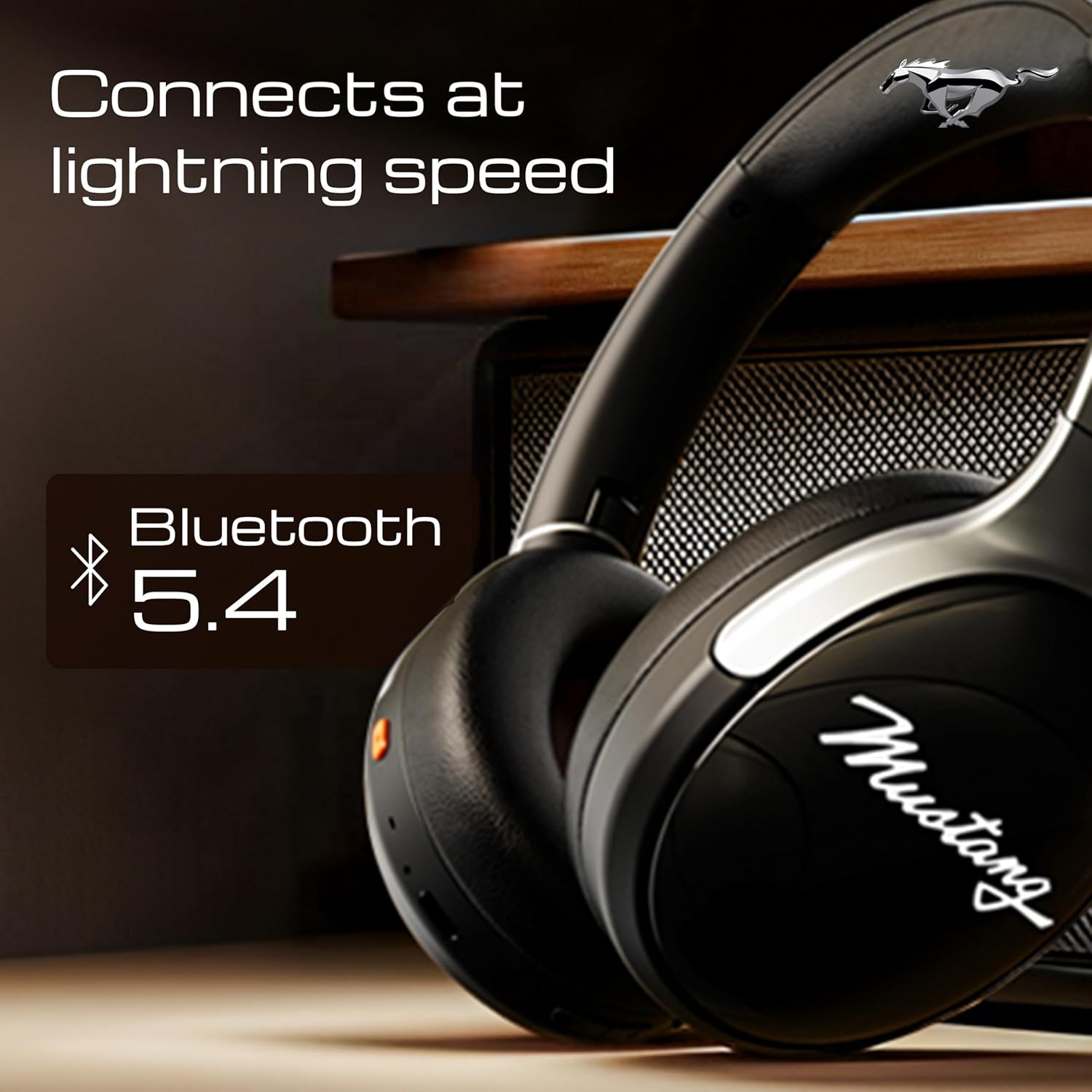
Image 4.1: Bluetooth 5.4 connectivity for fast and stable pairing.
5. คู่มือการใช้งาน
5.1 การเล่นเพลง
- เล่น/หยุดชั่วคราว: กดปุ่มมัลติฟังก์ชั่นหนึ่งครั้ง
- เพลงถัดไป: กดปุ่มเพิ่มระดับเสียงค้างไว้
- แทร็กก่อนหน้า: กดปุ่มลดระดับเสียงค้างไว้
- ปรับระดับเสียงขึ้น: กดปุ่มเพิ่มระดับเสียงสั้นๆ
- ลดเสียงลง: กดปุ่มลดระดับเสียงสั้นๆ
5.2 การจัดการการโทร
The integrated Zen ENC Mic ensures clear communication.
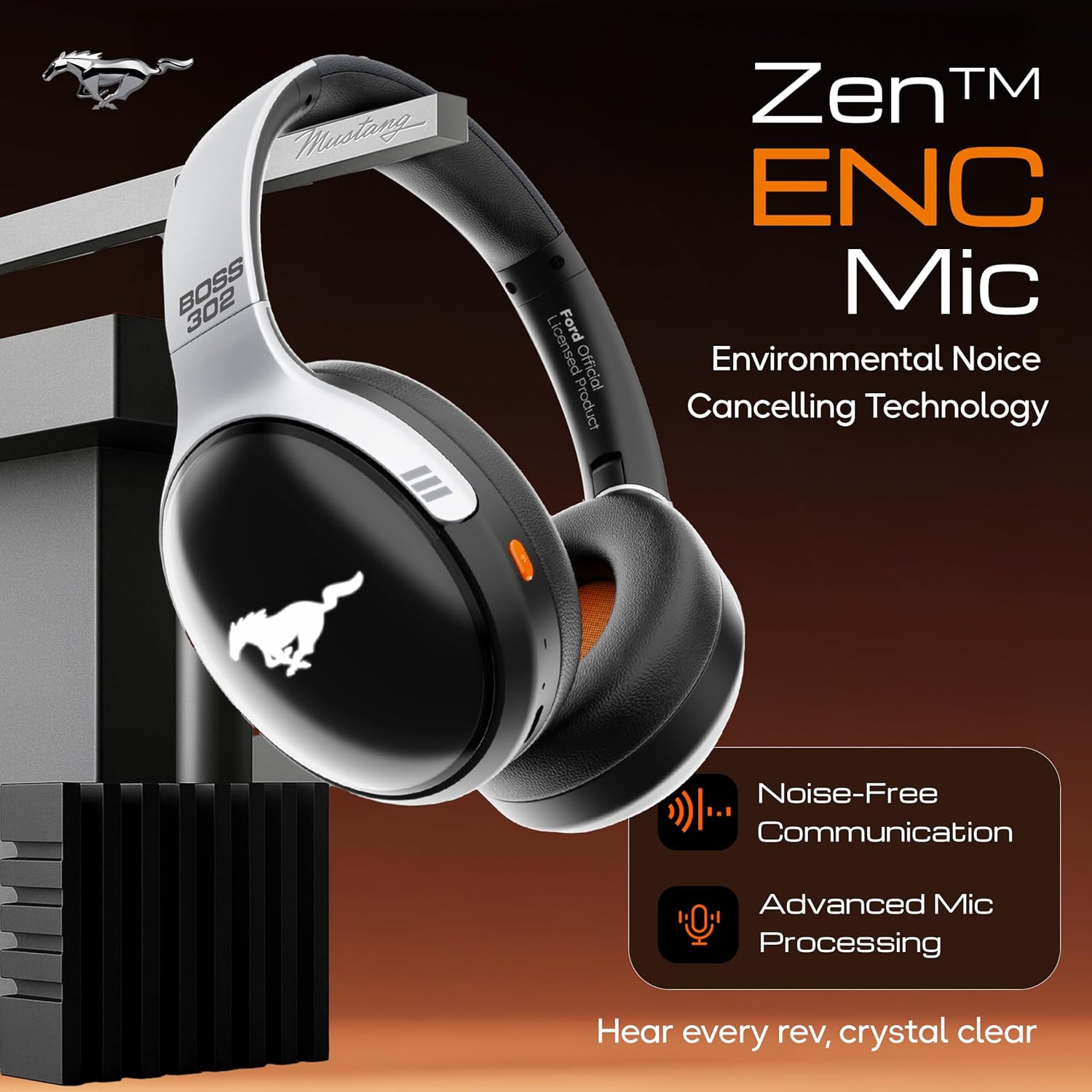
Image 5.1: Zen ENC Mic technology for noise-free communication.
- รับ/วางสาย: กดปุ่มมัลติฟังก์ชั่นหนึ่งครั้ง
- ปฏิเสธสาย: กดปุ่มมัลติฟังก์ชั่นค้างไว้ 2 วินาที
- โทรซ้ำหมายเลขล่าสุด: กดปุ่มมัลติฟังก์ชั่นสองครั้ง
5.3 โหมดปรับเสียง EQ
Customize your audio experience with 4 distinct EQ modes.
- สลับโหมด: Press the EQ button (refer to product diagram for location) to cycle through Rock, Pop, Vocal, and Bass modes.
โหมดไฟ LED 5.4 โหมด
Activate and change the dynamic LED lights on your earcups.

Image 5.2: Dynamic LED lights and glowing Mustang emblem on the headphones.
- Activate/Change Modes: Press the LED button (refer to product diagram for location) to cycle through the 3 brightness LED modes.
5.5 ผู้ช่วยเสียง AI
Access your device's voice assistant directly from the headphones.
- เปิดใช้งาน: Triple-press the Multi-function button to activate Google Assistant or your device's default voice assistant.
5.6 การเชื่อมต่อแบบมีสาย (โหมด AUX)
Use the included 3.5mm audio cable for a wired connection, conserving battery or connecting to non-Bluetooth devices.
- เสียบปลายด้านหนึ่งของสายสัญญาณเสียงขนาด 3.5 มม. เข้ากับพอร์ต AUX บนหูฟัง
- เสียบปลายอีกด้านเข้ากับแจ็คเสียงขนาด 3.5 มม. ของอุปกรณ์ของคุณ
- หูฟังจะเปลี่ยนไปใช้โหมด AUX โดยอัตโนมัติ
6. การบำรุงรักษาและการดูแล
การดูแลรักษาอย่างถูกวิธีจะช่วยให้หูฟังของคุณใช้งานได้ยาวนานและมีประสิทธิภาพดี
- การทำความสะอาด: ใช้ผ้านุ่มและแห้งเช็ดทำความสะอาดหูฟัง ห้ามใช้สารเคมีรุนแรงหรือวัสดุที่มีฤทธิ์กัดกร่อน
- พื้นที่จัดเก็บ: Store the headphones in a cool, dry place, away from direct sunlight and extreme temperatures. The foldable design allows for compact storage.
- ความต้านทานน้ำ: หูฟังรุ่นนี้กันน้ำได้ แต่ควรหลีกเลี่ยงการจุ่มลงในน้ำหรือโดนฝนตกหนัก
- แบตเตอรี่: To preserve battery life, charge the headphones at least once every three months if not in regular use.
7 การแก้ไขปัญหา
หากคุณพบปัญหา โปรดดูวิธีแก้ไขทั่วไปต่อไปนี้:
| ปัญหา | สาเหตุที่เป็นไปได้ | สารละลาย |
|---|---|---|
| หูฟังไม่เปิดเครื่อง | แบตเตอรี่ต่ำ | ชาร์จหูฟังให้เต็มโดยใช้สาย Type-C ที่ให้มา |
| ไม่สามารถจับคู่กับอุปกรณ์ได้ | Headphones not in pairing mode; Bluetooth off on device; device too far | Ensure headphones are in pairing mode (flashing red/blue). Turn on Bluetooth on your device. Move device closer to headphones (within 10m). |
| ไม่มีเสียงในระหว่างการเล่น | ระดับเสียงเบาเกินไป; แหล่งเสียงไม่ถูกต้อง; ไม่ได้เชื่อมต่อหูฟัง | Increase volume on headphones and device. Check if headphones are properly connected via Bluetooth or AUX. Ensure correct audio output is selected on your device. |
| คุณภาพการโทรไม่ดี | Environmental noise; weak Bluetooth connection | Move to a quieter environment. Ensure a stable Bluetooth connection. |
8. ข้อมูลจำเพาะ
Detailed technical specifications for the GOBOULT Mustang Thunder Bluetooth Headphones:
| คุณสมบัติ | ข้อมูลจำเพาะ |
|---|---|
| ชื่อรุ่น | Airbass |
| เทคโนโลยีการเชื่อมต่อ | ไร้สาย (บลูทูธ v5.4) |
| ช่วงบลูทูธ | 10 เมตร |
| ขนาดไดร์เวอร์เสียง | 40 มิล |
| การตอบสนองความถี่ | 20 เฮิรตซ์ |
| ความไวต่อความรู้สึก | 118 เดซิเบล |
| แจ็คหูฟัง | แจ็ค 3.5 มม. |
| อายุการใช้งานแบตเตอรี่ (เวลาเล่น) | Up to 70 Hours (without LEDs), 50 Hours (with LEDs) |
| องค์ประกอบของแบตเตอรี่ | ลิเธียมโพลีเมอร์ |
| พอร์ตชาร์จ | ยูเอสบี ไทป์ ซี |
| น้ำหนักสินค้า | 234 กรัม |
| ขนาดสินค้า | 18 x 5 x 19.5 ซม. |
| ระดับความต้านทานต่อน้ำ | ทนน้ำ |
| ประเภทการควบคุม | Button Control, Google Assistant |
9. การรับประกันและการสนับสนุน
9.1 ข้อมูลการรับประกัน
The GOBOULT Mustang Thunder Bluetooth Headphones come with a การรับประกันจากผู้ผลิต 1 ปี from the date of purchase. This warranty covers manufacturing defects and ensures trusted performance and premium build quality.
โปรดเก็บหลักฐานการซื้อของคุณไว้เพื่อเรียกร้องการรับประกัน
9.2 การสนับสนุนลูกค้า
For any questions, technical assistance, or warranty claims, please contact GOBOULT customer support through their official webไซต์หรือผู้ค้าปลีกที่ซื้อผลิตภัณฑ์


