การแนะนำ
This manual provides essential instructions for setting up, operating, and maintaining your LIGE EF21-J Smart Watch. Please read this guide thoroughly to ensure proper use and to fully utilize all features of your device. This smart watch is designed to be a versatile companion for both business and sports activities, offering advanced health monitoring, communication, and fitness tracking capabilities.
เนื้อหาแพ็คเกจ
ตรวจสอบว่ามีรายการทั้งหมดอยู่ในแพ็คเกจของคุณ:
- 1 x LIGE EF21-J Smart Watch
- 1 x Stainless Steel Strap
- สายรัดซิลิโคน 1 เส้น
- สายชาร์จแม่เหล็ก USB 1 เส้น
- สายชาร์จ Type-C 1 เส้น
- 1 x คู่มือการใช้งาน (เอกสารนี้)
สินค้าเกินview
The LIGE EF21-J Smart Watch features a 1.43-inch AMOLED display, a durable metal case, and interchangeable straps to suit various occasions. It integrates advanced sensors for comprehensive health and fitness tracking.

Image: The LIGE EF21-J Smart Watch shown in different lifestyle scenarios, highlighting its adaptability for business, casual, and active use.
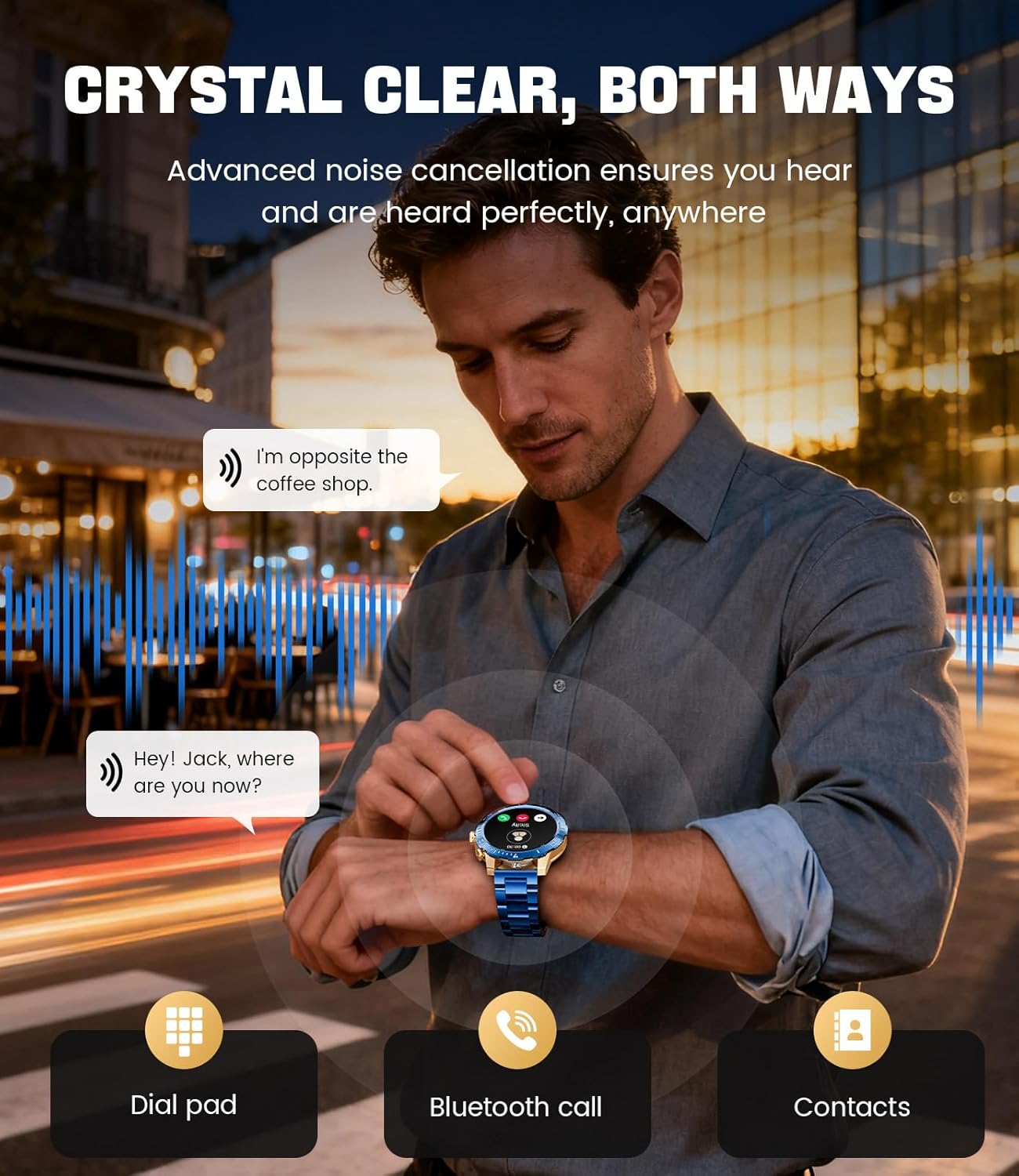
Image: A close-up of the LIGE EF21-J Smart Watch screen showing an incoming call, demonstrating its Bluetooth calling capability with clear audio.

Image: The LIGE EF21-J Smart Watch interface showing a selection of sports modes, including golf, climbing, and running, indicating its extensive activity tracking features.

Image: The LIGE EF21-J Smart Watch screen displaying heart rate, blood oxygen, and sleep data, illustrating its 24/7 health monitoring capabilities.
วิดีโอ: วิดีโอแสดงผลิตภัณฑ์อย่างเป็นทางการasing the LIGE EF21-J Smart Watch's key features, including its AMOLED display, rotary encoder crown, charging capabilities, compatibility, sports modes, health monitoring, and various smart functions.
การตั้งค่า
1. การชาร์จสมาร์ทวอทช์
Before first use, fully charge your LIGE EF21-J Smart Watch. The watch comes with both a USB magnetic charging cable and a Type-C charging cable for convenience.
- Connect the magnetic end of the charging cable to the charging points on the back of the watch. Ensure it snaps securely into place.
- Connect the USB or Type-C end of the cable to a compatible power adapter (not included) or a computer's USB port.
- หน้าจอของนาฬิกาจะแสดงสถานะการชาร์จ โดยปกติการชาร์จเต็มจะใช้เวลาประมาณ 2-3 ชั่วโมง

Image: The LIGE EF21-J Smart Watch connected to its magnetic charging cable, illustrating the charging process and the inclusion of both USB and Type-C cable options.
2. การติดตั้งแอพ
To unlock the full functionality of your smart watch, download and install the companion application on your smartphone.
- The LIGE EF21-J Smart Watch uses the FitCloudPro App.
- ค้นหา "FitCloudPro" in the Apple App Store (for iOS 12.0+ devices) or Google Play Store (for Android 8.0+ devices).
- ดาวน์โหลดและติดตั้งแอปพลิเคชัน
3. การจับคู่อุปกรณ์
Pair your smart watch with the FitCloudPro app via Bluetooth to synchronize data and enable smart features.
- ตรวจสอบให้แน่ใจว่าได้เปิดใช้งาน Bluetooth บนสมาร์ทโฟนของคุณแล้ว
- Open the FitCloudPro app and create an account or log in.
- Follow the in-app instructions to add a new device. The app will search for available devices.
- Select "EF21-J" or the corresponding device name from the list.
- ยืนยันคำขอจับคู่บนสมาร์ทโฟนและนาฬิกาของคุณทั้งคู่
- เมื่อจับคู่แล้ว นาฬิกาจะซิงโครไนซ์เวลาและข้อมูลกับโทรศัพท์ของคุณ
คำแนะนำการใช้งาน
การนำทางพื้นฐาน
- หน้าจอสัมผัส: ปัดไปทางซ้าย ขวา ขึ้น หรือลง เพื่อเลื่อนดูเมนูและฟังก์ชันต่างๆ แตะเพื่อเลือก
- Rotary Encoder Crown: หมุนเม็ดมะยมเพื่อเลื่อนดูรายการหรือปรับการตั้งค่า กดปุ่มเม็ดมะยมเพื่อกลับไปยังหน้าจอหลักหรือยืนยันการเลือก
- ปุ่มด้านข้าง: Typically used for quick access to sports modes or as a back button.
การโทรด้วยบลูทูธ
โทรและรับสายโดยตรงจากข้อมือของคุณเมื่อเชื่อมต่อกับสมาร์ทโฟนของคุณ
- ตรวจสอบให้แน่ใจว่านาฬิกาของคุณจับคู่กับโทรศัพท์ของคุณผ่านบลูทูธ
- To make a call: Access the dial pad or contacts list on your watch.
- To answer a call: When a call comes in, tap the green answer icon on the watch screen.
- To reject a call: Tap the red reject icon.
การแจ้งเตือนอัจฉริยะ
รับการแจ้งเตือนการโทร ข้อความ และการแจ้งเตือนแอปโดยตรงบนนาฬิกาของคุณ
- Enable notification permissions for the FitCloudPro app in your phone's settings.
- Configure which app notifications you wish to receive through the FitCloudPro app.
- ปัดลงจากหน้าปัดนาฬิกาเพื่อ view การแจ้งเตือนล่าสุด
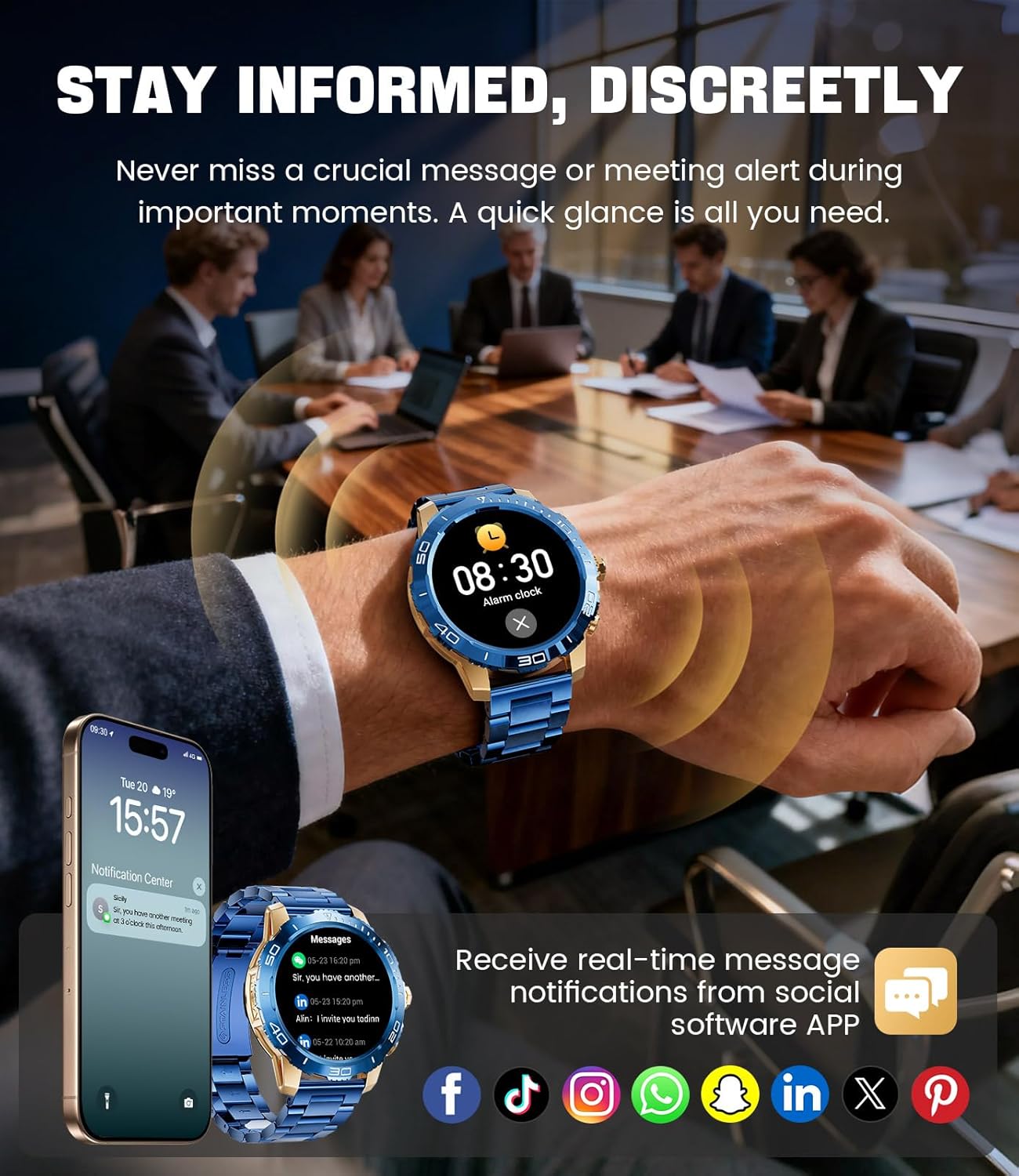
Image: The LIGE EF21-J Smart Watch screen showing incoming message notifications from various social media applications, demonstrating its ability to keep users informed discreetly.
โหมดกีฬา
The watch supports over 200 sports modes to accurately track your physical activities.
- Access the sports mode menu from the main interface.
- Select your desired activity (e.g., running, cycling, yoga, basketball).
- นาฬิกาจะเริ่มติดตามข้อมูลต่างๆ เช่น ระยะทาง จำนวนก้าว แคลอรี่ที่เผาผลาญ และอัตราการเต้นของหัวใจ
- End your workout by following the on-screen prompts. Data will sync to the FitCloudPro app for detailed analysis.
การติดตามสุขภาพ
Monitor your heart rate, blood oxygen, and sleep patterns throughout the day.
- อัตราการเต้นของหัวใจ: นาฬิกาจะตรวจสอบอัตราการเต้นของหัวใจของคุณอย่างต่อเนื่อง View real-time data on the watch or historical trends in the app.
- ออกซิเจนในเลือด (SpO2): วัดระดับออกซิเจนในเลือดของคุณตามความต้องการ
- การติดตามการนอนหลับ: Wear the watch to bed to track your sleep duration and quality. Data includes deep sleep, light sleep, and awake times.
- การติดตามความเครียด: The watch can also provide insights into your daily stress levels.
Important: The LIGE EF21-J Smart Watch is not a medical device. Health data provided is for reference only and should not be used for medical diagnosis or treatment. Consult a healthcare professional for any health concerns.
ฟังก์ชั่นอื่น ๆ
The watch offers a variety of additional features to enhance your daily life:
- ผู้ช่วยเสียง: Interact with your phone's voice assistant directly from your watch.
- การควบคุมเครื่องเล่นเพลง: ควบคุมการเล่นเพลงบนสมาร์ทโฟนของคุณ (เล่น หยุดชั่วคราว ข้ามเพลง)
- พยากรณ์อากาศ: รับข้อมูลอัปเดตสภาพอากาศแบบเรียลไทม์
- นาฬิกาปลุก: ตั้งนาฬิกาปลุกเพื่อปลุกคุณหรือเตือนคุณเกี่ยวกับงานที่ต้องทำ
- เตือนการนั่งเฉยๆ: รับการแจ้งเตือนเพื่อย้ายหลังจากช่วงเวลาที่ไม่ได้ใช้งาน
- เตือนดื่มน้ำ: ตั้งเตือนเพื่อให้ดื่มน้ำเพียงพอ
- ไฟฉาย: Use the watch screen as a small flashlight.
- ค้นหาโทรศัพท์ของฉัน: ค้นหาสมาร์ทโฟนที่เชื่อมต่ออยู่กับคุณ
- การป้องกันด้วยรหัสผ่าน: Enhance security with a screen lock password.

Image: The LIGE EF21-J Smart Watch interface showcasing a range of smart functions, including music control, weather, breath training, drink reminders, flashlight, and health monitoring summaries.
การจัดการแบตเตอรี่
The LIGE EF21-J Smart Watch is equipped with an 800mAh battery, designed for extended use.
- การใช้งานทั่วไป: Expect over 10 days of battery life with regular use.
- เวลาสแตนด์บาย: The watch can last over 30 days in standby mode.
- การชาร์จ: Use the provided USB magnetic or Type-C charging cables. Always use a compatible 5V/1A power adapter.
- การเพิ่มประสิทธิภาพแบตเตอรี่: To extend battery life, reduce screen brightness, limit background app refresh, and disable unnecessary notifications.
การซ่อมบำรุง
- การทำความสะอาด: Regularly wipe the watch screen and body with a soft, dry cloth. For stubborn dirt, use a slightly damp ผ้าและเช็ดให้แห้งสนิท
- ความต้านทานน้ำ: The watch has an IP68 water resistance rating, meaning it is protected against dust and can withstand immersion in water up to 1.5 meters for up to 30 minutes. It is suitable for daily use, hand washing, and light rain. Avoid hot water, saunas, or diving, as steam and high pressure can compromise the seal.
- การดูแลสายรัด: Clean silicone straps with mild soap and water. For stainless steel straps, use a soft brush and mild cleaning solution, then dry completely.
- พื้นที่จัดเก็บ: เก็บนาฬิกาไว้ในที่แห้งและเย็นเมื่อไม่ใช้งาน หลีกเลี่ยงอุณหภูมิที่สูงหรือต่ำเกินไป
การแก้ไขปัญหา
| ปัญหา | สารละลาย |
|---|---|
| นาฬิกาไม่เปิด | ตรวจสอบให้แน่ใจว่านาฬิกาชาร์จเต็มแล้ว เสียบนาฬิกาเข้ากับเครื่องชาร์จอย่างน้อย 30 นาที |
| ไม่สามารถจับคู่กับโทรศัพท์ได้ |
|
| ไม่ได้รับการแจ้งเตือน |
|
| ข้อมูลสุขภาพที่ไม่ถูกต้อง | Ensure the watch is worn snugly on your wrist, about one finger's width from your wrist bone. Avoid excessive movement during measurements. Remember, this is not a medical device. |
| อายุการใช้งานแบตเตอรี่สั้น |
|
ข้อมูลจำเพาะ
| คุณสมบัติ | รายละเอียด |
|---|---|
| หมายเลขรุ่น | EF21-J |
| แสดง | หน้าจอ AMOLED ขนาด 1.43 นิ้ว ความละเอียด 466x466 พิกเซล |
| ความจุของแบตเตอรี่ | 800mAh ลิเธียมโพลิเมอร์ |
| อายุการใช้งานแบตเตอรี่ (ทั่วไป) | 10+ วัน |
| เวลาสแตนด์บาย | 30+ วัน |
| การเชื่อมต่อ | บลูทูธ |
| ความต้านทานต่อน้ำ | IP68 |
| ความเข้ากันได้ของระบบปฏิบัติการ | Android 8.0+ หรือ iOS 12.0+ |
| แอปคู่หู | ฟิตคลาวด์โปร |
| การติดตามสุขภาพ | Heart Rate, Blood Oxygen, Sleep Tracking, Stress Monitoring |
| โหมดกีฬา | โหมดมากกว่า 200 โหมด |
| คุณสมบัติพิเศษ | Bluetooth Call, Voice Assistant, Music Control, Weather, Alarm, Sedentary Reminder, Drink Reminder, Flashlight, Find My Phone, Password Protection, AMOLED Always On Display |
| น้ำหนักสินค้า | 7.1 ออนซ์ (201 กรัม) |
| ขนาดแพ็คเกจ | 6 x 4 x 0.9 นิ้ว (15.24 x 10.16 x 2.29 ซม.) |
การรับประกันและการสนับสนุน
LIGE provides customer support for your EF21-J Smart Watch. If you encounter any issues or have questions regarding your device, please contact us through the Amazon messaging system. Our professional customer service team is available to assist you.
โปรดดูเอกสารการซื้อของคุณสำหรับข้อกำหนดและเงื่อนไขการรับประกันโดยเฉพาะ


