1. บทนำ
The Baseus Inspire XP1 Adaptive Noise Cancelling Earbuds are designed to provide a high-fidelity audio experience with advanced noise cancellation capabilities. Featuring Sound by Bose technology and Dolby Spatial Audio, these earbuds offer immersive sound and clear communication. This manual provides instructions for setup, operation, and maintenance to ensure optimal performance.
2. เนื้อหาบรรจุภัณฑ์
ตรวจสอบว่ามีรายการทั้งหมดอยู่ในแพ็คเกจของคุณ:
- Baseus Inspire XP1 Noise Cancelling Wireless Earbuds
- เคสชาร์จไฟ
- จุกหูฟัง (ขนาด S/M/L)
- สายชาร์จ USB-C
- คู่มือการใช้งาน

Image: Package contents of the Baseus Inspire XP1 earbuds.
3. สินค้าหมดview
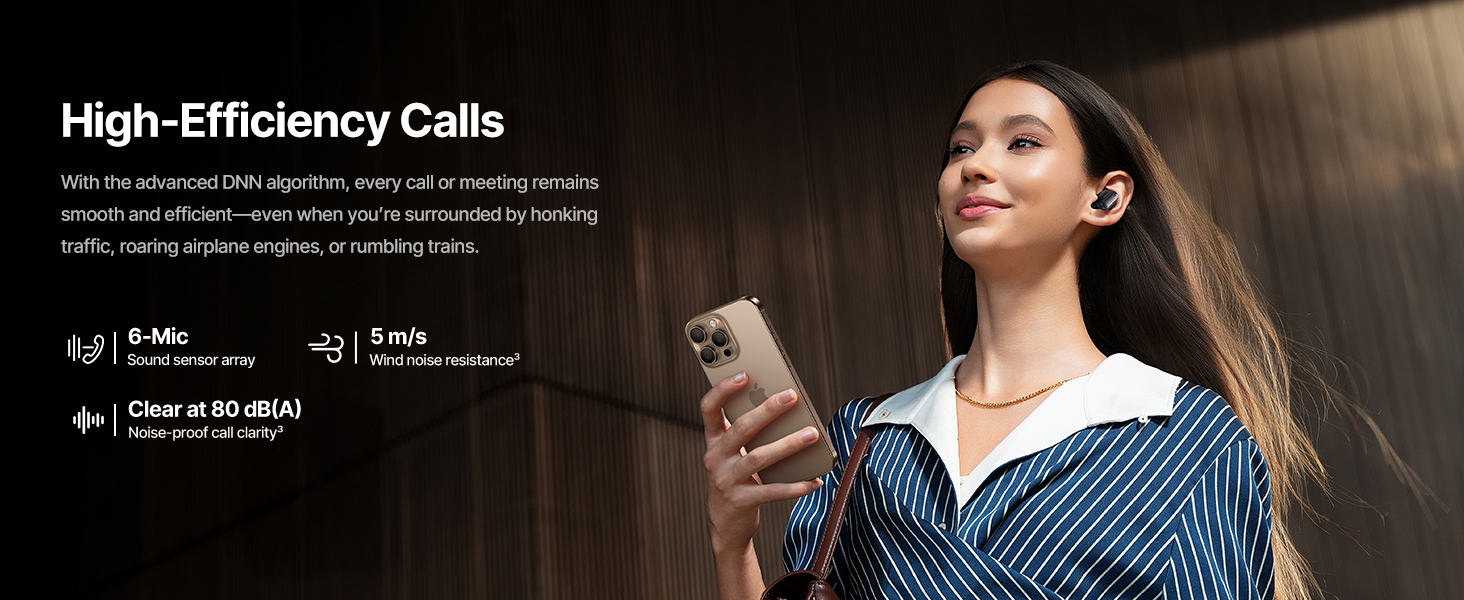
The Baseus Inspire XP1 earbuds feature a contoured in-ear fit with umbrella-shaped liquid silicone tips for comfort and noise isolation. They are equipped with a 6-mic sound sensor array for clear calls and touch-sensitive surfaces for control.

Image: Baseus Inspire XP1 Earbuds.
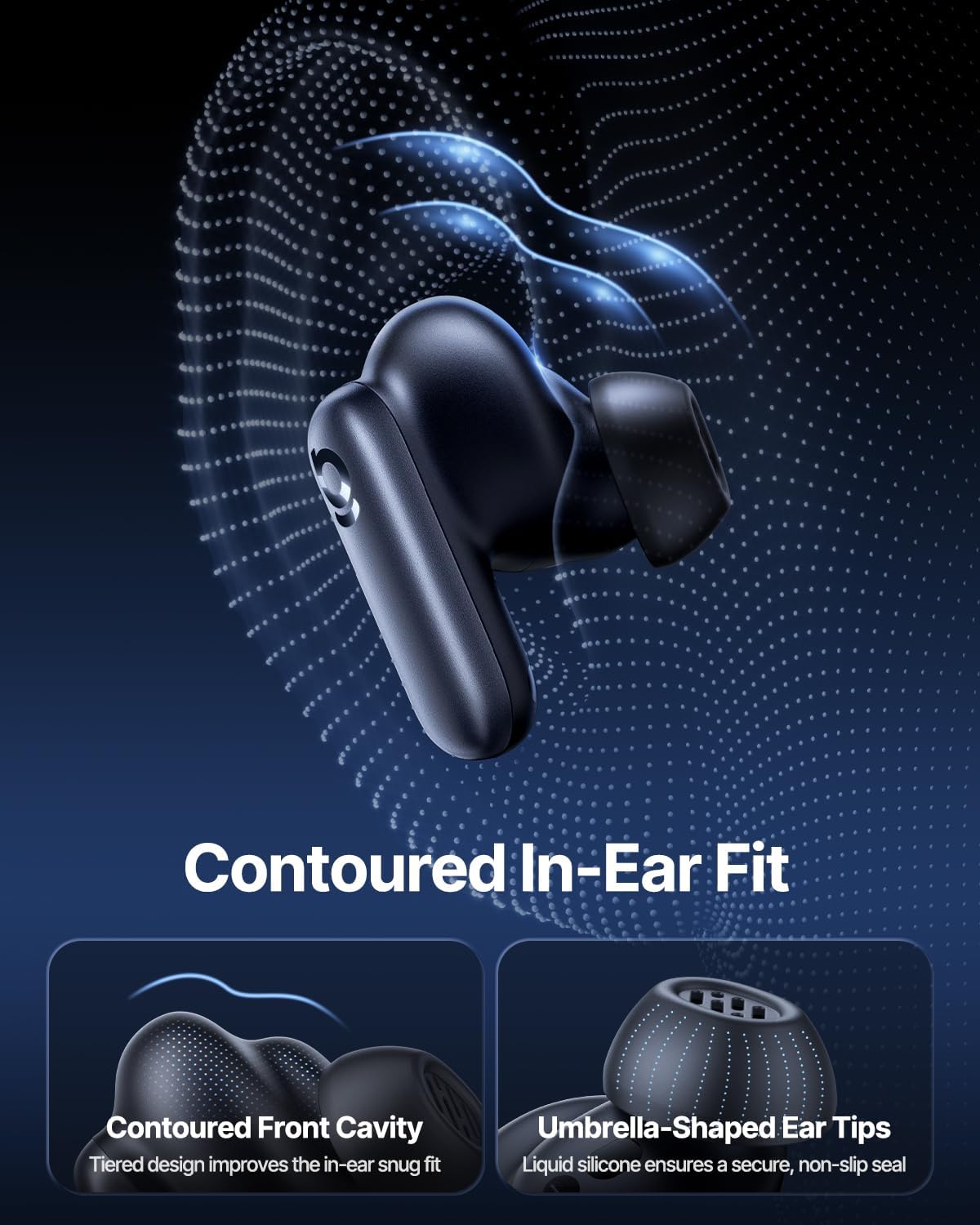
Image: Contoured In-Ear Fit and Umbrella-Shaped Ear Tips.
4. การตั้งค่า
4.1 การจับคู่เริ่มต้น
- ชาร์จหูฟัง: Place both earbuds into the charging case and close the lid. Connect the USB-C charging cable to the case and a power source. The indicator light on the case will show charging status.
- เปิดใช้งานโหมดจับคู่: Open the charging case. The earbuds will automatically enter pairing mode, indicated by a flashing light on the earbuds or case.
- เชื่อมต่อผ่านบลูทูธ: บนอุปกรณ์ของคุณ (สมาร์ทโฟน แท็บเล็ต แล็ปท็อป) ไปที่การตั้งค่าบลูทูธ และเปิดใช้งานบลูทูธ ค้นหา "Baseus Inspire XP1" in the list of available devices and select it to connect.
- การยืนยัน: Once connected, a voice prompt will confirm successful pairing, and the indicator light will turn solid or off.
4.2 การติดตั้งแอป Baseus
For full functionality, including Dolby Audio, custom EQ settings, and adaptive tuning, download the official Baseus App from your device's app store (iOS App Store or Google Play Store). The app allows for personalized control of your listening experience.
ภาพ: อินเทอร์เฟซควบคุมแอปอัจฉริยะ
5. คู่มือการใช้งาน
5.1 เปิด/ปิดเครื่อง
- เปิดเครื่อง: Open the charging case, and the earbuds will automatically power on and attempt to connect to the last paired device.
- หมดแรง: ใส่หูฟังกลับเข้าไปในกล่องชาร์จและปิดฝา หูฟังจะปิดโดยอัตโนมัติและเริ่มชาร์จ
5.2 ระบบควบคุมแบบสัมผัส
The earbuds feature touch-sensitive surfaces for various functions:
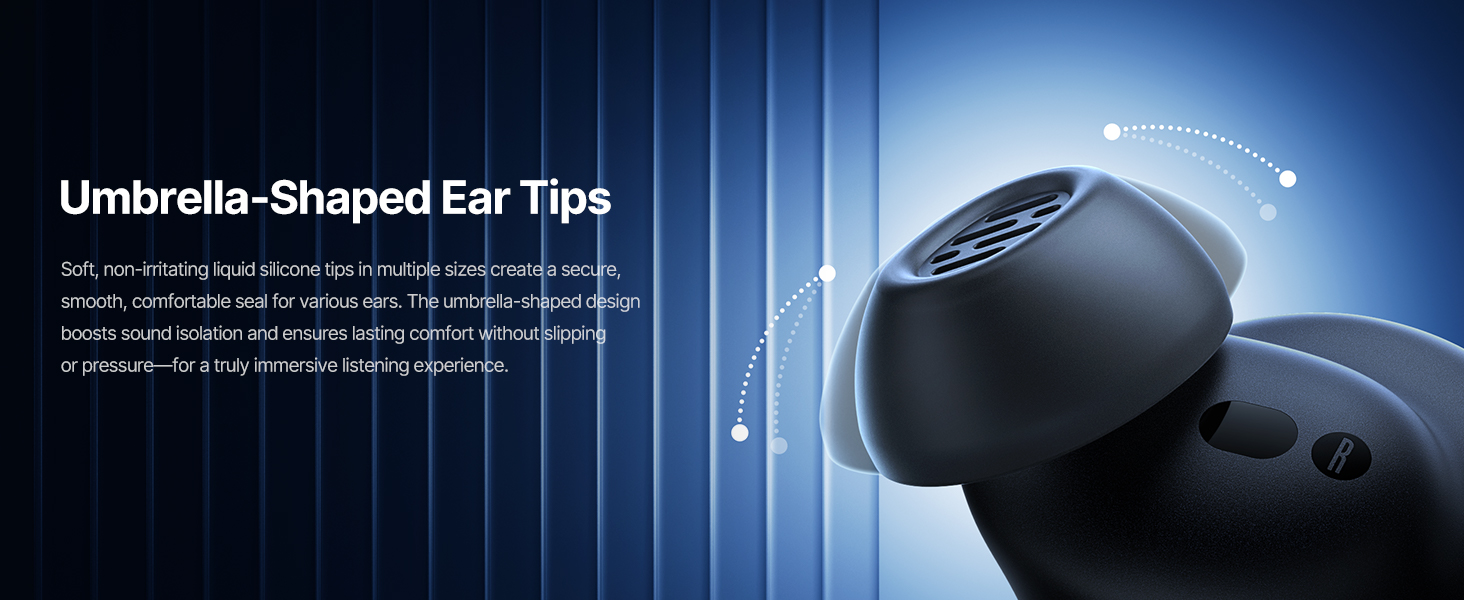
Image: Touch Control Guide.
- เล่น/หยุดเพลง: แตะสองครั้งที่หูฟังข้างใดข้างหนึ่ง
- รับสาย/วางสาย: แตะสองครั้งที่หูฟังข้างใดข้างหนึ่ง
- ปฏิเสธการโทร: แตะเอียร์บัดข้างใดข้างหนึ่งค้างไว้ 1.5 วินาที
- สลับโหมด ANC/Transparency: แตะเอียร์บัดข้างใดข้างหนึ่งค้างไว้ 1.5 วินาที
- เปิดใช้งาน Voice Assistant: แตะสามครั้งที่หูฟังข้างใดข้างหนึ่ง
5.3 Adaptive Noise Cancellation (ANC) and Transparency Mode
The Inspire XP1 earbuds feature Premium Adaptive ANC, which dynamically adjusts noise reduction up to -50 dB based on your environment. Transparency Mode allows you to hear your surroundings without removing the earbuds.

Image: Premium Adaptive ANC in use.
Switch between ANC and Transparency Mode by tapping and holding the touch surface for 1.5 seconds, or manage settings via the Baseus App.
5.4 High-Efficiency Clear Calls
Equipped with a 6-mic sound sensor array and AI algorithms, the earbuds provide clear calls by reducing wind noise and environmental distractions up to 80 dB(A).
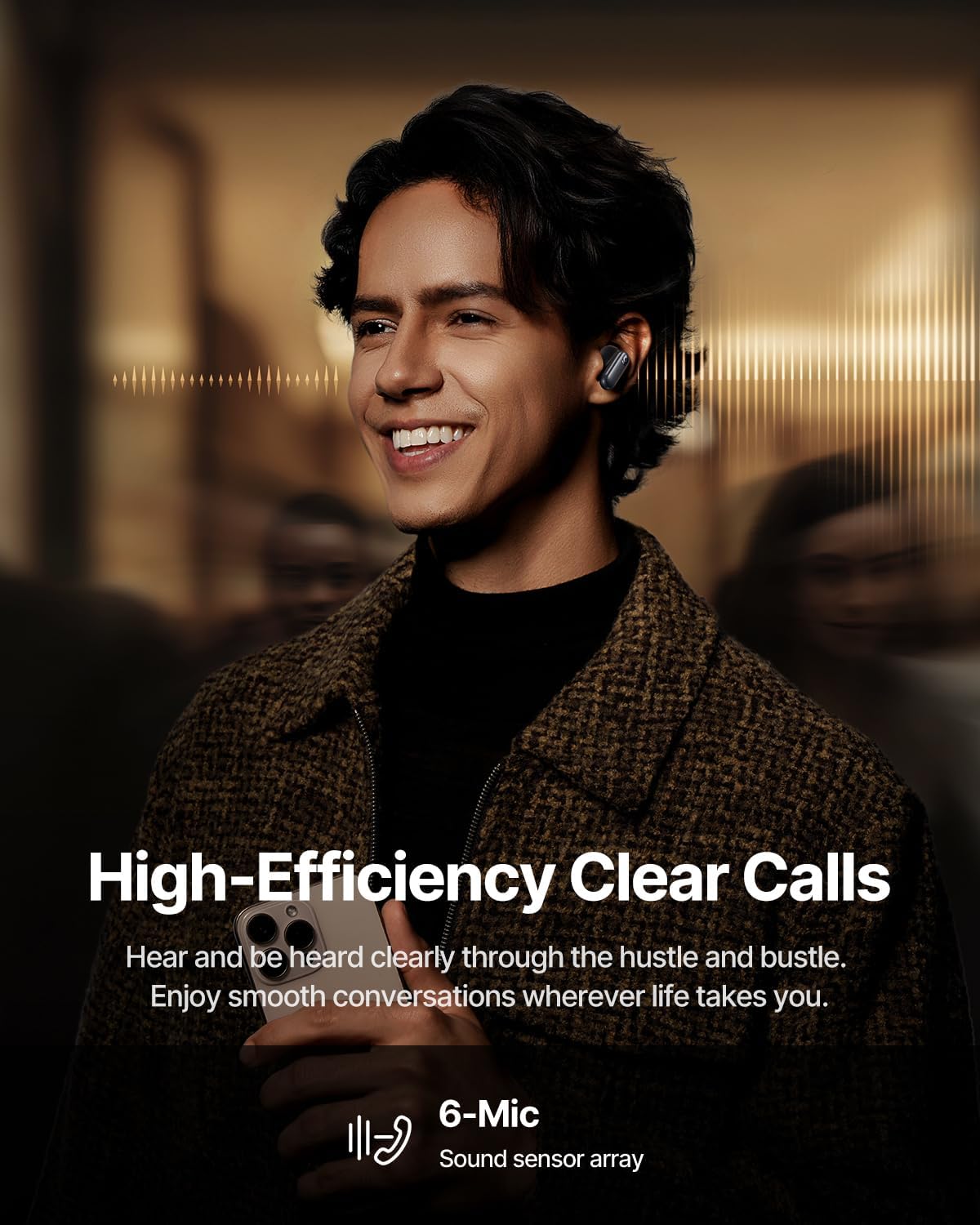
Image: High-Efficiency Clear Calls.
5.5 การชาร์จและอายุการใช้งานแบตเตอรี่
The earbuds offer extended playtime with the charging case:
- ปิด ANC: Up to 8 hours per charge, and up to 45 hours with the charging case.
- เปิด ANC: Up to 6 hours per charge, and up to 35 hours with the charging case.
- ชาร์จเร็ว: การชาร์จเพียง 10 นาที สามารถใช้งานได้ประมาณ 2.5 ชั่วโมง

Image: Day-and-Night Playtime.
5.6 การเชื่อมต่อหลายจุดทันที
Utilize Baseus Smart-Connect and Bluetooth 6.1 for seamless switching between two paired devices, such as a phone and a laptop, enabling uninterrupted calls and multitasking.
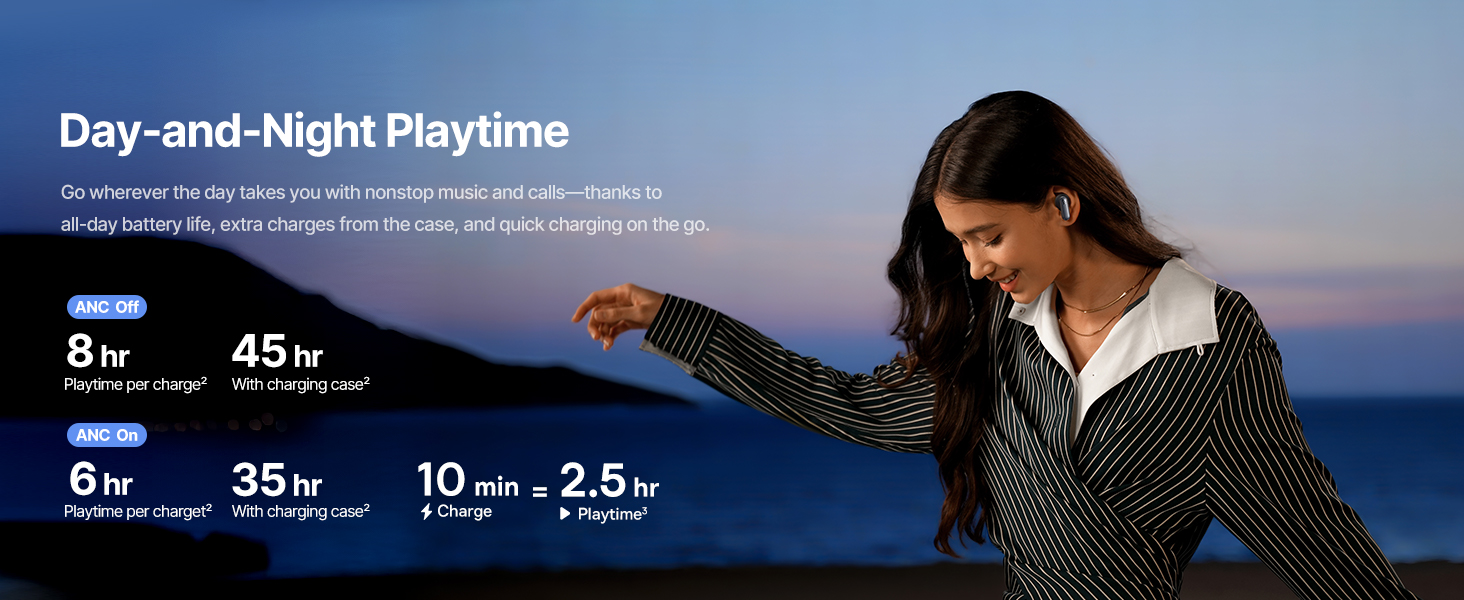
Image: Instant Multipoint Connection.
6. การบำรุงรักษา
- การทำความสะอาด: ควรทำความสะอาดหูฟังและเคสชาร์จเป็นประจำด้วยผ้าแห้งเนื้อนุ่มที่ไม่เป็นขุย ห้ามใช้วัสดุที่มีฤทธิ์กัดกร่อนหรือสารเคมีรุนแรง
- จุกหูฟัง: Remove and clean the silicone eartips with mild soap and water if necessary. Ensure they are completely dry before reattaching.
- พอร์ตชาร์จ: รักษาพอร์ตชาร์จ USB-C ให้ปราศจากฝุ่นและเศษขยะ
- พื้นที่จัดเก็บ: When not in use, store the earbuds in their charging case to protect them and maintain battery life. Avoid extreme temperatures.
7 การแก้ไขปัญหา
7.1 หูฟังไม่จับคู่
- ตรวจสอบให้แน่ใจว่าหูฟังได้รับการชาร์จแล้วและฝากล่องชาร์จเปิดอยู่
- ปิดและเปิดบลูทูธของอุปกรณ์ของคุณ
- ลืมอุปกรณ์ในการตั้งค่าบลูทูธของคุณและพยายามจับคู่ใหม่อีกครั้ง
- Try resetting the earbuds (refer to the Baseus App or Baseus support for specific reset instructions).
7.2 ไม่มีเสียงหรือเสียงเบา
- ตรวจสอบระดับเสียงทั้งบนอุปกรณ์และหูฟังของคุณ
- ตรวจสอบให้แน่ใจว่าหูฟังอยู่ในหูของคุณอย่างถูกต้อง
- ตรวจสอบว่าหูฟังเชื่อมต่อกับเอาต์พุตเสียงที่ถูกต้องบนอุปกรณ์ของคุณ
- ทำความสะอาดเศษสิ่งสกปรกออกจากลำโพงของหูฟัง
7.3 ปัญหาการชาร์จ
- ตรวจสอบให้แน่ใจว่าสายชาร์จเชื่อมต่อกับเคสและแหล่งจ่ายไฟอย่างแน่นหนา
- ลองใช้สาย USB-C และอะแดปเตอร์ไฟอื่น
- ทำความสะอาดหน้าสัมผัสการชาร์จบนหูฟังทั้งสองข้างและภายในเคส
8. ข้อมูลจำเพาะ
Image: Product Specifications.
| ชื่อรุ่น | เบสอัส อินสไปร์ XP1 |
| เทคโนโลยีการเชื่อมต่อ | บลูทูธ 6.1 ไร้สาย |
| เทคโนโลยีการสื่อสารไร้สาย | บลูทูธ 6.1 |
| การควบคุมเสียงรบกวน | Adaptive Noise Cancellation, Environmental Noise Cancellation |
| ขนาดไดร์เวอร์เสียง | 10 มิลลิเมตร |
| ช่วงความถี่ | 20 เฮิรตซ์ - 20,000 เฮิรตซ์ |
| อายุการใช้งานแบตเตอรี่ (ปิด ANC) | 8 ชั่วโมง (หูฟัง), 45 ชั่วโมง (เมื่อใช้ร่วมกับเคสชาร์จ) |
| พอร์ตชาร์จ | ยูเอสบี-ซี |
| วิธีการควบคุม | แอปสัมผัส |
| วัสดุ | ซิลิโคน |
| น้ำหนักสินค้า | 7.8 ออนซ์ |
9. การรับประกันและการสนับสนุน
Baseus products are covered by a limited warranty. For detailed warranty information, product support, or to contact customer service, please visit the official Baseus webตรวจสอบรายละเอียดเพิ่มเติมได้ที่เว็บไซต์ หรือดูจากบัตรรับประกันที่อยู่ในบรรจุภัณฑ์
คุณยังสามารถเยี่ยมชม ร้าน Baseus บน Amazon สำหรับทรัพยากรเพิ่มเติมและข้อมูลผลิตภัณฑ์


