1. สินค้าหมดview
The SOVMIKU DB3 is a 2K solar-powered security camera designed for outdoor use. It features AI tracking, motion detection, two-way audio, and color night vision. The camera operates on a high-capacity battery charged by an integrated solar panel, offering extended operational periods without frequent recharging. It supports both local storage via an SD card and cloud storage options.

Image: SOVMIKU 2K Solar AI Tracking Security Camera and Video Doorbell.

Image: SOVMIKU 2K Solar AI Tracking Security Camera with solar panel, mounted.
2. เนื้อหาบรรจุภัณฑ์
ตรวจสอบว่ามีรายการทั้งหมดอยู่ในบรรจุภัณฑ์ก่อนดำเนินการติดตั้ง
- Solar Camera (1)
- ขายึดกล้อง (1)
- สายไมโคร USB (1)
- คู่มือการใช้งาน (1)
- กระเป๋าใส่สกรู (1)

Image: Contents of the SOVMIKU 2K Solar AI Tracking Security Camera package, including camera, solar panel, bracket, cable, and manual.
3. การตั้งค่า
3.1 การชาร์จเริ่มต้น
Before first use, fully charge the camera using the provided Micro USB cable. Connect the cable to the USB-C port on the camera and a standard USB power adapter (not included). The charging interface is protected by a silicone waterproof plug, ensure it is properly sealed after charging if installed outdoors.
3.2 การดาวน์โหลดแอปและสร้างบัญชี
Download the 'Vicohome' app from your device's app store. Follow the in-app instructions to create an account and add your new SOVMIKU camera. The app allows for simultaneous viewing of up to four cameras without an NVR.
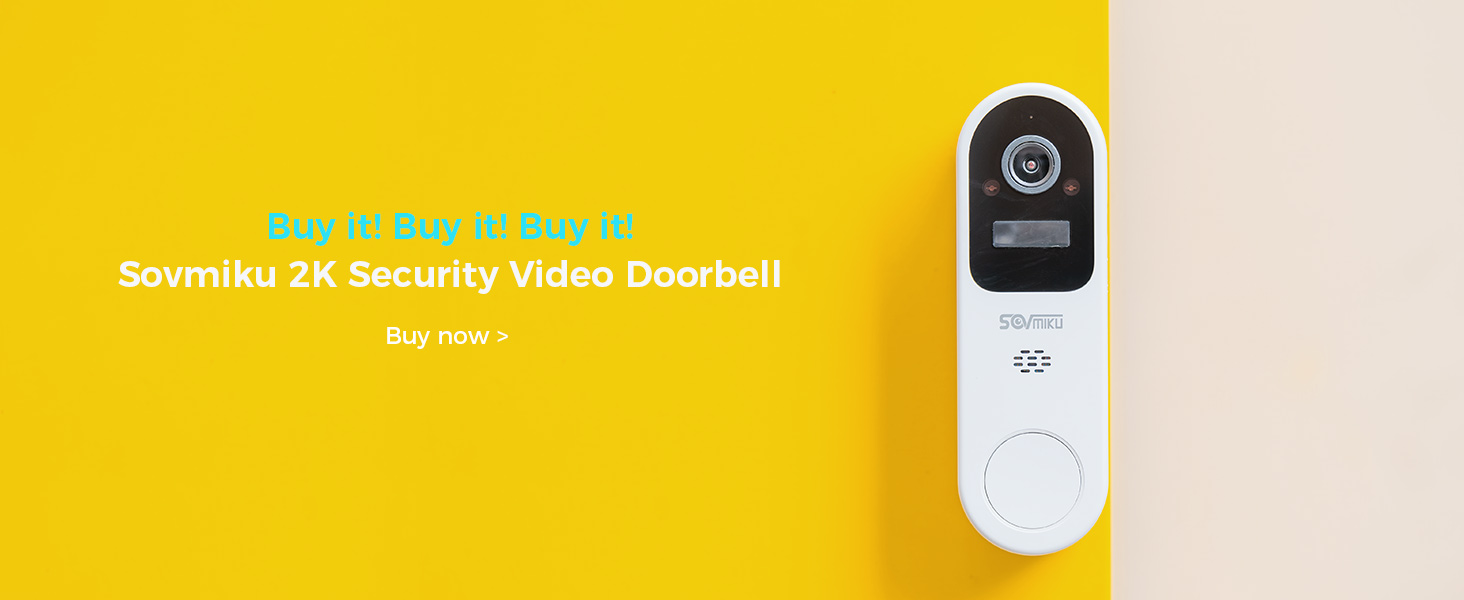
Image: Vicohome app interface showing multiple camera feeds and device management.
3.3 การติดตั้งกล้อง
Choose a suitable location for mounting the camera, ensuring optimal sunlight exposure for the solar panel and a clear view ของพื้นที่ที่คุณต้องการติดตาม
- Secure the mounting bracket base to a wall or surface using the provided screws.
- Attach the camera to the mounting bracket head.
- Adjust the camera angle for desired coverage.

Image: Step-by-step guide for mounting the SOVMIKU security camera.
3.4 Solar Panel Placement
For optimal charging, the solar panel should be positioned to receive direct sunlight, especially during midday. Avoid placing it under eaves or in shaded areas.

Image: Illustration of optimal solar panel placement for the SOVMIKU camera, facing the sun.
4. คู่มือการใช้งาน
4.1 สด View และการบันทึก
Access the Vicohome app to view อยู่ footage from your camera. Recordings are triggered by motion detection and stored either locally on a microSD card or in the cloud (subscription may be required).
4.2 Motion Detection and AI Tracking
The camera features advanced AI for detecting vehicles, persons, pets, and packages. Enable push notifications in the Vicohome app to receive alerts when motion is detected. You can also define specific 'Activity Zones' to focus detection on critical areas.

Image: SOVMIKU camera detecting a person and vehicle, with mobile notification.

Image: SOVMIKU camera with activity zone setup on the mobile app.
4.3 เสียงสองทาง
Utilize the two-way audio feature through the Vicohome app to communicate with individuals near the camera.

Image: Two-way audio feature of SOVMIKU camera in use.
4.4 การมองเห็นกลางคืนแบบสี
The camera is equipped with color night vision capabilities, providing clear and detailed footagแม้ในสภาพแสงน้อย

Image: SOVMIKU camera providing color night vision in an outdoor setting.
4.5 ตัวเลือกการจัดเก็บข้อมูล
The camera supports local storage via a microSD card (up to 128GB, not included). Cloud storage options are also available through the Vicohome app, offering secure, encrypted storage for your recordings.

Image: SOVMIKU 2K Solar AI Tracking Security Camera with microSD card slot.
5. การบำรุงรักษา
5.1 Solar Panel Cleaning
Regularly wipe the solar panels to remove dust and debris, ensuring optimal energy conversion. Use a soft, damp ผ้าสำหรับทำความสะอาด

Image: Hand cleaning the solar panel of the SOVMIKU camera, illustrating IP65 weather resistance and solar panel tips.
5.2 อายุการใช้งานแบตเตอรี่และการชาร์จ
The camera features a 5000mAh battery designed for long-term use. A full charge can power the camera for two months or more, depending on usage and environmental factors. Ensure the solar panel is clean and optimally positioned for continuous charging.

Image: SOVMIKU camera illustrating battery capacity and longevity.
5.3 ความต้านทานต่อสภาพอากาศ
The DB3 camera is rated IP65, making it splash, water, and dust resistant. This allows for safe outdoor installation. However, resistance may decrease over time due to normal wear. Ensure the charging port's silicone plug is securely in place when outdoors.
6 การแก้ไขปัญหา
- กล้องเชื่อมต่อไม่ได้: Ensure your Wi-Fi network is stable and the camera is within range. Restart the camera and your router.
- ไม่มีการแจ้งเตือนการตรวจจับการเคลื่อนไหว: Check the motion detection settings in the Vicohome app. Ensure notifications are enabled on your phone. Verify that activity zones are correctly configured.
- คุณภาพของภาพต่ำ: ทำความสะอาดเลนส์กล้อง ตรวจสอบให้แน่ใจว่าไม่มีสิ่งกีดขวางใดๆ ในมุมมองของกล้อง view.
- แบตเตอรี่ไม่ชาร์จ: Verify the solar panel is clean and receiving direct sunlight. Ensure the charging cable is securely connected. Check the 'Power Settings' in the Vicohome app.
7. ข้อมูลจำเพาะ
| คุณสมบัติ | ข้อมูลจำเพาะ |
|---|---|
| แบบอย่าง | DB3 |
| ปณิธาน | 2K (3 ล้านพิกเซล) |
| ความจุของแบตเตอรี่ | 5000mAh |
| ประสิทธิภาพของแผงโซล่าเซลล์ | Up to 23% (Monocrystalline silicon) |
| ทนทานต่อสภาพอากาศ | IP65 |
| การจัดเก็บข้อมูลภายในเครื่อง | การ์ด microSD ความจุสูงสุด 128GB (ไม่รวมอยู่ในชุด) |
| อุณหภูมิในการทำงาน | -10°C ถึง 45°C (14°F ถึง 113°F) |
| การเข้ารหัสวิดีโอ | H.265 + |

Image: SOVMIKU camera dimensions and weight, emphasizing durability and IP65 rating.

Image: SOVMIKU camera highlighting H.265+ efficient encoding benefits.
8. การรับประกันและการสนับสนุน
8.1 180 Days Exchange Policy
SOVMIKU offers a 180-day exchange policy. If you are not satisfied with the product, you may submit an exchange request. The manufacturer aims to provide a solution within 24 hours.

Image: Illustration of the 180-day exchange policy for the SOVMIKU camera.
8.2 การสนับสนุนลูกค้า
For further assistance, technical support, or warranty claims, please refer to the contact information provided with your product packaging or visit the official SOVMIKU webเว็บไซต์.


