1. บทนำ
This manual provides detailed instructions for the setup, operation, and maintenance of your EWEADN V80 Wired TKL RGB Gaming Keyboard. Please read this manual thoroughly before using the product to ensure optimal performance and longevity.

Figure 1: EWEADN V80 Wired TKL RGB Gaming Keyboard, showcasing its compact design and gradient pink keycaps.
2. สินค้าหมดview
2.1 คุณสมบัติหลัก
- การเชื่อมต่อแบบมีสาย: USB-C wired design for stable, interference-free connection with zero input lag.
- 80% TKL เค้าโครง: Compact Tenkeyless design saves desk space while retaining essential keys.
- ไฟแบ็คไลท์ RGB: 12 dynamic lighting modes with adjustable brightness and speed.
- สวิตช์เมมเบรนแบบเงียบ: Provides tactile feedback with minimal noise, suitable for quiet environments.
- คีย์แคป PBT: Double-shot injection-molded PBT keycaps with side-printed legends for durability and clear backlighting.
- ระบบป้องกันการกดซ้ำ 26 ปุ่ม: Ensures accurate registration of multiple simultaneous keypresses.
- การออกแบบตามหลักสรีรศาสตร์: Integrated two-stage kickstand for adjustable typing angles to reduce wrist strain.
- รองรับหลายระบบ: Compatible with Windows and Mac operating systems.
2.2 อะไรอยู่ในกล่อง
- EWEADN V80 Wired TKL RGB Gaming Keyboard
- สาย USB-C ถึง USB-A
- คู่มือการใช้งาน
3. การตั้งค่า
3.1 การเชื่อมต่อคีย์บอร์ด
- หาพอร์ต USB-C ที่ด้านหลังของคีย์บอร์ด
- เชื่อมต่อปลาย USB-C ของสายเคเบิลที่ให้มากับแป้นพิมพ์
- Connect the USB-A end of the cable to an available USB port on your computer (PC or Mac).
- แป้นพิมพ์นี้เป็นแบบเสียบแล้วใช้งานได้ทันที และระบบปฏิบัติการของคุณจะรู้จักแป้นพิมพ์นี้โดยอัตโนมัติ

Figure 2: The USB-C port for connecting the keyboard to your computer.
3.2 ความเข้ากันได้ของระบบ
The EWEADN V80 keyboard is compatible with Windows and Mac operating systems. No additional drivers are typically required for basic functionality.
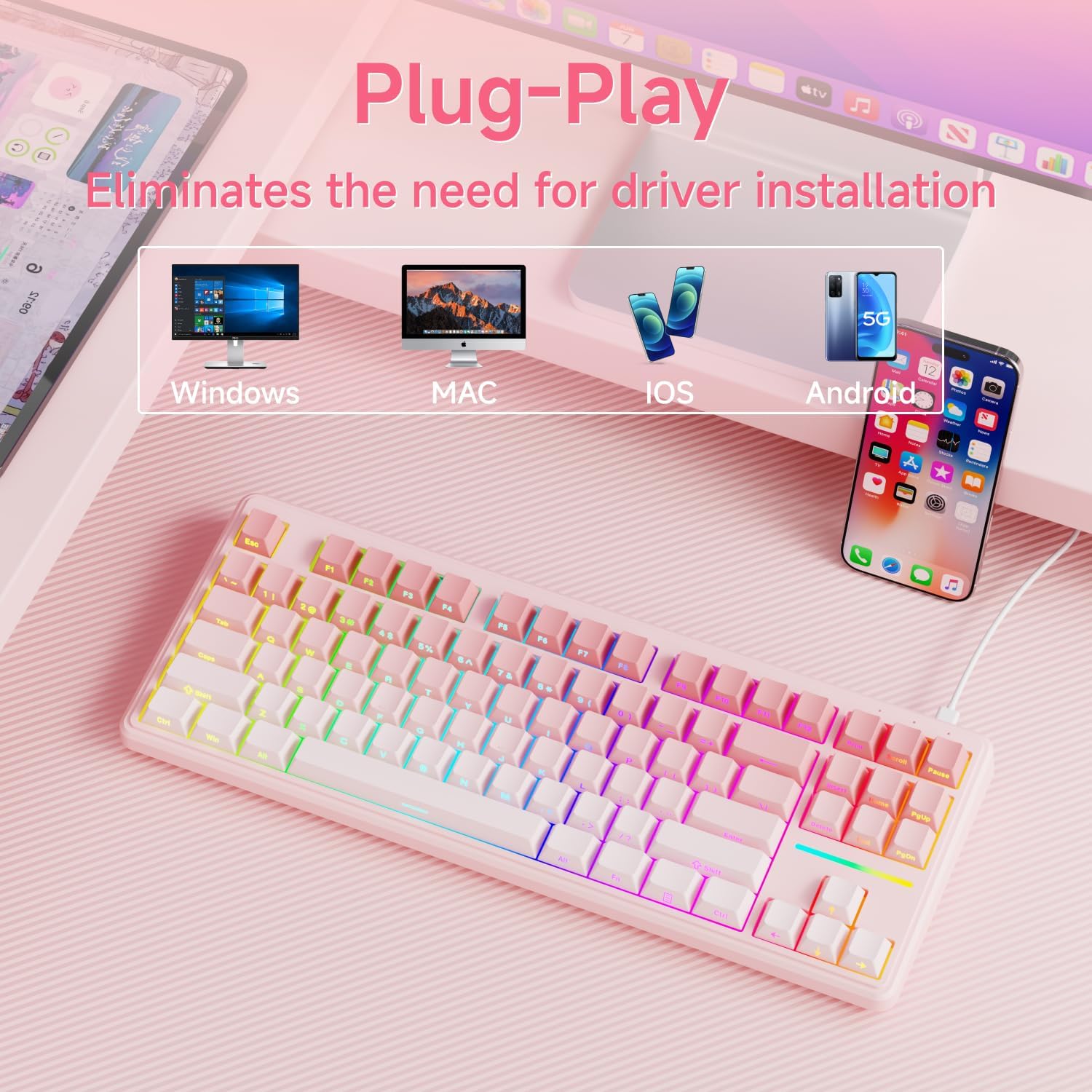
Figure 3: The keyboard supports multiple operating systems and devices for versatile use.
4. การดำเนินการ
4.1 การควบคุมไฟแบ็คไลท์ RGB
The keyboard features 12 dynamic RGB lighting modes. All lighting functions are controlled using the FN ปุ่มนี้ต้องใช้ร่วมกับปุ่มอื่นๆ
- เปิด/ปิดไฟแบ็คไลท์: กด FN + แบ็คสเปซ.
- เปลี่ยนโหมดแสงสว่าง: กด FN + แทรก to cycle through 12 different lighting effects.
- ปรับความสว่าง: กด FN + PU (Page Up) to increase brightness, FN + PD (Page Down) to decrease brightness.
- ปรับความเร็ว: กด FN + - to decrease lighting speed, FN + '=' to increase lighting speed.
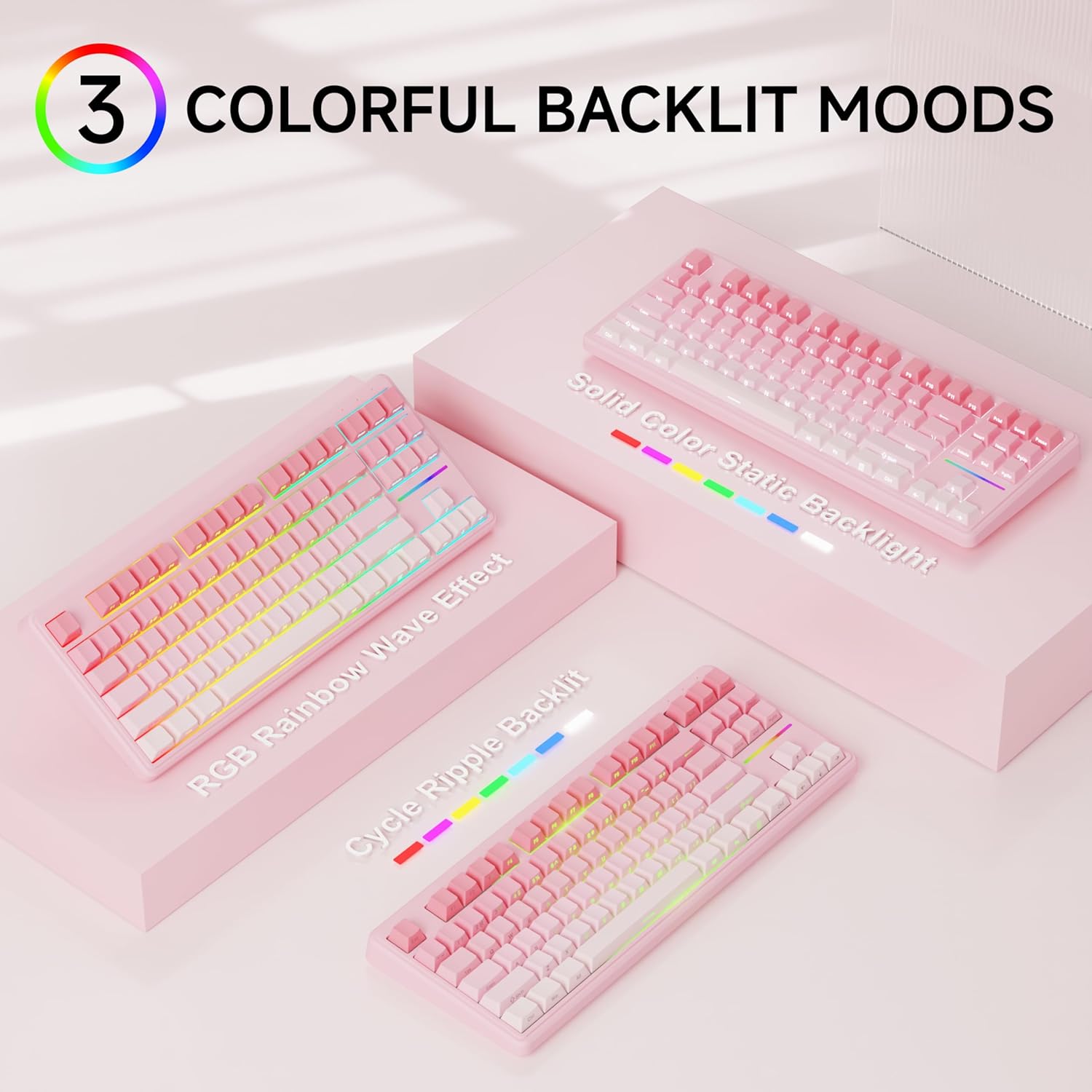
รูปที่ 4: อดีตamples of the diverse RGB backlighting modes available on the keyboard.
Video 1: A short demonstration of the EWEADN V80 Wired RGB Gaming Keyboard's lighting effects and compact design.
4.2 ฟังก์ชันหลัก (การรวม FN)
| การผสมผสาน | การทำงาน |
|---|---|
| เอฟเอ็น + เอฟ1 | Screen Brightness - |
| เอฟเอ็น + เอฟ2 | ความสว่างหน้าจอ + |
| เอฟเอ็น + เอฟ3 | แปลงโหมด |
| เอฟเอ็น + เอฟ4 | ปิดเสียงไมโครโฟน |
| เอฟเอ็น + เอฟ5 | สื่อมัลติมีเดีย |
| เอฟเอ็น + เอฟ6 | เพลงก่อนหน้า |
| เอฟเอ็น + เอฟ7 | เล่น/หยุดชั่วคราว |
| เอฟเอ็น + เอฟ8 | เพลงต่อไป |
| เอฟเอ็น + เอฟ9 | ปริมาณ - |
| เอฟเอ็น + เอฟ10 | เล่ม + |
| เอฟเอ็น + เอฟ11 | ปิดเสียง |
| เอฟเอ็น + เอฟ12 | เครื่องคิดเลข |
4.3 การป้องกันภาพซ้อน
The V80 keyboard supports 26-key anti-ghosting, ensuring that every keypress is registered accurately, even during rapid and simultaneous inputs common in gaming. This prevents missed commands and enhances your gaming experience.

Figure 5: Illustration of the 26-key anti-ghosting feature, ensuring all simultaneous keypresses are recognized.
5. การบำรุงรักษา
5.1 การทำความสะอาด
- ถอดแป้นพิมพ์ออกจากคอมพิวเตอร์ของคุณก่อนทำความสะอาด
- ใช้ผ้านุ่มไม่เป็นขุยเช็ดเล็กน้อยampล้างออกด้วยน้ำหรือน้ำยาทำความสะอาดอ่อนๆ เพื่อเช็ดปุ่มกดและพื้นผิวแป้นพิมพ์
- หลีกเลี่ยงการใช้สารเคมีรุนแรง น้ำยาทำความสะอาดที่มีฤทธิ์กัดกร่อน หรือการฉีดของเหลวลงบนแป้นพิมพ์โดยตรง
- ใช้ลมอัดเพื่อกำจัดฝุ่นและเศษต่างๆ ออกจากระหว่างปุ่มต่างๆ
5.2 พื้นที่จัดเก็บ
Store the keyboard in a cool, dry place away from direct sunlight and extreme temperatures. If storing for an extended period, consider placing it back in its original packaging to protect it from dust and physical damage.
6 การแก้ไขปัญหา
6.1 ปัญหาทั่วไป
- แป้นพิมพ์ไม่ตอบสนอง:
- ตรวจสอบให้แน่ใจว่าสาย USB-C เชื่อมต่อกับคีย์บอร์ดและคอมพิวเตอร์อย่างแน่นหนา
- ลองเชื่อมต่อคีย์บอร์ดกับพอร์ต USB อื่นบนคอมพิวเตอร์ของคุณ
- รีสตาร์ทเครื่องคอมพิวเตอร์ของคุณ
- แสงไฟไม่ทำงาน:
- Ensure the backlight is not turned off (FN + BackSpace).
- Adjust the brightness using FN + PU/PD.
- กุญแจไม่ลงทะเบียน:
- Clean the affected key to ensure no debris is obstructing the switch.
- ทดสอบแป้นพิมพ์บนคอมพิวเตอร์เครื่องอื่นเพื่อตัดปัญหาเฉพาะระบบออกไป
6.2 ติดต่อฝ่ายสนับสนุน
If you encounter issues not resolved by the troubleshooting steps, please contact EWEADN customer support at eweadnkeyboard@outlook.com. Provide your product model (V80) and a detailed description of the problem.

Figure 6: EWEADN offers comprehensive after-sales support for customer inquiries and issues.
7. ข้อมูลจำเพาะ
| คุณสมบัติ | รายละเอียด |
|---|---|
| หมายเลขรุ่น | วี80 |
| การเชื่อมต่อ | แบบมีสาย (USB-C) |
| เค้าโครง | 80% TKL (ไม่มีปุ่มตัวเลข) |
| ประเภทสวิตซ์ | เมมเบรน |
| ปุ่มกด | PBT Double-shot, Side-printed legends |
| การแบ็คไลท์ | RGB (12 modes, adjustable brightness/speed) |
| ป้องกันการโดนผีหลอก | รองรับการกดปุ่มพร้อมกัน 26 ปุ่ม |
| หลักสรีรศาสตร์ | สอง-tage adjustable kickstand |
| ขนาดสินค้า | 14.37 x 5.47 x 1.53 นิ้ว |
| น้ำหนักสินค้า | 1.71 ปอนด์ |
| อุปกรณ์ที่รองรับ | แล็ปท็อป, พีซี, สมาร์ทโฟน, แท็บเล็ต |
8. การรับประกันและการสนับสนุน
The EWEADN V80 Wired TKL RGB Gaming Keyboard comes with a 48-month (4-year) manufacturer warranty. For warranty claims or further assistance, please contact our dedicated customer support team at eweadnkeyboard@outlook.com.


