1. บทนำ
This manual provides essential instructions for setting up, operating, maintaining, and troubleshooting your Cricket Icon 6 (SL219C) smartphone. Please read this manual thoroughly to ensure proper use and to maximize the device's performance.
The Cricket Icon 6 (SL219C) is an Android smartphone featuring a 6.5-inch HD+ display, a 13MP camera, 64GB of internal storage, and 4GB of RAM. This device operates on the Android platform and is designed for reliable everyday performance.

รูปที่ 1: ด้านหน้าและด้านหลัง View of the Cricket Icon 6 (SL219C) Smartphone. The front displays the home screen with app icons, while the rear shows the camera module and Cricket branding.
2. อะไรอยู่ในกล่อง
ตรวจสอบว่ามีรายการทั้งหมดอยู่ในบรรจุภัณฑ์ผลิตภัณฑ์ของคุณ:
- Cricket Icon 6 (SL219C) Smartphone
- สาย USB-C
- เครื่องมือถอดซิม
3. การตั้งค่า
3.1. การใส่ซิมการ์ดและการ์ด microSD
- ค้นหาถาดใส่การ์ด SIM ที่ด้านข้างอุปกรณ์ของคุณ
- สอดเครื่องมือถอดซิมเข้าไปในรูเล็กๆ บนถาดซิม แล้วกดเบาๆ จนกว่าถาดซิมจะหลุดออกมา
- Place your Nano-SIM card into the designated slot on the tray. If using a microSD card for expanded storage, place it in the appropriate slot. Ensure the gold contacts face downwards.
- ใส่ถาดกลับเข้าไปในโทรศัพท์อย่างระมัดระวังจนกระทั่งล็อคเข้าที่
3.2. เปิดเครื่องครั้งแรก
- Press and hold the Power button (usually on the right side of the device) until the Cricket logo appears.
- ทำตามคำแนะนำบนหน้าจอเพื่อเลือกภาษา เชื่อมต่อกับเครือข่าย Wi-Fi และตั้งค่าบัญชี Google ของคุณ
3.3. การชาร์จอุปกรณ์
Connect the USB-C cable to the charging port at the bottom of the phone and plug the other end into a compatible USB power adapter (sold separately) or a computer. The battery indicator will show charging status.
4. คู่มือการใช้งาน
4.1. การนำทางพื้นฐาน
- สัมผัส: แตะไอคอนเพื่อเปิดแอปหรือเลือกรายการ
- ปัด: ลากนิ้วของคุณไปตามหน้าจอเพื่อเลื่อนดูรายการหรือสลับระหว่างหน้าจอหลัก
- หยิก: ใช้สองนิ้วเพื่อซูมเข้าหรือออกจากรูปภาพและ web หน้า
- ปุ่มโฮม: กลับไปที่หน้าจอหลัก
- ปุ่มย้อนกลับ: กลับไปยังหน้าจอที่แล้ว
- ปุ่มแอปล่าสุด: แสดงแอปพลิเคชันที่ใช้ล่าสุด
4.2. โทรออก
- แตะไอคอนโทรศัพท์บนหน้าจอหลัก
- ป้อนหมายเลขโทรศัพท์โดยใช้แป้นกดหมายเลข หรือเลือกรายชื่อจากรายการรายชื่อของคุณ
- แตะปุ่มโทรเพื่อเริ่มการโทร
4.3. การส่งข้อความ
- แตะไอคอนข้อความ
- แตะไอคอน 'เริ่มแชท' หรือ '+' เพื่อเขียนข้อความใหม่
- กรอกหมายเลขโทรศัพท์ของผู้รับหรือเลือกผู้ติดต่อ
- Type your message in the text field and tap the Send button.
4.4. การเชื่อมต่อกับ Wi-Fi
- ไปที่ การตั้งค่า > เครือข่ายและอินเตอร์เน็ต > ไวไฟ.
- สลับ Wi-Fi เป็นเปิด
- เลือกเครือข่าย Wi-Fi ที่คุณต้องการจากรายการ
- ป้อนรหัสผ่านหากได้รับแจ้งและแตะ เชื่อมต่อ.
4.5. การใช้กล้อง
The Cricket Icon 6 features a 13MP main camera.
- Tap the Camera icon on the home screen.
- จัดเฟรมภาพโดยใช้หน้าจอเป็นตัวช่วย viewตัวค้นหา
- แตะปุ่มชัตเตอร์เพื่อถ่ายรูป
- สลับระหว่างโหมดภาพถ่ายและวิดีโอตามต้องการ
5. การบำรุงรักษา
5.1. การดูแลแบตเตอรี่
อุปกรณ์นี้มาพร้อมแบตเตอรี่ขนาด 3400 mAh เพื่อยืดอายุการใช้งานแบตเตอรี่:
- หลีกเลี่ยงอุณหภูมิที่สูงหรือต่ำเกินไป
- อย่าปล่อยให้อุปกรณ์ชาร์จเป็นเวลานานหลังจากถึงระดับ 100%
- ใช้สาย USB-C ที่ให้มาในการชาร์จ
5.2. การอัปเดตซอฟต์แวร์
ตรวจสอบและติดตั้งการอัปเดตซอฟต์แวร์เป็นประจำเพื่อให้มั่นใจถึงประสิทธิภาพและความปลอดภัยที่เหมาะสมที่สุด
- ไปที่ การตั้งค่า > ระบบ > การอัพเดทระบบ.
- ปฏิบัติตามคำแนะนำบนหน้าจอเพื่อดาวน์โหลดและติดตั้งการอัพเดตที่มีอยู่
5.3. การทำความสะอาดอุปกรณ์
ใช้ผ้านุ่มที่ไม่เป็นขุยทำความสะอาดหน้าจอและตัวเครื่องโทรศัพท์ หลีกเลี่ยงการใช้สารเคมีรุนแรงหรือวัสดุที่มีฤทธิ์กัดกร่อน
5.4. การจัดการการจัดเก็บข้อมูล
The device has 64GB of internal storage, expandable via microSD. To manage storage:
- ไปที่ การตั้งค่า > พื้นที่จัดเก็บ.
- View storage usage and free up space by uninstalling unused apps, deleting old files, or moving data to a microSD card.
6 การแก้ไขปัญหา
6.1. ปัญหาทั่วไป
- อุปกรณ์ไม่เปิดเครื่อง: ตรวจสอบให้แน่ใจว่าแบตเตอรี่ชาร์จเต็มแล้ว เสียบอุปกรณ์ชาร์จไว้อย่างน้อย 15 นาที แล้วลองเปิดเครื่องอีกครั้ง
- ไม่มีการเชื่อมต่อเครือข่าย: Check if the SIM card is properly inserted. Verify that Airplane Mode is off (swipe down from the top of the screen to access Quick Settings).
- แอปขัดข้องหรือค้าง: ปิดและเปิดแอปใหม่ หากปัญหายังคงอยู่ ให้ล้างแคชของแอป (การตั้งค่า > แอป > [ชื่อแอป] > พื้นที่เก็บข้อมูลและแคช > ล้างแคช)
- ประสิทธิภาพช้า: Close unused apps, clear cache, or restart the device.
6.2. รีเซ็ตเป็นค่าโรงงาน
การรีเซ็ตเป็นค่าเริ่มต้นจากโรงงานจะลบข้อมูลทั้งหมดในโทรศัพท์ของคุณและคืนค่ากลับไปเป็นการตั้งค่าจากโรงงานดั้งเดิม โปรดสำรองข้อมูลสำคัญก่อนดำเนินการ
- ไปที่ การตั้งค่า > ระบบ > ตัวเลือกการรีเซ็ต.
- เลือก ลบข้อมูลทั้งหมด (รีเซ็ตเป็นค่าโรงงาน).
- ยืนยันการตัดสินใจของคุณและป้อน PIN/รหัสผ่านของคุณหากได้รับแจ้ง
7. ข้อมูลจำเพาะ
| คุณสมบัติ | ข้อมูลจำเพาะ |
|---|---|
| ชื่อรุ่น | Cricket Icon 6 (SL219C) |
| ระบบปฏิบัติการ | แอนดรอยด์ |
| ขนาดหน้าจอ | 6.5 นิ้ว |
| ขนาดหน่วยความจำ RAM ที่ติดตั้ง | 4GB |
| ความจุของหน่วยความจำ | 64 GB (เพิ่มได้ผ่าน microSD) |
| รุ่นซีพียู | เอ็กซิโนส 850 S5E3830 |
| ความเร็วซีพียู | 2.2 กิกะเฮิรตซ์ |
| ระดับพลังงานแบตเตอรี่ | 3400 มิลลิแอมป์ |
| ผู้ให้บริการไร้สาย | ปลดล็อคแล้ว |
| สี | สีขาว |
| ผู้ผลิต | คริกเก็ต |
8. การรับประกันและการสนับสนุน
8.1. Amazon Renewed Product Information
This Cricket Icon 6 (SL219C) is an Amazon Renewed product. Amazon Renewed products are inspected, undergo full diagnostic tests, thorough cleaning, and are refurbished as necessary to be fully functional. They are backed by the Amazon Renewed Guarantee.
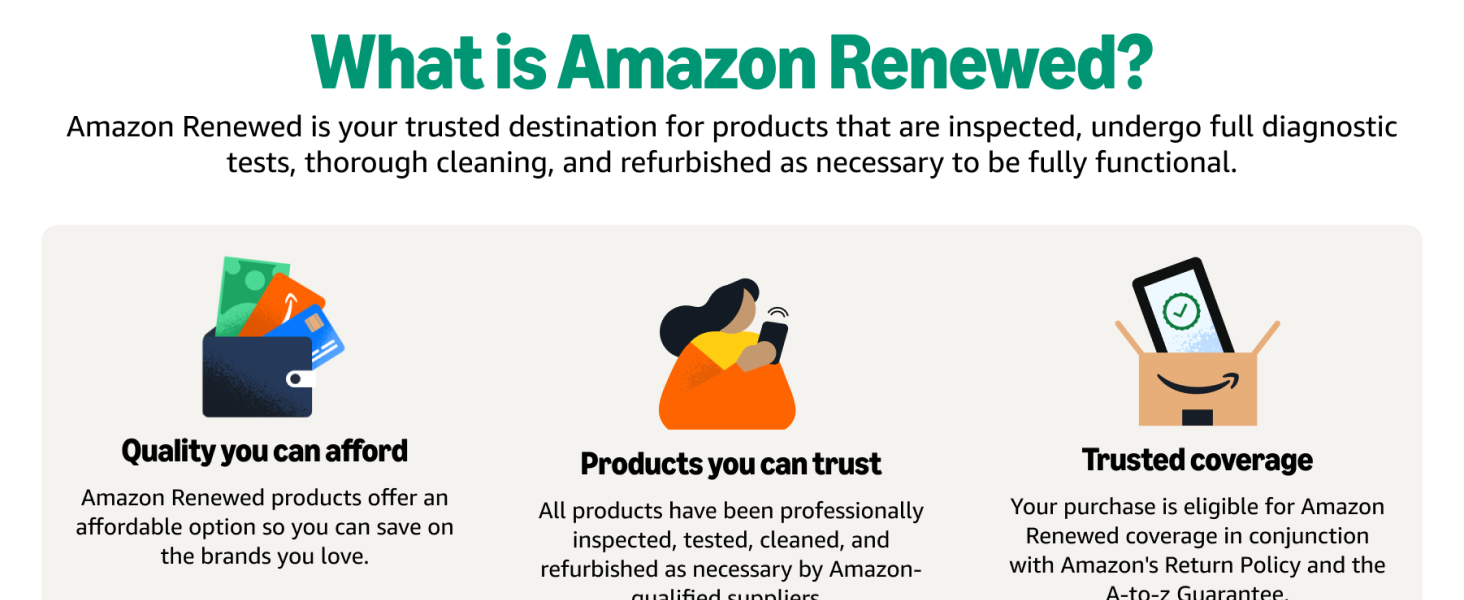
Figure 2: Explanation of the Amazon Renewed program, highlighting quality, trust, and coverage.
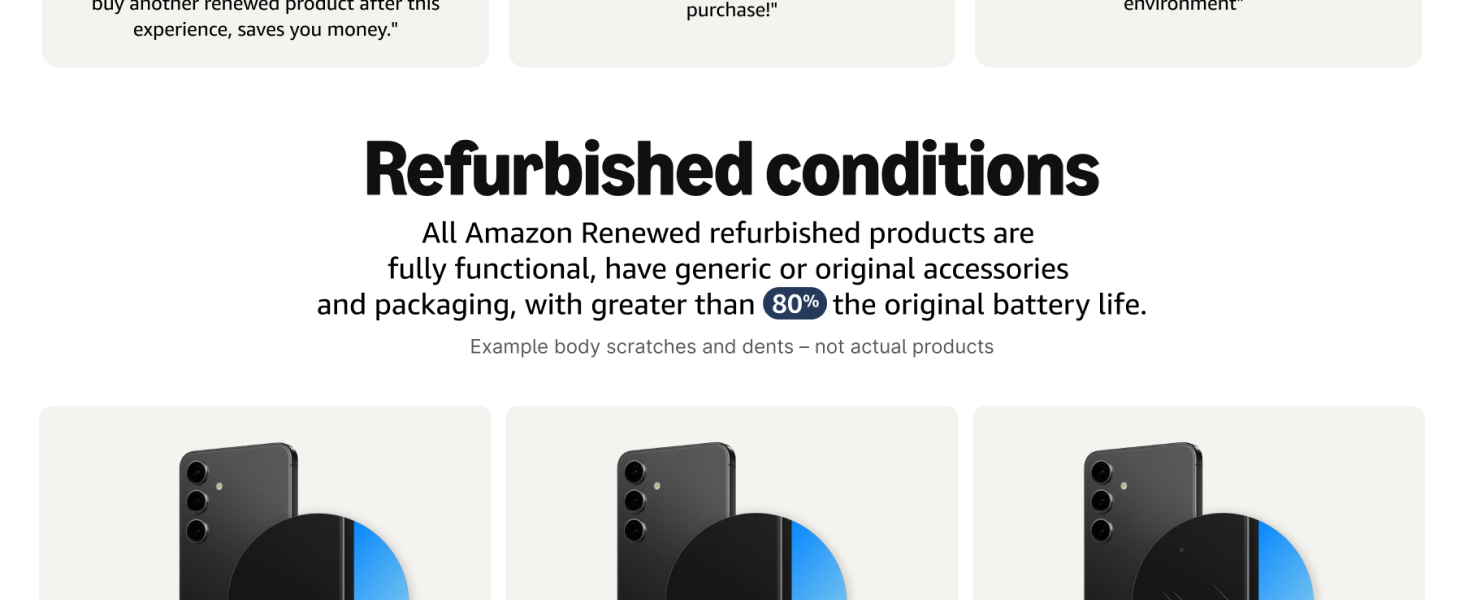
Figure 3: Details on the refurbished conditions of Amazon Renewed products, including functionality and battery life.
8.2. นโยบายการคืนสินค้า
Your purchase is eligible for a 90-day refund/replacement return policy through Amazon Renewed. For specific details, please refer to the Amazon Renewed Guarantee terms and conditions.
8.3. การสนับสนุนด้านเทคนิค
For technical assistance or further inquiries regarding your Cricket Icon 6 (SL219C), please contact Amazon Renewed customer support or refer to the official Cricket Wireless support resources online.


