1. บทนำ
The GEEKOM GT1 Mega AI Mini PC is a compact, high-performance computing solution designed for a wide range of tasks, from daily productivity to demanding creative work and gaming. Powered by the Intel 14th Gen Core Ultra 9 185H processor and Intel Arc Graphics, it offers advanced features for efficiency and versatility. This manual provides essential information for setting up, operating, maintaining, and troubleshooting your device.

Figure 1: GEEKOM GT1 Mega AI Mini PC
2. อะไรอยู่ในกล่อง
ตรวจสอบว่ามีรายการทั้งหมดอยู่ในแพ็คเกจ:
- 1 x GT1 Mega Mini PC
- อะแดปเตอร์ไฟฟ้า 1 ตัว
- สาย HDMI 1 เส้น
- 1 x ขาตั้ง VESA และสกรู
- 1 x คู่มือผู้ใช้

รูปที่ 2: สิ่งของในบรรจุภัณฑ์
3. สินค้าหมดview
3.1 แผงด้านหน้า

รูปที่ 3: แผงด้านหน้า
- USB 3.2 Gen2 Type-A Ports (x4): For connecting peripherals such as keyboards, mice, and external storage. One port supports 'Always On' functionality.
- 3.5mm Stereo Headset Jack: สำหรับส่งสัญญาณเสียงออกทางหูฟังหรือลำโพง
- ปุ่มเปิด/ปิด: เพื่อเปิด/ปิดเครื่อง หรือตั้งค่าอุปกรณ์ให้เข้าสู่โหมดพักเครื่อง
3.2 แผงด้านหลัง
รูปที่ 4: แผงด้านหลัง
- พอร์ต DC-in: เชื่อมต่อกับอะแดปเตอร์ไฟ
- พอร์ต HDMI 2.0 (x2): สำหรับเชื่อมต่อจอแสดงผล
- RJ45 2.5 Gbps Ethernet Ports (x2): For wired network connection, supporting link aggregation.
- USB 3.2 Gen2 Type-A Port (x1): สำหรับเชื่อมต่ออุปกรณ์ต่อพ่วง
- พอร์ต USB 2.0 Type-A (1 ช่อง): สำหรับเชื่อมต่ออุปกรณ์ต่อพ่วง
- USB4 Ports (x2): Supports ultra-high-speed data transfer (up to 40Gbps), 8K display output, and power delivery (PD3.0 up to 15W). One port supports Power On (adapter in).
- เครื่องอ่านการ์ด SD: For inserting SD 4.0 cards (up to 1TB).
- สล็อตล็อคเคนซิงตัน: For security locking.

Figure 5: All-in-One Connectivity Hub
4. การตั้งค่า
4.1 การเชื่อมต่อเริ่มต้น
- Connect your monitor(s) to the HDMI 2.0 or USB4 ports using appropriate cables.
- Connect your keyboard and mouse to the USB-A ports.
- Connect the power adapter to the DC-in port on the rear panel and then plug it into a power outlet.
- กดปุ่มเปิด/ปิดที่แผงด้านหน้าเพื่อเปิดใช้งานมินิพีซี
4.2 การตั้งค่าระบบปฏิบัติการ
The GEEKOM GT1 Mega comes with Windows 11 Pro preinstalled. Follow the on-screen instructions to complete the initial Windows setup, including language, region, network connection, and user account creation.
Video 1: GEEKOM GT1 Mega Mini PC in an office setting, demonstrating quick setup and AI assistant features. This video highlights the ease of use and productivity benefits of the mini PC.
5. การใช้งานมินิพีซีของคุณ
5.1 โหมดประสิทธิภาพ
The GT1 Mega offers adjustable performance modes to suit your workload. These modes can be configured in the BIOS settings:
- โหมดเงียบ (35 วัตต์): Optimized for quiet operation and light tasks.
- Normal Mode (Default, 54W): ประสิทธิภาพที่สมดุลสำหรับการใช้งานในชีวิตประจำวัน
- Performance Mode (Maximum 65W): Delivers full power for demanding applications and gaming.

รูปที่ 6: โหมดการทำงาน
5.2 AI Performance
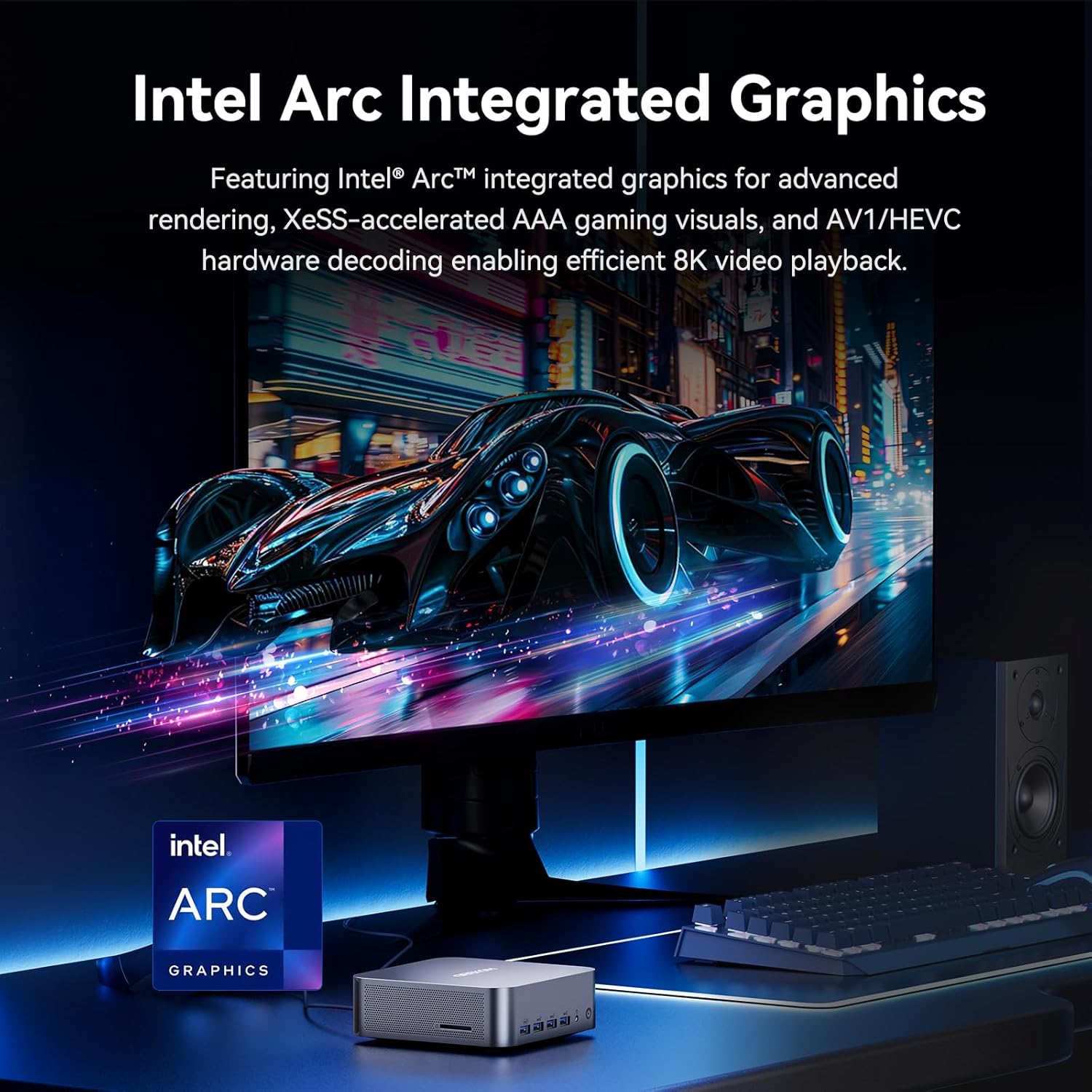
The integrated Intel AI Boost NPU supports over 500 AI models, accelerating heavy workloads and boosting productivity in AI-driven applications. The Intel Arc graphics also feature AI-enhanced graphics and Intel XeSS technology for improved visual performance.

Figure 7: AI PC Computing Powerhouse

Figure 8: Dedicated AI Chip (NPU)
6. การจัดเก็บและหน่วยความจำ
The GEEKOM GT1 Mega is designed for speed and flexibility in storage and memory configurations.
- แรม : Comes with 32GB DDR5 RAM, upgradable up to 128GB (via SODIMMs).
- หน่วยเก็บข้อมูลหลัก: Features an M.2 2280 NVMe PCIe Gen4 x4 slot, supporting up to 4TB SSDs (backward compatible with Gen3/SATA III).
- Secondary Storage: Includes an M.2 2242 SATA III slot, supporting up to 2TB SSDs.
- พื้นที่เก็บข้อมูลที่ขยายได้: An SD 4.0 card reader supports up to 1TB for easy expansion.

Figure 9: Performance-Optimized Storage
7. การเชื่อมต่อ
The GT1 Mega offers robust and high-speed connectivity options:
- เครือข่ายแบบมีสาย: Dual 2.5G Ethernet ports with link aggregation for increased bandwidth and reliability.
- เครือข่ายไร้สาย: Cutting-edge WiFi 7 for blazing-fast wireless speeds and stable connections.
- บลูทูธ: Bluetooth 5.4 for effortless connection to wireless accessories.
- USB4: Two advanced USB4 ports provide ultra-high-speed data transfer (up to 40Gbps), 8K display output, and power delivery.

Figure 10: Ultra-Fast Connectivity
8. การตั้งค่าจอภาพหลายจอ
The GEEKOM GT1 Mega supports a massive quad-monitor workspace, enhancing productivity and immersive experiences:
- Supports dual 8K displays via USB4 ports.
- Supports dual 4K@120Hz displays via HDMI 2.0 ports.
- Total of four displays can be connected simultaneously.

Figure 11: Quad Display Support
Video 2: Demonstrates the Intel Arc Graphics capabilities for gaming and creative work, including ray tracing and XeSS technology. This video highlights the visual performance of the mini PC.
9. ระบบระบายความร้อน
The GEEKOM GT1 Mega features the advanced IceBlast 2.0 cooling system, designed for efficient heat dissipation and quiet operation:
- Upgraded heat pipes and a larger fan for enhanced cooling performance.
- Up to 40% quieter operation compared to previous models.
- Fan speed can be adjusted via BIOS and system settings.

Figure 12: IceBlast 2.0 Heat Dissipation System
Video 3: Shows the newly upgraded IceBlast 2.0 Cooling System in action, emphasizing its efficiency.
10. ข้อมูลจำเพาะ
| คุณสมบัติ | ข้อมูลจำเพาะ |
|---|---|
| โปรเซสเซอร์ | Intel Core Ultra 9 185H (16 Cores, 22 Threads, up to 5.1GHz) |
| กราฟฟิก | Intel Arc Graphics (8 Xe-cores at 2.35GHz, DirectX 12 Ultimate, XeSS) |
| แรม | 32GB DDR5 (upgradable to 128GB) |
| พื้นที่จัดเก็บ | 1TB NVMe PCIe Gen4 x4 SSD (up to 4TB), M.2 2242 SATA III slot (up to 2TB) |
| ระบบปฏิบัติการ | วินโดวส์ 11 โปร |
| การเชื่อมต่อแบบไร้สาย | ไวไฟ 7, บลูทูธ 5.4 |
| อีเธอร์เน็ต | LAN 2.5G คู่ |
| การแสดงผลเอาท์พุต | 2x HDMI 2.0 (4K@60Hz), 2x USB4 (8K@30Hz) - Quad Display Support |
| พอร์ต USB | 4x USB 3.2 Gen2 Type-A, 1x USB 2.0 Type-A, 2x USB4 |
| เครื่องอ่านการ์ด | SD 4.0 (up to 1TB) |
| ระบบระบายความร้อน | IceBlast 2.0 |
| ขนาด (กxยxส) | 8.94 x 6.92 x 5.27 นิ้ว |
| น้ำหนัก | 3.56 ปอนด์ |
11 การแก้ไขปัญหา
11.1 ไม่มีไฟฟ้า
- Ensure the power adapter is securely connected to the Mini PC and a working power outlet.
- ตรวจสอบว่าเต้ารับไฟฟ้าใช้งานได้โดยเสียบอุปกรณ์อื่น
- ลองใช้เต้ารับไฟฟ้าอื่นหากมี
11.2 ไม่มีการแสดงผล
- ตรวจสอบให้แน่ใจว่าจอภาพเปิดอยู่และเลือกแหล่งสัญญาณเข้าที่ถูกต้องแล้ว
- Ensure display cables (HDMI, USB4) are securely connected to both the Mini PC and the monitor.
- ลองเชื่อมต่อกับพอร์ตแสดงผลอื่นบนมินิพีซี หรือใช้สายเคเบิลอื่นดู
11.3 ประสิทธิภาพช้า
- Check Task Manager (Ctrl+Shift+Esc) for high CPU, RAM, or disk usage by specific applications. Close unnecessary programs.
- Ensure the Mini PC is in an appropriate performance mode (Normal or Performance) for your tasks. Adjust in BIOS if needed.
- Verify that the cooling system is not obstructed and the fan is operating correctly.
12. การบำรุงรักษา
12.1 การทำความสะอาด
- ควรทำความสะอาดภายนอกของมินิพีซีเป็นประจำด้วยผ้าแห้งเนื้อนุ่ม
- Use compressed air to clear dust from ventilation grilles and ports to maintain optimal airflow.
12.2 การอัปเดตซอฟต์แวร์
- Keep your Windows 11 Pro operating system updated to ensure the latest security patches and performance improvements.
- Regularly check for driver updates for Intel components (graphics, chipset) from the GEEKOM website or Intel's official support pages.
13. การรับประกันและการสนับสนุน
The GEEKOM GT1 Mega is backed by a 3-year limited warranty from the date of purchase, covering defects in materials and workmanship. This commitment reflects GEEKOM's confidence in the product's quality and durability.
13.1 ติดต่อฝ่ายสนับสนุน
For extended support or any inquiries, please contact the GEEKOM Technical Team:
- Via Amazon Messages (for purchases made on Amazon).
- Refer to the user manual or the back of the product box for additional contact information.
Video 4: A brand story video celebrating GEEKOM's 22nd anniversary, highlighting their dedication to innovation and quality in mini PCs.


