1. บทนำ
This manual provides essential information for setting up, operating, and maintaining your DOOGEE Note 56 smartphone. Please read it carefully to ensure proper use and to maximize the device's performance and longevity.
2. อะไรอยู่ในกล่อง
Upon opening your DOOGEE Note 56 package, you should find the following items:
- 1 x DOOGEE Note 56 Cell Phone
- 1 x Type-C Port Cable
- 1 x เครื่องชาร์จ
- 1 x ฟิล์มป้องกัน (ติดไว้ล่วงหน้า)
- 1 x SIM Card Pin
- 1 x คู่มือผู้ใช้
- ใบรับประกัน 1 ใบ
- 1 x TPU Protective Case
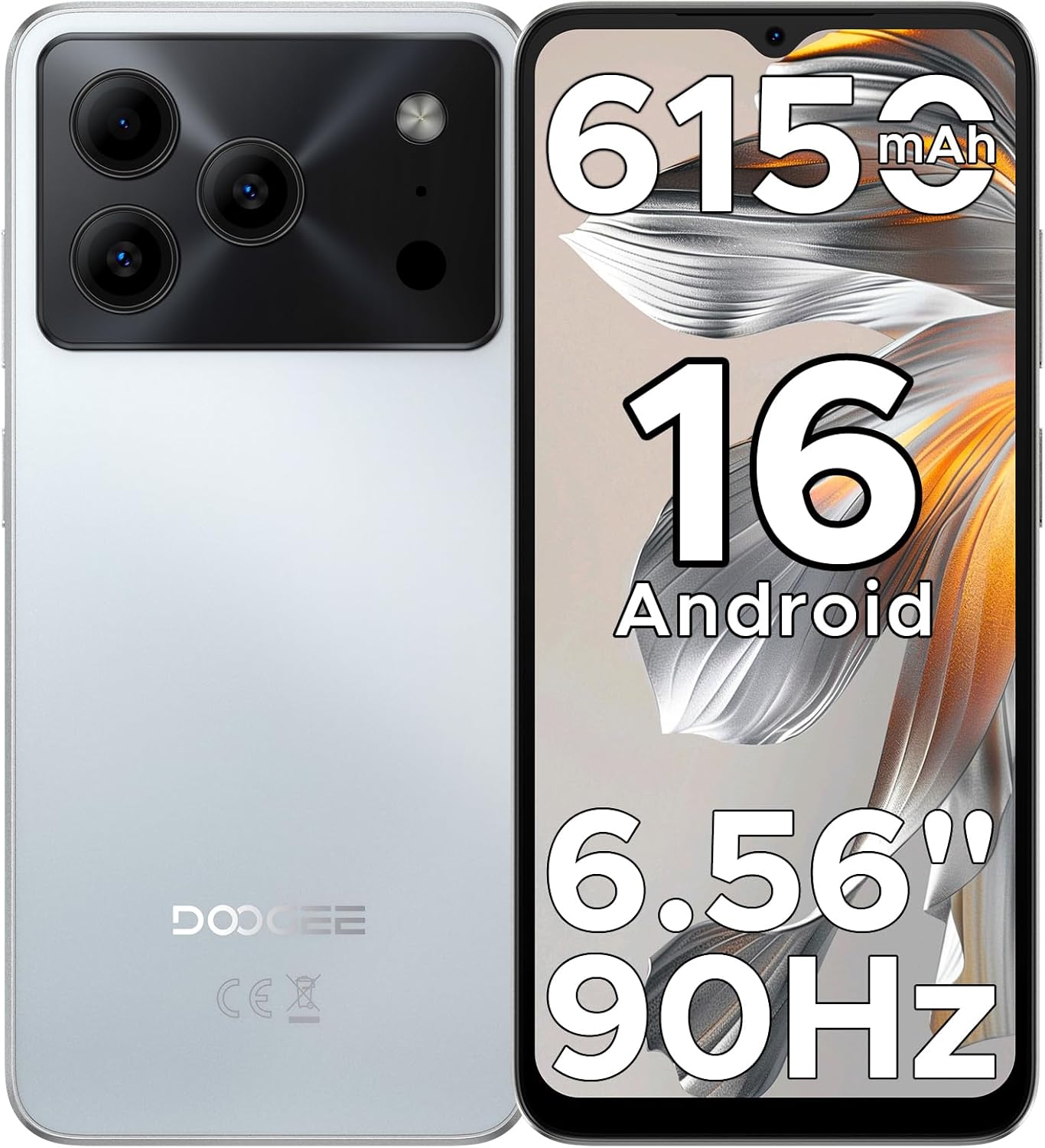
Image: The DOOGEE Note 56 smartphone, highlighting its 6150mAh battery, Android 16 OS, 6.56-inch display, and 90Hz refresh rate.
3. การตั้งค่า
3.1. การติดตั้งซิมการ์ดและเมมโมรี่การ์ด
The DOOGEE Note 56 supports dual SIM cards and expandable storage via a TF card. Use the provided SIM tool to open the SIM tray.
- ค้นหาถาดซิมที่ด้านข้างของโทรศัพท์
- ใส่เครื่องมือถอดซิมเข้าไปในรูเล็ก ๆ ข้างถาดแล้วกดให้แน่นจนกว่าถาดจะดีดออกมา
- ใส่ซิมการ์ดนาโนและ/หรือการ์ด TF ลงในช่องที่กำหนดบนถาด ตรวจสอบให้แน่ใจว่าด้านที่เป็นสีทองหันลงด้านล่าง
- Carefully push the tray back into the phone until it is flush with the device's side.
3.2. การเปิดเครื่องครั้งแรกและการกำหนดค่าพื้นฐาน
- Press and hold the Power button (located on the right side) until the DOOGEE logo appears.
- ทำตามคำแนะนำบนหน้าจอเพื่อเลือกภาษา เชื่อมต่อกับเครือข่าย Wi-Fi และตั้งค่าบัญชี Google ของคุณ
- Review และยอมรับข้อกำหนดและเงื่อนไข
3.3. Face Unlock Setup
For quick and secure access, you can set up Face Unlock:
- นำทางไปที่ การตั้งค่า > ความปลอดภัยและความเป็นส่วนตัว > การปลดล็อคด้วยใบหน้า.
- Follow the on-screen instructions to register your face. Ensure you are in a well-lit area and hold the phone at arm's length.
- Once registered, you can unlock your phone by simply looking at the front camera.

Image: Visual representation of Instant Face Unlock in action, alongside accurate navigation and FM radio interfaces.
4. คู่มือการใช้งาน
4.1. คุณสมบัติการแสดงผล
The DOOGEE Note 56 features a 6.56-inch HD+ IPS waterdrop screen with a 90Hz refresh rate, offering a smooth and clear visual experience. The 20:9 aspect ratio and 269 PPI contribute to vibrant visuals for videos, browsing, and gaming.

Image: The DOOGEE Note 56 display showcasing its 6.56-inch HD+ screen with a 90Hz refresh rate for smooth viewการไอเอ็นจี
4.2. การใช้กล้อง
Capture moments with the 8MP main rear camera and 5MP front camera. The camera system includes AI Scene Recognition, which automatically detects 12 scenes and optimizes settings for clearer shots. Available features include HDR, Night Mode, Beauty, and Portrait mode.
- กล้องหลัง: 8MP for clear, natural photos. Supports HDR, Pro Mode, Smile Capture, Panoramas, Burst Shots, Night Mode, and Fun Filters.
- กล้องหน้า: 5MP with Beauty Mode and Portrait effect for bright and natural selfies.

Image: An illustration of the DOOGEE Note 56's 5MP front and 8MP rear cameras, highlighting AI Scene Recognition and example photos taken with the device.
4.3. การจัดการแบตเตอรี่
The device is equipped with a 6150mAh Silicon-Carbon battery, designed for extended use. It supports OTG reverse charging, allowing you to use your phone as a power bank for other devices.
- การชาร์จ: Use the provided Type-C cable and charger for optimal charging.
- การชาร์จแบบ OTG ย้อนกลับ: Connect a compatible OTG cable to charge other devices from your phone.
- อายุการใช้งานแบตเตอรี่: Expect approximately 7 hours of web browsing, 49.5 hours of music playback, 14 hours of video watching, or 28 hours of calling on a full charge.
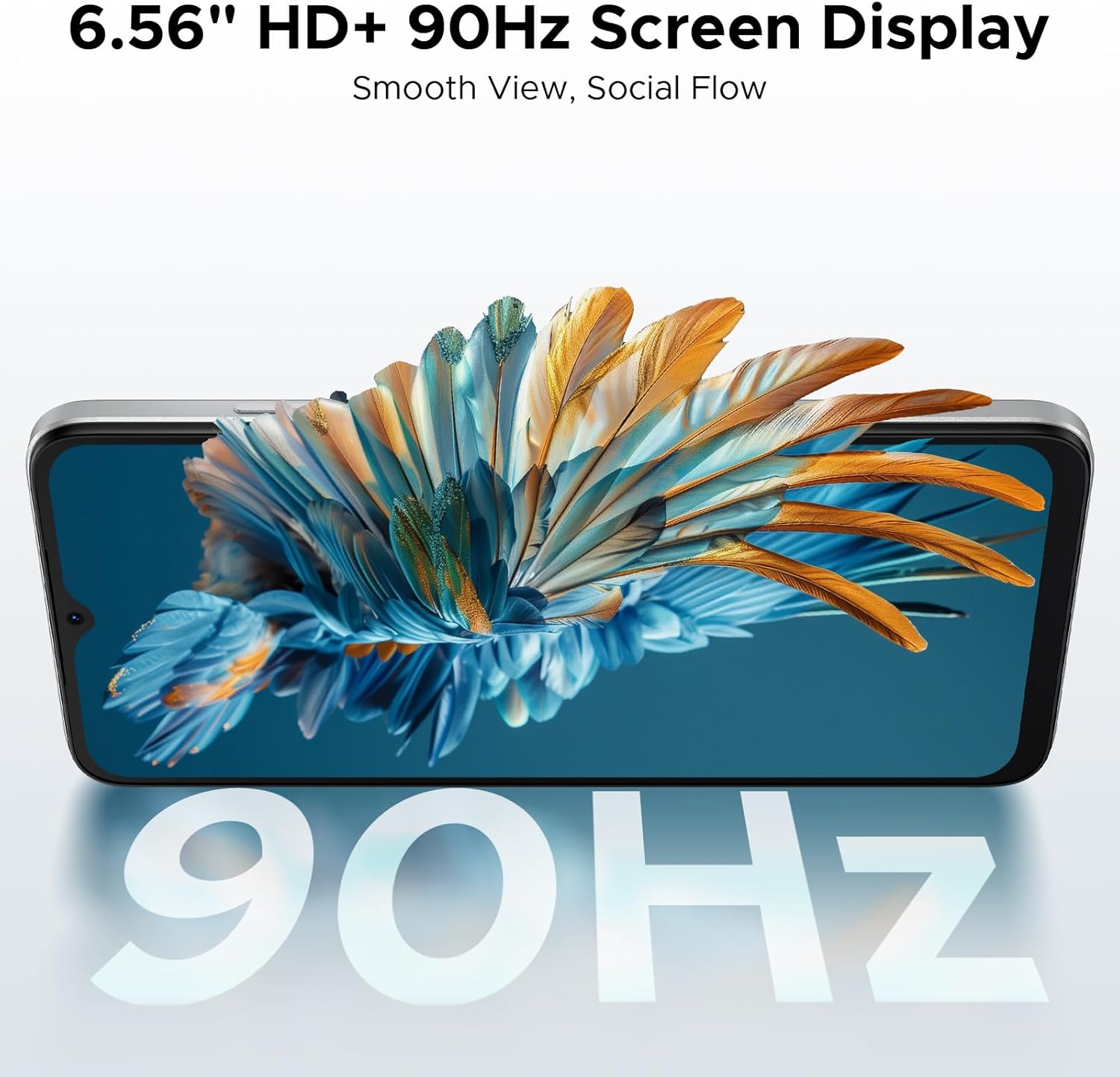
Image: A diagram illustrating the 6150mAh Silicon-Carbon battery, emphasizing its longevity, durability, smaller size, and 5W reverse charging capability.
4.4. การจัดการการจัดเก็บข้อมูล
The phone comes with 64GB of built-in storage and supports expansion up to 2TB via a TF (microSD) card. This allows ample space for photos, apps, and media.
- หากต้องการจัดการพื้นที่จัดเก็บข้อมูล ให้ไปที่ การตั้งค่า > พื้นที่จัดเก็บ.
- Insert a TF card into the SIM tray for additional storage. (TF card needs to be purchased separately).

Image: A visual representation of the phone's internal architecture, highlighting 64GB storage and 24GB RAM (3GB physical + 21GB virtual).
4.5. การเชื่อมต่อ
Stay connected with various options:
- 4G สองซิม: Supports two SIM cards for flexible network usage.
- ไวไฟ : เชื่อมต่อกับเครือข่ายไร้สายเพื่อการเข้าถึงอินเทอร์เน็ต
- Bluetooth 4.2: สำหรับเชื่อมต่ออุปกรณ์เสริมไร้สาย
- จีพีเอส: สำหรับบริการนำทางและระบุตำแหน่ง
- วิทยุ FM: Listen to local radio stations.
- วงดนตรีที่รองรับ: GSM: B2/3/5/8; WCDMA: B1/2/4/5/8; TDD: B38/40/41; FDD: B1/2/3/4/5/7/8/18/19/20/25/26/28A/28B/66. Please check with your local carrier for compatibility.

Image: A person holding the DOOGEE Note 56, with a list of supported 4G network bands (GSM, WCDMA, LTE-TDD, LTE-FDD) and a note about carrier compatibility.
4.6. คุณสมบัติของระบบปฏิบัติการ Android 16
The DOOGEE Note 56 runs on the latest Android 16 operating system, providing an efficient, secure, and user-friendly experience. Key features include:
- Intuitive interface for daily use.
- Enhanced security and privacy controls.
- Smart OS features like Smart Body Sensing, Dual System Mode, Super Clipboard, Memory Expansion, Screen Optimization, and Customizable Screen Colors.

Image: Various screenshots of the Android 16 OS interface, demonstrating features like battery status, system settings, music player, maps, and app icons.
5. การบำรุงรักษา
5.1. การดูแลแบตเตอรี่
- หลีกเลี่ยงอุณหภูมิที่สูงเกินไป เพราะอาจทำให้ประสิทธิภาพของแบตเตอรี่ลดลงได้
- อย่าชาร์จโทรศัพท์ทิ้งไว้นานเกินไปหลังจากแบตเตอรี่ถึง 100%
- ใช้เฉพาะเครื่องชาร์จและสายเคเบิลดั้งเดิมที่ให้มาพร้อมกับอุปกรณ์เท่านั้น
5.2. การอัปเดตซอฟต์แวร์
ตรวจสอบและติดตั้งการอัปเดตซอฟต์แวร์เป็นประจำเพื่อให้แน่ใจว่าอุปกรณ์ของคุณมีฟีเจอร์ แพตช์ความปลอดภัย และการปรับปรุงประสิทธิภาพล่าสุด โดยทั่วไปคุณจะพบตัวเลือกนี้ได้ใน การตั้งค่า > ระบบ > การอัพเดทระบบ.
5.3. การทำความสะอาด
- ใช้ผ้านุ่มที่ไม่เป็นขุยในการทำความสะอาดหน้าจอและตัวเครื่องโทรศัพท์
- หลีกเลี่ยงการใช้สารเคมีรุนแรงหรือวัสดุที่มีฤทธิ์กัดกร่อน
- รักษาพอร์ตให้ปราศจากฝุ่นและเศษขยะ
6 การแก้ไขปัญหา
If you encounter issues with your DOOGEE Note 56, consider the following common solutions:
- อุปกรณ์ไม่ตอบสนอง: กดปุ่มเปิด/ปิดค้างไว้ประมาณ 10-15 วินาทีเพื่อบังคับให้รีสตาร์ท
- แอปขัดข้อง: Clear the cache for the problematic app (Settings > Apps > [App Name] > Storage > Clear cache). If the issue persists, try reinstalling the app.
- อายุการใช้งานแบตเตอรี่ไม่ดี: Check background app usage (Settings > Battery) and adjust settings. Reduce screen brightness or disable unnecessary features like GPS or Bluetooth when not in use.
- ปัญหาการเชื่อมต่อเครือข่าย: Toggle Airplane Mode on and off. Restart the phone. Check SIM card installation.
- พื้นที่เก็บข้อมูลเต็ม: ลบที่ไม่จำเป็น files, photos, or apps. Consider moving media to a TF card.
For more complex issues, refer to the DOOGEE support webเว็บไซต์หรือติดต่อฝ่ายบริการลูกค้า
7. ข้อมูลจำเพาะ
| คุณสมบัติ | รายละเอียด |
|---|---|
| ชื่อรุ่น | หมายเหตุ56 |
| ระบบปฏิบัติการ | แอนดรอยด์ 16 |
| ความเร็วซีพียู | 1.6 กิกะเฮิรตซ์ |
| ขนาดหน้าจอ | 6.56 นิ้ว |
| ปณิธาน | 720 x 1612 |
| อัตราการรีเฟรช | 90เฮิรตซ์ |
| ขนาดหน่วยความจำ RAM ที่ติดตั้ง | หน่วยความจำ 24 GB (3 GB แบบกายภาพ + 21 GB แบบเสมือน) |
| ความจุของหน่วยความจำ | 64 GB (สามารถเพิ่มความจุได้สูงสุด 2 TB ผ่านการ์ด TF) |
| ความจุของแบตเตอรี่ | 6150 มิลลิวินาทีamp ชั่วโมง (ลิเธียมโพลิเมอร์) |
| กล้องหลัง | 8MP |
| กล้องหน้า | 5MP |
| เทคโนโลยีการเชื่อมต่อ | USB, Wi-Fi, Bluetooth 4.2, GPS, FM Radio |
| คุณสมบัติพิเศษ | Dual SIM, Expandable Memory, Supports USB OTG, Face Unlock |
| น้ำหนัก | 9.2 ออนซ์ (262 กรัม) |
| ขนาด | 7.63 x 4.09 x 2 นิ้ว |
| สี | สีขาว |
8. วิดีโอผลิตภัณฑ์อย่างเป็นทางการ
The following videos provide additional information and visual guides for your DOOGEE Note 56 smartphone:
DOOGEE Note 56 Unlocked Phone Android 16
วิดีโอ: จบแล้วview of the DOOGEE Note 56, highlighting its features as an unlocked Android 16 phone.
DOOGEE Note 56 8.45mm Ultra-thin Body
Video: This video showcases the ultra-slim design of the DOOGEE Note 56, emphasizing its 8.45mm thin profile.
DOOGEE Note 56 6150mAh Silicon-Carbon Battery
Video: A detailed look at the 6150mAh Silicon-Carbon battery of the DOOGEE Note 56, highlighting its capacity and benefits.
9. การรับประกันและการสนับสนุน
Your DOOGEE Note 56 comes with a warranty. Please refer to the included Warranty Card in your product package for detailed information regarding warranty terms, conditions, and duration. For further support, you may visit the official DOOGEE webเว็บไซต์หรือติดต่อฝ่ายบริการลูกค้าของพวกเขา


