1. บทนำ
Thank you for choosing the HTC N15 Wireless Clip-On Earbuds. These open-ear earphones are designed to provide audio while allowing you to remain aware of your surroundings. This manual provides detailed instructions for setup, operation, and maintenance to ensure optimal performance and longevity of your device.

Image 1.1: HTC N15 Wireless Clip-On Earbuds and Charging Case.
2. เนื้อหาบรรจุภัณฑ์
กรุณาตรวจสอบสิ่งของภายในกล่องเมื่อแกะกล่อง หากมีสินค้าใดสูญหายหรือเสียหาย โปรดติดต่อฝ่ายสนับสนุนลูกค้า
- 1 Pair HTC N15 Clip-On Earbuds
- 1 กล่องชาร์จ
- สายชาร์จ USB-C 1 เส้น
- 1. คู่มือผู้ใช้ (เอกสารฉบับนี้)
Video 2.1: Unboxing the HTC N15 Wireless Clip-On Earbuds, showing the earbuds, charging case, and USB-C cable.
3. สินค้าหมดview
3.1 คุณสมบัติของหูฟัง
- การออกแบบแบบเปิดหู: ช่วยให้รับรู้ถึงสิ่งรอบข้างได้
- Clip-On Fit: Secure and comfortable for various activities.
- การควบคุมแบบสัมผัส: Intuitive control for audio and calls.
- ไมโครโฟนในตัว: เพื่อการสื่อสารที่ชัดเจน
- น้ำหนักเบา: Each earbud weighs approximately 4.7g.
- ไดร์เวอร์ขนาด 13 มม.: เพื่อคุณภาพเสียงที่ดีขึ้น
3.2 คุณสมบัติของเคสชาร์จ
- พอร์ตชาร์จ USB-C: เพื่อความสะดวกในการชาร์จไฟ
- ไฟแสดงสถานะแบตเตอรี่: LEDs show charging status and battery level.

ภาพที่ 3.1: จบแล้วview of HTC N15 earbuds and charging case, highlighting battery life and Type-C charging port.
4. การตั้งค่า
4.1 การชาร์จหูฟังและเคส
ก่อนใช้งานครั้งแรก ควรชาร์จหูฟังและเคสชาร์จให้เต็ม
- วางหูฟังลงในกล่องชาร์จ
- เชื่อมต่อสายชาร์จ USB-C เข้ากับพอร์ตชาร์จบนเคสและแหล่งจ่ายไฟ
- The LED indicators on the case will illuminate to show charging status. A full charge for the case takes approximately 1.5 hours.
- The earbuds provide up to 8 hours of playback on a single charge, and the charging case extends total playtime to 22 hours.

Image 4.1: Visual representation of charging times and battery life for the HTC N15 earbuds and case.
4.2 การจับคู่กับอุปกรณ์
The HTC N15 earbuds use Bluetooth 6.0 for fast and stable connections.
- ตรวจสอบให้แน่ใจว่าหูฟังได้รับการชาร์จและอยู่ในกล่องชาร์จ
- เปิดกล่องชาร์จ หูฟังจะเข้าสู่โหมดจับคู่โดยอัตโนมัติ ซึ่งจะแสดงด้วยไฟ LED กระพริบ
- บนอุปกรณ์ของคุณ (สมาร์ทโฟน แท็บเล็ต แล็ปท็อป) ไปที่การตั้งค่าบลูทูธ และเปิดบลูทูธ
- ค้นหา อุปกรณ์ที่มีอยู่และเลือก "HTC NE15" จากรายการ
- เมื่อเชื่อมต่อเสร็จแล้ว ไฟ LED บนหูฟังจะหยุดกะพริบ และคุณจะได้ยินเสียงยืนยัน
เมื่อถอดหูฟังออกจากเคส หูฟังจะเชื่อมต่อกับอุปกรณ์ที่จับคู่ไว้ล่าสุดโดยอัตโนมัติ หากเปิดใช้งาน Bluetooth บนอุปกรณ์

Image 4.2: The HTC N15 earbuds offer flexible connectivity with various devices including notebooks, TVs, desktops, watches, phones, and iPads.
5. คำแนะนำในการสวมใส่
เพื่อให้ได้เสียงที่ดีที่สุดและความสบายสูงสุด โปรดตรวจสอบให้แน่ใจว่าได้สวมหูฟังอย่างถูกต้อง
- ระบุหูฟังด้านซ้าย (L) และด้านขวา (R)
- Confirm the direction of the earbud, ensuring the clip is oriented to hook over the top of your ear.
- Gently clip the earbud onto the thinnest part of your ear, sliding it down until it feels secure.
- Adjust the earbud tip to align with your ear canal for the best sound experience and comfort.

Image 5.1: Step-by-step guide on how to properly wear the HTC N15 Clip-On Earbuds for a secure and comfortable fit.

Image 5.2: Illustration of the ergonomic open-ear clip design and wearing tips for optimal sound alignment.
6. คู่มือการใช้งาน
The HTC N15 earbuds feature smart touch controls for easy management of audio and calls.

Image 6.1: Diagram illustrating the touch control functions for the HTC N15 earbuds.
6.1 การควบคุมเพลง
- เล่น/หยุดชั่วคราว: ดับเบิ้ลคลิกที่หูฟังข้างใดข้างหนึ่ง
- เพลงถัดไป: Triple-click the Right (R) earbud.
- เพลงก่อนหน้า: Triple-click the Left (L) earbud.
- ปรับระดับเสียงขึ้น: Click the Right (R) earbud.
- ลดเสียงลง: Click the Left (L) earbud.
6.2 การควบคุมการโทร
- รับ/วางสาย: Click either earbud.
- ปฏิเสธสาย: กดเอียร์บัดข้างใดข้างหนึ่งค้างไว้ 2 วินาที
6.3 ผู้ช่วยเสียงและโหมดเกม
- เปิดใช้งาน Voice Assistant: Hold the Left (L) earbud for 2 seconds.
- โหมดเกม: Hold the Right (R) earbud for 2 seconds to activate low-latency mode.

Image 6.2: The HTC N15 earbuds feature a low-latency Game Mode, reducing audio delay to 40ms for an improved gaming experience.
7. การบำรุงรักษา
7.1 การทำความสะอาด
- ทำความสะอาดหูฟังและกล่องชาร์จเป็นประจำด้วยผ้าแห้งนุ่มที่ไม่เป็นขุย
- ห้ามใช้สารทำความสะอาดที่มีฤทธิ์กัดกร่อน แอลกอฮอล์ หรือตัวทำละลายเคมี
- ตรวจสอบให้แน่ใจว่าหน้าสัมผัสการชาร์จบนหูฟังทั้งสองข้างและเคสสะอาดและแห้ง
7.2 พื้นที่จัดเก็บ
- เก็บหูฟังเอียร์บัดไว้ในกล่องชาร์จเมื่อไม่ได้ใช้งานเพื่อปกป้องและชาร์จอยู่เสมอ
- หลีกเลี่ยงการเก็บในที่ที่มีอุณหภูมิที่สูงหรือที่มีความชื้นสูง
7.3 ความทนทานต่อน้ำและฝุ่นละออง
The HTC N15 earbuds are rated IP45 for water and dust resistance. This means they are protected against dust ingress and low-pressure water jets from any direction. They are suitable for workouts and light rain but should not be submerged in water.
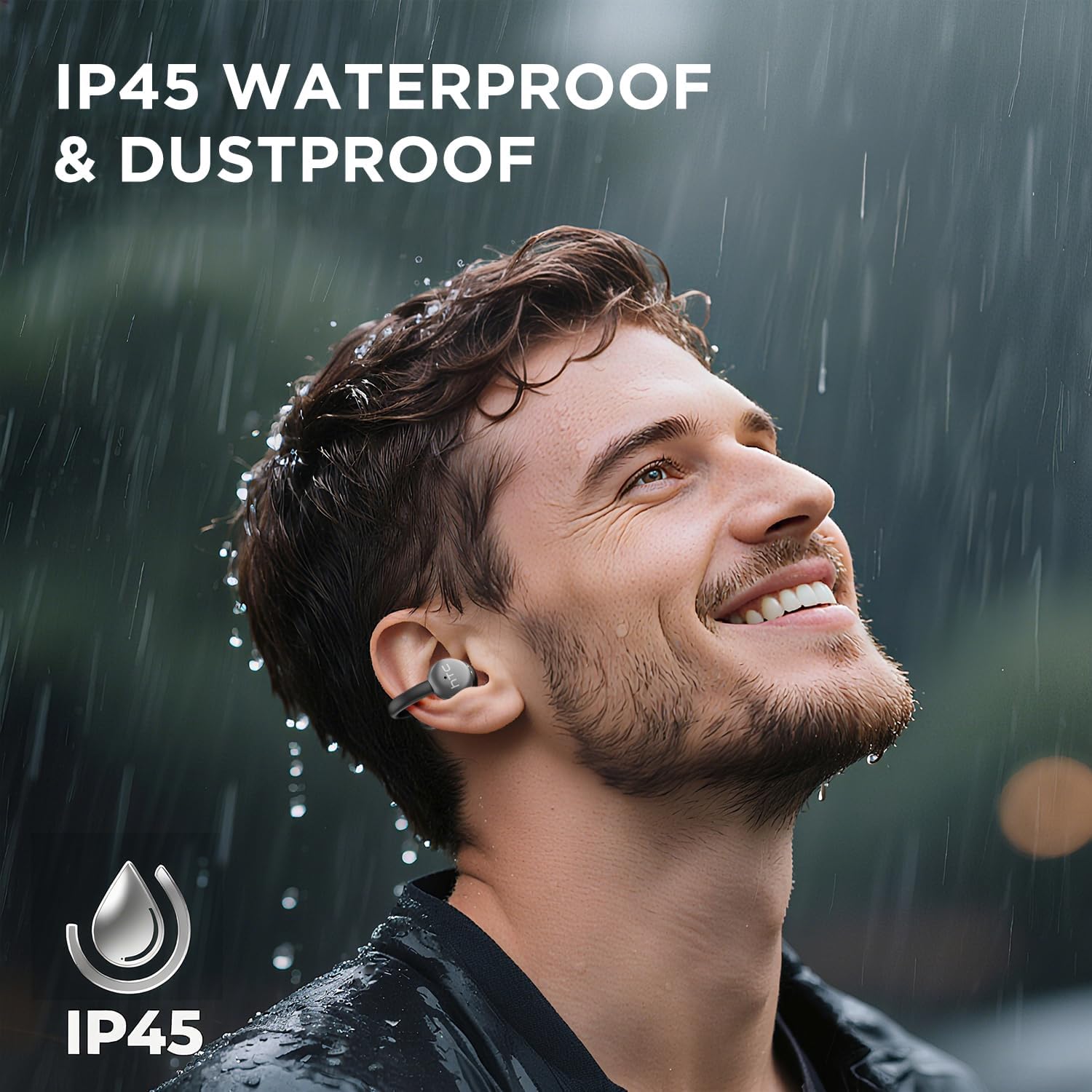
Image 7.1: The HTC N15 earbuds are IP45 rated, offering protection against dust and water splashes, making them suitable for outdoor activities.
8 การแก้ไขปัญหา
| ปัญหา | สาเหตุที่เป็นไปได้ | สารละลาย |
|---|---|---|
| หูฟังเอียร์บัดไม่จับคู่ | Low battery; Bluetooth off on device; Earbuds not in pairing mode; Interference. | Charge earbuds and case. Ensure Bluetooth is enabled on your device. Place earbuds in case, close, then open to re-enter pairing mode. Move closer to your device. |
| ไม่มีเสียงหรือคุณภาพเสียงไม่ดี | Volume too low; Earbuds not properly seated; Device not connected; Dirty earbuds. | Increase device volume. Adjust earbuds for a proper fit. Reconnect earbuds to your device. Clean earbuds as per maintenance section. |
| หูฟังเอียร์บัดไม่ชาร์จ | Charging cable not connected properly; Dirty charging contacts; Faulty cable/adapter. | Ensure USB-C cable is securely connected. Clean charging contacts. Try a different USB-C cable or power adapter. |
| ระบบควบคุมแบบสัมผัสไม่ตอบสนอง | Earbuds not active; Moisture on touch surface; Software glitch. | Ensure earbuds are active and connected. Wipe touch surface dry. Place earbuds back in case, close, then reopen to reset. |
9. ข้อมูลจำเพาะ
| คุณสมบัติ | ข้อมูลจำเพาะ |
|---|---|
| ชื่อรุ่น | เอชทีซี NE15 |
| เวอร์ชันบลูทูธ | 6.0 |
| เทคโนโลยีการเชื่อมต่อ | ไร้สาย (Bluetooth) |
| ประเภทหูฟัง | Clip-On, Open-Ear |
| ขนาดไดร์เวอร์ | 13มม. |
| วิธีการควบคุม | สัมผัส |
| ไมโครโฟน | ในตัว |
| เวลาเล่นแบบชาร์จครั้งเดียว | นานถึง 8 ชั่วโมง |
| เวลาเล่นทั้งหมด (รวมเคส) | นานถึง 22 ชั่วโมง |
| Case Fast Charging | ประมาณ 1.5 ชั่วโมง |
| พอร์ตชาร์จ | ยูเอสบี-ซี |
| ความต้านทานต่อน้ำ | IP45 (ทนน้ำและฝุ่น) |
| น้ำหนักเอียร์บัด | ประมาณ 4.7 กรัม (ต่อชิ้น) |
| อุปกรณ์ที่รองรับ | Smartphones, Tablets, Bluetooth-enabled Devices (iOS, Android) |
| ยูพีซี | 768649989642 |
10. การรับประกันและการสนับสนุน
HTC provides customer support for its products. If you encounter any issues or have questions not covered in this manual, please contact our support team.
- การสนับสนุนลูกค้า: 7*24 Live Chat Support is available. Refer to the product packaging or official HTC webเว็บไซต์สำหรับรายละเอียดการติดต่อ
- ข้อมูลการรับประกัน: Please retain your proof of purchase for warranty claims. Specific warranty terms and conditions may vary by region. Refer to the warranty card included in your package or the official HTC webเว็บไซต์เพื่อดูข้อมูลโดยละเอียด


