1. บทนำ
This manual provides essential information for the safe and efficient use of your DOOGEE Fire 3 rugged smartphone. Please read it thoroughly before operating your device.
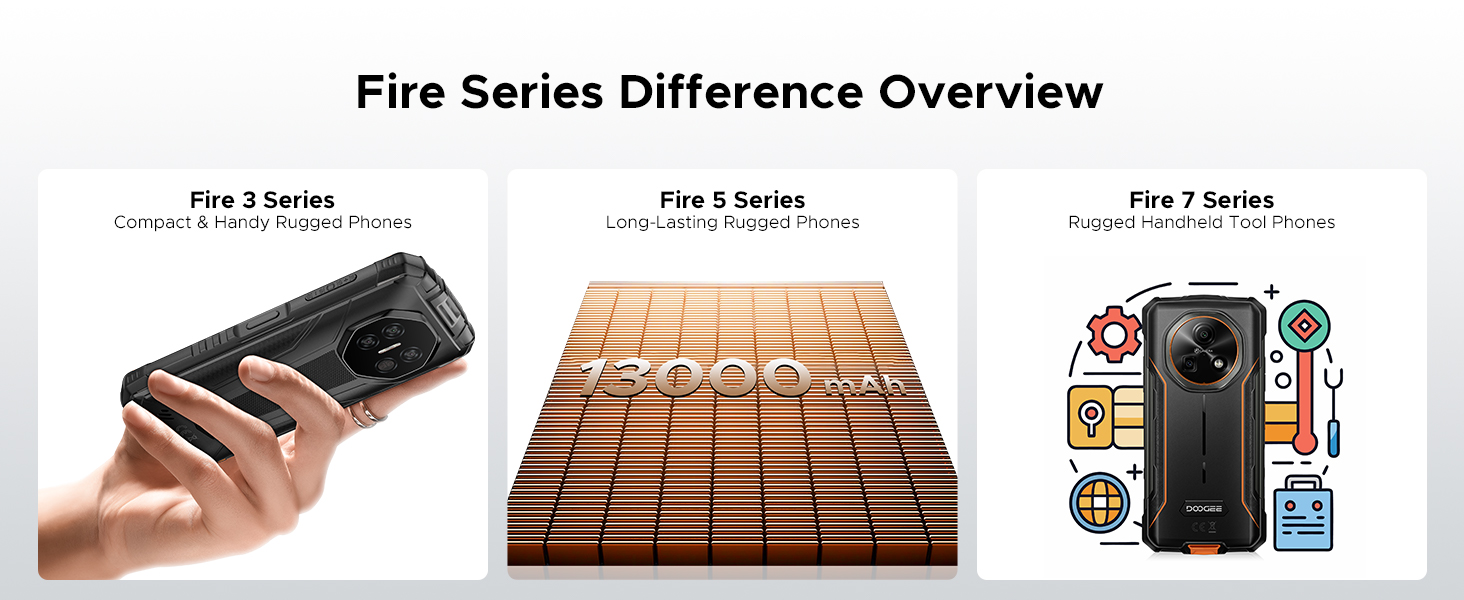
The DOOGEE Fire 3 is designed for durability and performance, featuring a robust build, long-lasting battery, and the latest Android 15 operating system. It is engineered to withstand challenging environments while providing a smooth and personalized mobile experience.

รูปที่ 1: ด้านหน้าและด้านหลัง view of the DOOGEE Fire 3 rugged smartphone.
Unboxing the DOOGEE Fire 3
Watch this video for a detailed unboxing experience of your new DOOGEE Fire 3 smartphone, showcasing all included accessories and initial presentation.
Video 1: DOOGEE Fire 3 Unboxing.
2. การตั้งค่าเริ่มต้น
2.1 การติดตั้งซิมการ์ดและการ์ด MicroSD
To install your SIM card(s) and an optional MicroSD card:
- ค้นหาถาดใส่การ์ด SIM ที่ด้านข้างของโทรศัพท์
- เสียบเครื่องมือถอดซิมที่ให้มาลงในรูเล็กๆ ข้างถาด แล้วดันเบาๆ จนกว่าถาดจะหลุดออกมา
- ใส่การ์ด Nano-SIM และ/หรือการ์ด MicroSD ลงในช่องที่กำหนดบนถาด ตรวจสอบให้แน่ใจว่าหน้าสัมผัสสีทองคว่ำลง
- ค่อยๆ ดันถาดกลับเข้าไปในโทรศัพท์จนกระทั่งแนบสนิทกับตัวเครื่อง
Note: Please check compatibility with your local frequency band before purchasing and inserting SIM cards. The phone supports GSM T-Mobile, but may not work with AT&T, new Cricket, or Verizon.
2.2 การเปิดเครื่องและการกำหนดค่าเริ่มต้น
To power on your device, press and hold the Power button located on the side of the phone until the DOOGEE logo appears. Follow the on-screen prompts to complete the initial setup, which includes:
- การเลือกภาษาของคุณ
- การเชื่อมต่อกับเครือข่าย Wi-Fi
- Setting up your Google account.
- Configuring screen lock (PIN, pattern, password).
2.3 การตั้งค่าการปลดล็อกด้วยใบหน้า
For enhanced security and convenience, you can set up Face Unlock:
- ไปที่ การตั้งค่า > ความปลอดภัยและความเป็นส่วนตัว > ปลดล็อคด้วยใบหน้า.
- ทำตามคำแนะนำบนหน้าจอเพื่อลงทะเบียนใบหน้าของคุณ ตรวจสอบให้แน่ใจว่าคุณอยู่ในบริเวณที่มีแสงสว่างเพียงพอ
- เมื่อลงทะเบียนแล้ว คุณสามารถปลดล็อกโทรศัพท์ได้โดยเพียงแค่สบตากับกล้องหน้า

Figure 2: Key features including Face Unlock.
3. การใช้งานอุปกรณ์ของคุณ
3.1 คุณสมบัติของ Android 15
Your DOOGEE Fire 3 runs on Android 15, offering a range of features for improved usability and privacy:
- การโคลนแอป: Run multiple instances of the same app for different accounts.
- ระบบตรวจจับการเคลื่อนไหวอัจฉริยะ: Utilize gestures for quick actions.
- ซุปเปอร์คลิปบอร์ด: ปรับปรุงฟังก์ชันคลิปบอร์ดสำหรับจัดการเนื้อหาที่คัดลอก
- หน้าจอแยก: Use two apps simultaneously on the screen.
- การปกป้องความเป็นส่วนตัวที่ดียิ่งขึ้น: การควบคุมแบบละเอียดเกี่ยวกับการอนุญาตแอปและการเข้าถึงข้อมูล
- โหมดถุงมือ: Improve touch sensitivity for use with gloves.
- การตระหนักรู้เกี่ยวกับหน้าจอ: Keeps the screen on while you are looking at it.
- คำบรรยายสด: Automatically captions media playing on your device (English only).
รูปที่ 3: คุณสมบัติของระบบปฏิบัติการ Android 15
3.2 การใช้งานกล้อง
The DOOGEE Fire 3 features a 13MP AI triple rear camera and an 8MP front camera.
- ถ่ายรูป: เปิดแอปกล้อง จัดองค์ประกอบภาพ และแตะปุ่มชัตเตอร์
- การจดจำฉาก AI: The camera automatically detects scenes (e.g., greenery, sunrise) and optimizes settings for the best photo quality.
- กล้องหน้า: Switch to the front camera for selfies and video calls.

Figure 4: Capturing photos with the 13MP main camera.
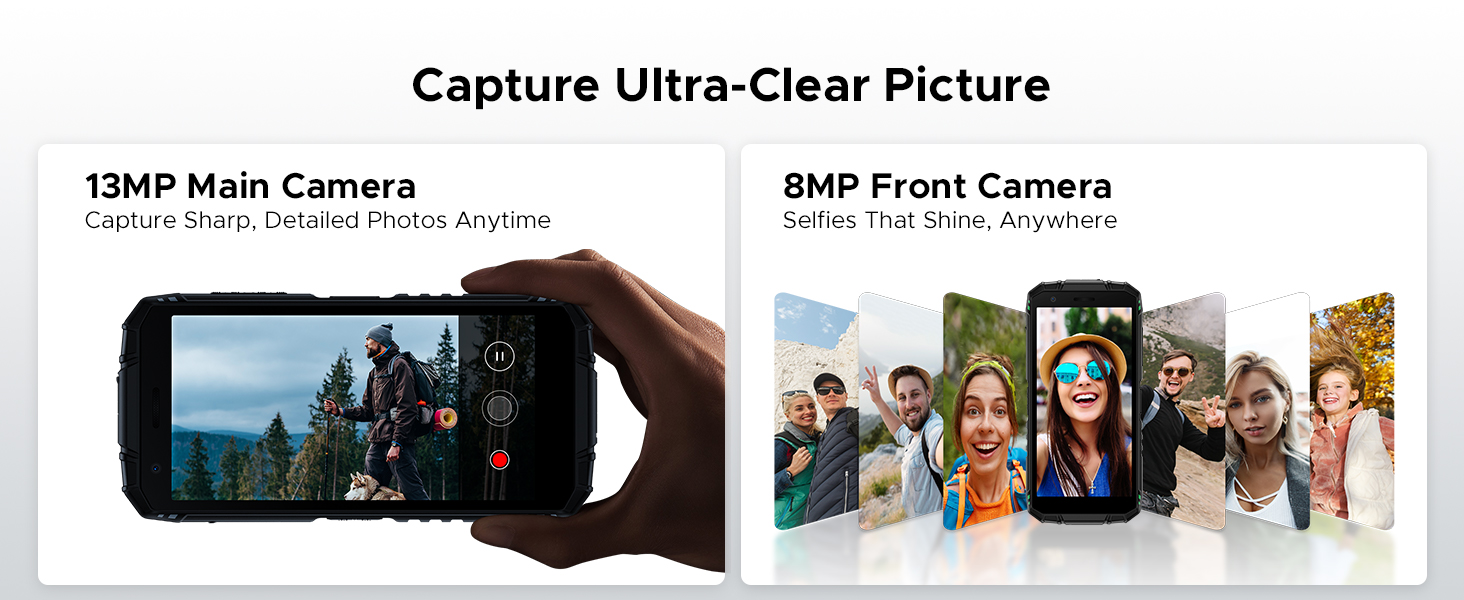
Figure 5: AI Scene Recognition in the camera app.
3.3 Digital Toolkit
The DOOGEE Fire 3 includes a suite of useful tools for outdoor and daily activities:
- เข็มทิศ
- เครื่องวัดเสียง
- ภาพแขวน
- แว่นขยาย
- ไม้บรรทัด
- ลูกดิ่งบ๊อบ
- กระดิ่งปลุก
- Gradienter
- การวัดส่วนสูง
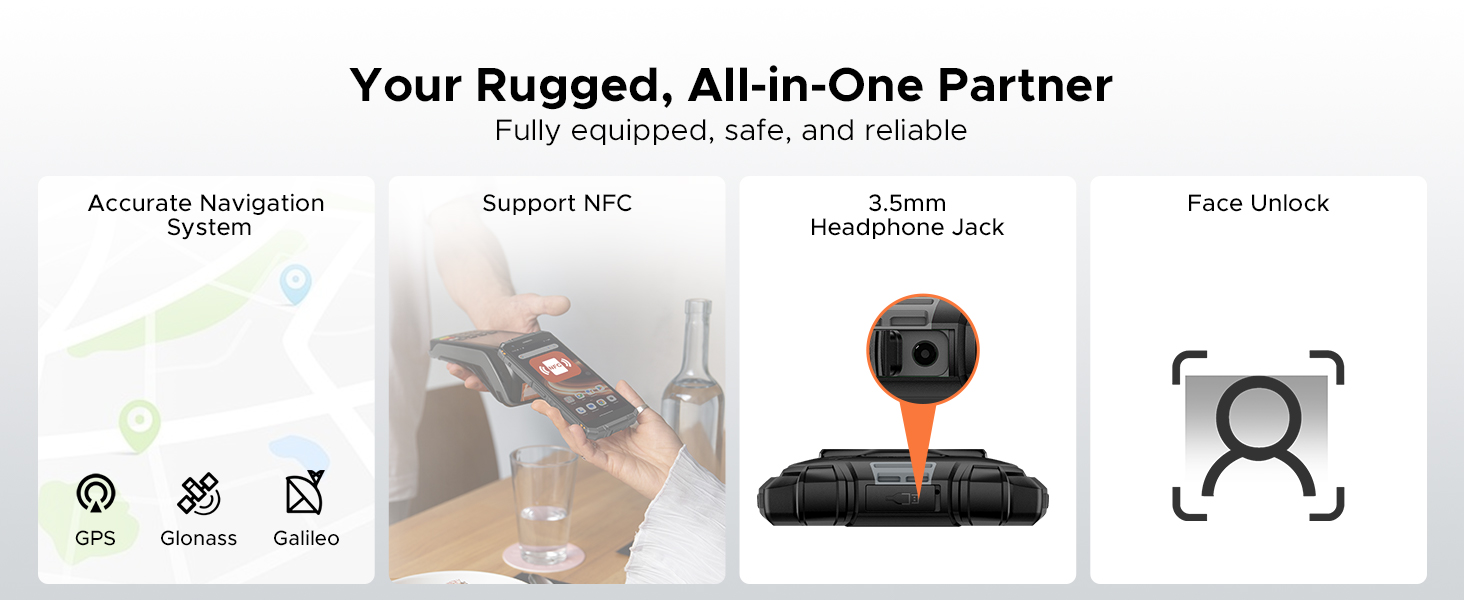
Figure 6: Digital Toolkit applications.
3.4 การนำทางและการเชื่อมต่อ
The device supports multiple navigation systems and essential connectivity features:
- การนำทาง: Accurate positioning with GPS, Glonass, and Galileo.
- NFC: Supports Near Field Communication for contactless payments and data exchange.
- แจ็คหูฟัง 3.5 มม.: สำหรับอุปกรณ์เสียงแบบมีสาย
3.5 General Usage Overview
วิดีโอนี้ให้ข้อมูลทั่วไปเกี่ยวกับview of the DOOGEE Fire 3's compact size and powerful features in various usage scenarios.
Video 2: DOOGEE Fire 3 Small Body, Big Power.
4. การจัดการแบตเตอรี่
The DOOGEE Fire 3 is equipped with a massive 8350mAh battery, designed for extended use.
4.1 อายุการใช้งานแบตเตอรี่และการชาร์จ
- เวลาสแตนด์บาย: นานถึง 47 วัน
- การเล่นเพลง: นานถึง 87 ชั่วโมง
- การรับชมวิดีโอ: นานถึง 28 ชั่วโมง
- การโทร: นานถึง 44 ชั่วโมง
- การชาร์จ: รองรับการชาร์จ 10W
- การชาร์จแบบย้อนกลับ: The phone can act as a power bank to charge other devices like earbuds or smartwatches.
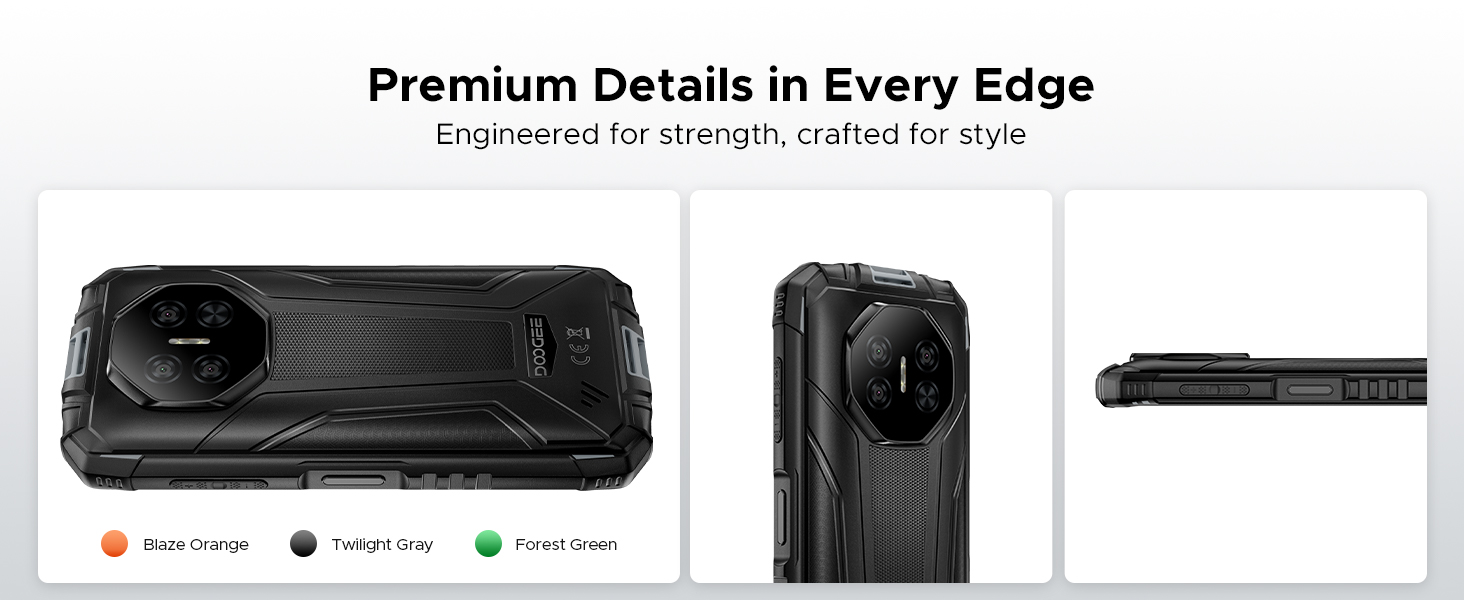
Figure 7: 8350mAh large battery features.
4.2 Battery Performance Overview
This video demonstrates the impressive battery life and charging capabilities of the DOOGEE Fire 3 rugged phone.
Video 3: DOOGEE Fire 3 Rugged Phone - Big Battery.
5. ความทนทานและการออกแบบ
The DOOGEE Fire 3 is built to endure harsh conditions, certified with industry-leading ruggedness standards.
5.1 Ruggedness Certifications
- IP68: ทนน้ำและฝุ่นละออง
- IP69K: Resistant to high-pressure, high-temperature water jets.
- มาตรฐาน MIL-STD-810H: Military-grade standard for drops, shocks, and extreme temperatures.
The phone can withstand drops from up to 5 feet, survive 30 minutes underwater at 4 feet depth, and is fully protected against dust, sand, and dirt.
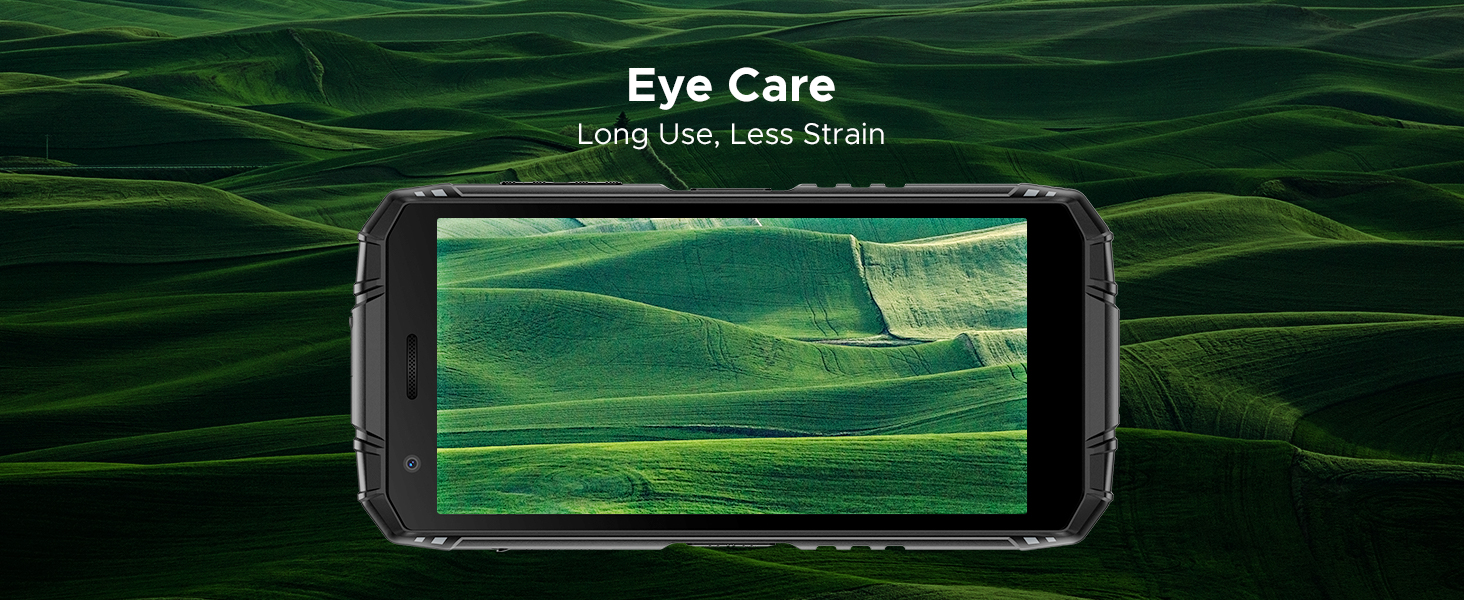
Figure 8: IP68/IP69K/MIL-STD-810H certifications for water, drop, and dust resistance.
5.2 ลักษณะทางกายภาพ
- ขนาด : 162.5 x 77.4 x 17.8 มม.
- น้ำหนัก: 291 กรัม (9.2 ออนซ์)
- แสดง: 5.5" HD+ IPS Display with 400 nits (TYP) brightness, 16.7M screen color, and 720*1440 resolution. Features Eye Care mode for reduced strain.
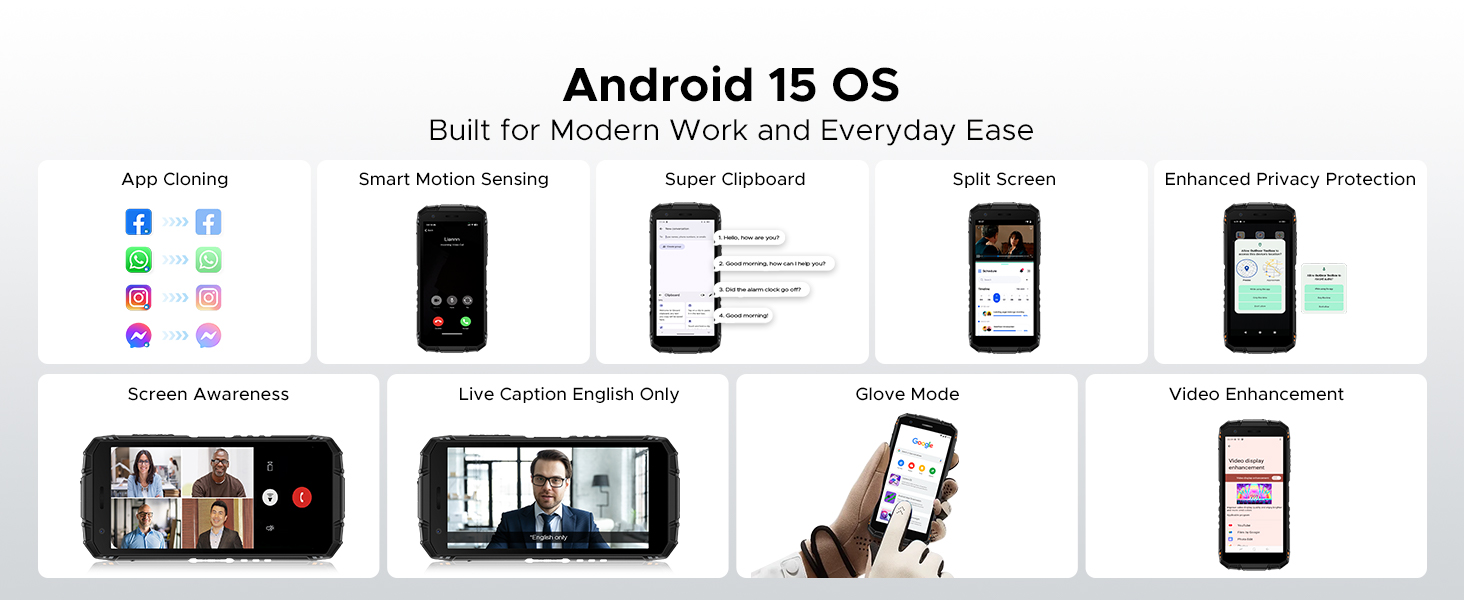
Figure 9: Compact design for comfortable grip.
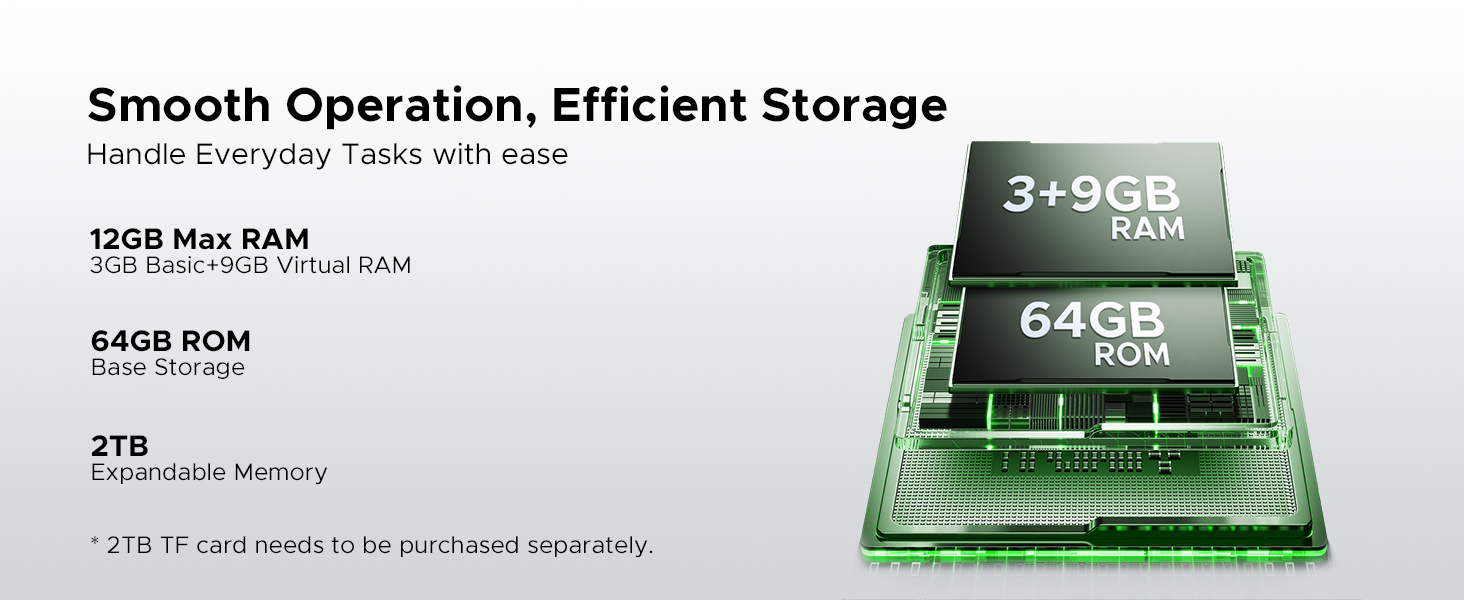
Figure 10: 5.5" HD+ IPS Display details.
6. ข้อมูลจำเพาะ
| คุณสมบัติ | รายละเอียด |
|---|---|
| ยี่ห้อ | ดูจี้ |
| ชื่อรุ่น | ไฟร์3 |
| ระบบปฏิบัติการ | แอนดรอยด์ 15 |
| โปรเซสเซอร์ | Unisoc SC9863A Octa-Core (1.6GHz) |
| แรม | 12GB (3GB Basic + 9GB Virtual) |
| การจัดเก็บข้อมูลภายใน | 64GB |
| พื้นที่เก็บข้อมูลแบบขยายได้ | Up to 2TB via MicroSD card (not included) |
| ขนาดหน้าจอ | 5.45 นิ้ว |
| ประเภทจอภาพ | HD+ IPS Display |
| ปณิธาน | 720*1440 |
| ความสว่าง | 400 นิต (TYP) |
| กล้องหลัง | กล้อง AI สามตัว 13MP |
| กล้องหน้า | 8MP |
| ความจุของแบตเตอรี่ | 8350mAh |
| การชาร์จไฟ | 10W, Reverse Charging supported |
| ความทนทาน | IP68, IP69K, MIL-STD-810H (Waterproof, Drop-proof, Dust-proof) |
| การเชื่อมต่อ | 4G Cellular Technology, Wireless, NFC |
| การนำทาง | จีพีเอส, โกลนาส, กาลิเลโอ |
| ขนาด | 162.5 x 77.4 x 17.8 มม. |
| น้ำหนักสินค้า | 262 กรัม (9.2 ออนซ์) |
| คุณสมบัติพิเศษ | Face Unlock, Digital Toolkit, 3.5mm Headphone Jack |
| ความเข้ากันได้กับผู้ให้บริการเครือข่ายไร้สาย | GSM T-Mobile (Not compatible with AT&T, new Cricket, Verizon) |
7 การแก้ไขปัญหา
If you encounter issues with your DOOGEE Fire 3, refer to the following common solutions:
7.1 ปัญหาเกี่ยวกับพลังงานและการชาร์จ
- โทรศัพท์ไม่สามารถเปิดได้: ตรวจสอบให้แน่ใจว่าแบตเตอรี่ชาร์จเต็มแล้ว เสียบโทรศัพท์เข้ากับที่ชาร์จและรอสักครู่ก่อนที่จะลองเปิดเครื่องอีกครั้ง
- โทรศัพท์ชาร์จไม่เข้า: Check the charging cable and adapter for damage. Try a different power outlet. Ensure the charging port is clean and free of debris.
7.2 เครือข่ายและการเชื่อมต่อ
- No signal/Network issues: Verify your SIM card is correctly inserted. Check if your carrier is supported by the device (GSM T-Mobile compatible). Restart the phone.
- ปัญหาการเชื่อมต่อ Wi-Fi: รีสตาร์ทเราเตอร์ Wi-Fi ของคุณ ลืมเครือข่ายในโทรศัพท์ของคุณแล้วเชื่อมต่อใหม่
7.3 ประสิทธิภาพและซอฟต์แวร์
- Apps crashing/Freezing: Close background apps. Clear the cache of the problematic app (Settings > Apps > [App Name] > Storage > Clear cache). Update the app or the phone's software.
- ประสิทธิภาพช้า: เพิ่มพื้นที่เก็บข้อมูลโดยการลบสิ่งที่ไม่จำเป็นออก fileหรือแอปต่างๆ รีสตาร์ทอุปกรณ์ของคุณเป็นประจำ
7.4 ปัญหาการแสดงผล
- หน้าจอไม่ตอบสนอง: Perform a forced restart (usually by holding the Power button for 10-15 seconds).
- Display flickering: Check for software updates. If the issue persists, contact support.
7.5 Water/Dust Exposure
While the DOOGEE Fire 3 is rugged, prolonged exposure or extreme conditions beyond its ratings (IP68/IP69K/MIL-STD-810H) can cause damage. If the phone has been exposed to water or dust, ensure all ports are dry and clean before charging or using accessories.
8. การรับประกันและการสนับสนุน
DOOGEE is committed to providing high-quality products and excellent customer service.
8.1 ข้อมูลการรับประกัน
- ระยะเวลารับประกัน: Your DOOGEE Fire 3 comes with a 2-year free warranty.
- การรับประกันคืนเงิน: Enjoy 30 days of money back without reason from the date of purchase.
โปรดเก็บหลักฐานการซื้อของคุณไว้เพื่อเรียกร้องการรับประกัน
8.2 การสนับสนุนลูกค้า
For any problems or inquiries, our professional support team is available 24/7 to assist you.
- การสนับสนุนทางออนไลน์: Visit the official DOOGEE webเว็บไซต์นี้รวบรวมคำถามที่พบบ่อย แหล่งข้อมูลสนับสนุน และช่องทางการติดต่อ
- การสนับสนุนทางอีเมล์: ดูที่บรรจุภัณฑ์ผลิตภัณฑ์ของคุณหรือที่ทางการ website for specific email contact details.
We recommend checking the official DOOGEE webเว็บไซต์สำหรับข้อมูลการสนับสนุนและเงื่อนไขการรับประกันล่าสุด


