การแนะนำ
This manual provides detailed instructions for the installation, operation, and maintenance of your SOVMIKU Solar Security Camera and Video Doorbell. Please read this manual thoroughly before use to ensure proper functionality and safety.
สินค้าเกินview
ส่วนประกอบ
The SOVMIKU system includes a solar-powered security camera and a video doorbell, designed for outdoor wireless surveillance and communication.

ภาพ: เหนือview of the SOVMIKU Solar Security Camera and Video Doorbell units.
คุณสมบัติหลัก
- วิดีโอความละเอียดสูงพิเศษ 2K: ให้ภาพและวิดีโอที่คมชัด
- การตรวจจับการเคลื่อนไหว PIR: Equipped with a Passive Infrared (PIR) sensor for accurate motion detection.
- เสียงสองทาง: Allows for real-time communication through the camera and doorbell.
- พลังงานแสงอาทิตย์: Cameras are powered by solar panels for continuous operation.
- การเชื่อมต่อไร้สาย: Operates on 2.4GHz Wi-Fi for broad coverage.
- การมองเห็นสีกลางคืน: เพิ่มการมองเห็นในสภาวะแสงน้อย
- Local and Cloud Storage Options: Supports microSD cards (up to 128GB) and cloud storage via the Vicohome App.
- Multi-อุปกรณ์ Viewการลง: View up to four cameras simultaneously through the Vicohome App.
- Audible and Flashlight Siren: Integrated alarm features for deterrence.
การตั้งค่า
1. Download the Vicohome App
ค้นหา "Vicohome" in the Google Play Store (for Android devices) or the Apple App Store (for iOS devices) and download the application. Create an account or log in if you already have one.
2. Initial Device Connection
- Power on your SOVMIKU camera or doorbell.
- Open the Vicohome App and follow the on-screen instructions to add a new device.
- Ensure your device is connected to a 2.4GHz Wi-Fi network. 5GHz networks are not supported.
- Scan the QR code displayed on your phone with the camera, or follow the voice prompts for the doorbell.
- Once connected, you can name your device and configure initial settings.
3. การติดตั้ง
The cameras and doorbell are designed for easy installation. The camera features a metal mount suitable for wall or ceiling installation, indoors or outdoors.
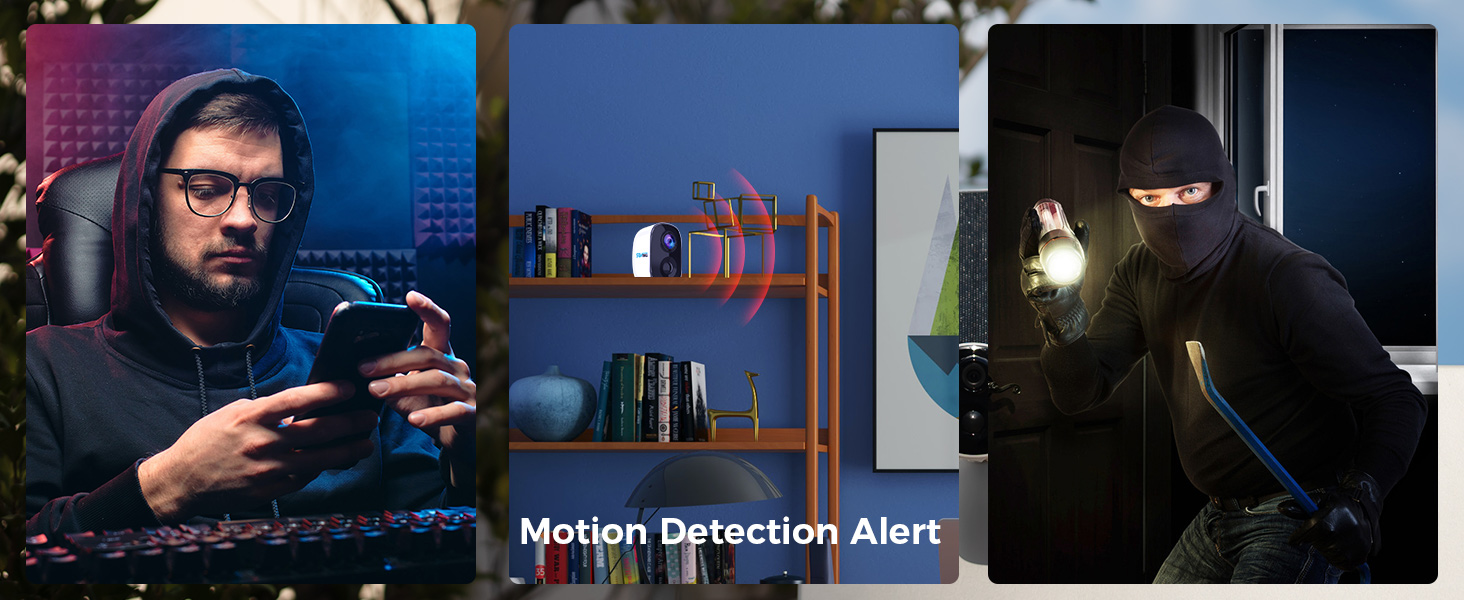
Image: Illustration of installing the camera mounting bracket.
For solar panel placement, ideally, the panel should point directly at the sun during midday in summer to maximize charging efficiency. Avoid shaded areas.
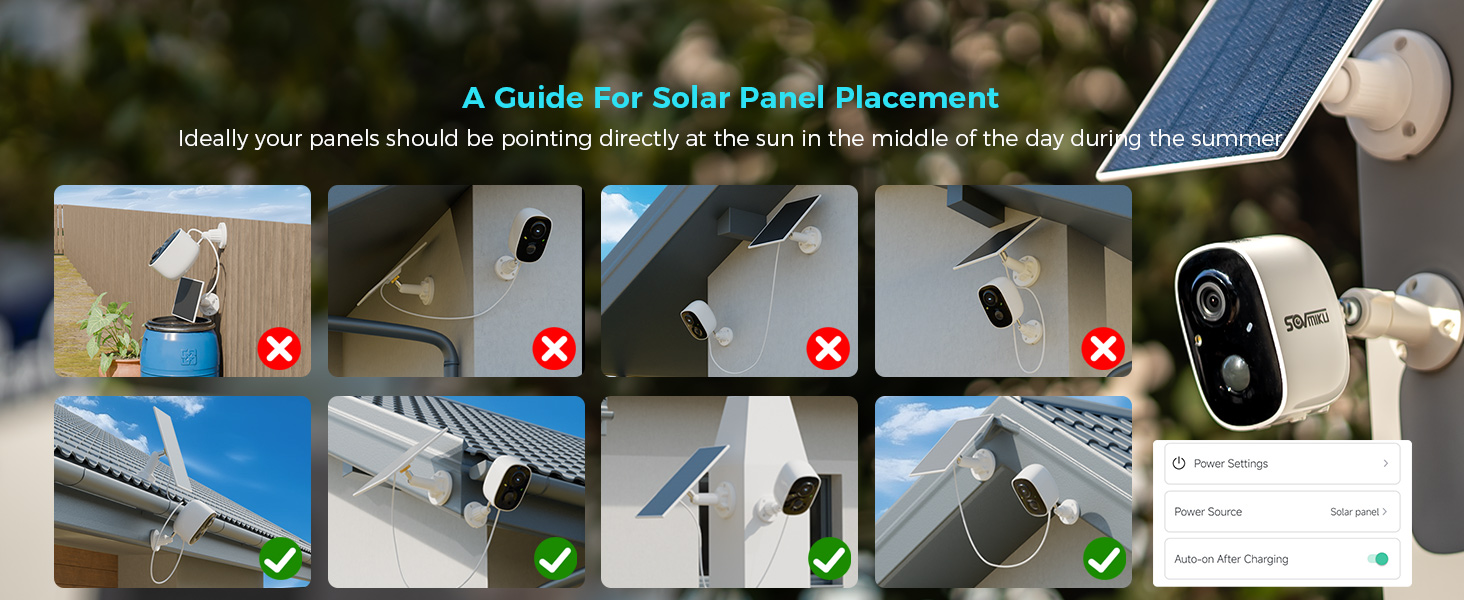
Image: Visual guide demonstrating optimal and suboptimal solar panel placement.
คำแนะนำการใช้งาน
สด View and Multi-Camera Monitoring
Open the Vicohome App to access the live feed from your cameras and doorbell. You can view up to four cameras simultaneously by clicking the designated button in the top right corner of the app interface.

Image: A smartphone screen displaying the Vicohome app with live feeds from multiple security cameras.
ระบบเสียงสองทาง
Utilize the two-way audio feature through the Vicohome App to communicate with individuals near your camera or doorbell. This allows for conversations in real-time.

Image: Depiction of two individuals communicating via the camera's two-way audio function.
การตรวจจับการเคลื่อนไหวและการแจ้งเตือน
The camera and doorbell are equipped with PIR sensors for motion detection. You can enable push notifications in the Vicohome App to receive alerts on your mobile device or smartwatch when motion is detected.

Image: A smartwatch showing a notification for motion detection from the security camera.
ตัวเลือกการจัดเก็บข้อมูล
Recordings can be stored locally on a microSD card (up to 128GB, not included) or via cloud storage services offered through the Vicohome App. Cloud storage provides an additional layer of security for your recordings.

Image: A hand inserting a microSD card into the designated slot on the camera.
ฟังก์ชั่นปลุก
The camera features a flashlight alarm and an audible siren. These can be activated automatically upon motion detection to deter intruders. Configure these settings within the Vicohome App.
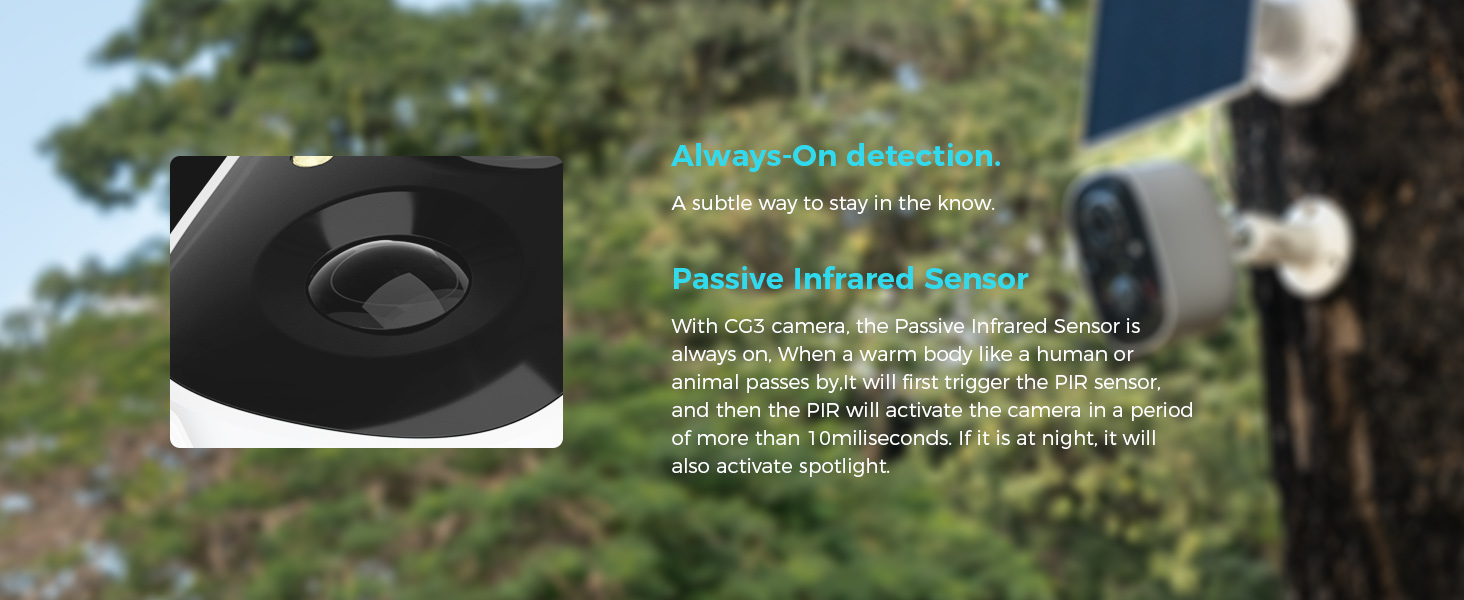
Image: Illustration of the camera's flashlight and audible alarm being triggered by motion.
การซ่อมบำรุง
การดูแลแผงโซลาร์เซลล์
- Regularly wipe the solar panels to remove dust, dirt, and debris. This ensures optimal charging efficiency.
- In temperatures below 0°C (32°F), the solar panel's ability to provide power may be reduced.
- Ensure the "auto-turn on" function is enabled in the app to maintain camera power.

Image: Visual tips for maintaining the solar panels for optimal performance.
การดูแลทั่วไป
- The devices are IP65 rated for splash, water, and dust resistance. However, resistance may decrease over time with normal wear.
- The charging interface uses a silicone waterproof protective plug; ensure it is properly sealed after charging.
- Clean the camera lenses and doorbell surface with a soft, damp ผ้า. หลีกเลี่ยงน้ำยาทำความสะอาดที่มีฤทธิ์กัดกร่อน
การแก้ไขปัญหา
| ปัญหา | สาเหตุที่เป็นไปได้ | สารละลาย |
|---|---|---|
| อุปกรณ์ไม่เชื่อมต่อกับ Wi-Fi | Incorrect Wi-Fi band (5GHz not supported), weak signal, incorrect password. | Ensure connection to a 2.4GHz Wi-Fi network. Move device closer to router. Verify Wi-Fi password. |
| คุณภาพวิดีโอไม่ดี | Weak Wi-Fi signal, dirty lens. | Improve Wi-Fi signal strength. Clean the camera lens. |
| แผงโซล่าเซลล์ไม่ชาร์จอย่างมีประสิทธิภาพ | Panel is dirty, shaded, or temperature is too low. | Clean the solar panel. Relocate the panel to a sunnier spot. Note that charging efficiency decreases in cold weather. |
| ไม่ได้รับการแจ้งเตือนการตรวจจับการเคลื่อนไหว | Notifications disabled in app or phone settings, PIR sensor obstructed. | Check Vicohome App notification settings and phone's system notification settings. Ensure PIR sensor is clear. |
| ปัญหาเสียงสองทาง | Microphone/speaker blocked, app permissions, network latency. | Ensure nothing is blocking the microphone or speaker. Check app permissions for microphone access. Verify stable internet connection. |
ข้อมูลจำเพาะ
- ความละเอียดวิดีโอ: 2K (3 ล้านพิกเซล)
- เซ็นเซอร์: High tolerance CMOS and PIR Sensor
- การเชื่อมต่อ Wi-Fi: 2.4GHz (IEEE 802.11 b/g/n)
- พื้นที่จัดเก็บ: MicroSD card up to 128GB (not included), Cloud Storage (subscription required)
- ความจุแบตเตอรี่ (กล้อง): Up to 5200mAh (two 21700 batteries)
- Battery Life (Camera): Up to 55 days on a full charge (actual results vary based on usage)
- อุณหภูมิในการทำงาน: -10°C ถึง 45°C (14°F ถึง 113°F)
- ความต้านทานน้ำ: ระดับการป้องกัน IP65
- การบีบอัดวิดีโอ: H.265+ (for efficient bandwidth and storage)
- Viewing Angles (Camera): แนวนอน 95°, แนวตั้ง 55°, แนวทแยง 110°
การรับประกันและการสนับสนุน
นโยบายการแลกเปลี่ยน
SOVMIKU offers a 180-day exchange policy. If you are not satisfied with the product, you may submit a request for a solution within 24 hours.
การสนับสนุนลูกค้า
For any inquiries or assistance, please contact SOVMIKU customer support. We aim to respond to all inquiries within 12 hours.
- อีเมล: Sovmiku@163.com
- โทรศัพท์: (โปรดดูรายละเอียดจากบรรจุภัณฑ์ของผลิตภัณฑ์หรือเอกสารอย่างเป็นทางการ) website for phone number if available)

Image: Contact information for SOVMIKU customer support.


