1. บทนำ
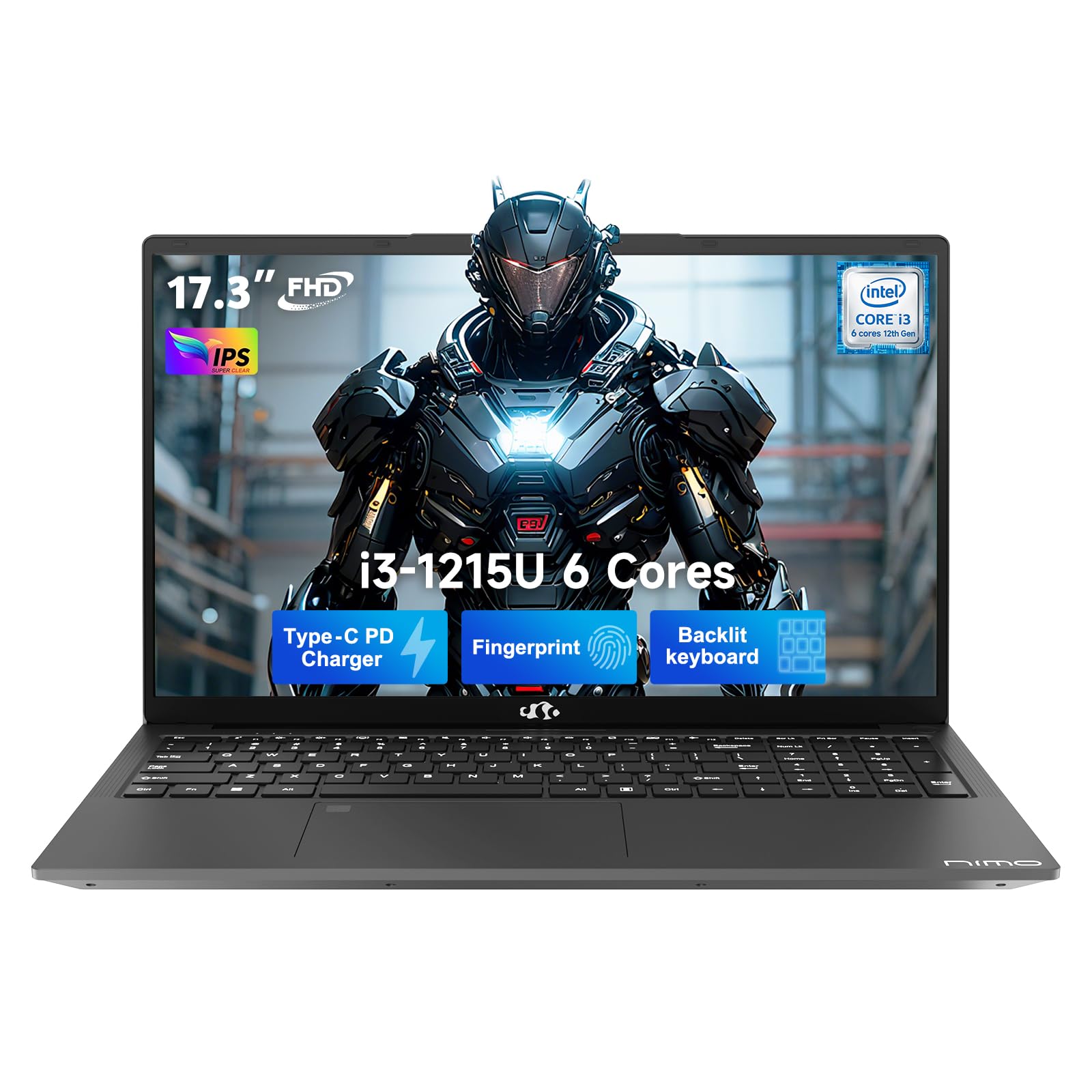
This manual provides essential information for setting up, operating, and maintaining your NIMO 17.3" FHD IPS Laptop. Please read this guide thoroughly before using your device to ensure proper function and longevity. This laptop features an Intel Core i3-1215U processor, 16GB RAM, and a 512GB SSD, designed for efficient everyday computing.
2. อะไรอยู่ในกล่อง
- แล็ปท็อป NIMO N171 จำนวน 1 เครื่อง
- 1 x ที่ชาร์จเร็ว Type-C 65W PD
- 1 x คู่มือผู้ใช้ (เอกสารนี้)
- ระบบปฏิบัติการ Windows 11 Home (ติดตั้งมาแล้ว)
3. คู่มือการติดตั้ง
3.1 การเปิดเครื่องครั้งแรก
- แกะกล่องแล็ปท็อป: ถอดแล็ปท็อปและอุปกรณ์เสริมทั้งหมดออกจากบรรจุภัณฑ์อย่างระมัดระวัง
- เชื่อมต่อพลังงาน: Plug the Type-C 65W PD Fast Charger into the laptop's USB-C port and then into a power outlet.
- เปิดเครื่อง: Open the laptop lid and press the power button, usually located on the top right of the keyboard or side.
- การตั้งค่า Windows: Follow the on-screen instructions to complete the Windows 11 Home initial setup, including language, region, network connection, and user account creation.
3.2 การตั้งค่าเซ็นเซอร์ลายนิ้วมือ
For enhanced security and quick access, set up the integrated fingerprint sensor:
- นำทางไปที่ การตั้งค่า > บัญชี > ตัวเลือกการลงชื่อเข้าใช้ ใน Windows 11
- Locate the "Fingerprint recognition (Windows Hello)" option and click ตั้งค่า.
- ทำตามคำแนะนำบนหน้าจอเพื่อลงทะเบียนลายนิ้วมือของคุณ

4. คู่มือการใช้งาน
4.1 คีย์บอร์ดและทัชแพด
- แป้นพิมพ์พร้อมไฟแบ็คไลท์: The full-size keyboard includes a numeric keypad and backlighting for use in low-light conditions. The backlight can typically be toggled using a function key combination (e.g., Fn + F5 or similar, refer to keyboard icons).
- ทัชแพด: ทัชแพดในตัวรองรับการใช้งานท่าทางสัมผัสหลายนิ้วสำหรับการนำทาง

4.2 Webกล้องที่มี Privacy Shutter
The laptop features a 2MP HD camera with a physical privacy shutter. To ensure privacy, slide the shutter to cover the camera lens when not in use. Slide it open to activate the camera for video calls or other applications.

5. คุณสมบัติหลัก
5.1 การปฏิบัติงาน
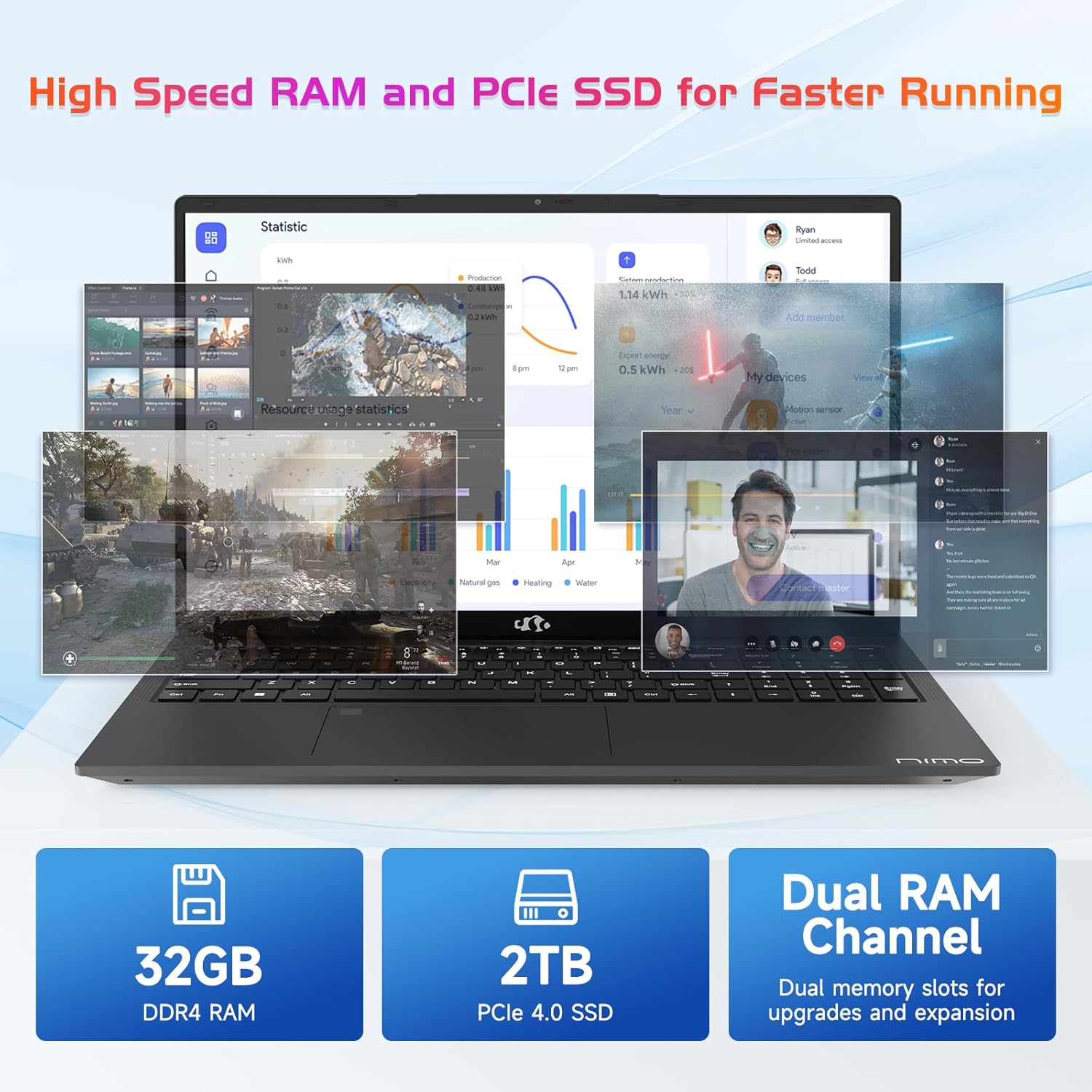
The NIMO N171 laptop is equipped with a 12th Gen Intel Core i3-1215U processor (6 Cores, up to 4.40 GHz), 16GB DDR4 RAM, and a 512GB SSD. This configuration provides responsive performance for multitasking, web browsing, and various applications.

5.2 การแสดงผล
The laptop features a 17.3-inch Full HD (1920x1080) IPS display, offering a wide viewing experience with clear visuals and reduced eye strain. The screen-to-body ratio is approximately 85%.

5.3 การเชื่อมต่อ
The NIMO N171 supports Wi-Fi 6 for fast and stable wireless internet connectivity and Bluetooth 5.2 for pairing with wireless peripherals.
The laptop includes multiple ports for versatile connectivity:
- พอร์ต USB 3.2 Gen1 (2 พอร์ต)
- พอร์ต USB 2.0 (x1)
- USB Type-C 3.2 Gen1 port (x1)
- USB Type-C Gen1 port (Charge Only) (x1)
- Standard HDMI 1.4 port (x1)
- Audio Jack (x1)
- Micro SD card slot (x1)
- Kensington lock slot (x1)

5.4 แบตเตอรี่และการชาร์จ
The laptop is powered by a 53.58Wh battery, providing up to 9 hours of average battery life. It supports 65W PD Fast Charge via USB-C, allowing for quick recharging.


6. การบำรุงรักษา
- การทำความสะอาด: ใช้ผ้าเนื้อนุ่มที่ไม่เป็นขุยเช็ดทำความสะอาดหน้าจอและภายนอก หลีกเลี่ยงสารเคมีรุนแรง
- การดูแลแบตเตอรี่ เพื่อยืดอายุการใช้งานแบตเตอรี่ ควรหลีกเลี่ยงการใช้แบตเตอรี่จนหมดบ่อยๆ เก็บแล็ปท็อปไว้ในที่แห้งและเย็น
- การอัปเดตซอฟต์แวร์: อัปเดตระบบปฏิบัติการและไดรเวอร์ Windows ของคุณเป็นประจำเพื่อให้มั่นใจถึงประสิทธิภาพและความปลอดภัยที่เหมาะสมที่สุด
- พื้นที่จัดเก็บ: Keep the SSD from becoming completely full to maintain performance. Utilize the Micro SD card slot for additional storage if needed.
7 การแก้ไขปัญหา
| ปัญหา | สาเหตุที่เป็นไปได้ | สารละลาย |
|---|---|---|
| โน๊ตบุ๊คเปิดไม่ติด | ปัญหาเกี่ยวกับแบตเตอรี่อ่อนหรืออะแดปเตอร์แปลงไฟ | Ensure the charger is properly connected and the power outlet is functional. Allow the laptop to charge for at least 30 minutes before attempting to power on again. |
| หน้าจอว่างเปล่าหรือเป็นสีดำ | Display settings, external monitor connection, or system crash | กด Fn+F7 (or the key with a display icon) to cycle through display modes. Disconnect any external monitors. Perform a hard reset by holding the power button for 10-15 seconds. |
| ปัญหาการเชื่อมต่อ Wi-Fi | Wi-Fi adapter disabled, incorrect password, or router problem | Check if Wi-Fi is enabled in Windows settings. Verify the Wi-Fi password. Restart your router and modem. |
| เซ็นเซอร์ลายนิ้วมือไม่ทำงาน | Unregistered fingerprint, dirty sensor, or software glitch | Ensure your fingerprint is registered correctly. Clean the sensor with a soft cloth. Restart the laptop. |
8. ข้อมูลจำเพาะ
| คุณสมบัติ | รายละเอียด |
|---|---|
| ยี่ห้อ | นีโม |
| ชื่อรุ่น | นิโม N171 |
| ขนาดหน้าจอ | 17.3 นิ้ว |
| ความละเอียดหน้าจอ | 1920 x 1080 พิกเซล (FHD) |
| โปรเซสเซอร์ | Intel Core i3-1215U (6 คอร์ สูงสุด 4.4 GHz) |
| แรม | 16GB DDR4 (3200 เมกะเฮิรตซ์) |
| ฮาร์ดไดรฟ์ | SSD 512 GB (โซลิดสเตต) |
| โคโปรเซสเซอร์กราฟิก | กราฟิกแบบรวม (Intel) |
| ระบบปฏิบัติการ | วินโดวส์ 11 โฮม |
| ประเภทไร้สาย | Wi-Fi 6 (802.11a/b/g/n/ac) |
| บลูทูธ | บลูทูธ 5.2 |
| พอร์ต USB 2.0 | 1 |
| พอร์ต USB 3.0 | 3 (includes USB 3.2 Gen1) |
| พอร์ต USB Type-C | 2 (1x 3.2 Gen1, 1x Gen1 Charge Only) |
| พอร์ต HDMI | 1 (Standard HDMI 1.4) |
| แจ็คเสียง | 1 (Combo Jack) |
| ช่องเสียบการ์ด Micro SD | ใช่ |
| หลัง Webความละเอียดของกล้อง | 2 MP |
| อายุการใช้งานแบตเตอรี่ (เฉลี่ย) | 9 ชั่วโมง |
| ความจุของแบตเตอรี่ | 53.58 วัตต์ชั่วโมง |
| แหล่งพลังงาน | Battery Powered (65W PD Fast Charger) |
| น้ำหนักสินค้า | 4.6 ปอนด์ |
| ขนาดสินค้า (กxยxส) | 15.61 x 9.84 x 0.76 นิ้ว |
| คุณสมบัติพิเศษ | Fingerprint Reader, HD Audio, Memory Card Slot, Numeric Keypad, Backlit Keyboard, Privacy Shutter |
9. การรับประกันและการสนับสนุน
NIMO provides a รับประกัน 2 ปี สำหรับผลิตภัณฑ์นี้ นอกจากนี้ ยังมี นโยบายการคืนสินค้าแบบไม่ยุ่งยากภายใน 90 วัน is offered. For technical assistance, warranty claims, or product-related inquiries, please contact NIMO customer support.
- ระยะเวลารับประกัน: 2 ปี
- นโยบายการคืนสินค้า: 90 Days (hassle-free)
- ติดต่อ: Refer to the official NIMO website or product page for current contact information.


10. วิดีโอผลิตภัณฑ์view
วิดีโอนี้ให้ภาพที่ชัดเจนview of the NIMO 17.3" FHD Intel i3-1215U Laptop, showcasing its design, features, and various usage scenarios.


