การแนะนำ
Welcome to the world of NINJA GAIDEN 4. This manual provides essential information for setting up, playing, and maintaining your game on the PlayStation® 5 console. Experience the intense, high-octane action and master the art of the ninja as you embark on a new adventure with protagonist Yakumo.
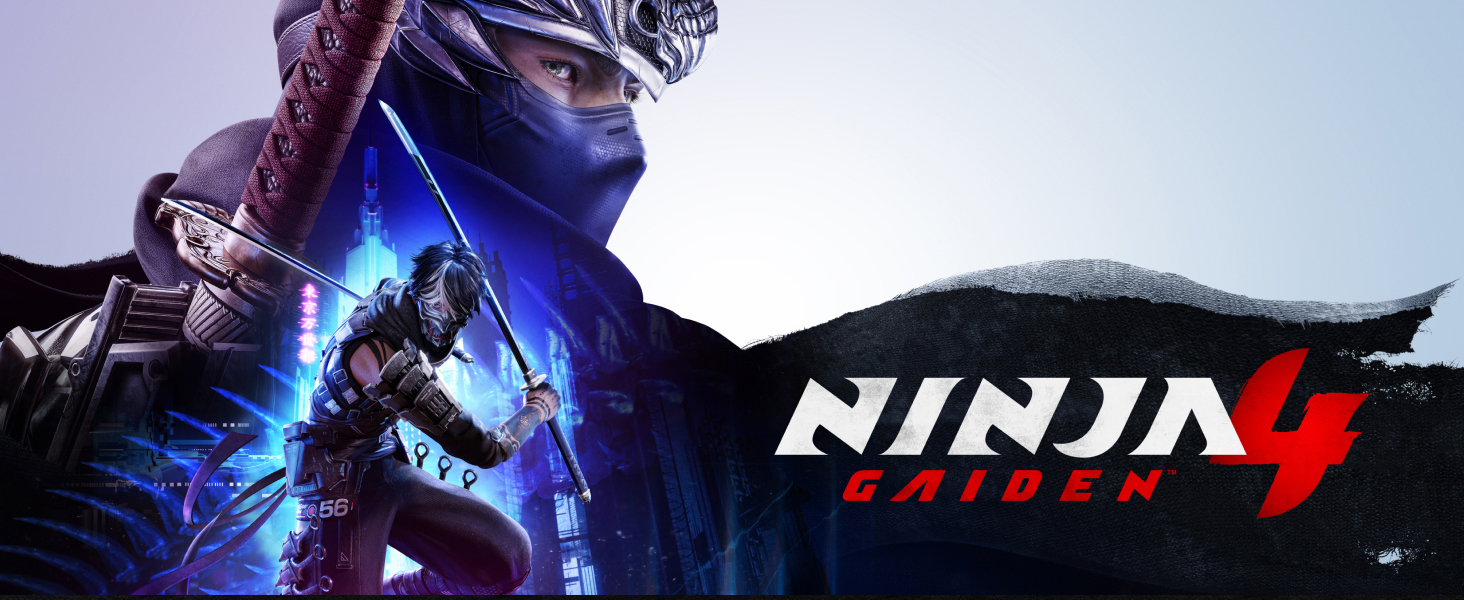
A promotional banner for NINJA GAIDEN 4, featuring the game's title and key character artwork.
คู่มือการติดตั้ง
ความต้องการของระบบ
- คอนโซล: เพลย์สเตชัน® 5
- พื้นที่จัดเก็บ: Sufficient free space on your PS5 console (refer to game packaging or digital store page for exact requirements).
- การเชื่อมต่ออินเตอร์เน็ต: Required for game updates, online features, and digital content downloads.
การติดตั้ง
- การติดตั้งแผ่นดิสก์: Insert the NINJA GAIDEN 4 game disc into your PlayStation® 5 console. The system will automatically begin the installation process. Follow any on-screen prompts.
- ดาวน์โหลดดิจิทัล: If you purchased the digital version, download the game from the PlayStation® Store. Ensure you have a stable internet connection.
- อัปเดต: Allow the game to download and install any available updates before playing to ensure the best experience.
Initial Game Launch
Once installation and updates are complete, select the NINJA GAIDEN 4 icon from your PS5 home screen to launch the game. You may be prompted to select a user profile or adjust initial settings.

The official game cover for NINJA GAIDEN 4 Standard Edition on PlayStation 5.
การเล่นเกมจบลงแล้วview
การควบคุมพื้นฐาน
NINJA GAIDEN 4 utilizes the PlayStation® 5 DualSense controller. An in-game tutorial will guide you through the fundamental movements, attacks, and special abilities. Familiarize yourself with the controller layout for optimal performance.
- ความเคลื่อนไหว: อนาล็อกสติ๊กซ้าย
- กล้อง: แอนะล็อกขวา
- จู่โจม: Square, Triangle buttons
- กระโดด: ปุ่ม X
- Dodge/Block: Circle, L1 buttons
- Special Abilities: R1, R2, L2 buttons (context-sensitive)
Combat System
Engage in visually stunning combat that rewards precision and strategy. The game features a high-speed, hack-and-slash combat system with various weapons and ninja techniques. Mastering combos, parries, and evasive maneuvers is crucial for survival.

An intense combat sequence from NINJA GAIDEN 4, highlighting the game's dynamic action.
Difficulty Settings
NINJA GAIDEN 4 offers adjustable difficulty settings to cater to both action game veterans and newcomers. You can customize your experience to challenge your limits or enjoy the narrative at a more relaxed pace.

Yakumo, the game's protagonist, poised for action with his signature weapons.
Characters and Narrative
โปรtagonist: Yakumo
The game introduces an all-new protagonist, Yakumo, a young ninja prodigy whose destiny is intricately linked with the legendary Ryu Hayabusa. Follow Yakumo's journey as he confronts ancient threats and shapes the future of the ninja legacy.

Detailed character artwork of Yakumo, the central figure in NINJA GAIDEN 4.
Story Premise
An endless rain of miasma descends upon a near-future Tokyo, signaling the resurrection of an ancient enemy. The fate of the city and perhaps the world rests in the hands of Yakumo as he navigates this perilous new threat.
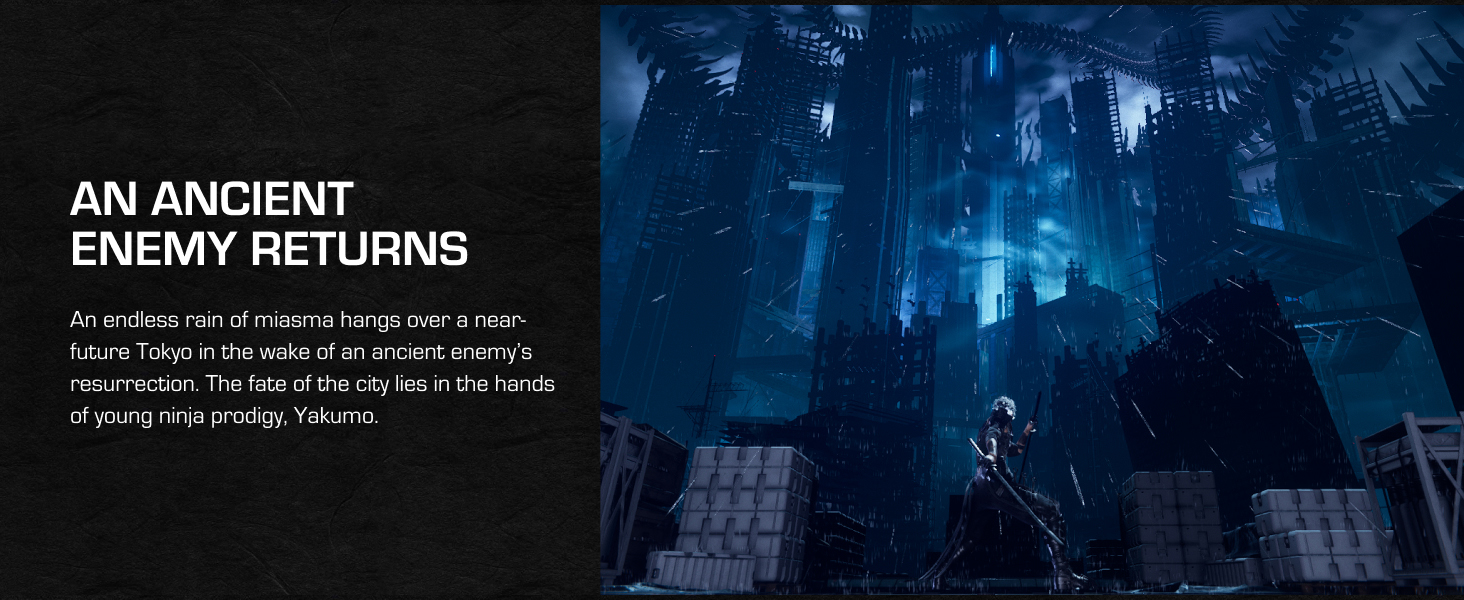
A depiction of the game's setting, a futuristic Tokyo under a mysterious, dark sky.
Pre-order Bonus
Players who pre-order NINJA GAIDEN 4 will receive the exclusive Dark Dragon Descendant Yakumo Skin at launch. This cosmetic item allows you to customize Yakumo's appearance.

The exclusive Dark Dragon Descendant Yakumo Skin, available as a pre-order bonus.
Game Maintenance
การอัพเดตซอฟต์แวร์
Regularly check for and install game updates and PlayStation® 5 system software updates. These updates often include performance improvements, bug fixes, and new features that enhance your gaming experience.
การจัดการการจัดเก็บข้อมูล
Ensure your PlayStation® 5 console has sufficient free storage space. Large game files and updates require adequate space. Manage your installed games and applications through the PS5 system settings.
Disc Care (Physical Copies Only)
If you own a physical copy of NINJA GAIDEN 4, handle the game disc with care. Keep it clean and free from scratches or smudges. Store the disc in its case when not in use to prevent damage.
การแก้ไขปัญหาทั่วไป
If you encounter any issues while playing NINJA GAIDEN 4, please refer to the following common troubleshooting steps:
Game Not Launching or Freezing
- รีสตาร์ทคอนโซล: Fully power off your PlayStation® 5 and restart it.
- ตรวจสอบการอัปเดต: Ensure both the game and your PS5 system software are fully updated.
- Disc Condition (Physical): Inspect the game disc for any scratches or dirt. Clean gently with a soft cloth if necessary.
- ติดตั้งเกมใหม่: As a last resort, try deleting and reinstalling the game.
Performance Issues (Lag, Frame Rate Drops)
- ปิดแอปพลิเคชันอื่น ๆ : Ensure no other demanding applications or games are running in the background.
- รีสตาร์ทคอนโซล: A fresh restart can often resolve temporary performance issues.
- ตรวจสอบพื้นที่จัดเก็บ: Ensure your console has ample free storage space.
Controller Input Problems
- Re-sync Controller: Try re-pairing your DualSense controller with the PS5.
- ตรวจสอบแบตเตอรี่: Ensure your controller is sufficiently charged.
- Test Another Controller: If available, try using a different controller to isolate the issue.
For persistent issues or technical support, please refer to the official KOEI TECMO GAMES support website or PlayStation support channels.
ข้อมูลจำเพาะผลิตภัณฑ์
| ASIN | B0FCJYV9DY |
| วันที่วางจำหน่าย | 21 ตุลาคม 2025 |
| ขนาดสินค้า | 7.5 x 5.38 x 0.56 นิ้ว |
| น้ำหนักสินค้า | 2.72 ออนซ์ |
| ประเภทของรายการ | วิดีโอเกม |
| ภาษา | ภาษาอังกฤษ |
| เรทติ้ง | ความเป็นผู้ใหญ่ |
| หมายเลขรุ่นสินค้า | EP2-41924 |
| ผู้ผลิต | Microsoft (Note: Game developed by KOEI TECMO GAMES CO., LTD.) |
ข้อมูลการสนับสนุนและการรับประกัน
การสนับสนุนด้านเทคนิค
For technical assistance, gameplay questions, or bug reporting, please visit the official support channels for KOEI TECMO GAMES CO., LTD. or PlayStation® support. Contact information can typically be found on the game's official website or within the console's support section.
การรับประกันแบบจำกัด
This software product is provided under a limited warranty. Please refer to the terms and conditions provided with the game packaging or the digital license agreement for details regarding warranty coverage, limitations, and remedies. Generally, software warranties cover defects in media (if applicable) and compliance with advertised features, but not issues arising from misuse or unauthorized modifications.
ประกาศทางกฎหมาย
NINJA GAIDEN, and the Team NINJA logo are trademarks of KOEI TECMO GAMES CO., LTD. PlayStation® and PS5™ are registered trademarks or trademarks of Sony Interactive Entertainment Inc. All other trademarks are the property of their respective owners. ©/TM/® 2025 Microsoft ©2025 KOEI TECMO GAMES CO., LTD. Team NINJA All rights reserved.


