1. บทนำ
Welcome to the user manual for your new Vibox UHD 4K 43 Inch Smart TV. This television delivers stunning Ultra High Definition visuals and integrated Smart TV functionalities powered by the intuitive WebOS platform. Designed for living rooms, bedrooms, or shared spaces, it combines immersive picture quality with seamless access to your favorite content.
This manual provides detailed instructions for setting up, operating, maintaining, and troubleshooting your TV to ensure you get the most out of its features, including 4K resolution (3840 x 2160), integrated speakers, multiple HDMI and USB ports, a DVB-T2 tuner, and a remote control with gesture and quick-access streaming functions. It also supports VESA 100 wall mounts for flexible installation.
2. อะไรอยู่ในกล่อง
กรุณาตรวจสอบเนื้อหาในแพ็คเกจของคุณเพื่อให้แน่ใจว่ามีสินค้าครบทั้งหมด:
- Vibox UHD 4K 43 Inch Smart TV
- รีโมทคอนโทรล (ต้องใช้แบตเตอรี่ AAA 2 ก้อน ไม่รวมอยู่ด้วย)
- ชั้นวางทีวี (2 ชิ้น)
- สายไฟ
- คู่มือการใช้งาน (เอกสารนี้)
- สกรูสำหรับชุดขาตั้ง
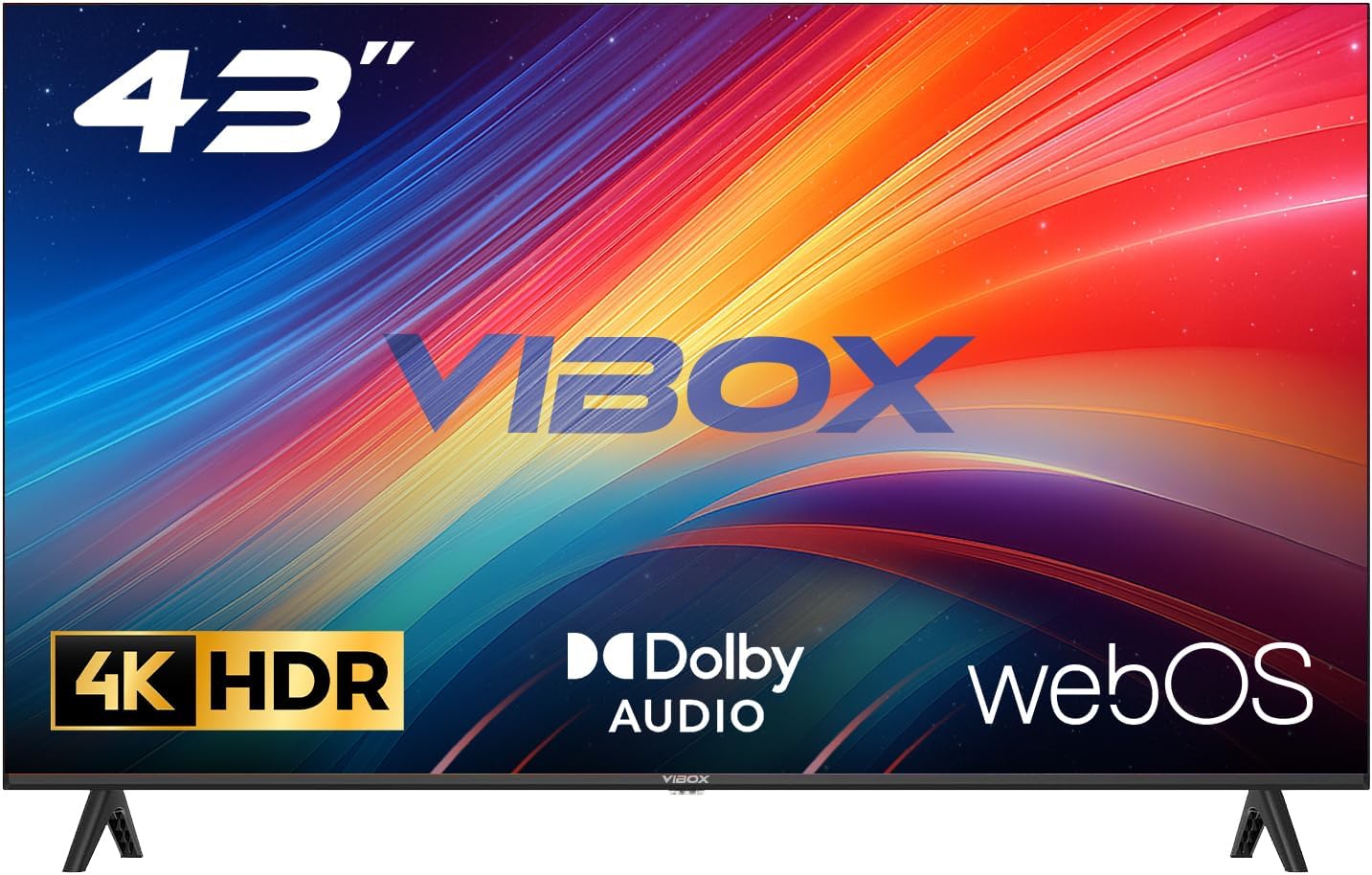
Image: The Vibox 43 Inch 4K Smart TV, showcasing its sleek design, remote control, and included stand components.
3. การตั้งค่า
3.1 การประกอบขาตั้ง
- วางหน้าจอทีวีลงบนพื้นผิวเรียบและนุ่มอย่างระมัดระวังเพื่อป้องกันรอยขีดข่วน
- จัดวางขาตั้งให้ตรงกับช่องที่ด้านล่างของทีวี
- Secure the stand pieces using the provided screws. Do not overtighten.
3.2 การติดตั้งบนผนัง (ทางเลือก)
This TV is compatible with VESA 100 x 100 mm wall mounts. Please refer to your wall mount's instructions for proper installation. Ensure the wall mount can support the weight of the TV.
3.3 การต่อสายไฟ
เสียบสายไฟเข้ากับช่องอินพุตไฟของทีวี จากนั้นเสียบปลายอีกด้านหนึ่งเข้ากับเต้ารับไฟฟ้าที่ผนัง
3.4 การเชื่อมต่ออุปกรณ์ภายนอก
ทีวีของคุณมีพอร์ตเชื่อมต่อหลายช่องสำหรับอุปกรณ์ต่างๆ:
- พอร์ต HDMI (x3): เชื่อมต่อเครื่องเล่นบลูเรย์, คอนโซลเกม, เซ็ตท็อปบ็อกซ์ ฯลฯ
- พอร์ต USB (x2): Connect USB drives for media playback or external devices.
- อินพุตเสาอากาศ/สายเคเบิล: Connect an antenna for DVB-T2 digital terrestrial broadcasts.
3.5 การตั้งค่าเริ่มต้นและการเชื่อมต่อเครือข่าย
- เปิดทีวีโดยใช้รีโมทคอนโทรล
- Follow the on-screen prompts to select your language, region, and perform channel scanning.
- Connect to your Wi-Fi network by selecting your network name and entering the password. This is essential for Smart TV features.
4. การใช้งานทีวีของคุณ
4.1 Webอินเทอร์เฟซสมาร์ททีวีระบบปฏิบัติการ
Your Vibox Smart TV runs on WebOS, providing a fast, intuitive, and user-friendly interface. The Launcher Bar at the bottom of the screen gives you quick access to your favorite apps, inputs, and settings.

ภาพ: The WebOS interface displaying a selection of popular streaming applications and content recommendations.
4.2 การควบคุมระยะไกล
The included remote control features gesture control and dedicated buttons for popular streaming services, allowing for quick and easy navigation.
- Pointer Function: Move the remote to control an on-screen cursor.
- ปุ่มเข้าถึงด่วน: Directly launch services like Netflix, Prime Video, YouTube, etc.
- การควบคุมด้วยเสียง: (If available) Use voice commands for search and control.

Image: A visual representation of various streaming service logos, indicating the wide range of entertainment options available on the TV.
4.3 การตั้งค่าภาพและเสียง
Access the settings menu to adjust picture and sound to your preference. The TV supports 4K resolution and HDR10 for vibrant colors and contrast, and Dolby Audio for enhanced sound.

Image: A side-by-side comparison illustrating the superior color reproduction and detail of 4K HDR content compared to 1080p.
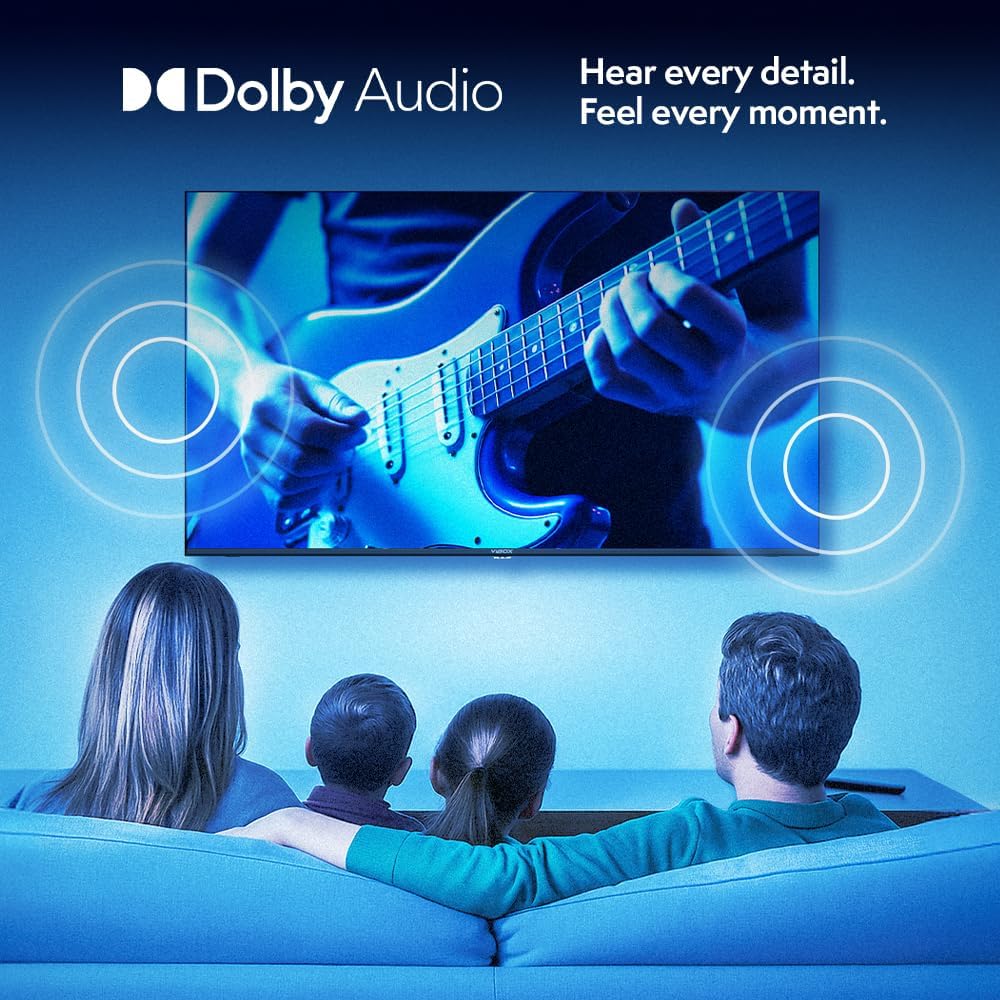
Image: A family enjoying television, with graphic overlays representing immersive Dolby Audio sound emanating from the screen.
4.4 คุณสมบัติอัจฉริยะและการเชื่อมต่อ
- แอปสตรีมมิ่ง: Access a wide range of pre-installed and downloadable apps.
- AirPlay & Screen Casting: Seamlessly cast content from your Apple or Android devices to the TV.
- การเล่นเกม: Enjoy 4K gaming with stunning realism and smooth frame rates.

Image: Icons representing AirPlay and Screen Casting functionalities, demonstrating how a smartphone's content can be mirrored onto the TV screen.

Image: A person engaged in 4K gaming on the TV, highlighting the detailed graphics and immersive experience.
5. การบำรุงรักษา
5.1 การทำความสะอาดทีวีของคุณ
- ควรถอดปลั๊กทีวีทุกครั้งก่อนทำความสะอาด
- ใช้ผ้าแห้งนุ่มและไม่ขุยเช็ดหน้าจอและตู้
- สำหรับรอยฝังแน่น ให้เช็ดเบาๆampชุบผ้าด้วยน้ำหรือน้ำยาทำความสะอาดหน้าจอชนิดพิเศษ ห้ามฉีดน้ำยาลงบนหน้าจอโดยตรง
- หลีกเลี่ยงการใช้สารทำความสะอาดที่มีฤทธิ์กัดกร่อน ขี้ผึ้งหรือตัวทำละลาย
5.2 การอัปเดตซอฟต์แวร์
ของคุณ WebOS TV may receive software updates periodically to improve performance and add new features. Ensure your TV is connected to the internet to receive these updates. You can usually check for updates in the TV's settings menu.
6 การแก้ไขปัญหา
| ปัญหา | สาเหตุที่เป็นไปได้ | สารละลาย |
|---|---|---|
| ไม่มีไฟฟ้า | สายไฟไม่ได้เชื่อมต่อ มีปัญหากับเต้ารับไฟฟ้า | Ensure power cable is securely plugged in. Try a different outlet. |
| ไม่มีภาพ / หน้าจอดำ | Incorrect input source; Loose HDMI/AV cable; Device not powered on. | Press the "Input" or "Source" button on the remote to select the correct input. Check all cable connections. Ensure connected devices are powered on. |
| ไม่มีเสียง | Volume too low or muted; External audio system issue; Incorrect audio settings. | Increase volume or unmute. Check connections to external audio devices. Adjust audio output settings in the TV menu. |
| ไม่สามารถเชื่อมต่อ Wi-Fi ได้ | รหัสผ่านไม่ถูกต้อง ปัญหาเราเตอร์ ทีวีอยู่ห่างจากเราเตอร์มากเกินไป | Double-check Wi-Fi password. Restart your router. Move TV closer to the router or use a Wi-Fi extender. |
| รีโมตคอนโทรลไม่ทำงาน | แบตเตอรี่หมด; สิ่งกีดขวาง; รีโมทไม่ได้จับคู่ | Replace batteries (2 AAA). Remove any obstructions between remote and TV. Refer to the TV's on-screen guide for remote pairing instructions if applicable. |
7. ข้อมูลจำเพาะ
| คุณสมบัติ | รายละเอียด |
|---|---|
| ยี่ห้อ | ไวบ็อกซ์ |
| หมายเลขรุ่น | 43Z60UHD |
| ขนาดหน้าจอ | 43 นิ้ว |
| เทคโนโลยีการแสดงผล | นำ |
| ปณิธาน | 4K (3840x2160) ความคมชัดระดับ XNUMXK |
| อัตราการรีเฟรช | 60 เฮิรตซ์ |
| ระบบปฏิบัติการ | WebOS |
| การเชื่อมต่อ | HDMI (x3), USB (x2), Wi-Fi, DVB-T2 Tuner |
| คุณสมบัติพิเศษ | Integrated Speaker, HDR10, Gesture Control Remote, AirPlay, Screen Casting |
| อัตราส่วนภาพ | 16:9 น. |
| ขนาดสินค้า (กxสxส) | 103.2 x 61.5 x 15 ซม. (พร้อมขาตั้ง) |
| สี | สีดำ |
| แบตเตอรี่ที่จำเป็น | 2 AAA (สำหรับรีโมท) |
ข้อมูลประสิทธิภาพการใช้พลังงาน
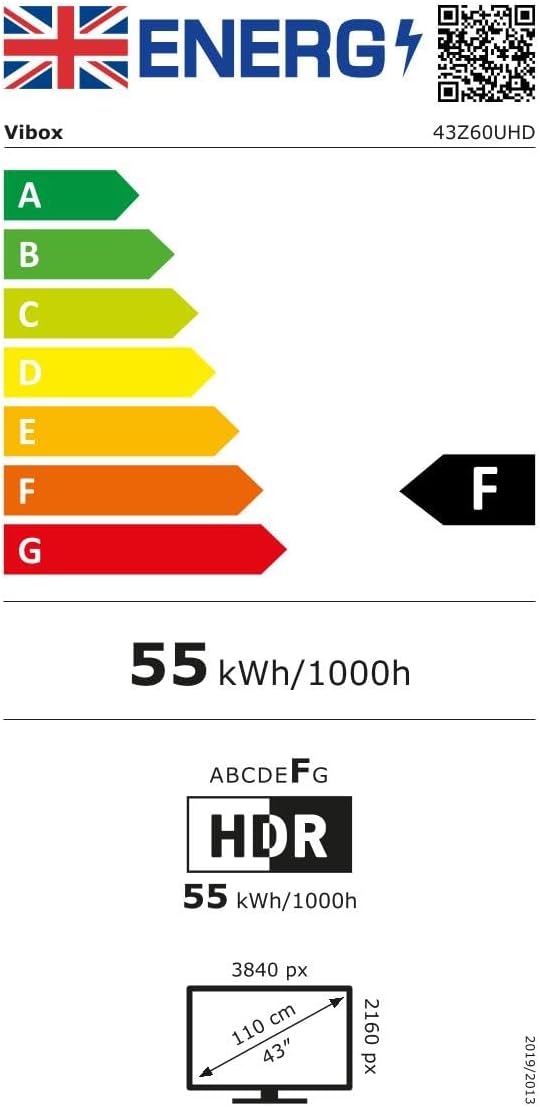
Image: UK Energy Efficiency Label for the Vibox 43Z60UHD TV, indicating an 'F' energy rating.
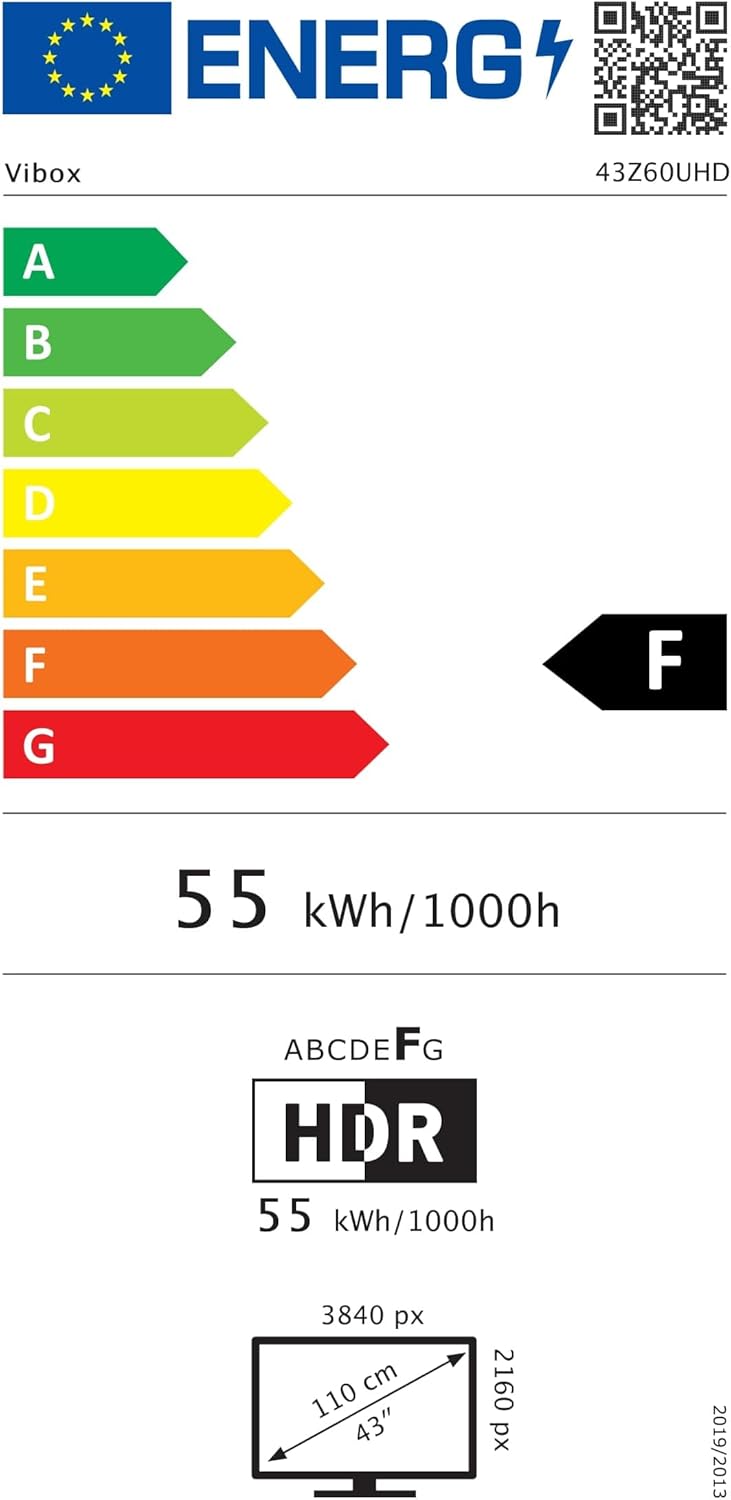
Image: EU Energy Efficiency Label for the Vibox 43Z60UHD TV, indicating an 'F' energy rating.
For detailed product information sheets and compliance documents, please refer to the following links:
8. การรับประกันและการสนับสนุน
8.1 การรับประกันสินค้า
Your Vibox UHD 4K 43 Inch Smart TV comes with a minimum guaranteed product warranty of 2 years from the date of purchase. Please retain your proof of purchase for warranty claims.
8.2 การสนับสนุนลูกค้า
For technical assistance, troubleshooting, or warranty inquiries, please contact Vibox customer support:
- อีเมล: support@vibox.co.uk
- โทรศัพท์: +441614258841
- Webเว็บไซต์: www.vibox.co.uk
- ที่อยู่: Vibox EU, 3 RUE CHAMP AUX OEUFS, 57280 FEVEZ FRANCE