1. บทนำ
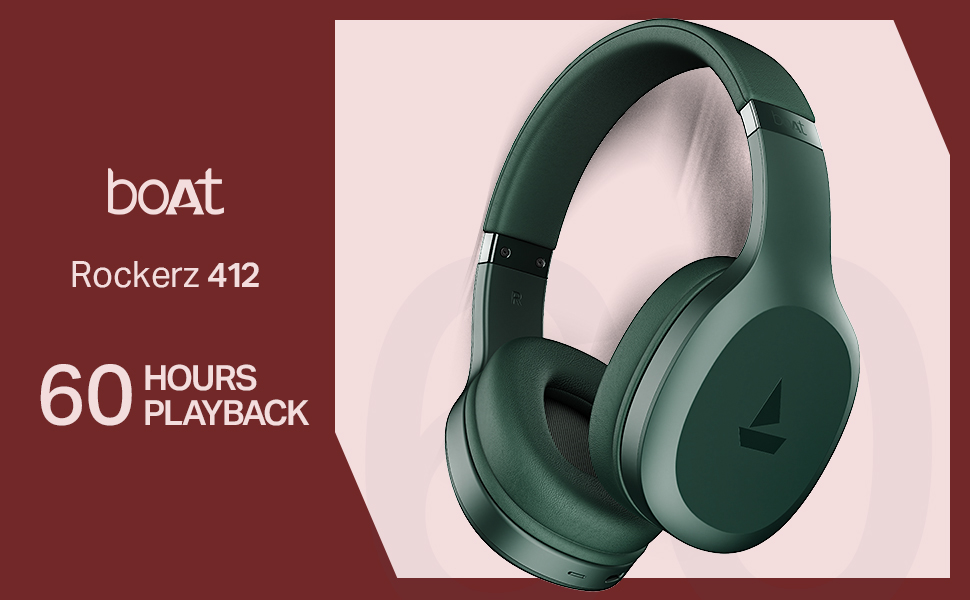
Thank you for choosing the boAt Rockerz 412 Wireless Over-Ear Headphones. This manual provides essential information for setting up, operating, and maintaining your headphones to ensure optimal performance and longevity. Please read these instructions carefully before using the product.
2. อะไรอยู่ในกล่อง
Upon unboxing your boAt Rockerz 412 headphones, please verify that all the following items are included:
- หูฟัง boAt Rockerz 412
- สายชาร์จ
3. สินค้าหมดview และคุณสมบัติ
The boAt Rockerz 412 headphones are designed for an immersive audio experience with advanced features.
- 60 Hours of Playback: Enjoy extended listening sessions with up to 60 hours of battery life on a single charge.
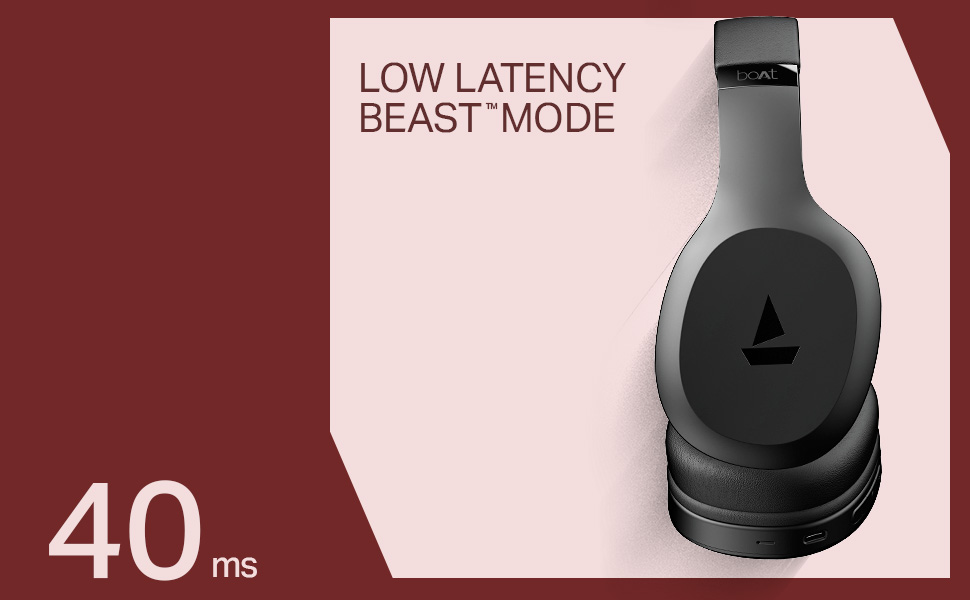
- 40ms Low Latency (BEAST Mode): Experience minimal audio lag, ideal for gaming and video streaming, providing a high degree of realism.
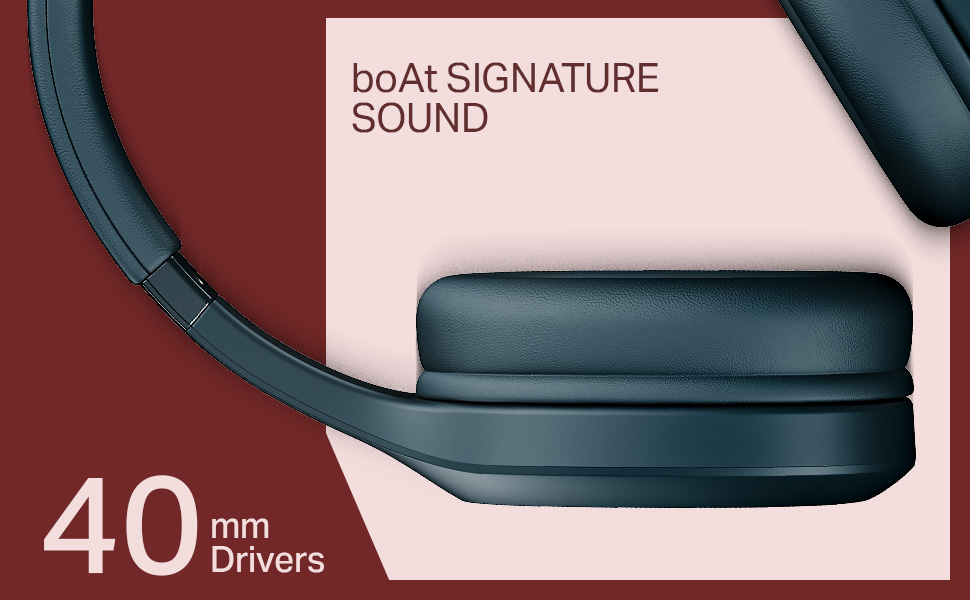
- ไดรเวอร์ไดนามิกขนาด 40 มม.: Delivers the signature boAt sound with powerful bass and clear audio.
- ENx Technology: Enhances call clarity by removing background noise, ensuring seamless conversations.
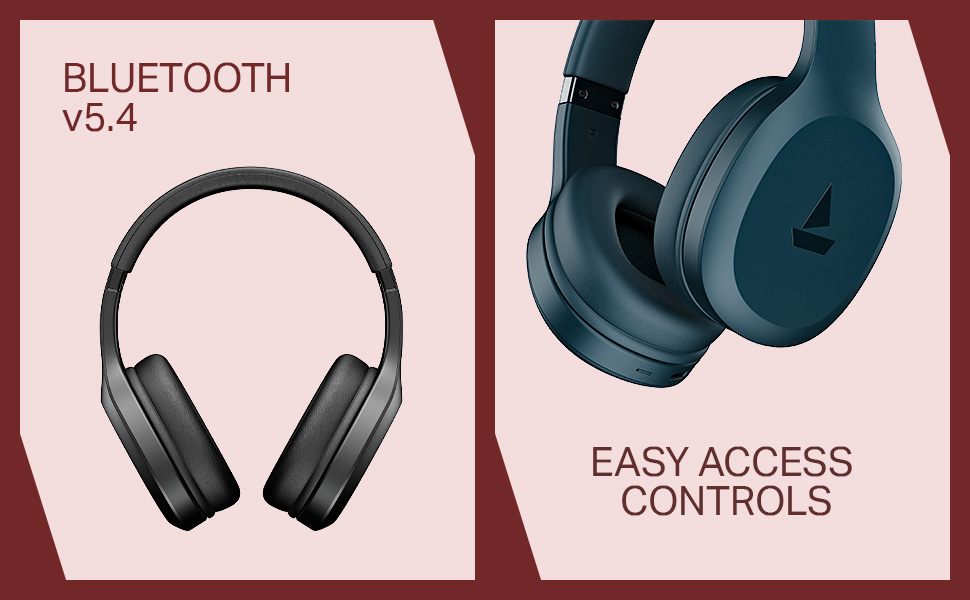
- Bluetooth v5.4 Compatibility: ให้การเชื่อมต่อไร้สายที่เสถียรและมีประสิทธิภาพกับอุปกรณ์ที่รองรับ
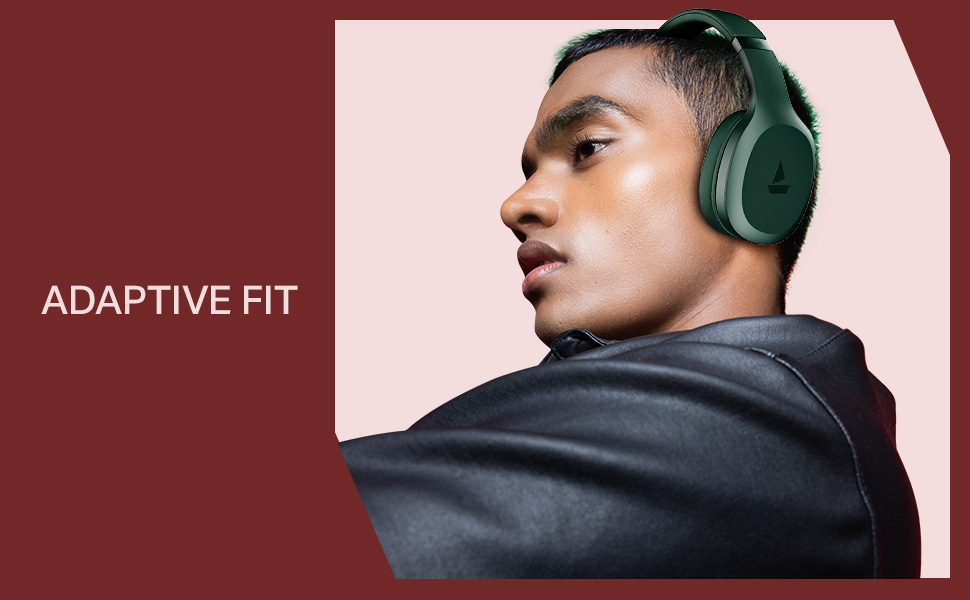
- Adaptive Fit: Designed for comfortable wear during prolonged use.
- ระบบควบคุมการเข้าถึงที่ใช้งานง่าย: Intuitive buttons for managing music, calls, and voice assistant.

4. การตั้งค่า
4.1 การชาร์จหูฟัง
Before initial use, fully charge your boAt Rockerz 412 headphones. A full charge takes approximately 2 hours.
- เชื่อมต่อสายชาร์จที่ให้มาเข้ากับพอร์ตชาร์จบนหูฟัง
- เชื่อมต่อปลายสายอีกด้านหนึ่งเข้ากับอะแดปเตอร์ไฟ USB (ไม่รวมอยู่ด้วย) หรือพอร์ต USB ของคอมพิวเตอร์
- The LED indicator will show charging status (e.g., red for charging, blue/off for fully charged).
4.2 การจับคู่บลูทูธ
ในการเชื่อมต่อหูฟังของคุณกับอุปกรณ์:
- ตรวจสอบให้แน่ใจว่าหูฟังชาร์จเต็มและปิดเครื่องแล้ว
- Press and hold the multi-function button until the LED indicator flashes blue and red alternately, indicating pairing mode.
- บนอุปกรณ์ของคุณ (สมาร์ทโฟน แท็บเล็ต แล็ปท็อป) เปิดใช้งาน Bluetooth และค้นหาอุปกรณ์ที่มีอยู่
- เลือก "boAt Rockerz 412" จากรายการอุปกรณ์
- เมื่อเชื่อมต่อแล้ว ไฟ LED จะกะพริบเป็นสีน้ำเงินเป็นระยะ
5. คู่มือการใช้งาน
5.1 เปิด/ปิดเครื่อง
- เปิดเครื่อง: กดปุ่มมัลติฟังก์ชั่นค้างไว้ 3 วินาที
- หมดแรง: กดปุ่มมัลติฟังก์ชั่นค้างไว้ 5 วินาที
5.2 การควบคุมการเล่นเพลง
- เล่น/หยุดชั่วคราว: กดปุ่มมัลติฟังก์ชั่นเพียงครั้งเดียว
- เพลงถัดไป: กดปุ่ม 'เพิ่มเสียง' ค้างไว้
- แทร็กก่อนหน้า: กดปุ่มลดเสียงค้างไว้
- ปรับระดับเสียงขึ้น: กดปุ่ม 'เพิ่มเสียง' สั้นๆ
- ลดเสียงลง: กดปุ่มลดเสียงสั้นๆ
5.3 การจัดการการโทร
- รับ/วางสาย: กดปุ่มมัลติฟังก์ชั่นเพียงครั้งเดียว
- ปฏิเสธสาย: กดปุ่มมัลติฟังก์ชันค้างไว้
- โทรซ้ำหมายเลขล่าสุด: กดปุ่มมัลติฟังก์ชั่นสองครั้ง
5.4 ผู้ช่วยเสียง
เปิดใช้งานผู้ช่วยเสียงของอุปกรณ์ (เช่น Google Assistant, Siri) โดยกดปุ่มมัลติฟังก์ชันสามครั้ง
5.5 โหมด BEAST (ความหน่วงต่ำ)
Engage BEAST Mode for a low-latency audio experience, particularly beneficial for gaming. Refer to your device's settings or the boAt Hearables App for specific activation instructions if available.
5.6 การรองรับแอป boAt Hearables
Enhance your experience by downloading the boAt Hearables App. The app may offer additional features, settings, and user guides.
6. การบำรุงรักษา
เพื่อให้หูฟังของคุณมีอายุการใช้งานยาวนานและประสิทธิภาพที่ดี:
- Keep the headphones dry. Avoid exposure to water or excessive moisture. While rated as 'Water Resistant', it is not waterproof.
- ทำความสะอาดที่ครอบหูและแถบคาดศีรษะด้วยผ้าแห้งนุ่ม
- เก็บหูฟังไว้ในที่แห้งและเย็นเมื่อไม่ใช้งาน
- หลีกเลี่ยงอุณหภูมิที่สูงหรือต่ำเกินไป
- ห้ามถอดประกอบหรือดัดแปลงหูฟัง การกระทำดังกล่าวจะทำให้การรับประกันเป็นโมฆะ
7 การแก้ไขปัญหา
หากคุณพบปัญหาเกี่ยวกับหูฟัง boAt Rockerz 412 โปรดดูวิธีแก้ไขทั่วไปต่อไปนี้:
- หูฟังไม่เปิด: ตรวจสอบให้แน่ใจว่าหูฟังชาร์จเต็มแล้ว
- ไม่สามารถจับคู่กับอุปกรณ์: Make sure Bluetooth is enabled on your device and the headphones are in pairing mode (LED flashing blue and red). Try forgetting the device on your phone and re-pairing.
- ไม่มีเสียง: ตรวจสอบระดับเสียงของทั้งหูฟังและอุปกรณ์ที่เชื่อมต่อ ตรวจสอบให้แน่ใจว่าหูฟังได้รับการจับคู่อย่างถูกต้อง
- คุณภาพการโทรไม่ดี: Ensure the microphone is not obstructed. ENx Technology helps reduce background noise, but ensure you are in a reasonably quiet environment for best results.
- การเชื่อมต่อไม่ต่อเนื่อง: Ensure your device is within the Bluetooth range (typically 10 meters) and there are no significant obstructions.
8. ข้อมูลจำเพาะ
| คุณสมบัติ | รายละเอียด |
|---|---|
| ชื่อรุ่น | ร็อกเกอร์ซ |
| หมายเลขรุ่น | พีบี0009 |
| เทคโนโลยีการเชื่อมต่อ | บลูทูธ v5.4 |
| ประเภทไดร์เวอร์เสียง | ไดร์เวอร์แบบไดนามิก |
| ขนาดไดร์เวอร์ | 40 มม. |
| อายุการใช้งานแบตเตอรี่ | นานถึง 60 ชั่วโมง |
| เวลาในการชาร์จ | 2 ชั่วโมง |
| น้ำหนักสินค้า | 300 กรัม |
| ขนาดสินค้า | 20 x 9 x 17 ซม. |
| ระดับความต้านทานต่อน้ำ | ทนน้ำ |
| คุณสมบัติพิเศษ | Noise Cancellation (Passive), Voice Assistant Support, Low Latency (BEAST Mode) |
| วิธีการควบคุม | แอป ปุ่มกด |
| รูปทรงของหูฟัง | วงรี |
| วัสดุ | ยาง |
| แบตเตอรี่ | แบตเตอรี่ลิเธียมไอออน 1 ก้อน (รวมอยู่ด้วย) |
9. วิดีโอผลิตภัณฑ์view
Watch this brief video for a visual overview of the boAt Rockerz 412 headphones and their key features.
วิดีโอ: ตัวอย่างผลิตภัณฑ์สั้นๆview of the boAt Rockerz 412 headphones, showcasing its design and features like 60 hours playback, 40mm drivers, 40ms low latency, and ENx Tech. This is a preview วีดีโอ
10. การรับประกันและการสนับสนุน
The boAt Rockerz 412 headphones come with a standard brand warranty. For further information regarding warranty claims, technical support, or additional product details, please visit the official boAt website or refer to the product detail page on Amazon.in.
For customer service inquiries, you may contact Imagine Marketing Ltd, the manufacturer, at info@imaginemarketingindia.com.


