การแนะนำ
The LeapFrog Preschool Game and Go is a handheld video game toy designed to introduce young children to fundamental concepts such as numbers, letters, and shapes through engaging mini-games and music. This device offers a portable and interactive learning experience for children aged 2 years and older.
มีอะไรอยู่ในกล่อง
- LeapFrog Preschool Game and Go Handheld Toy
- คู่มือเริ่มต้นอย่างรวดเร็ว
Note: 3 AAA batteries are included for demo purposes only. New batteries are recommended for regular use.
การตั้งค่า
การติดตั้งแบตเตอรี่
- ค้นหาช่องใส่แบตเตอรี่ที่ด้านหลังของอุปกรณ์
- ใช้ไขควงเปิดฝาครอบช่องใส่แบตเตอรี่
- ใส่แบตเตอรี่ AAA ใหม่ 3 ก้อน โดยตรวจสอบให้แน่ใจว่าขั้วถูกต้อง (+/-)
- ใส่ฝาปิดช่องใส่แบตเตอรี่และขันให้แน่นด้วยสกรู
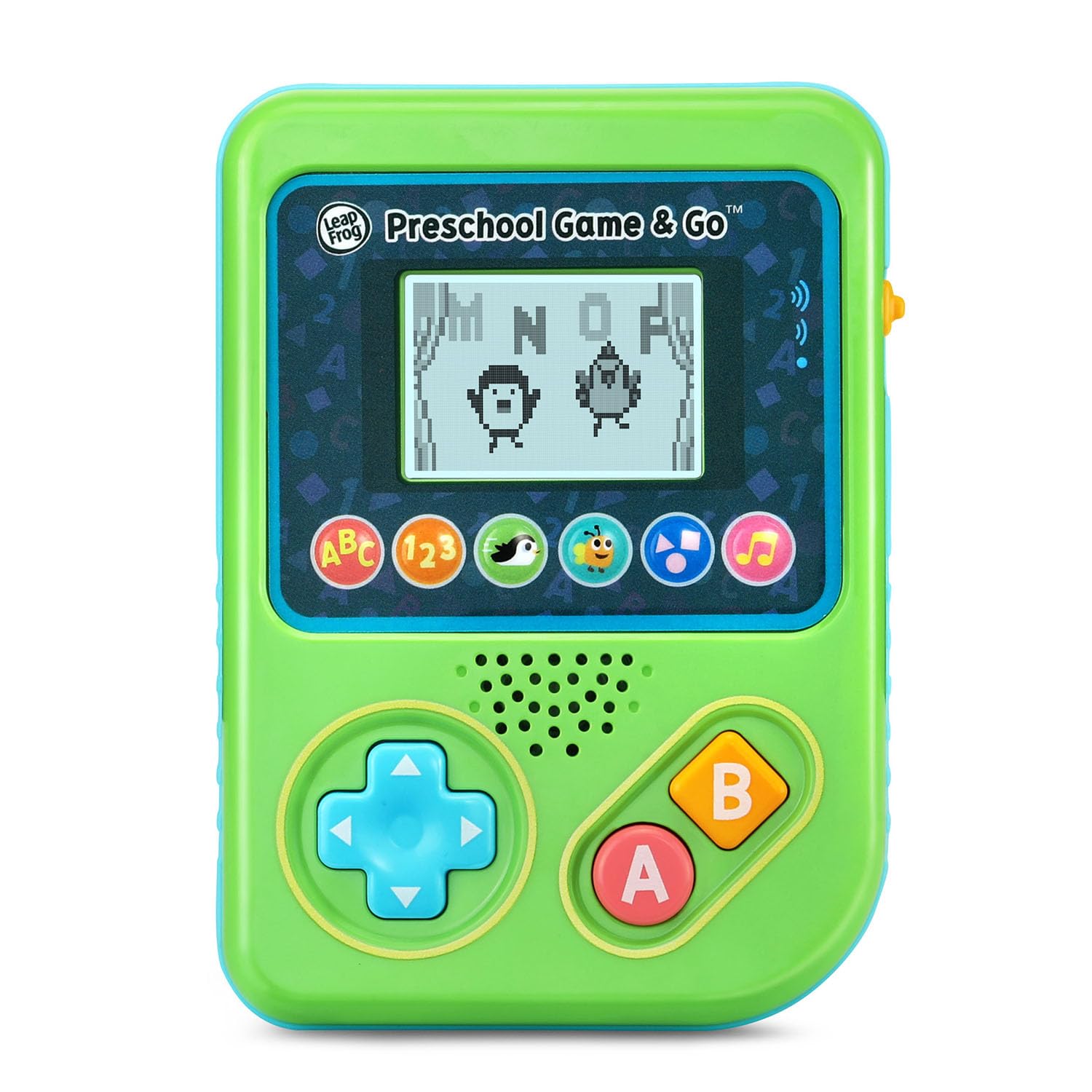
รูปที่ 1 : ด้านหน้า view of the LeapFrog Preschool Game and Go.
เปิด/ปิดเครื่อง
- To power on the device, slide the orange power switch located on the right side of the unit upwards.
- To power off the device, slide the orange power switch downwards.
การควบคุมระดับเสียง
- The device features two volume settings.
- Adjust the volume using the dedicated switch or button, typically located near the power switch, to select between a lower or higher sound output.
คำแนะนำการใช้งาน
การควบคุม
- แผงทิศทาง (D-Pad): Located on the left side, use this to navigate menus and control characters within games.
- ปุ่ม: Typically used for selection or action within games.
- ปุ่ม B: Typically used for secondary actions or going back in menus.
การเลือกเกม
The device features six distinct game icons below the screen. Press the corresponding icon to select a game:
- ABC Icon: Activates the ABC Swim game.
- 123 Icon: Activates the 123 Treasure game.
- Penguin Icon: Activates the Letter Slide game.
- Bug Icon: Activates the Snack Track game.
- Shapes Icon: Activates the Shape Ape game.
- Music Note Icon: Activates the Song Shuffle feature.
Personalizing Game Play
You can personalize the experience by adding a child's name (up to 10 characters). The child's name will appear in certain games, such as the Letter Slide game, where they collect letters to spell their name.
เกมการเรียนรู้
The LeapFrog Preschool Game and Go includes six exciting learning games:
- ABC Swim: Pop bubbles to explore letter sounds.
- 123 Treasure: Collect coins and count hearts to introduce numbers.
- Letter Slide: Help a penguin slide and jump to collect letters, including those in the child's personalized name.
- Snack Track: Feed a hungry bug by eating and counting snacks.
- Shape Ape: Catch various shapes as they fall from trees.
- Song Shuffle: Dance along to three engaging learning songs.
วิดีโอ 1: วิดีโอแสดงผลิตภัณฑ์อย่างเป็นทางการasing the LeapFrog Preschool Game & Go features and gameplay.
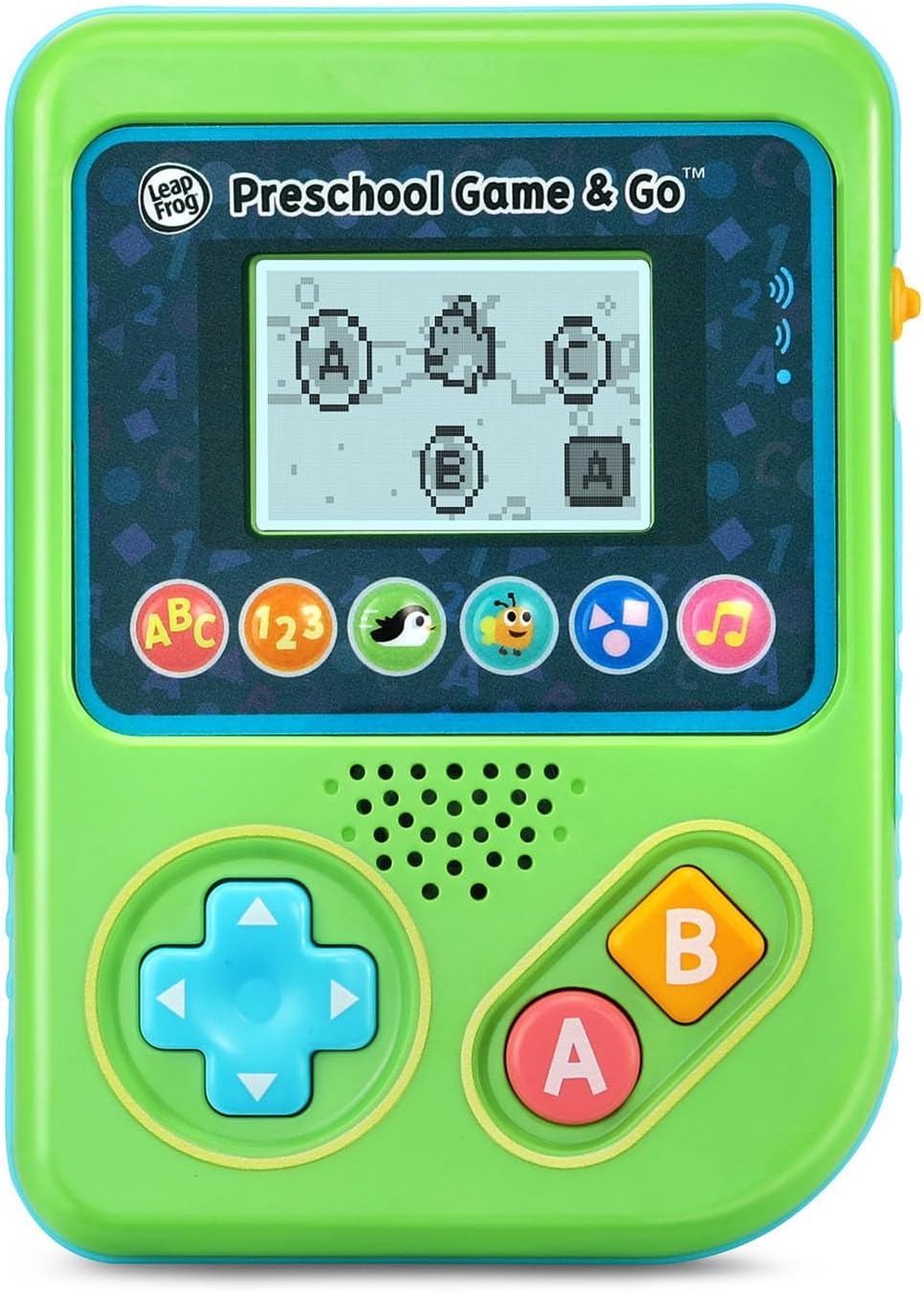
Figure 2: The ABC Swim game interface on the device screen.
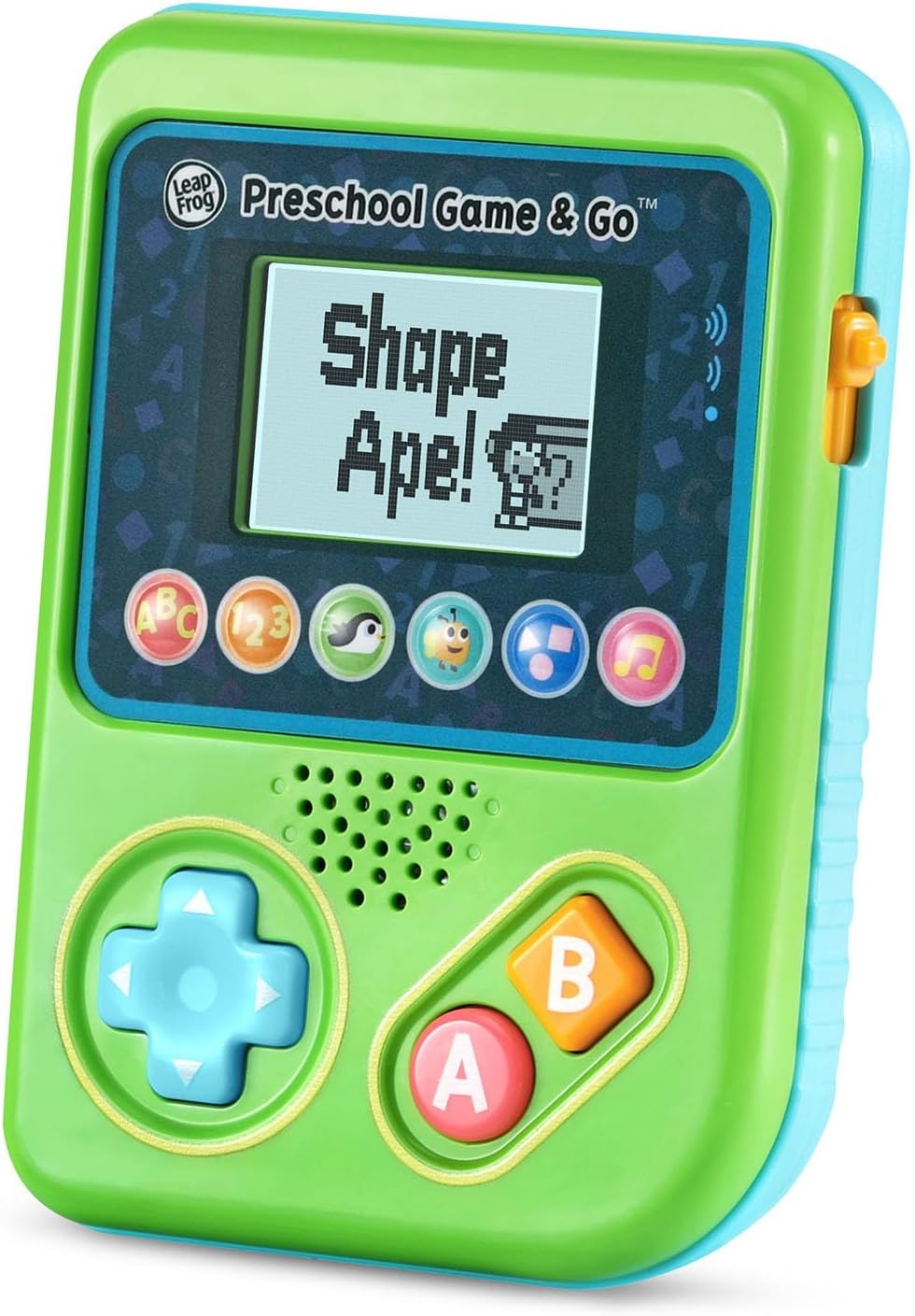
Figure 3: The Shape Ape game interface on the device screen.
การซ่อมบำรุง
- ในการทำความสะอาดอุปกรณ์ ให้เช็ดด้วยผ้าที่เปียกหมาดๆamp ผ้า ห้ามจุ่มน้ำ
- หลีกเลี่ยงการให้อุปกรณ์สัมผัสกับอุณหภูมิที่ร้อนจัดหรือโดนแสงแดดโดยตรง
- ถอดแบตเตอรี่ออกหากจะไม่ได้ใช้งานอุปกรณ์เป็นเวลานานเพื่อป้องกันการรั่วไหล
การแก้ไขปัญหา
- อุปกรณ์ไม่เปิด: Ensure fresh batteries are correctly installed. Check the power switch position.
- ไม่มีเสียงหรือมีเสียงเบา: Adjust the volume switch. Replace batteries if sound is distorted or very low.
- ปัญหาหน้าจอ: If the screen is blank or flickering, try turning the device off and on again. Replace batteries if the issue persists.
- ปุ่มไม่ตอบสนอง: Ensure the device is powered on. If a specific button is unresponsive, try cleaning around it. If the issue continues, replace batteries.
ข้อมูลจำเพาะ
| คุณสมบัติ | รายละเอียด |
|---|---|
| หมายเลขรุ่น | 80-621200 |
| ช่วงอายุ | 2 ปีขึ้นไป |
| แหล่งพลังงาน | ใช้พลังงานจากแบตเตอรี่ |
| แบตเตอรี่ที่จำเป็น | แบตเตอรี่ AAA 3 ก้อน (มีให้ในตัวอย่าง) |
| ประเภทตัวควบคุม | ปุ่มควบคุม |
| ประเภทจอภาพ | ดิจิตอล |
| วัสดุ | พลาสติก |
| ขนาดสินค้า | 1.3 x 4.1 x 5.6 นิ้ว |
| น้ำหนักสินค้า | 6.4 ออนซ์ |
การรับประกันและการสนับสนุน
For warranty information, product registration, or additional support, please refer to the contact information provided in the Quick Start Guide included with your product or visit the official LeapFrog webไซต์นี้ โปรดเก็บใบเสร็จรับเงินที่ซื้อไว้เพื่อใช้เรียกร้องการรับประกัน


