การแนะนำ
This manual provides comprehensive instructions for the setup, operation, maintenance, and troubleshooting of your ENDGAME GEAR OP1 8k v2 Black Esports Gaming Mouse. Designed for competitive gaming, this mouse features an ultra-high 8000Hz polling rate, a precise 30K DPI optical sensor, and hot-swappable switches for a customized experience. Please read this manual thoroughly to ensure optimal performance and longevity of your device.
สินค้าเกินview
The ENDGAME GEAR OP1 8k v2 is engineered for peak gaming performance, offering advanced features for precision and speed.
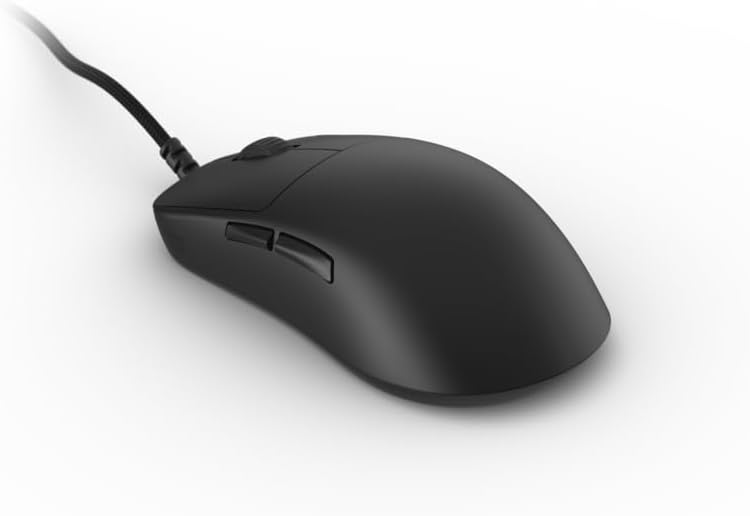
โดยรวม View: The ENDGAME GEAR OP1 8k v2 Black gaming mouse, showcasing its ergonomic design and wired connection.

Ultra-Fast 8000 Hz Polling Rate: This feature ensures extreme accuracy and zero delay, crucial for competitive gaming.

สวิตช์ Kailh GX: Co-developed with Endgame Gear, these switches provide crisp tactile feedback and ultra-low latency for precise in-game actions.
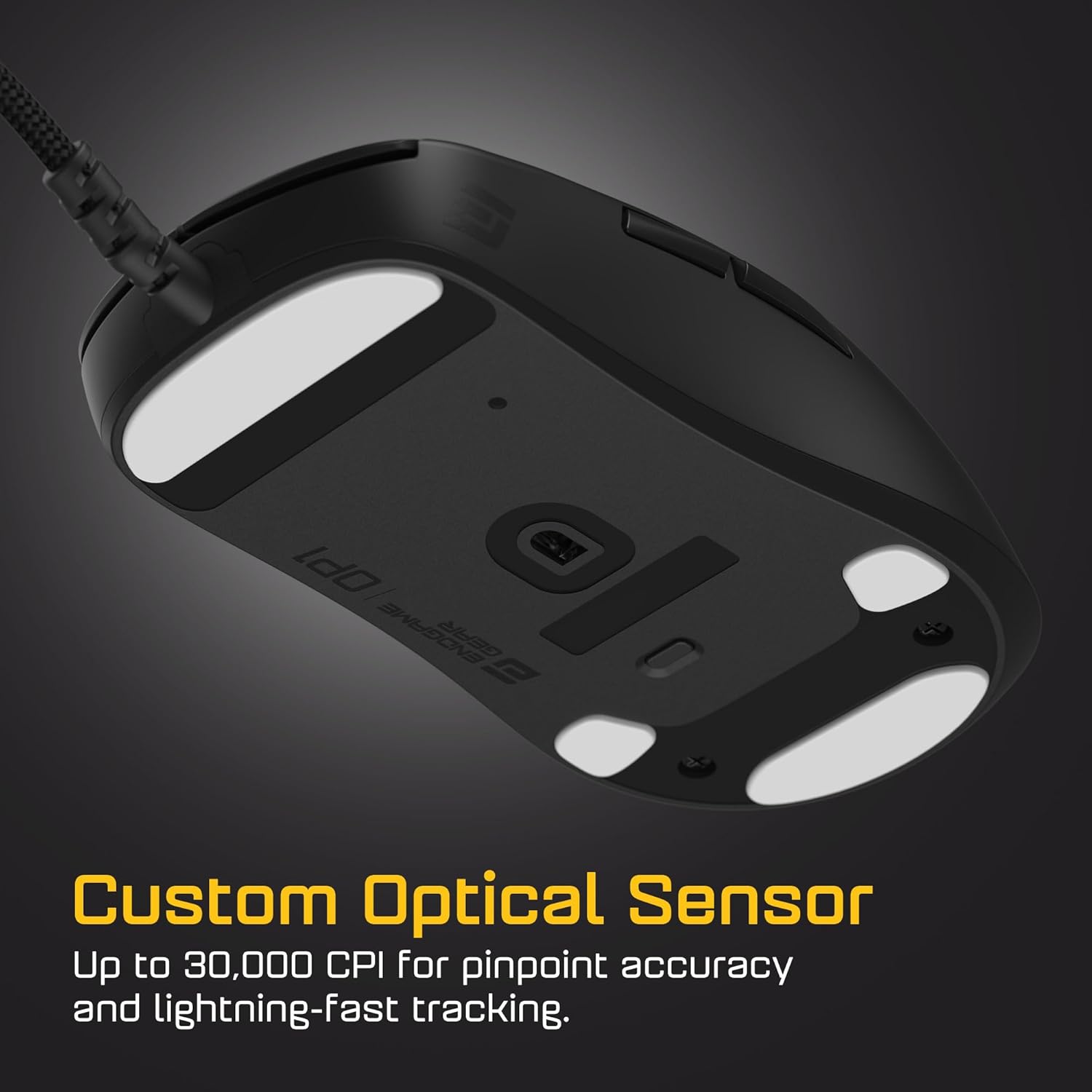
Custom Optical Sensor: Offers up to 30,000 CPI, 750 IPS, and 50G acceleration for pixel-perfect precision and reliable tracking.

การออกแบบขนนก: Weighing just 49.5g, the mouse glides effortlessly, reducing hand fatigue during extended use.
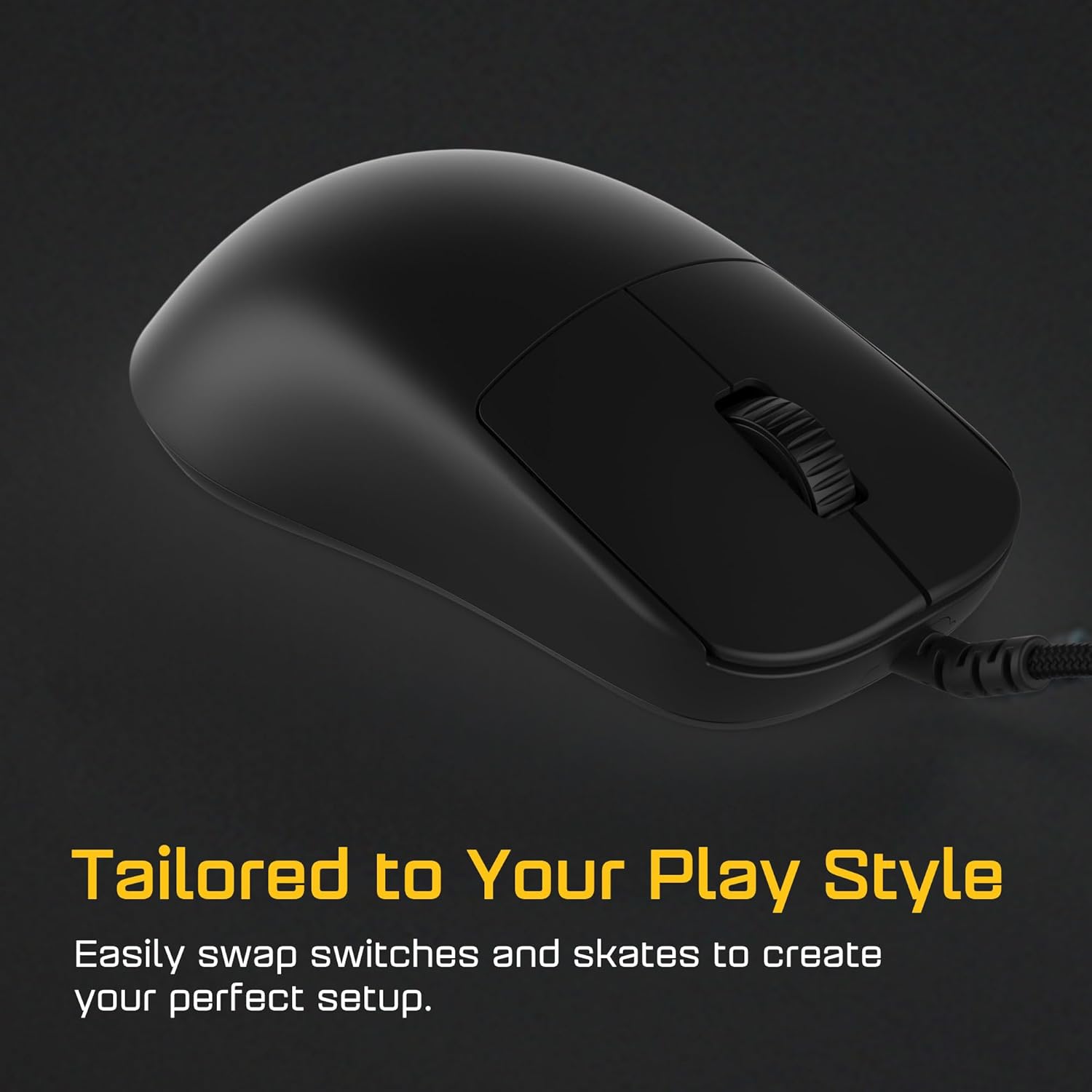
Tailored to Your Play Style: Features hot-swappable switches and skates, allowing for easy customization to suit individual preferences.
คู่มือการติดตั้ง
- แกะกล่อง: Carefully remove the ENDGAME GEAR OP1 8k v2 mouse and its cable from the packaging.
- การเชื่อมต่อ: Connect the USB-A end of the mouse cable to an available USB port on your computer. The mouse is plug-and-play for basic functionality.
- Software Installation (Recommended): For full customization, including DPI settings, polling rate adjustment, and button remapping, download the official ENDGAME GEAR software from the manufacturer's webเว็บไซต์.
- Visit the official ENDGAME GEAR webเว็บไซต์.
- ไปที่ส่วนสนับสนุนหรือดาวน์โหลด
- Locate and download the software for the OP1 8k v2 mouse.
- ปฏิบัติตามคำแนะนำบนหน้าจอเพื่อทำการติดตั้งให้เสร็จสมบูรณ์
- Firmware Update (If prompted): After installing the software, check for any available firmware updates for your mouse. Firmware updates can improve performance and add new features.
คำแนะนำการใช้งาน
The ENDGAME GEAR OP1 8k v2 mouse is designed for intuitive use.
- ฟังก์ชันพื้นฐาน: Once connected, the mouse will function immediately for basic navigation (left-click, right-click, scroll wheel, side buttons).
- การปรับ DPI: Use the ENDGAME GEAR software to customize and switch between different DPI (Dots Per Inch) sensitivity levels. This allows you to adjust cursor speed to your preference for various tasks or games.
- อัตราการสำรวจความคิดเห็น: The mouse operates at an 8000Hz polling rate by default, providing extremely fast response times. This setting can typically be managed or confirmed within the software.
- การปรับแต่งปุ่ม: The software allows you to remap the functions of the mouse buttons, including the two side buttons, to perform specific actions or macros.
- สวิตช์แบบ Hot-Swappable: The main left and right click switches are hot-swappable. Refer to the official ENDGAME GEAR website or support resources for detailed instructions on how to safely replace switches. Ensure the mouse is disconnected before attempting any switch replacement.
การซ่อมบำรุง
Proper maintenance ensures the longevity and optimal performance of your ENDGAME GEAR OP1 8k v2 mouse.
- การทำความสะอาด:
- ถอดเมาส์ออกจากคอมพิวเตอร์ของคุณก่อนทำความสะอาด
- ใช้ผ้านุ่มไม่เป็นขุยเช็ดเล็กน้อยampชุบน้ำหรือน้ำยาทำความสะอาดอ่อนๆ เพื่อเช็ดพื้นผิวของเมาส์
- หลีกเลี่ยงการใช้สารเคมีรุนแรง สารกัดกร่อน หรือตัวทำละลาย
- สำหรับเซ็นเซอร์แสง ให้ใช้สำลีหรือลมเป่าเบาๆ เพื่อกำจัดฝุ่นหรือสิ่งสกปรกออก
- การดูแลสายเคเบิล:
- ควรหลีกเลี่ยงการดัดงอหรือหักงอสายเคเบิลอย่างรุนแรง
- Do not pull the mouse by its cable. Always grasp the mouse body when moving it.
- Store the cable neatly when not in use to prevent tangling and damage.
- Mouse Feet (Skates): The PTFE mouse feet are designed for smooth gliding. If they become worn, replacement feet can be purchased from authorized retailers. Refer to the official ENDGAME GEAR webเว็บไซต์สำหรับคำแนะนำในการเปลี่ยนชิ้นส่วน
การแก้ไขปัญหา
If you encounter issues with your ENDGAME GEAR OP1 8k v2 mouse, refer to the following common solutions.
| ปัญหา | สาเหตุที่เป็นไปได้ / วิธีแก้ไข |
|---|---|
| Mouse not responding / No movement |
|
| Inconsistent tracking or cursor jumps |
|
| Buttons not clicking or double-clicking unexpectedly |
|
| Software not installing or flagged by antivirus |
|
| Mouse feels too heavy or too light |
|
ข้อมูลจำเพาะ
| คุณสมบัติ | รายละเอียด |
|---|---|
| ยี่ห้อ | ENDGAME เกียร์ |
| หมายเลขรุ่น | EGG-OP1-8K-V2-BLK |
| สี | สีดำ |
| การเชื่อมต่อ | Wired (Flex Cord 5.0) |
| เซ็นเซอร์ | Custom Optical Sensor |
| Max CPI (DPI) | สูงถึง 30,000 |
| แม็กซ์ ไอเอสพี | 750 |
| การเร่งความเร็ว | 50จี |
| อัตราการสำรวจความคิดเห็น | 8000เฮิรตซ์ |
| สวิตซ์ | Kailh GX (Hot-Swappable) |
| น้ำหนักสินค้า | น้ำหนักประมาณ 49.5 กรัม (1.75 ออนซ์) |
| ขนาดสินค้า (กxยxส) | 4.65 x 2.38 x 1.46 นิ้ว (11.8 x 6.05 x 3.7 ซม.) |
| แหล่งพลังงาน | มีสาย |
| ประเภทแบตเตอรี่ | ไม่ต้องใช้แบตเตอรี่ |
การรับประกันและการสนับสนุน
For detailed warranty information, technical support, and frequently asked questions, please visit the official ENDGAME GEAR webเว็บไซต์.
เป็นทางการ Webเว็บไซต์: www.endgamegear.com
You may also find additional resources and community support through the brand's official channels.


