1. บทนำ
This manual provides essential information for the proper setup, operation, and maintenance of your SANSUI 24 Inch Gaming Monitor. Please read this manual thoroughly before using the product to ensure optimal performance and safety.
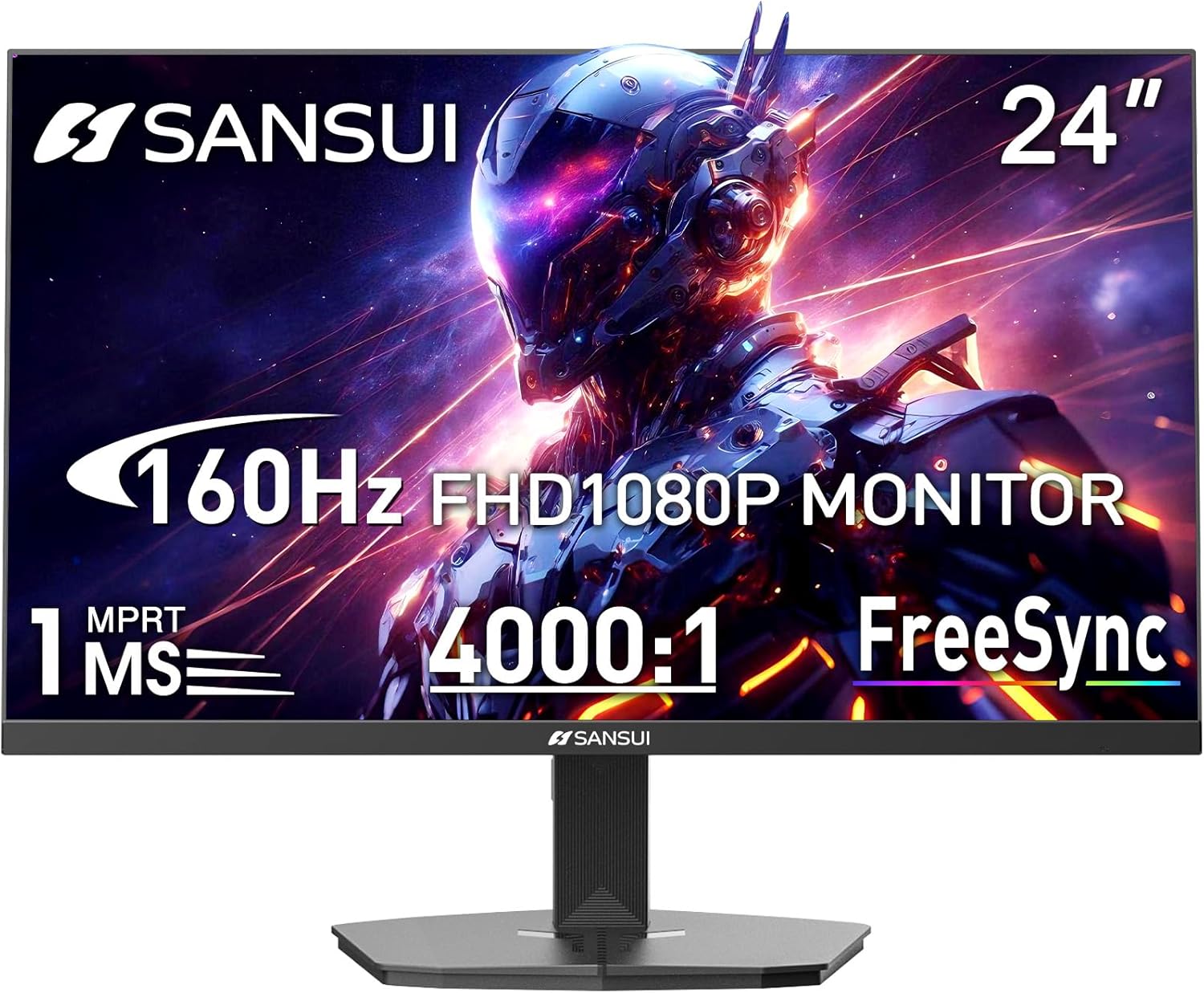
Image 1.1: SANSUI 24 Inch Gaming Monitor (Model ES-G24F4M)
2. ข้อมูลด้านความปลอดภัย
- ตรวจสอบให้แน่ใจว่าวางจอภาพบนพื้นผิวที่มั่นคงและระดับเพื่อป้องกันการตกโดยไม่ได้ตั้งใจ
- อย่าให้จอภาพโดนฝน ความชื้น หรืออุณหภูมิที่สูงหรือต่ำเกินไป
- หลีกเลี่ยงการปิดกั้นช่องระบายอากาศเพื่อป้องกันความร้อนสูงเกินไป
- Use only the power adapter provided with the monitor.
- Disconnect the power cable from the outlet before cleaning or if the monitor will not be used for an extended period.
3. เนื้อหาบรรจุภัณฑ์
ตรวจสอบว่ามีรายการทั้งหมดอยู่ในแพ็คเกจ:
- SANSUI 24 Inch Gaming Monitor
- สาย HDMI x 1
- อะแดปเตอร์เพาเวอร์ x 1
- คู่มือการติดตั้งแบบด่วน
- บัตรรับประกัน
4. คุณสมบัติของผลิตภัณฑ์
- ขนาดจอแสดงผล: 24 นิ้ว
- ปณิธาน: ความละเอียด Full HD 1080p (1920 x 1080 พิกเซล)
- อัตราการรีเฟรช: 160เฮิรตซ์
- เวลาตอบสนอง: MPRT 1 มิลลิวินาที
- อัตราส่วนคอนทราสต์: 4000:1 น.
- ความสว่าง: 300 ซีดี/ตรม.
- ช่วงสี: 72% sRGB
- เทคโนโลยี: FreeSync, HDR, Anti-flicker, Anti-Glare, Low Blue Light Eye Care
- พอร์ต: HDMI & DP Ports (HDMI Cable Included)
- การติดตั้ง: VESA Support (75x75mm)
- ขนาด : 21.2 x 7.95 x 16.28 นิ้ว
- น้ำหนัก: 3.54 ปอนด์
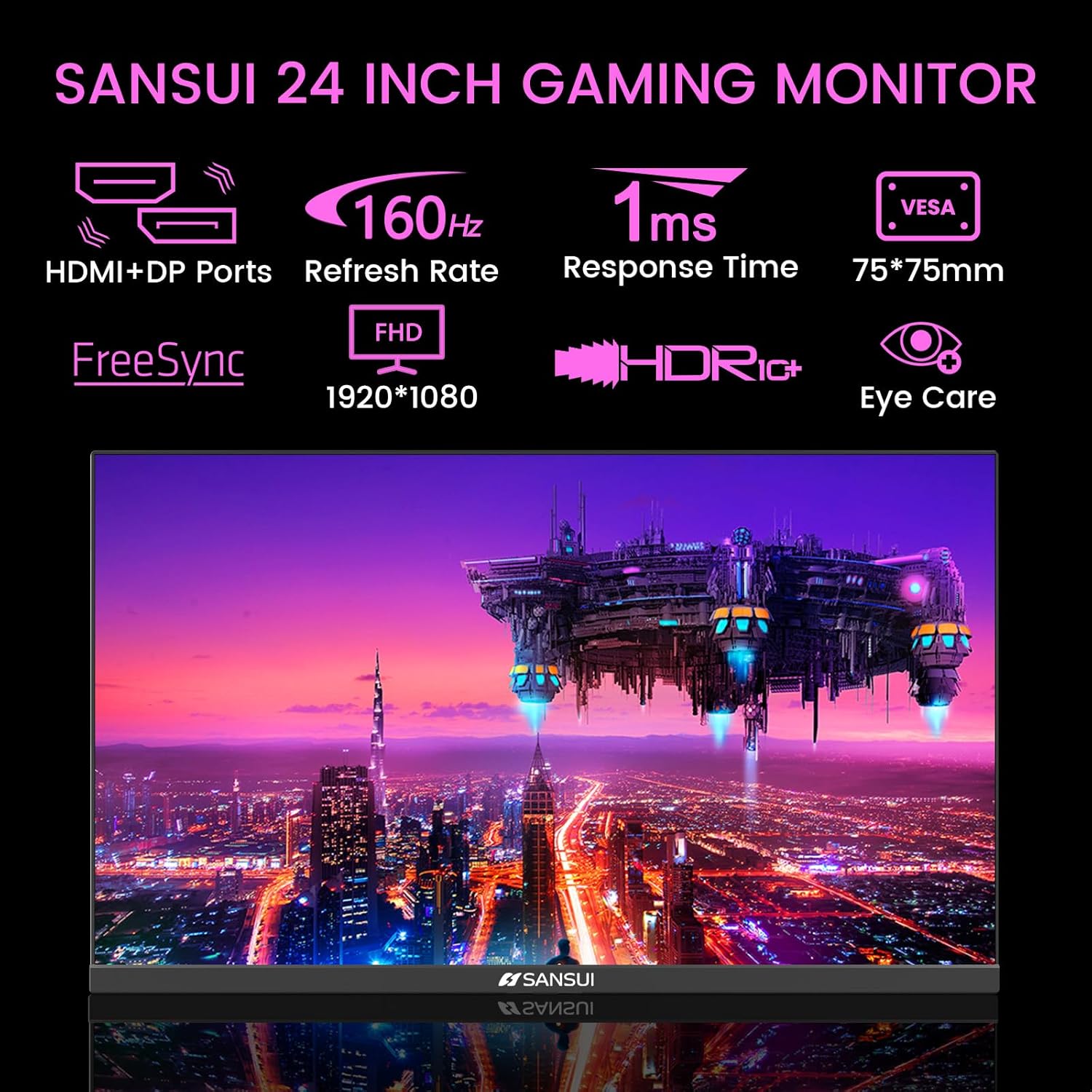
Image 4.1: Key Features of the SANSUI 24 Inch Gaming Monitor.
5. การตั้งค่า
5.1. การประกอบขาตั้ง
- ถอดส่วนประกอบของจอภาพและขาตั้งออกจากบรรจุภัณฑ์อย่างระมัดระวัง
- ยึดฐานขาตั้งเข้ากับคอขาตั้งโดยใช้สกรูที่ให้มา
- Secure the assembled stand to the back of the monitor. Ensure it clicks into place or is fastened securely with screws, depending on the design.
5.2. การติดตั้งแบบ VESA (ตัวเลือกเสริม)
The monitor supports VESA 75x75mm mounting. If using a VESA mount, remove the pre-attached stand and follow the instructions provided with your VESA mounting kit.
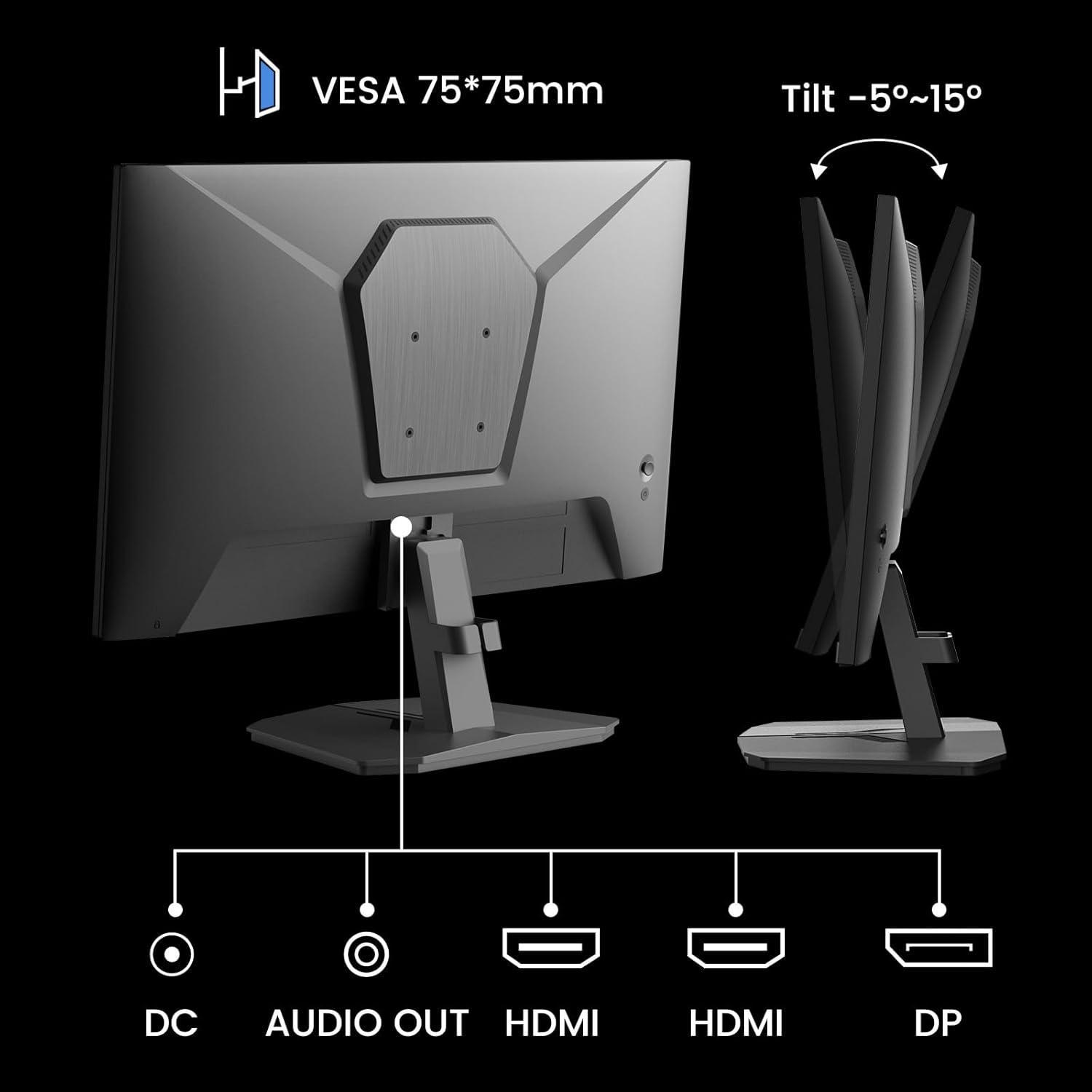
ภาพที่ 5.1: ด้านหลัง view showing VESA mount and input ports.
5.3. การเชื่อมต่อกับอุปกรณ์
- Connect one end of the HDMI cable (included) or a DisplayPort (DP) cable to the corresponding port on your computer or gaming console.
- Connect the other end of the cable to the HDMI or DP input port on the SANSUI monitor.
- For audio output, connect external speakers or headphones to the 'AUDIO OUT' port on the monitor.
- Connect the power adapter to the 'DC IN' port on the monitor, then plug the adapter into a power outlet.
5.4. เปิดเครื่องครั้งแรก
Press the power button located on the underside of the monitor to turn it on. The monitor will automatically detect the active input source. If not, manually select the input source using the OSD menu.
6. คู่มือการใช้งาน
6.1. OSD (On-Screen Display) Menu Navigation
The OSD menu allows you to adjust various monitor settings. The control buttons are located on the underside of the monitor:
- ปุ่มเมนู: Press to open the OSD menu or enter a sub-menu.
- ลูกศรขึ้น/ลง: นำทางผ่านตัวเลือกเมนู
- ปุ่มป้อน: Confirm selection or adjust values.
- ปุ่มเปิด/ปิด: เปิด/ปิดจอภาพ
6.2. การตั้งค่ารูปภาพ
Access the 'Picture' section in the OSD menu to adjust:
- ความสว่าง: ปรับความสว่างโดยรวมของหน้าจอ
- ตัดกัน: ปรับความแตกต่างระหว่างบริเวณที่สว่างที่สุดและมืดที่สุด
- พิกัด: Enhances pixel response time for reduced motion blur.
- HDR (ช่วงไดนามิกสูง): When enabled, HDR provides a wider range of colors and contrast. Note: Some settings may be locked when HDR is active.
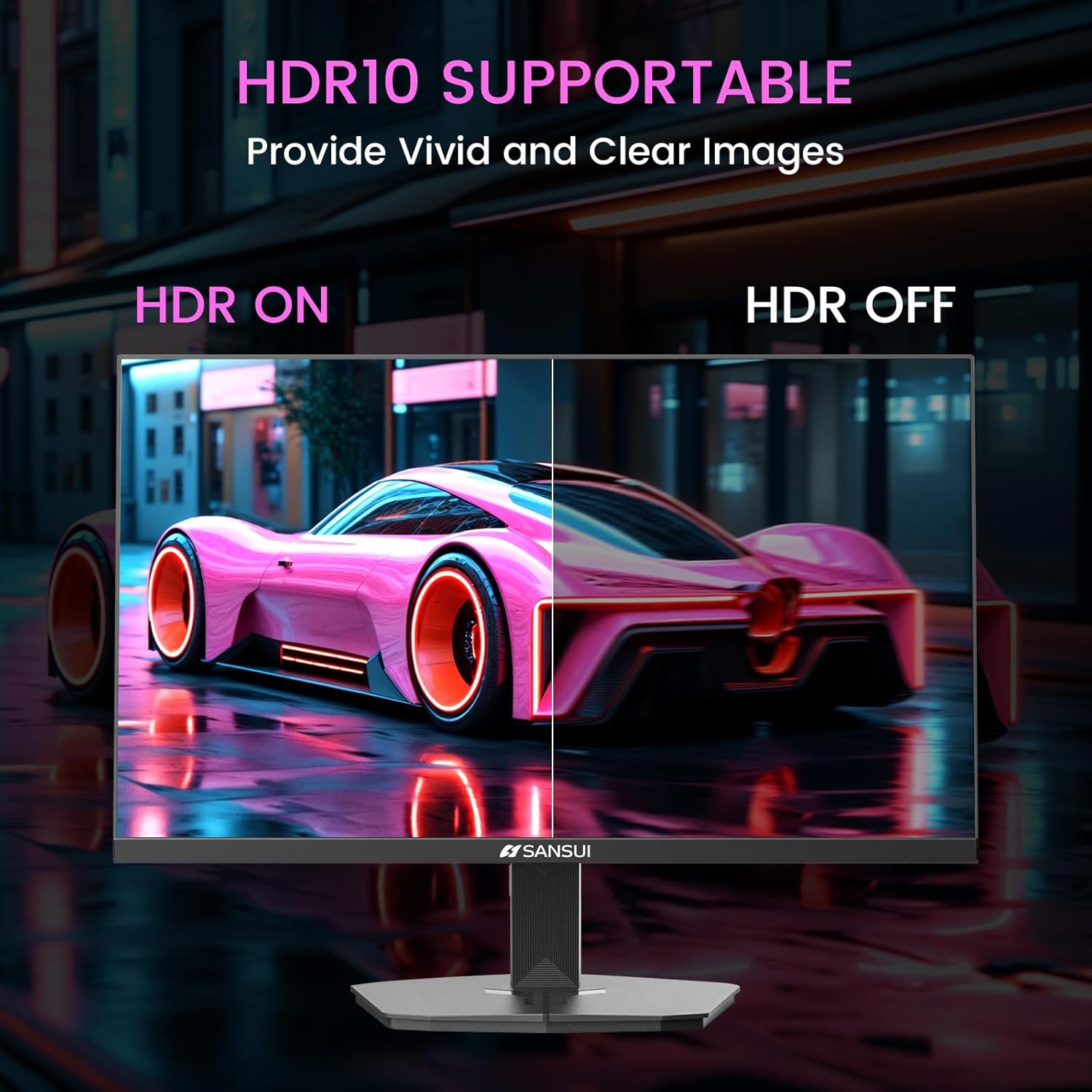
Image 6.1: HDR10 Support for vivid and clear images.
6.3. การตั้งค่าสี
In the 'Color Setup' menu, you can adjust color temperature and other color-related parameters when HDR is not active.
6.4. Game Modes and Assistants
The monitor includes exclusive gaming modes and assistants to enhance your gaming experience:
- CrossHair: Provides an on-screen crosshair for improved aiming.
- ตัวจับเวลา: Displays an on-screen timer.
- RTS/FPS/RACING: Pre-calibrated display modes optimized for specific game genres.
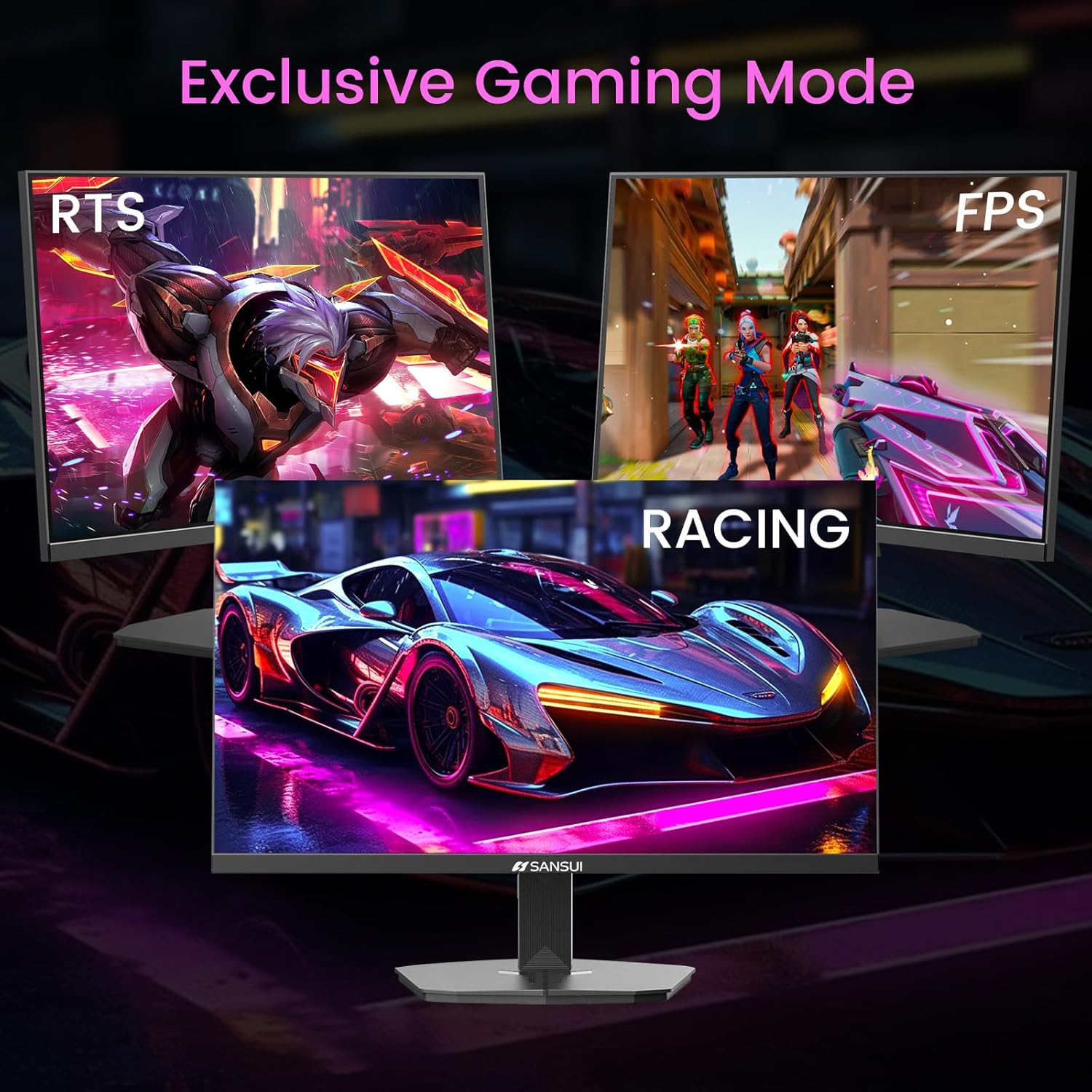
Image 6.2: Exclusive Gaming Modes for optimized visuals.
6.5. FreeSync Technology
FreeSync technology synchronizes the monitor's refresh rate with your graphics card's frame rate, eliminating screen tearing and stuttering for a smoother gaming experience. Enable or disable FreeSync through the OSD menu.
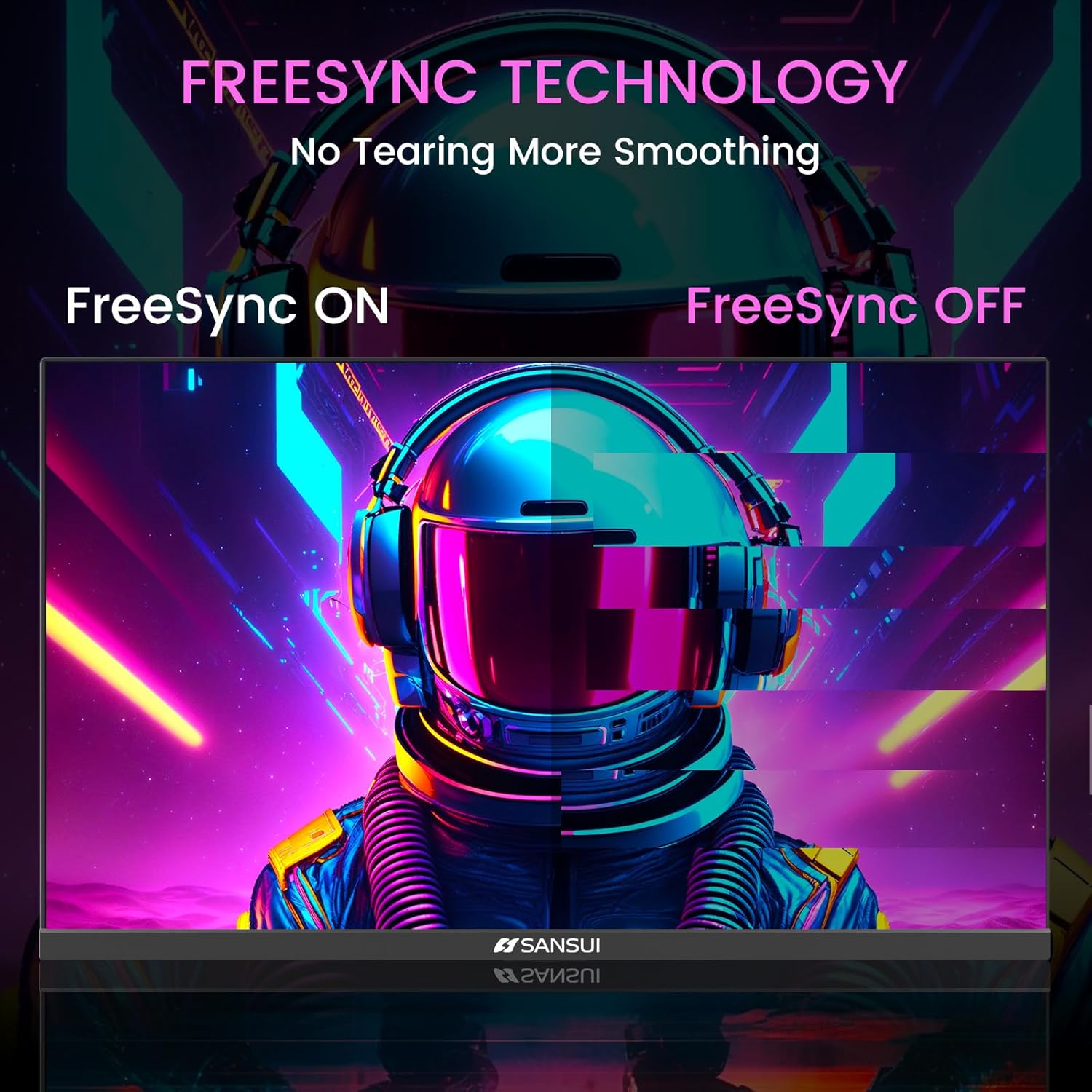
Image 6.3: FreeSync Technology for no tearing and smoother visuals.
6.6. การเลือกอินพุต
Use the OSD menu to manually select the input source (HDMI or DP) if the monitor does not automatically detect it.
Video 6.1: SANSUI FreeSync - 24-inch Gaming Monitor, 160Hz, FHD. This video demonstrates the monitor's features and performance, including its 160Hz refresh rate and FreeSync technology.
7. การบำรุงรักษา
- การทำความสะอาดหน้าจอ: ใช้ผ้านุ่มไม่เป็นขุยเช็ดเล็กน้อยampล้างออกด้วยน้ำหรือน้ำยาทำความสะอาดหน้าจอ ห้ามฉีดน้ำยาทำความสะอาดลงบนหน้าจอโดยตรง
- การทำความสะอาด Casing: ใช้ผ้าแห้งนุ่มเช็ดจอภาพasinก. หลีกเลี่ยงการใช้น้ำยาทำความสะอาดที่มีฤทธิ์กัดกร่อน
- พื้นที่จัดเก็บ: หากจะเก็บจอภาพไว้เป็นเวลานาน ควรถอดสายไฟทั้งหมดออกและเก็บไว้ในที่แห้งและเย็น โดยควรอยู่ในบรรจุภัณฑ์เดิม
8 การแก้ไขปัญหา
- ไม่มีไฟฟ้า: ตรวจสอบให้แน่ใจว่าสายไฟเชื่อมต่อกับทั้งจอภาพและเต้ารับไฟฟ้าอย่างแน่นหนา ตรวจสอบว่าเต้ารับไฟฟ้าใช้งานได้หรือไม่
- ไม่มีสัญญาณ: Verify that the video cable (HDMI/DP) is correctly connected to both the monitor and the source device. Ensure the correct input source is selected in the OSD menu.
- หน้าจอกระพริบ: Check the video cable connection. Ensure the refresh rate is set correctly in your device's display settings.
- การบิดเบือนของภาพ: Reset the monitor to factory settings via the OSD menu. Check your device's display resolution settings.
- ปุ่มไม่ตอบสนอง: Disconnect the power for a few minutes, then reconnect. If the issue persists, contact customer support.
9. ข้อมูลจำเพาะ
| คุณสมบัติ | ข้อมูลจำเพาะ |
|---|---|
| ขนาดสินค้า | 21.2 x 7.95 x 16.28 นิ้ว |
| น้ำหนักสินค้า | 3.54 ปอนด์ |
| ผู้ผลิต | EXPRESS LUCK INDUSTRIAL(ZHONGSHAN)LIMITED |
| หมายเลขรุ่นสินค้า | ES-G24F4M |
| ขนาดการแสดงผลหน้าจอยืน | 24 นิ้ว |
| อัตราส่วนภาพ | 16:9 น. |
| ปณิธาน | 1920 x 1080 พิกเซล (FHD 1080p) |
| ความสว่างของภาพ | 300 ซีดี/ตรม. |
| คำอธิบายพื้นผิวหน้าจอ | แมทต์ |
10. การรับประกันและการสนับสนุน
SANSUI offers a money-back and free replacement warranty from the order date within 30 days. Additionally, lifetime technical support is provided for the SANSUI 24 inch 160Hz 1ms gaming monitor. For any questions or support needs, please contact SANSUI's after-sales support team.


