การแนะนำ
This manual provides detailed instructions for setting up, operating, and maintaining your Samsung Galaxy S25 Edge smartphone. It covers essential features of Android 15, Gemini AI, and One UI 7, designed to help both new users and those upgrading to the latest model.
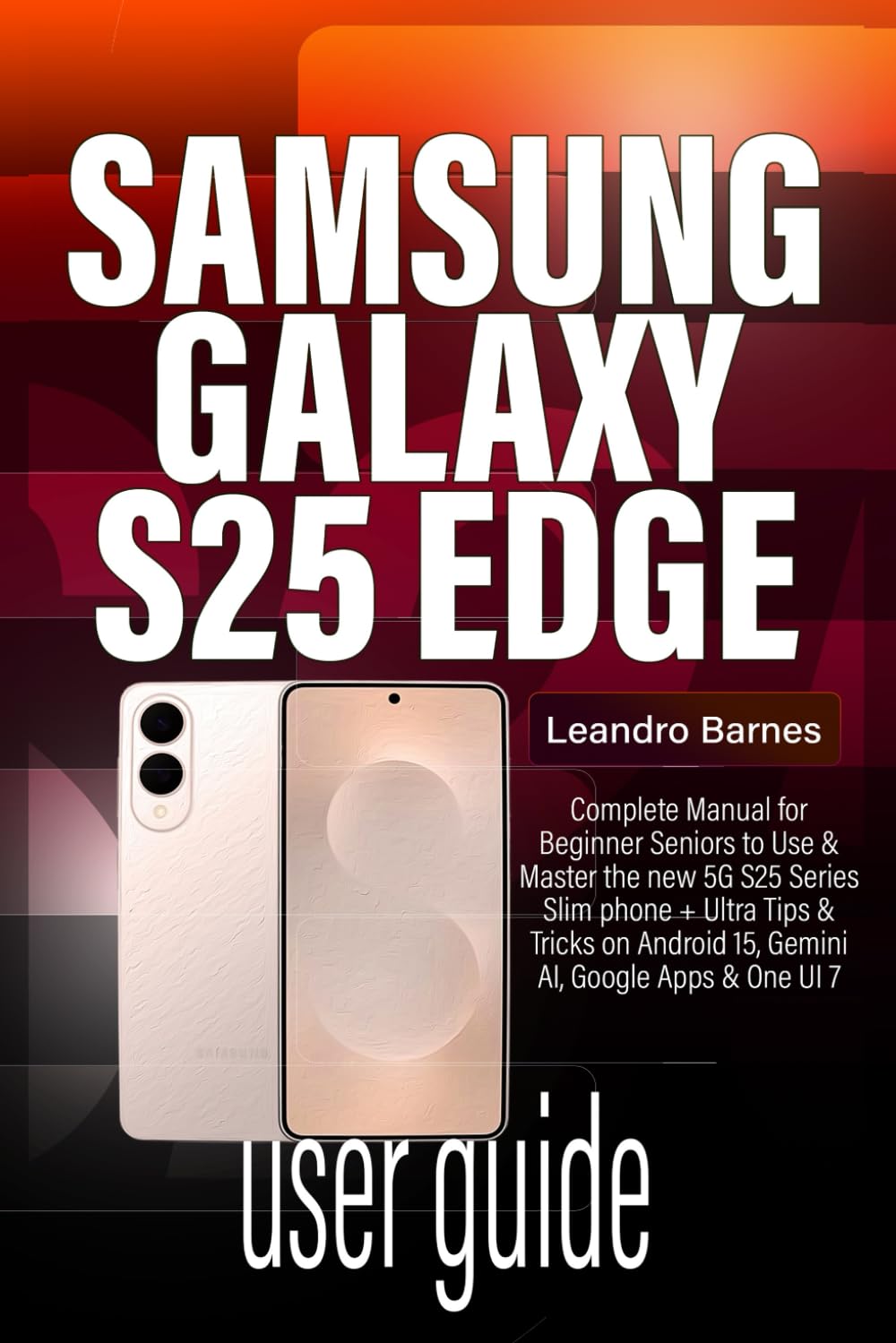
Image: Front cover of the Samsung Galaxy S25 Edge User Guide. This guide provides comprehensive instructions for the device.
1. การตั้งค่าและการกำหนดค่าเริ่มต้น
This section guides you through the initial setup process of your new Samsung Galaxy S25 Edge.
1.1 การเปิดเครื่องและการตั้งค่าพื้นฐาน
- เปิดเครื่อง: กดปุ่มเปิด/ปิดค้างไว้จนกว่าโลโก้ Samsung จะปรากฏขึ้น
- เลือกภาษา: เลือกภาษาที่คุณต้องการ
- การเชื่อมต่อ Wi-Fi: เชื่อมต่อกับเครือข่าย Wi-Fi เพื่อดำเนินการตั้งค่าต่อไป
- บัญชี Google: ลงชื่อเข้าใช้ด้วยบัญชี Google ของคุณหรือสร้างบัญชีใหม่
- การถ่ายโอนข้อมูล: Follow on-screen prompts to transfer data from your old phone, including iPhones.
1.2 Customizing Your Home Screen
- วิดเจ็ต: Press and hold on an empty area of the home screen, then select "Widgets" to add useful tools.
- วอลเปเปอร์: Change your background by selecting "Wallpaper & style" from the home screen menu.
- โหมดง่าย: For a simplified interface, navigate to Settings > Display > Easy mode.
- App Folders: Organize your apps by dragging one app icon onto another to create a folder.
2. Operating Your Galaxy S25 Edge
Explore the advanced features and daily operations of your device.
2.1 Camera and AI Tools
Your Galaxy S25 Edge features a 200MP AI-powered camera for stunning photography.
- โหมดการถ่ายภาพ: Access various modes like Portrait, Pro, Night, and Slow-mo from the camera app.
- Galaxy AI Editing: Utilize built-in AI features for photo enhancement:
- เครื่องมือลบวัตถุ: Remove unwanted elements from your photos.
- AI Photo Effects: Apply intelligent filters and adjustments.
- Generative AI: Enhance or expand images using AI.
- การวาดภาพด้วย AI: Add creative AI-generated elements.
- Enhance-X: Automatically improve photo quality.
2.2 One UI 7 Features
Personalize your user experience with One UI 7.
- ธีม: Download and apply custom themes from the Galaxy Themes store.
- โหมดมืด: Enable Dark Mode in การตั้งค่า > การแสดงผล เพื่อความสะดวกสบาย viewในที่แสงน้อย
- ความละเอียดหน้าจอ: Adjust display resolution for optimal performance or battery life.
2.3 Android 15 and Gemini AI
Benefit from the latest Android operating system and Google's advanced AI.
- เจมินี่ ไลฟ์: Access AI-powered features such as smart suggestions, chat assistance, and transcription tools.
- วงกลมเพื่อค้นหา: Circle any item on your screen to instantly search for information about it.
- หมายเหตุช่วย: Get AI-powered summaries and formatting for your notes.
- สตูดิโอถ่ายภาพบุคคล: Enhance portrait photos with AI-driven adjustments.
2.4 การสื่อสารและการส่งข้อความ
- การแจ้งเตือน: Customize notification sounds and alerts in การตั้งค่า > การแจ้งเตือน.
- เสียงเรียกเข้า: Set unique ringtones for individual contacts.
- Messaging Shortcuts: Utilize quick replies and other messaging app features.
- การพิมพ์ด้วยเสียง: Use the microphone icon on your keyboard to dictate messages.
2.5 การทำงานหลายอย่างพร้อมกันและประสิทธิภาพการทำงาน
- การทำงานหลายอย่างพร้อมกันแบบแบ่งหน้าจอ: Open two apps simultaneously by dragging an app from the Recents screen to the top or bottom half of the display.
- ป๊อปอัพ View: Convert an app into a floating window for quick access.
- แผงขอบ: Swipe from the edge of the screen to access frequently used apps, contacts, and tools.
3. Digital Wellness and Parental Controls
Manage your screen time and ensure a healthy digital environment.
- เวลาหน้าจอ: Monitor and set limits for app usage in การตั้งค่า > สุขภาพดิจิทัลและการควบคุมโดยผู้ปกครอง.
- Samsung Kids: Create a safe and fun environment for children with parental controls.
- Bedtime Modes: Schedule your phone to automatically switch to grayscale and mute notifications for better sleep.
4. การบำรุงรักษาและการเพิ่มประสิทธิภาพ
Tips for keeping your Galaxy S25 Edge running smoothly.
- การอัปเดตซอฟต์แวร์: Regularly check for and install system updates in การตั้งค่า > อัปเดตซอฟต์แวร์.
- ล้างแคช: Periodically clear app caches to free up storage and improve performance.
- การเพิ่มประสิทธิภาพแบตเตอรี่: Use the device care features in การตั้งค่า > การดูแลแบตเตอรี่และอุปกรณ์ เพื่อเพิ่มประสิทธิภาพการใช้งานแบตเตอรี่
- Fixing Bugs: Restart your device to resolve minor software glitches. For persistent issues, consider a factory reset after backing up data.
5. การแก้ไขปัญหาทั่วไป
Solutions for common problems you might encounter.
- อุปกรณ์ไม่ตอบสนอง: Press and hold the Power and Volume Down buttons simultaneously for about 10 seconds to force restart.
- แอปขัดข้อง: ล้างแคชและข้อมูลของแอป (การตั้งค่า > แอป > [ชื่อแอป] > ที่เก็บข้อมูล) หรือติดตั้งแอปใหม่อีกครั้ง
- อายุการใช้งานแบตเตอรี่ไม่ดี: Check background app usage, reduce screen brightness, and disable unnecessary features like always-on display or GPS when not needed.
- ปัญหาการเชื่อมต่อ: Toggle Wi-Fi or Bluetooth off and on, or reset network settings (การตั้งค่า > การจัดการทั่วไป > รีเซ็ต > รีเซ็ตการตั้งค่าเครือข่าย).
6. ข้อมูลจำเพาะ
Key technical specifications for the Samsung Galaxy S25 Edge.
| คุณสมบัติ | รายละเอียด |
|---|---|
| ชื่อรุ่น | ซัมซุง กาแล็คซี่ S25 เอดจ์ |
| ระบบปฏิบัติการ | Android 15 พร้อม One UI 7 |
| โปรเซสเซอร์ | Next-generation Octa-core Processor (e.g., Exynos 2500 / Snapdragon 8 Gen 4) |
| แสดง | Dynamic AMOLED 2X, Edge Display, High Refresh Rate |
| กล้อง | 200MP Main Camera with AI enhancements, Multiple Rear Lenses, High-resolution Front Camera |
| การเชื่อมต่อ | 5G, Wi-Fi 7, Bluetooth 5.4, NFC, USB-C |
| แบตเตอรี่ | High-capacity Li-Po Battery with Fast Charging and Wireless Charging |
| ความปลอดภัย | In-display Fingerprint Sensor, Facial Recognition |
Note: Specific details may vary by region and carrier.
7. การรับประกันและการสนับสนุน
สำหรับข้อมูลการรับประกันและการสนับสนุนทางเทคนิค โปรดดูที่เว็บไซต์ Samsung อย่างเป็นทางการ webเว็บไซต์หรือติดต่อร้านค้าปลีกของคุณ
- ซัมซุงอย่างเป็นทางการ Webเว็บไซต์: www.samsung.com/support
- บริการลูกค้า: Refer to your region's Samsung support contact details.
- การลงทะเบียนผลิตภัณฑ์: Register your device online to receive updates and support.


