1. บทนำ
The VGN F1 PRO Wireless Gaming Mouse is engineered for precision and speed, featuring an ultralight 49g design, a high-performance 26,000 DPI sensor, and versatile wireless and wired connectivity. This manual will guide you through its features and functionalities to ensure optimal performance.
2. เนื้อหาบรรจุภัณฑ์
ตรวจสอบว่ารายการทั้งหมดที่ระบุไว้ด้านล่างนี้รวมอยู่ในบรรจุภัณฑ์ผลิตภัณฑ์ของคุณแล้ว:
- VGN F1 Pro Gaming Mouse
- USB Type A Receiver
- Paracord style USB-C to USB-A Cable
- USB Extension Adapter
- เทปจับเมาส์

Figure 2.1: The VGN F1 PRO Wireless Gaming Mouse shown with its USB Type A receiver and USB-C cable.
3. สินค้าหมดview
3.1. ส่วนประกอบสำคัญ

Figure 3.1: Detailed diagram illustrating the mouse's components including the LED Indicator, Scroll Wheel, Left Button, Right Button, Forward Button, Backward Button, DPI Button, Optical Sensor, Power Switch, Receiver Storage Slot, and Feet.
3.2. Ultralight Design
Weighing only 49g, the VGN F1 PRO features a solid shell design, providing a lightweight yet sturdy build for rapid movements and reduced fatigue during extended use.

Figure 3.2: The mouse is depicted on a hand, emphasizing its minimal weight and ergonomic form factor.
3.3. High-Performance Sensor
Equipped with the PixArt PAW 3395 sensor, the mouse offers adjustable DPI up to 26,000, 650 IPS tracking, and 50G acceleration for precise and responsive control.

Figure 3.3: Visual representation of the mouse's optical sensor and its high tracking capabilities.
3.4. Advanced Chipset
The Nordic nRF52833 MCU ensures ultra-low latency and a 1000Hz polling rate, providing fast and accurate game control.
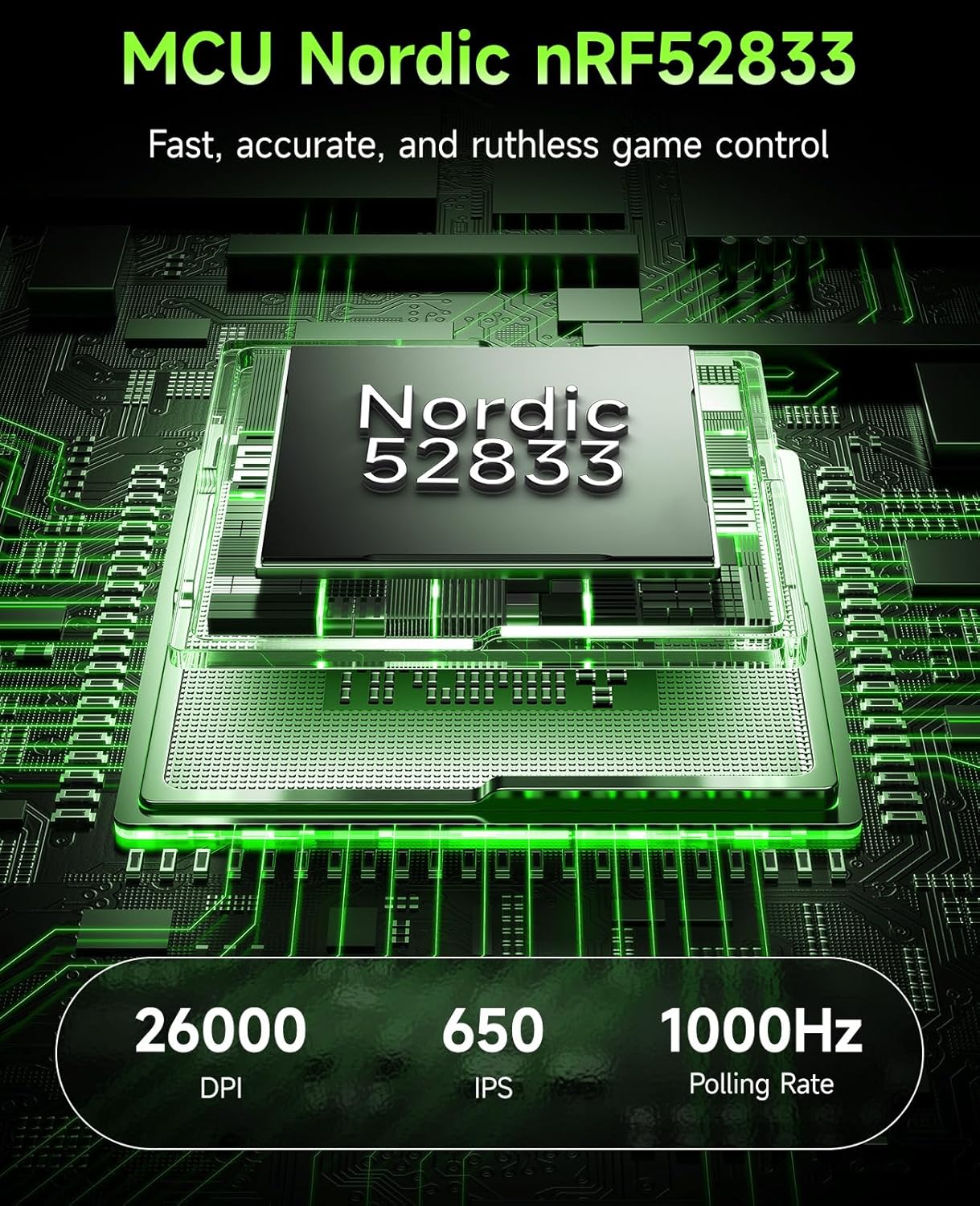
Figure 3.4: Diagram showing the Nordic nRF52833 chip, highlighting its role in performance and polling rate.
3.5. แบตเตอรี่ใช้งานได้นาน
Enjoy up to 65 hours of uninterrupted wireless use, ensuring prolonged gaming sessions without frequent recharging.

Figure 3.5: The mouse is shown on a mousepad with an overlay indicating its 65-hour battery capacity.
3.6. Customizable Controls
The 6 programmable buttons can be fully customized using the VGN HUB software, allowing for personalized keybinds and macros.

Figure 3.6: A visual representation of the VGN HUB software, demonstrating the customization options for mouse buttons and settings.
3.7. Wired/Wireless Flexibility
The mouse supports both 2.4GHz wireless mode for ultra-low latency and wired Type-C connection for continuous play and charging.

Figure 3.7: The mouse is shown connected via both wireless and wired modes, with indicators for battery level.
3.8. Durable Switches
Equipped with Kailh Black Mamba switches, rated for 100 million clicks, ensuring long-lasting performance and tactile feedback.

รูปที่ 3.8: ระยะใกล้ view of a Kailh Golden Black Mamba switch, highlighting its robust construction.
4. คำแนะนำในการตั้งค่า
4.1. การชาร์จเมาส์
Before first use, it is recommended to fully charge your VGN F1 PRO mouse.
- Locate the USB-C port on the front of the mouse.
- Connect the provided USB-C to USB-A cable to the mouse.
- Plug the USB-A end of the cable into a powered USB port on your computer or a USB wall adapter.
- The LED indicator on the mouse will show charging status (Orange: Charging in Progress). It will turn Green when fully charged.
4.2 การเชื่อมต่อแบบไร้สาย (2.4GHz)
For wireless operation, use the provided USB Type A receiver.
- Locate the USB Type A receiver. It may be stored in the compartment on the underside of the mouse.
- Plug the USB Type A receiver into an available USB port on your computer.
- Turn on the mouse using the Power Switch located on the underside of the mouse.
- The mouse should automatically connect to the receiver. The LED indicator will show Green for normal battery level.
4.3. การเชื่อมต่อผ่านสาย LAN
The mouse can also be used in wired mode, which also charges the device.
- Connect the provided USB-C to USB-A cable to the mouse's USB-C port.
- Plug the USB-A end of the cable into a USB port on your computer.
- The mouse will function immediately in wired mode and begin charging.
5. คู่มือการใช้งาน
5.1. การปรับ DPI
The DPI (Dots Per Inch) can be adjusted to control cursor sensitivity. The mouse features a dedicated DPI button on its underside.
- กดปุ่ม ปุ่ม DPI on the underside of the mouse to cycle through preset DPI levels.
- For fine-tuning DPI from 50 to 26,000, use the VGN HUB software.
5.2. การปรับแต่งปุ่ม
The 6 buttons on the VGN F1 PRO mouse are fully programmable via the VGN HUB software.
- Download and install the VGN HUB software from the official VGN webเว็บไซต์.
- Launch the VGN HUB software.
- Navigate to the "Remap Keys" or "Button Assignment" section.
- Select the button you wish to customize and assign a new function, macro, or keybind.
- Save your changes to apply the new settings.
5.3. การจัดการพลังงาน
The mouse features an On/Off switch to conserve battery life when not in use.
- To turn off the mouse, slide the สวิตซ์ไฟฟ้า ไปที่ตำแหน่ง "ปิด"
- To turn on the mouse, slide the สวิตซ์ไฟฟ้า ไปที่ตำแหน่ง "เปิด"
- The LED indicator will display battery status: Green (Normal), Orange (Charging in Progress), Red (Battery Low - Recharge Soon).
6. การบำรุงรักษา
6.1. การทำความสะอาด
เพื่อให้เมาส์ใช้งานได้ดีและดูดีอยู่เสมอ ควรทำความสะอาดเมาส์เป็นประจำ
- ใช้ผ้านุ่มไม่เป็นขุยเช็ดเล็กน้อยampลงด้วยน้ำหรือน้ำยาทำความสะอาดอ่อนๆ
- หลีกเลี่ยงการใช้สารเคมีรุนแรง สารกัดกร่อน หรือตัวทำละลาย
- Clean the optical sensor area gently to prevent dust buildup.
6.2. การจัดเก็บ
เมื่อไม่ได้ใช้งาน ให้เก็บเมาส์ไว้ในที่แห้งและเย็น หลีกเลี่ยงแสงแดดโดยตรงและอุณหภูมิที่สูงหรือต่ำเกินไป
- If storing for an extended period, ensure the mouse is fully charged and turned off.
- The USB receiver can be stored in the dedicated compartment on the underside of the mouse for safekeeping.
7 การแก้ไขปัญหา
7.1. เมาส์ไม่ตอบสนอง
- ตรวจสอบพลังงาน: Ensure the mouse is turned on and has sufficient battery charge. Recharge if necessary.
- ตรวจสอบการเชื่อมต่อ: For wireless mode, ensure the USB receiver is securely plugged into a working USB port. For wired mode, ensure the USB-C cable is properly connected to both the mouse and the computer.
- Re-pair Receiver: If using wireless, try unplugging and re-plugging the USB receiver.
- ลองใช้พอร์ต USB อื่น: Connect the receiver or cable to a different USB port on your computer.
- รีสตาร์ทคอมพิวเตอร์: การรีสตาร์ทระบบมักจะสามารถแก้ไขปัญหาการเชื่อมต่อได้
7.2. DPI Issues
- ปุ่ม DPI: Ensure you are pressing the correct DPI button on the underside of the mouse to cycle through settings.
- การตั้งค่าซอฟต์แวร์: Verify DPI settings within the VGN HUB software. Ensure no conflicting profileมีการใช้งานอยู่
7.3. ข้อกังวลเกี่ยวกับอายุการใช้งานแบตเตอรี่
- ชาร์จเต็ม: Ensure the mouse is fully charged before use. The LED indicator should turn green.
- หมดแรง: Turn off the mouse when not in use to conserve battery.
- รูปแบบการใช้งาน: High polling rates and frequent button presses can consume more battery.
8. ข้อมูลจำเพาะ
| คุณสมบัติ | รายละเอียด |
|---|---|
| ยี่ห้อ | วีจีเอ็น |
| หมายเลขรุ่น | F1 Pro-Black |
| เทคโนโลยีการเชื่อมต่อ | ไร้สาย 2.4GHz, แบบมีสาย USB |
| เทคโนโลยีตรวจจับการเคลื่อนไหว | เซ็นเซอร์ออปติคอล (PixArt PAW 3395) |
| DPI สูงสุด | 26,000 DPI (Adjustable) |
| อัตราการสำรวจความคิดเห็น | 1000เฮิรตซ์ |
| ความเร็วในการติดตาม | 650 IPS |
| การเร่งความเร็ว | 50จี |
| อายุการใช้งานแบตเตอรี่ | นานถึง 65 ชั่วโมง |
| สวิตซ์ | Kailh Black Mamba (100 million clicks) |
| น้ำหนักสินค้า | 1.73 ออนซ์ (ประมาณ 49 กรัม) |
| ความเข้ากันได้ | Windows, macOS, Linux, ChromeOS |
9. การรับประกันและการสนับสนุน
VGN products are designed and manufactured to the highest standards. For detailed warranty information and technical support, please refer to the official VGN webหรือติดต่อฝ่ายบริการลูกค้า เก็บหลักฐานการซื้อไว้เพื่อใช้ในการเคลมประกัน


