1. บทนำ
This manual provides essential instructions for the safe operation, setup, and maintenance of your TTROARDS TT36 GPS Drone. Please read this manual thoroughly before operating the drone to ensure proper function and to avoid damage or injury. Keep this manual for future reference.
2. คำแนะนำด้านความปลอดภัย
Always prioritize safety during drone operation. Failure to follow these guidelines may result in injury, damage to the drone, or property damage.
- สภาพแวดล้อมการบิน: Operate the drone in open, clear areas, away from people, animals, buildings, and obstacles. Avoid flying near airports, restricted airspace, or crowded events.
- สภาพอากาศ : Do not fly in strong winds (the drone has Level 4 wind resistance, but extreme conditions should be avoided), rain, snow, or fog. Optimal flight conditions are calm and clear.
- ความปลอดภัยของแบตเตอรี่: Use only the original battery and charger. Do not overcharge or puncture batteries. Discontinue use if batteries are damaged or swollen.
- การตรวจสอบก่อนบิน: Before each flight, ensure all propellers are securely attached, the battery is fully charged, and the drone is calibrated correctly.
- รักษาแนวสายตาให้ต่อเนื่อง: ควรควบคุมโดรนให้อยู่ในสายตาตลอดเวลาขณะบิน
- เคารพความเป็นส่วนตัว: Be mindful of privacy laws and personal space when using the camera.
3. เนื้อหาบรรจุภัณฑ์
ตรวจสอบว่ามีรายการทั้งหมดอยู่ในแพ็คเกจของคุณ:
- TTROARDS TT36 GPS Drone
- รีโมทคอนโทรล
- Lithium-polymer Battery (1 included)
- สายชาร์จ USB
- ใบพัดสำรอง
- ไขควง
- คู่มือการใช้งาน
4. สินค้าหมดview
The TTROARDS TT36 is a GPS-enabled drone designed for adults, featuring a 4K camera, 5G WiFi real-time transmission, and intelligent flight modes. Its brushless motors provide enhanced durability and performance.
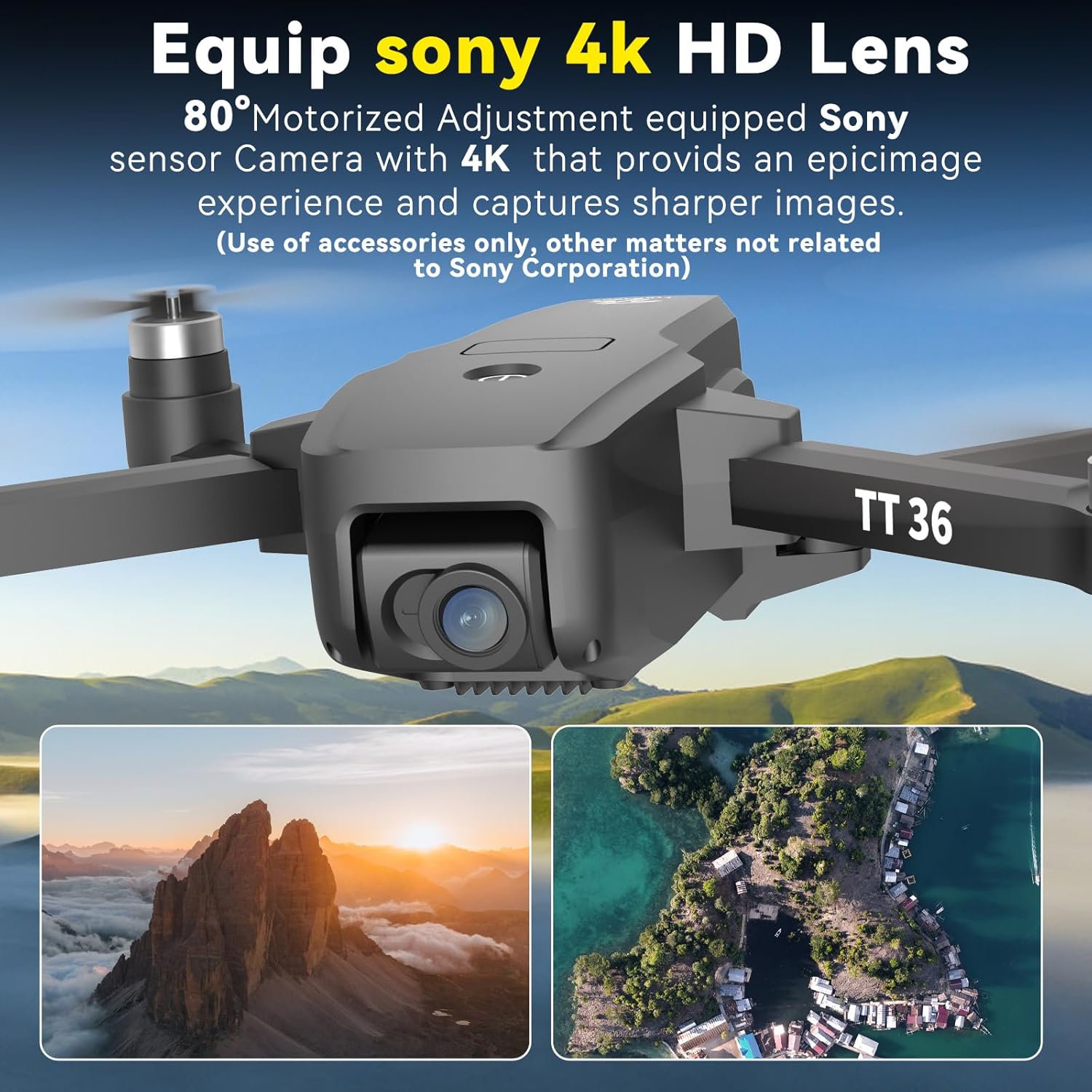
รูปที่ 4.1: The TTROARDS TT36 drone equipped with a 4K HD camera lens, offering an 80° motorized adjustment for capturing high-quality images and 2K videos.

รูปที่ 4.2: The TTROARDS TT36 drone in both folded (15x5x5.3 cm) and unfolded (22.5x19x5 cm) states, alongside its remote controller (14x7x5.5 cm), highlighting its lightweight and portable design (under 249g).
5. การตั้งค่า
5.1 การชาร์จแบตเตอรี่และการติดตั้ง
- เชื่อมต่อแบตเตอรี่โดรนเข้ากับสายชาร์จ USB ที่ให้มา
- Plug the USB cable into a 5V/2A USB adapter (not included).
- Allow the battery to fully charge before first use. Charging time may vary.
- Once charged, insert the battery securely into the drone's battery compartment.
5.2 การตั้งค่ารีโมทคอนโทรล
- Install 3x AAA batteries (not included) into the remote controller.
- Ensure the remote controller is powered off before attempting to pair.
5.3 การเตรียมโดรน
- Unfold the drone arms carefully until they click into place.
- Ensure propellers are free from obstructions and securely attached.
- Place the drone on a flat, level surface for initial power-on and calibration.
6. คู่มือการใช้งาน
6.1 การเปิดเครื่องและการจับคู่
- กดปุ่มเปิด/ปิดบนโดรนค้างไว้จนกระทั่งไฟแสดงสถานะติด
- Turn on the remote controller. The remote will automatically attempt to pair with the drone.
- Once paired, the drone's indicator lights will become solid.
6.2 GPS Mode and Intelligent Return
The TT36 drone features a GPS positioning system that records its takeoff point. This enables intelligent return functions, enhancing flight safety.
- การระบุตำแหน่ง GPS: The drone uses GPS to maintain stable flight and record its home point. Ensure a strong GPS signal before takeoff.
- ระบบส่งคืนสินค้าอัจฉริยะ: The drone can return to its takeoff point automatically under specific conditions:
- การคืนแบตเตอรี่ต่ำ: เมื่อระดับแบตเตอรี่เหลือน้อยมาก
- Loss of Signal Return: If the connection between the drone and remote controller is lost.
- ระบบส่งคืนสินค้าด้วยการกดเพียงครั้งเดียว: เริ่มการทำงานด้วยตนเองผ่านรีโมทคอนโทรล

รูปที่ 6.1: The drone operating in GPS mode, indicating its ability to perform intelligent returns based on low battery, signal loss, or a one-touch command.
6.3 ฟังก์ชันการบินขั้นสูง
The TT36 offers multiple intelligent flight modes for enhanced user experience and creative photography.
- ติดตามฉัน: The drone autonomously follows the user, capturing dynamic aerial footage.
- บินตามจุดหมาย: แตะจุดต่างๆ บนแผนที่ในแอป แล้วโดรนจะบินไปตามเส้นทางที่กำหนดไว้
- จุดที่น่าสนใจ: Select a central object or location, and the drone will orbit around it, providing panoramic views.

รูปที่ 6.2: Visual representation of the drone's 'Follow Me' function tracking a cyclist and 'Waypoint Flight' navigating a predefined route over a city.
6.4 Camera Operation and 5G WiFi Transmission
The integrated 4K camera captures high-resolution photos and 2K videos, transmitted in real-time via 5G WiFi.
- กล้อง 4K: Capture stunning 4K HD images and 2K videos with a 120° wide-angle lens and remote angle adjustment.
- 5G WiFi Transmission: Enjoy stable and smooth real-time image transmission to your connected device for live viewการไอเอ็นจี
- รองรับการ์ด SD: The drone supports an SD card for direct storage of 4K image quality and lens colors.

รูปที่ 6.3: The TTROARDS TT36 drone featuring an SD card slot for storing high-quality 4K images and videos directly.
6.5 Flight Control Features
Designed for ease of use, the TT36 includes features suitable for beginners and experienced pilots.
- เซ็นเซอร์การไหลของแสง: Detects ground objects to enable stable fixed-height flight.
- One-Touch Takeoff/Landing: Simplifies flight initiation and conclusion.
- โหมดไม่มีหัว: Eliminates the need to adjust the drone's position before flight, making it easier to control.
- 3 โหมดความเร็ว: Adjust flight speed to match your skill level or environmental conditions.
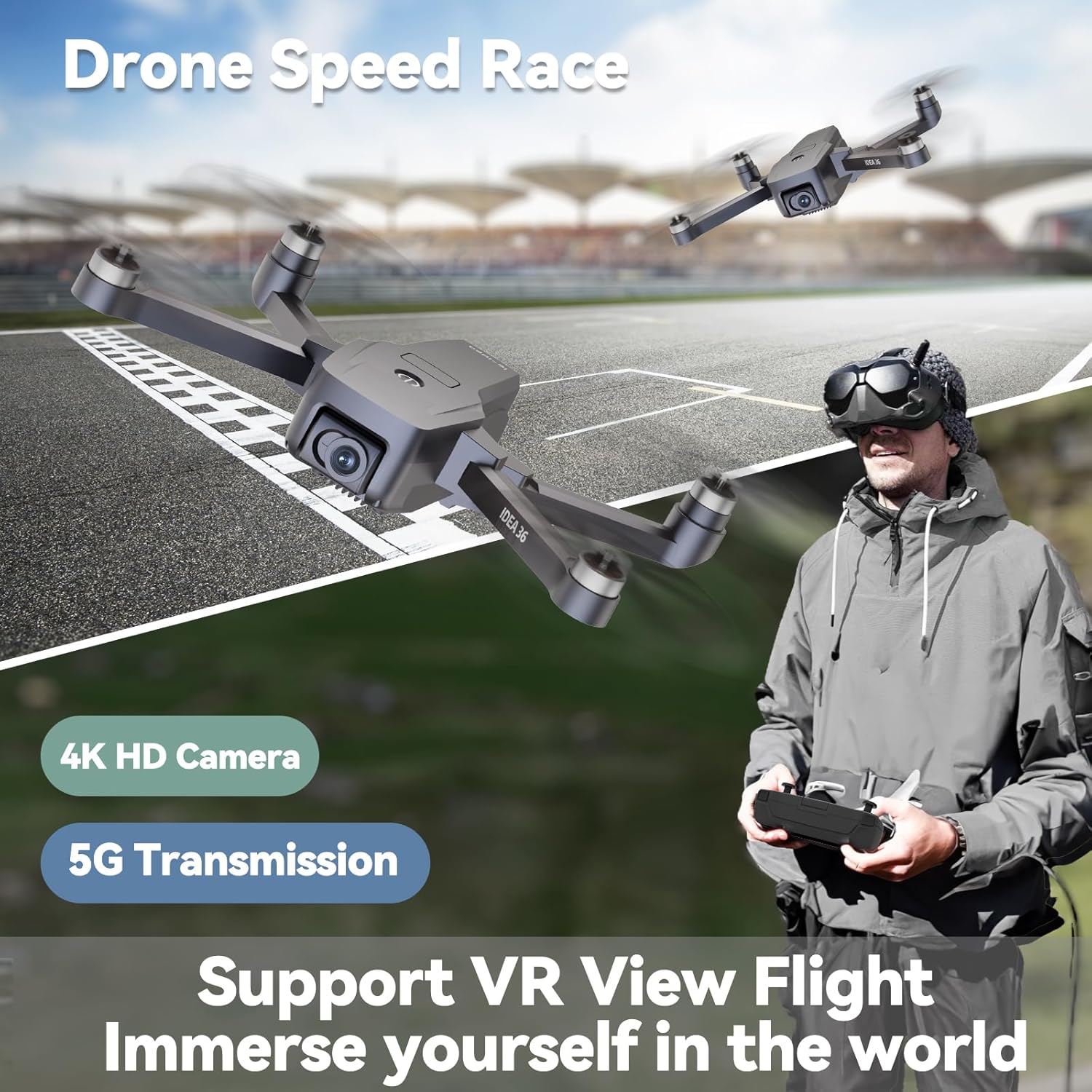
รูปที่ 6.4: The TTROARDS TT36 drone in a dynamic flight scenario, highlighting its 4K HD camera, 5G transmission, and support for VR view flight for an immersive experience.
7. การบำรุงรักษา
การบำรุงรักษาตามปกติจะช่วยให้โดรนของคุณมีอายุการใช้งานยาวนานและมีประสิทธิภาพสูงสุด
- การทำความสะอาด: ใช้ผ้านุ่มและแห้งเช็ดตัวโดรนและเลนส์กล้อง หลีกเลี่ยงการใช้ของเหลวหรือตัวทำละลาย
- การตรวจสอบใบพัด: Regularly check propellers for damage, cracks, or bends. Replace any damaged propellers immediately using the provided screwdriver.
- การดูแลแบตเตอรี่ เก็บแบตเตอรี่ไว้ในที่แห้งและเย็น อย่าเก็บแบตเตอรี่ที่ชาร์จเต็มหรือแบตเตอรี่ที่หมดเกลี้ยงไว้นานเกินไป ควรชาร์จแบตเตอรี่ให้เหลือประมาณ 50-60% สำหรับการเก็บรักษาในระยะยาว
- พื้นที่จัดเก็บ: เมื่อไม่ใช้งาน ให้พับแขนโดรนและเก็บไว้ในบรรจุภัณฑ์เดิมหรือกล่องป้องกันเพื่อป้องกันความเสียหาย
8 การแก้ไขปัญหา
If you encounter issues with your TTROARDS TT36 drone, refer to the following common problems and solutions:
| ปัญหา | สาเหตุที่เป็นไปได้ | สารละลาย |
|---|---|---|
| โดรนไม่เปิดเครื่อง | แบตเตอรี่ไม่ได้ชาร์จหรือติดตั้งไม่ถูกต้อง | ตรวจสอบให้แน่ใจว่าแบตเตอรี่ชาร์จเต็มและใส่เข้าไปอย่างถูกต้อง |
| Remote controller does not connect to drone | Incorrect pairing procedure or low remote battery | Follow pairing instructions. Replace remote controller batteries. |
| โดรนลอยไปมาระหว่างบิน | Improper calibration or strong wind interference | Perform gyroscope and compass calibration. Avoid flying in strong winds. |
| Poor image/video quality or no real-time transmission | Weak WiFi signal, app issue, or SD card problem | Ensure strong 5G WiFi connection. Restart app. Check SD card for proper insertion and format. |
| ไม่ได้รับสัญญาณ GPS | Flying indoors or in an area with signal obstruction | ออกไปอยู่ในพื้นที่โล่งกลางแจ้งที่มีท้องฟ้าแจ่มใส view. Wait for GPS lock. |
9. ข้อมูลจำเพาะ
Key technical specifications for the TTROARDS TT36 GPS Drone:
- ชื่อรุ่น : TT36
- ยี่ห้อ: TTROARDS
- น้ำหนัก: 430 กรัม
- ขนาด (กางออก): 26 x 20 x 9 ซม.
- ขนาด (พับ): 15 x 5 x 5.3 ซม.
- แบตเตอรี่: 1. แบตเตอรี่ลิเธียมโพลิเมอร์ (รวมอยู่ในชุด)
- ความละเอียดกล้อง: 4K (Video Recording), 8 Megapixels (Still Image)
- เทคโนโลยีการเชื่อมต่อ: ไวไฟ (5G)
- คุณสมบัติพิเศษ: 4K Camera, GPS Smart Return, Follow Me, Brushless Motors, Optical Flow Sensor
- ความต้านทานลม: ระดับ 4
- วิธีการควบคุม: รีโมทคอนโทรล
- ระดับสกิล: ทั้งหมด
- สี: สีดำ
- ประเทศต้นกำเนิด: จีน
10. การรับประกันและการสนับสนุน
For warranty information, technical support, or any inquiries regarding your TTROARDS TT36 drone, please contact our customer service team.

รูปที่ 10.1: Our dedicated customer support team is available to assist you with any product-related questions or issues.
การสนับสนุนทางอีเมล์: TTROAR_support@163.com
Please include your model number (TT36) and a detailed description of your issue for prompt assistance.
