การแนะนำ
This user manual provides comprehensive instructions for the operation, maintenance, and troubleshooting of your DigiLand 10.1-inch Android 14 Tablet. Please read this manual thoroughly before using your device to ensure proper functionality and to maximize your user experience. This tablet is designed for versatile use, offering high performance for various applications, from entertainment to productivity.
มีอะไรอยู่ในกล่อง
เมื่อเปิดบรรจุภัณฑ์ โปรดตรวจสอบว่าสินค้าทั้งหมดที่ระบุไว้มีอยู่และอยู่ในสภาพดี:
- (1) Leather case *1
- (2) USB cable *1
- (3) 5V/2A Adaptor *1; US standard
- (4) Manual *1 (This document)
- (5) Warranty card *1

For a visual guide to unboxing your tablet, please refer to the official unboxing video below.
Video 1: Android 14 Tablet Unboxing Video. This video demonstrates the unboxing process and shows the tablet and its included components.
สินค้าเกินview
The DigiLand 10.1-inch Android 14 Tablet is engineered for high performance and user convenience. Key features include:
- ระบบปฏิบัติการ: Android 14 with upgraded personal privacy protection and security.
- หน่วยความจำและการจัดเก็บ: 12GB RAM + 128GB ROM, with support for TF card expansion for additional storage.
- โปรเซสเซอร์: New generation Octa-Core CPU (Max 2.0 GHz) for faster and more stable performance.
- แสดง: 10.1-inch 1280x800 HD IPS screen with Widevine L1 support for high-fidelity streaming on platforms like Netflix, YouTube, and Disney+.
- การเชื่อมต่อ: Ultra-fast WiFi 6 and energy-efficient Bluetooth 5.0.
- กล้องถ่ายรูป: 8-megapixel front camera and 13-megapixel rear camera.
- ออกแบบ: Lightweight (485g) and slim (9mm thin body) for portability.
- แบตเตอรี่: 6000 mAh battery for extended usage.
- ความสามารถในการใช้งานหลากหลาย: Supports split-screen function for enhanced multitasking.
ส่วนประกอบและคุณสมบัติ

The tablet features a headset jack, power button, volume up/down buttons, front camera, reset pinhole, memory card slot, and a Type-C charging port. The rear of the tablet houses the main camera module.

This image provides a visual summary of the tablet's core specifications, including its operating system, display size, memory, processor, battery capacity, camera resolution, and physical dimensions.
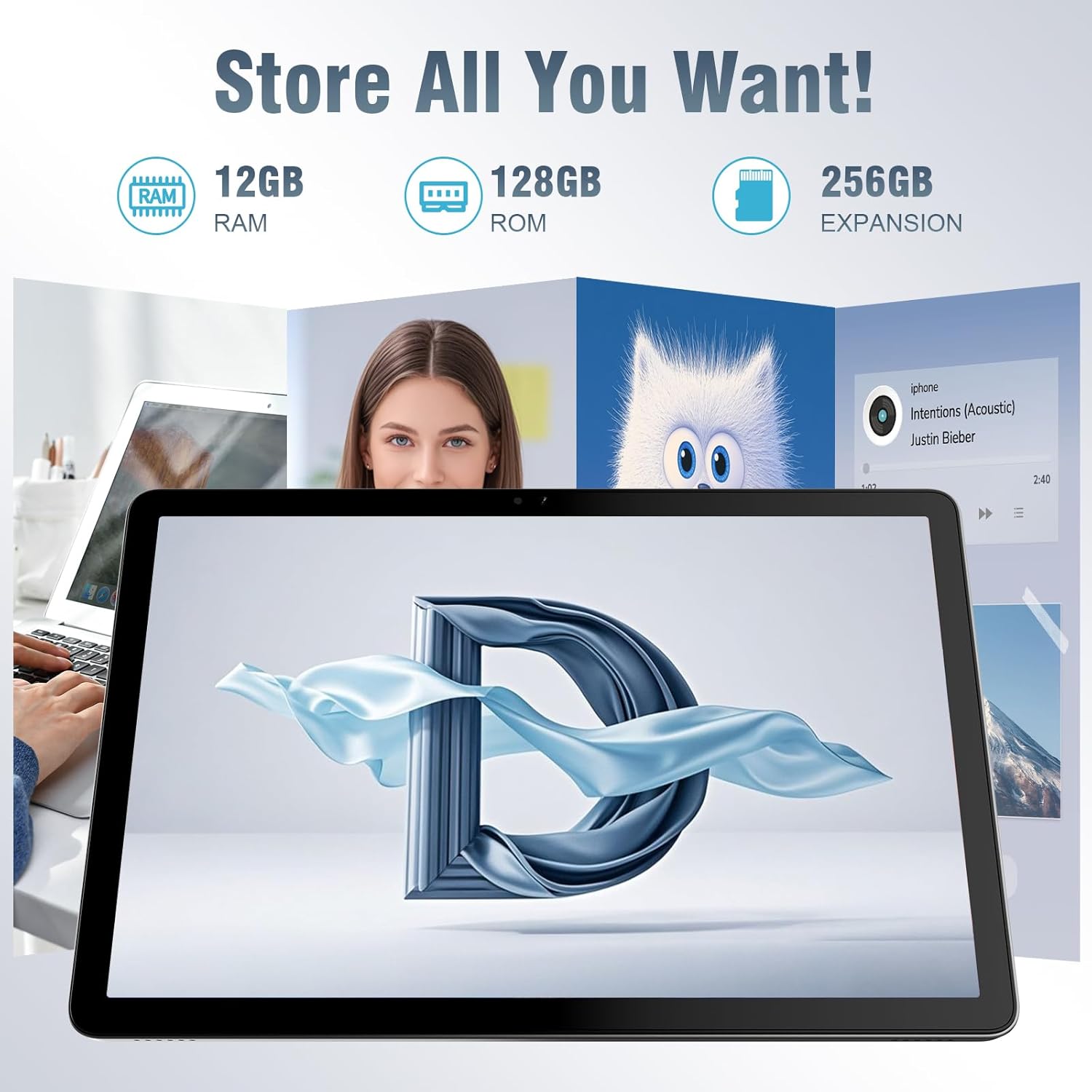
The tablet offers ample storage for your applications, photos, videos, and documents, with expandable memory options.
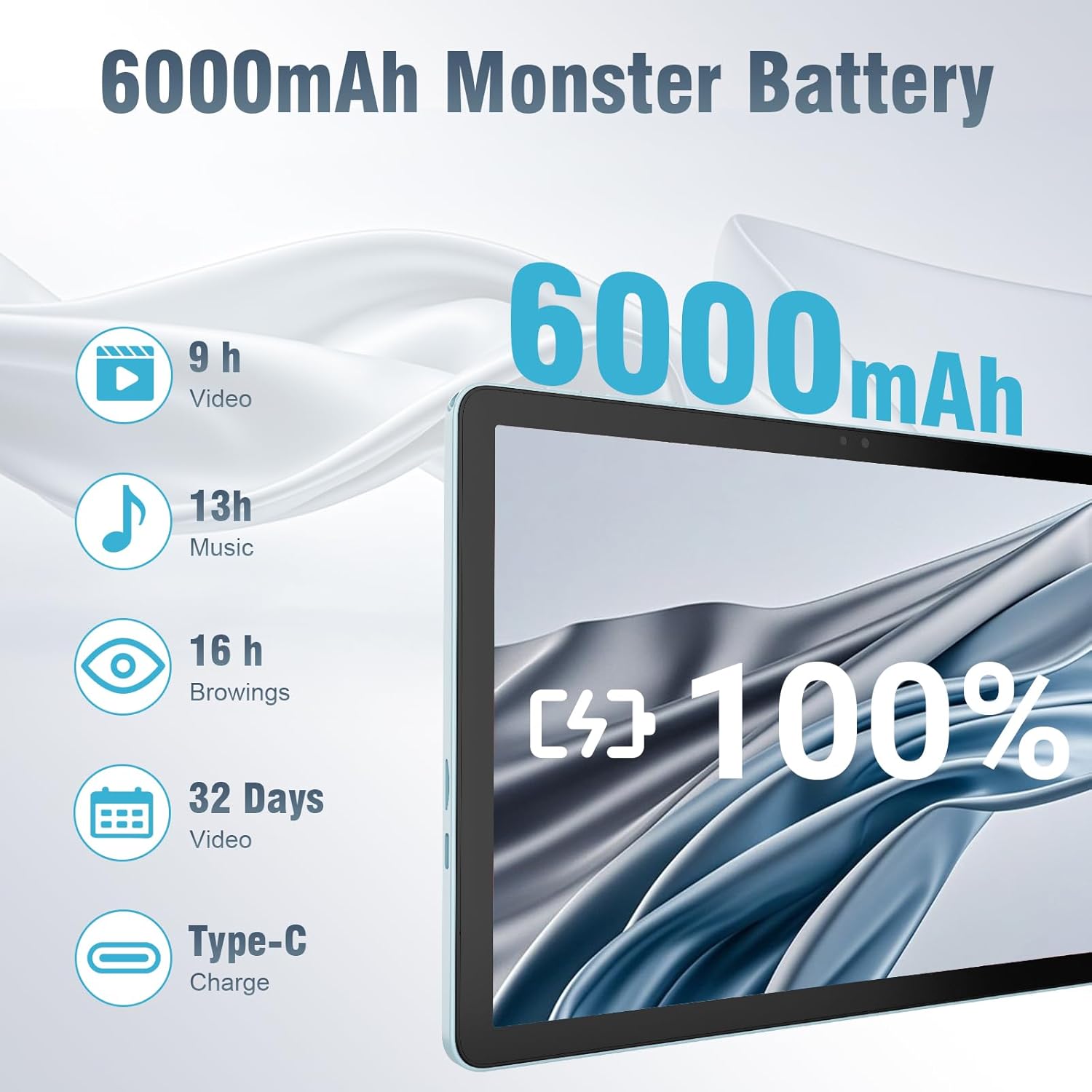
The 6000mAh battery provides extended usage times for various activities, and it supports convenient Type-C charging.
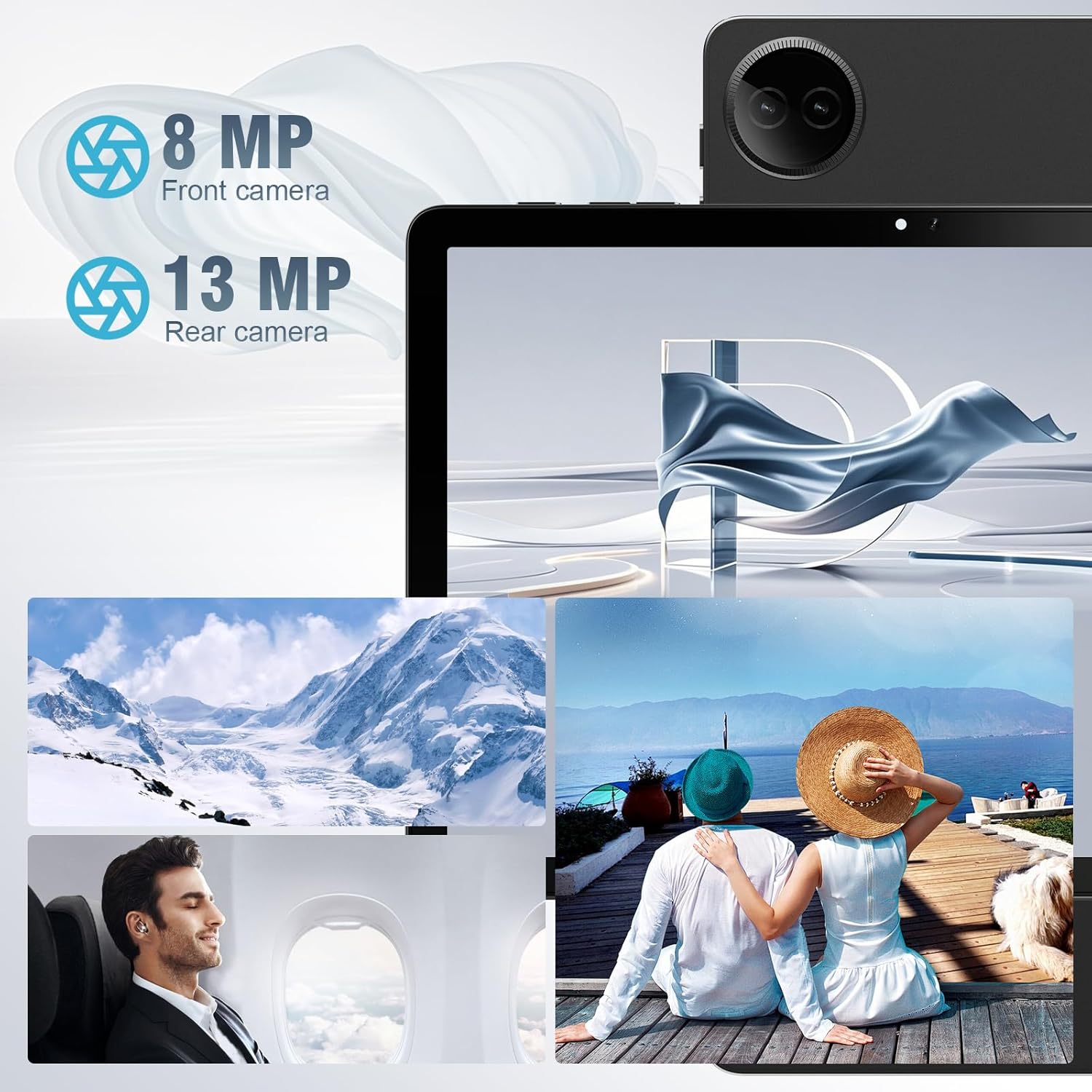
Equipped with both front and rear cameras, the tablet is suitable for capturing moments and engaging in video communication.

The 10.1-inch HD display provides a clear and immersive visual experience with wide viewมุมการเอียง

The split-screen function allows for efficient multitasking, enabling you to use two applications simultaneously.
การตั้งค่า
เปิดเครื่องครั้งแรกและตั้งค่า
- ชาร์จแท็บเล็ต: Before first use, fully charge the tablet using the provided USB cable and power adapter. Connect the Type-C end of the cable to the tablet's charging port and the USB end to the power adapter, then plug the adapter into a wall outlet.
- เปิดเครื่อง: Press and hold the Power button located on the side of the tablet until the DigiLand logo appears on the screen.
- การกำหนดค่าเริ่มต้น: Follow the on-screen prompts to complete the initial setup. This typically includes selecting your language, connecting to a Wi-Fi network, setting up your Google account, and configuring basic security settings.
- ใส่การ์ด TF (ไม่จำเป็น): If you wish to expand storage, carefully insert a TF (microSD) card into the designated memory card slot. Ensure the tablet is powered off before inserting or removing the card.
For a visual demonstration of the power-on sequence and initial interaction, refer to the unboxing video in the "What's in the Box" section.
คำแนะนำการใช้งาน
การนำทางพื้นฐาน
- ท่าทางการสัมผัสหน้าจอ: Navigate the tablet using standard Android gestures: tap to select, swipe to scroll, pinch to zoom, and long-press for contextual menus.
- หน้าจอหลัก: The main interface where you can access apps, widgets, and notifications.
- แผงการแจ้งเตือน: ปัดลงจากด้านบนของหน้าจอเพื่อเข้าถึงการตั้งค่าด่วนและการแจ้งเตือน
- ลิ้นชักแอป: ปัดขึ้นจากด้านล่างของหน้าจอเพื่อ view แอปพลิเคชันที่ติดตั้งทั้งหมด
กำลังเชื่อมต่อกับ Wi-Fi และบลูทูธ
- ไวไฟ : ไปที่ การตั้งค่า > เครือข่ายและอินเทอร์เน็ต > Wi-Fi. Turn on Wi-Fi, select your desired network, and enter the password if required. The tablet supports ultra-fast WiFi 6.
- บลูทูธ: ไปที่ การตั้งค่า > อุปกรณ์ที่เชื่อมต่อ > การตั้งค่าการเชื่อมต่อ > Bluetooth. Turn on Bluetooth, then select "Pair new device" to connect to Bluetooth headphones, speakers, or other compatible devices. The tablet features energy-efficient Bluetooth 5.0.
การใช้กล้อง
Access the Camera app from your home screen or app drawer. You can switch between the 8MP front camera and the 13MP rear camera within the app. Tap the screen to focus and press the shutter button to capture photos or start/stop video recording.
Multitasking with Split Screen
To use the split-screen feature, open an application, then swipe up from the bottom of the screen and hold to reveal the recent apps overview. Tap the app icon at the top of the app's card and select "Split screen." Choose a second app from the recent apps or app drawer to open it alongside the first. Adjust the size of each app by dragging the divider in the middle of the screen.
การซ่อมบำรุง
- การทำความสะอาด: ใช้ผ้านุ่มที่ไม่เป็นขุยทำความสะอาดหน้าจอและตัวเครื่องแท็บเล็ต หลีกเลี่ยงการใช้น้ำยาทำความสะอาดหรือตัวทำละลายที่มีฤทธิ์กัดกร่อน
- การดูแลแบตเตอรี่ เพื่อยืดอายุการใช้งานแบตเตอรี่ ควรหลีกเลี่ยงการวางแท็บเล็ตไว้ในที่อุณหภูมิสูง ขอแนะนำให้ชาร์จแบตเตอรี่ไว้ที่ 20% ถึง 80% เพื่ออายุการใช้งานที่ยาวนานที่สุด
- การอัปเดตซอฟต์แวร์: Regularly check for and install system updates to ensure your tablet has the latest security patches and performance improvements. Go to การตั้งค่า > ระบบ > อัปเดตระบบ.
- การจัดการพื้นที่เก็บข้อมูล: ล้างสิ่งที่ไม่จำเป็นออกเป็นระยะๆ fileและถอนการติดตั้งแอปที่ไม่ใช้งานเพื่อเพิ่มพื้นที่จัดเก็บข้อมูลและรักษาประสิทธิภาพการทำงานให้อยู่ในระดับสูงสุด
- การป้องกัน: Use the provided leather case to protect your tablet from scratches and minor impacts.
การแก้ไขปัญหา
This section addresses common issues you might encounter with your tablet. If you experience problems not covered here, please contact customer support.
| ปัญหา | สาเหตุที่เป็นไปได้ | สารละลาย |
|---|---|---|
| แท็บเล็ตไม่สามารถเปิดเครื่องได้ | แบตเตอรี่อ่อน ระบบขัดข้อง | ชาร์จแท็บเล็ตอย่างน้อย 30 นาที หากยังไม่ตอบสนอง ให้กดปุ่มเปิด/ปิดค้างไว้ 10-15 วินาทีเพื่อบังคับรีสตาร์ท |
| ปัญหาการเชื่อมต่อ Wi-Fi | รหัสผ่านไม่ถูกต้อง; อยู่นอกช่วงที่กำหนด; ปัญหาที่เราเตอร์ | Verify Wi-Fi password. Move closer to the router. Restart your Wi-Fi router. Forget the network and reconnect. |
| แอปทำงานช้าหรือขัดข้อง | Too many apps running; low storage; outdated app. | ปิดแอปพื้นหลัง ล้างแคชแอป (การตั้งค่า > แอป > [ชื่อแอป] > ที่เก็บข้อมูลและแคช > ล้างแคช). Free up storage space. Update the app from Google Play Store. |
| หน้าจอไม่ตอบสนอง | ซอฟต์แวร์มีปัญหาชั่วคราว | Force restart the tablet by holding the power button. |
| Tablet not charging. | สายเคเบิล/อะแดปเตอร์ชำรุด; พอร์ตชาร์จสกปรก | Ensure cable and adapter are securely connected. Try a different compatible cable and adapter. Clean the charging port gently with a dry, soft brush. |
ข้อมูลจำเพาะ
| คุณสมบัติ | รายละเอียด |
|---|---|
| ยี่ห้อ | DigiLand |
| ชื่อรุ่น | 10.1-inch Tablet PC |
| ระบบปฏิบัติการ | แอนดรอยด์ 14 |
| ขนาดหน้าจอ | 10.1 นิ้ว |
| ความละเอียดหน้าจอสูงสุด | ขนาด 800x1280 |
| ยี่ห้อโปรเซสเซอร์ | MK G80 (Octa-core) |
| ความจุของหน่วยความจำ | 128 GB (สามารถเพิ่มความจุได้ผ่านการ์ด TF) |
| แรม | 12GB |
| กล้องหน้า | 8 MP |
| กล้องหลัง | 13 MP |
| การเชื่อมต่อ | ไวไฟ 6, บลูทูธ 5.0 |
| ความจุของแบตเตอรี่ | 6000 มิลลิแอมป์ |
| น้ำหนักสินค้า | 2.82 ปอนด์ (ประมาณ 485 กรัม) |
| ขนาดสินค้า (กxยxส) | 9.53 x 6.34 x 0.3 inches (approx. 9mm thin) |
| สี | สีฟ้า |
การรับประกันและการสนับสนุน
DigiLand is committed to product quality and customer satisfaction.
- การรับประกัน: This Android 14 tablet comes with a one-year warranty from the date of purchase.
- การสนับสนุนลูกค้า: If you encounter any quality problems or require assistance, please contact us via your Amazon Purchase Record. Our team will endeavor to provide the best service and ensure your satisfaction.
- แผนการคุ้มครอง: Additional protection plans may be available for purchase, such as a 2-Year Protection Plan or Complete Protect, which covers eligible past and future purchases. Please refer to your purchase details for more information on these options.


