1. บทนำ
The DOOGEE S Cyber is a rugged smartphone engineered for durability and high performance in challenging environments. This device combines a robust design with advanced features, including a large-capacity battery, a versatile camera system, and the Android 14 operating system. This manual provides essential information for setting up, operating, and maintaining your DOOGEE S Cyber smartphone.
2. เนื้อหาบรรจุภัณฑ์
โปรดตรวจสอบว่าสินค้าทั้งหมดมีอยู่ในบรรจุภัณฑ์ผลิตภัณฑ์ของคุณ:
- DOOGEE S Cyber Rugged Smartphone
- อะแดปเตอร์แปลงไฟ (18W)
- สายเคเบิล USB Type-C
- เครื่องมือถอดซิม
- คู่มือการใช้งาน
- บัตรรับประกัน

Figure 2.1: Contents of the DOOGEE S Cyber retail package.
3. การตั้งค่า
3.1 การติดตั้งซิมการ์ด
- ค้นหาถาดใส่การ์ด SIM ที่ด้านข้างของอุปกรณ์
- Insert the SIM ejector tool into the small hole next to the tray and press firmly until the tray ejects.
- ใส่การ์ด Nano-SIM และ/หรือการ์ด microSD ลงในช่องที่กำหนดบนถาด ตรวจสอบให้แน่ใจว่าหน้าสัมผัสสีทองคว่ำลง
- ใส่ถาดกลับเข้าไปในโทรศัพท์อย่างระมัดระวังจนกระทั่งล็อคเข้าที่
3.2 การเปิดเครื่องครั้งแรกและการกำหนดค่าเครือข่าย
- กดปุ่มเปิด/ปิดค้างไว้จนกว่าโลโก้ DOOGEE จะปรากฏขึ้น
- ทำตามคำแนะนำบนหน้าจอเพื่อทำการตั้งค่าเบื้องต้นให้เสร็จสมบูรณ์ รวมถึงการเลือกภาษา การเชื่อมต่อ Wi-Fi และการตั้งค่าบัญชี Google
- The device supports various network bands, including GSM: B2/3/5/8; WCDMA: B1/2/4/5/8; TDD: B34/38/39/40/41; FDD: B1/2/3/4/5/7/8/18/19/20/25/26/28A/28B/66. Ensure your carrier is compatible with these bands for optimal service.
4. คู่มือการใช้งาน
4.1 การแสดงผล
The DOOGEE S Cyber features a 6.58-inch FHD+ IPS display with a resolution of 1080 x 2340 pixels. This display provides clear and vibrant visuals for various applications.

Figure 4.1: The 6.58-inch FHD+ IPS display with key specifications.
4.2 กล้องถ่ายรูป
ถ่ายภาพและวิดีโอคุณภาพสูงด้วยระบบกล้องขั้นสูง:
- กล้องหลัง: 50MP AI Main Lens, 5MP Wide-Angle Lens.
- กล้องหน้า: 16 ล้านพิกเซล
- โหมด: HDR, AI, Night View, Panorama, and Beauty modes are available to enhance your photography.
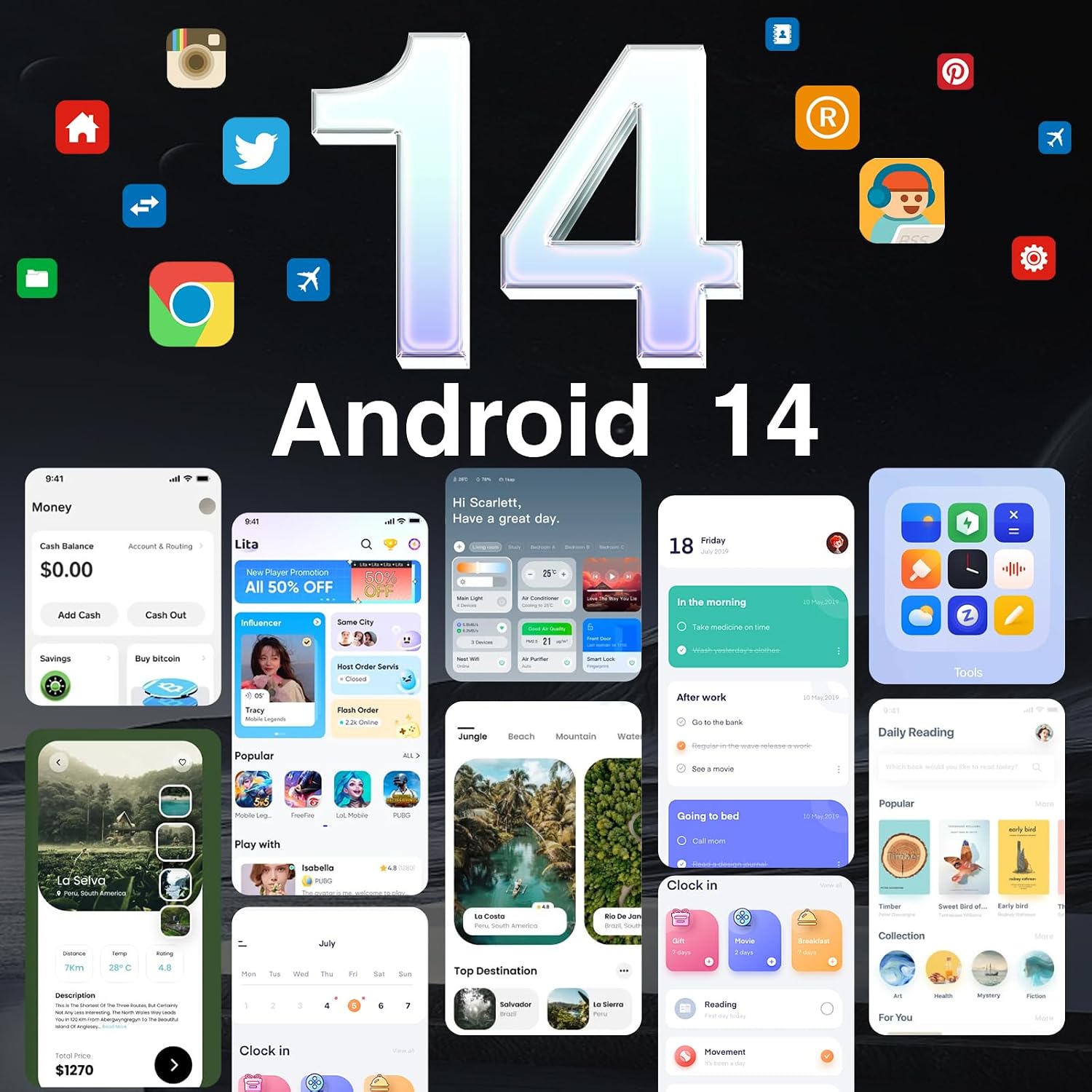
Figure 4.2: Rear camera setup with 50MP AI main camera and 5MP wide-angle lens.

Figure 4.3: Available camera modes for diverse photographic needs.
4.3 แบตเตอรี่และการชาร์จ
The device is equipped with a 10800mAh battery, providing extended usage times. It supports 18W fast charging to quickly replenish power. Additionally, OTG reverse charging allows the phone to act as a power bank for other devices.

Figure 4.4: The 10800mAh battery capacity for prolonged use.
4.4 คุณสมบัติความทนทาน
The DOOGEE S Cyber is built to withstand harsh conditions, featuring:
- IP68/IP69K Rating: Provides resistance against dust and water immersion.
- MIL-STD-810H Certification: ผ่านมาตรฐานทางทหารด้านความทนทานต่อการตกกระแทก แรงกระแทก และอุณหภูมิที่สูงเกินปกติ

Figure 4.5: Durability ratings ensuring protection against environmental factors.
4.5 ประสิทธิภาพและการจัดเก็บ
Powered by an Octa-Core CPU, the S Cyber offers smooth multitasking. It comes with 20GB RAM (8GB physical + 12GB virtual) and 256GB of internal storage, expandable up to 1TB via microSD card.

Figure 4.6: Memory and storage configuration for efficient operation.
ระบบปฏิบัติการ 4.6
The smartphone runs on the latest Android 14 operating system, providing enhanced privacy, security features, and improved performance.
Figure 4.7: The Android 14 user interface.
4.7 การเชื่อมต่อและความปลอดภัย
The device supports dual SIM functionality, GPS (including GLONASS, Galileo, Beidou) for precise navigation, NFC for convenient transactions (e.g., Google Pay), facial recognition, and a side-mounted fingerprint sensor for quick and secure unlocking.

Figure 4.8: Key connectivity and security features.
5. การบำรุงรักษา
To ensure the longevity and optimal performance of your DOOGEE S Cyber, consider the following maintenance tips:
- การทำความสะอาด: เช็ดเครื่องเบาๆงamp cloth. Avoid harsh chemicals or abrasive materials. Ensure all ports are dry before charging or connecting accessories.
- การอัปเดตซอฟต์แวร์: Regularly check for and install system updates to benefit from the latest security patches and feature enhancements. Navigate to การตั้งค่า > ระบบ > อัปเดตระบบ.
- การดูแลแบตเตอรี่ Avoid extreme temperatures. While the phone has a large battery, prolonged exposure to very hot or cold conditions can affect battery life.
- การจัดการพื้นที่เก็บข้อมูล: ล้างสิ่งที่ไม่จำเป็นออกเป็นระยะๆ fileและแอปพลิเคชันต่างๆ เพื่อรักษาประสิทธิภาพการทำงานให้อยู่ในระดับที่เหมาะสม
6 การแก้ไขปัญหา
If you encounter issues with your DOOGEE S Cyber, refer to the following common troubleshooting steps:
- อุปกรณ์ไม่ได้เปิดเครื่อง: ตรวจสอบให้แน่ใจว่าแบตเตอรี่ชาร์จเต็มแล้ว เสียบโทรศัพท์เข้ากับที่ชาร์จและรอสักครู่ก่อนที่จะลองเปิดเครื่องอีกครั้ง
- ปัญหาการเชื่อมต่อเครือข่าย: Check if your SIM card is properly inserted. Verify that mobile data is enabled in settings. If issues persist, contact your network carrier.
- แอปพลิเคชันหยุดทำงาน/ค้าง: Close and restart the application. If the problem continues, clear the app's cache (การตั้งค่า > แอป > [ชื่อแอป] > ที่เก็บข้อมูลและแคช > ล้างแคช) หรือติดตั้งแอปใหม่อีกครั้ง
- ประสิทธิภาพการทำงานช้า: Close background applications. Free up storage space by deleting unnecessary files or apps. Consider performing a factory reset as a last resort (การตั้งค่า > ระบบ > ตัวเลือกการรีเซ็ต > ลบข้อมูลทั้งหมด (รีเซ็ตเป็นค่าโรงงาน)). บันทึก: A factory reset will erase all data on your device. Back up important information before proceeding.
7. ข้อมูลจำเพาะ
| คุณสมบัติ | รายละเอียด |
|---|---|
| ชื่อรุ่น | SCYBER |
| ระบบปฏิบัติการ | แอนดรอยด์ 14 |
| รุ่นซีพียู | ซีพียู 8 คอร์ |
| ขนาดหน่วยความจำ RAM ที่ติดตั้ง | 20 GB (8 GB + 12 GB เสมือน) |
| ความจุของหน่วยความจำ | 256 GB (สามารถขยายได้ถึง 1 TB) |
| ขนาดหน้าจอ | 6.58 นิ้ว |
| ปณิธาน | 1080 x 2340 |
| อัตราการรีเฟรช | 90 เฮิรตซ์ |
| กล้องหลัง | 50MP AI Main, 5MP Wide-Angle |
| กล้องหน้า | 16MP |
| ความจุของแบตเตอรี่ | 10800 มิลลิวินาทีamp ชั่วโมง |
| ชาร์จเร็ว | 18วัตต์ |
| ความทนทาน | IP68/IP69K, MIL-STD-810H |
| เทคโนโลยีการเชื่อมต่อ | บลูทูธ, NFC, USB, Wi-Fi |
| การนำทาง | Built-In GPS (GPS, GLONASS, Galileo, Beidou) |
| คุณสมบัติด้านความปลอดภัย | ปลดล็อกด้วยใบหน้า, ปลดล็อกด้วยลายนิ้วมือด้านข้าง |
| น้ำหนักสินค้า | 1 ปอนด์ |
| ขนาด | 7 x 4 x 2 นิ้ว (บรรจุภัณฑ์) |
8. การรับประกันและการสนับสนุน
The DOOGEE S Cyber Rugged Smartphone comes with a รับประกัน 2 ปี นับจากวันที่ซื้อ นอกจากนี้ ยังมี นโยบายคืนเงินภายใน 30 วันโดยไม่ต้องแจ้งเหตุผล is offered. For warranty claims, technical support, or further assistance, please refer to the contact information provided on the warranty card included in your package or visit the official DOOGEE support webเว็บไซต์.
โปรดเก็บหลักฐานการซื้อไว้เพื่อใช้ยืนยันการรับประกัน


