1. บทนำ
This manual provides comprehensive instructions for the installation, operation, and maintenance of your MokerLink 10G Easy Web Managed Switch. Please read this manual thoroughly before using the device to ensure proper functionality and to prevent damage.
เนื้อหาแพ็คเกจ
- 10G Managed Switch
- สายไฟ
- คู่มือการใช้งาน
2. สินค้าหมดview
The MokerLink 10G Easy Web Managed Switch is designed to provide high-speed network connectivity with advanced management features. It offers a versatile port configuration and robust performance for various network environments.

รูปที่ 1 : ด้านหน้า view of the MokerLink 10G Easy Web Managed Switch, showing the power input, 2.5G Ethernet ports, 10G RJ45 port, and 10G SFP port.
คุณสมบัติหลัก
- 2.5G and 10G Ports: Equipped with 4x2.5Gbps Ethernet ports (supporting 2.5G/1000M) and 1x10Gbps Ethernet RJ45 port (supporting 10G/5G/2.5G/1000M). Includes 1x10G SFP Port for optical fiber transmission.
- ง่าย Web การจัดการ: Supports Layer 2 management features such as QoS, ACL, Link Aggregation (LACP), Loop Detection, VLAN configuration, IP-MAC-VLAN Port Binding, Port Mirroring/Isolation/Rate-limit/Security, Storm Control, Spanning Tree, diagnosis/Ping, and SNMP. Configurations are saved and persistent after reboot. Can also function as an unmanaged switch without configuration.
- แบนด์วิดท์ 60Gbps: Offers a switching capacity of 60Gbps, with two 10G ports providing a cost-effective solution for high-speed network links.
- การออกแบบที่เป็นมิตรต่อผู้ใช้: Features auto MDI/MDIX and auto-negotiation rate. Durable metal casing and fanless design ensure quiet, stable operation and low energy consumption. Power and port LED indicators clearly display status.
- การใช้งานที่หลากหลาย: Desktop/wall-mounting design suitable for home entertainment, offices, 8K video streaming, gaming PCs, NAS, PCIe adapters, servers, and WiFi APs.

Figure 2: Visual representation of the switch's key features including 2.5G ports, 10G uplinks, web management, L2 features, and fanless design.

Figure 3: Diagram illustrating 2.5G and 10G speeds and compatibility with different Ethernet cable categories (CAT5e, CAT6, CAT6A).

รูปที่ 4: รายละเอียด view of the switch's ports, including DC input, PWR LED, 2.5Gbps ports (1-4), 10Gbps RJ45 port (5), and 10Gbps SFP+ port (6), along with a reset button and performance metrics.
3. การตั้งค่า
Follow these steps to set up your MokerLink 10G Easy Web สวิตช์ที่จัดการ:
- แกะอุปกรณ์ออกจากกล่อง: ถอดสวิตช์และอุปกรณ์เสริมทั้งหมดออกจากบรรจุภัณฑ์อย่างระมัดระวัง
- เลือกตำแหน่ง: วางสวิตช์บนพื้นผิวที่มั่นคงและเรียบ หรือติดตั้งบนผนังโดยใช้อุปกรณ์ที่เหมาะสม (ไม่ได้รวมอยู่ในชุด) ตรวจสอบให้แน่ใจว่ามีการระบายอากาศที่เพียงพอรอบๆ อุปกรณ์
- เชื่อมต่อพลังงาน: Connect the provided power cable to the DC 12V input port on the switch and then plug it into a power outlet. The PWR LED indicator will light up.
- เชื่อมต่ออุปกรณ์เครือข่าย:
- Connect your 2.5G compatible devices (e.g., gaming PCs, NAS) to ports 1-4 using Ethernet cables.
- Connect your 10G compatible devices or uplink to a router/server to port 5 (10G RJ45) or port 6 (10G SFP+) using appropriate Ethernet or fiber optic cables/modules.
- ตรวจสอบการเชื่อมต่อ: Check the Link/Act LEDs for each connected port. A solid green or yellow light indicates a successful connection, and a blinking light indicates data transmission.

Figure 5: Illustration of connecting various devices like NAS, AP, gaming PC, and 8K video sources to the switch using CAT5e, CAT6, or CAT6a cables, and SFP modules for 10Gbps connections.
4. คู่มือการใช้งาน (Web การจัดการ)
The MokerLink 10G Easy Web Managed Switch offers a user-friendly web interface for configuration and monitoring. If no specific configuration is required, the switch operates as an unmanaged device.
การเข้าถึง Web อินเทอร์เฟซ
- ตรวจสอบให้แน่ใจว่าคอมพิวเตอร์ของคุณเชื่อมต่ออยู่กับพอร์ตอีเธอร์เน็ตของสวิตช์แล้ว
- เปิด web เบราว์เซอร์ (เช่น Chrome, Firefox)
- Enter the default IP address of the switch: 192.168.2.1
- เข้าสู่ระบบโดยใช้ข้อมูลรับรองเริ่มต้น:
- ชื่อผู้ใช้: แอดมิน
- รหัสผ่าน: แอดมิน
- เมื่อเข้าสู่ระบบสำเร็จ คุณจะสามารถเข้าถึง... web management interface. Remember to save any configuration changes and reboot the device for them to take effect.

รูปที่ 6: ภาพหน้าจอของ web management interface, showing device information and port status, with default login credentials highlighted.
Key L2 Management Features
การ web interface allows you to configure various Layer 2 features:
- คุณภาพการบริการ (QoS): Prioritize network traffic for critical applications (e.g., video, voice) to ensure smooth performance.
- รายการควบคุมการเข้าถึง (ACL): Filter network traffic based on defined rules for enhanced security.
- Link Aggregation Control Protocol (LACP): รวมลิงก์ทางกายภาพหลายลิงก์เข้าเป็นลิงก์เชิงตรรกะเดียว เพื่อเพิ่มแบนด์วิดท์และสร้างความซ้ำซ้อน
- การตรวจจับลูป: Automatically detect and prevent network loops that can cause broadcast storms and network instability.
- การกำหนดค่า VLAN: Create Virtual Local Area Networks to segment your network, improving security and performance.
- Port Mirroring/Isolation/Rate-limit/Security: Configure individual port settings for monitoring, traffic separation, bandwidth control, and access security.
- การควบคุมพายุ: Prevent network performance degradation caused by excessive broadcast, multicast, or unknown unicast traffic.
- โปรโตคอลสแปนนิงทรี (STP): Prevent network loops in redundant topologies.
- ส เอ็น เอ็ม พี: ตรวจสอบอุปกรณ์เครือข่ายและจัดการประสิทธิภาพเครือข่าย

Figure 7: Diagram illustrating various L2 management features such as Port Mirroring, LACP, QoS, VLAN, IGMP, EEE, and Storm Control.
5. Connectivity and Applications
The MokerLink 10G Easy Web Managed Switch is designed for seamless integration into various network setups, enhancing performance for demanding applications.
อุปกรณ์ที่รองรับ
- คอมพิวเตอร์ตั้งโต๊ะ
- โน๊ตบุ๊ค
- คอนโซลเกม
- Network Attached Storage (NAS) devices
- เซิร์ฟเวอร์
- เครื่องพิมพ์
- กล้อง IP
- WiFi Access Points (APs)
- อะแดปเตอร์ PCIe
สถานการณ์การใช้งาน
This switch is well-suited for environments requiring high-bandwidth and low-latency connections:
- ความบันเทิงภายในบ้าน: Stream 8K video content and enjoy online gaming without lag.
- Small and Home Offices: Facilitate fast data transfer and reliable connectivity for multiple workstations and servers.
- สถานีงาน: Enable instant transfer of large files for video editing, graphic design, and other data-intensive tasks.
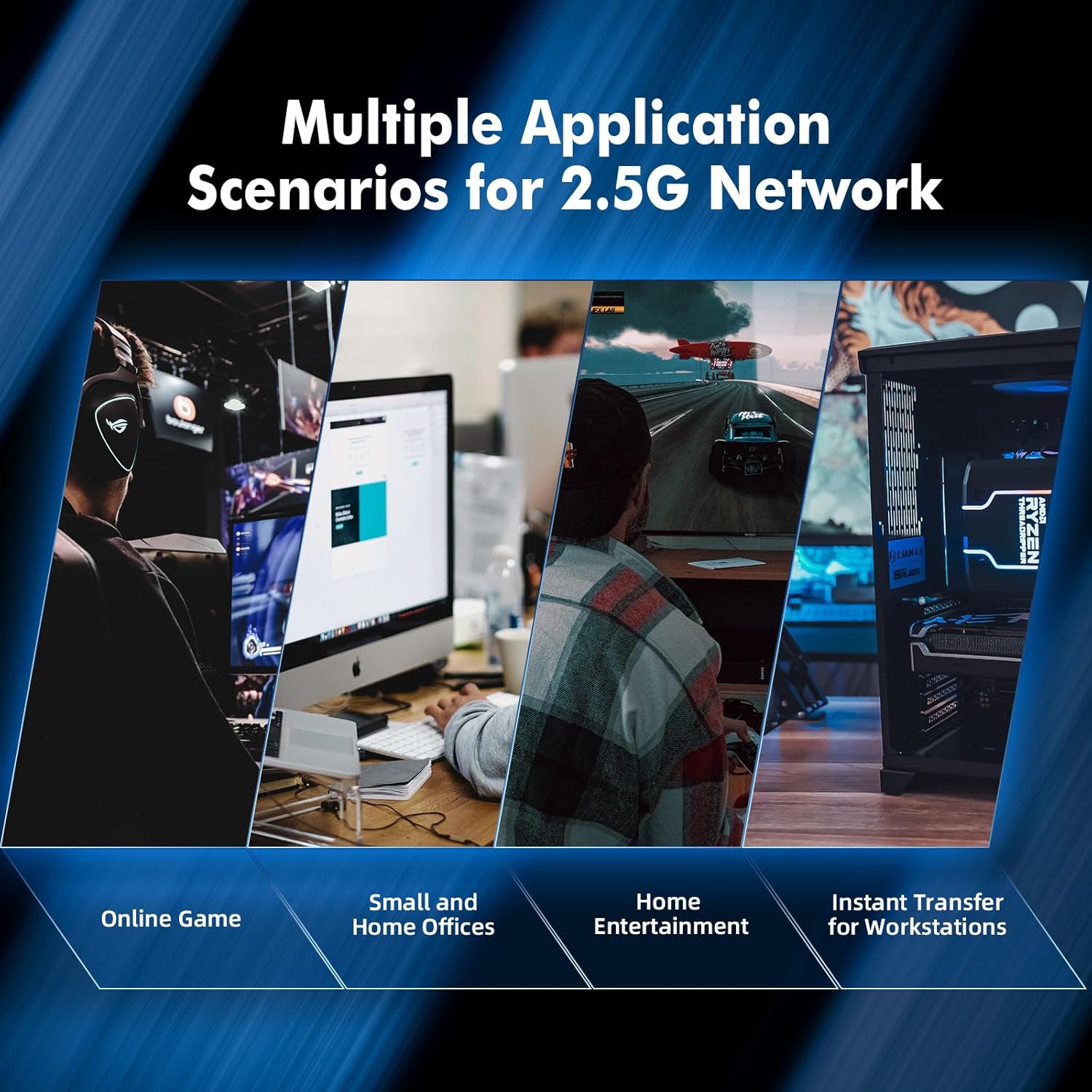
รูปที่ 8: อดีตamples of multiple application scenarios for 2.5G networks, including online gaming, small and home offices, home entertainment, and instant transfer for workstations.
6. ข้อมูลจำเพาะ
| คุณสมบัติ | คำอธิบาย |
|---|---|
| ยี่ห้อ | โมเกอร์ลิงค์ |
| หมายเลขรุ่น | 4*2.5G,10G RJ45,10G SFP Managed |
| ประเภทอินเทอร์เฟซ | เอสเอฟพี, อาร์เจ45 |
| จำนวนพอร์ต | 6 (4x2.5G RJ45, 1x10G RJ45, 1x10G SFP) |
| อัตราการถ่ายโอนข้อมูล | 60 กิกะบิตต่อวินาที (ความสามารถในการสลับ) |
| สี | สีดำ |
| น้ำหนักสินค้า | 1.11 ปอนด์ |
| ขนาดแพ็คเกจ | 6.97 x 4.89 x 2.92 นิ้ว |
| ส่วนประกอบที่รวมอยู่ | 10G Managed Switch, Power Cable, User Manual |
| อุปกรณ์ที่รองรับ | Camera, Desktop, Gaming Console, Laptop, Printer, Server |
7. การบำรุงรักษา
The MokerLink 10G Easy Web Managed Switch is designed for minimal maintenance due to its robust construction and fanless operation.
- การทำความสะอาด: ใช้ผ้าแห้งนุ่มๆ เช็ดทำความสะอาดด้านนอกของสวิตช์ หลีกเลี่ยงการใช้น้ำยาทำความสะอาดหรือสเปรย์
- การระบายอากาศ : Although fanless, ensure the ventilation slots on the sides of the device are not obstructed to allow for proper heat dissipation.
- สภาพแวดล้อม : Operate the switch within recommended temperature and humidity ranges to ensure longevity.
- อัพเดตเฟิร์มแวร์: Periodically check the MokerLink official webเข้าชมเว็บไซต์เพื่อตรวจสอบการอัปเดตเฟิร์มแวร์ที่มีให้ใช้งาน เพื่อให้มั่นใจได้ถึงประสิทธิภาพและความปลอดภัยสูงสุด
8 การแก้ไขปัญหา
If you encounter issues with your MokerLink 10G Easy Web Managed Switch, refer to the following common troubleshooting steps:
- ไม่มีไฟฟ้า:
- Ensure the power cable is securely connected to the switch and a working power outlet.
- ตรวจสอบว่าอะแดปเตอร์ไฟฟ้าทำงานถูกต้องหรือไม่
- ไม่มีไฟ LED แสดงการเชื่อมโยง/กิจกรรม:
- Verify that the Ethernet or fiber optic cable is securely connected to both the switch port and the connected device.
- ตรวจสอบให้แน่ใจว่าอุปกรณ์ที่เชื่อมต่อเปิดอยู่และทำงานอย่างถูกต้อง
- Try a different cable or port to rule out cable or port issues.
- ความเร็วเครือข่ายช้า:
- Ensure you are using appropriate cables (CAT6A for 10G, CAT5e/CAT6 for 2.5G/1G) for your desired speed.
- Check the Link/Act LED color to confirm the negotiated speed (refer to Figure 4 for LED indications).
- Verify that your connected devices support the desired speeds (2.5G or 10G).
- ไม่สามารถเข้าถึง Web อินเทอร์เฟซ:
- Confirm your computer's IP address is in the same subnet as the switch (e.g., 192.168.2.x).
- Ensure you are using the correct default IP address (192.168.2.1) and login credentials (admin/admin).
- If you have forgotten the password or made incorrect configurations, perform a factory reset by pressing and holding the reset button for 6 seconds (refer to Figure 4).
9. การรับประกันและการสนับสนุน
MokerLink products are designed for reliability and performance. For specific warranty details, please refer to the warranty card included with your product or visit the official MokerLink website. For technical support, product registration, or to download the latest drivers and firmware, please visit the MokerLink support page or contact their customer service.


