1. บทนำ
This manual provides detailed instructions for the setup, operation, and maintenance of your CANYON HEXAGON 7 True Wireless Earbuds. Please read this manual thoroughly before using the product to ensure proper function and longevity. The HEXAGON 7 earbuds feature Bluetooth 5.4 connectivity, Active Noise Cancellation (ANC), Environmental Noise Cancellation (ENC), and wireless charging capabilities.
2. เนื้อหาบรรจุภัณฑ์
ตรวจสอบว่ามีรายการทั้งหมดอยู่ในแพ็คเกจ:
- CANYON HEXAGON 7 True Wireless Earbuds (Left and Right)
- เคสชาร์จไฟ
- สายชาร์จแบบ USB Type-C
- คู่มือการใช้งาน
3. สินค้าหมดview
The CANYON HEXAGON 7 earbuds are designed for comfort and high-quality audio, featuring a distinctive hexagonal design. The charging case provides extended battery life and supports wireless charging.

Image 3.1: CANYON HEXAGON 7 True Wireless Earbuds and Charging Case. The earbuds are white with beige ear tips, resting inside their matching white and beige charging case.
3.1 Unique Design
The Hexagon 7 series features an elegant and angular design, ensuring a comfortable and secure fit while providing a distinct aesthetic.

Image 3.2: The CANYON HEXAGON 7 earbuds and their open charging case are displayed on a laptop keyboard, highlighting their unique hexagonal design.
3.2 การควบคุมแบบสัมผัส
The earbuds are equipped with intuitive touch controls for managing playback, calls, and other functions.

Image 3.3: The CANYON HEXAGON 7 earbuds and their charging case are shown on a notebook with design sketches, illustrating their compact form factor and touch-sensitive surfaces.
3.3 ระบบตัดเสียงรบกวนแบบแอคทีฟ (ANC)
The Active Noise Cancelling feature reduces ambient noise, allowing for a more immersive audio experience.
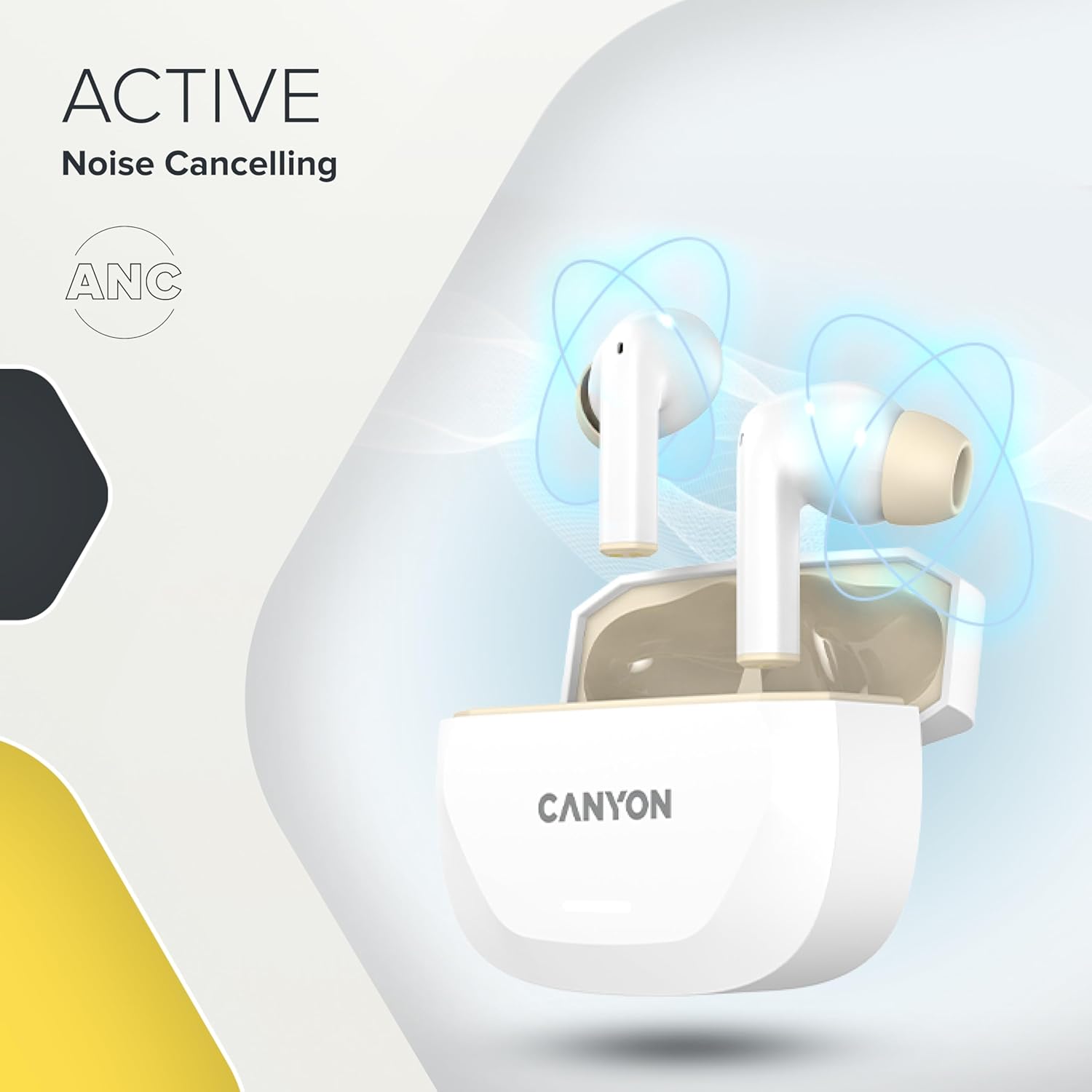
Image 3.4: A visual representation of Active Noise Cancelling (ANC) technology, showing sound waves being canceled around the CANYON HEXAGON 7 earbuds in their open case.
4. การตั้งค่า
4.1 การชาร์จหูฟังและเคส
ก่อนใช้งานครั้งแรก ควรชาร์จหูฟังและเคสชาร์จให้เต็ม
- การใช้สาย USB-C: Connect the provided USB Type-C cable to the charging port on the case and to a power source. The charging indicator will show the charging status. A full charge takes approximately 1.5 hours for the earbuds and 2 hours for the case.
- การชาร์จแบบไร้สาย: Place the charging case on any Qi-compatible wireless charging pad. Ensure the case is properly aligned for efficient charging.

Image 4.1: The CANYON HEXAGON 7 charging case is shown resting on a wireless charging pad, indicating its wireless charging capability.

Image 4.2: A graphic illustrating the quick recharge feature of the CANYON HEXAGON 7 earbuds, with a battery icon showing rapid charging progress.
4.2 การจับคู่กับอุปกรณ์
- เปิดกล่องชาร์จ หูฟังจะเข้าสู่โหมดจับคู่โดยอัตโนมัติ
- เปิดใช้งาน Bluetooth บนอุปกรณ์ของคุณ (สมาร์ทโฟน แท็บเล็ต ฯลฯ)
- ค้นหา available Bluetooth devices and select "CANYON HEXAGON 7".
- Once connected, a confirmation sound will play, and the indicator light on the earbuds will change.
4.3 การเชื่อมต่อหลายจุด
The HEXAGON 7 supports connecting to two devices simultaneously. To use this feature:
- จับคู่หูฟังกับอุปกรณ์เครื่องแรกตามที่อธิบายไว้ข้างต้น
- ปิดบลูทูธบนอุปกรณ์เครื่องแรก หูฟังจะเข้าสู่โหมดจับคู่โดยอัตโนมัติ
- จับคู่หูฟังกับอุปกรณ์ที่สอง
- Re-enable Bluetooth on the first device. The earbuds should automatically connect to both devices. You can then switch between them seamlessly.
5. คู่มือการใช้งาน
5.1 ระบบควบคุมแบบสัมผัส
The touch-sensitive areas on the earbuds allow for various functions:
- เล่น/หยุดชั่วคราว: แตะที่หูฟังข้างใดข้างหนึ่งเพียงครั้งเดียว
- เพลงถัดไป: แตะสองครั้งที่หูฟังด้านขวา
- แทร็กก่อนหน้า: แตะสองครั้งที่หูฟังด้านซ้าย
- ปรับระดับเสียงขึ้น: แตะสามครั้งที่หูฟังด้านขวา
- ลดเสียงลง: แตะสามครั้งที่หูฟังด้านซ้าย
- รับ/วางสาย: แตะเพียงครั้งเดียวที่หูฟังข้างใดข้างหนึ่งในระหว่างที่มีสายเรียกเข้าหรือสายสนทนาที่ใช้งานอยู่
- ปฏิเสธสาย: กดปุ่มหูฟังข้างใดข้างหนึ่งค้างไว้ 2 วินาทีในระหว่างที่มีสายเรียกเข้า
- เปิดใช้งาน Voice Assistant: กดปุ่มหูฟังข้างใดข้างหนึ่งค้างไว้ 3 วินาที (เมื่อไม่ได้อยู่ระหว่างการโทร)
5.2 ANC and ENC Functions
The HEXAGON 7 features Active Noise Cancellation (ANC) and Environmental Noise Cancellation (ENC) for calls.
- ANC Activation/Deactivation: Press and hold the touch area on the left earbud for 2 seconds to cycle through ANC On, ANC Off, and Transparency modes.
- ENC สำหรับการโทร: Environmental Noise Cancellation is automatically active during phone calls, utilizing the 4 built-in microphones to filter out background noise and ensure clear voice transmission.
5.3 อายุการใช้งานแบตเตอรี่
The earbuds provide up to 6.5 hours of playback with ANC off, and 5.5 hours with ANC on. The charging case extends the total playtime to 27 hours.
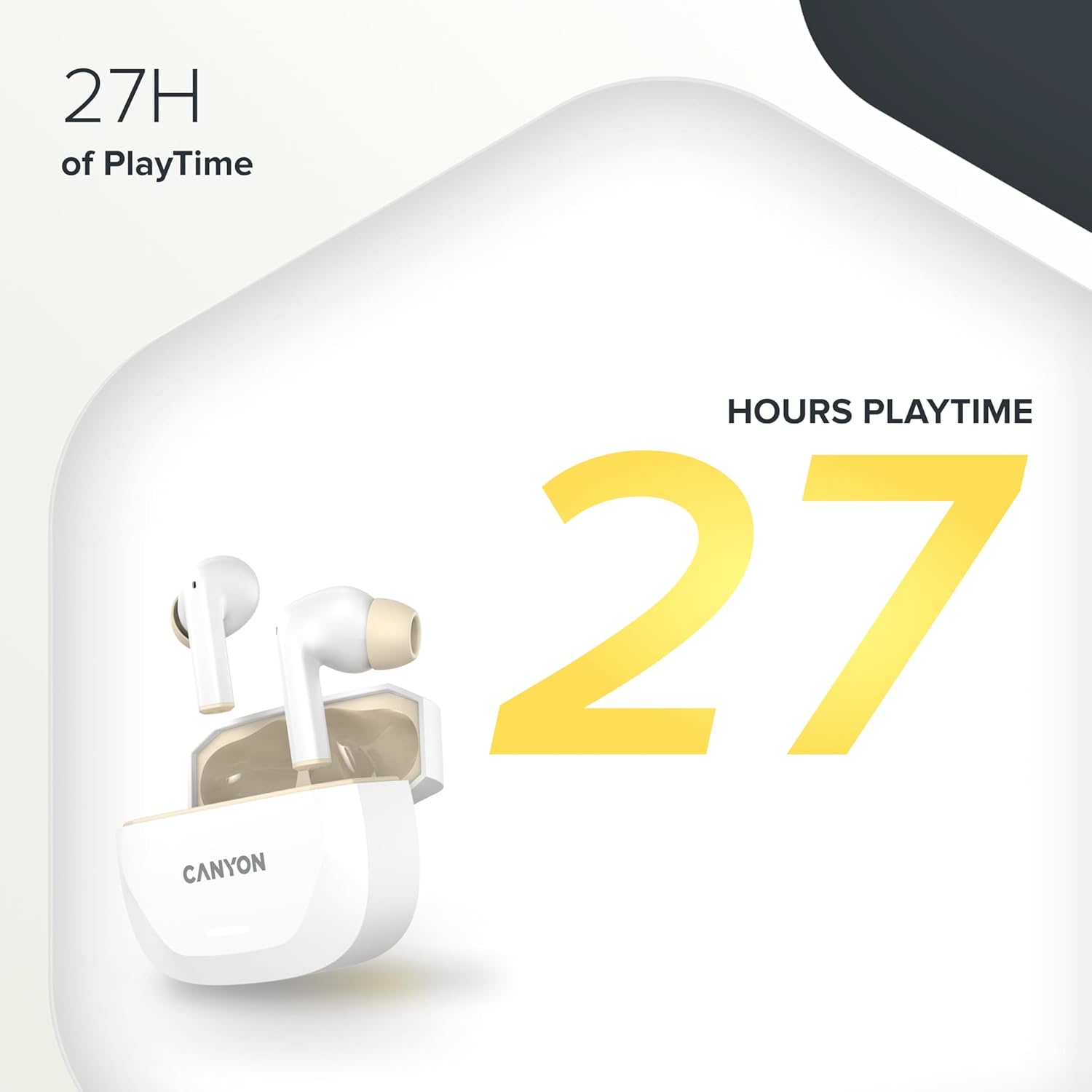
Image 5.1: A graphic highlighting the 27 hours of total playtime offered by the CANYON HEXAGON 7 earbuds with their charging case.
6. การบำรุงรักษา
6.1 การทำความสะอาด
- ทำความสะอาดหูฟังและกล่องชาร์จเป็นประจำด้วยผ้าแห้งนุ่มที่ไม่เป็นขุย
- ห้ามใช้สารทำความสะอาดที่มีฤทธิ์กัดกร่อน แอลกอฮอล์ หรือตัวทำละลายเคมี
- ค่อยๆ ขจัดขี้หูหรือสิ่งสกปรกออกจากจุกหูฟังและตะแกรงลำโพงโดยใช้แปรงขนนุ่มขนาดเล็กหรือสำลีพันก้าน
6.2 พื้นที่จัดเก็บ
- เมื่อไม่ได้ใช้งาน ให้เก็บหูฟังไว้ในกล่องชาร์จเพื่อปกป้องหูฟังและชาร์จไฟให้หูฟังอยู่เสมอ
- เก็บอุปกรณ์ไว้ในที่แห้งและเย็น หลีกเลี่ยงแสงแดดโดยตรงและอุณหภูมิที่สูงหรือต่ำเกินไป
7 การแก้ไขปัญหา
If you encounter issues with your CANYON HEXAGON 7 earbuds, refer to the following common solutions:
| ปัญหา | วิธีแก้ปัญหาที่เป็นไปได้ |
|---|---|
| หูฟังเอียร์บัดไม่จับคู่ |
|
| ไม่มีเสียงหรือเสียงเบา |
|
| ปัญหาการชาร์จ |
|
| ANC ไม่ทำงานอย่างมีประสิทธิภาพ |
|
8. ข้อมูลจำเพาะ
| คุณสมบัติ | รายละเอียด |
|---|---|
| ชื่อรุ่น | หกเหลี่ยม 7 |
| เทคโนโลยีไร้สาย | บลูทูธ 5.4 |
| ระบบตัดเสียงรบกวน | Active Noise Cancellation (ANC), Environmental Noise Cancellation (ENC) with 4 microphones |
| อายุการใช้งานแบตเตอรี่ (หูฟัง) | สูงสุด 6.5 ชั่วโมง (ปิด ANC), 5.5 ชั่วโมง (เปิด ANC) |
| เวลาเล่นทั้งหมด (รวมเคส) | นานถึง 27 ชั่วโมง |
| เวลาในการชาร์จ (หูฟัง) | ประมาณ 1.5 ชั่วโมง |
| ระยะเวลาในการชาร์จ (เคส) | ประมาณ 2 ชั่วโมง |
| อินเตอร์เฟซการชาร์จ | USB Type-C, Wireless (Qi-compatible) |
| วิธีการควบคุม | การควบคุมแบบสัมผัส |
| การเชื่อมต่อหลายจุด | Yes, connect to two devices simultaneously |
| วัสดุ | พลาสติก |
| ระดับความต้านทานต่อน้ำ | Waterproof (specific IP rating not provided) |
| อิมพีแดนซ์ | 32 โอห์ม |
| การตอบสนองความถี่ | 20 Hz (lower limit, upper limit not specified) |
| อุปกรณ์ที่รองรับ | Mobile phones, tablets, PCs |
9. การรับประกันและการสนับสนุน
CANYON products are designed for reliability and performance. For warranty information, technical support, or service inquiries, please refer to the official CANYON webหรือติดต่อตัวแทนจำหน่ายในพื้นที่ของคุณ เก็บหลักฐานการซื้อไว้เพื่อใช้ในการเคลมประกัน
Manufacturer: CANYON


