1. บทนำ
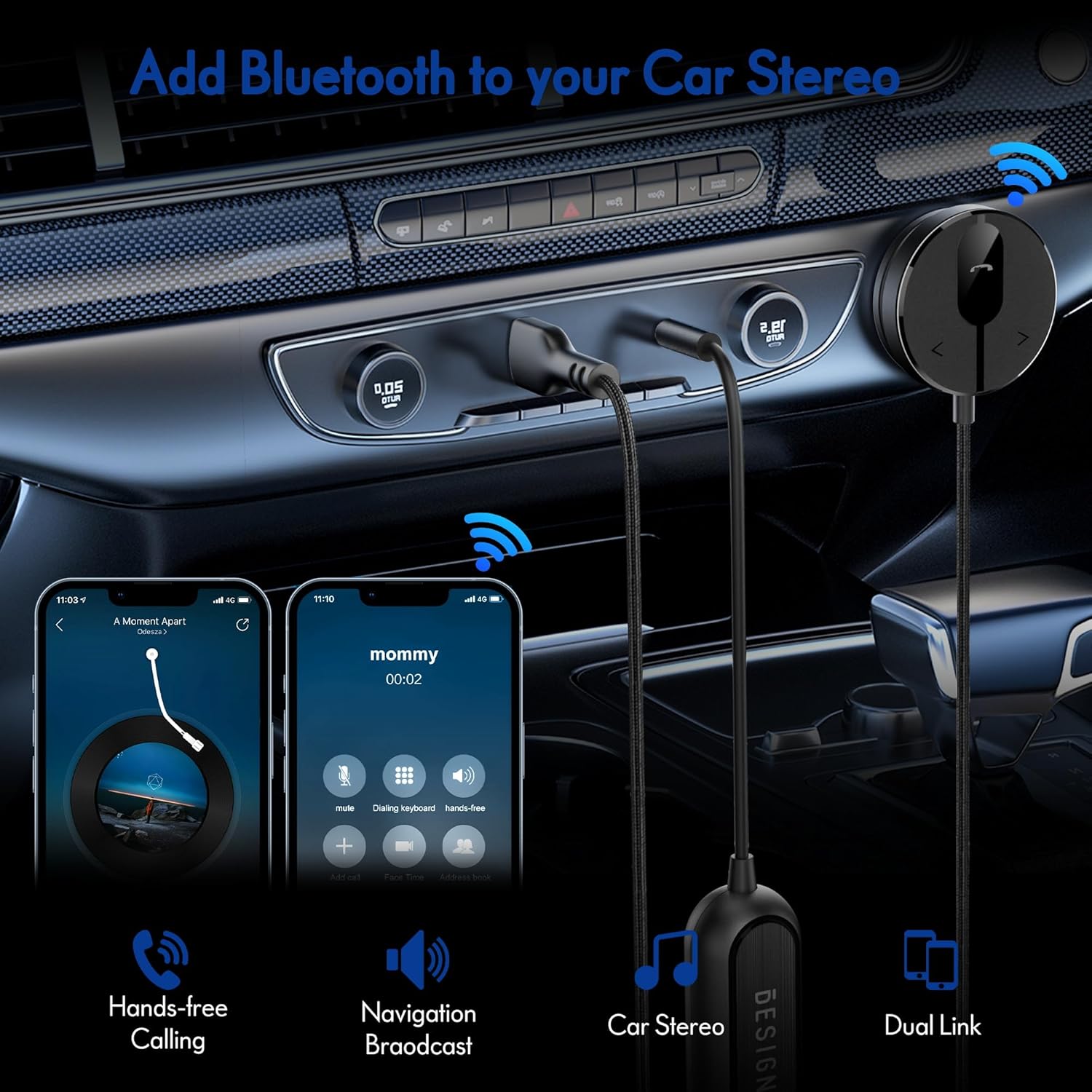
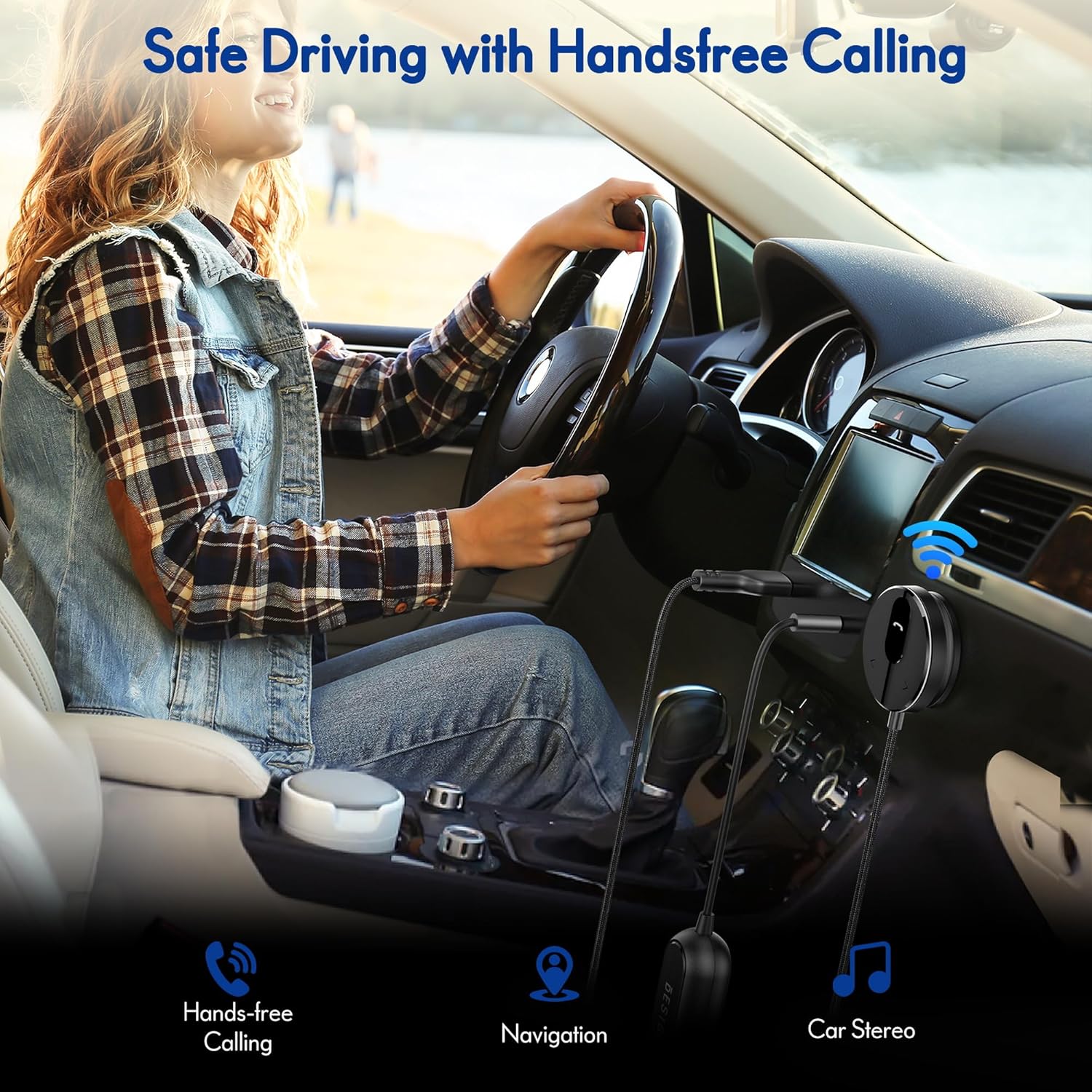
The BESIGN BK01 Bluetooth Car Kit is designed to enhance your driving experience by adding Bluetooth 5.3 connectivity to your car's audio system. This device allows for wireless music streaming, hands-free calling, and navigation broadcast through your car speakers, utilizing your vehicle's 3.5mm Aux input and USB power port. It includes a ground loop noise isolator to ensure clear audio quality.
2. สินค้าหมดview
Familiarize yourself with the components of your BESIGN BK01 Bluetooth Car Kit.

ชุดประกอบด้วย:
- Bluetooth Receiver Unit: Main control unit with Multi-Function Button (MFB), LED indicator, microphone, and track control buttons.
- Magnetic Mounting Disc: For secure placement of the receiver unit.
- อุปกรณ์แยกสัญญาณรบกวนกราวด์ลูป: Reduces buzzing noise in the audio.
- 3.5mm Auxiliary Out Cable: Connects to your car's Aux input.
- พอร์ตจ่ายไฟ USB: Connects to a USB power source in your car.
ไฟแสดงสถานะ LED
| ไฟ LED แสดงสถานะ | สถานะ |
|---|---|
| Flashing Red And Blue | โหมดจับคู่ |
| สีฟ้าล้วน | เชื่อมต่อ |
3. ข้อมูลจำเพาะ
- หมายเลขรุ่น: BK01
- เวอร์ชันบลูทูธ: 5.3
- เทคโนโลยีการเชื่อมต่อ: บลูทูธ
- แหล่งพลังงาน: Car Cigarette USB power supply
- คุณสมบัติพิเศษ: Automatic On/Off, Built-In Microphone, Hands-Free Calls, Noise Cancellation
- น้ำหนักสินค้า: 3.84 ออนซ์
- ขนาดแพ็คเกจ: 4.13 x 3.11 x 1.77 นิ้ว
4. คำแนะนำในการตั้งค่า
Follow these steps to install and connect your BESIGN BK01 Bluetooth Car Kit.
- เชื่อมต่อสายไฟและสายสัญญาณเสียง:
- Plug the USB power port of the BK01 into a USB power source in your car (e.g., a car charger or a built-in USB port).
- Connect the 3.5mm Aux cable from the BK01 to your car's 3.5mm Aux input port.
- If experiencing buzzing noise, connect the included ground loop noise isolator between the BK01's 3.5mm Aux cable and your car's Aux input.
- ติดตั้งตัวรับสัญญาณ:
- Choose a convenient location on your dashboard or console for the magnetic mounting disc. Ensure the surface is clean and dry.
- Peel off the adhesive backing from the magnetic mounting disc and firmly press it onto the chosen surface.
- Attach the Bluetooth receiver unit to the magnetic disc.
- เปิดเครื่องและจับคู่:
- Once connected to power, the BK01 will automatically power on. The LED indicator will flash red and blue, indicating it is in pairing mode.
- On your smartphone or other Bluetooth device, go to the Bluetooth settings and search for available devices.
- Select "BK01" from the list to pair. If prompted for a PIN, enter "0000".
- เมื่อจับคู่สำเร็จแล้ว ไฟ LED จะสว่างเป็นสีน้ำเงินค้าง
- การเชื่อมต่ออัตโนมัติ: The BK01 is designed to automatically power on and connect to the last paired device when your car starts (ensure your phone's Bluetooth is active). If it doesn't connect automatically, a short press on the Multi-Function Button (MFB) can initiate reconnection.

5. คู่มือการใช้งาน
5.1. การเล่นเพลง
- เล่น/หยุดชั่วคราว: กดปุ่มมัลติฟังก์ชัน (MFB) หนึ่งครั้ง
- เพลงถัดไป: Press the ">" button once.
- แทร็กก่อนหน้า: Press the "<" button once.
5.2. การโทรแบบแฮนด์ฟรี
- รับสาย: กดปุ่มมัลติฟังก์ชัน (MFB) หนึ่งครั้ง
- วางสาย: Press the Multi-Function Button (MFB) once during a call.
- ปฏิเสธสาย: กดปุ่มมัลติฟังก์ชั่น (MFB) ค้างไว้ 2 วินาที
- โทรซ้ำหมายเลขล่าสุด: Double-press the Multi-Function Button (MFB).
5.3. การเปิดใช้งานผู้ช่วยเสียง
Press and hold the ">" button to activate your smartphone's voice assistant (e.g., Siri for iPhone, Google Assistant for Android).
5.4. Dual Phone Connection
The BK01 supports connecting to two phones simultaneously. It will manage calls from both devices and mute music if a call comes in on the other phone.
6 การแก้ไขปัญหา
- Buzzing Noise (Ground Loop Noise): If you experience a buzzing or humming noise, especially when music is paused, connect the included ground loop noise isolator. This device is specifically designed to eliminate such electrical interference.
- No Power/No Connection:
- Ensure the USB power port is securely plugged into a working power source.
- Verify your car's USB port or cigarette lighter adapter is providing power.
- Check that your phone's Bluetooth is enabled and within range.
- If the device does not auto-connect, press the MFB button to manually initiate connection.
- คุณภาพเสียงไม่ดี:
- Ensure the 3.5mm Aux cable is fully inserted into both the BK01 and your car's Aux input.
- ปรับระดับเสียงทั้งบนโทรศัพท์และเครื่องเสียงรถยนต์ของคุณ
- If using the ground loop noise isolator, ensure it is correctly connected.
- Microphone Volume Low During Calls: This can sometimes occur with Bluetooth devices. Ensure the microphone on the BK01 receiver unit is not obstructed and is positioned optimally. Adjust call volume on your phone.

7. การบำรุงรักษา
- รักษาความสะอาดของอุปกรณ์ด้วยการเช็ดด้วยผ้าแห้งเนื้อนุ่ม
- หลีกเลี่ยงการสัมผัสอุปกรณ์กับอุณหภูมิที่สูงหรือต่ำเกินไป แสงแดดโดยตรง หรือความชื้น
- ห้ามถอดประกอบหรือซ่อมแซมอุปกรณ์ด้วยตนเอง เนื่องจากจะทำให้การรับประกันเป็นโมฆะ
8. ข้อมูลด้านความปลอดภัย
- อย่าใช้งานอุปกรณ์ในลักษณะที่รบกวนสมาธิในการขับขี่ ให้ความสำคัญกับความปลอดภัยบนท้องถนนเสมอ
- เก็บอุปกรณ์และชิ้นส่วนต่างๆ ให้พ้นมือเด็ก
- Do not dispose of batteries (if applicable) in fire.
9. การรับประกันและการสนับสนุน
For warranty information or technical support, please refer to the product packaging or contact BESIGN customer service directly through their official webไซต์หรือผู้ค้าปลีกที่ซื้อผลิตภัณฑ์


