1. ข้อมูลเบื้องต้นเกี่ยวกับ FortiGuard Advanced Threat Protection
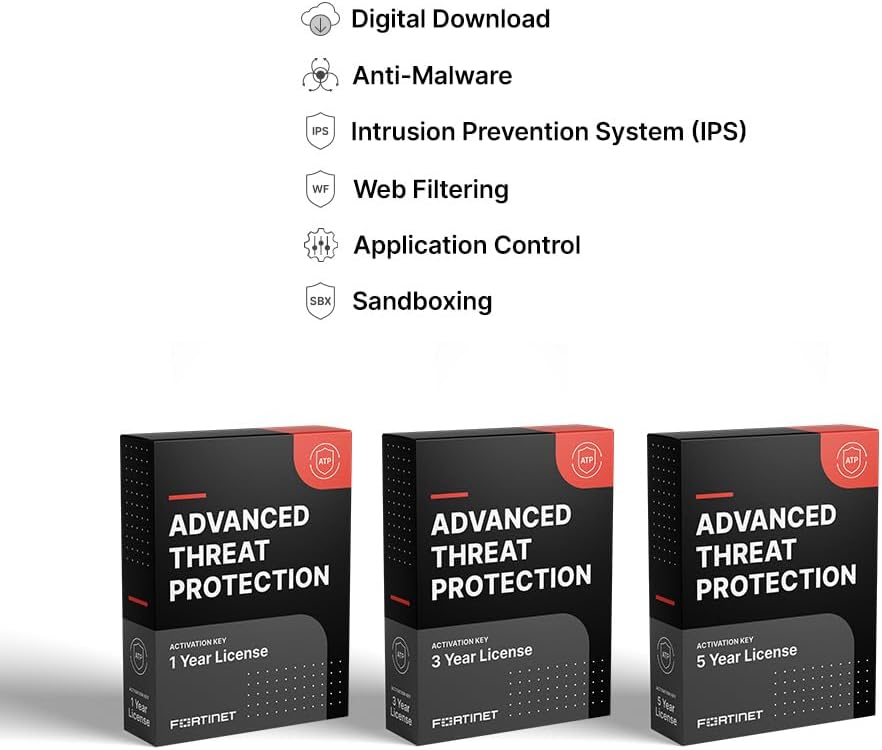
FortiGuard Advanced Threat Protection (ATP) is a comprehensive security service designed to safeguard your network from sophisticated cyber threats. This service integrates seamlessly with Fortinet FortiGate-200G firewalls, providing real-time threat intelligence and AI-powered protection against known and emerging threats.
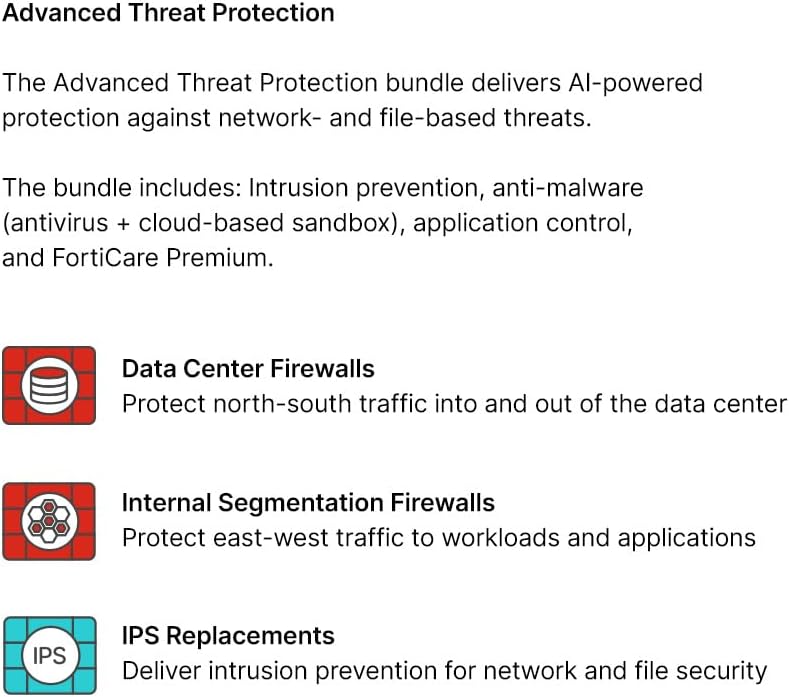
The ATP bundle includes critical security components such as Intrusion Prevention System (IPS), advanced anti-malware capabilities (antivirus with cloud-based sandbox), and robust application control. These services work together to prevent malicious content from breaching your defenses, protect against web-based threats, and secure your network environment.
2. การตั้งค่าและการเปิดใช้งาน
The FortiGuard Advanced Threat Protection service is a digital license that integrates with your existing FortiGate-200G firewall. Activation typically involves applying the provided license key through the FortiGate management interface or the Fortinet support portal.
2.1 ข้อกำหนดเบื้องต้น
- An active FortiGate-200G firewall.
- Internet connectivity for license activation and updates.
- Access to the FortiGate management interface (GUI or CLI).
- A FortiCare account for license registration and management.
2.2 ขั้นตอนการเปิดใช้งาน
- Register your license: เข้าสู่ระบบบัญชี FortiCare ของคุณได้ที่ support.fortinet.com. Navigate to the 'Asset' section and register your FortiGuard ATP license using the provided activation code.
- Synchronize with FortiGate: After successful registration, ensure your FortiGate-200G is connected to the internet and can communicate with FortiGuard servers. The firewall will automatically synchronize its license information. You can manually initiate a synchronization from the FortiGate GUI under System > FortiGuard > Update Now.
- Verify service status: Once synchronized, verify that the FortiGuard ATP services (IPS, Anti-Malware, Application Control) are active and running on your FortiGate-200G. This can be checked in the FortiGate GUI under ระบบ > ฟอร์ติการ์ด or relevant security profiles.
สำหรับคำแนะนำโดยละเอียดทีละขั้นตอน โปรดดูเอกสารอย่างเป็นทางการของ Fortinet ที่มีอยู่ในพอร์ทัลสนับสนุน FortiCare
3. หลักการทำงานและคุณสมบัติ
FortiGuard Advanced Threat Protection provides a layered defense mechanism to protect your network. The core components work in concert to identify and mitigate various threats.

3.1 Intrusion Prevention System (IPS)
The IPS component actively monitors network traffic for malicious activity and known exploit signatures. It blocks vulnerabilities and exploits through real-time network traffic inspection, preventing attacks from reaching your internal systems.
3.2 Advanced Anti-Malware
This service combines traditional antivirus with a cloud-based sandbox. It detects and blocks known malware using signature-based detection and employs a sandbox environment to analyze suspicious files for zero-day threats and unknown malware behavior before they can infect your network.
3.3 การควบคุมแอปพลิเคชัน
Application Control allows administrators to identify, monitor, and control network applications. This helps enforce security policies, prevent the use of unauthorized or risky applications, and reduce the attack surface.


4. การบำรุงรักษาและการอัพเดท
FortiGuard services are designed for continuous, automated protection. Regular maintenance primarily involves ensuring your FortiGate-200G has stable internet connectivity to receive the latest threat intelligence updates.
- Automated Updates: FortiGuard services automatically receive real-time threat intelligence updates from FortiGuard Labs. This ensures your protection is always current against the latest threats without manual intervention.
- การอัพเกรดเฟิร์มแวร์: While FortiGuard services update independently, it is crucial to keep your FortiGate-200G firmware up to date. Firmware upgrades often include security enhancements and compatibility improvements for FortiGuard services.
- นโยบายเรื่องview: รีเป็นระยะๆview your security policies on the FortiGate to ensure they align with your current network requirements and threat landscape.
5. การแก้ไขปัญหาทั่วไป
If you encounter issues with your FortiGuard Advanced Threat Protection services, consider the following troubleshooting steps:
- Service Not Active: Verify that your FortiGuard license is correctly registered on the FortiCare portal and synchronized with your FortiGate. Check internet connectivity from the FortiGate to FortiGuard update servers.
- Outdated Definitions: Ensure your FortiGate can reach FortiGuard update servers. Check DNS settings and firewall policies that might block update traffic.
- ปัญหาประสิทธิภาพการทำงาน: Review FortiGate resource utilization (CPU, memory) to ensure it's not overloaded. Optimize security policies to reduce unnecessary scanning or processing.
- ผลบวกลวง/ผลลบ: For specific application or threat detections, consult Fortinet's knowledge base or contact FortiCare support for guidance on policy tuning or signature exceptions.
For advanced troubleshooting or persistent issues, leverage your FortiCare Premium support services.
6. ข้อมูลจำเพาะ
| คุณลักษณะ | รายละเอียด |
|---|---|
| ชื่อสินค้า | การป้องกันภัยคุกคามขั้นสูงของ FortiGuard |
| อุปกรณ์ที่รองรับ | ฟอร์ติเกต-200จี |
| Model Number (Service) | FC-10-FG2HG-928-02-60 |
| ระยะเวลาการให้บริการ | 5 ปี |
| บริการที่รวมอยู่ด้วย | ระบบป้องกันการบุกรุก, ระบบป้องกันมัลแวร์ (แอนตี้ไวรัส + แซนด์บ็อกซ์บนคลาวด์), การควบคุมแอปพลิเคชัน, FortiCare Premium |
| ผู้ผลิต | ฟอร์ติเน็ต |
| ASIN | B0DY49SR3F |
| วันที่พร้อมใช้งานครั้งแรก | 22 กุมภาพันธ์ 2025 |
7. การรับประกันและการสนับสนุน
The FortiGuard Advanced Threat Protection service for FortiGate-200G includes บริการสนับสนุนระดับพรีเมียมของ FortiCare for the entire 5-year duration of the license.
7.1 FortiCare Premium Support
FortiCare Premium provides comprehensive support designed for critical business needs. Key features include:
- บริการสนับสนุนตลอด 24 ชั่วโมง 7 วันต่อสัปดาห์ 365 วันต่อปี: Access to technical assistance via phone, chat, and web พอร์ทัล
- เวลาตอบสนองที่รวดเร็ว: One-hour response times for Priority 1 and Priority 2 inquiries.
- การอัพเกรดเฟิร์มแวร์: Access to firmware upgrades for your FortiGate device.
- พอร์ทัลการจัดการสินทรัพย์: Tools for managing your Fortinet assets and licenses.

For support, visit the official FortiCare portal at support.fortinet.com or contact Fortinet technical support directly.


