การแนะนำ
This manual provides comprehensive instructions for the setup, operation, and maintenance of your HONOR Choice Watch 2i smartwatch. Please read this manual thoroughly to ensure proper use and to maximize the device's features.
เนื้อหาแพ็คเกจ
- HONOR Choice Watch 2i Smartwatch
- สายชาร์จ
- คู่มือการใช้งาน (เอกสารนี้)
การตั้งค่า
1. การชาร์จอุปกรณ์
Before initial use, fully charge your HONOR Choice Watch 2i. Connect the charging cable to the watch's charging port and a compatible USB power adapter. The watch will display a charging indicator. A full charge typically takes approximately 2 hours.
2. เปิด/ปิดเครื่อง
- เปิดเครื่อง: กดปุ่มด้านข้างค้างไว้จนกว่าโลโก้ HONOR จะปรากฏขึ้น
- หมดแรง: จากหน้าปัดนาฬิกา ปัดลงเพื่อเข้าถึงการตั้งค่าด่วน จากนั้นแตะไอคอนเปิด/ปิด หรือไปที่ การตั้งค่า > ระบบ > ปิดเครื่อง
3. การจับคู่กับสมาร์ทโฟนของคุณ
- ดาวน์โหลดและติดตั้ง แอป HONOR Health จากแอปสโตร์ของสมาร์ทโฟนของคุณ (Google Play Store สำหรับ Android, Apple App Store สำหรับ iOS)
- เปิดแอป HONOR Health และทำตามคำแนะนำบนหน้าจอเพื่อสร้างบัญชีหรือเข้าสู่ระบบ
- ตรวจสอบให้แน่ใจว่าได้เปิดใช้งาน Bluetooth บนสมาร์ทโฟนของคุณแล้ว
- In the HONOR Health App, navigate to "Devices" and tap "Add Device" or the "+" icon.
- เลือก "HONOR Choice Watch 2i" จากรายการอุปกรณ์ที่มีให้เลือก
- ยืนยันคำขอจับคู่บนนาฬิกาและสมาร์ทโฟนของคุณทั้งสอง
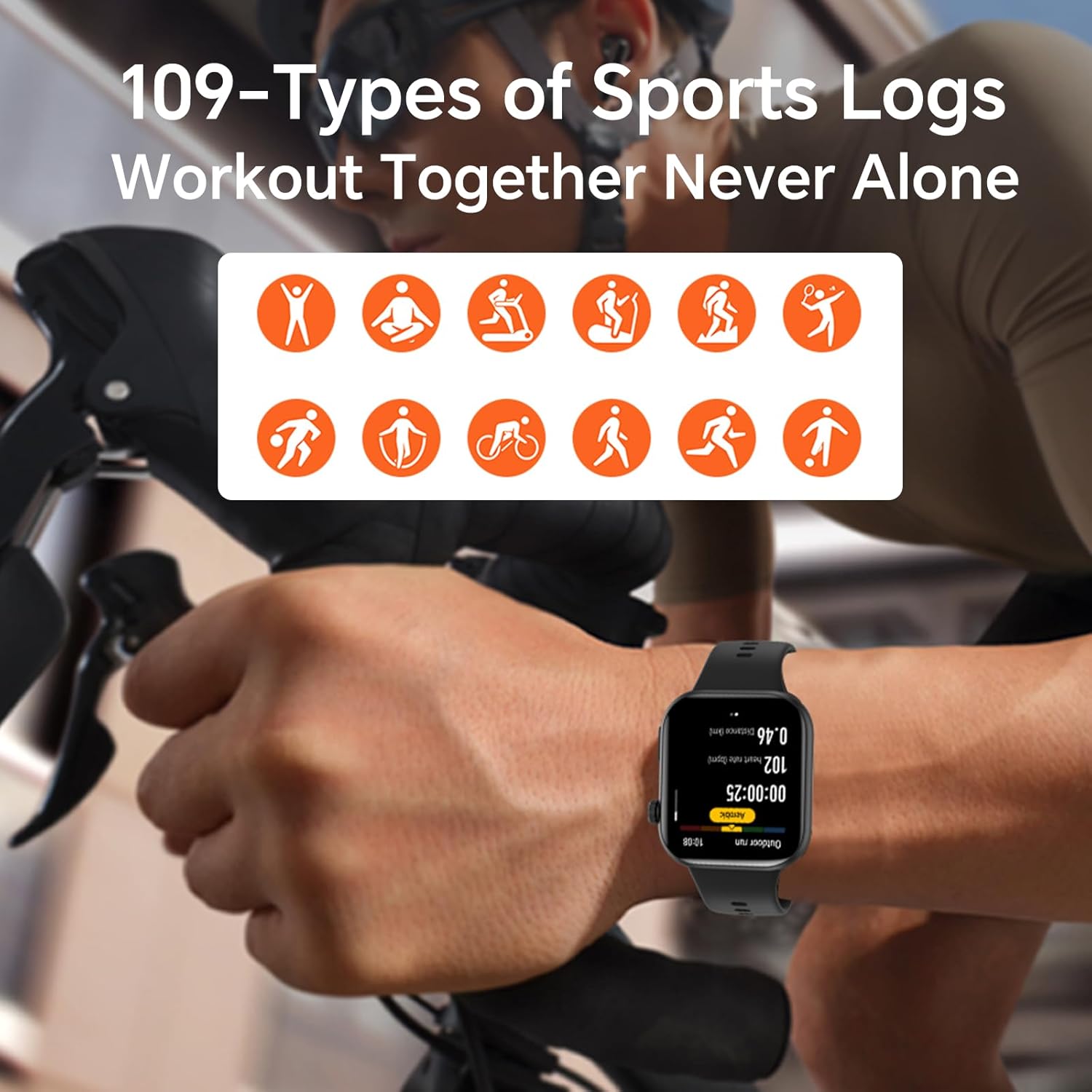
Image: The HONOR Health App interface displaying health data and device management options, essential for pairing and data synchronization.
4. Adjusting the Watch Strap
The HONOR Choice Watch 2i features a quick-release strap mechanism for easy replacement. To remove, slide the spring bar lever inwards and gently pull the strap away from the watch body. To attach, align the spring bar with the lug holes and release the lever.
ภาพ: รายละเอียด view of the watch's quick-release strap, illustrating how to detach and attach the band.
การใช้งานนาฬิกา
1. Watch Navigation
- หน้าจอสัมผัส: ปัดขึ้น ลง ซ้าย หรือขวา เพื่อเลื่อนดูเมนู การแจ้งเตือน และวิดเจ็ต แตะเพื่อเลือกรายการ
- ปุ่มด้านข้าง: Press to return to the watch face or access the app list. Press and hold for power options or to activate voice assistant (if configured).

Image: The main watch face of the HONOR Choice Watch 2i, showing typical information displayed during daily use.
2. การโทรและการแจ้งเตือนผ่านบลูทูธ
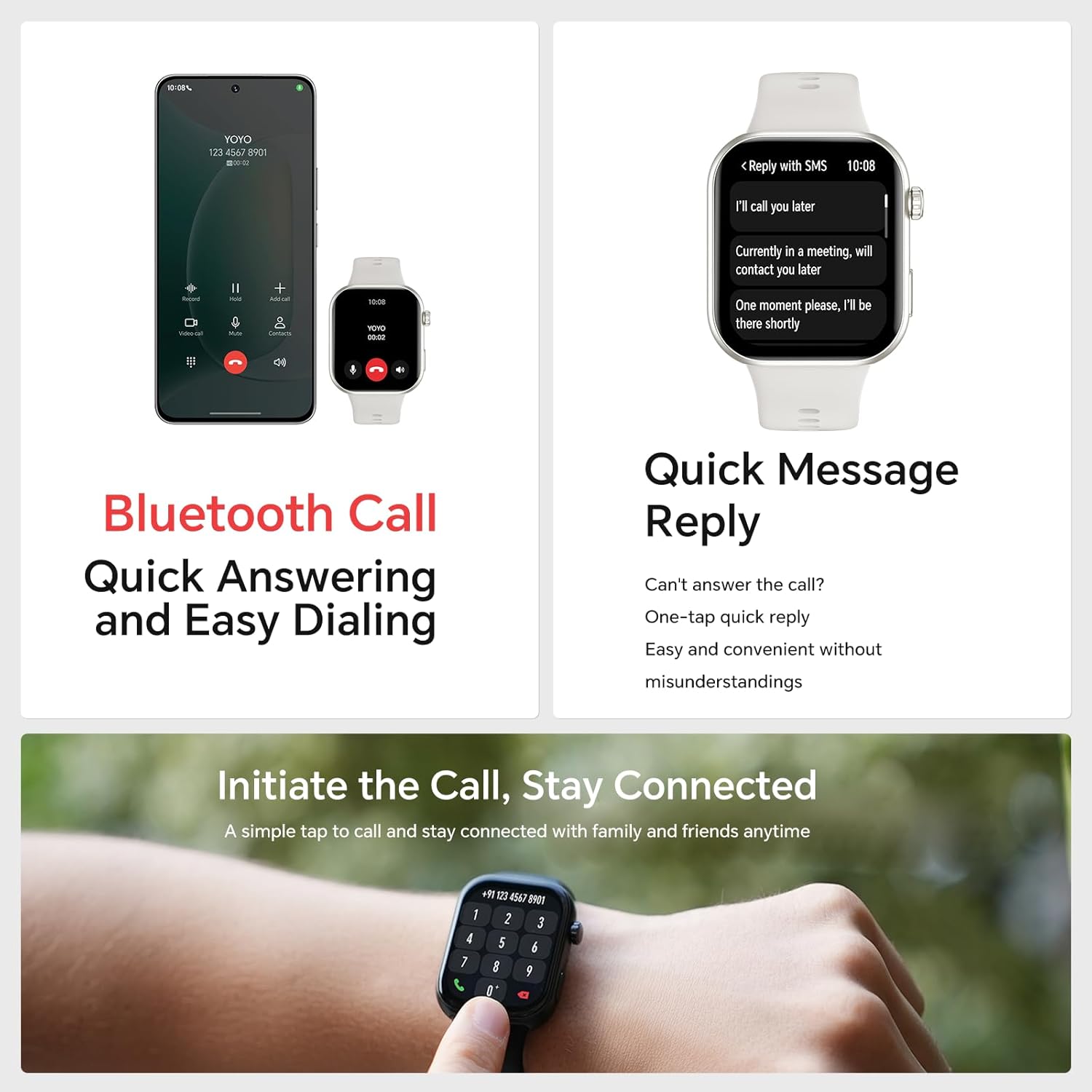
Once paired with your smartphone, the HONOR Choice Watch 2i allows you to make and receive calls directly from your wrist. You can also receive notifications for SMS, emails, and other applications.
- การรับสายโทรศัพท์: Tap the green phone icon on the watch screen when an incoming call is displayed.
- โทรออก: Access the dialer from the app list on your watch to initiate calls.
- ตอบกลับอย่างรวดเร็ว: For incoming messages, use the quick reply feature to send predefined responses.
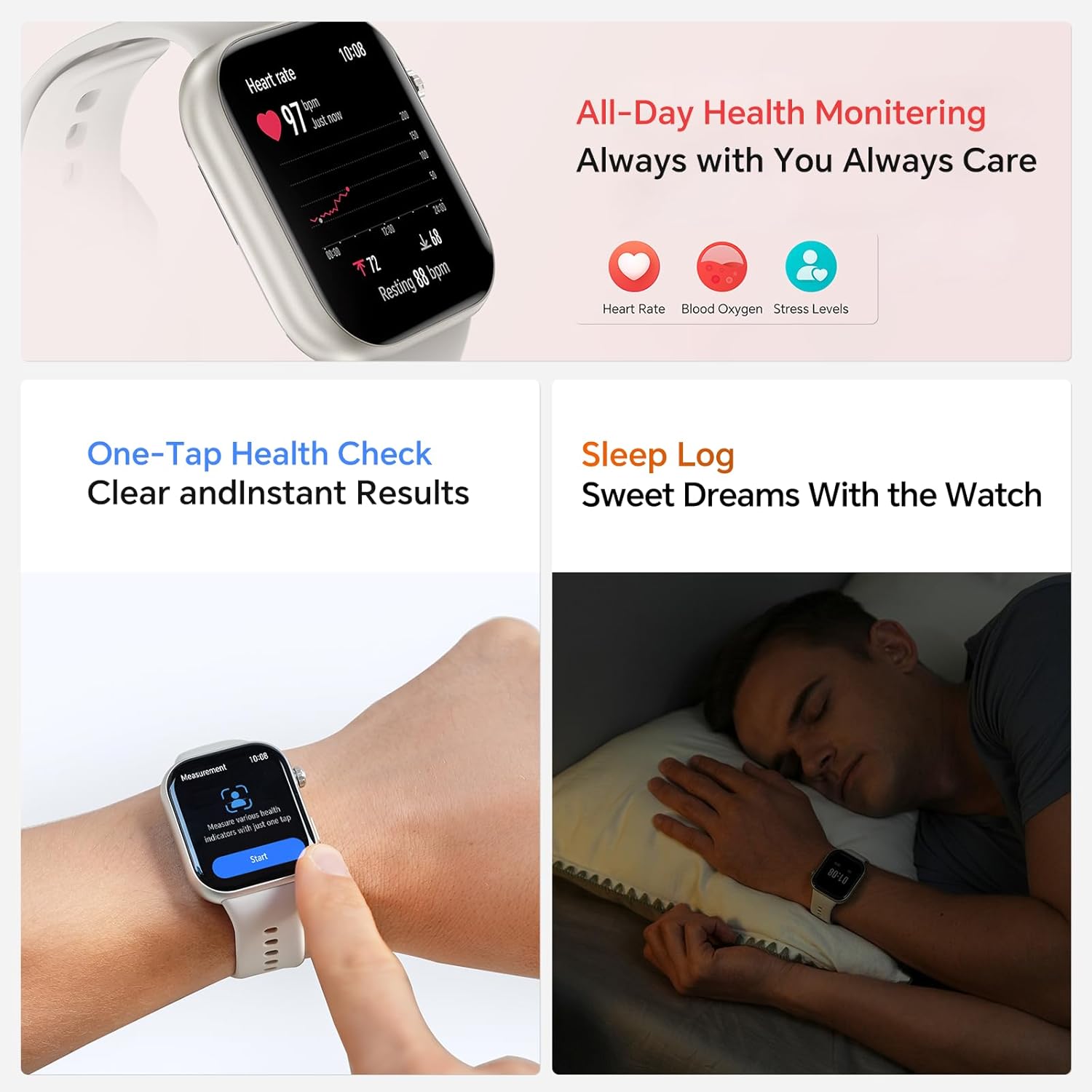
Image: The smartwatch showing both an incoming call interface and options for quick message replies, demonstrating its communication features.
3. หน้าปัดนาฬิกาที่ปรับแต่งได้
Personalize your watch by changing the watch face. You can select from various pre-installed faces or download more through the HONOR Health App. To change directly on the watch, press and hold the watch face, then swipe left or right to browse and tap to select.

Image: A collection of HONOR Choice Watch 2i units showcasing various customizable watch faces, highlighting personalization options.
คุณสมบัติการติดตามสุขภาพ
The HONOR Choice Watch 2i is equipped with advanced sensors to track various health metrics continuously.
- การตรวจสอบอัตราการเต้นของหัวใจ: Provides 24/7 continuous heart rate tracking and alerts for abnormal readings.
- การตรวจวัดออกซิเจนในเลือด (SpO2): วัดระดับออกซิเจนในเลือด
- การติดตามระดับความเครียด: ติดตามระดับความเครียดตลอดทั้งวัน
- การติดตามการนอนหลับ: Analyzes sleep quality by detecting light, deep, and REM sleep stagใช่
- การติดตามรอบเดือน: Helps women monitor and manage their menstrual cycles.
- ตรวจสอบสุขภาพได้ง่ายๆ เพียงแตะครั้งเดียว: วัดค่าสุขภาพหลายค่าพร้อมกันได้อย่างรวดเร็ว
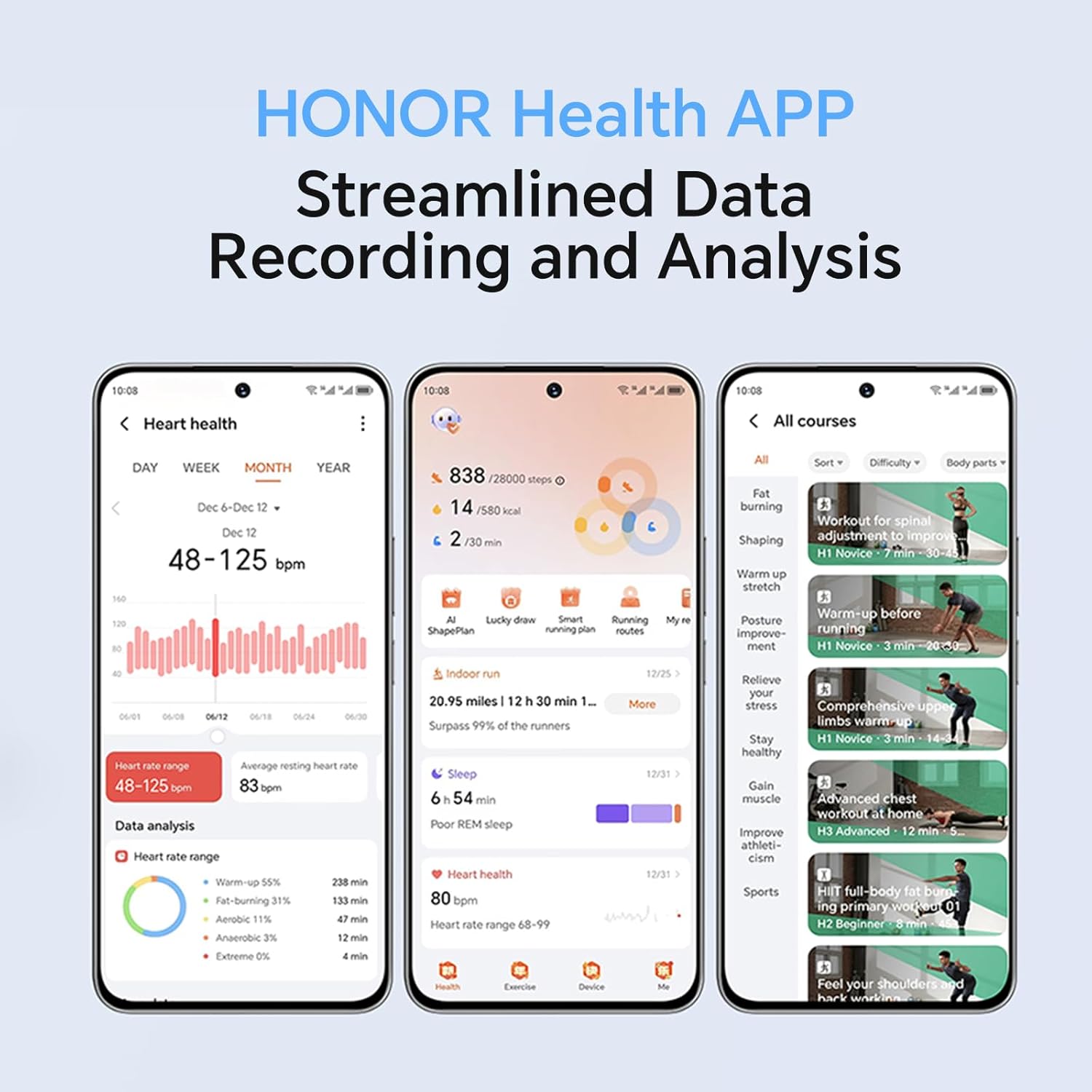
Image: The smartwatch screen showing real-time heart rate data and a user interacting with the "Start" button for a health measurement.
Fitness Tracking and Exercise Modes
The watch supports 109 exercise modes, automatically detecting common activities and providing detailed performance metrics. All data is synchronized with the HONOR Health App for comprehensive analysis.
Image: A user wearing the HONOR Choice Watch 2i while cycling, with the watch screen showing active workout data like duration and distance.
ข้อมูลแบตเตอรี่
The HONOR Choice Watch 2i is equipped with a 330mAh battery. Under normal usage conditions, it provides up to 14 days of battery life. With heavy use, the battery can last up to 10 days.
ความต้านทานต่อน้ำ
The watch has a 10-meter water resistance rating (IP68), making it suitable for everyday use, including splashes, rain, and sweat during exercise. It is not recommended for diving or high-pressure water activities.
การบำรุงรักษาและการดูแล
- การทำความสะอาด: ทำความสะอาดนาฬิกาและสายนาฬิกาด้วยผ้านุ่มๆ เป็นประจำamp ผ้า. หลีกเลี่ยงการใช้สารเคมีรุนแรงหรือวัสดุกัดกร่อน
- การอบแห้ง: ตรวจสอบให้แน่ใจว่านาฬิกาแห้งก่อนชาร์จเพื่อป้องกันความเสียหาย
- พื้นที่จัดเก็บ: ควรเก็บนาฬิกาไว้ในที่แห้งและเย็นเมื่อไม่ได้ใช้งาน
- หลีกเลี่ยงอุณหภูมิที่สูงหรือต่ำเกินไป: Do not expose the watch to extreme heat or cold.
การแก้ไขปัญหา
- นาฬิกาไม่เปิดเครื่อง: ตรวจสอบให้แน่ใจว่านาฬิกาชาร์จเต็มแล้ว เสียบนาฬิกาเข้ากับเครื่องชาร์จอย่างน้อย 10 นาที
- ไม่สามารถจับคู่กับโทรศัพท์ได้:
- ตรวจสอบให้แน่ใจว่าได้เปิดใช้งานบลูทูธบนโทรศัพท์และนาฬิกาของคุณแล้ว
- Make sure the HONOR Health App is updated to the latest version.
- รีสตาร์ททั้งโทรศัพท์และนาฬิกาของคุณ
- ลองยกเลิกการจับคู่แล้วจับคู่อุปกรณ์ใหม่ผ่านแอป
- ข้อมูลสุขภาพที่ไม่ถูกต้อง:
- ตรวจสอบให้แน่ใจว่าสวมนาฬิกาให้พอดีกับข้อมือ โดยให้ห่างจากกระดูกข้อมือประมาณหนึ่งนิ้ว
- รักษาบริเวณเซ็นเซอร์ให้สะอาดและปราศจากสิ่งกีดขวาง
- อายุการใช้งานแบตเตอรี่สั้น:
- ลดความสว่างหน้าจอ
- Disable continuous heart rate monitoring or set it to a lower frequency if not needed 24/7.
- จำกัดจำนวนแอปที่ส่งการแจ้งเตือนไปยังนาฬิกา
- Close unused background applications on the watch.
ข้อมูลจำเพาะผลิตภัณฑ์
| ยี่ห้อ | ให้เกียรติ |
| หมายเลขรุ่น | 1f15f2d1-dda6-4d72-84f6-3dcbc74fa2bb |
| ขนาดหน้าจอ | 1.85 นิ้ว |
| ระบบปฏิบัติการ | แวร์โอเอส |
| เทคโนโลยีการเชื่อมต่อ | บลูทูธ |
| ความจุของแบตเตอรี่ | 330 มิลลิวินาทีamp ชั่วโมง |
| ความต้านทานต่อน้ำ | 10 meters (IP68 rating) |
| คุณสมบัติพิเศษ | Fitness Modes, Battery Life, Oximeter (SpO2), Heart Rate Monitor, Stress Monitor, Sleep Tracking, Menstrual Cycle Tracking, Bluetooth Call |
| รูปร่างรายการ | สี่เหลี่ยมผืนผ้า |
| ขนาดแพ็คเกจ | 17.7 x 11.9 x 5.2 ซม. |
| น้ำหนักสินค้า | 110 กรัม |
การรับประกันและการสนับสนุน
สำหรับข้อมูลการรับประกันและการสนับสนุนทางเทคนิค โปรดดูที่เว็บไซต์อย่างเป็นทางการของ HONOR webหรือติดต่อฝ่ายบริการลูกค้า เก็บใบเสร็จรับเงินไว้เป็นหลักฐานการซื้อ


