1. บทนำ
This manual provides detailed instructions for the operation and maintenance of your TRUDIN Food Scale with Split Wireless LCD Display. Designed for precision and convenience, this digital kitchen scale is ideal for various culinary tasks, including baking, cooking, meal preparation, and diet management.

Image: The TRUDIN Food Scale, showing the main weighing platform, the detached LCD display, and included AAA batteries.
2. เนื้อหาบรรจุภัณฑ์
- Digital Food Scale (Weighing Platform) x 1
- Wireless LCD Display x 1
- ถ่าน AAA x 4
- Wall Adhesive x 2
- Instruction Manual (this document) x 1
3. คุณสมบัติของผลิตภัณฑ์
- Split Wireless LCD Display: Innovative design allows the display to be separated from the weighing platform for unobstructed viewing. Connects automatically upon power-on.
- ตัวเลือกตำแหน่งหลายตำแหน่ง: The independent display can be placed flat, stood tilted on a countertop, magnetically attached to a refrigerator, or adhered to a wall.
- 7 หน่วยวัด: Supports grams (g), kilograms (kg), pounds:ounces (lb:oz), fluid ounces (fl:oz), milliliters (ml), milk milliliters (milk ml), and thin layers (tl).
- One-Touch Tare Function: Easily zero out the weight of containers for accurate net weight measurements.
- ความแม่นยำสูง: Equipped with high-precision sensors, measuring from 1g (0.1oz) up to 15kg (529oz / 33lb).
- วัสดุเกรดอาหาร: Weighing platform made of durable 304 stainless steel, safe for food contact and easy to clean.
- การออกแบบที่กะทัดรัด: Small and mini size for convenient storage.

Image: The wireless connectivity feature of the TRUDIN food scale, highlighting the detached display for clear viewการไอเอ็นจี
4. คู่มือการติดตั้ง
4.1 การติดตั้งแบตเตอรี่
The scale requires 4 AAA batteries (included). Install them into the battery compartments on the underside of both the weighing platform and the LCD display unit. Ensure correct polarity (+/-).

Image: The back of the LCD display unit, illustrating the battery compartment, built-in stand, and magnetic/adhesive options for placement.
4.2 การเชื่อมต่อไร้สาย
The weighing platform and LCD display connect automatically via wireless technology. Simply power on both units simultaneously. The display will show "---" while searching for the device, and "CON" once successfully connected. If connection fails, ensure both units are powered on and within range (up to 10 meters).
Video: Demonstrates the automatic wireless connection between the scale and the detached LCD display.
5. คู่มือการใช้งาน
5.1 เปิด/ปิดเครื่อง
กดปุ่ม เปิด/ปิด button on the LCD display to turn the scale on or off. The scale will automatically connect to the display when both are powered on.
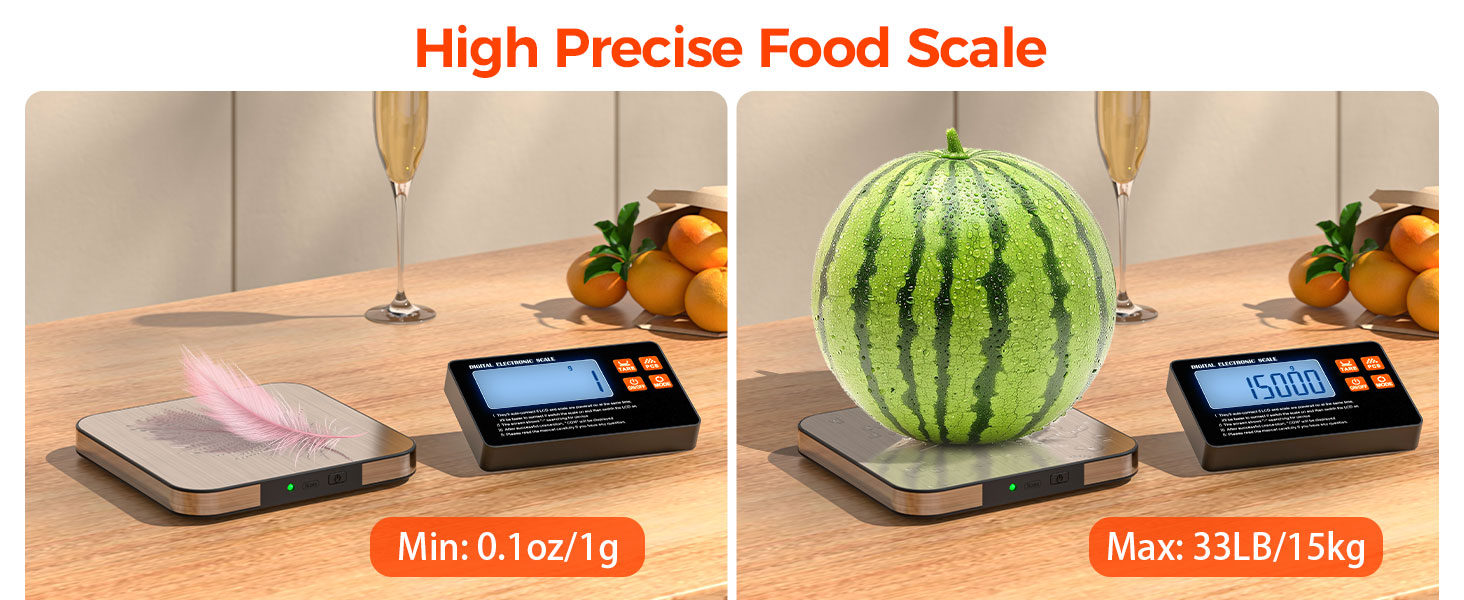
Image: Illustration of pressing the ON/OFF button and the automatic wireless connection process.
5.2 การเปลี่ยนหน่วย
กดปุ่ม โหมด button to cycle through the 7 available measuring units: grams (g), kilograms (kg), pounds:ounces (lb:oz), fluid ounces (fl:oz), milliliters (ml), milk milliliters (milk ml), and thin layers (tl).
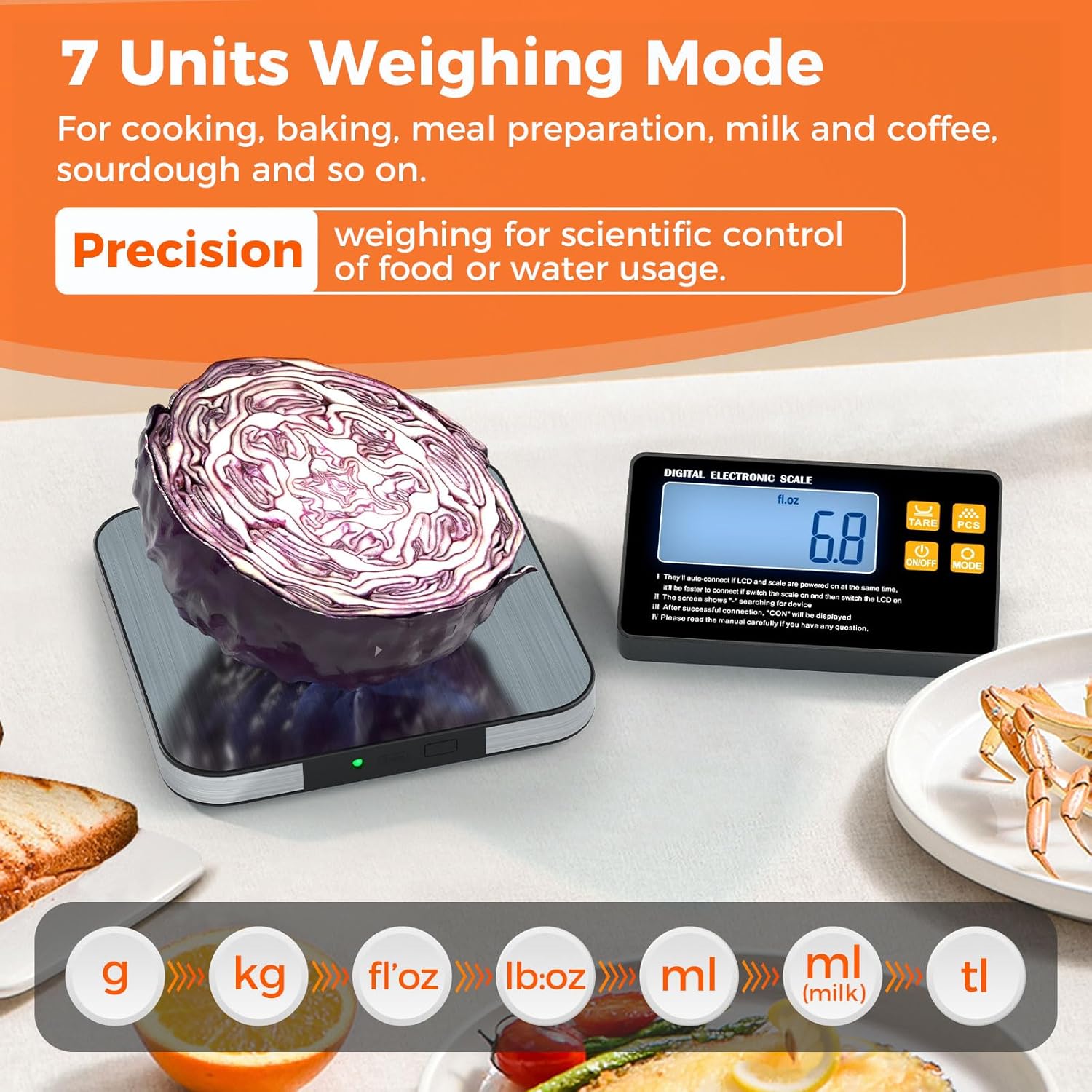
Image: The LCD display showcasing the different measurement units available on the scale.
5.3 ฟังก์ชันทดน้ำหนัก
To measure the net weight of an item in a container, place the empty container on the weighing platform. Press the ทดค่า button. The display will reset to zero. Now, add your ingredients to the container, and the scale will display only the weight of the added items.
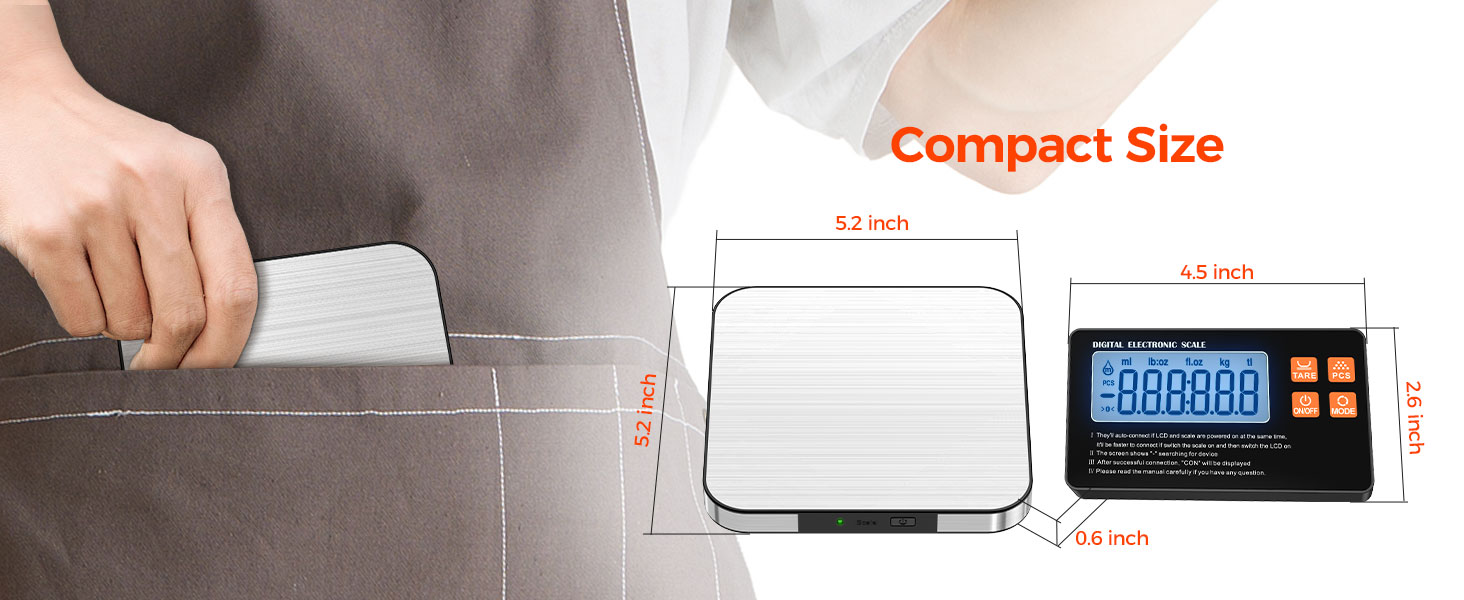
Image: Step-by-step guide on how to use the Tare function to zero out container weight.
5.4 ฟังก์ชันการนับ (PCS)
The PCS (counting) function allows you to count items of uniform weight.
- เปิดเครื่องชั่ง
- วาง 25, 50, 75 หรือ 100 วินาทีamples of the item to be counted on the scale pan.
- กดปุ่มค้างไว้ พีซีเอส key until the number corresponding to your sample size (e.g., "25") is displayed.
- If the displayed number is different from your sampขนาด ให้กด โหมด key to switch to the correct sample number, then press พีซีเอส เพื่อยืนยัน.
- ถอด samples and place the items you wish to count on the scale. The display will show the quantity.
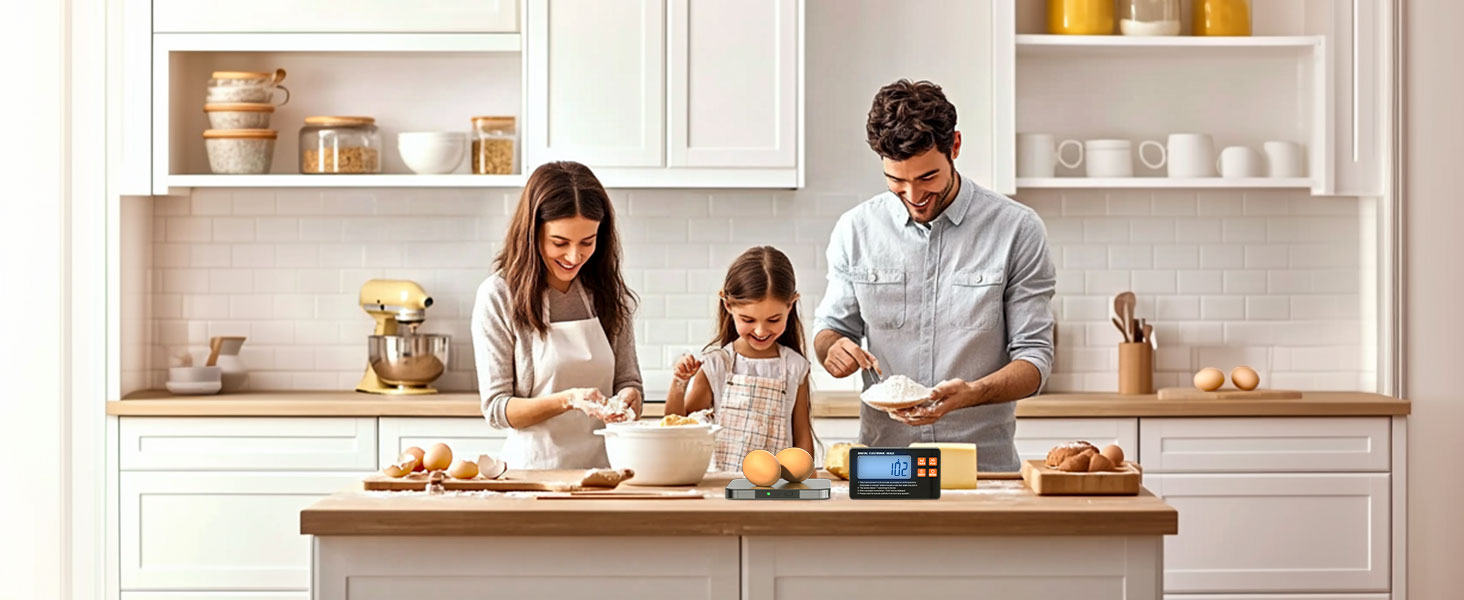
Image: Visual instructions for utilizing the PCS (counting) function of the scale.
6. ข้อมูลจำเพาะ
| คุณสมบัติ | รายละเอียด |
|---|---|
| ขนาดสินค้า | 8.86 x 5.96 x 0.63 inches (Weighing Platform) |
| จำกัด น้ำหนัก | Up to 15 kg (33 lb / 529 oz) |
| ความแม่นยำในการอ่านข้อมูล | 1กรัม / 0.1ออนซ์ |
| ประเภทเครื่องชั่งน้ำหนัก | เคาน์เตอร์สเกล |
| แหล่งพลังงาน | แบตเตอรี่ AAA 4 ก้อน (รวมอยู่ด้วย) |
| วัสดุ | Food Grade 304 Stainless Steel Platform |
| ช่วงสาย | สูงสุด 10 เมตร (ประมาณ 33 ฟุต) |
7. การบำรุงรักษาและการดูแล
- Clean the weighing platform with a damp cloth and mild detergent. Do not immerse the scale or display in water.
- หลีกเลี่ยงการใช้น้ำยาทำความสะอาดที่มีฤทธิ์กัดกร่อนหรือสารเคมีรุนแรง
- Store the scale in a dry, cool place away from extreme temperatures and humidity.
- ถอดแบตเตอรี่ออกหากจะไม่ได้ใช้งานเครื่องชั่งเป็นเวลานานเพื่อป้องกันการรั่วไหล
- Handle with care to prevent damage to the sensors.
8 การแก้ไขปัญหา
| ปัญหา | สาเหตุที่เป็นไปได้ / วิธีแก้ไข |
|---|---|
| Display shows "---" or "CON" continuously |
|
| การอ่านที่ไม่ถูกต้อง |
|
| ไม่เปิดสเกล |
|
9. การรับประกันและการสนับสนุน
TRUDIN provides lifetime after-sales service for this product. If you encounter any issues or have questions, please contact our customer support directly for assistance. We are committed to providing high-quality service and ensuring a worry-free shopping experience.
For support, please refer to the contact information provided with your purchase or visit the official TRUDIN webเว็บไซต์.
