การแนะนำ
Thank you for choosing the Gravity C20 Pro Smartwatch. This rugged smartwatch is designed for durability and advanced functionality, featuring a 1.83-inch TFT display, IP68 waterproofing, Bluetooth calling, AI voice assistant, and over 100 sports modes. This manual will guide you through the setup, operation, and maintenance of your new device.

ภาพ: ด้านหน้า view of the Gravity C20 Pro Smartwatch, showcasinด้วยดีไซน์ที่ทนทานและหน้าจอแสดงผล
มีอะไรอยู่ในกล่อง
- Gravity C20 Pro Smartwatch
- สายชาร์จ
- คู่มือการใช้งาน
สินค้าเกินview และคุณสมบัติ
The Gravity C20 Pro is built to withstand challenging environments while providing comprehensive smart features. Its robust construction and advanced sensors make it an ideal companion for active lifestyles.
คุณสมบัติหลัก:
- Durable 1.83" TFT Display: Large and clear screen for easy readability.
- IP68 ทนน้ำ: Designed to protect against dust and water exposure.
- การโทรด้วยบลูทูธ: โทรออกและรับสายได้โดยตรงจากข้อมือของคุณ
- การควบคุมด้วยเสียง AI: Hands-free operation for various functions.
- โหมดกีฬามากกว่า 100 แบบ: Comprehensive tracking for a wide range of physical activities.
- การติดตามสุขภาพ: Includes heart rate, sleep tracking, step counting, and sedentary reminders.
- อายุการใช้งานแบตเตอรี่ยาวนาน: 380mAh battery offering extended standby time.
- การแจ้งเตือนอัจฉริยะ: Receive alerts for calls, messages, and apps.

Image: Two Gravity C20 Pro smartwatches, emphasizing their robust and outdoor-ready design.

Image: A graphic displaying icons for key features such as heart rate monitoring, call reminders, pedometer, information reminders, blood pressure monitor, sleep monitor, calories, sedentary reminder, exercise data, IP68 waterproof, stress monitor, voice assistant, blood oxygen monitor, heart rate warning, and calculator.
การตั้งค่า
1. การชาร์จครั้งแรก
Before first use, fully charge your Gravity C20 Pro Smartwatch. Connect the magnetic charging cable to the charging points on the back of the watch and plug the USB end into a power adapter (not included) or a computer's USB port. The watch display will indicate charging status.
2. เปิด/ปิดเครื่อง
- เปิดเครื่อง: Press and hold the Power button (usually on the side) until the screen lights up.
- หมดแรง: กดปุ่มเปิด/ปิดค้างไว้ จากนั้นเลือก 'ปิดเครื่อง' บนหน้าจอ
3. การติดตั้งและการจับคู่แอป
To unlock the full potential of your smartwatch, download the companion app on your iOS or Android device. ค้นหา the app name (refer to the packaging or quick start guide for the exact name) in the App Store or Google Play Store.
- ดาวน์โหลดและติดตั้งแอพบนสมาร์ทโฟนของคุณ
- เปิดแอปและทำตามคำแนะนำบนหน้าจอเพื่อสร้างบัญชีหรือเข้าสู่ระบบ
- เปิดใช้งานบลูทูธบนสมาร์ทโฟนของคุณ
- In the app, navigate to the 'Device' or 'Add Device' section.
- Select 'Gravity C20 Pro' from the list of available devices.
- ยืนยันคำขอจับคู่บนโทรศัพท์และสมาร์ทวอทช์ของคุณทั้งคู่
คำแนะนำการใช้งาน
การนำทางพื้นฐาน
- ปัดขึ้น/ลง: เลื่อนดูเมนูและการแจ้งเตือน
- ปัดไปทางซ้าย/ขวา: เข้าถึงฟังก์ชั่นด่วนหรือหน้าปัดนาฬิกาที่แตกต่างกัน
- แตะ: เลือกรายการหรือเปิดแอปพลิเคชัน
- ปุ่มเปิด/ปิด: Press to wake/sleep the screen, or return to the home screen. Long press for power options.
- ปุ่มกีฬา: Dedicated button to quickly access sports modes.
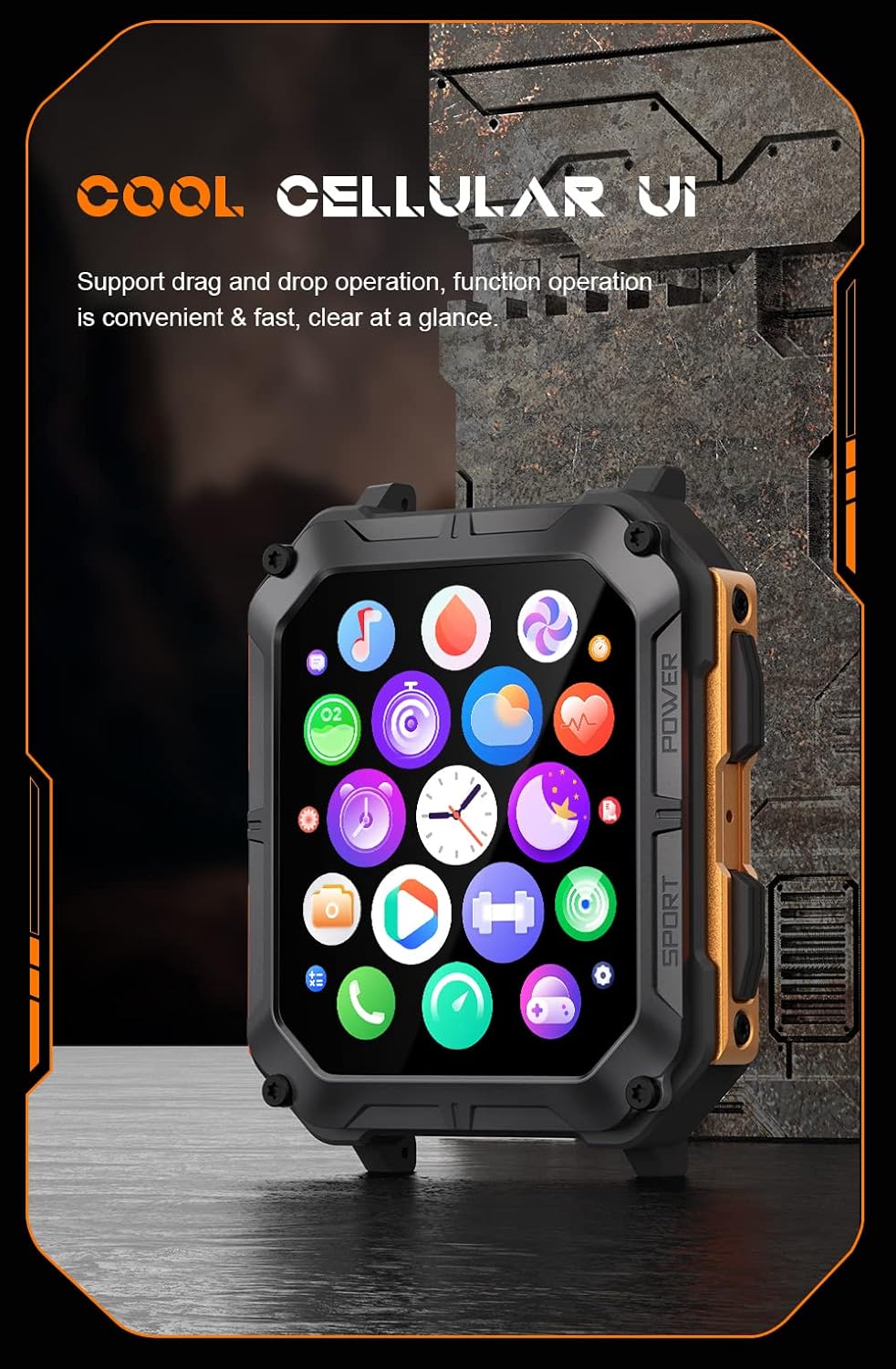
Image: The smartwatch display showing a grid of colorful application icons, illustrating the user interface.
การโทรด้วยบลูทูธ
Once paired, you can make and receive calls directly from your watch.
- การรับสายโทรศัพท์: เมื่อมีสายเรียกเข้า ให้แตะไอคอนรับสายสีเขียวบนหน้าจอนาฬิกา
- โทรออก: เข้าถึงแอปโทรออกหรือรายชื่อผู้ติดต่อบนนาฬิกาของคุณเพื่อเริ่มการโทร
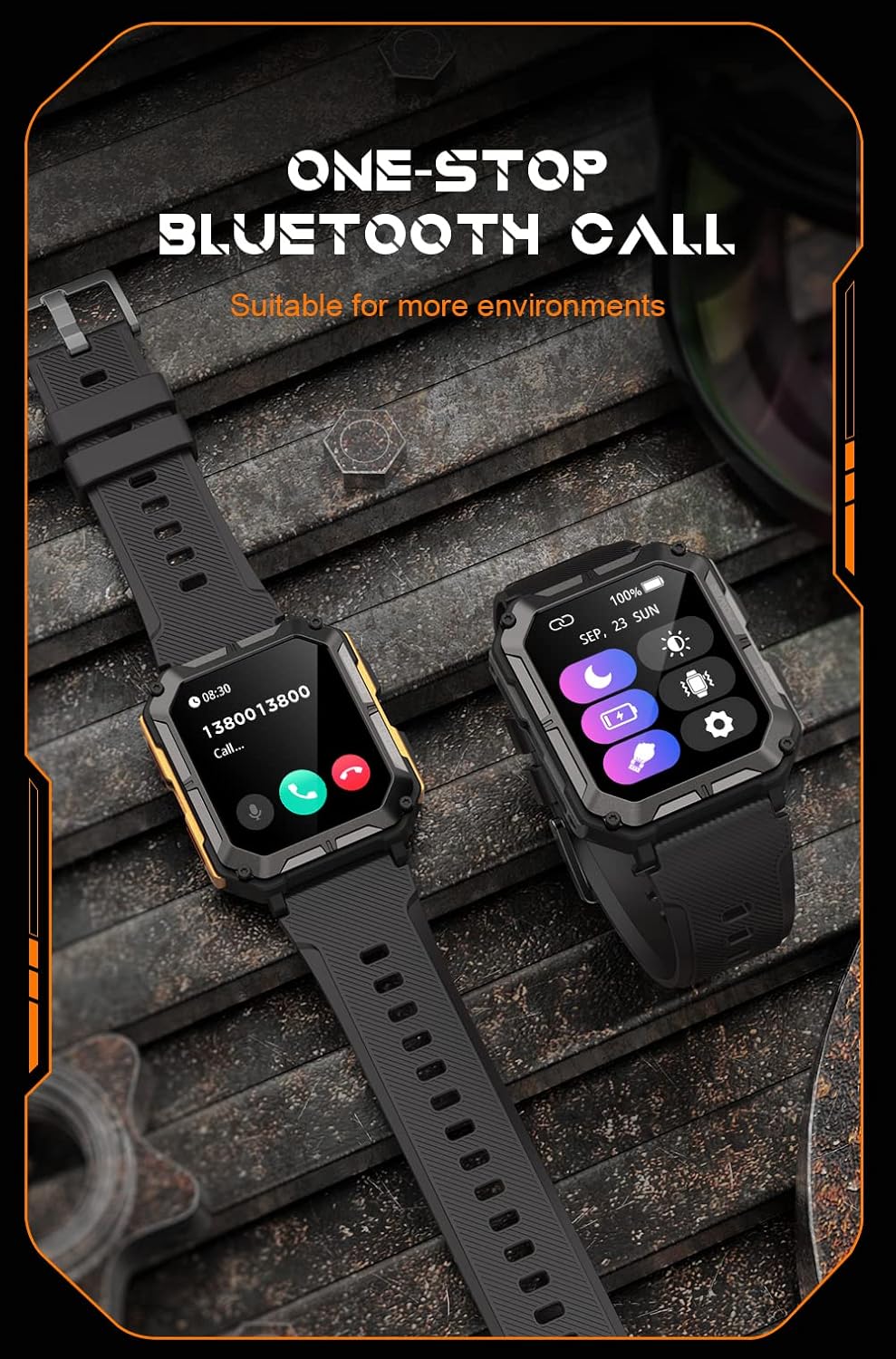
Image: Two smartwatches, one showing an incoming call notification with options to answer or decline, demonstrating the Bluetooth call feature.
AI ผู้ช่วยเสียง
Activate the AI voice assistant by a designated gesture or button press (refer to in-app settings). You can then use voice commands for various tasks, such as checking weather, setting alarms, or initiating calls.
โหมดกีฬา
The watch supports over 100 sports modes. Access them via the Sport button or the main menu. Select your activity to start tracking metrics like duration, distance, calories burned, and heart rate.
การติดตามสุขภาพ
The C20 Pro continuously monitors your health data.
- อัตราการเต้นของหัวใจ: View real-time heart rate on the watch or in the app.
- การติดตามการนอนหลับ: Wear the watch to bed for detailed sleep analysis (deep sleep, light sleep, awake time).
- ออกซิเจนในเลือด: Measure your SpO2 levels.
- Steps & Calories: Track your daily activity and calorie expenditure.

Image: The smartwatch display showing current heart rate (BPM) and blood oxygen saturation (SpO2) levels, indicating health monitoring capabilities.
การแจ้งเตือน
Receive notifications from your smartphone directly on your watch. Ensure notification permissions are enabled in both your phone's settings and the companion app.
การซ่อมบำรุง
การทำความสะอาดสมาร์ทวอทช์ของคุณ
ทำความสะอาดนาฬิกาของคุณเป็นประจำเพื่อให้มั่นใจถึงประสิทธิภาพและสุขอนามัยที่ดีที่สุด ใช้ผ้านุ่มไม่เป็นขุยเช็ดหน้าจอและตัวเรือน สำหรับคราบสกปรกฝังแน่น ให้เช็ดเบาๆampชุบผ้าด้วยน้ำ หลีกเลี่ยงการใช้สารเคมีรุนแรงหรือวัสดุที่มีฤทธิ์กัดกร่อน
ความต้านทานต่อน้ำ (IP68)
The Gravity C20 Pro is IP68 water-resistant, meaning it can withstand dust and immersion in water up to 1.5 meters for 30 minutes. It is suitable for daily use, such as washing hands or light rain. However, it is not recommended for hot showers, saunas, or diving, as steam and high water pressure can compromise the seals.
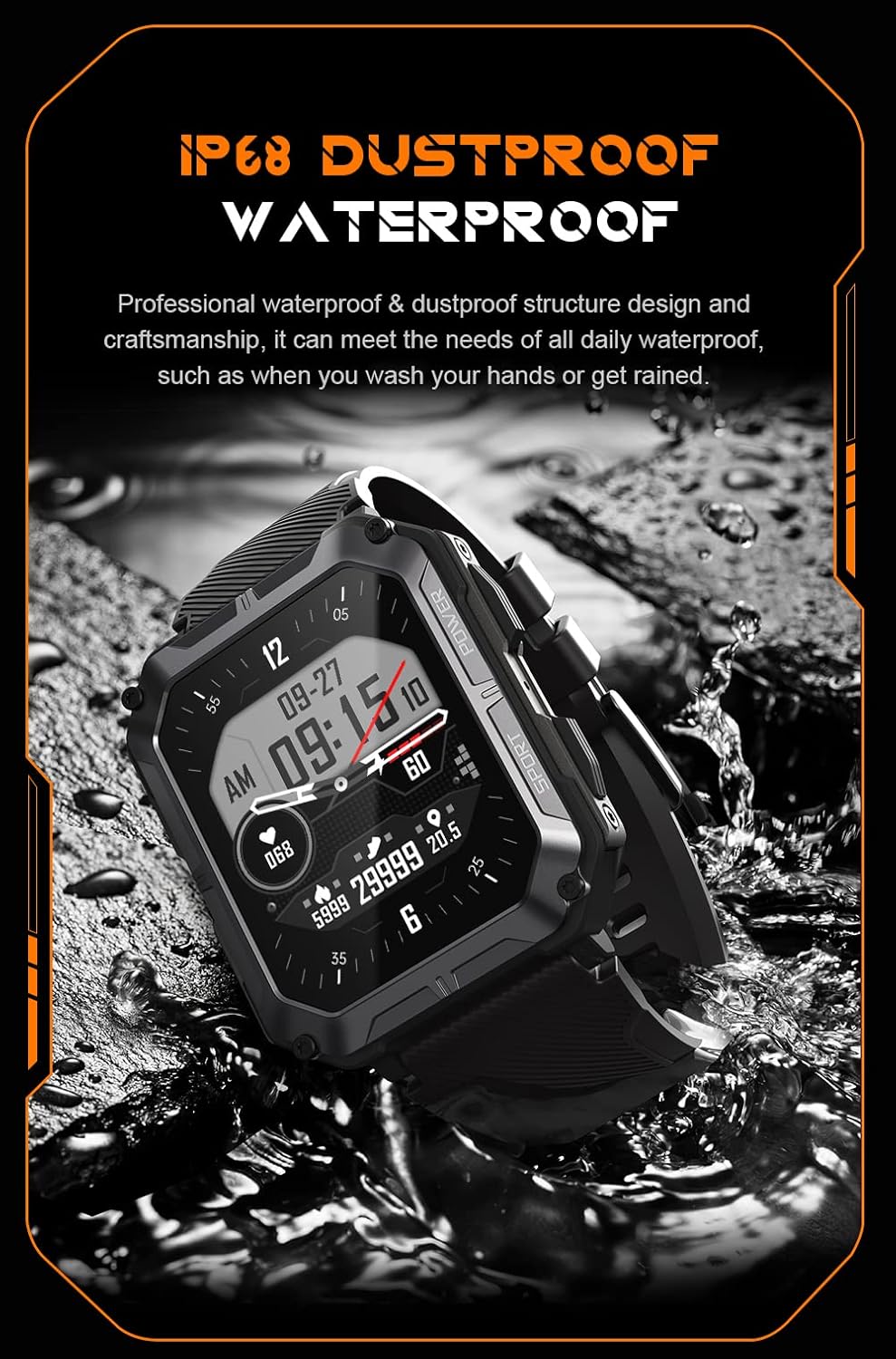
Image: The smartwatch partially submerged in water, illustrating its IP68 dustproof and waterproof capabilities.
การดูแลแบตเตอรี่
เพื่อยืดอายุแบตเตอรี่:
- หลีกเลี่ยงอุณหภูมิที่สูงหรือต่ำเกินไป
- Charge the watch before the battery completely drains.
- If storing for a long period, charge it to about 50% and power it off.
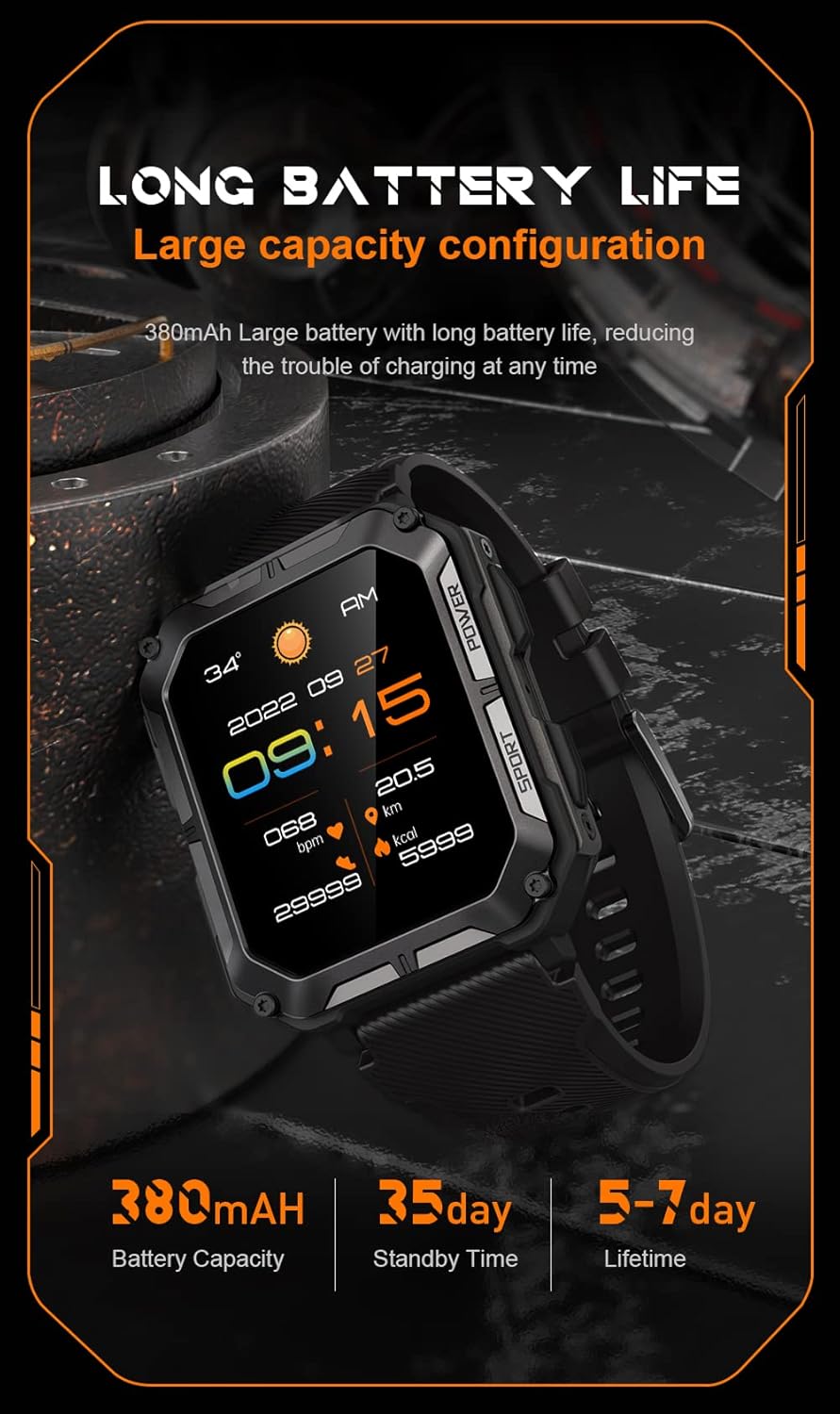
Image: The smartwatch display showing the time, date, weather, heart rate, steps, and battery level, with accompanying text emphasizing its long battery life and 380mAh capacity.
การแก้ไขปัญหา
| ปัญหา | วิธีแก้ปัญหาที่เป็นไปได้ |
|---|---|
| Watch won't power on | Ensure the watch is fully charged. Press and hold the Power button for at least 10 seconds to force a restart. |
| ไม่สามารถจับคู่กับโทรศัพท์ได้ | Ensure Bluetooth is enabled on your phone. Restart both the watch and phone. Clear previous pairings in phone's Bluetooth settings. Make sure the app is updated. |
| ข้อมูลสุขภาพที่ไม่ถูกต้อง | Ensure the watch is worn snugly on your wrist, not too tight or too loose. Clean the sensor on the back of the watch. Update watch firmware via the app. |
| ไม่ได้รับการแจ้งเตือน | Check notification permissions in your phone's settings for the companion app. Ensure the app is running in the background. Verify Bluetooth connection. |
| อายุการใช้งานแบตเตอรี่สั้น | Reduce screen brightness. Turn off unnecessary features like 'Always-On Display'. Limit frequent heart rate monitoring. Ensure no background apps are draining power. |
ข้อมูลจำเพาะ
| คุณสมบัติ | รายละเอียด |
|---|---|
| หมายเลขรุ่น | W4-C28 |
| ขนาดหน้าจอ | 1.83 นิ้ว |
| ความจุของแบตเตอรี่ | 380 มิลลิแอมป์ |
| ความต้านทานต่อน้ำ | IP68 |
| การเชื่อมต่อ | บลูทูธ |
| ระบบปฏิบัติการ | Android OS (compatible with iOS) |
| น้ำหนักสินค้า | 1 ปอนด์ |
| ความทนทานต่ออุณหภูมิ | -24°C ถึง 60°C |
การรับประกันและการสนับสนุน
ข้อมูลการรับประกัน
The Gravity C20 Pro Smartwatch comes with a standard manufacturer's warranty. Please refer to the warranty card included in your product packaging or visit the official Gravity webเว็บไซต์สำหรับข้อกำหนดและเงื่อนไขโดยละเอียดเกี่ยวกับการคุ้มครองและระยะเวลาการรับประกัน
การสนับสนุนลูกค้า
For any technical assistance, troubleshooting not covered in this manual, or warranty claims, please contact Gravity customer support. Contact information can typically be found on the official Gravity webไซต์หรือบนบรรจุภัณฑ์ผลิตภัณฑ์


