การแนะนำ
This manual provides essential information for the safe and effective use of your Gravity C20 Pro Smartwatch. Please read it thoroughly before operating the device.
The Gravity C20 Pro Smartwatch is designed for durability and advanced functionality, featuring a rugged 1.83-inch TFT display. It is built to withstand various conditions, including dust and water, with an IP68 rating. Key features include Bluetooth calling, AI voice assistant, and comprehensive health monitoring.
เนื้อหาแพ็คเกจ
Before proceeding with setup, ensure all items are present in the package:
- สมาร์ทวอทช์ Gravity C20 Pro
- สายชาร์จ
- คู่มือการใช้งาน (เอกสารนี้)
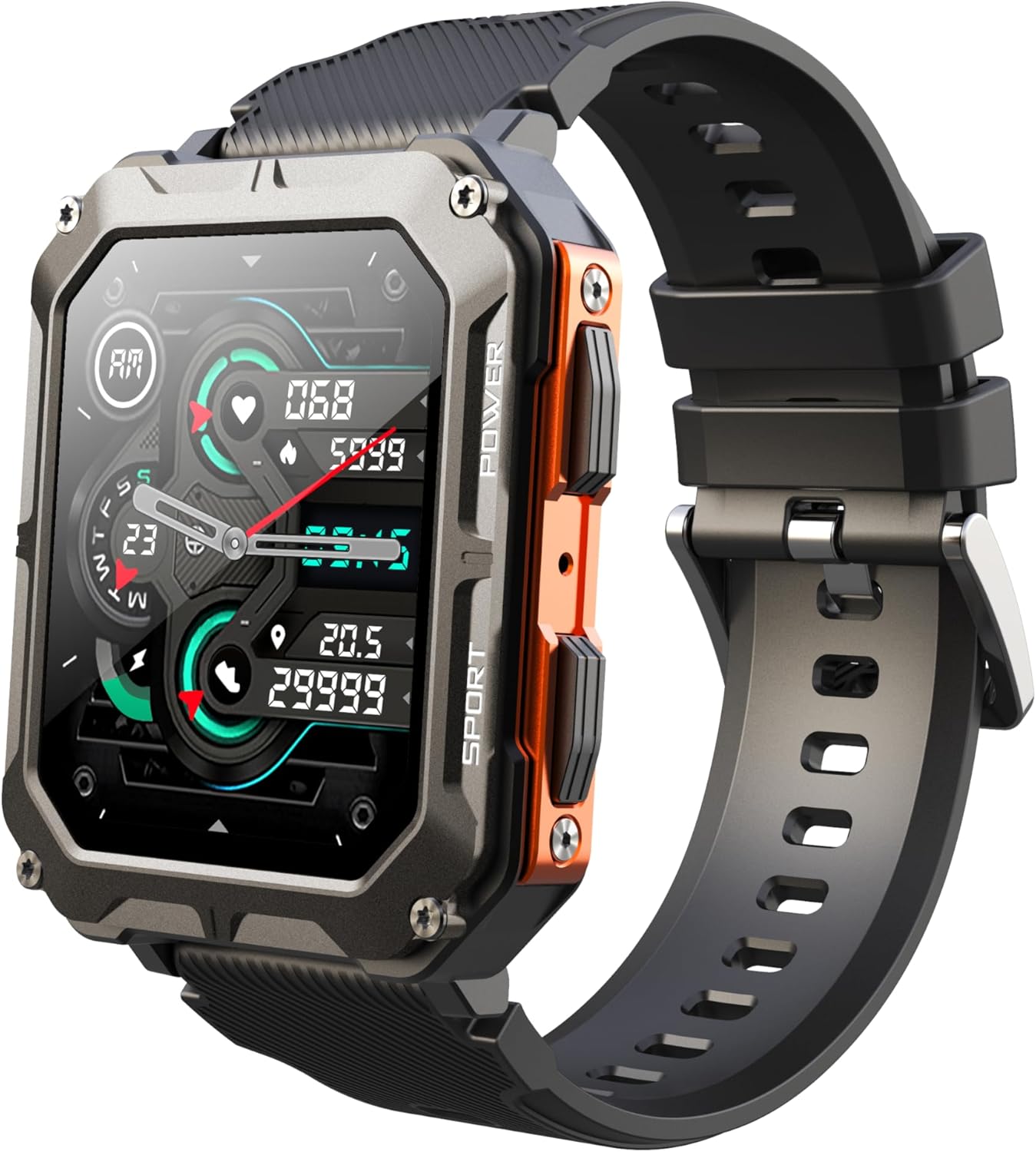
Image: The Gravity C20 Pro Smartwatch, typically accompanied by its charging cable and user manual.
การตั้งค่า
1. การชาร์จอุปกรณ์
Before first use, fully charge your smartwatch. Connect the magnetic charging cable to the charging points on the back of the watch and plug the USB end into a compatible power adapter (not included) or a computer USB port.
- ระยะเวลาในการชาร์จ: ประมาณ 2 ชั่วโมงสำหรับการชาร์จเต็ม
- Battery life: Up to 20 days standby time.
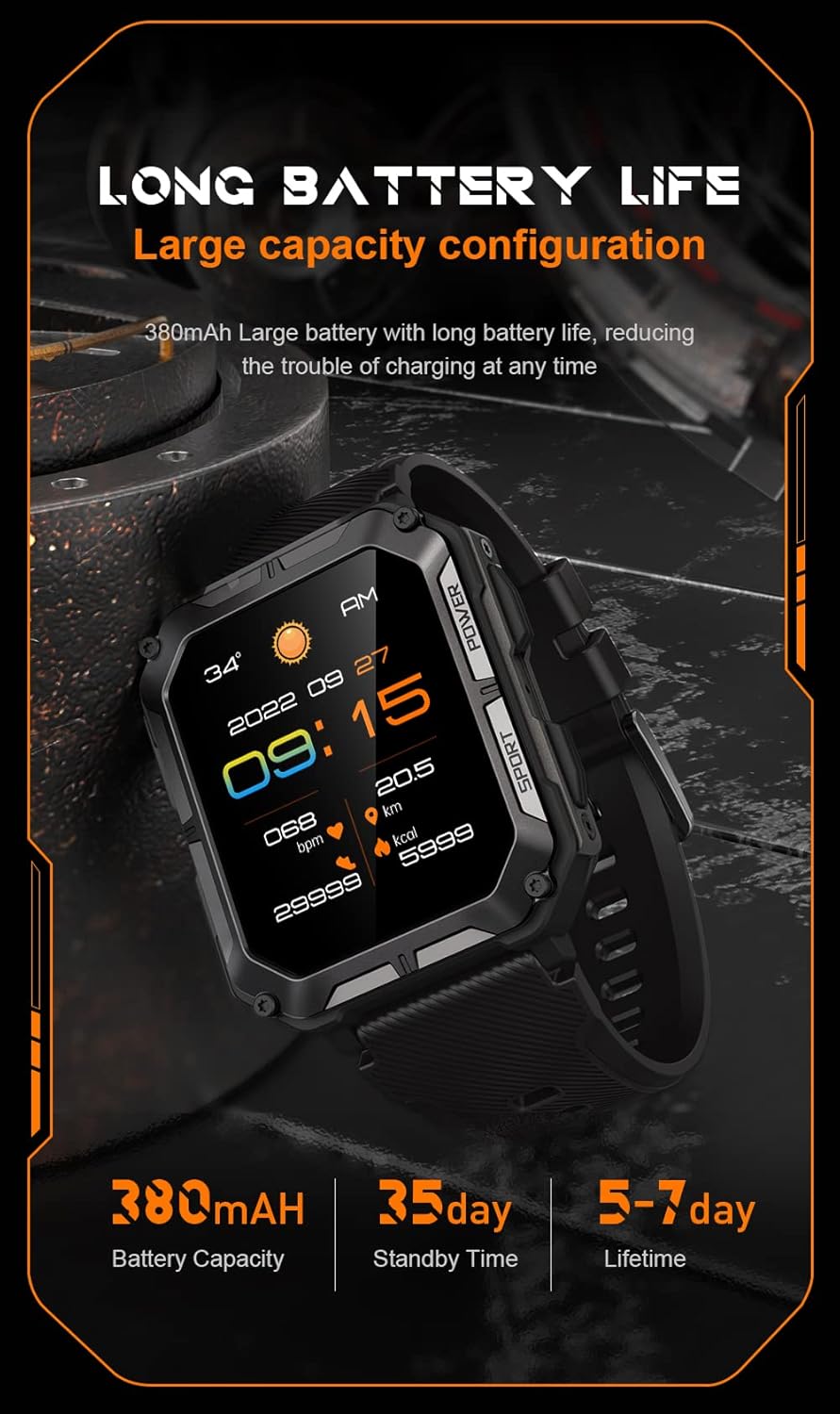
Image: The smartwatch screen showing current time and battery status, indicating long battery life.
2. ดาวน์โหลดแอปพลิเคชันเสริม
To unlock the full functionality of your Gravity C20 Pro Smartwatch, download the official companion application on your smartphone. Refer to the product packaging or quick start guide for the specific app name (e.g., Da Fit, GloryFit) and search for it in your device's app store (iOS App Store or Google Play Store).
3. การจับคู่กับสมาร์ทโฟนของคุณ
- ตรวจสอบให้แน่ใจว่าได้เปิดใช้งาน Bluetooth บนสมาร์ทโฟนของคุณแล้ว
- Open the companion app and follow the on-screen instructions to add a new device.
- Select "Gravity C20 Pro" from the list of available devices.
- ยืนยันคำขอจับคู่บนสมาร์ทโฟนและสมาร์ทวอทช์ของคุณทั้งคู่
คำแนะนำการใช้งาน
การนำทางพื้นฐาน
- ปุ่มเปิด/ปิด: Located on the side. Press and hold to power on/off. Short press to return to the watch face or wake the screen.
- หน้าจอสัมผัส: Swipe up, down, left, or right to navigate through menus and notifications. Tap to select an option.
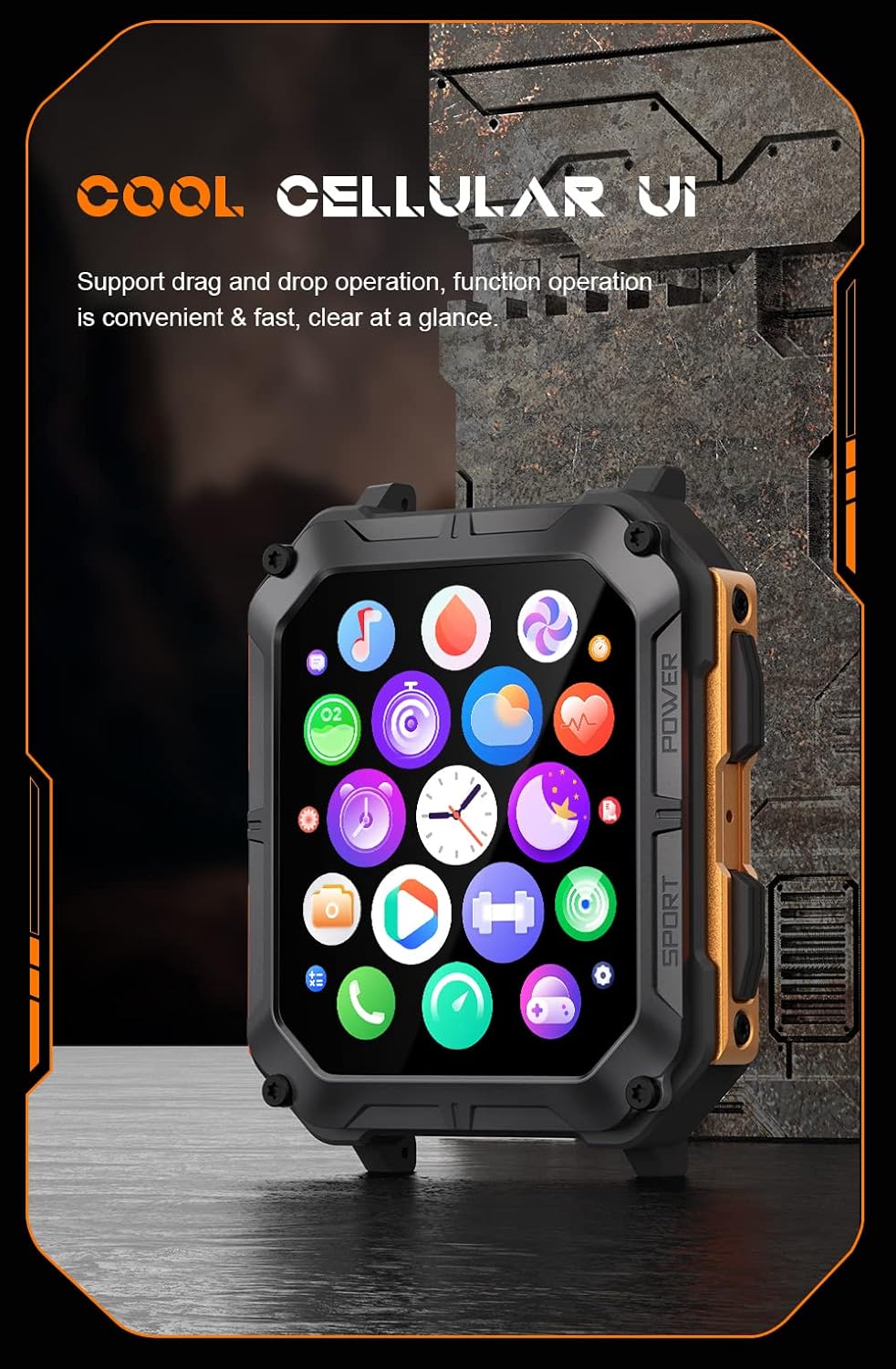
Image: The smartwatch screen showing a grid of application icons, demonstrating the cellular user interface for easy navigation.
คุณสมบัติหลัก
- การโทรด้วยบลูทูธ: Once paired, you can make and receive calls directly from your wrist. Access the call function via the watch's menu.
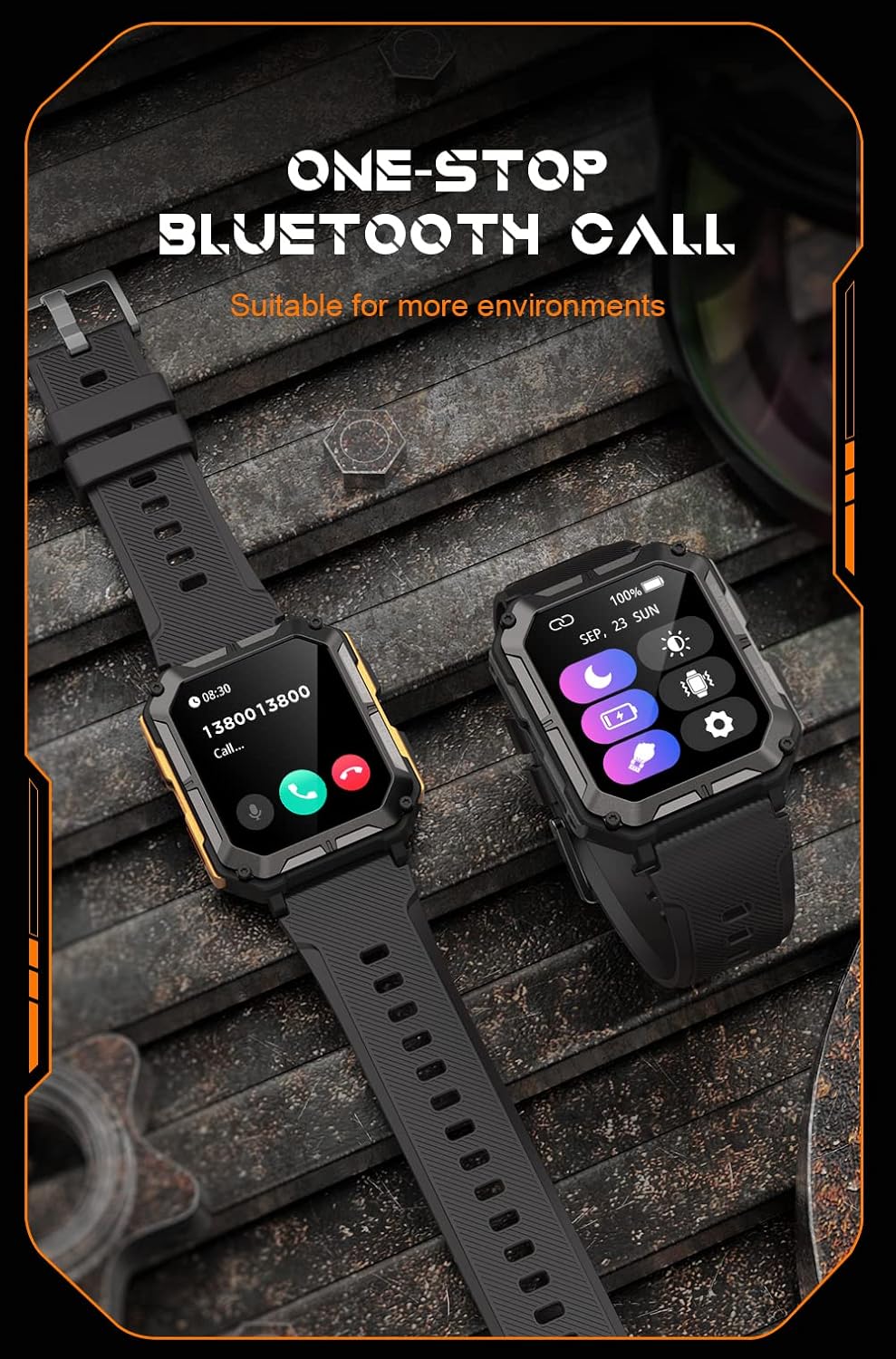
Image: The smartwatch screen showing an incoming call, illustrating the Bluetooth calling feature.
- การติดตามสุขภาพ:
- อัตราการเต้นของหัวใจ: ตรวจสอบอัตราการเต้นของหัวใจของคุณตลอดทั้งวัน
- ออกซิเจนในเลือด (SpO2): วัดระดับออกซิเจนในเลือดของคุณ
- การติดตามการนอนหลับ: ติดตามรูปแบบและคุณภาพการนอนหลับ

Image: The smartwatch screen displaying real-time heart rate and blood oxygen saturation (SpO2) data, highlighting its health monitoring capabilities.
- โหมดกีฬา: The watch supports over 100 sports modes. Select your activity to track performance metrics such as steps, distance, calories burned, and duration.
- การแจ้งเตือนอัจฉริยะ: Receive alerts for calls, messages, and app notifications directly on your watch. Ensure notification permissions are enabled in the companion app.
- ผู้ช่วยเสียง AI: Activate the voice assistant for hands-free control and information retrieval.

Image: A graphic displaying various features of the smartwatch, including heart rate, call reminder, pedometer, information reminder, blood pressure monitor, sleep monitor, calories, sedentary reminder, exercise data, IP68 waterproof, stress monitor, voice assistant, blood oxygen monitor, heart rate warning, and calculator.
การซ่อมบำรุง
การทำความสะอาด
ควรทำความสะอาดสมาร์ทวอทช์ของคุณเป็นประจำ เพื่อให้มั่นใจได้ถึงประสิทธิภาพและสุขอนามัยที่ดีที่สุด
- เช็ดหน้าจอและตัวเครื่องด้วยผ้าที่ไม่เป็นขุยและนุ่ม
- สำหรับสิ่งสกปรกที่ฝังแน่นงampชุบผ้าให้เปียกหมาดๆ หลีกเลี่ยงการใช้สารเคมีรุนแรงหรือวัสดุที่มีฤทธิ์กัดกร่อน
- ทำความสะอาดหน้าสัมผัสการชาร์จเป็นระยะเพื่อให้แน่ใจว่าชาร์จได้อย่างถูกต้อง
ความต้านทานต่อน้ำ (IP68)
The Gravity C20 Pro is IP68 rated, meaning it is protected against dust ingress and can withstand immersion in water up to 1.5 meters for up to 30 minutes. While it is waterproof for daily use (e.g., hand washing, rain), it is not recommended for hot showers, saunas, or diving, as steam and high pressure can compromise the seals.
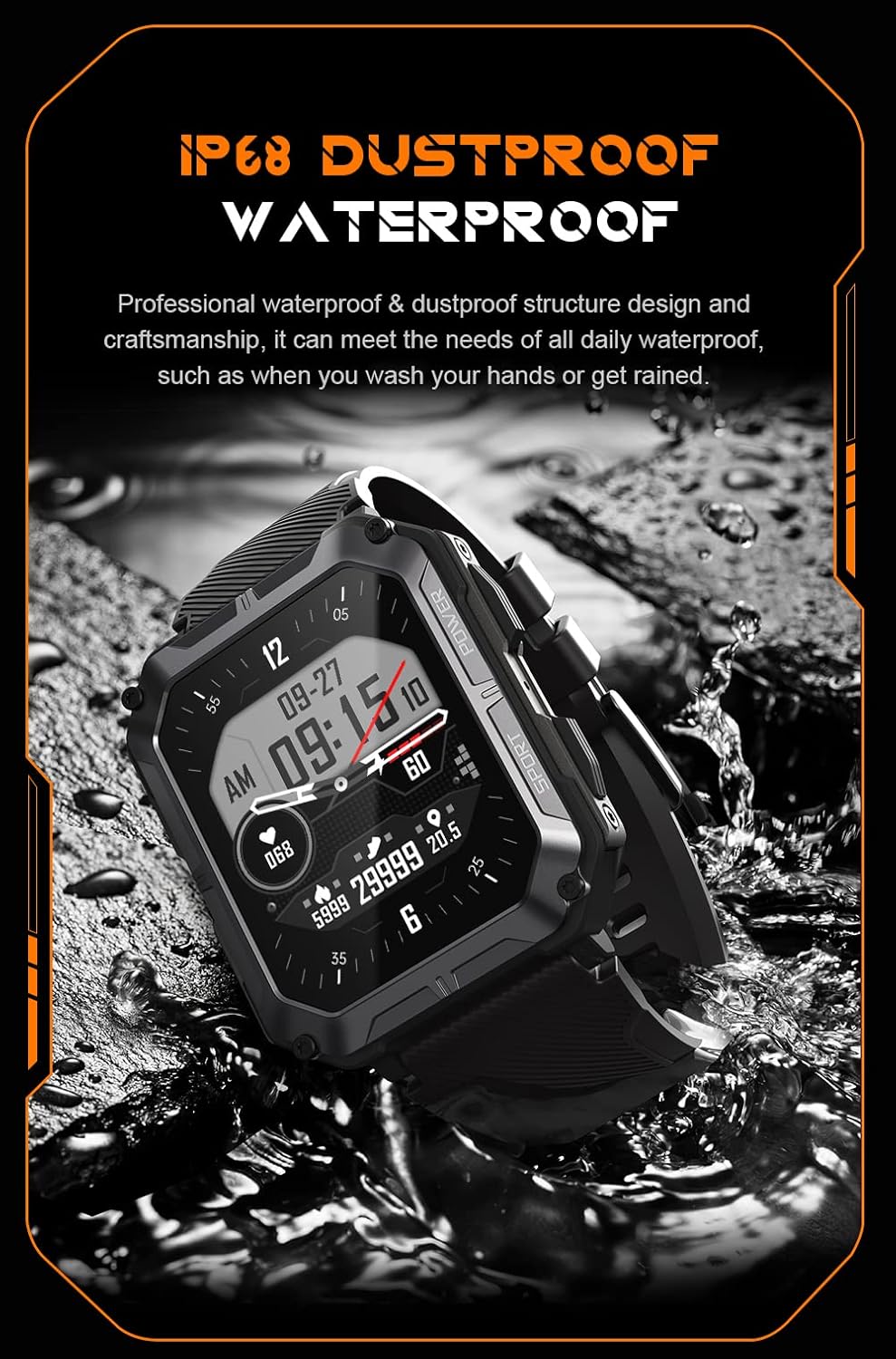
Image: The smartwatch partially submerged in water, demonstrating its IP68 dustproof and waterproof capabilities, suitable for daily exposure to water.
พื้นที่จัดเก็บ
เมื่อไม่ได้ใช้งานเป็นเวลานาน ควรเก็บสมาร์ทวอทช์ไว้ในที่แห้งและเย็น หลีกเลี่ยงแสงแดดโดยตรงและอุณหภูมิที่สูงหรือต่ำเกินไป
การแก้ไขปัญหา
| ปัญหา | สาเหตุที่เป็นไปได้ | สารละลาย |
|---|---|---|
| นาฬิกาไม่เปิดใช้งาน | แบตเตอรี่อ่อน | ชาร์จนาฬิกาเป็นเวลาอย่างน้อย 30 นาที |
| ไม่สามารถจับคู่กับสมาร์ทโฟนได้ | Bluetooth is off; app issue; watch not discoverable. | Ensure Bluetooth is on. Restart the app and watch. Try resetting the watch to factory settings if issues persist. |
| ไม่ได้รับการแจ้งเตือน | App permissions not granted; app not running in background. | Check app notification permissions on your phone. Ensure the app is running and not optimized for battery saving. |
| ข้อมูลสุขภาพที่ไม่ถูกต้อง | Watch fit is too loose; sensor dirty. | Ensure the watch is snug on your wrist. Clean the heart rate sensor on the back of the watch. |
ข้อมูลจำเพาะ
| คุณสมบัติ | รายละเอียด |
|---|---|
| หมายเลขรุ่น | W4-C28 |
| ขนาดจอแสดงผล | จอ TFT ขนาด 1.83 นิ้ว |
| ความจุของแบตเตอรี่ | 380 มิลลิแอมป์ |
| อายุการใช้งานแบตเตอรี่ (สแตนด์บาย) | นานถึง 20 วัน |
| ความต้านทานต่อน้ำ | IP68 |
| การเชื่อมต่อ | บลูทูธ |
| ระบบปฏิบัติการ | Android OS (compatible) |
| ความทนทานต่ออุณหภูมิ | -24°C ถึง 60°C |
| น้ำหนักสินค้า | 1 ปอนด์ |
| ขนาดแพ็คเกจ | 9 x 4 x 1 นิ้ว |
ข้อมูลการรับประกัน
Gravity products are covered by a limited warranty from the date of purchase. This warranty covers manufacturing defects and workmanship under normal use. It does not cover damage caused by misuse, accidents, unauthorized modifications, or normal wear and tear.
For specific warranty terms and conditions, please refer to the warranty card included with your product or visit the official Gravity webเว็บไซต์.
การสนับสนุนลูกค้า
If you encounter any issues or have questions not covered in this manual, please contact Gravity customer support:
- Webเว็บไซต์: www.gravity.com/support (อดีตample URL, replace if actual URL is known)
- อีเมล: support@gravity.com (อดีตample Email)
- โทรศัพท์: อ้างถึงเจ้าหน้าที่ webเว็บไซต์สำหรับหมายเลขติดต่อในภูมิภาค
When contacting support, please have your product model number (W4-C28) and purchase details ready.


