คู่มือผู้ใช้สมาร์ทวอทช์ Gravity C29 รุ่นทนทาน
รุ่น: C29
การแนะนำ
This manual provides essential information for the proper setup, operation, and maintenance of your Gravity C29 Rugged Smart Watch. Please read this manual thoroughly before using the device to ensure optimal performance and longevity.
The Gravity C29 is designed for durability and performance in various conditions, featuring a 1.52-inch HD display, extensive sports modes, health tracking capabilities, and smart connectivity.
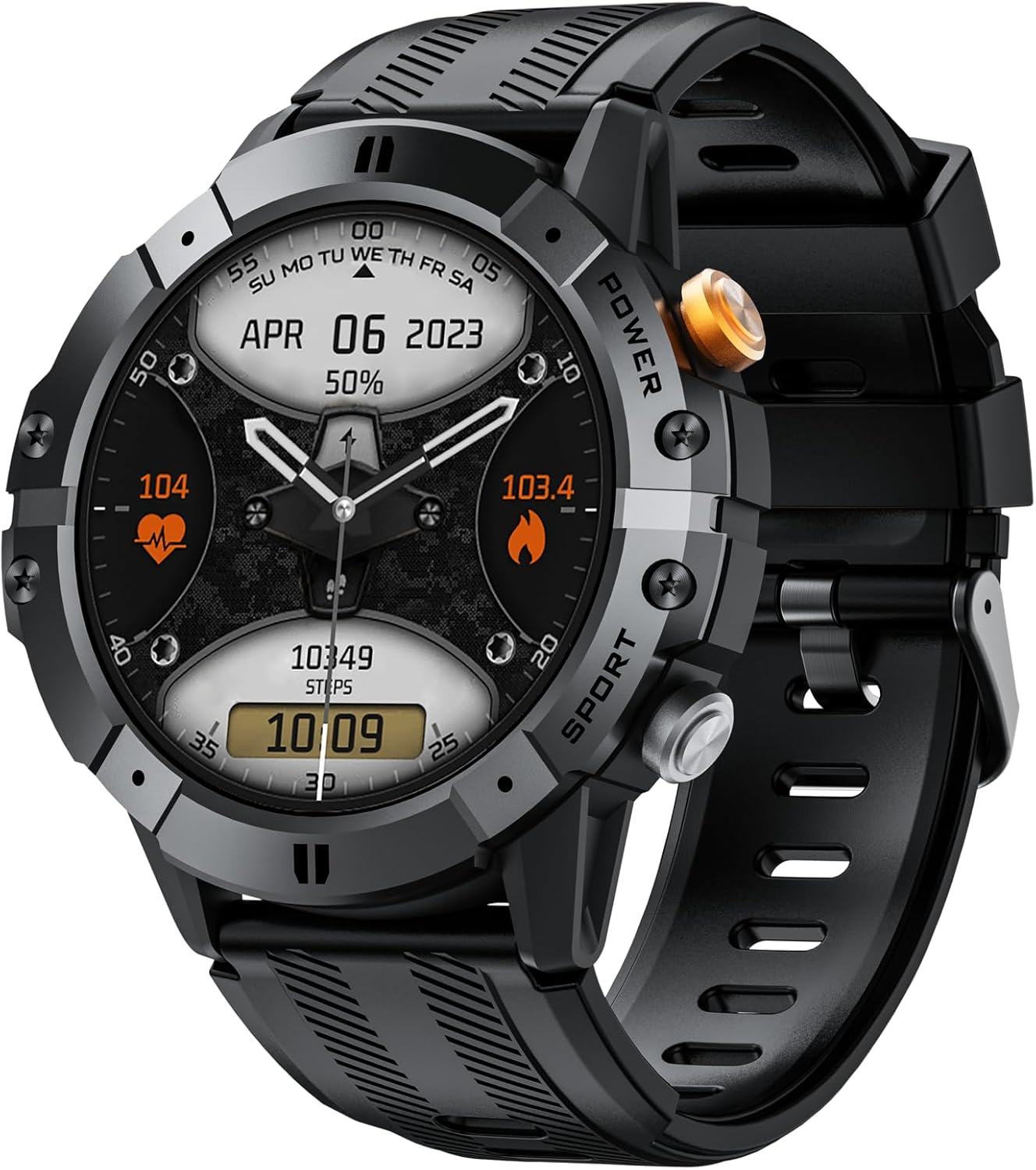
ภาพ: ด้านหน้า view of the Gravity C29 Rugged Smart Watch, displaying time, date, heart rate, and steps.
การตั้งค่า
1. การชาร์จครั้งแรก
Before first use, fully charge your Gravity C29 Smart Watch. Connect the magnetic charging cable to the charging contacts on the back of the watch and plug the USB end into a standard USB power adapter (not included).
- โดยทั่วไปการชาร์จเต็มจะใช้เวลาประมาณ 2 ชั่วโมง
- หน้าจอแสดงผลของนาฬิกาจะแสดงสถานะการชาร์จ
2. การดาวน์โหลดและติดตั้งแอป
The Gravity C29 Smart Watch uses the 'Da Fit' application for full functionality and data synchronization. Scan the QR code in the quick start guide (if provided) or search for 'Da Fit' in your device's app store (Google Play Store for Android, Apple App Store for iOS).
- Ensure your smartphone meets the compatibility requirements: Android 9.0+ or iOS 9.0+.
- Install the 'Da Fit' app on your smartphone.
3. การจับคู่อุปกรณ์
To pair your watch with the 'Da Fit' app:
- เปิดใช้งานบลูทูธบนสมาร์ทโฟนของคุณ
- Open the 'Da Fit' app and follow the on-screen instructions to add a new device.
- Select 'C29' from the list of available devices.
- ยืนยันคำขอจับคู่บนนาฬิกาและสมาร์ทโฟนของคุณทั้งสอง
เมื่อจับคู่แล้ว นาฬิกาจะซิงโครไนซ์เวลาและข้อมูลกับโทรศัพท์ของคุณ
คำแนะนำการใช้งาน
การนำทางพื้นฐาน
- หน้าจอสัมผัส: ปัดขึ้น ลง ซ้าย หรือขวา เพื่อนำทางผ่านเมนูและการแจ้งเตือน แตะเพื่อเลือกรายการ
- ปุ่มด้านข้าง: The watch features physical buttons for quick access to functions like power on/off, screen wake, and sports mode activation. Refer to the watch's on-screen prompts for specific button functions.

Image: The Gravity C29 Smart Watch highlighting its 1.52-inch HD screen, visible even under harsh sunlight.
การปรับแต่งหน้าปัดนาฬิกา
The Gravity C29 allows for customizable watch faces. You can change them directly on the watch by long-pressing the home screen or through the 'Da Fit' app for more options.
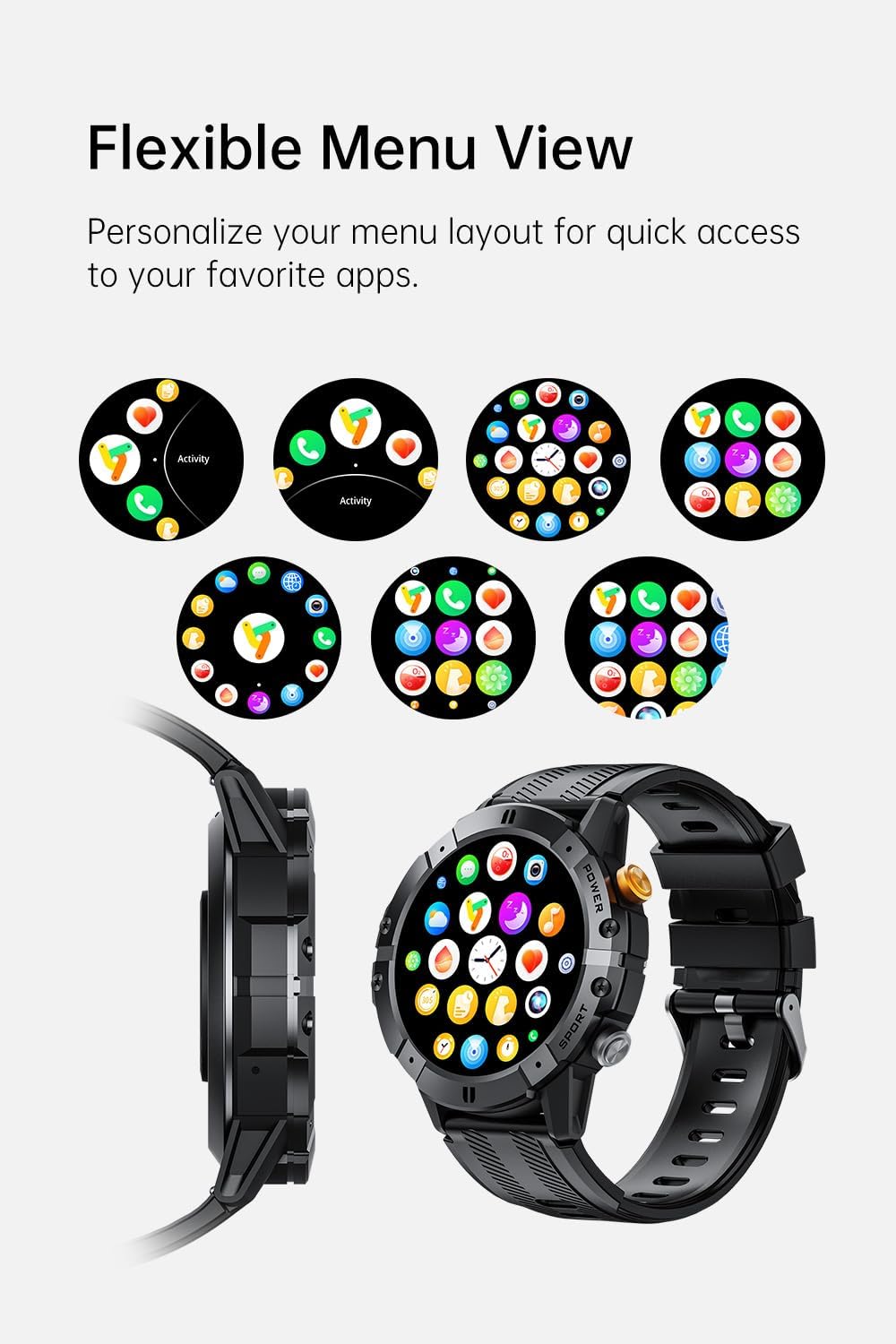
Image: The Gravity C29 Smart Watch displaying various flexible menu view options, allowing users to personalize their layout.
ติดตามสุขภาพและฟิตเนส
The Gravity C29 is equipped with advanced sensors and the GoMore algorithm for precise health and fitness monitoring:
- การตรวจสอบอัตราการเต้นของหัวใจ: ตรวจสอบอัตราการเต้นของหัวใจอย่างต่อเนื่องตลอด 24 ชั่วโมง 7 วันต่อสัปดาห์ View real-time data on the watch or detailed historical data in the 'Da Fit' app.
- การติดตามการนอนหลับ: ตรวจสอบรูปแบบการนอนหลับของคุณ รวมถึงการนอนหลับลึก การนอนหลับตื้น และช่วงเวลาที่ตื่นนอน
- การนับก้าวและการติดตามแคลอรี่: Automatically records your daily steps, distance, and estimated calories burned.
- โหมดกีฬามากกว่า 100 แบบ: Select from a wide range of sports modes (e.g., running, cycling, hiking, swimming) to track specific workout data.

Image: The Gravity C29 Smart Watch showing a heart rate graph, illustrating its precision sensors for accurate health monitoring.

Image: The Gravity C29 Smart Watch showcasing icons for over 120 sports modes, including running, cycling, hiking, and swimming.
คุณสมบัติอัจฉริยะ
- การโทรด้วยบลูทูธ: โทรและรับสายโดยตรงจากข้อมือของคุณเมื่อเชื่อมต่อกับสมาร์ทโฟนของคุณ
- การแจ้งเตือนข้อความ: Receive alerts for calls, SMS, and app notifications (e.g., WhatsApp, social media) directly on your watch.
- ผู้ช่วยเสียง AI: Use voice commands to manage calls, set alarms, check weather, and control music.
- การควบคุมเพลงและกล้อง: Control music playback and trigger your phone's camera remotely from the watch.
- อัพเดทสภาพอากาศ: Get real-time weather information synced from your phone.

Image: The Gravity C29 Smart Watch displaying Bluetooth call and message alerts, demonstrating seamless connection for communication.

Image: The Gravity C29 Smart Watch showing its AI Voice Assistant interface, allowing hands-free control via voice commands.

Image: The Gravity C29 Smart Watch displaying various function icons, indicating its equipped features for convenience.


