1. บทนำและเรื่องอื่นๆview
The XIXIMENG P30 Max Smart Video Game Projector (64G) is a versatile device designed to deliver an immersive entertainment experience. It combines a high-definition projector with a built-in gaming console, offering a vast library of games and advanced connectivity options. This manual provides essential information for setting up, operating, and maintaining your projector to ensure optimal performance and enjoyment.
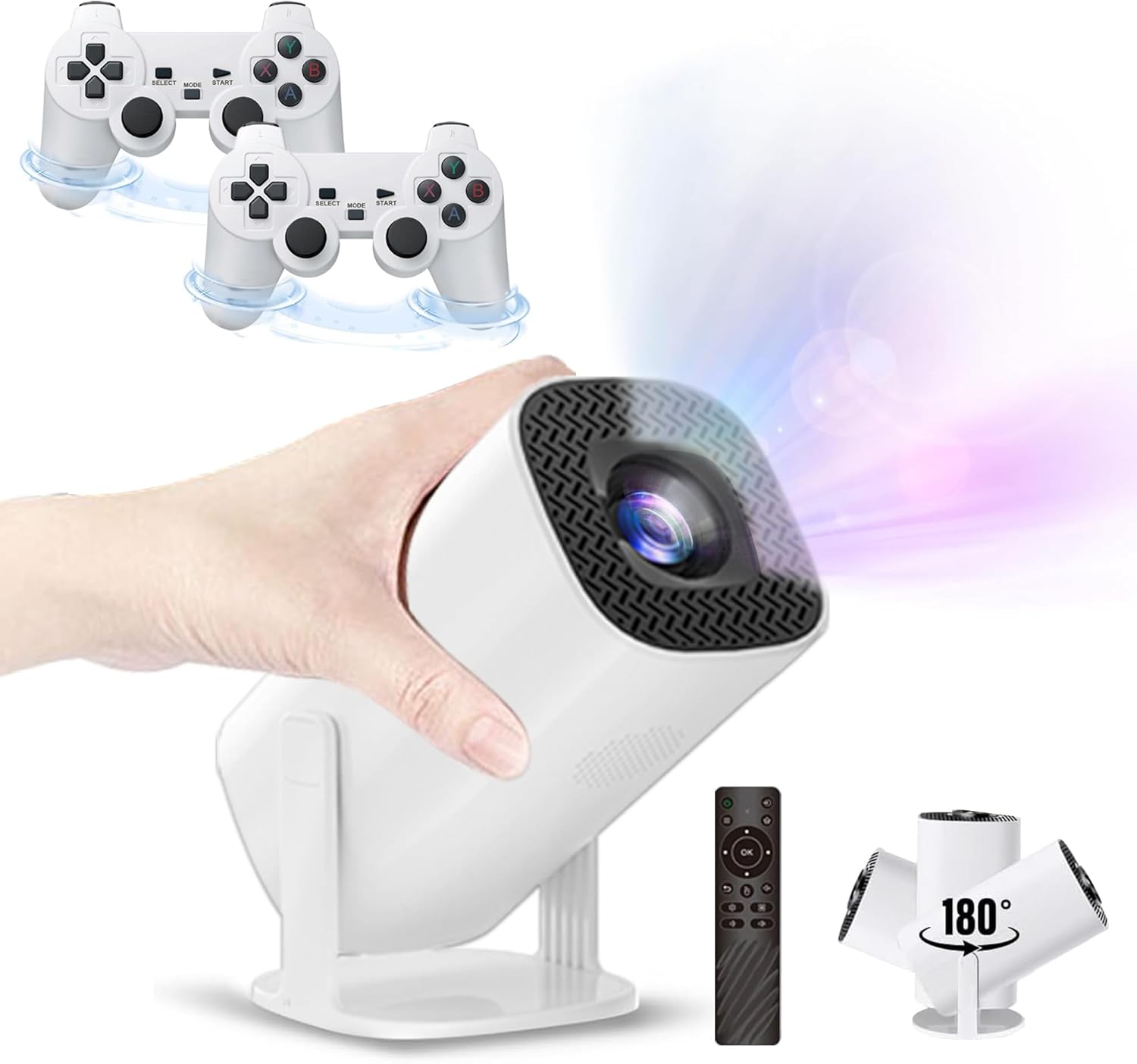
Figure 1.1: The P30 Max projector displaying a large screen image in a living room environment.
2. เนื้อหาบรรจุภัณฑ์
โปรดตรวจสอบว่าสินค้าทั้งหมดที่ระบุไว้ด้านล่างนี้รวมอยู่ในแพ็คเกจของคุณแล้ว หากมีสินค้าใดสูญหายหรือเสียหาย โปรดติดต่อฝ่ายสนับสนุนลูกค้า
- 1 x P30 Max Smart Video Game Projector
- ตัวควบคุมไร้สาย 2 ตัว
- 1 x เกมสติ๊ก
- สาย HDMI 1 เส้น
- 1 x สายไฟ
- 1 x รีโมทคอนโทรล
- 1 x USB Receiver
- สายชาร์จ USB 1 เส้น
- 1 x คู่มือผู้ใช้ (เอกสารนี้)
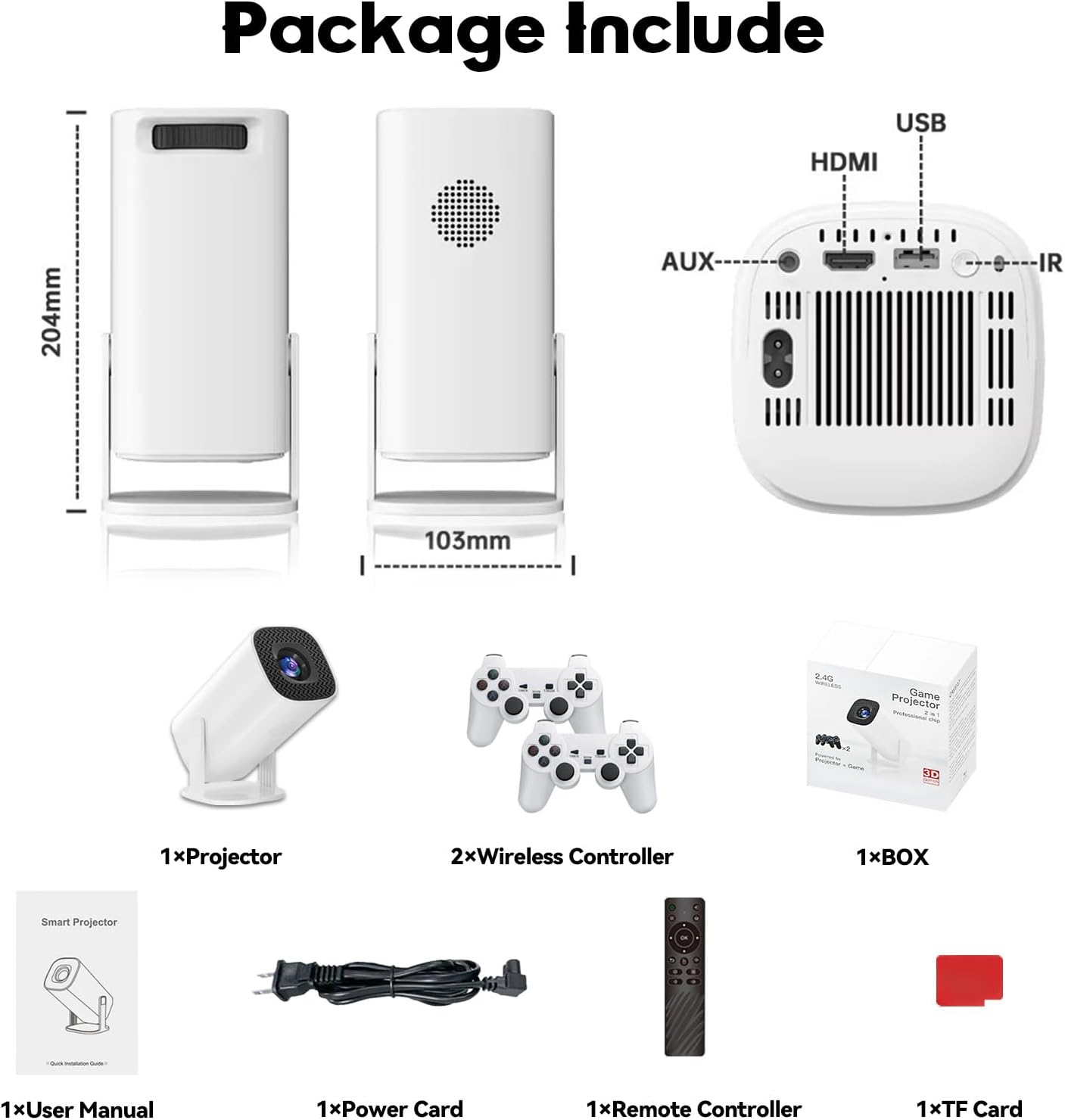
Figure 2.1: Diagram of the P30 Max package contents.

Figure 2.2: Photo of the P30 Max package contents.
3. คุณสมบัติของผลิตภัณฑ์
- Immersive Gaming: Built-in game console with over 35,000 3D games, offering low latency, high frame rates, and 4K UHD visuals.
- High-Quality Home Theater: Supports 4K video with native 1280x720P resolution, 50% zoom function, and a high dynamic contrast ratio. Operates quietly at 25 dB.
- การเชื่อมต่อขั้นสูง: Equipped with WiFi 6 for faster, smoother connections and Bluetooth 5.4 for easy pairing with external audio devices.
- การออกแบบพกพาสะดวกและยืดหยุ่น: Lightweight and portable with a 180° adjustable stand for versatile projection angles.
- การควบคุมที่แม่นยำ: Includes two wireless controllers with multiple keys and sensitive rockers for enhanced gaming and navigation.
4. การตั้งค่า
4.1 การจัดวางเริ่มต้น
Place the projector on a stable, flat surface. The 180° adjustable stand allows you to direct the projection onto a wall or ceiling. Ensure there are no obstructions in front of the lens.
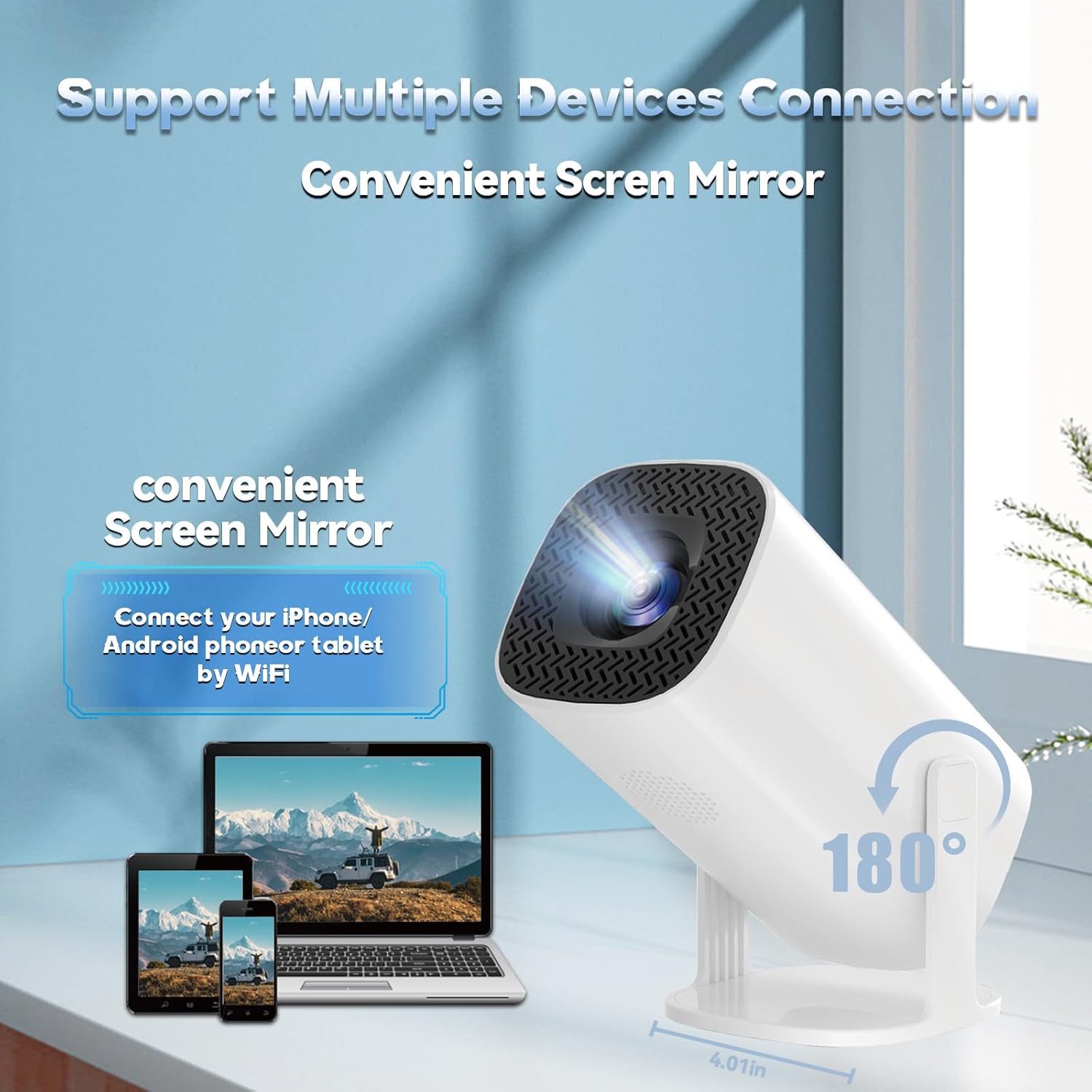
Figure 4.1: The projector's 180° adjustable stand for flexible placement.
4.2 การเชื่อมต่อสายไฟ
Connect the provided power cord to the projector's power input and then to a power outlet. The projector will typically power on or enter standby mode.
4.3 การแก้ไขโฟกัสและคีย์สโตน
The projector features automatic keystone correction to adjust the image shape. For optimal clarity, manual focus adjustment may be required. Use the remote control to fine-tune the focus until the image is sharp.
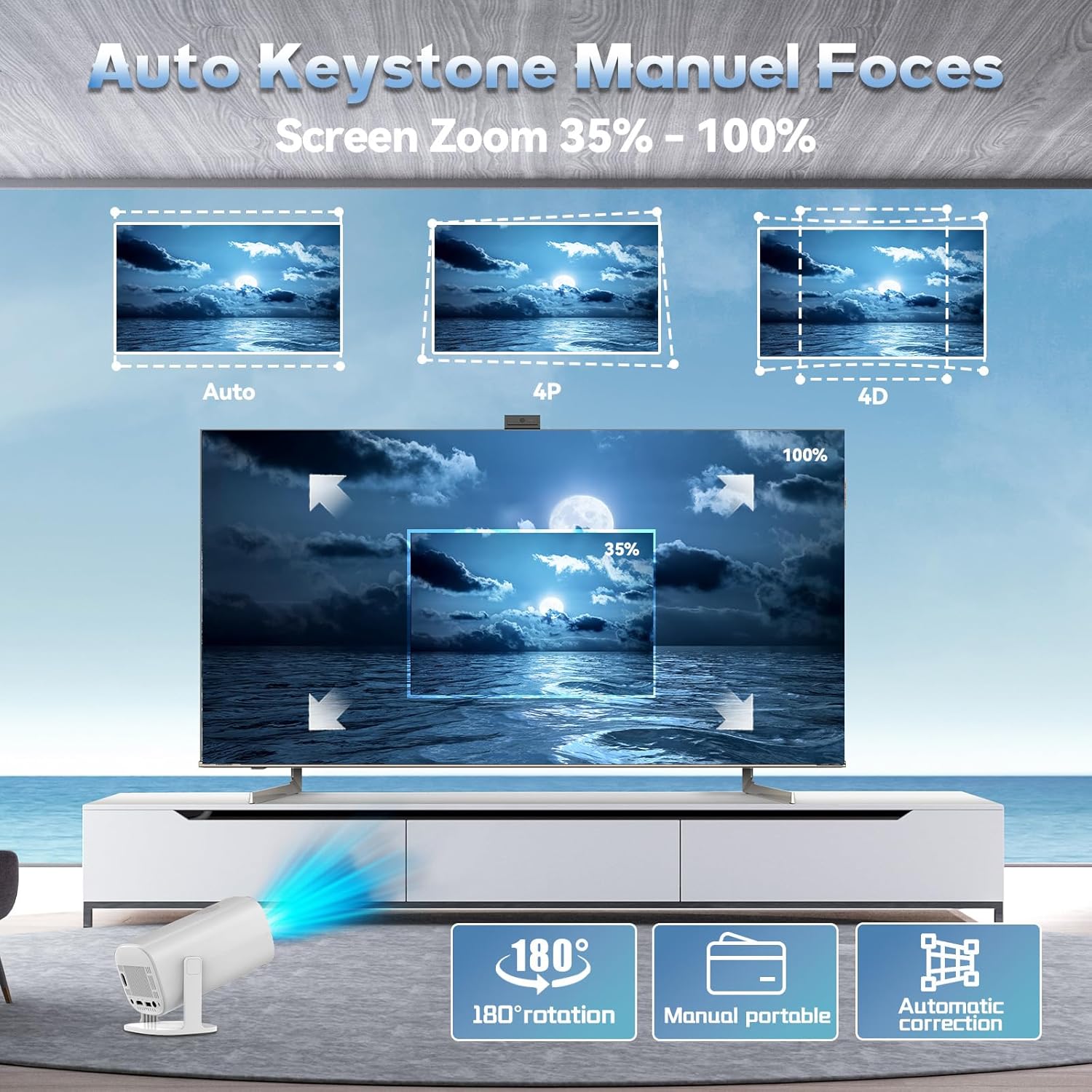
Figure 4.2: Automatic keystone correction and manual focus options.
5. คู่มือการใช้งาน
5.1 เปิด/ปิดเครื่อง
กดปุ่มเปิด/ปิดบนโปรเจ็กเตอร์หรือรีโมทคอนโทรลเพื่อเปิดหรือปิดเครื่อง
5.2 การนำทางอินเทอร์เฟซ
Use the included remote control to navigate the projector's smart interface. The interface provides access to applications, settings, and the built-in game library.
5.3 แหล่งข้อมูลอินพุต
The projector supports various input sources. You can connect external devices via HDMI or USB. For wireless connections, refer to the 'Connectivity' section.
5.4 การมิเรอร์หน้าจอ
The P30 Max supports 5G+2.4G WiFi screen mirroring, allowing you to cast content from your smartphone, tablet, or other compatible devices. Access the screen mirroring function from the main menu and follow the on-screen instructions to connect your device.
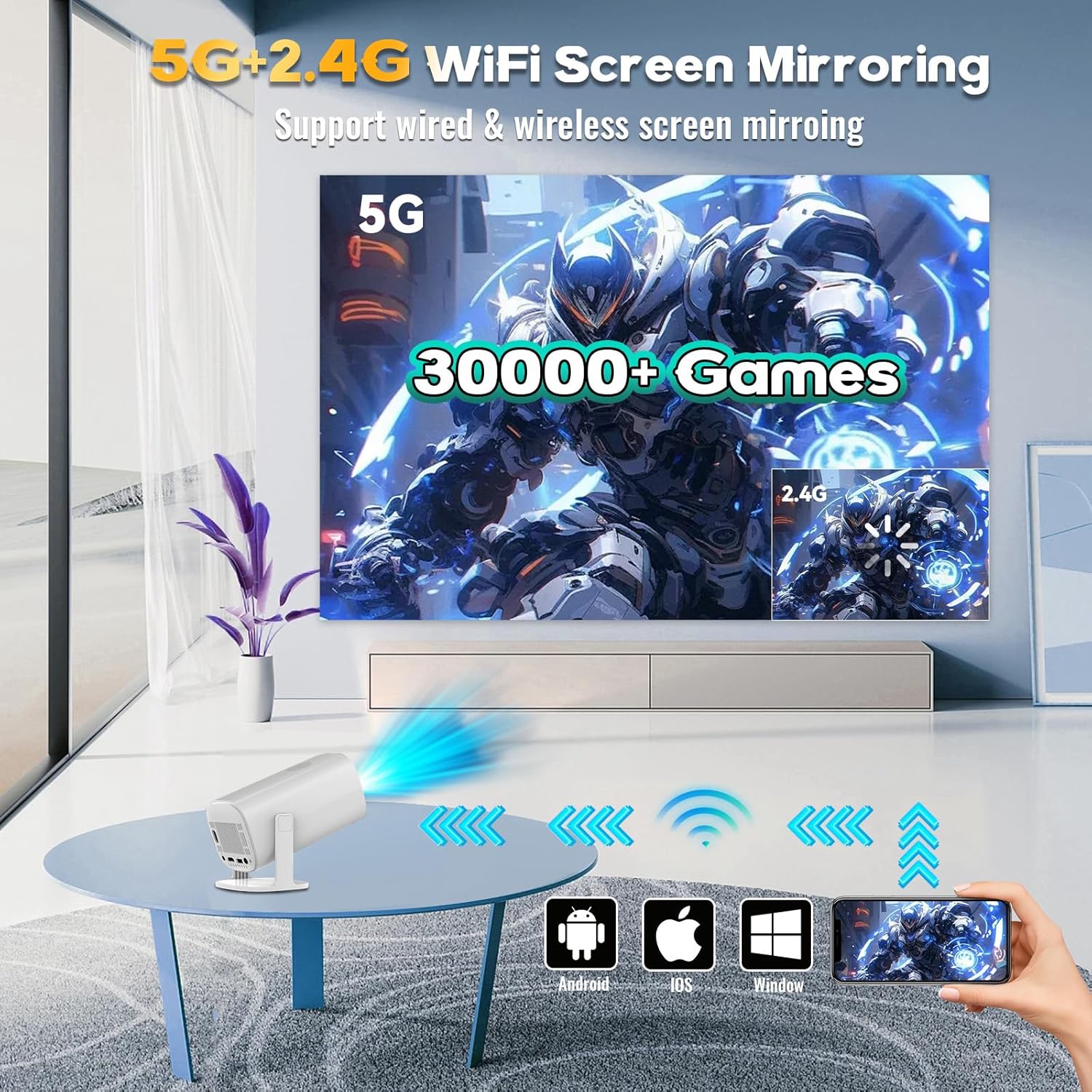
Figure 5.1: Screen mirroring from various devices using 5G+2.4G WiFi.
6. คุณสมบัติการเล่นเกม
The P30 Max comes with a built-in game console featuring over 35,000 3D games. To access the game library, select the 'Game Box' or 'Gamer' application from the main interface.
6.1 Connecting Wireless Controllers
The package includes two wireless controllers. Insert the USB receiver into an available USB port on the projector. The controllers should automatically pair. If not, refer to the controller's specific pairing instructions.
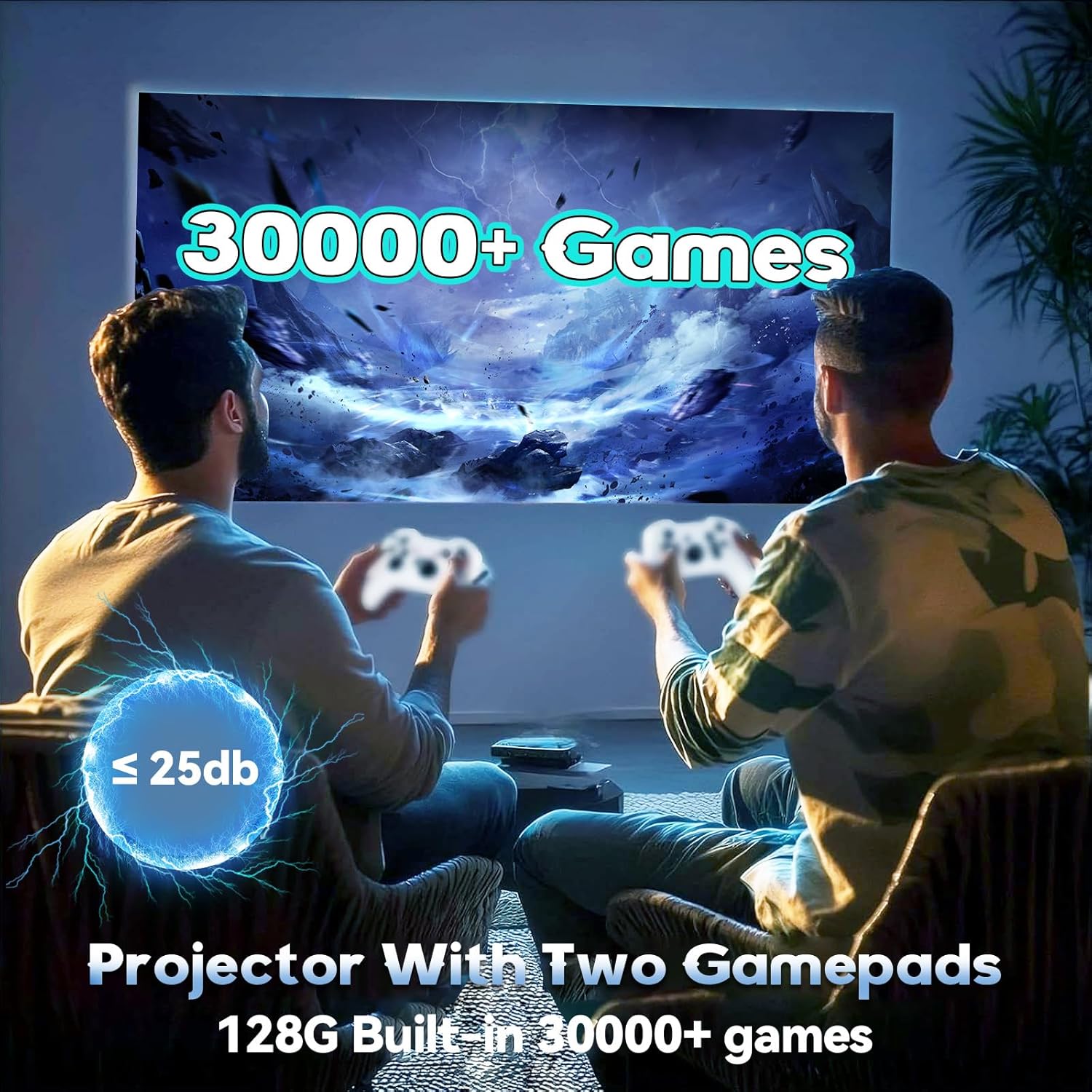
Figure 6.1: Enjoying games with the P30 Max projector and wireless controllers.
6.2 Game Selection and Play
Navigate through the game library using the wireless controllers. Select your desired game and follow the on-screen prompts to start playing. The projector is optimized for a smooth gaming experience with minimal latency.
7. การเชื่อมต่อ
- ไวไฟ 6: For high-speed internet access and seamless streaming.
- Bluetooth 5.4: Connect Bluetooth speakers, headphones, or other audio devices for an enhanced sound experience.
- ช่องต่อ HDMI: Connect to laptops, gaming consoles, TV boxes, and other HDMI-enabled devices.
- ยูเอสบี: For connecting USB drives, external storage, or the wireless controller receiver.
8. การบำรุงรักษา
8.1 การทำความสะอาดเลนส์
Gently wipe the projector lens with a soft, lint-free cloth. Avoid using abrasive materials or harsh chemicals that could scratch the lens.
8.2 การทำความสะอาดภายนอก
Use a soft, dry cloth to clean the exterior of the projector. Do not use liquid cleaners directly on the device.
8.3 พื้นที่จัดเก็บ
เมื่อไม่ได้ใช้งานเป็นเวลานาน ควรเก็บโปรเจคเตอร์ไว้ในที่แห้งและเย็น หลีกเลี่ยงแสงแดดโดยตรงและอุณหภูมิที่สูงหรือต่ำเกินไป ควรใช้บรรจุภัณฑ์เดิมหรือกล่องป้องกันเพื่อป้องกันฝุ่นละอองและความเสียหาย
9 การแก้ไขปัญหา
If you encounter any issues with your P30 Max projector, please refer to the following common solutions:
| ปัญหา | สาเหตุที่เป็นไปได้ | สารละลาย |
|---|---|---|
| ไม่มีไฟฟ้า | สายไฟไม่ได้เสียบอย่างถูกต้อง; มีปัญหาที่ปลั๊กไฟ | ตรวจสอบให้แน่ใจว่าเสียบสายไฟแน่นดีแล้ว ทดสอบเต้ารับกับอุปกรณ์อื่น |
| ไม่มีรูปภาพ | Incorrect input source selected; Device not connected. | Select the correct input source (HDMI, USB, Screen Mirroring). Verify device connection. |
| ภาพเบลอ | ภาพไม่ชัด; การแก้ไขคีย์สโตนไม่ถูกต้อง | Adjust manual focus using the remote. Check automatic keystone correction settings. |
| ไม่มีเสียง | ระดับเสียงเบาเกินไป; อุปกรณ์เสียงภายนอกไม่ได้เชื่อมต่อ/จับคู่ | Increase volume. Ensure Bluetooth audio device is correctly paired or connected via AUX. |
| ตัวควบคุมไม่ตอบสนอง | USB receiver not connected; Controllers not paired. | Ensure USB receiver is plugged in. Re-pair controllers if necessary. |
10. ข้อมูลจำเพาะ
| คุณสมบัติ | รายละเอียด |
|---|---|
| ยี่ห้อ | XIXIMENG |
| หมายเลขรุ่น | 64จี |
| ขนาดสินค้า | 4.06 x 3.67 x 9.45 นิ้ว |
| ความละเอียดการแสดงผล | Native 1280 x 720P (Supports 4K HD) |
| คุณสมบัติพิเศษ | Auto Focus, Portable, 180° Adjustable Stand |
| เทคโนโลยีการเชื่อมต่อ | บลูทูธ 5.4, Wi-Fi 6 |
| การใช้ที่แนะนำ | เกมมิ่ง, โฮมเธียเตอร์ |
| เกมในตัว | Over 35,000 3D Games |
11. การรับประกันและการสนับสนุน
For warranty information and customer support, please refer to the warranty card included in your product packaging or visit the official XIXIMENG webไซต์นี้ โปรดเก็บใบเสร็จรับเงินที่ซื้อไว้เพื่อใช้เรียกร้องการรับประกัน


