1. บทนำ
The ECOVACS WINBOT W2 PRO OMNI is an advanced robotic window cleaner designed to simplify window cleaning tasks. This manual provides essential information for the safe and efficient operation, maintenance, and troubleshooting of your device. Please read this manual thoroughly before first use and retain it for future reference.
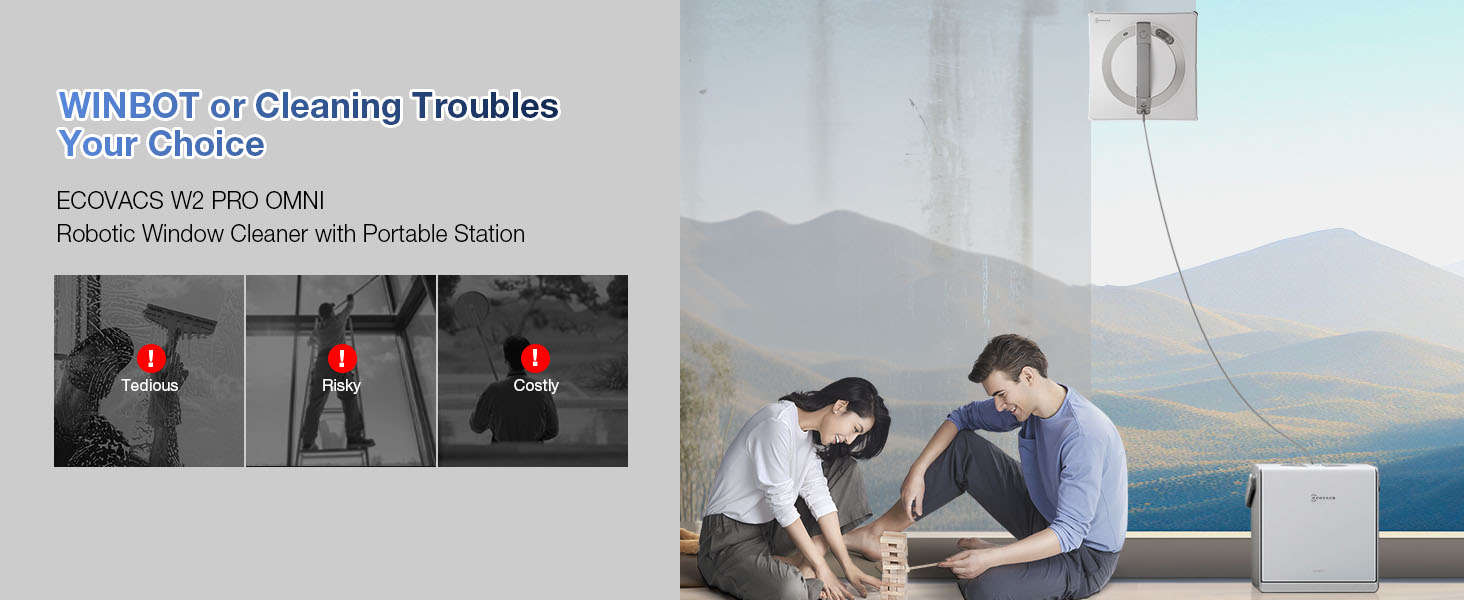
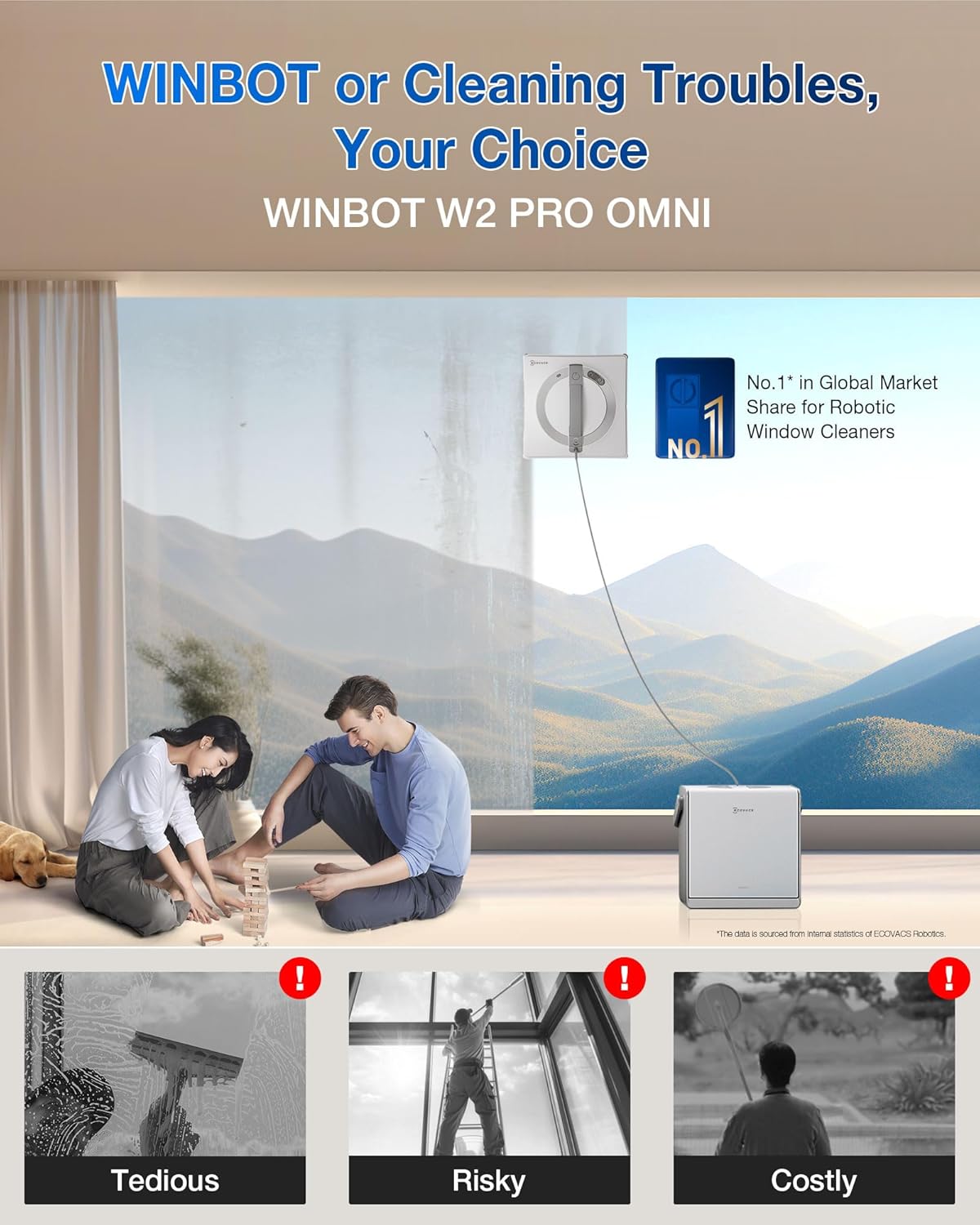
Image 1.1: The WINBOT W2 PRO OMNI and its multi-functional station, illustrating its purpose in simplifying window cleaning.
2. ส่วนประกอบผลิตภัณฑ์
The ECOVACS WINBOT W2 PRO OMNI package includes the following items:
- WINBOT Robot (1)
- Multi-Functional Station (1)
- Safety Rope (1)
- คาราบิเนอร์ (1)
- Wiping Pads (2)
- Cleaning Solution (Empty Bottle) (1)
- คู่มือการใช้งาน (1)
ภาพที่ 2.1: จบแล้วview of the WINBOT W2 PRO OMNI robot, its station, and included accessories.
3. การตั้งค่า
3.1 การแกะกล่องและการตรวจสอบเบื้องต้น
- นำส่วนประกอบทั้งหมดออกจากบรรจุภัณฑ์อย่างระมัดระวัง
- Inspect all items for any signs of damage. If any components are damaged or missing, contact customer support.
3.2 Attaching Wiping Pads
- Ensure the WINBOT robot is powered off.
- Align the wiping pads with the designated areas on the bottom of the WINBOT.
- Press firmly to secure the pads. Ensure they are stretched and cover the cleaning plate completely for optimal cleaning and edge detection.
3.3 การเติมถังน้ำยาทำความสะอาด
- Locate the water tank on the WINBOT robot.
- Open the tank cap and fill with the provided cleaning solution or distilled water. Do not overfill.
- ปิดฝาถังให้แน่น
3.4 Connecting the Multi-Functional Station
The multi-functional station serves as a control panel, charger, stabilizer, and portable storage. Connect the WINBOT to the station using the 2-in-1 compound cable.
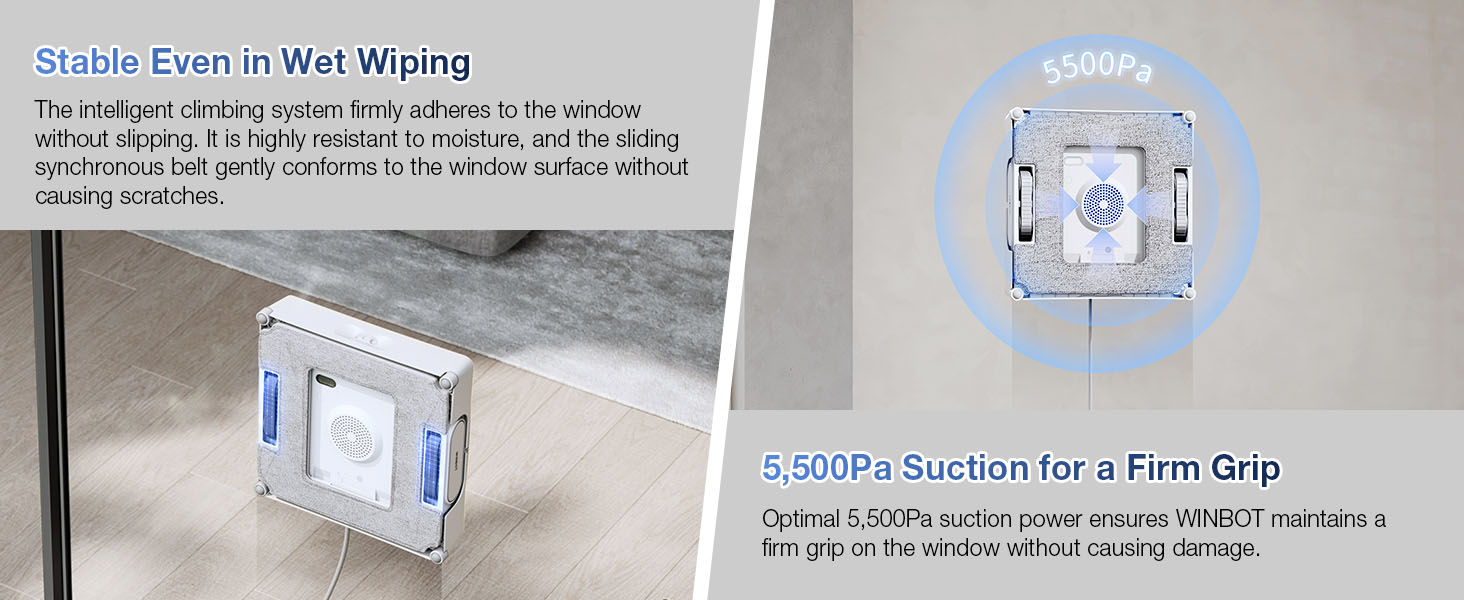
Image 3.1: Features of the 6-in-1 Multi-functional Station.
3.5 การเปิดเครื่องอุปกรณ์
The WINBOT W2 PRO OMNI offers two power modes:
- โหมดแบตเตอรี่: For areas without power outlets. The integrated 5200mAh battery provides up to 110 minutes of cleaning.
- Plugged-in Mode: For continuous cleaning on large glass areas. Connect the station to a power outlet.

Image 3.2: Dual power supply options for the WINBOT W2 PRO OMNI.
3.6 Safety Rope Attachment
Always attach the safety rope to a secure anchor point before operating the WINBOT, especially when cleaning exterior windows or at height. Use the provided carabiner to secure the rope.
4. คู่มือการใช้งาน
4.1 Placing the WINBOT on the Window
- Ensure the window surface is free of large debris that could scratch the glass or impede movement.
- Place the WINBOT firmly on the window surface. The suction mechanism will activate automatically.
- Ensure the safety rope is securely attached.
4.2 การเริ่มรอบการทำความสะอาด
You can start the WINBOT using the control panel on the station or via the ECOVACS HOME app.
- Press the 'Power' button on the multi-functional station or in the app.
- The WINBOT will initiate its WIN-SLAM 4.0 intelligent path planning to determine the most efficient cleaning route.
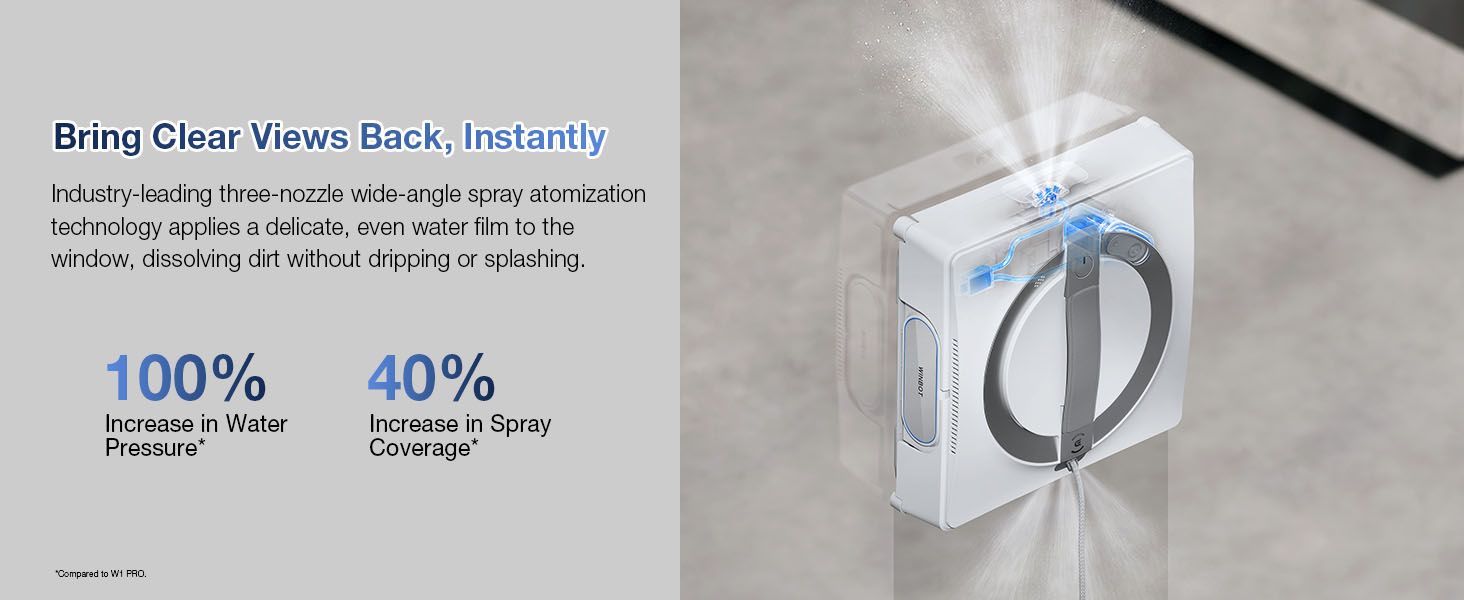
Image 4.1: WIN-SLAM 4.0 Intelligent Path Planning in action.
โหมดทำความสะอาด 4.3 โหมด
The WINBOT W2 PRO OMNI offers multiple cleaning modes to suit various needs:
- โหมดทำความสะอาดด่วน: For daily maintenance.
- โหมดทำความสะอาดล้ำลึก: For glass with multiple dirty spots.
- Thorough Cleaning Mode: For stubborn stain removal.
- โหมดทำความสะอาดขอบ: Focuses on cleaning window edges.
- Heavy-duty Cleaning Mode: For large and very dirty windows.
- โหมดควบคุมด้วยตนเอง: For complex glass cleaning, controlled via the app.
Select or switch modes using the intuitive station panel or the ECOVACS HOME app.
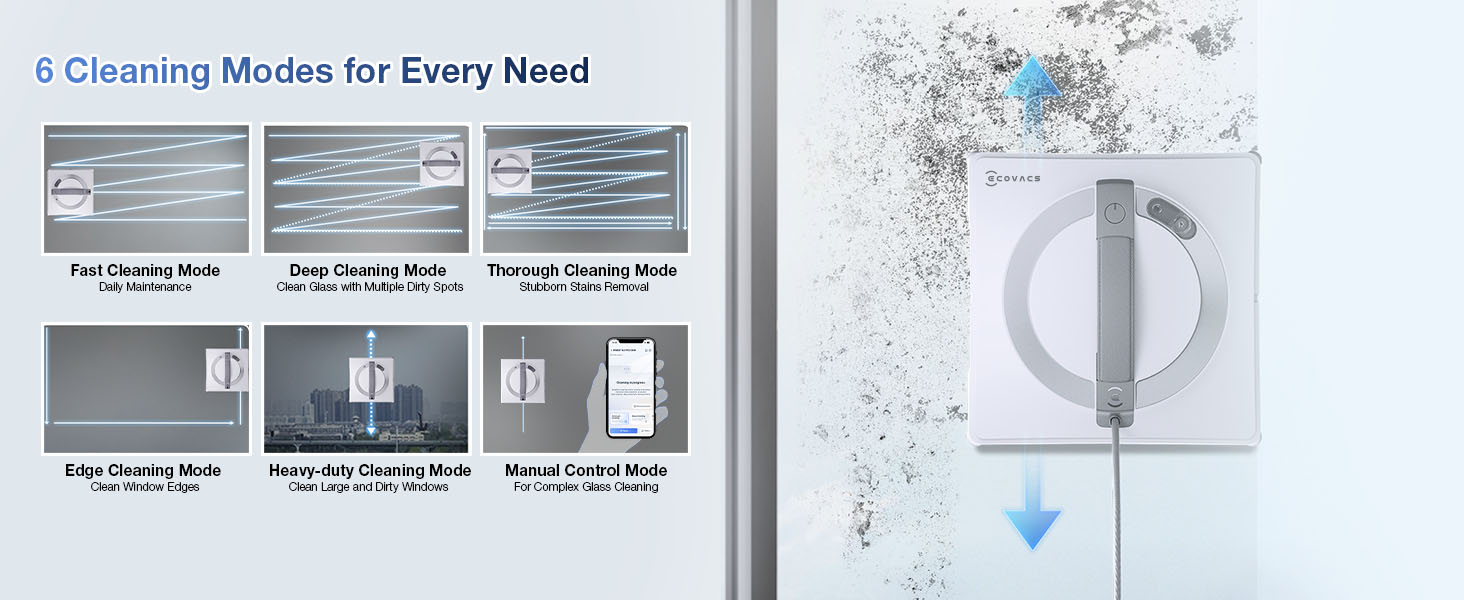
Image 4.2: Available cleaning modes and app control interface.
4.4 Triple Nozzle Wide Angle Spray Technology
The WINBOT utilizes a fully upgraded 3-nozzle wide-angle spray technology to ensure efficient and effective cleaning. This system increases water pressure and improves function time, dissolving dirt without dripping.
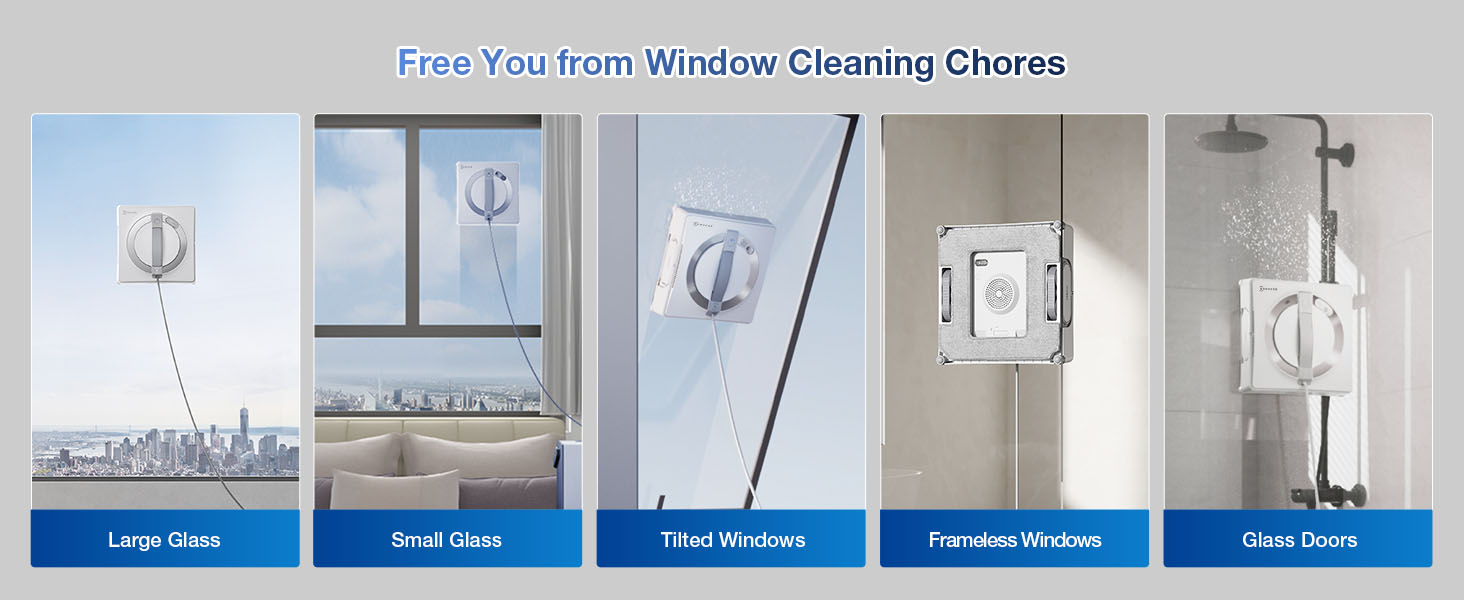
Image 4.3: Triple nozzle spray technology for effective cleaning.
5. การบำรุงรักษา
5.1 Cleaning Wiping Pads
After each use, remove the wiping pads from the WINBOT. Hand wash or machine wash the pads with mild detergent and allow them to air dry completely before reattaching. Regularly replacing worn pads is recommended for optimal performance.
5.2 Refilling Cleaning Solution
Monitor the cleaning solution level in the tank. Refill as needed with the recommended ECOVACS cleaning solution or distilled water. Do not use corrosive or foamy cleaning agents.
5.3 General Cleaning of the Robot and Station
Wipe the exterior of the WINBOT and the multi-functional station with a soft, dry cloth. Avoid using abrasive cleaners or spraying liquids directly onto the devices. Ensure all sensors are clean and free of dust or debris.
6 การแก้ไขปัญหา
If you encounter issues with your WINBOT W2 PRO OMNI, please refer to the following common solutions:
- Robot not adhering to window: Ensure the window surface is clean and dry. Check that the wiping pads are correctly attached and not overly saturated. Verify the suction ports are clear.
- ประสิทธิภาพการทำความสะอาดไม่ดี: Replace dirty wiping pads. Refill the cleaning solution tank. Ensure the nozzles are not clogged.
- หุ่นยนต์หยุดทำงานโดยไม่คาดคิด: Check the power connection if in plugged-in mode. If in battery mode, ensure the battery is sufficiently charged. Verify the safety rope is not tangled or obstructing movement.
- ปัญหาการเชื่อมต่อแอป: Ensure your smartphone's Bluetooth and Wi-Fi are enabled. Restart the WINBOT and your smartphone. Check for app updates.
For persistent issues, contact ECOVACS customer support.
7. ข้อมูลจำเพาะ
| คุณสมบัติ | รายละเอียด |
|---|---|
| ชื่อรุ่น | W2 PRO OMNI |
| น้ำหนักสินค้า | 8.55 กิโลกรัม |
| ขนาดสินค้า | กว้าง 40.5 ยาว 38 สูง 30 เซนติเมตร |
| ฟอร์มแฟกเตอร์ | ขนาดกะทัดรัด |
| แบตเตอรี่ที่จำเป็น | ใช่ |
| อายุการใช้งานแบตเตอรี่ | 110 นาที |
| คุณสมบัติพิเศษ | Dual Cross Water Spray Technology |
| ประเภทตัวควบคุม | แอปพลิเคชั่นมือถือ |
| คำแนะนำด้านพื้นผิว | หน้าต่าง |
| สี | เงิน |
8. ข้อมูลด้านความปลอดภัย
The WINBOT W2 PRO OMNI incorporates a 12-stage protection system to ensure safe operation. This includes features such as automatic air pressure compensation, optimal 5,500Pa suction power, power-off protection, and a safety rope docking system.
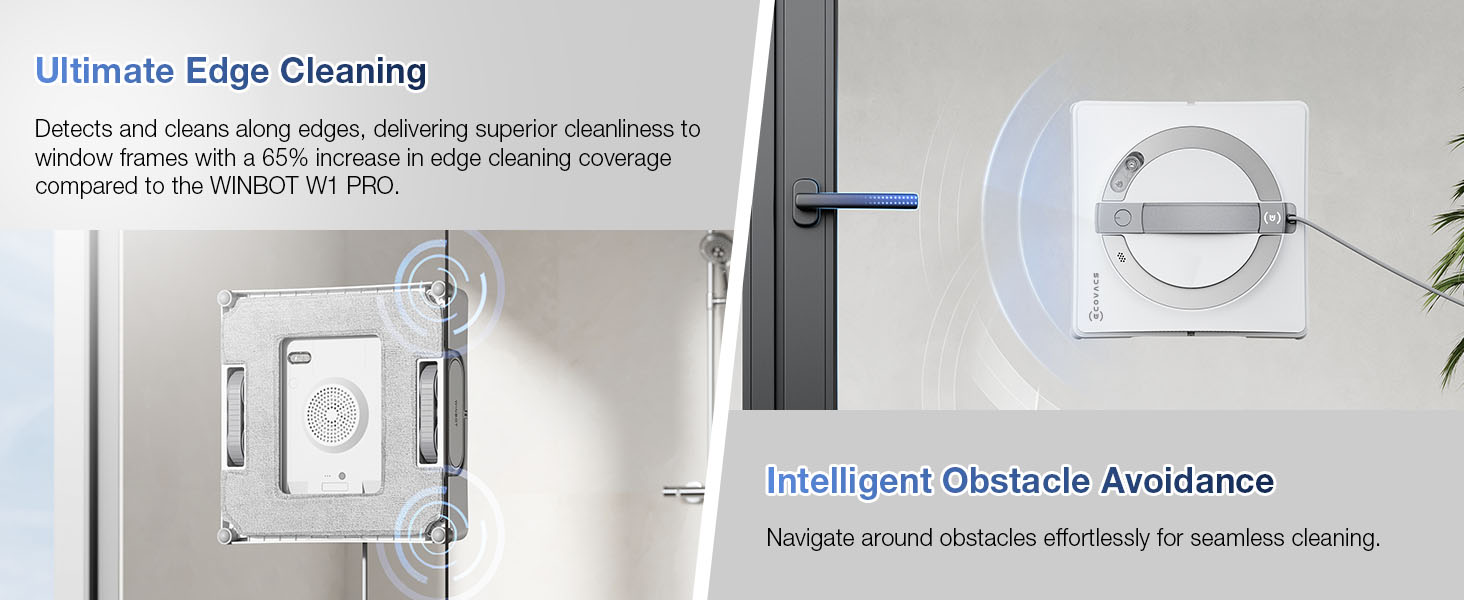
ภาพที่ 8.1: จบแล้วview of the 12-tier protection system.
Always ensure the safety rope is properly secured before operating the device, especially on high windows. Do not use the WINBOT on cracked or damaged glass surfaces.
9. ข้อมูลการรับประกัน
The ECOVACS WINBOT W2 PRO OMNI comes with a รับประกัน 1 ปี. Please retain your proof of purchase for warranty claims. For detailed terms and conditions, refer to the warranty card included in your package or visit the official ECOVACS webเว็บไซต์.
10. การสนับสนุนลูกค้า
For technical assistance, troubleshooting, or spare parts, please contact ECOVACS customer support through their official webคุณสามารถดูข้อมูลติดต่อได้จากเว็บไซต์หรือข้อมูลติดต่อที่ระบุไว้ในบรรจุภัณฑ์สินค้า นอกจากนี้ คุณยังสามารถเยี่ยมชมเว็บไซต์ได้อีกด้วย ร้าน ECOVACS บน Amazon สำหรับข้อมูลเพิ่มเติม


