1. บทนำ
The NEDIS SmartLife Outdoor Pan-Tilt Spotlight Camera (WIFICO22CWT) is designed to enhance your home security with advanced features and seamless integration. This manual provides essential information for the proper installation, operation, and maintenance of your camera.
Key features include a 3MP (1296p) sensor for clear images, remote pan and tilt control, automatic tracking, color and infrared night vision, two-way audio, motion and sound detection with instant notifications, and an IP65 weatherproof rating for outdoor reliability.
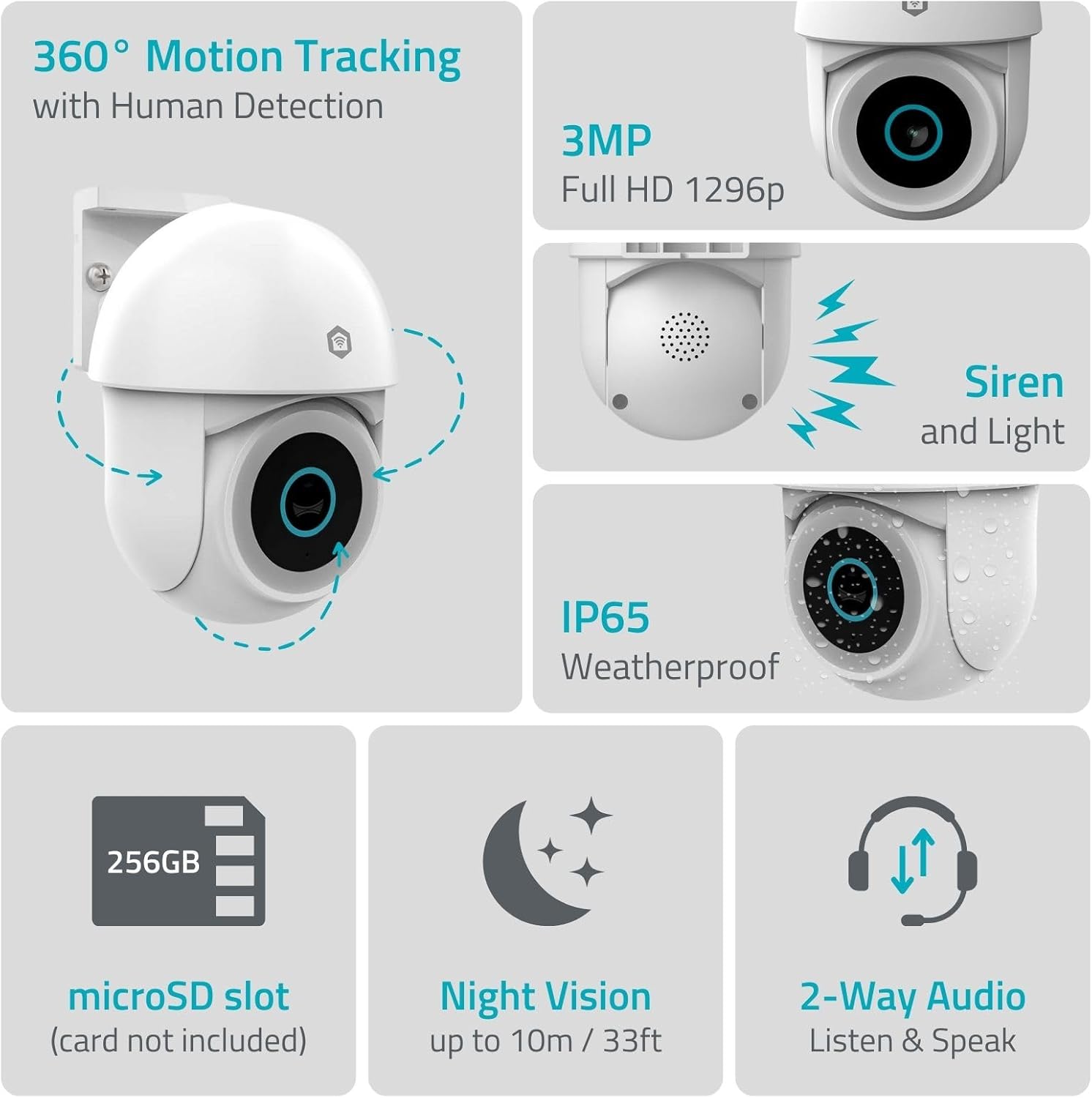
ภาพที่ 1.1: จบแล้วview of NEDIS SmartLife Outdoor Camera features, including 360-degree motion tracking, 3MP resolution, siren and light, IP65 weatherproofing, microSD slot, night vision, and two-way audio.
2. เนื้อหาบรรจุภัณฑ์
กรุณาตรวจสอบแพ็คเกจสำหรับรายการต่อไปนี้:
- NEDIS SmartLife Outdoor Pan-Tilt Spotlight Camera (WIFICO22CWT)
- อะแดปเตอร์ไฟฟ้า (5V DC)
- ตัวยึดและสกรู
- คู่มือการเริ่มต้นฉบับย่อ (คู่มือนี้)
3. การตั้งค่า
3.1. การติดตั้งแอพ
- ดาวน์โหลด เนดิส สมาร์ทไลฟ์ ดาวน์โหลดแอปจาก App Store (iOS) หรือ Google Play Store (Android)
- ลงทะเบียนบัญชีใหม่หรือเข้าสู่ระบบหากคุณมีบัญชีอยู่แล้ว
3.2 การเปิดเครื่องและการเชื่อมต่อครั้งแรก
- เชื่อมต่อกล้องเข้ากับอะแดปเตอร์จ่ายไฟและเสียบเข้ากับเต้ารับไฟฟ้า
- Wait for the camera's indicator light to flash, indicating it is ready for pairing.
- Open the Nedis SmartLife app, tap '+' to add a new device, and follow the on-screen instructions to connect the camera to your 2.4 GHz Wi-Fi network.
3.3. การติดตั้งการ์ด MicroSD (ไม่บังคับ)
For local storage of recordings, install a microSD card (up to 256GB, not included).
- Locate the microSD card slot on the camera (refer to the camera diagram in the quick start guide).
- ค่อยๆ ใส่การ์ด microSD ลงในช่องเสียบจนกระทั่งได้ยินเสียงคลิกเข้าที่
- Format the microSD card via the camera settings in the Nedis SmartLife app.
3.4. การติดตั้งกล้อง
The camera comes with a wall/ceiling mount. Choose a suitable location with a clear view and within Wi-Fi range.

Image 3.1: Camera dimensions for mounting reference.
- โดยใช้ขายึดเป็นแบบในการกำหนดตำแหน่งเจาะรู
- เจาะรูและใส่พุกยึดผนังหากจำเป็น
- Secure the mounting bracket to the wall or ceiling with screws.
- Attach the camera to the mounting bracket and adjust its initial angle.
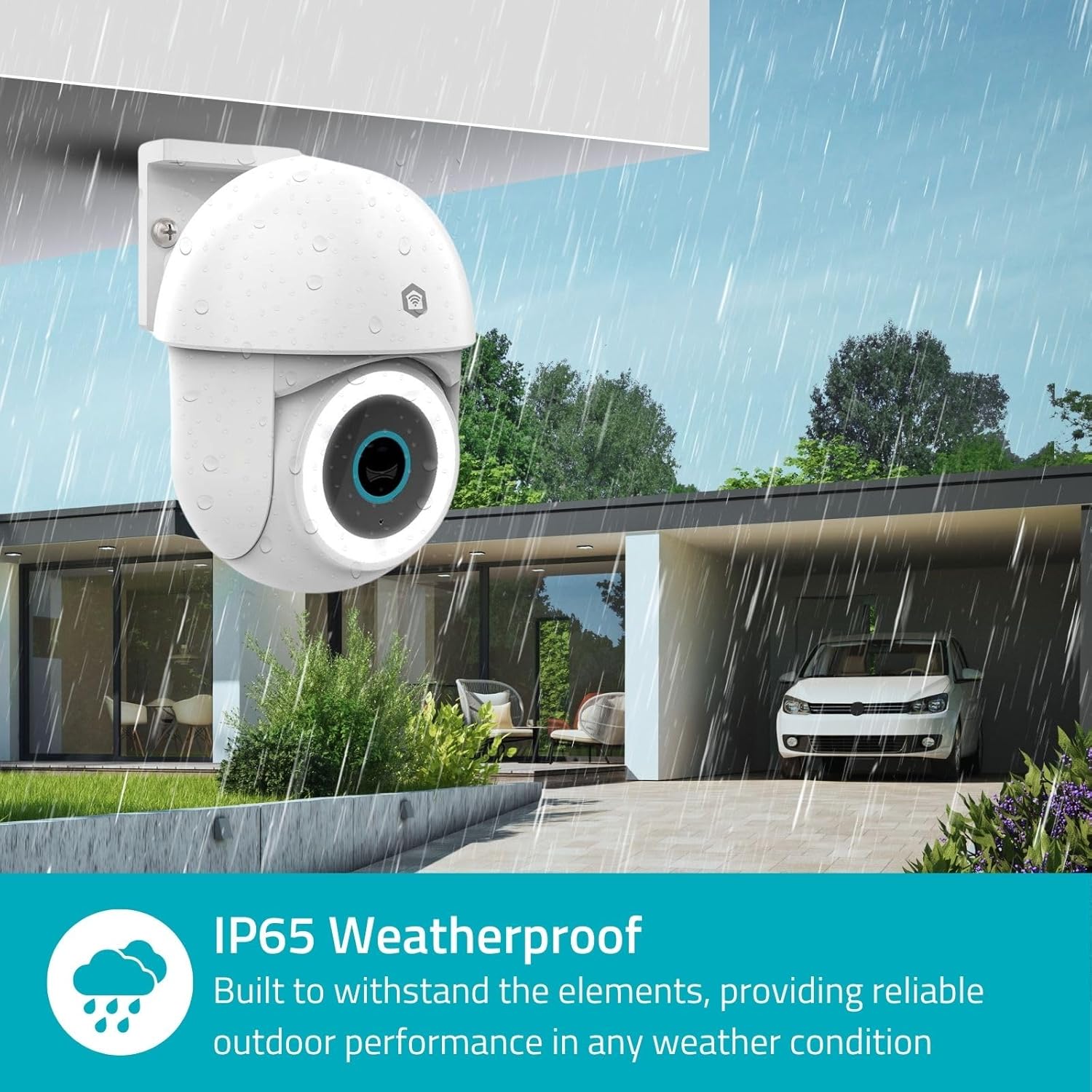
Image 3.2: The IP65 weatherproof design ensures reliable outdoor performance in various weather conditions.
4. คู่มือการใช้งาน
4.1. สด View และการควบคุมแพน/เอียง
Access the live feed from your camera through the Nedis SmartLife app. Use the on-screen controls to remotely pan (horizontal) and tilt (vertical) the camera to monitor a wide area.
4.2. การตรวจจับและติดตามการเคลื่อนไหว
The camera features advanced motion detection, including human detection, to minimize false alarms. You can customize detection zones within the app.
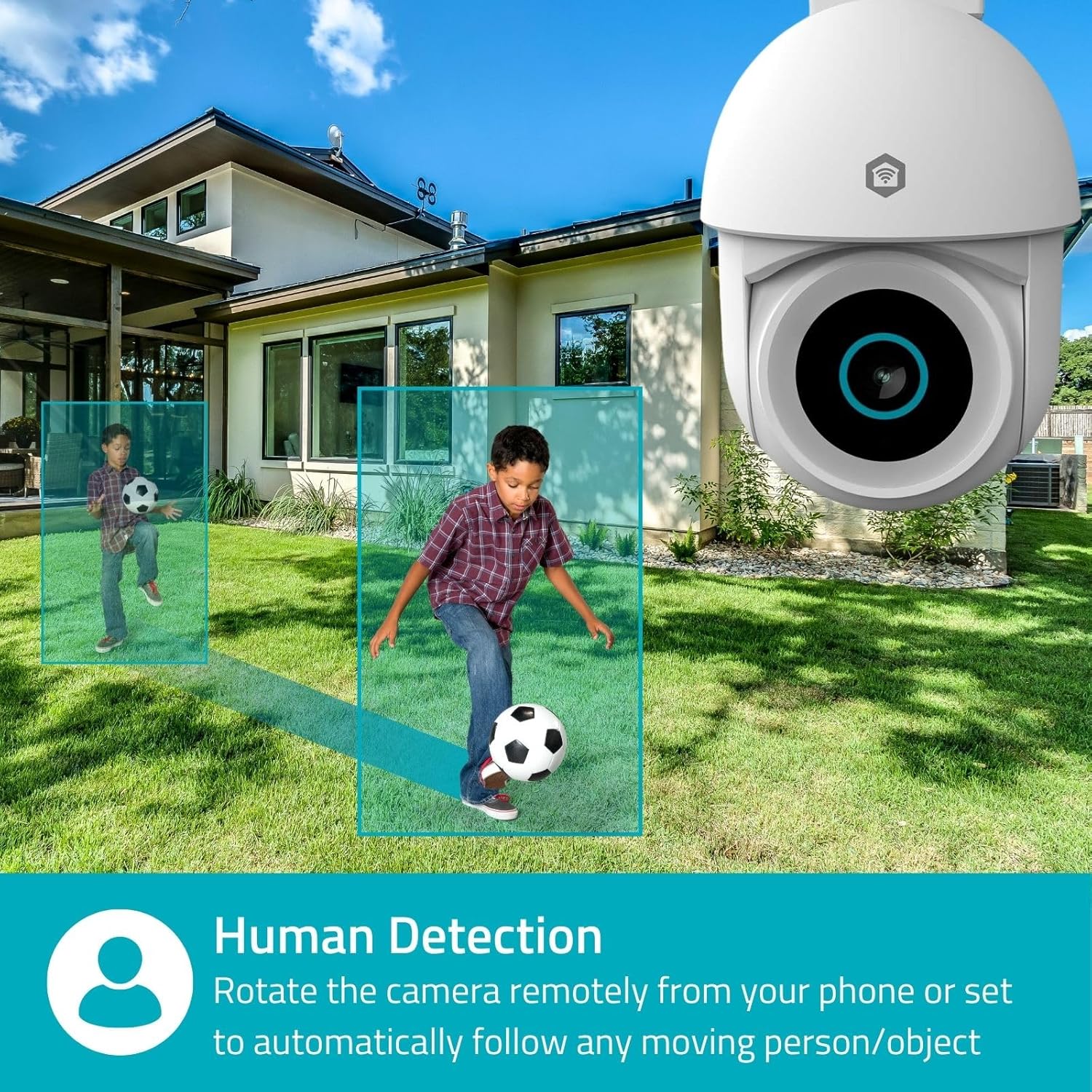
Image 4.1: Human Detection allows the camera to automatically follow moving persons or objects.
เปิดใช้งาน การติดตามอัตโนมัติ in the app settings to have the camera automatically follow detected movement.
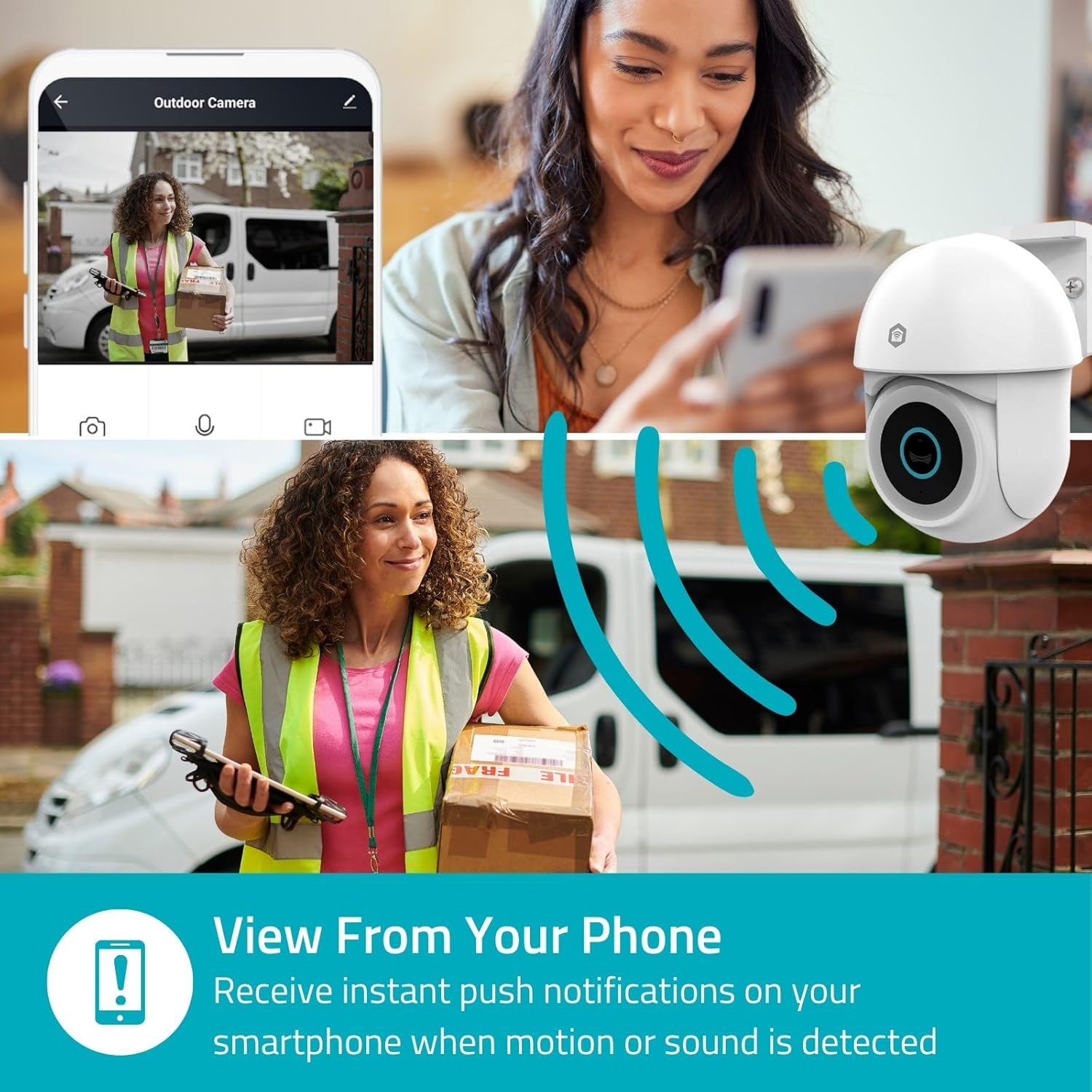
Image 4.2: Receive instant push notifications on your smartphone when motion or sound is detected.
4.3. เสียงสองทาง
Utilize the built-in microphone and speaker for two-way communication. You can listen to the environment and speak through the camera via the app.
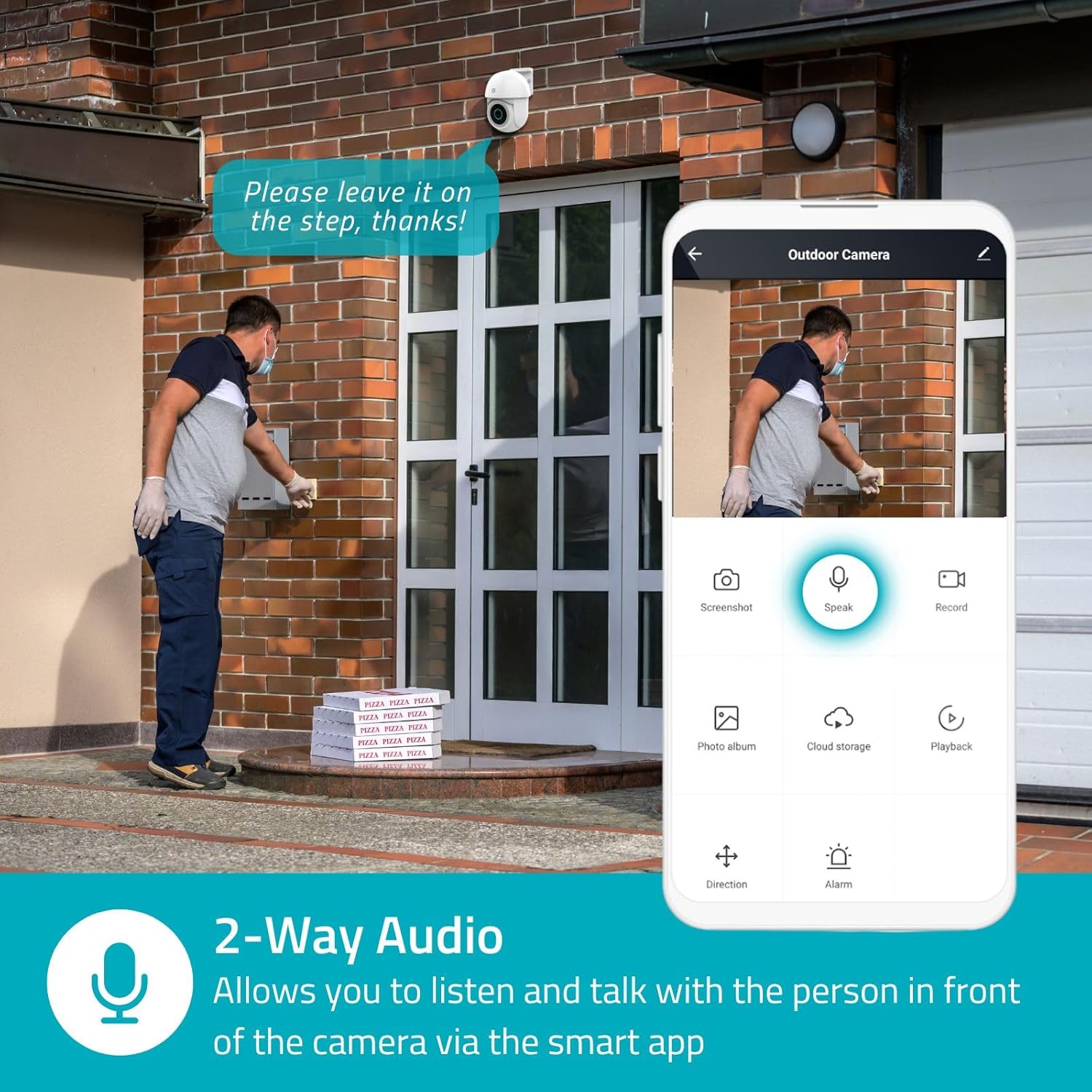
Image 4.3: Two-Way Audio allows you to listen and talk with individuals in front of the camera.
4.4. การมองเห็นในเวลากลางคืน
กล้องรองรับโหมดการมองเห็นในเวลากลางคืนสองโหมด:
- การมองเห็นสีกลางคืน: Achieved using dimmable white LEDs, providing full-color images in low light.
- อินฟราเรดคืนวิสัยทัศน์: Standard black and white night vision using infrared LEDs, effective up to 10 meters (33 feet).

Image 4.4: Comparison of Day Mode and Night Mode, illustrating the camera's 3MP resolution and 10m night vision capability.
4.5. Spotlight and Siren
When motion is detected, you can configure the camera to activate its white LEDs (spotlight) and/or a siren. This can deter intruders or provide illumination.

Image 4.5: The camera's light and siren can be activated upon motion detection to deter unwanted visitors.
4.6. การบันทึกและการเล่น
Recordings can be stored on a microSD card (up to 256GB) or via optional cloud storage. Access and playback recorded footage through the Nedis SmartLife app.
4.7. โหมดความเป็นส่วนตัว
Activate Privacy Mode in the app to temporarily disable recording and live view when you are home, ensuring your privacy.
4.8. การบูรณาการบ้านอัจฉริยะ
The camera is compatible with Google Home and Amazon Alexa, allowing for voice control and integration into your smart home ecosystem.
5. การบำรุงรักษา
- การทำความสะอาด: ค่อยๆ เช็ดเลนส์และตัวกล้องด้วยผ้าเนื้อนุ่มและแห้งamp ผ้า. อย่าใช้สารเคมีที่รุนแรงหรือน้ำยาทำความสะอาดที่มีฤทธิ์กัดกร่อน
- อัพเดตเฟิร์มแวร์: Regularly check the Nedis SmartLife app for available firmware updates to ensure optimal performance and security.
- แหล่งจ่ายไฟ: ตรวจสอบให้แน่ใจว่าอะแดปเตอร์แปลงไฟและสายไฟอยู่ในสภาพสมบูรณ์
6 การแก้ไขปัญหา
6.1. กล้องไม่เชื่อมต่อกับ Wi-Fi
- โปรดตรวจสอบให้แน่ใจว่าเครือข่าย Wi-Fi ของคุณเป็นความถี่ 2.4 GHz กล้องไม่รองรับ Wi-Fi ความถี่ 5 GHz
- ตรวจสอบว่าได้ป้อนรหัสผ่าน Wi-Fi ถูกต้องแล้ว
- วางกล้องให้ใกล้กับเราเตอร์ Wi-Fi มากขึ้นระหว่างการตั้งค่า
- รีสตาร์ทเราเตอร์และกล้องของคุณ
6.2. คุณภาพวิดีโอไม่ดี
- ตรวจสอบความแรงของสัญญาณ Wi-Fi สัญญาณอ่อนอาจส่งผลต่อคุณภาพวิดีโอ
- ตรวจสอบให้แน่ใจว่าเลนส์กล้องสะอาดและไม่มีสิ่งกีดขวาง
- Adjust the video resolution settings in the app if your network bandwidth is limited.
6.3. การตรวจจับการเคลื่อนไหวไม่ทำงาน
- ตรวจสอบให้แน่ใจว่าได้เปิดใช้งานการตรวจจับการเคลื่อนไหวในการตั้งค่าแอปแล้ว
- Check the sensitivity settings and detection zones.
- ตรวจสอบให้แน่ใจว่าไม่มีสิ่งกีดขวางทางกายภาพใดๆ บังกล้อง view.
6.4. No Audio or Two-Way Audio Issues
- Check the microphone and speaker volume settings in the app.
- โปรดตรวจสอบให้แน่ใจว่าไมโครโฟนของสมาร์ทโฟนไม่ได้ถูกปิดเสียงขณะพูดคุยผ่านแอป
- ตรวจสอบการเชื่อมต่อเครือข่ายสำหรับการส่งสัญญาณเสียงแบบเรียลไทม์
7. ข้อมูลจำเพาะ
| คุณสมบัติ | ข้อมูลจำเพาะ |
|---|---|
| หมายเลขรุ่น | WIFICO22CWT |
| ปณิธาน | 3 ล้านพิกเซล (1296p) |
| การเชื่อมต่อ | Wi-Fi (2.4 GHz) |
| ฟังก์ชันแพน/เอียง | ใช่ |
| คะแนนสภาพอากาศ | IP65 |
| การมองเห็นตอนกลางคืน | Color (white LEDs) & IR (up to 10m) |
| ระบบเสียงสองทาง | ใช่ |
| ตัวเลือกการจัดเก็บข้อมูล | MicroSD (up to 256GB, not included), Cloud Storage (optional) |
| กำลังไฟเข้า | กระแสตรง 5 โวลต์ |
| ขนาด (กว้าง x ยาว x สูง) | 10 x 8.3 x 11 ซม. |
| น้ำหนัก | 292 กรัม |
| คุณสมบัติพิเศษ | Human Detection, Auto-Tracking, Spotlight, Siren, Privacy Mode, Onvif support |
| ความเข้ากันได้ | Google Home, Amazon Alexa |
8. การรับประกันและการสนับสนุน
This product comes with a standard manufacturer's warranty. For detailed warranty information, please refer to the warranty card included in your package or visit the official NEDIS webเว็บไซต์.
For technical support, troubleshooting assistance, or further inquiries, please contact NEDIS customer service through their official webไซต์หรือข้อมูลการติดต่อที่ให้ไว้ในบรรจุภัณฑ์ผลิตภัณฑ์
แหล่งข้อมูลออนไลน์:
- เยี่ยมชม เนดิส webเว็บไซต์ for product updates and support.
- Check the Nedis SmartLife app for FAQs and in-app support options.


