การแนะนำ
This manual provides essential information for the safe and effective use of your POWTREE Upgraded 7.0Ah V8 SV10 Replacement Battery. This high-capacity Li-ion battery is designed to provide extended runtime and powerful suction for compatible Dyson V8 series cordless vacuum cleaners. Please read this manual thoroughly before installation and use.

Image: The POWTREE 7.0Ah V8 SV10 Replacement Battery, shown alongside two included purple replacement filters for Dyson V8 vacuums.
ข้อมูลด้านความปลอดภัย
Your POWTREE replacement battery is manufactured with advanced safety features to ensure reliable operation. Adhere to the following guidelines for safe use:
- The battery features a built-in integrated microchip that prevents overload, overcharging, and self-discharge, contributing to a longer battery life.
- It is CE/RoHS/FCC certified, ensuring compliance with international safety standards.
- Safeguard features are incorporated to protect against incorrect voltage, battery overload, short circuits, and internal overheating.
- ห้ามถอดประกอบ ดัดแปลง หรือพยายามซ่อมแซมแบตเตอรี่
- Keep the battery away from heat sources, direct sunlight, and moisture.
- Do not store the battery in temperatures exceeding 60°C (140°F) or below -20°C (-4°F).
- Dispose of used batteries responsibly according to local regulations. Do not dispose of in general waste.

Image: Visual representation of the battery's integrated protection features, including safeguards against overcharge, overcurrent, short circuit, temperature fluctuations, and overdischarge.
ความเข้ากันได้
This POWTREE 7.0Ah battery is specifically designed for full compatibility with the Dyson V8 series cordless vacuum cleaners. It is not compatible with V6 or V7 series models.
รุ่นที่รองรับ ได้แก่:
- เครื่องดูดฝุ่นไร้สาย Dyson V8 Animal
- เครื่องดูดฝุ่น Dyson V8 Animal Cord Free
- Dyson V8 Animal HEPA Cordless Stick Vacuum
- Dyson 214730-01 V8 Absolute Cordless Stick Vacuum
- Dyson V8 Motorhead Cordless Stick Vacuum Pet Hair Vacuum
- Dyson V8 Motorhead HEPA Cordless Stick Vacuum
- Dyson V8 Animal+ Cord-Free Stick Vacuum
- Dyson V8 Fluffy HEPA Cordless Stick Vacuum
- Dyson SV10 Handheld Cordless Vacuum Cleaner

Image: A visual guide illustrating the compatibility of the battery with various Dyson V8 models and explicitly stating non-compatibility with V6 and V7 series.
การติดตั้งและการตั้งค่า
Replacing the battery in your Dyson V8 vacuum is a straightforward process. Follow these steps carefully:
- เตรียมเครื่องดูดฝุ่น: Ensure the vacuum cleaner is turned off and unplugged from any power source.
- ถอดฝาครอบป้องกันฝุ่น: Locate and remove the dust cover from the vacuum's main body.
- Unscrew Rear Handle Screw: Identify the screw located at the rear of the vacuum's handle and unscrew it.
- Unscrew Dust Cover Back Screw: Find the screw at the back of the dust cover assembly and unscrew it.
- ถอดแบตเตอรี่เก่าออก: Carefully detach and remove the existing battery from the vacuum.
- ติดตั้งแบตเตอรี่ใหม่: Align the new POWTREE battery with the vacuum's interface and gently push it into place until it clicks securely.
- Re-attach Screws: Re-insert and tighten the screws removed in steps 3 and 4.
- Re-attach Dust Cover: Place the dust cover back onto the vacuum.

Image: A step-by-step visual demonstration of how to remove and install the battery in a Dyson V8 vacuum cleaner.
การใช้งานและการชาร์จ
การชาร์จแบตเตอรี่
The POWTREE replacement battery is 100% compatible with your original Dyson V8 charger. You can charge the battery while it is installed in the vacuum using two primary methods:
- Drop-in Docking: Place your Dyson V8 vacuum into its wall-mounted docking station. Ensure the battery contacts align properly.
- Plug into Charging Port: Directly connect the original charger cable to the charging port on the battery, typically located at the base of the vacuum's handle.

Image: Illustration of the two common methods for charging the Dyson V8 battery: via a wall-mounted docking station or by plugging the charger directly into the battery port.
ไฟ LED แสดงสถานะ
The battery features a convenient LED indicator system to display its charge status and usage:
- The indicator is composed of 3 separate LED lights.
- Each illuminated light signifies approximately 33% of the battery's power capacity.
- During charging, the lights will illuminate sequentially, indicating the charging progress.
- When fully charged, all three lights will typically remain solid or turn off, depending on the vacuum model.
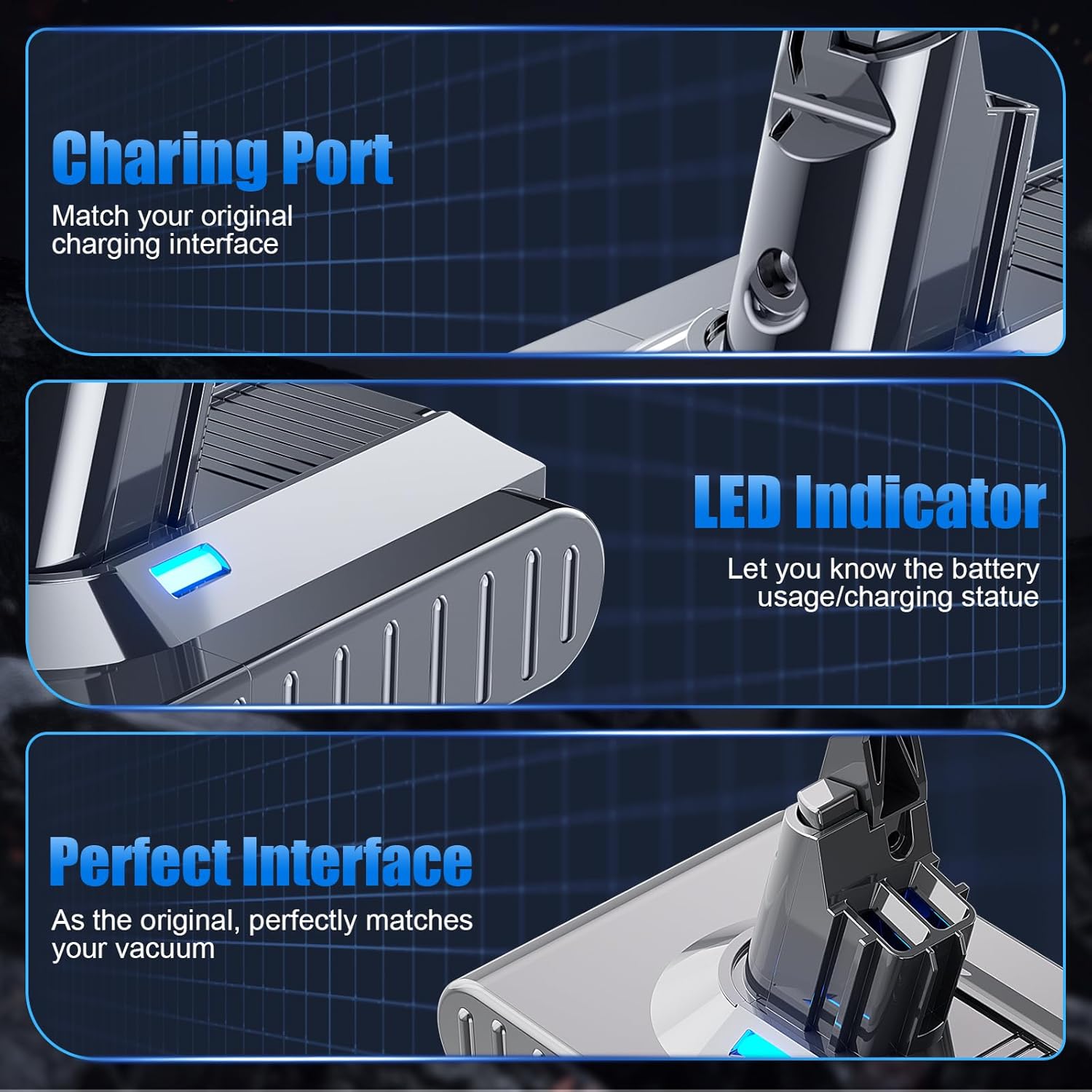
ภาพ: รายละเอียด view of the battery's charging port, the blue LED indicator light, and the precise interface designed for seamless integration with Dyson V8 vacuums.
การซ่อมบำรุง
การดูแลแบตเตอรี่
- เพื่ออายุการใช้งานแบตเตอรี่ที่เหมาะสม ควรหลีกเลี่ยงการใช้แบตเตอรี่จนหมดก่อนที่จะชาร์จใหม่
- เก็บแบตเตอรี่ไว้ในที่แห้งและเย็นเมื่อไม่ได้ใช้งานเป็นเวลานาน
- Regularly clean the battery contacts on both the battery and the vacuum to ensure a good connection.
การบำรุงรักษาตัวกรอง
Your purchase includes two replacement filters. Regular cleaning and replacement of filters are crucial for maintaining your vacuum's performance and air quality.
- The included filters are cleanable and recyclable.
- Refer to your Dyson vacuum's original manual for specific instructions on how to remove, clean, and re-install the filters.
- Ensure filters are completely dry before re-installing them to prevent damage to the vacuum.
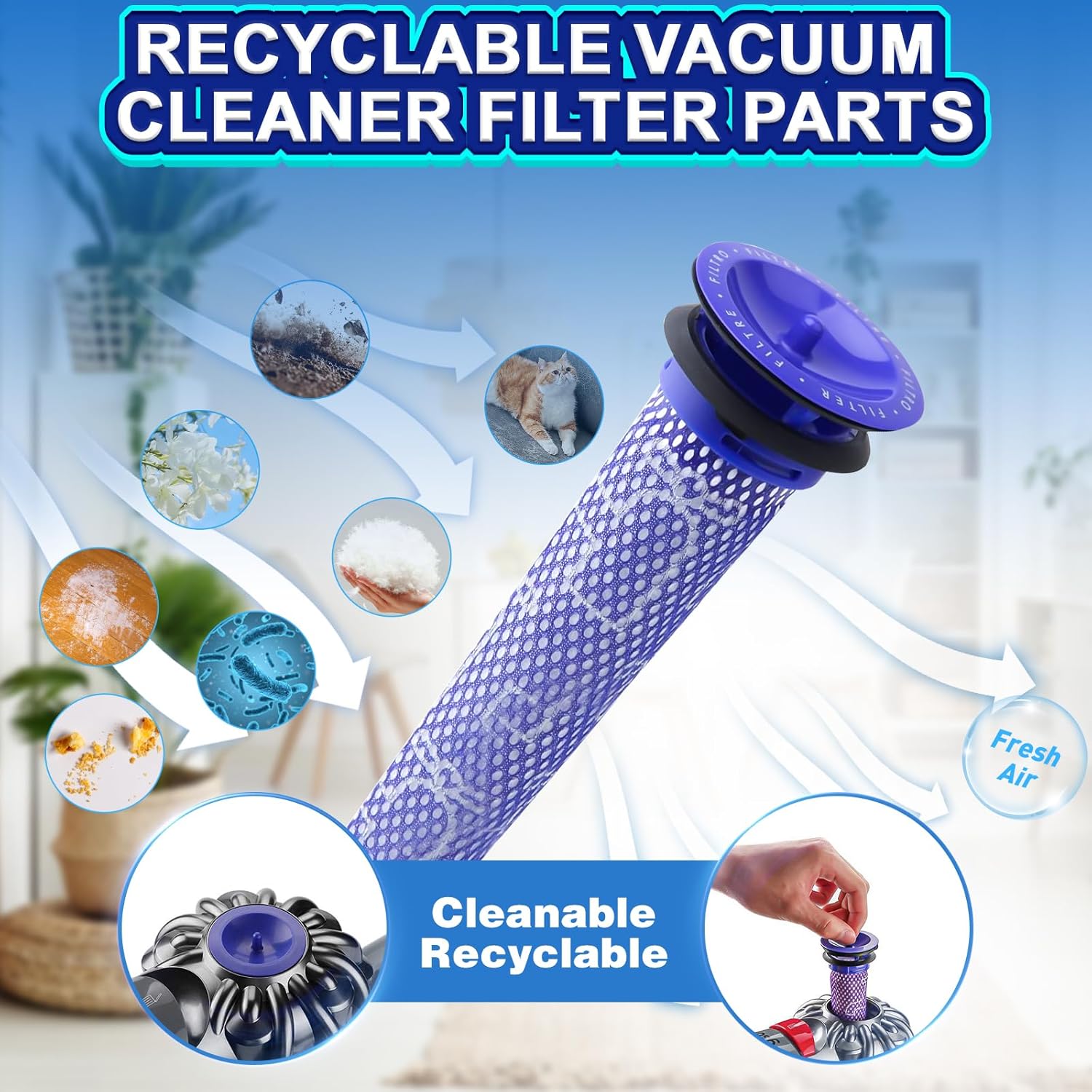
Image: A visual representation of the V8 filter's function in capturing dust, pet dander, and other particles to ensure fresh air output, highlighting its cleanable and recyclable nature.
การแก้ไขปัญหา
| ปัญหา | สาเหตุที่เป็นไปได้ | สารละลาย |
|---|---|---|
| แบตเตอรี่ไม่ชาร์จ | Loose connection, faulty charger, battery protection activated. | Ensure the charger is securely plugged into both the wall outlet and the vacuum/battery. Try a different outlet. Verify the original charger is functioning correctly. If the battery is completely drained, it may take a few minutes for the LED indicator to respond. |
| ใช้งานได้ไม่นานหลังจากชาร์จไฟ | Battery not fully charged, high power mode usage, battery degradation. | Ensure the battery is fully charged (all LED lights indicate full). High power modes consume more energy; use standard mode for longer run times. If the issue persists, contact customer support. |
| เครื่องดูดฝุ่นไม่เปิด | Battery not installed correctly, battery completely discharged. | Check that the battery is securely installed and all screws are tightened. Charge the battery for several hours. If the problem continues, the vacuum itself may have an issue, or the battery may be faulty. |
| ไฟ LED ไม่ทำงาน | Battery issue, internal fault. | Ensure the battery is properly connected. If the battery functions but the lights do not, it might be a minor cosmetic issue. If the battery does not function, contact customer support. |
ข้อมูลจำเพาะ
| คุณสมบัติ | รายละเอียด |
|---|---|
| ประเภทแบตเตอรี่ | ลิเธียมไอออน (Li-ion) |
| เล่มที่tage | 21.6โวลต์ |
| ความจุ | Upgraded 7000mAh |
| ขนาดสินค้า | 6.1 x 3.9 x 5.5 นิ้ว |
| น้ำหนักสินค้า | 1.43 ปอนด์ |
| หมายเลขรุ่น | Dyson V8 SV10 Battery Replacement 215681 |
| ผู้ผลิต | Huizhou Ronghui Technology Co., Ltd |
| การรับรอง | CE / RoHS / FCC |
| ส่วนประกอบที่รวมอยู่ | 1 Lithium Ion battery (included), 2 PKS Filters |
| ข้อแนะนำการใช้ | Indoor vacuum cleaner power supply |
การรับประกันและการสนับสนุน
POWTREE is committed to providing high-quality products and excellent customer service.
- นโยบายการคืนสินค้า: 30 days return period from the date of purchase.
- การรับประกันแบบจำกัด: 180 days limited warranty from the date of purchase.
- Merchant Guarantee: Free replacement within 1 year for manufacturing defects.
- บริการลูกค้า: 24 hours warm service available.
For any questions, concerns, or support needs, please contact the seller directly. You can typically find a "Contact Seller" option within your order details or by visiting the POWTREE storefront on Amazon and clicking "Ask a question."


