1. บทนำ
The MAONO Wave T5 Combo is a compact and versatile wireless lavalier microphone system designed for high-quality audio recording across various devices, including iPhones, Android phones, cameras, and PCs. This manual provides detailed instructions for setting up, operating, and maintaining your Wave T5 system to ensure optimal performance.
Key features include 48kHz/24-bit audio, advanced noise cancellation, long battery life, and broad compatibility.
2. อะไรอยู่ในกล่อง
แกะกล่องอย่างระมัดระวังและตรวจสอบให้แน่ใจว่าสิ่งของทั้งหมดครบถ้วน:
- Wave T5 Transmitter (x2)
- Wave T5 Receiver (USB-C, Lightning, Camera)
- Wave T5 Charging Case
- Wave T5 Cables (USB-C, 3.5mm TRS)
- Wave T5 Accessory Kit (includes magnetic clips, magnets, windscreens, magnetic necklaces, storage bag, storage box, TX stickers)
- คู่มือการใช้งาน
- กล่องบรรจุภัณฑ์

Image: All components included in the MAONO Wave T5 Combo package, neatly arranged.
3. สินค้าหมดview
The MAONO Wave T5 system consists of two transmitters (TX), a versatile receiver (RX), and a charging case. Each component is designed for ease of use and high-fidelity audio capture.

ภาพ: เหนือview of the MAONO Wave T5 Combo system, showing two transmitters, a receiver, and the charging case.
คุณสมบัติหลัก:
- Studio-Grade Audio Quality: 80dB signal-to-noise ratio, 120dB maximum sound pressure level, and 48kHz/24-bit audio format for detailed sound capture.
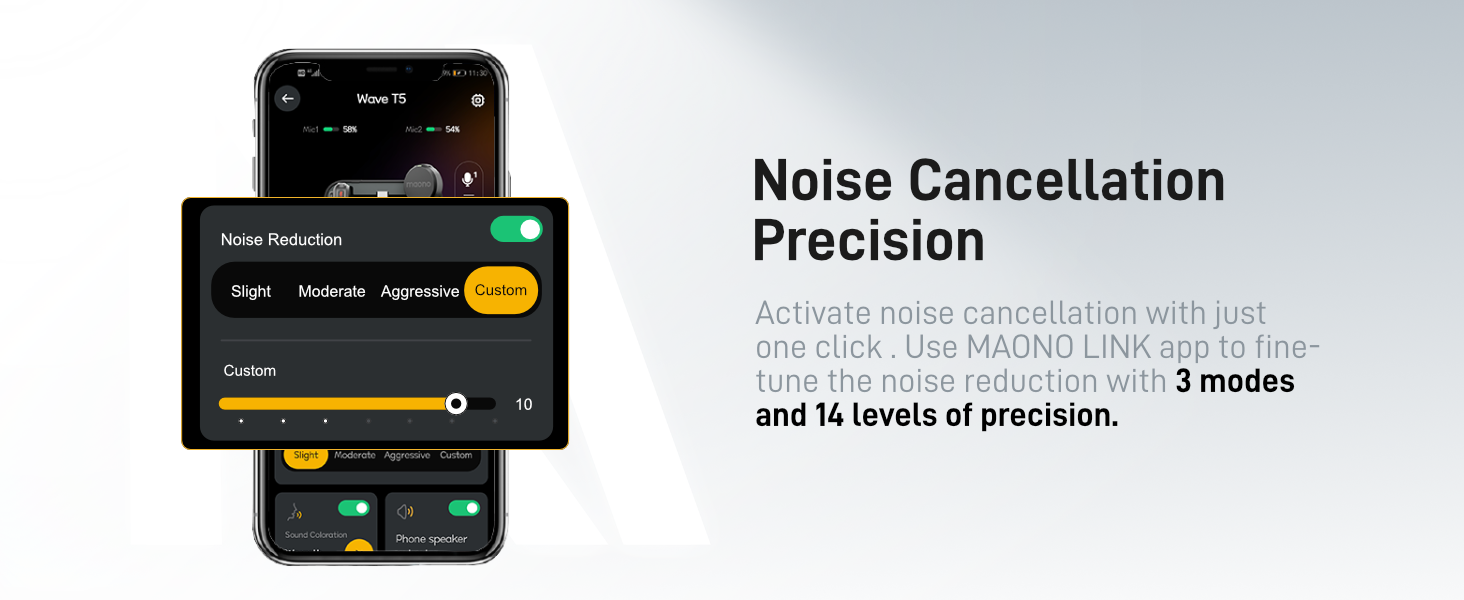
- ระบบตัดเสียงรบกวนอัจฉริยะ: Dedicated ENC chip with 3 modes and 14 levels of adjustment via the Maono Link app.
- อายุการใช้งานแบตเตอรี่ที่ยาวนานขึ้น: Up to 9 hours per transmitter, and 30 hours with the compact charging case.
- Reliable Transmission: 300m (1000ft) stable audio transmission using frequency-hopping technology.
- ตัวกรองเสียง: Multiple preset voice filters (Warm, Bright, Huskiness, Voice Enhancer) for various recording scenarios.
- Flexible Wearing Options: Lightweight 9g transmitters with magnetic clips, magnets, and magnetic necklaces.

Image: A visual summary of the MAONO Wave T5's core features, highlighting its audio quality, noise cancellation, battery, and transmission capabilities.
4. การตั้งค่า
4.1 การชาร์จเริ่มต้น
Before first use, fully charge the transmitters and the charging case. Place the transmitters into the charging case. Connect the charging case to a USB power source using the provided USB-C cable. The indicator lights on the case will show charging status.
4.2 การจับคู่
The Wave T5 transmitters and receiver are designed for instant pairing out of the box. Simply open the charging case, and the devices will automatically attempt to pair. Ensure the receiver is connected to your recording device.
4.3 การเชื่อมต่อกับอุปกรณ์
The Wave T5 Combo includes receivers for various devices:
- ตัวรับสัญญาณ USB Type-C: For iPhone 15/16, Android phones (Samsung, OnePlus), iPads, MacBooks, and action cameras with a USB-C port.
- เครื่องรับสัญญาณสายฟ้า: For iPhone 8/X/XR/XS/11/12/13/14.
- ตัวรับสัญญาณ 3.5 มม.: For cameras, laptops, and PCs using the 3.5mm TRS cable.
Simply plug the appropriate receiver into your device's port. The system is plug-and-play, requiring no additional drivers for basic functionality.
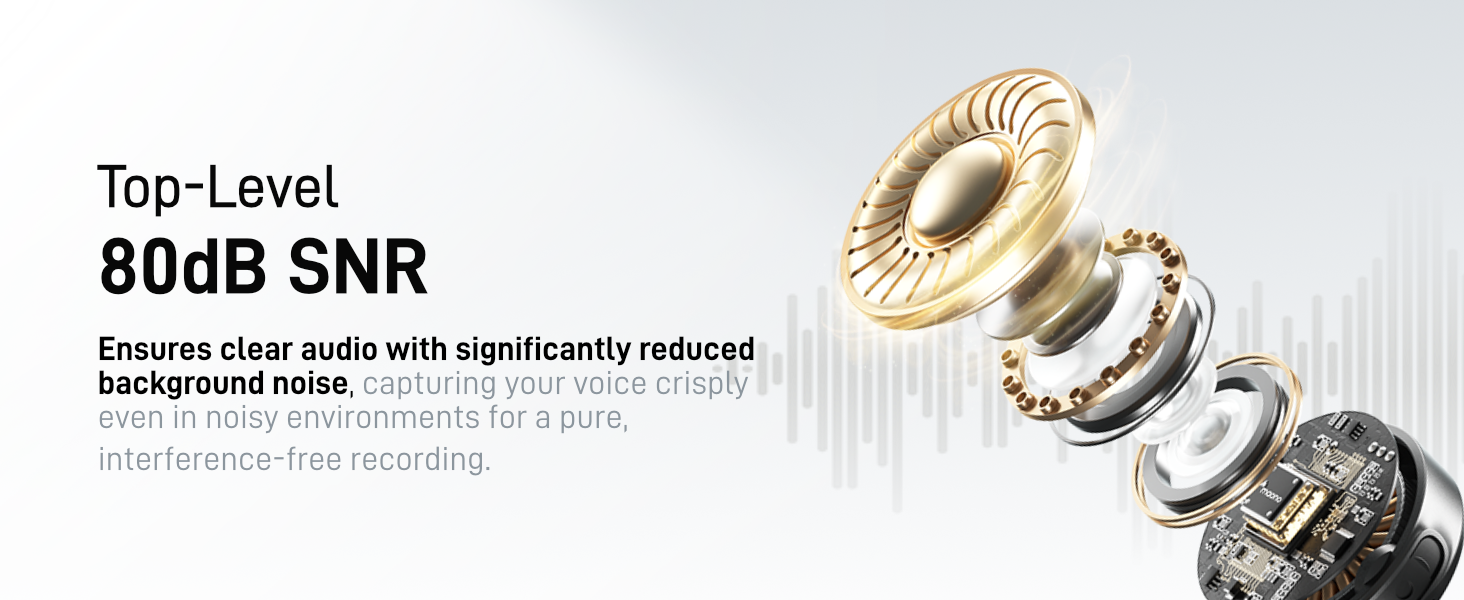
Image: Visual representation of the MAONO Wave T5's wide compatibility with various devices via USB-C, Lightning, and 3.5mm receivers.
4.4 Maono Link App Installation
For advanced settings and firmware updates, download the "Maono Link" app from your device's app store. The app allows fine-tuning of noise cancellation, voice filters, and other microphone parameters.
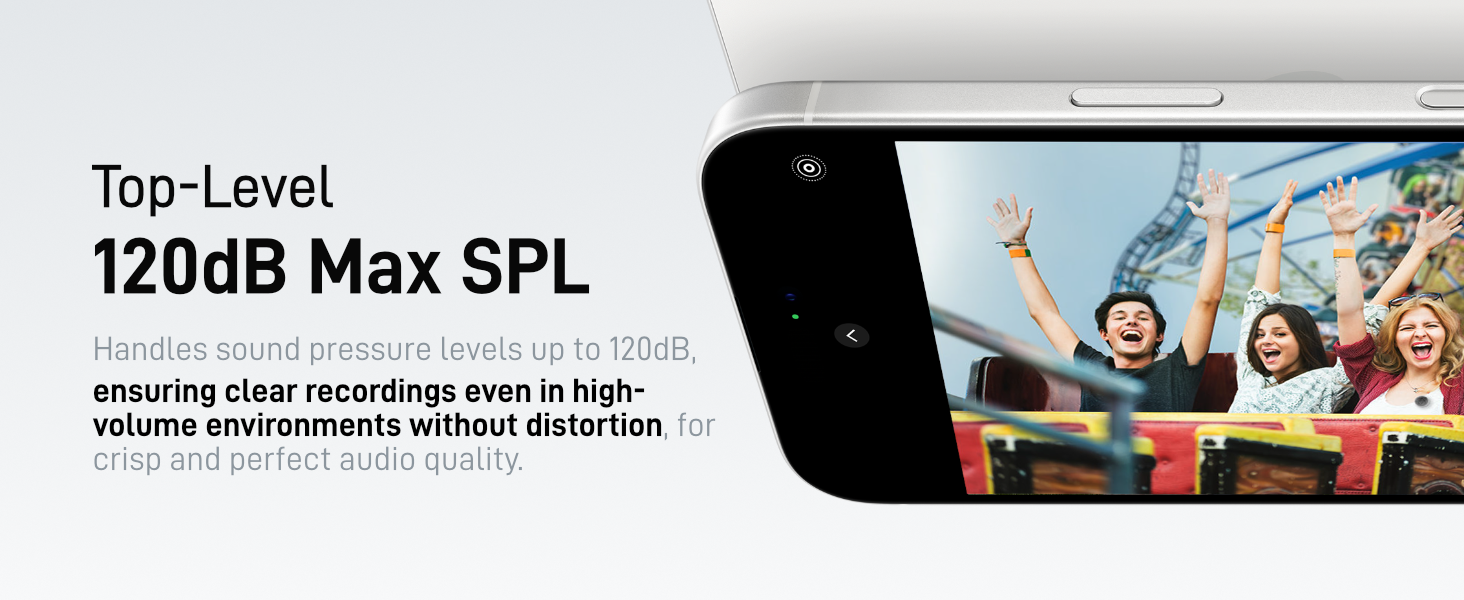
Image: The Maono Link app interface, demonstrating options for adjusting microphone settings and managing the device.
5. การดำเนินการ
5.1 การสวมใส่เครื่องส่งสัญญาณ
The lightweight transmitters (9g) can be worn flexibly using the included accessories:
- คลิปแม่เหล็ก: Attach to clothing.
- แม่เหล็ก: Use behind fabric for discreet placement.
- สร้อยคอแม่เหล็ก: Wear around the neck for easy positioning.
ภาพ: อดีตamples of how to wear the MAONO Wave T5 transmitter using its magnetic design, clip, or necklace.
5.2 การควบคุมขั้นพื้นฐาน
- เปิด/ปิดเครื่อง: Press and hold the power button on the transmitter.
- ปิดเสียง: Short press the mute button on the transmitter to mute/unmute the microphone.
- ตัดเสียงรบกวน: Short press the noise cancellation button to cycle through noise cancellation modes (if not using the app).
- Remote Photo/Video Control: Long press the mute button on the transmitter to trigger photo or video recording on your connected smartphone.

Image: Demonstrating the 'Tap to Mute' and 'Hold to Shoot' functionality of the transmitter button.
5.3 Advanced Settings via Maono Link App
The Maono Link app provides granular control over your microphone settings:
- ตัดเสียงรบกวน: Choose from 3 modes (Slight, Moderate, Aggressive) and 14 levels of precision.
- ตัวกรองเสียง: Apply preset filters like Voice Enhancer, Warmth, Huskiness, or Brightness to optimize your vocal tone.
- การปรับค่าเกน: Fine-tune microphone input sensitivity.
- Mono/Stereo Recording: Switch between mono and stereo output modes for post-production flexibility.
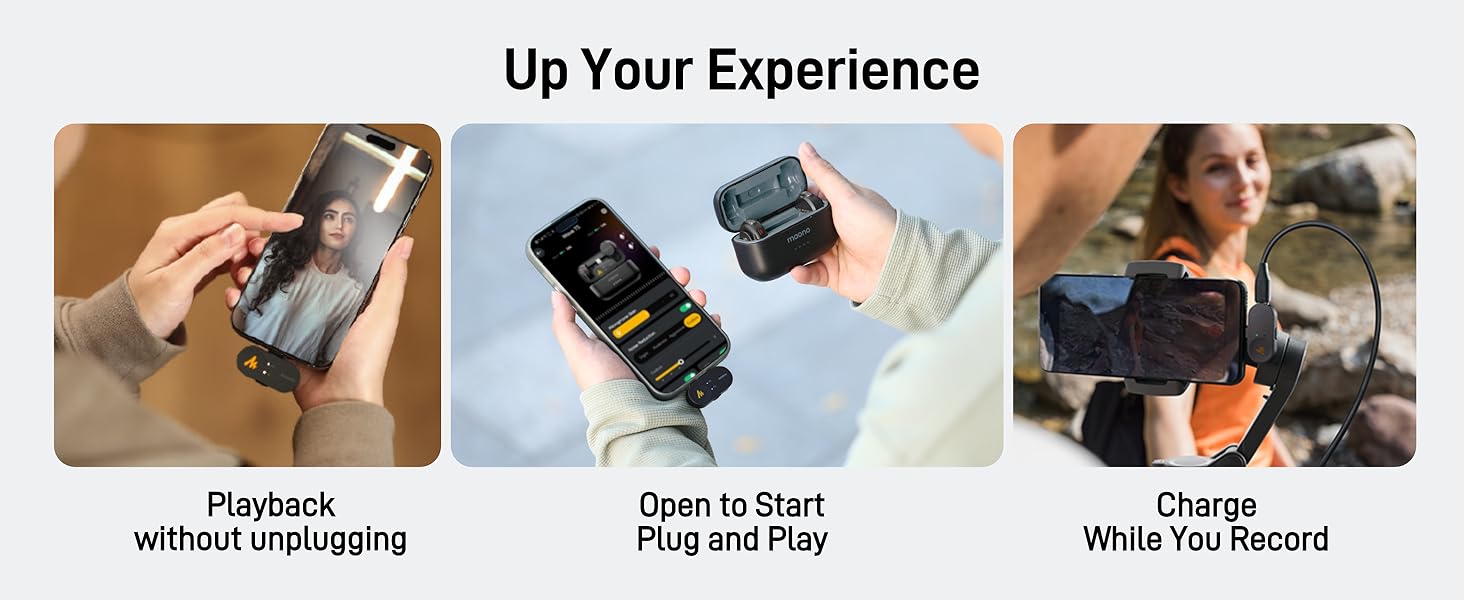
Image: The Maono Link app interface displaying the noise cancellation adjustment options.
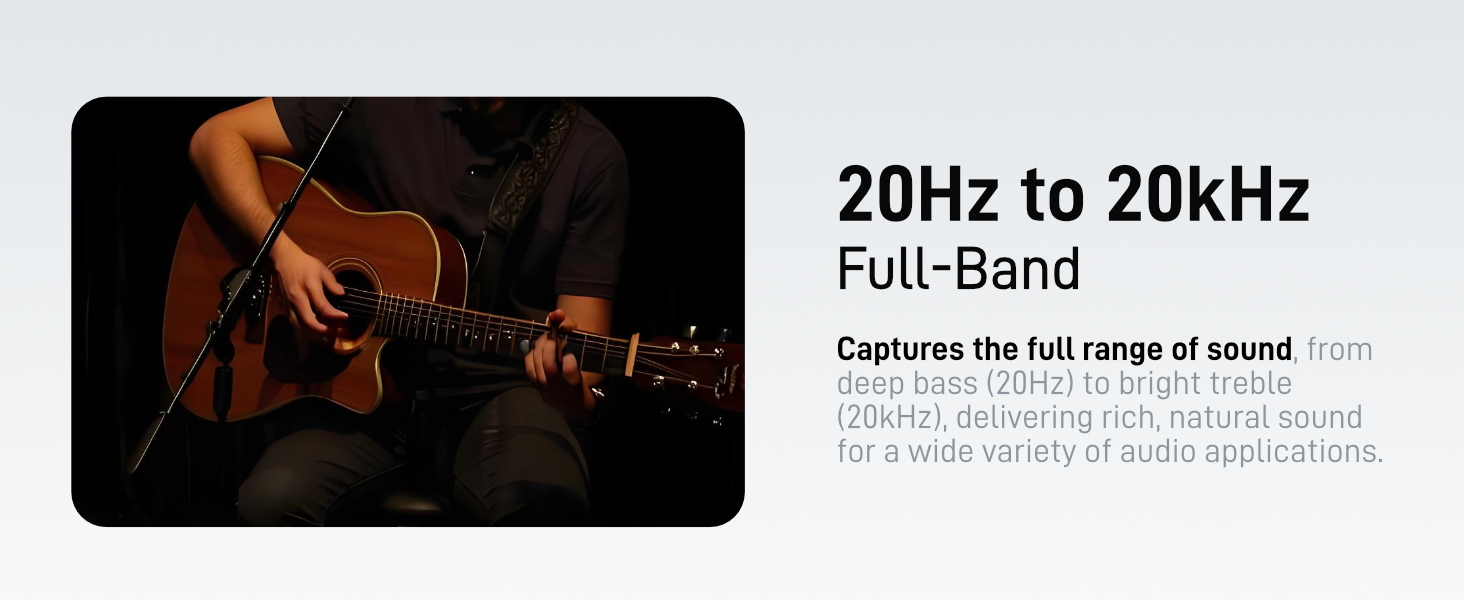
Image: The Maono Link app's voice filter selection, offering various tonal enhancements.
5.4 การชาร์จขณะบันทึก
The receiver supports pass-through charging, allowing you to charge your phone or camera while recording, ensuring uninterrupted usage during long sessions.

Image: Visual guide to convenient features like charging your device while the microphone is connected and recording.
6. การบำรุงรักษา
6.1 การทำความสะอาด
Wipe the transmitters, receiver, and charging case with a soft, dry cloth. Avoid using harsh chemicals or abrasive materials. Ensure no moisture enters the ports or microphone grilles.
6.2 พื้นที่จัดเก็บ
Store the Wave T5 system in its charging case or the provided storage bag when not in use. Keep it in a cool, dry place away from direct sunlight and extreme temperatures.
6.3 การดูแลแบตเตอรี่
To prolong battery life, avoid fully discharging the devices frequently. Charge them regularly, even if not in constant use. If storing for an extended period, charge to approximately 50%.
7 การแก้ไขปัญหา
- ไม่มีเสียง/คุณภาพเสียงไม่ดี:
- Ensure transmitters and receiver are fully charged and paired.
- Verify the receiver is securely connected to your recording device.
- Check microphone input settings on your device/app.
- Adjust gain levels via the Maono Link app.
- Ensure no physical obstructions are blocking the microphone grille.
- สัญญาณรบกวน/สัญญาณขาดหาย:
- ลดระยะห่างระหว่างเครื่องส่งและเครื่องรับ
- Avoid environments with strong Wi-Fi or other 2.4GHz wireless signals.
- Ensure line of sight between transmitter and receiver if possible.
- ไม่รู้จักอุปกรณ์:
- Ensure the correct receiver type (USB-C, Lightning, 3.5mm) is used for your device.
- รีสตาร์ทอุปกรณ์บันทึกเสียงของคุณ
- Check for firmware updates via the Maono Link app.
- แบตเตอรี่หมดเร็ว:
- โปรดตรวจสอบให้แน่ใจว่าอุปกรณ์ชาร์จเต็มแล้วก่อนใช้งาน
- Close the charging case lid when not in use to prevent accidental discharge.
- Avoid extreme temperatures during operation and storage.
8. ข้อมูลจำเพาะ
| คุณสมบัติ | ข้อมูลจำเพาะ |
|---|---|
| ชื่อรุ่น | Wave T5-PA3 |
| ปัจจัยรูปแบบไมโครโฟน | ปลอกคอ |
| เทคโนโลยีการเชื่อมต่อ | ไร้สาย |
| ประเภทขั้วต่อ | 3.5 mm Jack, USB Type-C/Lightning |
| รูปแบบขั้ว | รอบทิศทาง |
| อัตราส่วนสัญญาณต่อเสียงรบกวน | 80 เดซิเบล |
| การตอบสนองความถี่ | 20 เฮิรตซ์ - 20 กิโลเฮิรตซ์ |
| จำนวนช่องสัญญาณ | 2 |
| แหล่งพลังงาน | ใช้พลังงานจากแบตเตอรี่ (ลิเธียมไอออน) |
| อายุการใช้งานแบตเตอรี่ของเครื่องส่งสัญญาณ | นานถึง 9 ชั่วโมง |
| อายุการใช้งานแบตเตอรี่ทั้งหมด (รวมเคส) | นานถึง 30 ชั่วโมง |
| ระยะการส่งสัญญาณไร้สาย | สูงถึง 300 ม. (1000 ฟุต) |
| น้ำหนักของสินค้า (ตัวส่งสัญญาณ) | 9g |
| วัสดุ | อะคริโลไนไตรล์บิวทาไดอีนสไตรีน |
| คุณสมบัติพิเศษ | 1-Touch Recording, Battery Indicator Light, Mute Function, Noise Reduction, Volume Control |
| อุปกรณ์ที่รองรับ | กล้องถ่ายรูป, แล็ปท็อป, สมาร์ทโฟน, แท็บเล็ต |
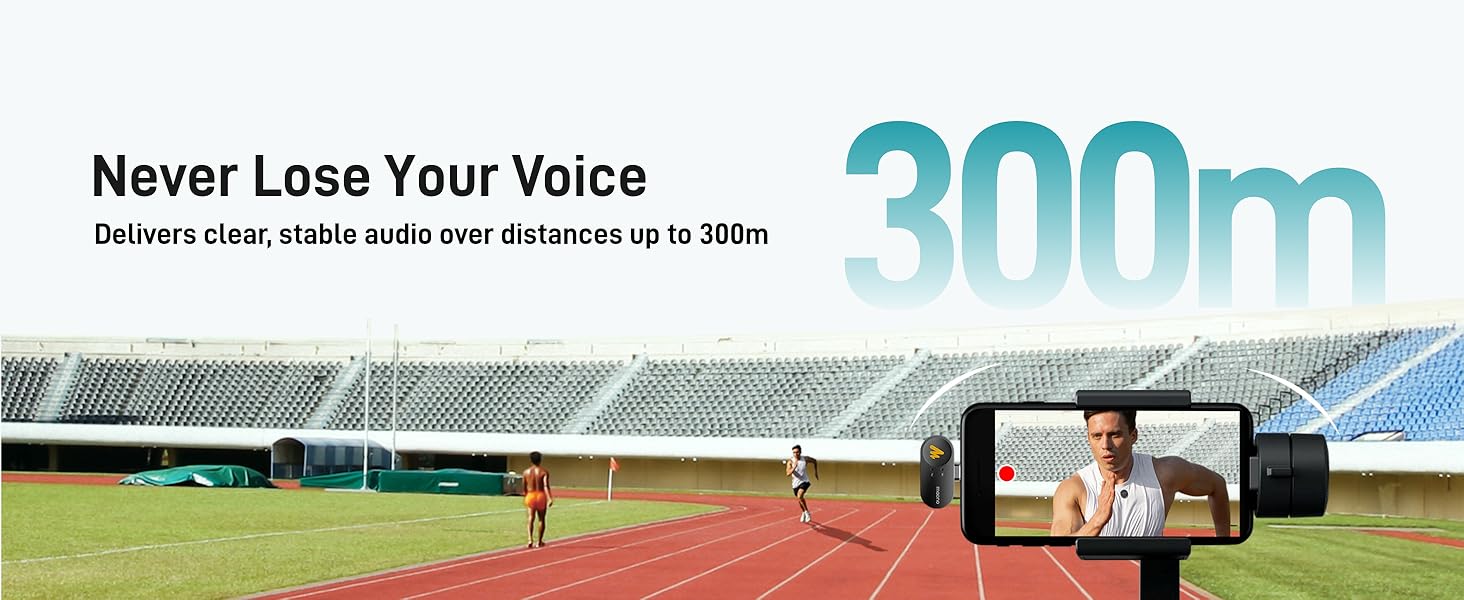
Image: Explanation of 48kHz 24bit resolution for professional, studio-grade sound quality.
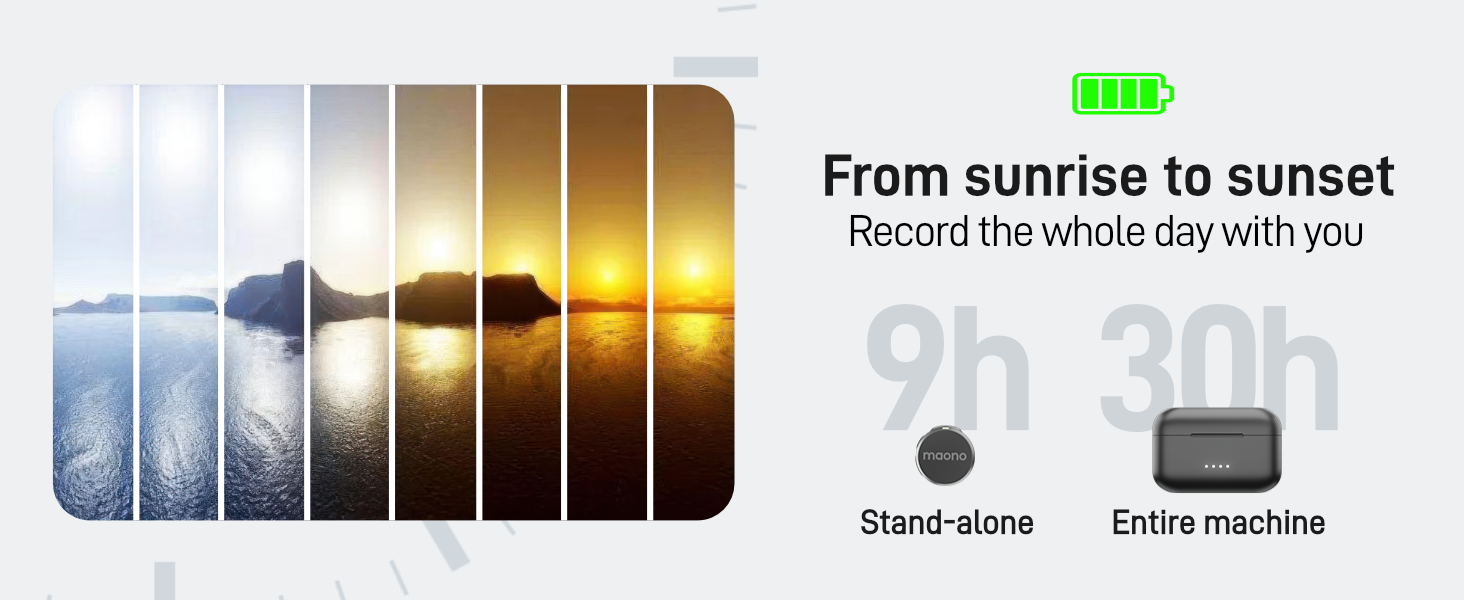
Image: Visualizing the microphone's ability to handle high sound pressure levels up to 120dB.
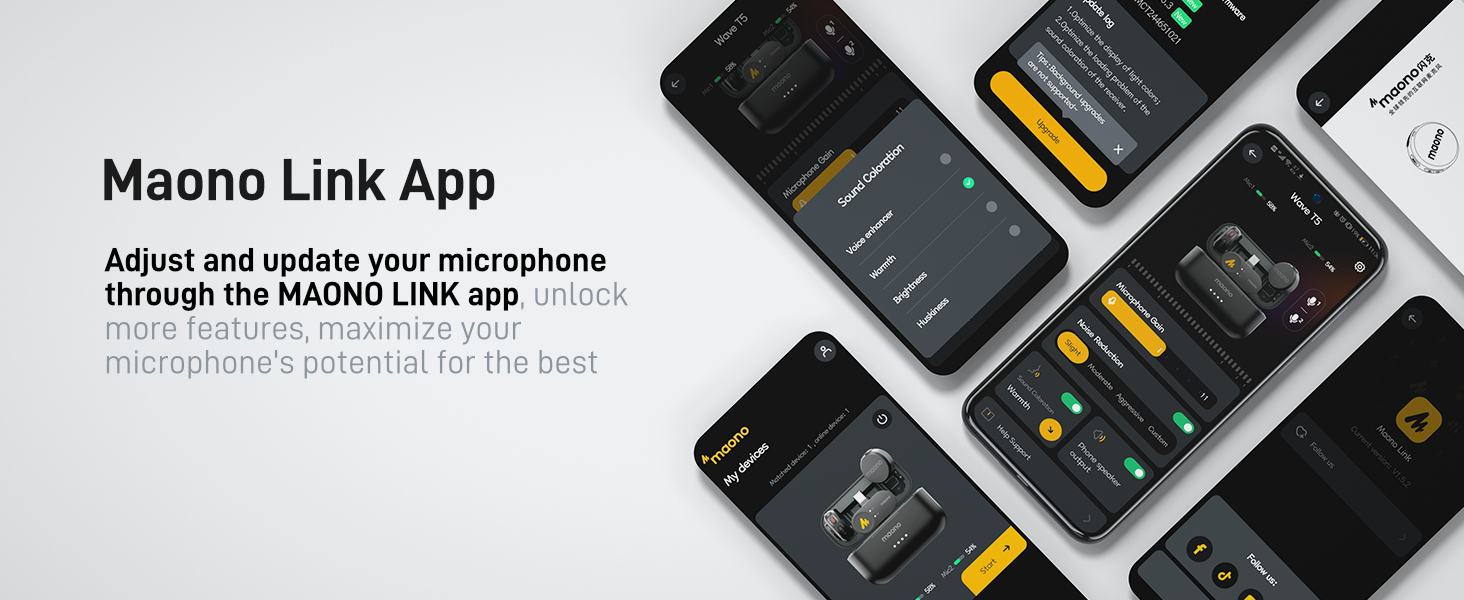
Image: Representation of the 300-meter stable audio transmission capability.
9. การรับประกันและการสนับสนุน
MAONO products come with a standard manufacturer's warranty. For specific warranty details, please refer to the warranty card included in your package or visit the official MAONO website. If you encounter any issues or require technical assistance, please contact MAONO customer support through their official channels or the retailer where the product was purchased.


