1. บทนำ
The ZUCWO 2-in-1 Mini Wireless CarPlay Adapter is designed to convert your vehicle's existing wired CarPlay or Android Auto system into a wireless connection. This compact device offers a seamless and clutter-free experience, allowing you to access your smartphone's features directly on your car's display without the need for cables. It supports both Apple CarPlay and Android Auto, providing enhanced convenience and functionality for a wide range of vehicles and mobile devices.

Image: The ZUCWO 2-in-1 Mini Wireless CarPlay Adapter, a compact device designed for wireless connectivity.
2. ข้อควรทราบเกี่ยวกับความเข้ากันได้ที่สำคัญ
This adapter is specifically designed for vehicles that come with factory-installed wired CarPlay or Android Auto systems. It functions by converting these existing wired connections to wireless functionality. Please ensure your vehicle meets these requirements before use.
- ความเข้ากันได้ของยานพาหนะ: Compatible with over 800 car models manufactured in 2016 and newer that feature wired CarPlay or Android Auto.
- ความเข้ากันได้กับโทรศัพท์: Requires mobile phones running iOS 10+ for Apple CarPlay or Android 11+ for Android Auto.
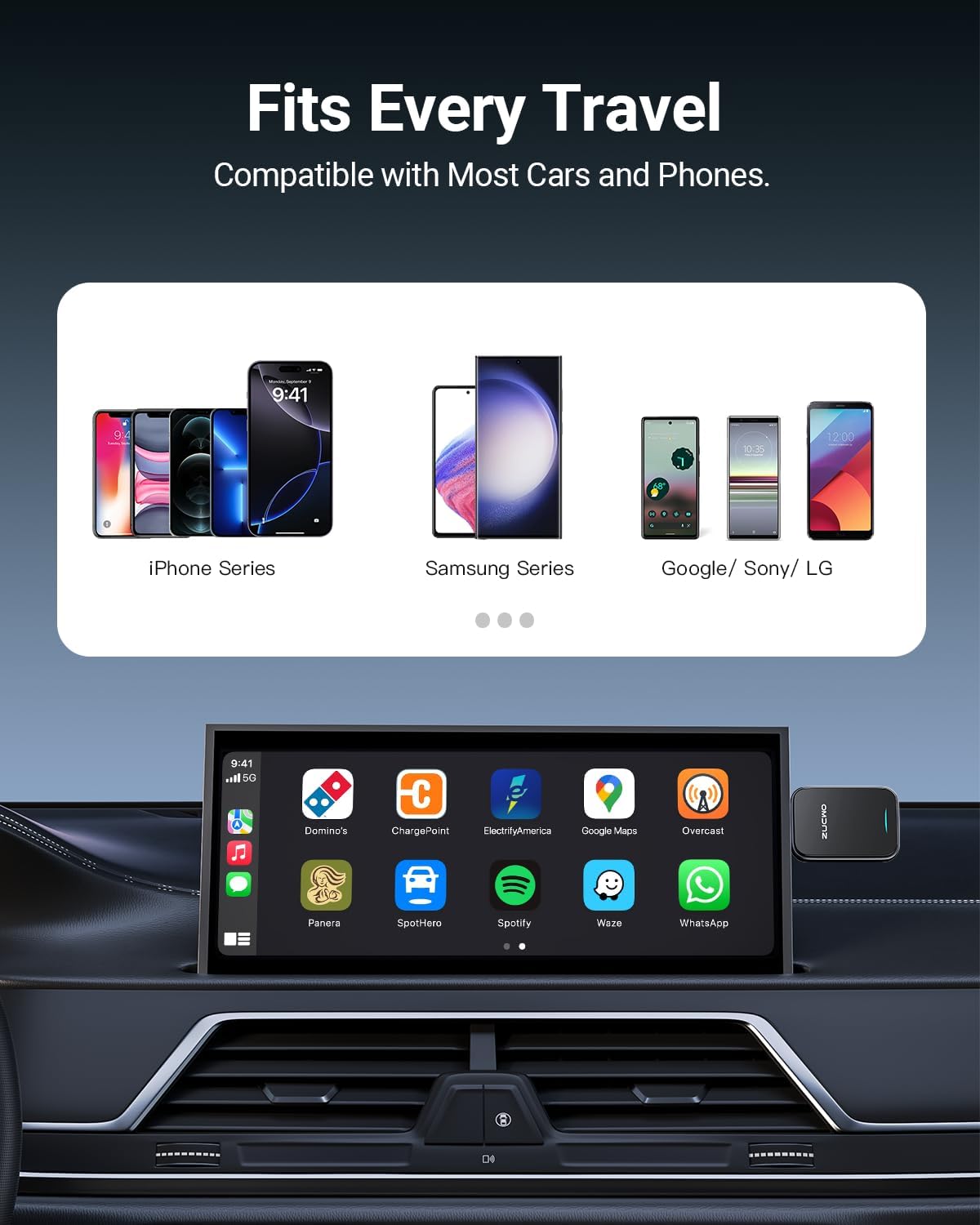
Image: Visual representation of the adapter's broad compatibility with various car brands and smartphone operating systems.
3. คู่มือการติดตั้ง
โปรดทำตามขั้นตอนเหล่านี้สำหรับการตั้งค่าและการเชื่อมต่อเบื้องต้น:
Step 1: Plug in the Adapter
Insert the ZUCWO wireless adapter into your car's USB port. The adapter is designed to be compact and discreet, fitting well in tight spaces. It includes both USB-A and Type-C extension cables for versatile use with different car ports.
ขั้นตอนที่ 2: เปิดใช้งานบลูทูธและ Wi-Fi บนโทรศัพท์ของคุณ
On your smartphone, navigate to your settings and ensure both Bluetooth and Wi-Fi are turned on. Then, search for available Bluetooth devices and select the ZUCWO adapter to pair. The device name will typically appear as 'Auto-BT-XXXX' or similar.
Step 3: Confirm Connection on Car Display
Once paired via Bluetooth, your car's display will prompt you to allow and use CarPlay or Android Auto. Confirm the connection. The system will automatically activate the wireless CarPlay/Android Auto interface.

Image: A visual guide illustrating the simple three-step installation process: plug into USB, pair Bluetooth/Wi-Fi, and confirm on car screen.
4. คู่มือการใช้งาน
After successful setup, the adapter will automatically connect to your phone every time you start your car, typically within 3 seconds for daily usage. The car's display will mirror your phone's CarPlay or Android Auto interface, allowing for hands-free operation.
- การนำทาง: ใช้แอปนำทางที่คุณต้องการ (เช่น Apple Maps, Google Maps, Waze) โดยตรงบนหน้าจอของรถ
- เพลงและเสียง: Stream music, podcasts, and audiobooks from apps like Spotify, Apple Music, or others.
- การโทรและข้อความ: Make and receive calls, and handle messages using voice commands (Siri, Google Assistant) or the car's touchscreen/buttons.
- การควบคุมด้วยเสียง: Utilize voice assistants for various functions, ensuring focus remains on driving.
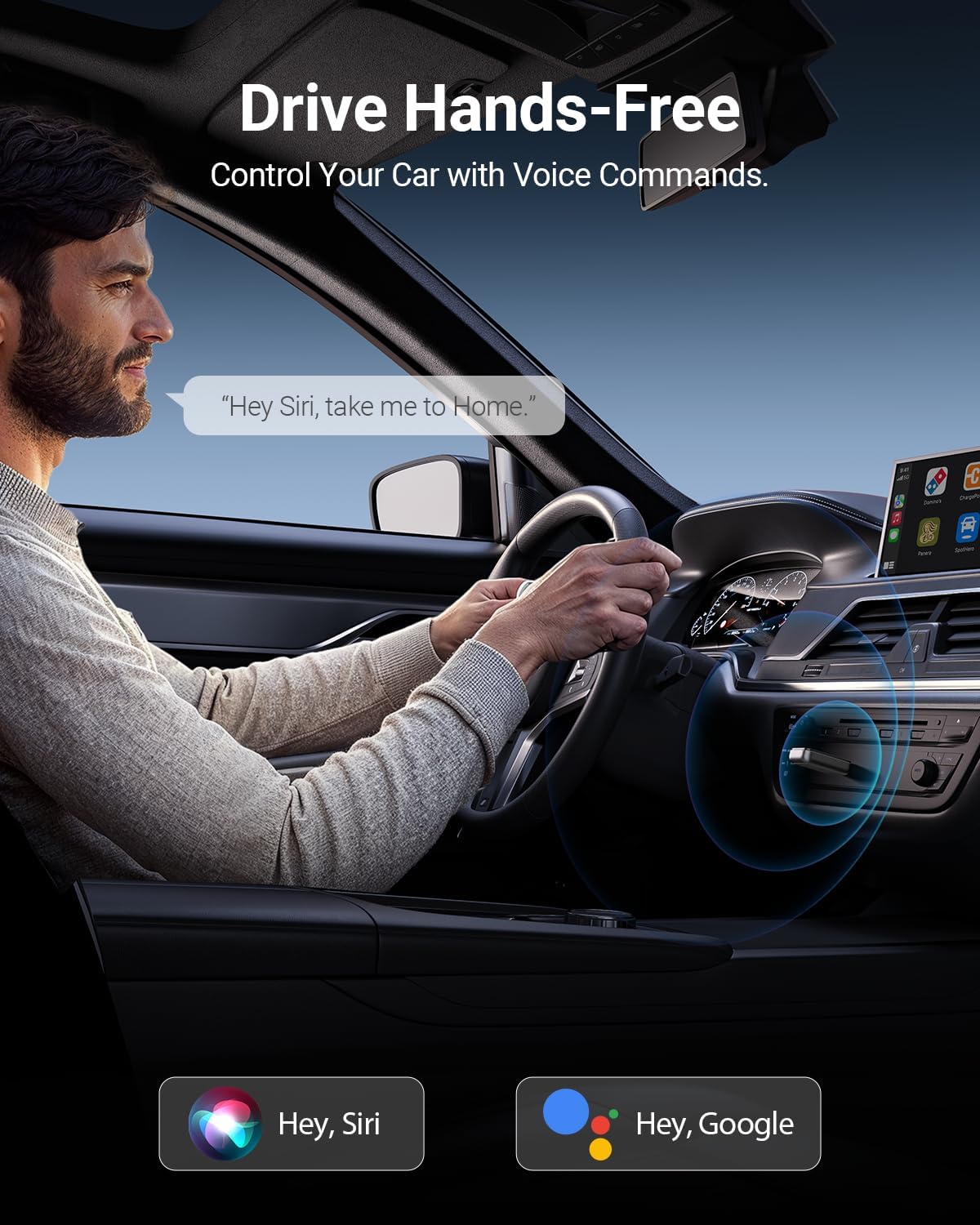
Image: A driver interacting with the car's system using voice commands, demonstrating hands-free operation.
5. คุณสมบัติหลัก
- Lightning-Fast Connectivity: Equipped with 5.8 GHz Wi-Fi, Bluetooth 5.3, and a next-gen chip, the adapter achieves initial connection in approximately 10 seconds and auto-connects in about 3 seconds for daily use. Transmission speeds are up to 3 times faster than other adapters.
- การเชื่อมต่อที่เสถียร: The cable-free design eliminates common issues such as broken cables or disconnections caused by vehicle movement. Automatic wireless CarPlay/Android Auto activation occurs every time the car starts.
- ดีไซน์ทนทานและใช้งานได้จริง: Features metal edges for improved heat dissipation, preventing overheating during extended use and protecting your car’s USB port. Tested for over 10,000 insertions to ensure a stable, wobble-free connection. Its compact size (50% smaller than some alternatives) allows for discreet placement.

ภาพ: ภายใน view highlighting the A7 chip, emphasizing its role in providing stable and lag-free wireless connections.
6. ข้อมูลจำเพาะ
| คุณลักษณะ | ค่า |
|---|---|
| ขนาดสินค้า | 0.39 x 2.6 x 1.46 นิ้ว |
| น้ำหนักสินค้า | 1.13 ออนซ์ |
| ASIN | B0DR8GTBKZ |
| หมายเลขรุ่นสินค้า | US-ZC91-G |
| วันที่พร้อมใช้งานครั้งแรก | วันที่ 23 ธันวาคม 2024 |
| ผู้ผลิต | ซูคโว |
| ประเทศต้นกำเนิด | จีน |
| อุปกรณ์ที่รองรับ | iPhone 6+, Smartphone |
| ประเภทขั้วต่อ | USB ประเภท C, USB ประเภท A |
| สี | สีเทา |
7 การแก้ไขปัญหา
If you encounter issues with your ZUCWO Wireless CarPlay Adapter, consider the following common solutions:
- ไม่มีการเชื่อมต่อ:
- Ensure your car has factory-installed wired CarPlay or Android Auto.
- ตรวจสอบว่าบลูทูธและ Wi-Fi เปิดใช้งานบนโทรศัพท์ของคุณแล้ว
- ตรวจสอบว่าอะแดปเตอร์เสียบเข้ากับพอร์ต USB ของรถแน่นสนิทดีแล้ว
- ลองรีสตาร์ทระบบความบันเทิงในรถยนต์และโทรศัพท์ของคุณดู
- Delete previous Bluetooth pairings for your car and phone, then re-pair the adapter.
- ความหน่วงหรือความล่าช้า:
- Ensure your phone's operating system is up to date (iOS 10+ or Android 11+).
- Minimize background apps on your phone that might consume resources.
- Check for any potential Wi-Fi interference from other devices in the vehicle.
- การตัดการเชื่อมต่อเป็นระยะ:
- Ensure the adapter is not obstructed and has clear line of sight to your phone.
- Verify the USB port is providing stable power.
- If using an extension cable, ensure it is fully seated and not damaged.
- Features Not Working:
- Confirm that the specific app or feature is supported by CarPlay/Android Auto.
- Check your phone's permissions for the CarPlay/Android Auto app.
8. การบำรุงรักษา
To ensure the longevity and optimal performance of your ZUCWO Wireless CarPlay Adapter, follow these maintenance guidelines:
- การทำความสะอาด: Use a soft, dry cloth to gently wipe the adapter. Avoid using liquid cleaners or abrasive materials, as they may damage the device.
- พื้นที่จัดเก็บ: เมื่อไม่ได้ใช้งานเป็นเวลานาน ควรเก็บอะแดปเตอร์ไว้ในที่แห้งและเย็น หลีกเลี่ยงแสงแดดโดยตรงและอุณหภูมิที่สูงหรือต่ำเกินไป
- การจัดการ: Handle the adapter with care. Avoid dropping it or subjecting it to strong impacts, which could damage internal components.
- การป้องกันพอร์ต: Ensure the USB port in your vehicle is clean and free of debris before inserting the adapter to prevent damage to both the port and the adapter.
9. การรับประกันและการสนับสนุน
For information regarding warranty coverage, technical support, or any other inquiries, please refer to the official ZUCWO website or the documentation included with your product. You may also contact ZUCWO customer service directly through their provided contact channels.
Manufacturer: ZUCWO


