1. บทนำ
Thank you for choosing the ZEBRONICS Groot Wireless Mouse. This manual provides detailed instructions for setting up, operating, and maintaining your new wireless mouse. The Zeb-Groot offers versatile connectivity with both 2.4GHz and Bluetooth modes, silent operation, and an ergonomic design for comfortable use.

Image: The ZEBRONICS Groot Wireless Mouse in blue, shown alongside its compact USB nano receiver.
2. อะไรอยู่ในกล่อง
กรุณาตรวจสอบเนื้อหาแพ็คเกจ:
- เมาส์ - 1 ตัว
- Nano Receiver - 1 unit
- คู่มือการใช้งานฉบับย่อ - 1 ชิ้น
3. สินค้าหมดview
Familiarize yourself with the components of your ZEBRONICS Groot Wireless Mouse.

ภาพ: ด้านบน view of the mouse highlighting the Left Button, Right Button, and Scroll Wheel.

Image: Underside of the mouse, indicating the AA battery slot, On/Off switch, Bluetooth receiver indicator, Nano receiver indicator, and the storage slot for the USB nano receiver.
- ปุ่มซ้าย: ฟังก์ชั่นคลิกซ้ายมาตรฐาน
- ปุ่มขวา: ฟังก์ชั่นคลิกขวามาตรฐาน
- ล้อเลื่อน: สำหรับการเลื่อนและฟังก์ชั่นคลิกกลาง
- สวิตช์เปิด/ปิด: Located on the bottom of the mouse to conserve battery.
- ปุ่มสลับโหมด: This button, often integrated with the power switch or a separate button on the underside, allows switching between 2.4GHz and Bluetooth modes.
- AA Battery Compartment: For inserting the required AA battery.
- USB Nano Receiver Storage: Slot for storing the 2.4GHz USB receiver when not in use.
4. คำแนะนำในการตั้งค่า
4.1. การติดตั้งแบตเตอรี่
- เปิดฝาช่องใส่แบตเตอรี่ที่อยู่ด้านล่างของเมาส์
- ใส่แบตเตอรี่ AA หนึ่งก้อน โดยตรวจสอบให้แน่ใจว่าขั้วถูกต้อง (+/-)
- ปิดฝาช่องใส่แบตเตอรี่
4.2. Connecting via 2.4GHz Wireless (USB Nano Receiver)
- Remove the USB nano receiver from its storage slot on the bottom of the mouse.
- เสียบตัวรับสัญญาณ USB นาโนเข้ากับพอร์ต USB ที่ว่างอยู่บนคอมพิวเตอร์ของคุณ
- เปิดใช้งานเมาส์โดยใช้สวิตช์เปิด/ปิดที่ด้านล่าง
- The mouse should automatically connect. If not, ensure the mouse is in 2.4GHz mode (check indicator light if available).

Image: A user inserting the USB nano receiver into a laptop's USB port for 2.4GHz wireless connection.
4.3. การเชื่อมต่อผ่าน Bluetooth
- เปิดเมาส์โดยใช้สวิตช์เปิด/ปิด
- Switch the mouse to Bluetooth mode. This is typically done by pressing and holding a button on the mouse (often the mode switch button on the bottom or a dedicated button) until the Bluetooth indicator light starts blinking.
- บนคอมพิวเตอร์หรืออุปกรณ์ของคุณ ให้ไปที่การตั้งค่าบลูทูธ
- ค้นหา new devices and select "ZEB-Groot" (or similar) from the list.
- Follow any on-screen prompts to complete the pairing process. The indicator light will become solid once connected.
Tip: If you experience issues, ensure your device's Bluetooth is enabled and the mouse is in pairing mode (blinking indicator).
5. คู่มือการใช้งาน
5.1. ฟังก์ชันโหมดคู่
The ZEBRONICS Groot mouse supports both 2.4GHz wireless and Bluetooth connectivity, allowing you to switch between two devices seamlessly.
- โหมด 2.4GHz: Use with the USB nano receiver for a stable, plug-and-play connection.
- โหมดบลูทู ธ : Connect wirelessly to Bluetooth-enabled devices without needing a USB port.
To switch between modes, locate the mode switch button (often on the bottom of the mouse) and press it. An indicator light will typically show the active mode.

Image: The ZEBRONICS Groot mouse positioned next to a laptop, emphasizing its dual mode capability for uninterrupted work via 2.4GHz and Bluetooth connections.
5.2. DPI Adjustment (1600 DPI)
The mouse operates at 1600 DPI (Dots Per Inch), providing smooth and precise cursor movements. This fixed DPI setting is optimized for general use, offering a balance between speed and accuracy.
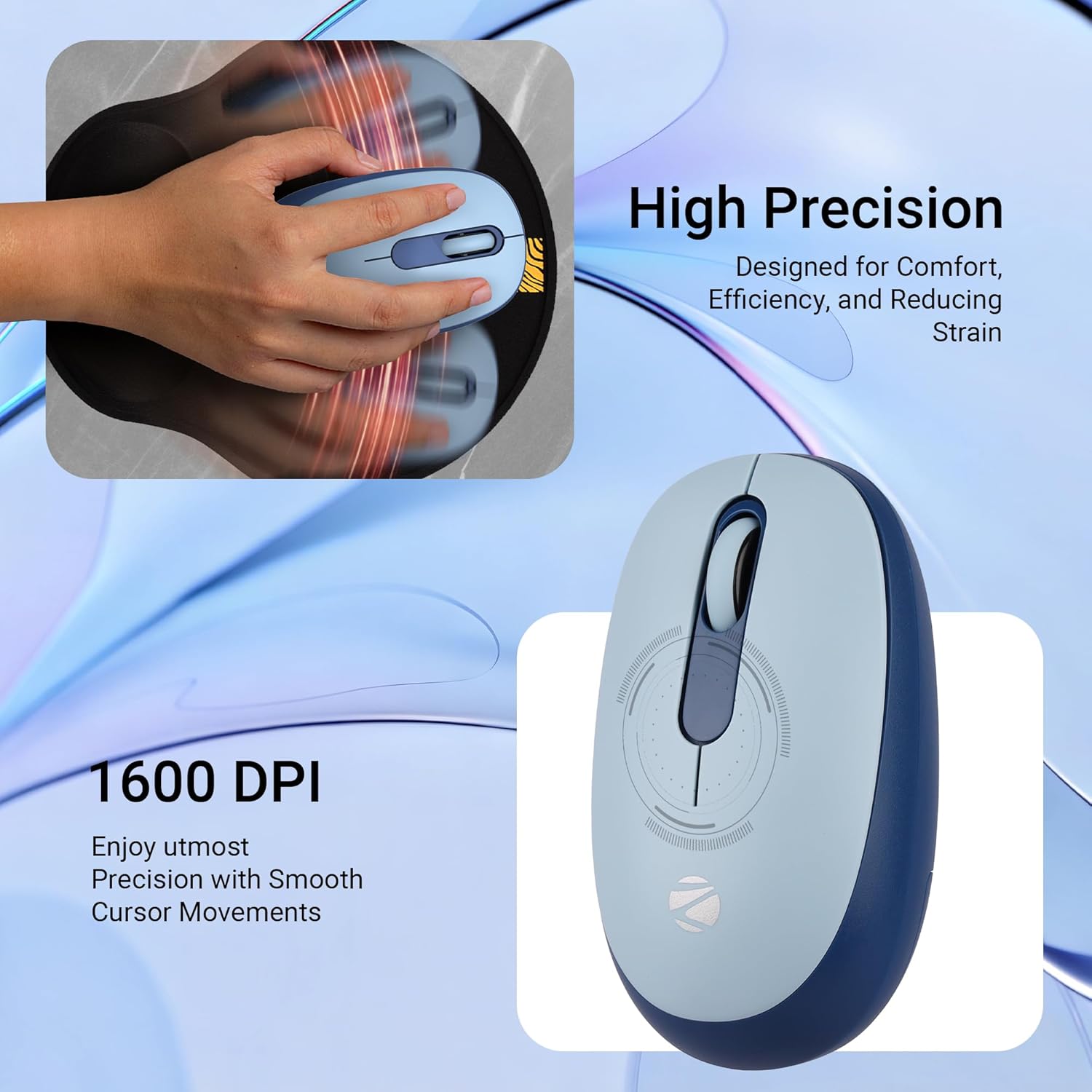
ภาพ: รายละเอียด view of the mouse highlighting its 1600 DPI capability for high precision and smooth cursor movements.
5.3. การทำงานเงียบสนิท
The ZEBRONICS Groot mouse features silent click buttons, reducing noise during use. This is ideal for quiet environments such as libraries, offices, or late-night work sessions.
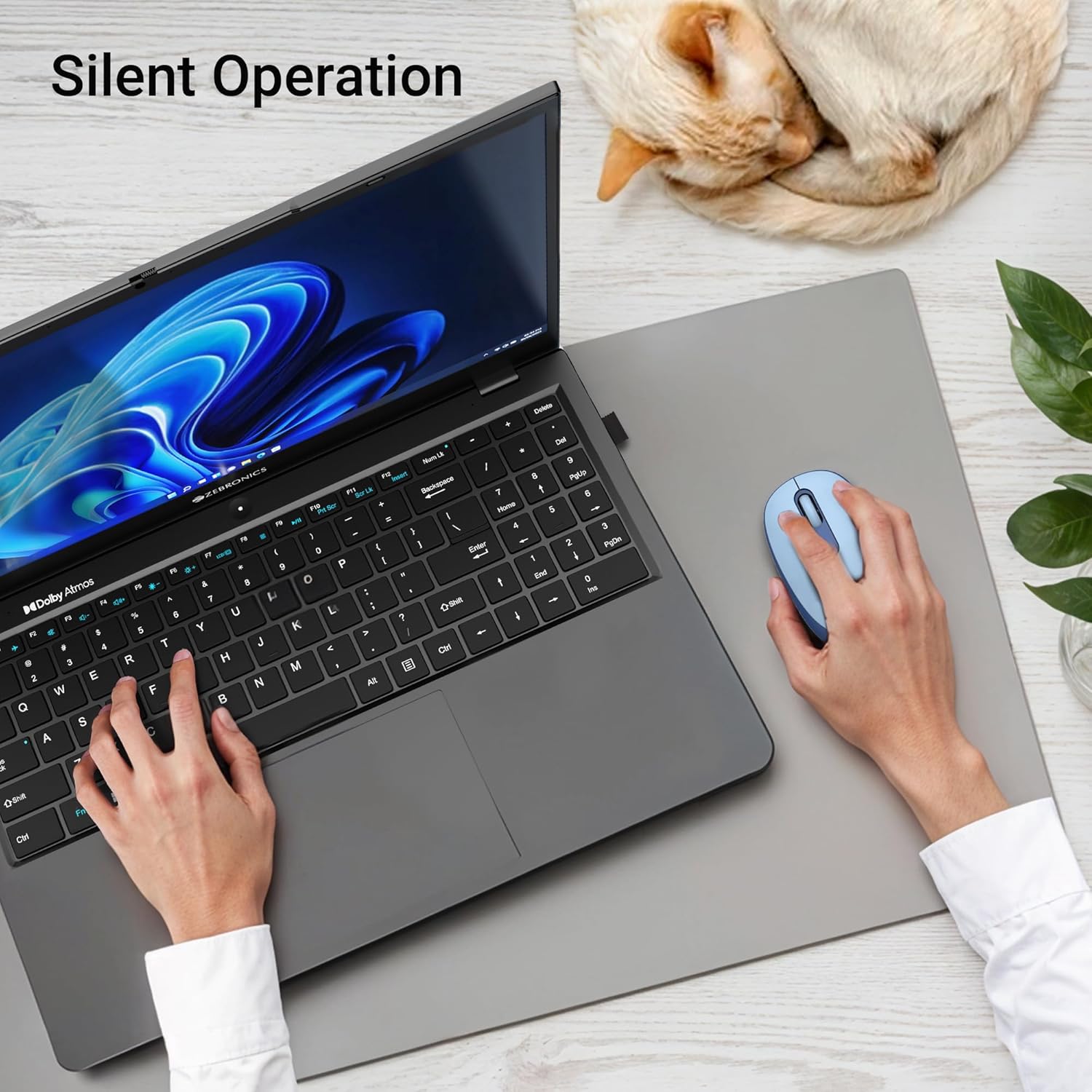
Image: A user operating the mouse silently next to a laptop, with a cat sleeping peacefully in the background, demonstrating the silent click feature.
5.4. การจัดการพลังงาน
Use the On/Off switch on the bottom of the mouse to conserve battery life when not in use. The mouse also features an automatic sleep mode to save power during periods of inactivity.
6. การบำรุงรักษา
- การทำความสะอาด: ใช้ผ้านุ่มและแห้งเช็ดทำความสะอาดเมาส์ หลีกเลี่ยงการใช้สารเคมีรุนแรงหรือวัสดุที่มีฤทธิ์กัดกร่อน
- การเปลี่ยนแบตเตอรี่: Replace the AA battery when the mouse performance degrades or the indicator light (if present) signals low battery.
- พื้นที่จัดเก็บ: When transporting or storing the mouse, ensure the USB nano receiver is securely placed in its storage slot to prevent loss. Turn off the mouse to save battery.
7 การแก้ไขปัญหา
| ปัญหา | สารละลาย |
|---|---|
| เมาส์ไม่ตอบสนอง (2.4GHz) |
|
| เมาส์เชื่อมต่อไม่ได้ (บลูทูธ) |
|
| การเคลื่อนที่ของเคอร์เซอร์ผิดปกติหรือช้า |
|
| หนูจะนอนเร็วเกินไป |
|
8. ข้อมูลจำเพาะ
| คุณสมบัติ | รายละเอียด |
|---|---|
| ยี่ห้อ | ม้าลาย |
| แบบอย่าง | Zeb-Groot |
| เทคโนโลยีการเชื่อมต่อ | บลูทูธ, USB 2.4GHz |
| การตรวจจับการเคลื่อนไหว | ออฟติคอล |
| ดีพีไอ | 1600 จุดต่อนิ้ว |
| ปุ่ม | 3 (ซ้าย, ขวา, ล้อเลื่อน) |
| คุณสมบัติพิเศษ | Silent Operation, Ergonomic Design |
| แหล่งพลังงาน | ใช้พลังงานจากแบตเตอรี่ (1x AA) |
| ความเข้ากันได้ของระบบปฏิบัติการ | Mac OS (and generally Windows, Linux) |
| ขนาดสินค้า | 6.1 x 10.1 x 0.1 ซม. (โดยประมาณ) |
| น้ำหนักสินค้า | 56.6 กรัม (โดยประมาณ) |
| ประเทศต้นกำเนิด | จีน |
9. การรับประกันและการสนับสนุน
9.1. ข้อมูลการรับประกัน
The ZEBRONICS Groot Wireless Mouse comes with a รับประกัน 2 ปี from the date of purchase. This warranty covers manufacturing defects and ensures efficient working of the product. Please retain your purchase receipt for warranty claims.
9.2. การสนับสนุนลูกค้า
For any technical assistance, troubleshooting, or warranty-related queries, please contact ZEBRONICS customer support:
- ผู้ผลิต: Zebronics India Private Limited
- ที่อยู่: No.13/7, Smith Road, Royapettah, Chennai - 600 002
- Webเว็บไซต์: www.zebronics.com (โปรดเยี่ยมชมเว็บไซต์อย่างเป็นทางการ) website for the latest contact information and support resources.)
When contacting support, please have your product model (Zeb-Groot) and proof of purchase ready.


