การแนะนำ
The bea-fon Smartwatch 102 is designed to seamlessly integrate into your daily life, offering a blend of style and advanced functionality. Featuring a sleek rectangular design with a 1.83-inch digital display, this smartwatch provides essential health monitoring capabilities, including heart rate, blood oxygen, and sleep tracking. It is compatible with smartphones via the FitCloudPro app, ensuring seamless connectivity. Built for durability, it boasts an IP68 waterproof rating and a long-lasting battery.

รูปที่ 1 : ด้านหน้า view of the bea-fon Smartwatch 102, displaying time and health metrics.
เนื้อหาแพ็คเกจ
Please ensure all the following items are present in your package:
- bea-fon Smartwatch 102 (with silicone strap)
- Magnetic Charging Cable/Base
- คู่มือการใช้งาน (เอกสารนี้)
สินค้าเกินview
The bea-fon Smartwatch 102 features a durable black silicone strap with a magnetic clasp, a rectangular display, and integrated sensors on the back for health monitoring.
รูปที่ 2: ด้านข้าง view of the Smartwatch 102, highlighting its sleek profile.

รูปที่ 3: ย้อนกลับ view of the Smartwatch 102, showing the integrated health sensors.
คุณสมบัติหลัก:
- แสดง: 1.83-inch (4.64 cm) digital screen for clear visibility.
- อายุการใช้งานแบตเตอรี่: Up to 4-5 days of normal use with a 250mAh Li-ion battery.
- ความต้านทานน้ำ: IP68 rated, suitable for immersion up to 1 meter.
- การติดตามสุขภาพ: Integrated heart rate monitor, blood oxygen sensor, and sleep tracker.
- การเชื่อมต่อ: Bluetooth for seamless smartphone pairing via FitCloudPro app.
- ออกแบบ: Rectangular watch face with a comfortable silicone strap and magnetic clasp.
การตั้งค่า
1. การชาร์จอุปกรณ์
Before first use, fully charge your bea-fon Smartwatch 102. The device comes with a magnetic charging cable/base.
- Connect the magnetic charging cable to a USB power adapter (not included) or a computer's USB port.
- Align the magnetic end of the cable with the charging contacts on the back of the smartwatch. The magnets will snap into place.
- หน้าจอนาฬิกาจะแสดงสถานะการชาร์จ การชาร์จเต็มใช้เวลาประมาณ 3 ชั่วโมง
2. Pairing with Your Smartphone (FitCloudPro App)
To unlock the full potential of your smartwatch, pair it with your smartphone using the FitCloudPro application.
- ดาวน์โหลด ฟิตคลาวด์โปร ดาวน์โหลดแอปจาก App Store (iOS) หรือ Google Play Store (Android)
- ตรวจสอบให้แน่ใจว่าได้เปิดใช้งาน Bluetooth บนสมาร์ทโฟนของคุณแล้ว
- เปิดแอป FitCloudPro และทำตามคำแนะนำบนหน้าจอเพื่อสร้างบัญชีหรือเข้าสู่ระบบ
- In the app, navigate to the "Device" or "Add Device" section.
- The app will search for nearby devices. Select "Smartwatch 102" or the corresponding device ID when it appears.
- ยืนยันคำขอจับคู่บนสมาร์ทโฟนและสมาร์ทวอทช์ของคุณหากได้รับแจ้ง
- Once paired, the app will synchronize data with your smartwatch.

Figure 4: The Smartwatch 102 demonstrating Bluetooth connectivity for smartphone pairing.
คำแนะนำการใช้งาน
การนำทางอินเทอร์เฟซ
- ปัดขึ้น/ลง: เลื่อนดูเมนูและการแจ้งเตือน
- ปัดไปทางซ้าย/ขวา: Access quick functions or different widgets (e.g., heart rate, steps, weather).
- แตะ: เลือกสินค้าหรือยืนยันการดำเนินการ
- ปุ่มด้านข้าง: Press to wake the screen, return to the watch face, or access the main menu.
คุณสมบัติการติดตามสุขภาพ
The Smartwatch 102 is equipped with sensors to help you monitor your health.
- การตรวจสอบอัตราการเต้นของหัวใจ: นาฬิกาเรือนนี้จะติดตามอัตราการเต้นของหัวใจของคุณอย่างต่อเนื่อง View real-time data on the watch or detailed graphs in the FitCloudPro app.
- Blood Oxygen (SpO2) Sensor: Measure your blood oxygen levels. Ensure the watch is snug on your wrist for accurate readings.
- การติดตามการนอนหลับ: Wear the watch to bed to monitor your sleep patterns, including deep sleep, light sleep, and awake times. Data is synchronized with the app for analysis.
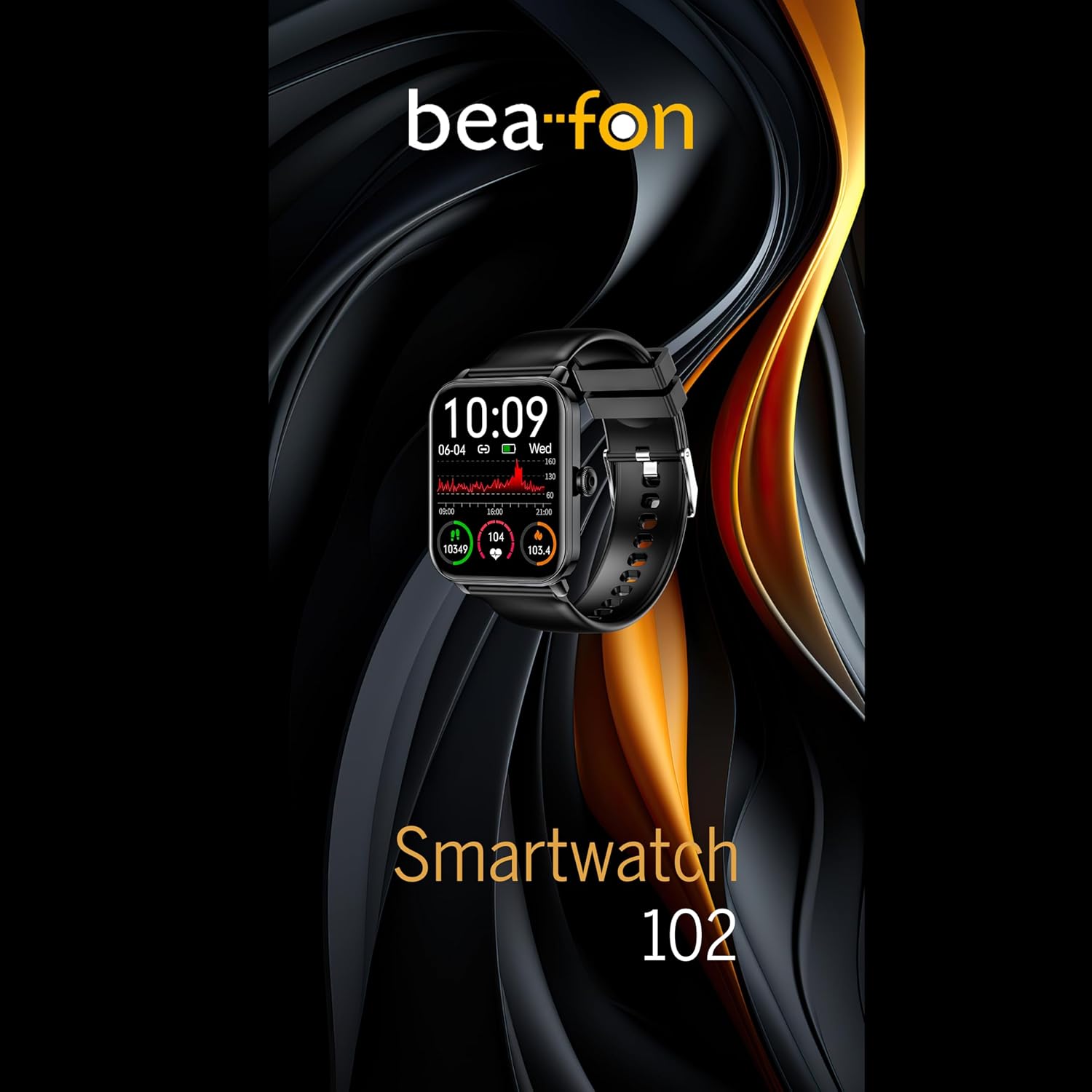
Figure 5: Visual representation of the Smartwatch 102's health monitoring capabilities, including heart rate, sleep, and blood oxygen.
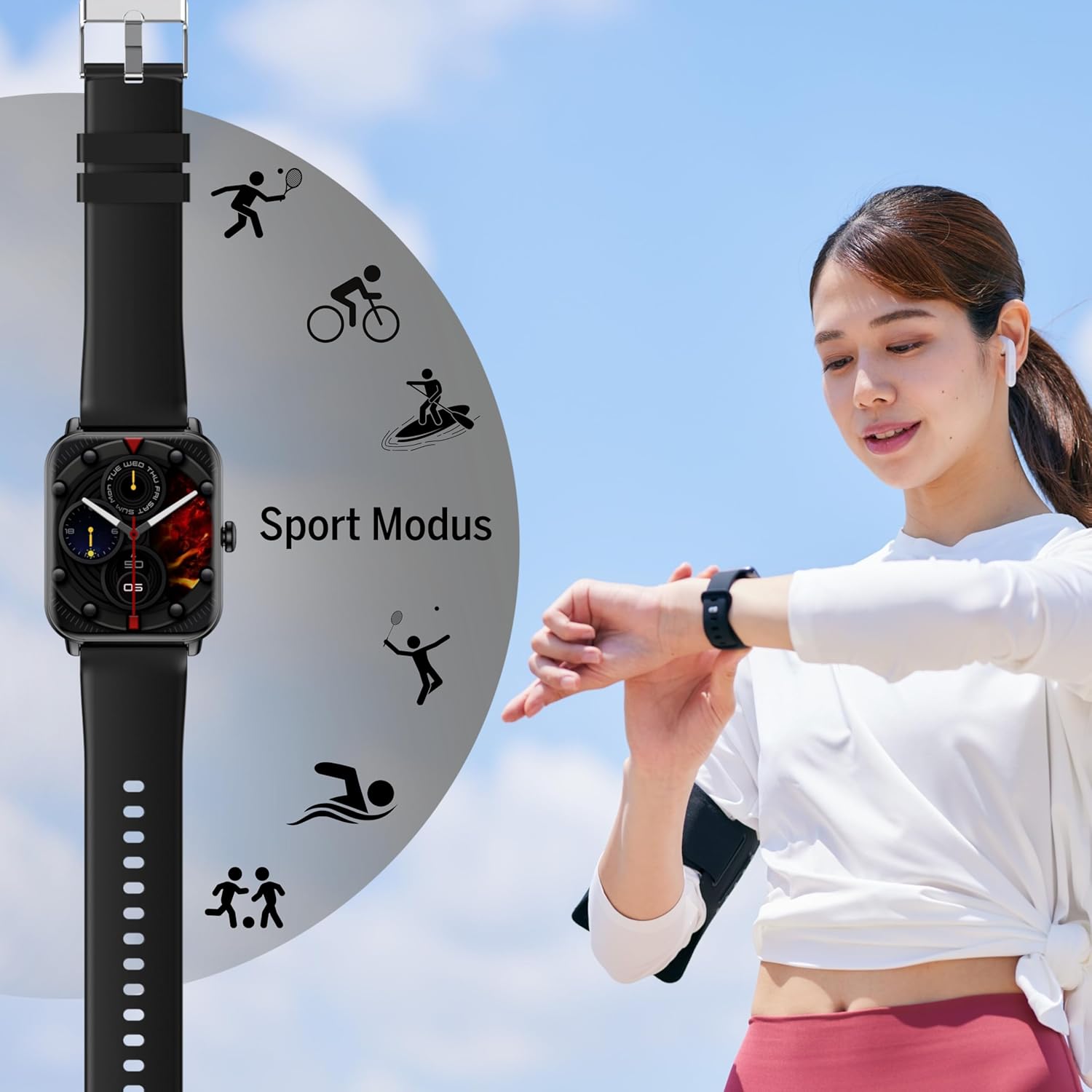
โหมดกีฬา
Track your workouts with various built-in sport modes.
- Access the "Sport" menu on your watch.
- เลือกกิจกรรมที่คุณต้องการ (เช่น วิ่ง ปั่นจักรยาน ว่ายน้ำ)
- The watch will begin tracking relevant metrics such as duration, calories burned, and heart rate.
- End your workout by following the on-screen prompts. Data will sync to the FitCloudPro app.
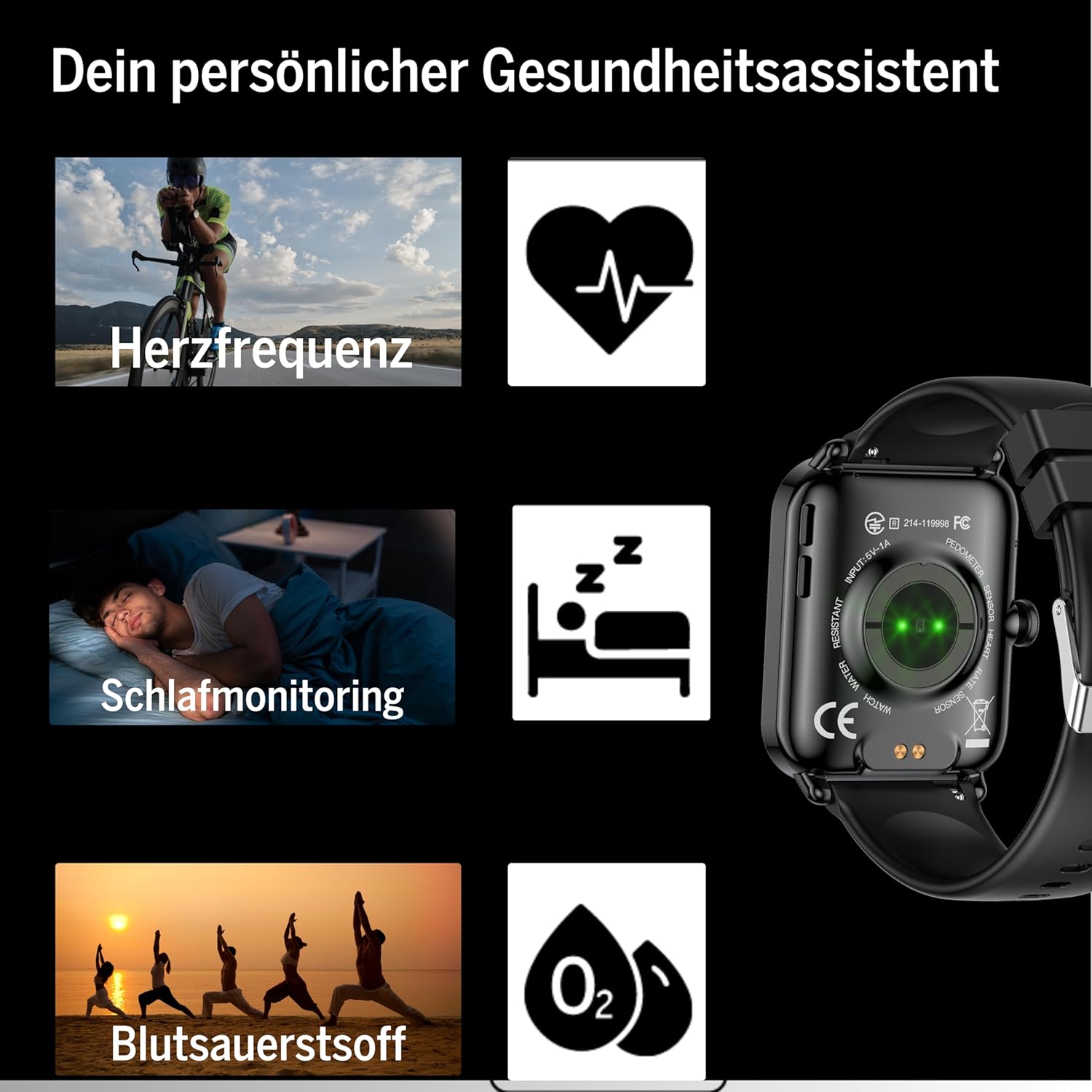
Figure 6: The Smartwatch 102 displaying various sport modes for activity tracking.
การแจ้งเตือนและการโทร
Once paired, your smartwatch can receive notifications from your smartphone.
- Enable app notifications in the FitCloudPro app settings.
- Incoming calls and messages will be displayed on your watch. You can typically reject calls from the watch, but not answer them directly.
การซ่อมบำรุง
Cleaning the Smartwatch
To maintain the appearance and functionality of your smartwatch:
- เช็ดหน้าจอและสายรัดเป็นประจำด้วยผ้าเนื้อนุ่มและแห้งampผ้าที่ไม่เป็นขุย
- หลีกเลี่ยงการใช้สารเคมีรุนแรง น้ำยาทำความสะอาดที่มีฤทธิ์กัดกร่อน หรือตัวทำละลาย
- ตรวจสอบให้แน่ใจว่าหน้าสัมผัสการชาร์จสะอาดและแห้งก่อนชาร์จ
ความต้านทานต่อน้ำ (IP68)
The bea-fon Smartwatch 102 has an IP68 water resistance rating, meaning it is protected against dust ingress and can withstand immersion in water up to 1 meter for 30 minutes.
- เหมาะสำหรับใช้ในชีวิตประจำวัน เช่น ล้างมือ ฝนตก และว่ายน้ำในน้ำตื้น
- Do not use the watch in hot water, saunas, or steam rooms, as steam can penetrate the seals.
- Avoid exposing the watch to high-velocity water or sudden temperature changes.
- หลังจากนาฬิกาโดนน้ำ โดยเฉพาะน้ำทะเล ให้ล้างนาฬิกาด้วยน้ำจืดและเช็ดให้แห้งสนิท
การแก้ไขปัญหา
- นาฬิกาไม่เปิด: Ensure the watch is fully charged. Connect it to the magnetic charger and leave it for at least 30 minutes.
- ไม่สามารถจับคู่กับสมาร์ทโฟนได้:
- ตรวจสอบให้แน่ใจว่าได้เปิดใช้งานบลูทูธบนโทรศัพท์ของคุณแล้ว และนาฬิกาอยู่ในระยะที่สามารถใช้งานได้
- รีสตาร์ททั้งโทรศัพท์และสมาร์ทวอทช์ของคุณ
- ล้างแคชบลูทูธในโทรศัพท์ของคุณ (ถ้ามี) แล้วลองจับคู่ใหม่อีกครั้ง
- Ensure the FitCloudPro app has necessary permissions.
- การอ่านค่าสุขภาพที่ไม่แม่นยำ:
- ตรวจสอบให้แน่ใจว่าสวมนาฬิกาให้พอดีกับข้อมือ ไม่หลวมหรือแน่นเกินไป
- ทำความสะอาดเซ็นเซอร์ที่ด้านหลังของนาฬิกา
- หลีกเลี่ยงการเคลื่อนไหวมากเกินไปในระหว่างการอ่านค่า
- การแจ้งเตือนไม่ปรากฏ:
- Check notification settings within the FitCloudPro app.
- Ensure your phone's notification settings allow the FitCloudPro app to display alerts.
- ตรวจสอบให้แน่ใจว่านาฬิกาเชื่อมต่อผ่านบลูทูธแล้ว
ข้อมูลจำเพาะ
| คุณสมบัติ | ข้อมูลจำเพาะ |
|---|---|
| ยี่ห้อ | บีฟอน |
| แบบอย่าง | 102 |
| ขนาดจอแสดงผล | 1.83 นิ้ว (4.64 ซม.) |
| ประเภทแบตเตอรี่ | 3.7V 250mAh Li-ion rechargeable |
| อายุการใช้งานแบตเตอรี่ | 4-5 days (normal use) |
| เวลาในการชาร์จ | ประมาณ 3 ชั่วโมง |
| ความต้านทานต่อน้ำ | IP68 (up to 1 meter) |
| การเชื่อมต่อ | บลูทูธ |
| เซ็นเซอร์สุขภาพ | Heart Rate, Blood Oxygen, Sleep Tracker |
| ขนาด | 16.5 x 7.3 x 3.7 cm (Package); 160 g (Product Weight) |
| วัสดุสายรัด | ซิลิโคน |
| สี | สีดำ |
ข้อมูลการรับประกัน
Specific warranty details for the bea-fon Smartwatch 102 may vary by region and retailer. Please refer to the warranty card included with your product or contact your point of purchase for precise warranty terms and conditions. Generally, electronic devices come with a standard manufacturer's warranty covering defects in materials and workmanship under normal use.
สนับสนุน
For technical support, troubleshooting assistance, or further inquiries regarding your bea-fon Smartwatch 102, please refer to the following resources:
- แหล่งข้อมูลออนไลน์: เยี่ยมชมเว็บไซต์ทางการของ Beamon website for FAQs, updated manuals, and support articles.
- FitCloudPro App: The app may offer an in-app support section or contact information.
- บริการลูกค้า: Contact the retailer from whom you purchased the product for initial support.
เมื่อติดต่อฝ่ายสนับสนุน โปรดเตรียมหมายเลขรุ่นผลิตภัณฑ์ (102) และรายละเอียดการซื้อให้พร้อม


