1. สินค้าหมดview
The PARD FD1 is a versatile front-mounted clip-on night vision scope designed to enhance your optical scope with advanced night vision capabilities. It can also function as a standalone digital night vision monocular or a digital riflescope, offering precision and adaptability in various low-light conditions.
คุณสมบัติหลัก:
- Three-in-one Functionality: Front clip-on, digital night vision monocular, and digital riflescope.
- ติด/ถอดอย่างรวดเร็ว: Includes a 63mm adapter for swift transitions.
- Ballistics Calculator: Integrated system for precise aiming point calculation.
- จอแสดงผลความละเอียดสูง: OLED screen (1440*1080) and CMOS sensor (1920*1080) for clear imaging.
- ไฟส่องสว่างอินฟราเรดแบบปรับได้: 6 levels with 350m range, 850nm/940nm options.
- VLEA & PIP Mode: Visible Light Enhancement Algorithm and Picture-in-Picture for enhanced clarity and target identification.
- บันทึกอัตโนมัติ: Intelligent 20-second video recording upon action detection.
- ความทนทาน: 6000J Recoil resistance and IP67 waterproof rating.
- การเชื่อมต่อ Wi-Fi: Connects to PardVision app for viewการถ่ายภาพและวีดีโอ

Figure 1.1: PARD FD1 Night Vision Scope, main view.
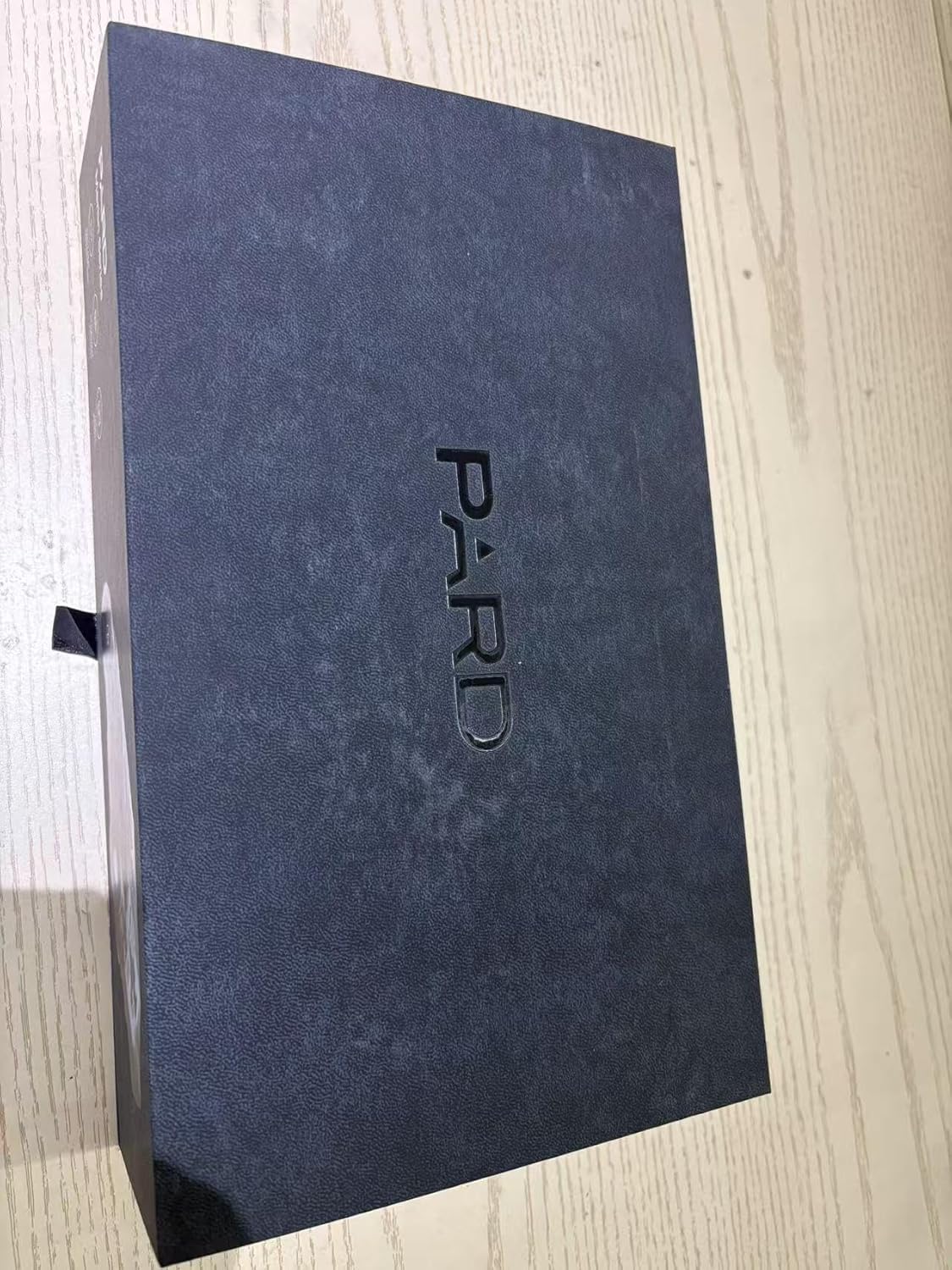
Figure 1.2: The PARD FD1 offers versatile 3-in-1 functionality as a clip-on, monocular, or riflescope.
Video 1.1: Official PARD FD1/LRF product overview demonstrating key features and quick attachment.
2. คู่มือการติดตั้ง
2.1 การแกะกล่องและการตรวจสอบเบื้องต้น
- เปิดบรรจุภัณฑ์อย่างระมัดระวังและนำส่วนประกอบทั้งหมดออก
- Verify that all items listed in the package contents are present.
- Inspect the device for any visible damage. If damage is found, contact customer support immediately.

Figure 2.1: PARD FD1 Night Vision Scope and included accessories.
2.2 Attaching the FD1 as a Clip-on
The FD1 can be quickly attached to your existing optical scope using the provided 63mm adapter.
- Ensure your optical scope is securely mounted and zeroed.
- Attach the 63mm adapter to the objective lens of your optical scope. Tighten securely but do not overtighten.
- Align the PARD FD1 with the adapter and slide it into place until it clicks securely.
- Verify the FD1 is firmly attached and stable before use.

Figure 2.2: The quick attach and detach mechanism of the PARD FD1.
2.3 Powering On and Initial Settings
- ใส่แบตเตอรี่ที่ชาร์จแล้วลงในช่องใส่แบตเตอรี่
- Press and hold the power button (usually marked with Ⓘ) until the display illuminates.
- Follow on-screen prompts for initial language and time settings.
- Adjust the diopter for a clear view ผ่านช่องมองภาพ
3. คู่มือการใช้งาน
3.1 การควบคุมขั้นพื้นฐาน
The PARD FD1 features intuitive controls for easy operation. Refer to the image below for button layout.

รูปที่ 3.1: ด้านข้าง view of PARD FD1 showing control buttons.
| ปุ่ม/การควบคุม | การทำงาน |
|---|---|
| Power Button (Ⓘ) | Press and hold to power on/off. Short press for display sleep mode. |
| ปุ่มตกลง | Confirm selection in menus, take photo/start recording. |
| ปุ่มเมนู | Access main menu. |
| Up/Down/Left/Right Buttons | Navigate menus, adjust settings (e.g., IR intensity, zoom). |
| ปุ่ม IR | Activate/adjust Infrared (IR) illuminator intensity. |
3.2 โหมดการมองเห็นตอนกลางคืน
The FD1 automatically switches to night vision mode in low light. Adjust the IR illuminator for optimal visibility.
- กดปุ่ม IR button to cycle through IR intensity levels (Level 1-6).
- Choose between 850nm (brighter, longer range) and 940nm (less visible to animals) IR wavelengths via the menu.

Figure 3.2: Adjustable IR Illuminator with multiple levels for varying conditions.
3.3 Ballistics Calculator (If LRF model)
For models with LRF (Laser Rangefinder), the integrated ballistics calculator assists in precise shot placement.
- Access the Ballistics Calculator from the main menu.
- Input parameters such as projectile velocity, weight, and zero range.
- The system will calculate and display the precise aiming point.

Figure 3.3: The integrated Ballistics Calculator helps improve accuracy.
3.4 Rangefinder (If LRF model)
The FD1-850 no LRF model does not include a laser rangefinder. For models with LRF, follow these steps:
- Point the device at the target.
- Activate the rangefinder function (refer to specific button in menu).
- ระยะห่างจากเป้าหมายจะแสดงบนหน้าจอ

Figure 3.4: Rangefinder in action, displaying target distance.
3.5 การบันทึกและการเล่นวิดีโอ
The FD1 can record high-resolution videos and automatically capture 20-second clips upon detecting action.
- กดปุ่ม บันทึก button (usually marked with a camera icon) to start/stop manual recording.
- Access recorded videos via the Playback menu.
- Ensure a Micro SD card is inserted for recording.
3.6 การเชื่อมต่อ Wi-Fi
Connect your FD1 to a smartphone via Wi-Fi using the PardVision app for remote viewการและ file การจัดการ.
- ดาวน์โหลด PardVision แอปจากร้านแอปของอุปกรณ์ของคุณ
- Enable Wi-Fi on your FD1 via the system menu.
- Connect your smartphone to the FD1's Wi-Fi network (SSID and password displayed on the FD1 screen).
- เปิดแอป PardVision เพื่อ view live feed, photos, and videos.

Figure 3.5: Wi-Fi connectivity allows remote control and media access.
4. การบำรุงรักษาและการดูแล
- การทำความสะอาด: Use a soft, lint-free cloth to clean the lenses. For stubborn dirt, use a lens cleaning solution specifically designed for optics. Do not use abrasive materials.
- พื้นที่จัดเก็บ: Store the device in a cool, dry place away from direct sunlight and extreme temperatures. Remove the battery if storing for extended periods.
- การดูแลแบตเตอรี่ Use only recommended batteries. Ensure batteries are fully charged before use and properly disposed of when depleted.
- กันน้ำ: The FD1 is IP67 rated, meaning it is protected from dust and can withstand immersion in water up to 1 meter for 30 minutes. Ensure all covers and caps are securely closed before exposure to water.
5 การแก้ไขปัญหา
| ปัญหา | สาเหตุที่เป็นไปได้ | สารละลาย |
|---|---|---|
| อุปกรณ์ไม่เปิดเครื่อง | Low or depleted battery; incorrectly inserted battery. | Charge or replace the battery. Ensure battery is inserted with correct polarity. |
| ภาพไม่ชัดหรือไม่คมชัด | Diopter not adjusted; dirty lens; focus ring not adjusted. | Adjust the diopter. Clean the lens. Adjust the focus ring on the objective lens. |
| ประสิทธิภาพการมองเห็นในเวลากลางคืนไม่ดี | IR illuminator off or low intensity; insufficient ambient light. | Activate or increase IR illuminator intensity. Ensure there is some ambient light for the sensor to pick up. |
| ไม่สามารถเชื่อมต่อ Wi-Fi ได้ | Wi-Fi not enabled on device; incorrect password; app not updated. | Enable Wi-Fi in device settings. Double-check Wi-Fi password. Update PardVision app. |
| การบันทึกไม่ทำงาน | No SD card; full SD card; corrupted SD card. | Insert a compatible SD card. Delete old files or format SD card (backup data first). Try a different SD card. |
6. ข้อมูลจำเพาะทางเทคนิค
| ข้อมูลจำเพาะ | รายละเอียด |
|---|---|
| ชื่อรุ่น | FD1-850 no LRF |
| ความละเอียดเซนเซอร์ | 1920*1080 CMOS |
| ความละเอียดการแสดงผล | จอ OLED ขนาด 1440*1080 |
| ความยาวคลื่นของแสงอินฟราเรด | 850nm (Adjustable) |
| ช่วงของตัวส่องแสงอินฟราเรด | สูงถึง 350 เมตร |
| ความต้านทานการหดตัว | 6000เจ |
| ระดับการกันน้ำ | IP67 |
| ขนาด (กxยxส) | ขนาด 4.53 นิ้ว (ยาว) x 2.95 นิ้ว (กว้าง) x 2.05 นิ้ว (สูง) (115*75*52 มม.) |
| น้ำหนักสินค้า | 328 กรัม |
| วัสดุ | อลูมิเนียม |
| อุปกรณ์ที่รองรับ | Rifle, Shotgun, Handgun |
| พื้นที่จัดเก็บ | การ์ดไมโคร SD (ไม่รวม) |
7. การรับประกันและการสนับสนุน
7.1 ข้อมูลการรับประกัน
The PARD FD1 Night Vision Scope comes with a รับประกัน 1 ปี นับจากวันที่ซื้อ การรับประกันนี้ครอบคลุมข้อบกพร่องจากการผลิตและการทำงานผิดปกติภายใต้การใช้งานปกติ โปรดเก็บหลักฐานการซื้อไว้เพื่อขอรับสิทธิ์การรับประกัน
7.2 การสนับสนุนลูกค้า
For technical assistance, warranty claims, or any other inquiries, please contact PARD customer support:
- เยี่ยมชมอย่างเป็นทางการ Pard Store บน Amazon สำหรับข้อมูลผลิตภัณฑ์และทรัพยากร
- Refer to the contact information provided in your product packaging or on the official PARD webเว็บไซต์.


