การแนะนำ
This manual provides detailed instructions for the safe and effective use of your GPEESTRAC BFNO-TD200-07 Bluetooth Earphones. These earphones feature Bluetooth 5.4 connectivity, Active Noise Cancellation (ANC), a multi-function touch display on the charging case, and extended battery life. Please read this manual thoroughly before using the product and retain it for future reference.
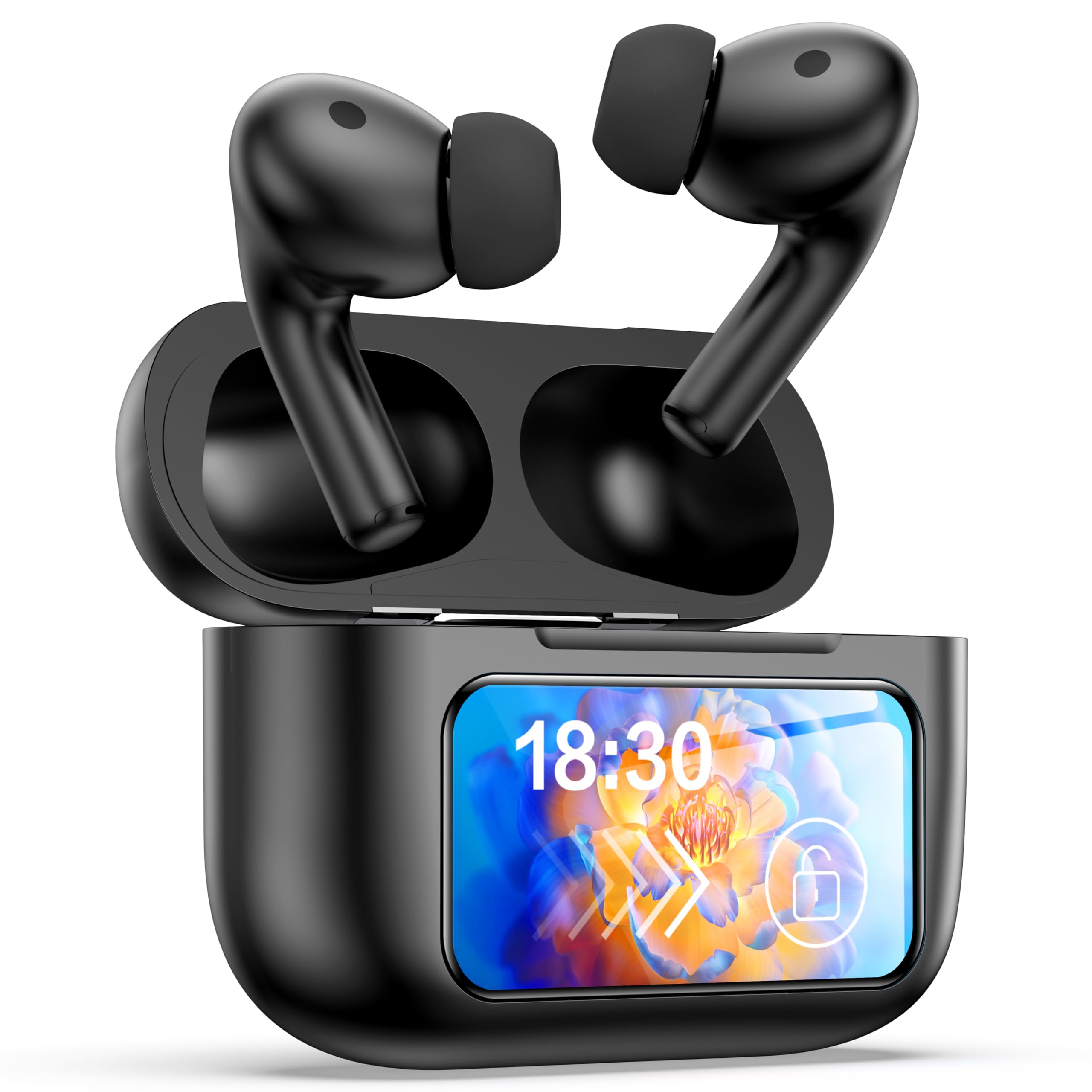
Image: The GPEESTRAC BFNO-TD200-07 Bluetooth Earphones with their charging case, showcasing the LED screen and various features.
สินค้าเกินview
The GPEESTRAC BFNO-TD200-07 consists of two wireless earbuds and a portable charging case. The charging case is equipped with a color touch display for easy control and monitoring.
ส่วนประกอบหลัก:
- หูฟัง: In-ear design, lightweight (approx. 3.7g each), with touch-sensitive controls.
- เคสชาร์จ: Houses the earbuds, provides charging, and features a multi-function color touch display.
- จุกหูฟัง: มีหลายขนาดให้เลือกเพื่อให้สวมใส่สบายและกระชับพอดี
- สายชาร์จ USB Type-C: สำหรับชาร์จเคสชาร์จ
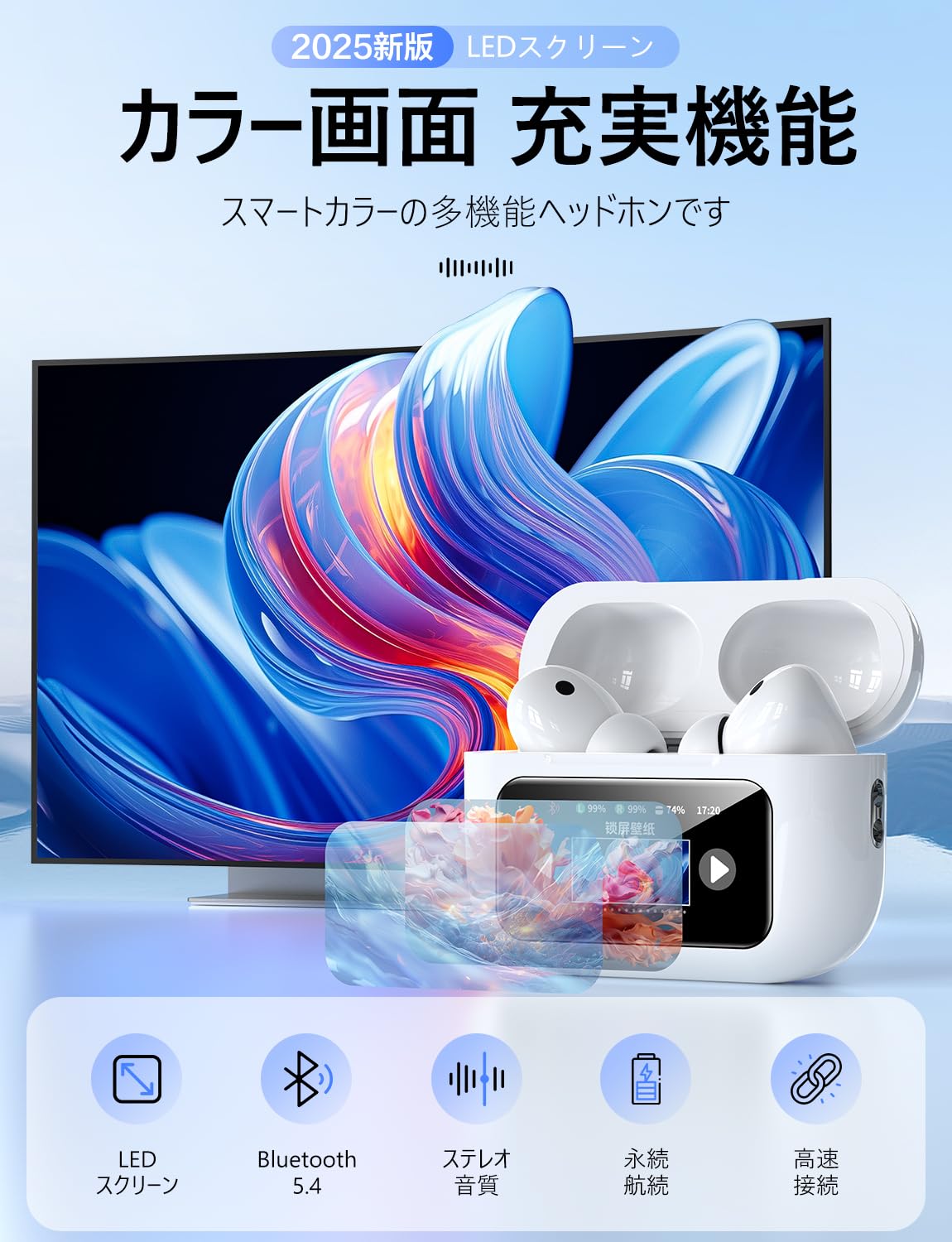
ภาพ: รายละเอียด view of the GPEESTRAC BFNO-TD200-07 earbuds and the charging case, highlighting their design.
การตั้งค่า
1. การชาร์จหูฟังและเคส
Before first use, fully charge the charging case and earbuds. The charging case has a 1200 mAh battery capacity.
- ใส่หูฟังลงในกล่องชาร์จ ตรวจสอบให้แน่ใจว่าใส่หูฟังเข้าที่อย่างถูกต้อง
- เชื่อมต่อสายชาร์จ USB Type-C เข้ากับพอร์ตชาร์จบนเคสและแหล่งจ่ายไฟ
- The touch display on the charging case will show the charging status and remaining battery level for both the case and individual earbuds.
- A full charge provides approximately 5 hours of playback for the earbuds and the case can recharge the earbuds 3-4 times, offering up to 32 hours of total playback.

Image: The charging case connected via a Type-C cable, displaying battery levels on its screen, with an earbud being worn.
2. การจับคู่กับอุปกรณ์บลูทูธ
The earphones utilize Bluetooth 5.4 technology for a stable and fast connection.
- ตรวจสอบให้แน่ใจว่าบลูทูธของอุปกรณ์ของคุณเปิดอยู่
- Open the lid of the charging case. The earbuds will automatically enter pairing mode (if not already paired).
- On your device, search for Bluetooth devices and select "BFNO-TD200-07" from the list.
- Once paired, the earphones will automatically connect to your device when the case lid is opened, provided Bluetooth is enabled on your device.

Image: Illustration of the Bluetooth 5.4 chip and a smartphone screen showing the earphones ready for pairing.
คำแนะนำการใช้งาน
โหมดตัดเสียงรบกวนแบบแอคทีฟ (ANC)
The earphones feature a proprietary noise-canceling chip, offering a noise reduction depth of up to 36 dB, which can increase to 45 dB with properly fitted eartips. The charging case's touch display allows you to switch between modes.
- โหมด ANC: Reduces ambient noise, ideal for immersive listening.
- External Sound Capture Mode (Transparency Mode): Allows you to hear your surroundings while listening to audio, enhancing safety and awareness.
- Ai Adaptive Mode: ปรับการตัดเสียงรบกวนโดยอัตโนมัติตามสภาพแวดล้อมของคุณ

Image: Visual representation of ANC technology and users demonstrating the use of ANC and transparency modes in different environments.
Multi-Function Touch Display and Controls
The charging case features a color touch display that provides access to various functions without needing your phone.
- Music Player Controls: เล่น หยุดชั่วคราว ข้ามเพลง ปรับระดับเสียง
- การเลือกโหมด ANC: Switch between ANC, Transparency, and Ai Adaptive modes.
- ค้นหาหูฟัง: ค้นหาตำแหน่งหูฟังที่สูญหาย
- ฟังก์ชั่นจับเวลา: Set a timer directly from the case.
- ตัวควบคุมกล้อง: ทริกเกอร์กล้องสมาร์ทโฟนของคุณจากระยะไกล
- สวิตช์ภาษา: เปลี่ยนภาษาที่แสดง
- ผู้ช่วยเสียง: เปิดใช้งานผู้ช่วยเสียงของอุปกรณ์ของคุณ
The earbuds themselves have touch-sensitive areas for basic controls like play/pause, answering calls, and activating voice assistant. A multi-function button on the back of the charging case allows for restarting and resetting the device.

Image: The charging case's LED touch display showing various icons for functions such as time display, volume control, language settings, and camera control.
คุณภาพเสียงและการโทร
The earphones are designed to deliver Hi-Fi sound quality with a 14mm diameter flexible diaphragm, providing clear audio from deep bass to crisp treble. They also support HD calls for up to 4 hours of talk time.

Image: A smartphone screen displaying various music equalizer modes, suggesting customizable audio experiences with the earphones.
การซ่อมบำรุง
การบำรุงรักษาอย่างถูกต้องจะช่วยให้หูฟังของคุณมีอายุการใช้งานยาวนานและมีประสิทธิภาพสูงสุด
- การทำความสะอาด: Regularly clean the earbuds, eartips, and charging contacts with a soft, dry, lint-free cloth. Do not use abrasive materials or harsh chemicals.
- พื้นที่จัดเก็บ: เมื่อไม่ได้ใช้งาน ให้เก็บหูฟังไว้ในกล่องชาร์จเพื่อป้องกันฝุ่นและความเสียหาย
- หลีกเลี่ยงความชื้น: Keep the earphones and charging case away from water and excessive humidity.
- การชาร์จ: Charge the case regularly, even if not in use, to maintain battery health.
การแก้ไขปัญหา
หากคุณพบปัญหาเกี่ยวกับหูฟังของคุณ โปรดดูวิธีแก้ไขทั่วไปต่อไปนี้:
| ปัญหา | วิธีแก้ปัญหาที่เป็นไปได้ |
|---|---|
| หูฟังไม่จับคู่/เชื่อมต่อ |
|
| ไม่มีเสียงหรือเสียงเบา |
|
| เคสชาร์จไม่ชาร์จ |
|
| ANC ไม่มีประสิทธิภาพ |
|
ข้อมูลจำเพาะ
| คุณสมบัติ | รายละเอียด |
|---|---|
| ยี่ห้อ | GPESTRAC |
| แบบอย่าง | BFNO-TD200-07 |
| เวอร์ชันบลูทูธ | 5.4 + EDR |
| เคสชาร์จแบตเตอรี่ | 1200 มิลลิแอมป์ |
| ระยะเวลาการเล่นเอียร์บัด | ประมาณ 5 ชั่วโมง |
| เวลาเล่นทั้งหมด (รวมเคส) | นานถึง 32 ชั่วโมง |
| HD Talk Time | นานถึง 4 ชั่วโมง |
| ความลึกของการลดเสียงรบกวน | 36 dB (up to 45 dB with optimal eartips) |
| ขนาดไดร์เวอร์ | 14 มม. |
| น้ำหนักเอียร์บัด | Approx. 3.7 g (each) |
| น้ำหนักรวม (รวมกล่อง) | ประมาณ 64 กรัม |
| พอร์ตชาร์จ | ยูเอสบี ไทป์ ซี |
การรับประกันและการสนับสนุน
For warranty information and technical support, please refer to the documentation provided with your purchase or contact GPEESTRAC customer service. Keep your proof of purchase for warranty claims.
ผู้ผลิต: GPESTRAC


