1. ข้อมูลด้านความปลอดภัยที่สำคัญ
Please read this manual carefully before installing, operating, or performing maintenance on your washing machine. Keep this manual for future reference. Always disconnect the appliance from the power supply before cleaning or maintenance.
- Ensure the power supply matches the rating plate specifications.
- อย่าให้เด็กเล่นเครื่องใช้ไฟฟ้า
- อย่าฝืนเปิดประตูโดยเด็ดขาด
- Do not install the appliance in a very damp place or where water may splash.
- Always remove transit bolts before use.
2. สินค้าหมดview
The Candy Smart Pro Inverter washing machine is designed for efficient and convenient laundry care. It features a front-loading design, a user-friendly control panel, and smart connectivity.

ด้านหน้า view of the Candy Smart Pro Inverter washing machine, highlighting its A-10% energy efficiency and Inverter Motor Slim 44cm.
2.1 แผงควบคุม
The control panel allows you to select programs, adjust settings, and monitor the washing cycle. It includes a program dial, a digital display, and various function buttons.

Close-up of the Candy Smart Pro Inverter washing machine's control panel with digital display and program dial.
3. การตั้งค่าและการติดตั้ง
3.1 การแกะกล่อง
Carefully remove the washing machine from its packaging. The package includes the main unit. Inspect the appliance for any damage during transit.
3.2 การเลือกสถานที่
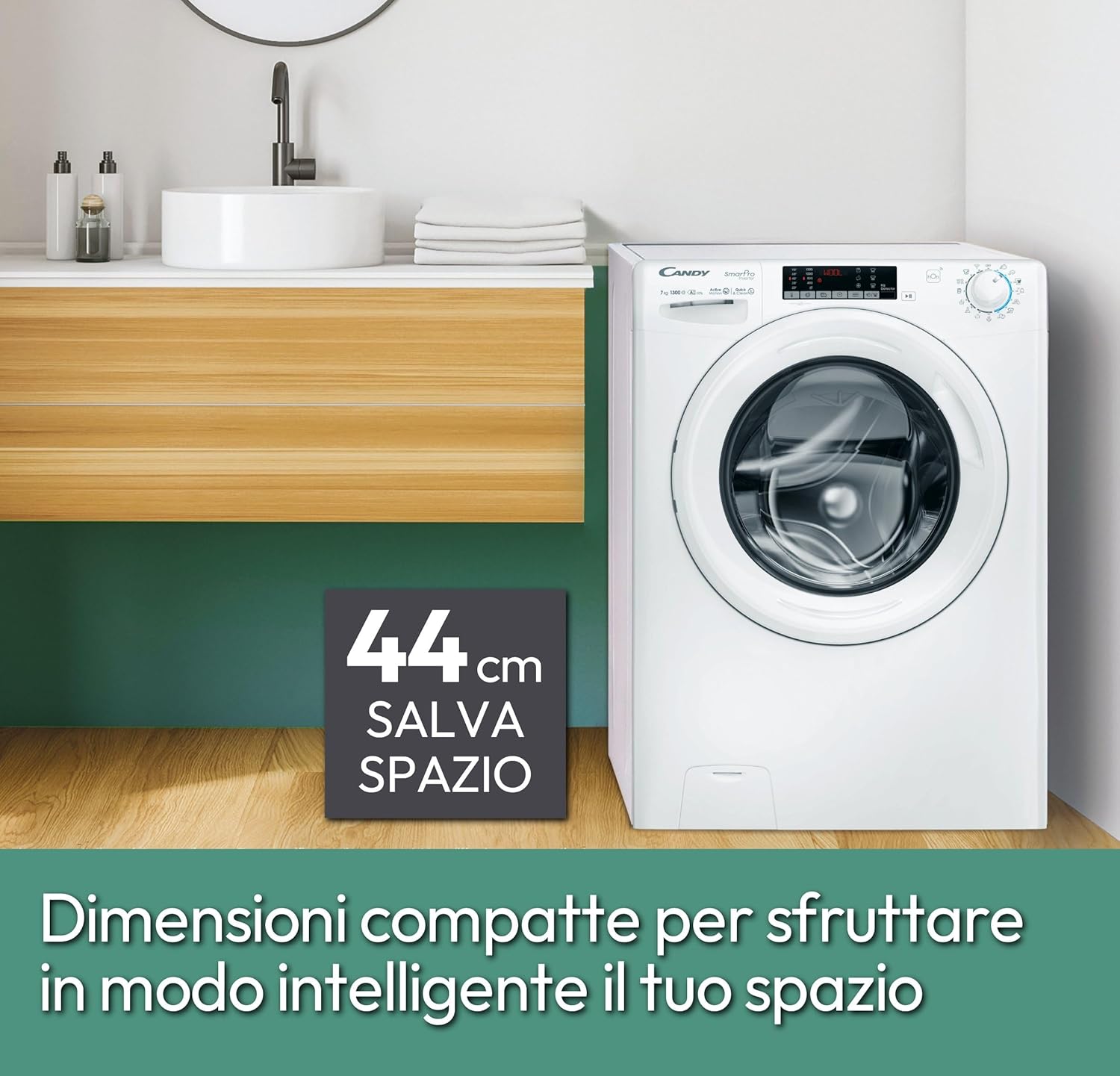
Select a stable, level surface for installation. The compact dimensions of 45P x 60L x 85H cm (44cm slim depth) allow for flexible placement in various spaces, including smaller bathrooms or utility rooms.

The Candy Smart Pro Inverter washing machine placed in a modern bathroom setting, showcasing การออกแบบที่กะทัดรัด
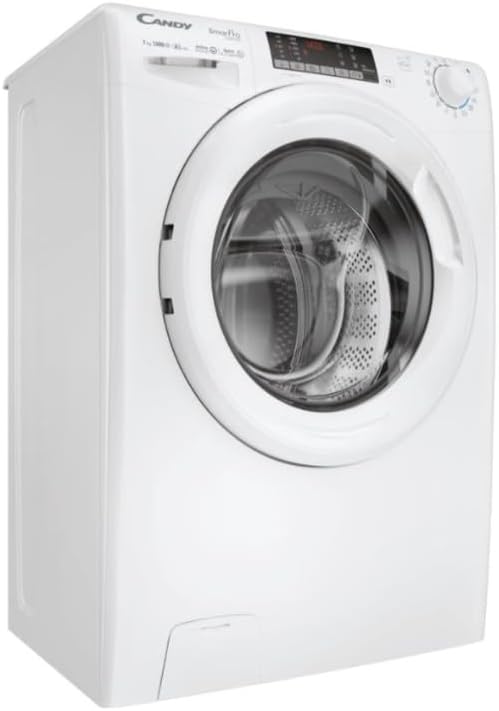
Image highlighting the compact 44cm depth of the washing machine, indicating its space-saving design.
3.3 การถอดสลักขนส่ง
Before operating the machine, it is crucial to remove all transit bolts located at the rear of the appliance. Failure to do so can cause severe damage during operation.
3.4 การเชื่อมต่อท่อน้ำและท่อระบายน้ำ
Connect the water inlet hose to a cold water tap and the drain hose to a suitable drain pipe. Ensure all connections are secure to prevent leaks.
หลัง view of the Candy Smart Pro Inverter washing machine, showing hose connections.
3.5 การเชื่อมต่อไฟฟ้า
เสียบสายไฟเข้ากับเต้ารับไฟฟ้าที่มีสายดิน ห้ามใช้สายพ่วงหรืออะแดปเตอร์
4. คู่มือการใช้งาน
4.1 การโหลดผ้าซัก
Open the door and load your laundry into the drum. Do not overload the machine; the maximum capacity is 7 kg. Ensure no items are caught in the door seal before closing.
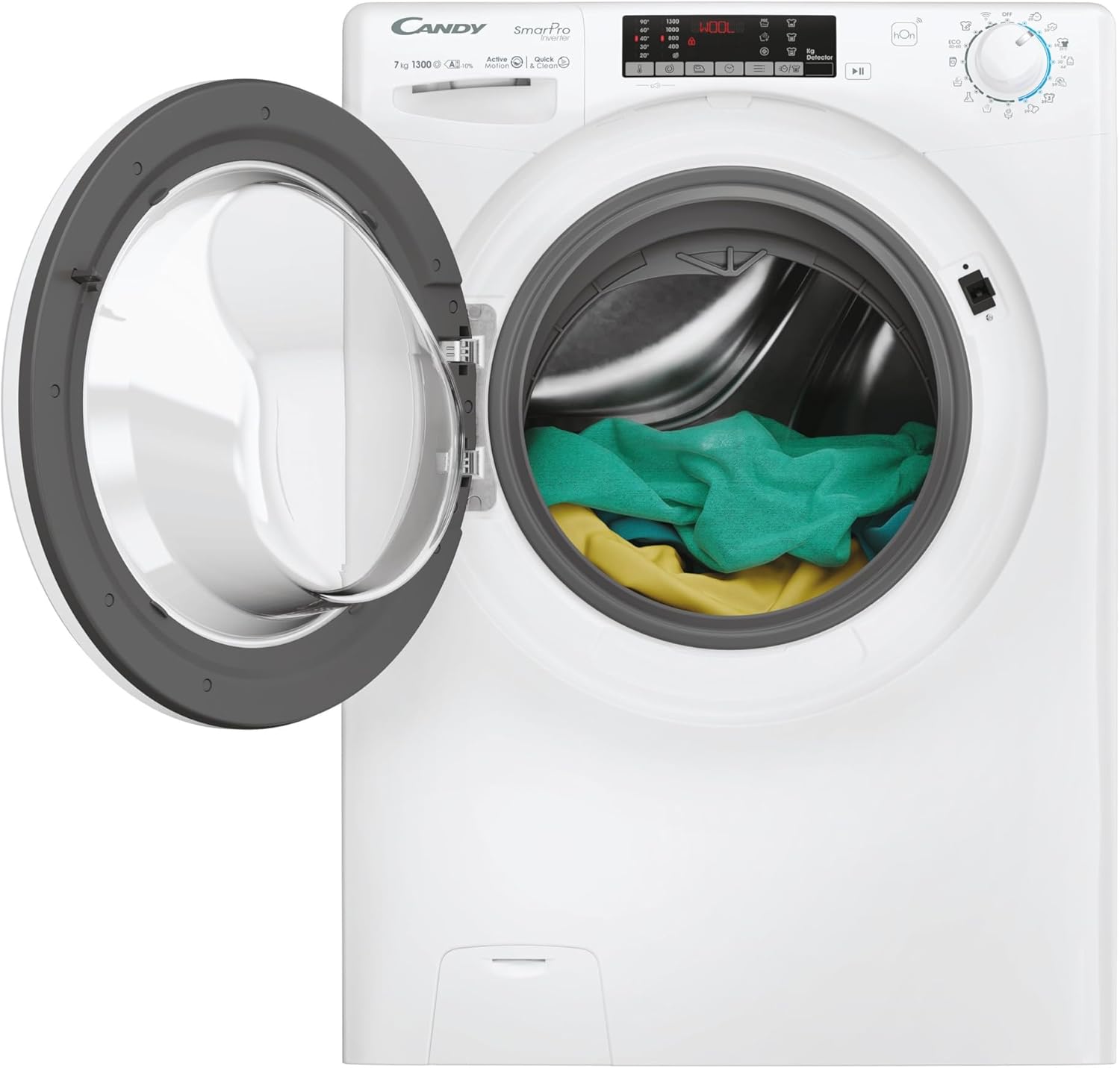
Front-loading washing machine with the door open, showing the drum filled with laundry.
4.2 การเติมผงซักฟอก
Pull out the detergent dispenser drawer. Add the appropriate amount of detergent and fabric softener to the designated compartments. The Quick&Clean Technology enhances stain removal by pre-mixing water and detergent.
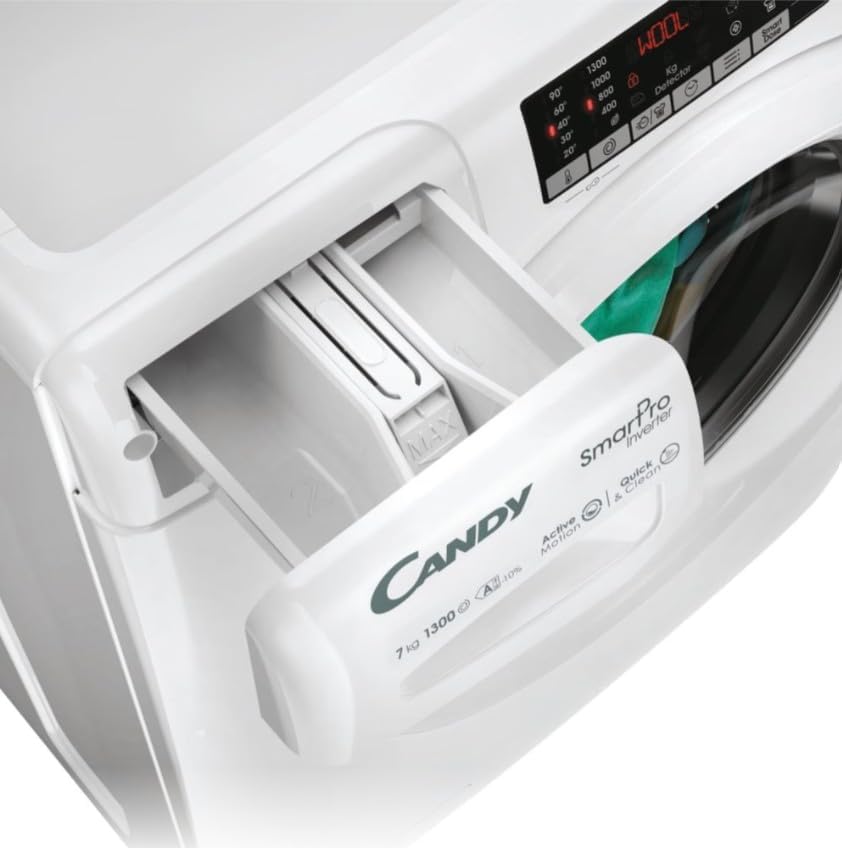
Close-up of the detergent dispenser drawer of the Candy Smart Pro Inverter washing machine.
4.3 การเลือกโปรแกรม
Turn the program dial to select one of the 16 available washing programs. The machine offers a complete set of quick cycles, ideal for washing needs in less than an hour.
4.4 การใช้งานแอป hOn
The hOn App allows you to manage your washing machine remotely. You can choose from over 60 additional cycles, monitor energy consumption, and check the appliance's maintenance level for optimal performance.

A person interacting with the hOn application on a smartphone, demonstrating remote control of the washing machine.
5. การบำรุงรักษาและการดูแล
การบำรุงรักษาตามปกติจะช่วยให้เครื่องซักผ้าของคุณมีอายุการใช้งานยาวนานและมีประสิทธิภาพเหมาะสมที่สุด
5.1 การทำความสะอาดช่องใส่ผงซักฟอก
ควรนำช่องใส่ผงซักฟอกออกมาทำความสะอาดเป็นระยะ เพื่อป้องกันคราบตกค้าง ล้างด้วยน้ำไหลผ่านและเช็ดให้แห้งสนิทก่อนใส่กลับเข้าไปใหม่
5.2 การทำความสะอาดกลอง
Run a maintenance wash cycle (e.g., a hot wash with no laundry and a descaling agent) regularly to clean the drum and prevent odors.
5.3 การทำความสะอาดตัวกรอง
Locate and clean the drain pump filter at the bottom front of the machine every few months to remove lint and small objects.
5.4 การทำความสะอาดภายนอก
เช็ดด้านนอกของตัวเครื่องด้วยผ้านุ่มdamp ผ้า หลีกเลี่ยงน้ำยาทำความสะอาดหรือตัวทำละลายที่มีฤทธิ์กัดกร่อน
6 การแก้ไขปัญหา
If you encounter issues with your washing machine, refer to the following common problems and solutions. For more detailed diagnostics, consult the hOn App.
- เครื่องไม่เริ่มทำงาน: Check if the power cord is properly plugged in, the door is fully closed, and the water supply is on.
- No spinning/poor spinning: Ensure the load is balanced. Overloading or an unbalanced load can prevent spinning. Check the drain filter for blockages.
- การสั่นสะเทือนมากเกินไป: Verify that the transit bolts have been removed and the machine is level on the floor.
- น้ำรั่ว: Check hose connections for tightness and inspect hoses for damage. Ensure the detergent drawer is not overflowing.
- เสียงผิดปกติ: ตรวจสอบหาวัตถุแปลกปลอมในถังหรือตัวกรองปั๊ม
7. ข้อมูลจำเพาะ
Key technical specifications for the Candy Smart Pro Inverter Washing Machine.
| คุณสมบัติ | ข้อมูลจำเพาะ |
|---|---|
| ยี่ห้อ | ลูกอม |
| ชื่อรุ่น | Smart Pro Inverter |
| หมายเลขรุ่นสินค้า | CO4 374TWM6/1-S |
| ขนาดสินค้า (กว้าง x สูง x ลึก) | 85 x 60 x 45 ซม. |
| น้ำหนัก | 61 กก. |
| ความจุ | 7 กิโลกรัม |
| การจัดอันดับประสิทธิภาพการใช้พลังงาน | A-10% (10% more efficient than Class A) |
| ความเร็วการหมุนสูงสุด | 1300 รอบต่อนาที |
| ระดับเสียง | 76 เดซิเบล |
| ประเภทมอเตอร์ | Speed Drive Inverter |
| จำนวนโปรแกรม | 16 (plus 60+ via hOn App) |
| คุณสมบัติพิเศษ | High Efficiency, Smart Connectivity (hOn App), Quick Cycles, Quick&Clean Technology |
| ตำแหน่งการเข้าถึง | โหลดด้านหน้า |
| สี | สีขาว |
| ประเภทการควบคุม | Remote (via hOn App) / Dial |
| โหมดการทำงาน | อัตโนมัติ |
| ส่วนประกอบที่รวมอยู่ | หน่วยหลัก |
| ประเทศต้นกำเนิด | จีน |

Diagram illustrating the components of the Speed Drive Inverter motor, emphasizing its efficiency and durability.
8. การรับประกันและการสนับสนุน
For information regarding warranty and returns, please refer to the purchase platform's policies. Typically, products are returnable within 14 days of receipt if you change your mind. For defective or damaged products, specific return policies apply.
Specialized customer support is available for assistance with product issues or inquiries. Please contact the seller or manufacturer's customer service for further help.
- การส่งคืน: Returnable within 14 days of receipt.
- การสนับสนุนลูกค้า: Specialized customer support is available.
- บริการติดตั้ง : Unpacking and installation services may be available through your retailer.


