1. บทนำ
This manual provides essential information for the proper setup, operation, and maintenance of your redbeat M2 Android 14 Tablet. Please read this guide thoroughly before using your device to ensure optimal performance and longevity.

Image: The redbeat M2 Tablet shown with its included pink protective case. The tablet features a sleek design with a large display.
2. อะไรอยู่ในกล่อง
ตรวจสอบว่ามีรายการทั้งหมดอยู่ในแพ็คเกจของคุณ:
- redbeat M2 Tablet
- Pink Protective Case
- สายชาร์จ Type-C
- คู่มือการใช้งาน (คู่มือเล่มนี้)
- SIM Card Tray Ejector Tool

Image: A visual representation of the redbeat M2 Tablet's physical features, including camera, ports, and buttons, alongside a list of included accessories: the tablet, pink case, Type-C cable, instruction book, and card needle.
3. เค้าโครงอุปกรณ์
Familiarize yourself with the physical components of your redbeat M2 Tablet:
- กล้องหน้า: Located at the top center when held vertically.
- จอแสดงผล HD ขนาด 10.95 นิ้ว: Main touchscreen interface.
- กล้องหลัง: Located on the back, typically in the upper left corner.
- ปุ่มเปิด/ปิด: Usually on the side, used to turn the device on/off or wake/sleep.
- ปุ่มปรับระดับเสียง: อยู่ติดกับปุ่มเปิด/ปิด สำหรับปรับระดับเสียง
- พอร์ต USB Type-C: สำหรับการชาร์จและถ่ายโอนข้อมูล
- แจ็คหูฟัง 3.5 มม.: สำหรับเชื่อมต่ออุปกรณ์เสียงแบบมีสาย
- SIM Card/MicroSD Card Slot: For inserting SIM cards and expanding storage.
- Four Stereo Speakers: Positioned for enhanced audio output.
4. คู่มือการติดตั้ง
4.1 การชาร์จเริ่มต้น
Before first use, fully charge your tablet using the provided Type-C cable and a compatible 18W fast charger. The 8000mAh battery provides extended usage time.
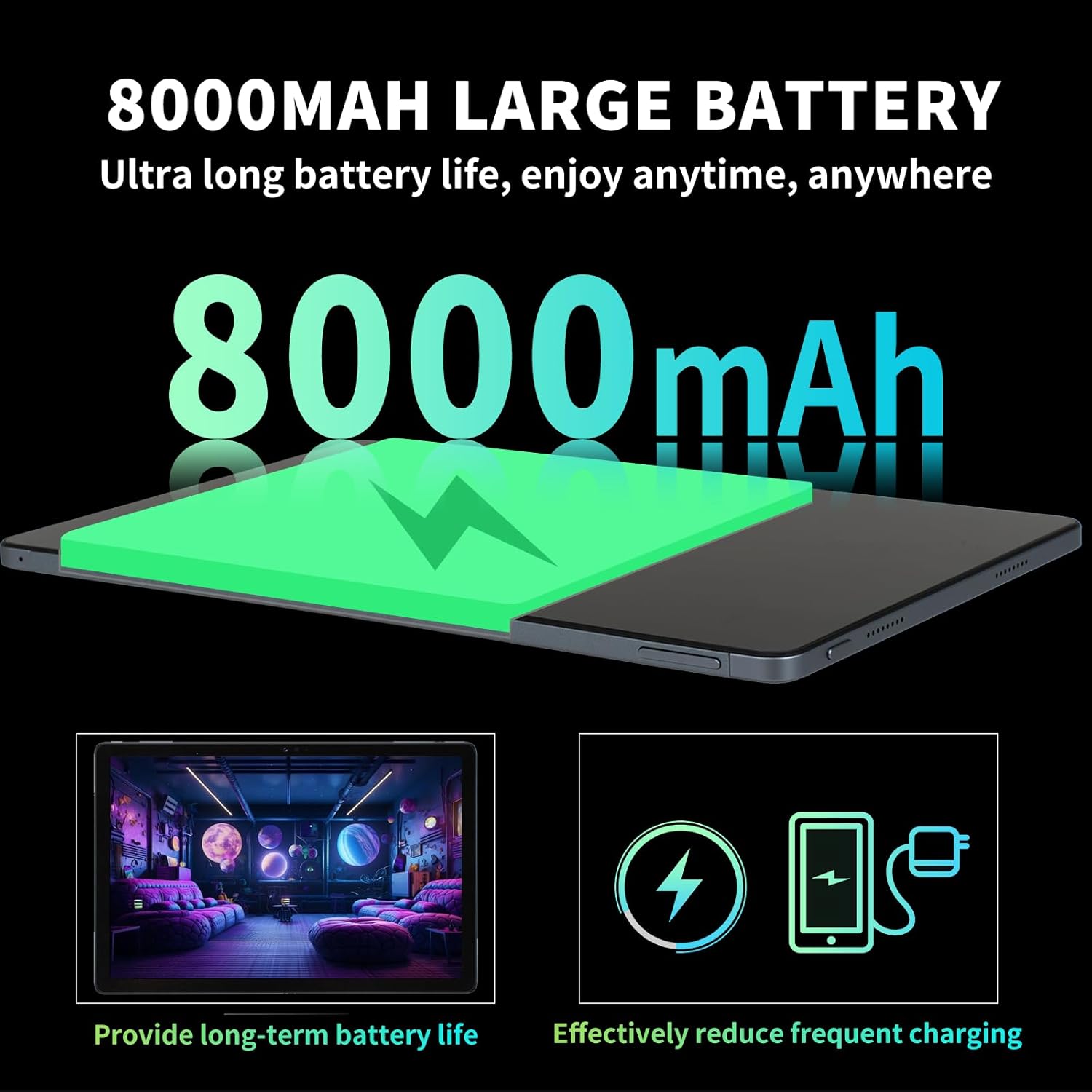
Image: Illustration highlighting the 8000mAh large battery capacity, emphasizing long battery life and reduced charging frequency.
4.2 เปิด/ปิดเครื่อง
- การเปิดเครื่อง: Press and hold the Power button until the redbeat logo appears.
- วิธีปิดเครื่อง: กดปุ่มเปิด/ปิดค้างไว้ จากนั้นเลือก "ปิดเครื่อง" จากตัวเลือกบนหน้าจอ
- ในการรีสตาร์ท: Press and hold the Power button, then select 'Restart'.
4.3 การเพิ่มซิมการ์ดและพื้นที่จัดเก็บข้อมูล
The redbeat M2 Tablet supports dual Nano SIM cards for 4G LTE connectivity and a TF (MicroSD) card for storage expansion up to 1TB.
- หาช่องใส่ซิมการ์ดที่ด้านข้างของแท็บเล็ต
- Insert the SIM card tray ejector tool into the small hole next to the tray and press gently until the tray pops out.
- ใส่ซิมการ์ดนาโนและ/หรือการ์ด TF ลงในช่องที่กำหนดบนถาด ตรวจสอบให้แน่ใจว่าใส่ในทิศทางที่ถูกต้อง
- ค่อยๆ ใส่ถาดกลับเข้าไปในแท็บเล็ตอย่างระมัดระวัง

Image: The redbeat M2 Tablet displaying its 4G Global Connectivity feature, with an emphasis on dual SIM card support and compatible network frequency bands.
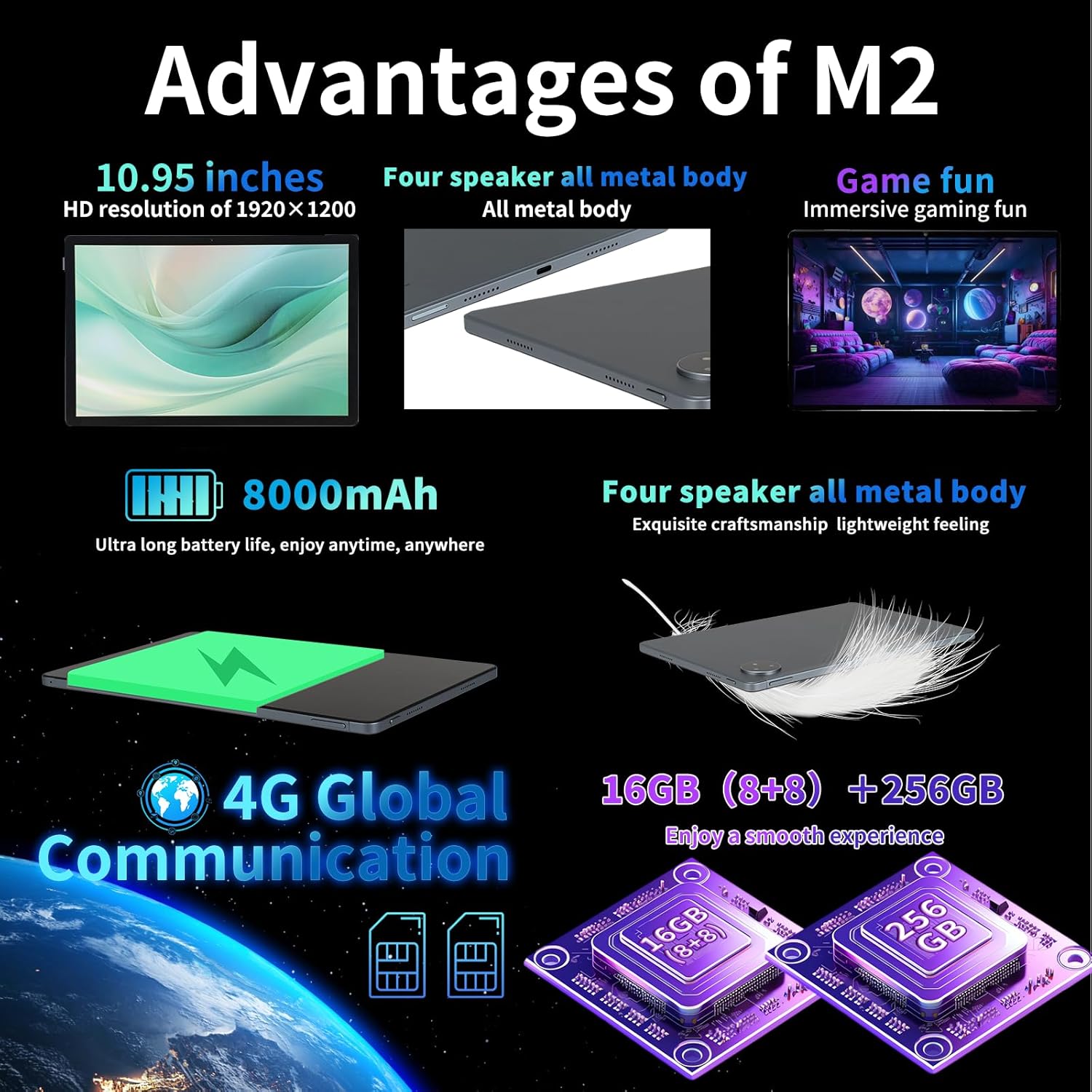
Image: A graphic illustrating the tablet's memory configuration: 16GB (8GB physical + 8GB extended) RAM and 256GB internal storage, with support for up to 1TB external storage.
4.4 การตั้งค่าอุปกรณ์เริ่มต้น
เมื่อเปิดเครื่องครั้งแรก โปรดทำตามคำแนะนำบนหน้าจอเพื่อตั้งค่าแท็บเล็ตของคุณ:
- เลือกภาษาและภูมิภาคของคุณ
- Connect to a Wi-Fi network (2.4G/5G supported).
- ลงชื่อเข้าใช้ด้วยบัญชี Google ของคุณ หรือสร้างบัญชีใหม่ ขั้นตอนนี้จำเป็นสำหรับการดาวน์โหลดแอปจาก Google Play Store
- ตั้งค่าการล็อคหน้าจอ (PIN, รูปแบบ, รหัสผ่าน หรือปลดล็อคด้วยใบหน้า)
- Review และยอมรับข้อกำหนดและเงื่อนไข
5. คู่มือการใช้งาน
5.1 ท่าทางสัมผัสบนหน้าจอสัมผัส
ควบคุมแท็บเล็ตของคุณโดยใช้ท่าทางสัมผัสมาตรฐานของ Android:
- แตะ: เลือกรายการหรือเปิดแอป
- กดแบบยาว: เข้าถึงเมนูบริบทหรือย้ายไอคอน
- ปัด: เลื่อนดูหน้า รายการ หรือสลับระหว่างหน้าจอหลัก
- บีบเพื่อซูม: ซูมเข้าหรือออกจากรูปภาพและ web หน้า
5.2 การเชื่อมต่อ
- ไวไฟ : ไปที่ การตั้งค่า > เครือข่ายและอินเทอร์เน็ต > Wi-Fi to connect to available networks. Supports 2.4G and 5G bands.
- บลูทูธ: ไปที่ การตั้งค่า > อุปกรณ์ที่เชื่อมต่อ > บลูทูธ to pair with Bluetooth devices (e.g., headphones, keyboards). Supports BT5.0.
- ข้อมูลมือถือ (4G LTE): Ensure a valid SIM card is inserted. Enable mobile data in การตั้งค่า > เครือข่ายและอินเทอร์เน็ต > เครือข่ายมือถือ.
5.3 การใช้งานกล้อง
แท็บเล็ตมีกล้องหลัง 13MP และกล้องหน้า 5MP
- เปิดแอปกล้องจากหน้าจอหลักหรือลิ้นชักแอปของคุณ
- แตะปุ่มชัตเตอร์เพื่อถ่ายภาพ
- สลับระหว่างกล้องหน้าและกล้องหลังโดยใช้ไอคอนกล้อง
- เลือกโหมดวิดีโอเพื่อบันทึกวิดีโอ
5.4 สื่อเสียงและมัลติมีเดีย
Enjoy immersive audio with the tablet's four stereo speakers and Dolby panoramic surround sound. A 3.5mm headphone jack is available for private listening.

ภาพ: ภาพระยะใกล้ view of the redbeat M2 Tablet's all-metal body and speaker grilles, highlighting its four-speaker audio system and exquisite craftsmanship.
5.5 Face Unlock and GPS
The redbeat M2 Tablet includes Face Unlock for convenient security and GPS for navigation and location-based services.
6. การบำรุงรักษา
6.1 การทำความสะอาดแท็บเล็ตของคุณ
Use a soft, lint-free cloth to clean the screen and body of your tablet. Avoid abrasive materials or harsh chemicals that could damage the surface.
6.2 การอัปเดตซอฟต์แวร์
ตรวจสอบและติดตั้งการอัปเดตซอฟต์แวร์เป็นประจำเพื่อให้แน่ใจว่าแท็บเล็ตของคุณมีฟีเจอร์ แพตช์ความปลอดภัย และการปรับปรุงประสิทธิภาพล่าสุด ไปที่ การตั้งค่า > ระบบ > อัปเดตระบบ.
6.3 การจัดการการจัดเก็บข้อมูล
To optimize performance, periodically manage your tablet's storage. Delete unnecessary files ถอนการติดตั้งแอปที่ไม่ได้ใช้และย้ายสื่อขนาดใหญ่ files to external storage (TF card) if applicable. Go to การตั้งค่า > การจัดเก็บข้อมูล.
7 การแก้ไขปัญหา
If you encounter issues with your redbeat M2 Tablet, refer to the following common solutions:
- อุปกรณ์ไม่เปิด: Ensure the battery is charged. Connect the tablet to the charger for at least 30 minutes before attempting to power on.
- หน้าจอไม่ตอบสนอง: Try restarting the tablet by holding the Power button for 10-15 seconds.
- ปัญหาการเชื่อมต่อ Wi-Fi/4G: Toggle Wi-Fi/Mobile Data off and on. Restart your router or check your SIM card insertion.
- แอปขัดข้องหรือประสิทธิภาพช้า: Close background apps, clear app cache (การตั้งค่า > แอป > [ชื่อแอป] > ที่เก็บข้อมูลและแคช > ล้างแคช), or restart the tablet.
- แบตเตอรี่หมดเร็ว: Reduce screen brightness, disable unused features (Bluetooth, GPS, Wi-Fi when not needed), and check for power-intensive apps in ตั้งค่า > แบตเตอรี่.
- แท็บเล็ตชาร์จไฟไม่เข้า: Ensure the Type-C cable and charger are working correctly. Try a different cable or power adapter. Clean the charging port for any debris.
If problems persist, contact redbeat customer support for further assistance.
8. ข้อมูลจำเพาะ
| คุณสมบัติ | ข้อมูลจำเพาะ |
|---|---|
| ชื่อรุ่น | M2 |
| ระบบปฏิบัติการ | แอนดรอยด์ 14 |
| โปรเซสเซอร์ | โปรเซสเซอร์ Unisoc T616 แบบอ็อกตาคอร์ ความเร็ว 2 GHz |
| แรม | หน่วยความจำ 16GB (8GB + 8GB ส่วนขยาย) |
| การจัดเก็บข้อมูลภายใน | 256GB |
| พื้นที่เก็บข้อมูลแบบขยายได้ | ความจุสูงสุด 1TB (การ์ด TF) |
| ขนาดหน้าจอ | 10.95 นิ้ว |
| ความละเอียดหน้าจอ | 1920 x 1200 pixels (2K HD) |
| กล้องหลัง | 13MP |
| กล้องหน้า | 5MP |
| ความจุของแบตเตอรี่ | 8000mAh |
| การชาร์จไฟ | ชาร์จเร็ว 18W (Type-C) |
| การเชื่อมต่อแบบไร้สาย | Wi-Fi (802.11n, 2.4G/5G), Bluetooth 5.0 |
| การเชื่อมต่อเซลลูล่าร์ | 4G LTE Dual SIM (GSM, WCDMA, LTE bands) |
| ขนาด (กxยxส) | 10.28 x 6.89 x 0.47 นิ้ว |
| น้ำหนักสินค้า | 1.54 ปอนด์ (ประมาณ 511 กรัม) |
| คุณสมบัติอื่น ๆ | GPS, Face Unlock, Four Stereo Speakers |
9. การรับประกันและการสนับสนุน
redbeat is committed to providing quality products and customer satisfaction.
- บริการลูกค้าตลอดอายุการใช้งาน: redbeat offers lifetime customer service to assist with any queries or issues.
- การรับประกันแบบจำกัดหนึ่งปี: Your redbeat M2 Tablet includes a one-year warranty covering manufacturing defects.
- รับประกันคืนเงินภายใน 30 วัน: A 30-day money-back guarantee and free return policy are available.
For support, please refer to the contact information provided with your purchase or visit the official redbeat webเว็บไซต์.


