การแนะนำ
This manual provides essential instructions for the setup, operation, and maintenance of your VTech Super Sound Karaoke Portable Bluetooth System. Please read this manual thoroughly before using the product to ensure proper function and longevity.
The VTech Super Sound Karaoke system is a versatile, portable entertainment device designed for both adults and children. It features Bluetooth connectivity, two wired microphones, dynamic sound output, and built-in party lights to enhance your karaoke experience. It can also function as a portable speaker for various audio sources.
เนื้อหาแพ็คเกจ
Before proceeding with setup, please verify that all components are present in the package:
- VTech Super Sound Karaoke Portable Bluetooth System Unit
- Two Wired Microphones
- อะแดปเตอร์แปลงไฟ
- คู่มือการใช้งาน (เอกสารนี้)
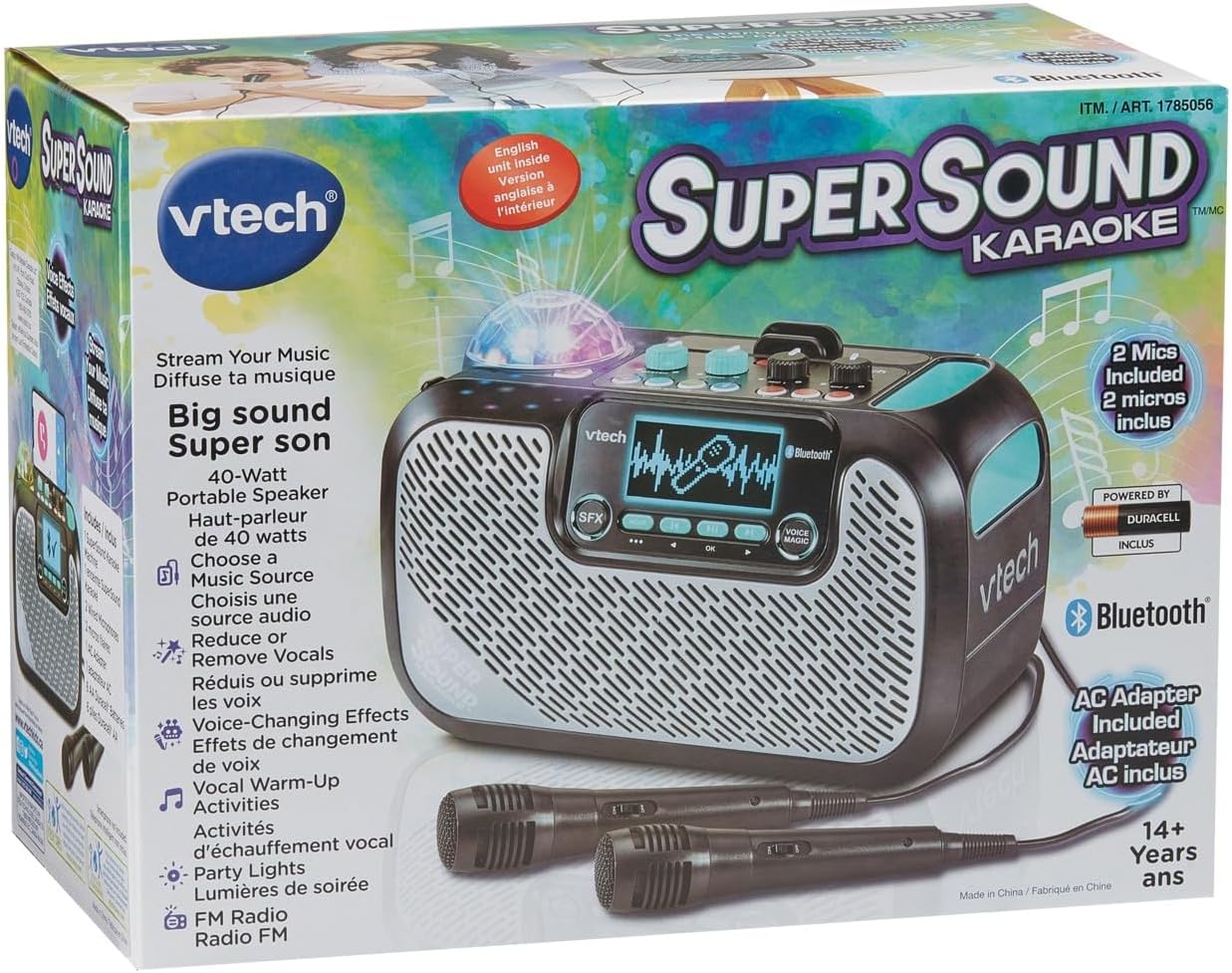
Image: The VTech Super Sound Karaoke machine shown in its retail packaging, highlighting its features and included accessories.
การตั้งค่า
การเชื่อมต่อไฟฟ้า
- Connect the provided power adapter to the DC input port on the back of the karaoke machine.
- Plug the power adapter into a standard electrical outlet (AC 1.1E+2 Volts).
- Press the Power button located on the top panel to turn on the unit.
การเชื่อมต่อไมโครโฟน
The system includes two wired microphones. Locate the microphone input jacks on the front or side of the unit and firmly insert the microphone cables.
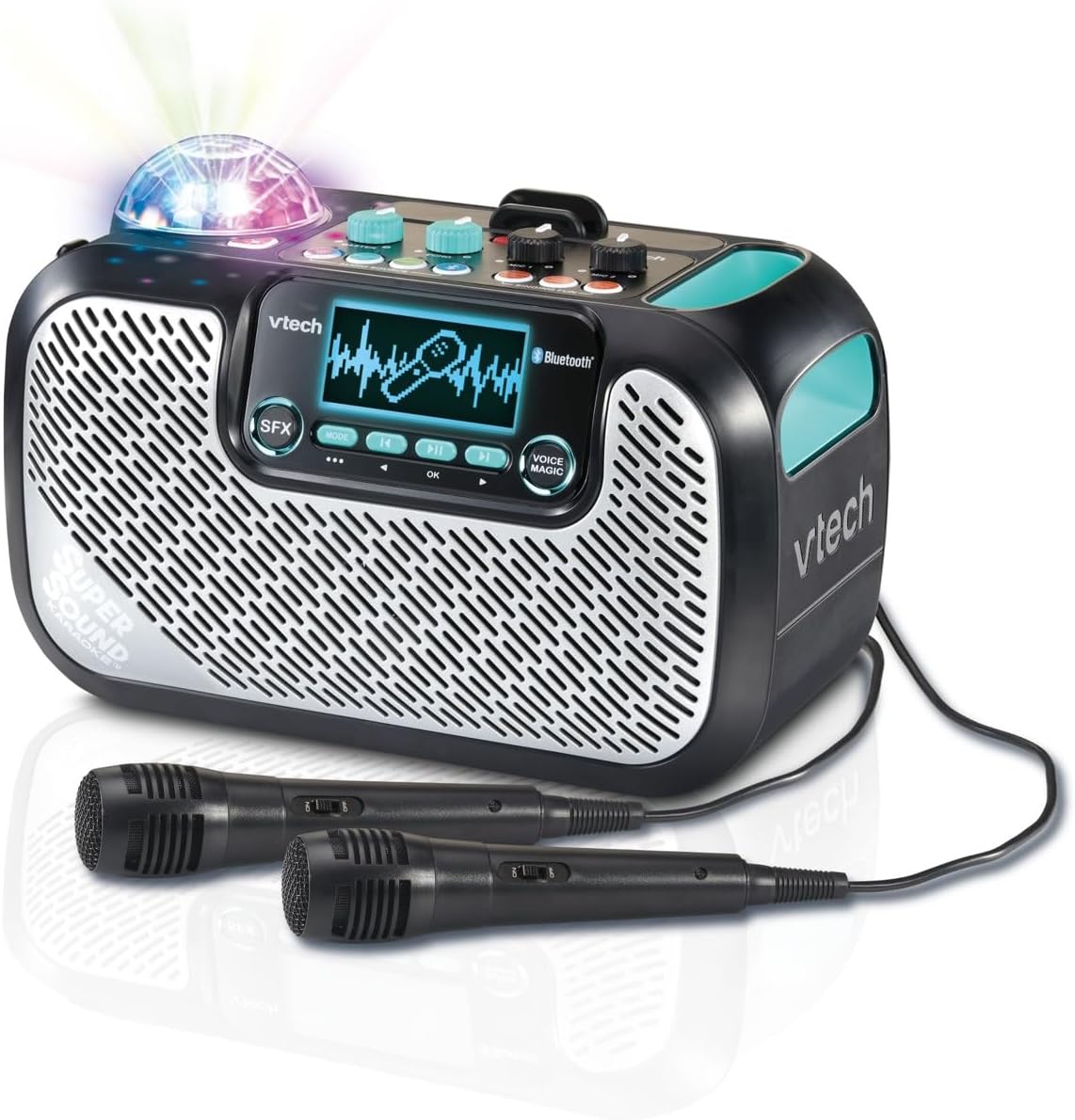
Image: The VTech Super Sound Karaoke machine with its two wired microphones connected and ready for use. The main unit features a display screen and various control buttons.
คำแนะนำการใช้งาน
ควบคุมมากกว่าview

ภาพ: จากบนลงล่าง view of the VTech Super Sound Karaoke machine, detailing the layout of its control panel including master volume, echo, microphone volume controls, and audio source selection buttons.
- ปุ่มเปิด/ปิด: เปิดหรือปิดเครื่อง
- ปุ่มปรับระดับเสียงหลัก: ปรับระดับเสียงโดยรวม
- ปุ่มเอคโค่: Controls the echo effect applied to the vocals.
- Mic 1 / Mic 2 Volume Knobs: Adjusts the individual volume levels for each connected microphone.
- Audio Source Buttons (Line In, Micro SD, Radio, Bluetooth): Selects the desired audio input mode.
- Singing Fun Buttons (Singing Effect, Voice Changer, Activities): Activates various vocal effects and interactive singing activities.
- ปุ่ม SFX: Triggers sound effects.
- Navigation Buttons (Play/Pause, Skip, OK): Controls media playback and menu navigation on the display.
- Voice Magic Button: Activates features like vocal removal or reduction from tracks.
การเชื่อมต่อแหล่งเสียง
The VTech Super Sound Karaoke system supports multiple audio input methods:
- บลูทูธ: Press the Bluetooth button. The unit will enter pairing mode. On your smartphone, tablet, or other compatible device, search for and select "VTech Karaoke" to connect.
- วิทยุ FM: Press the Radio button. Use the navigation buttons to tune to desired FM stations.
- การ์ด MicroSD: Insert a microSD card containing MP3 audio files into the designated slot. Press the Micro SD button to access content.
- อินพุตเสริม (สัญญาณเข้า): Connect an external audio device (e.g., smartphone, tablet) using a 3.5 mm audio cable (not included) to the Line In port. Press the Line In button.
การใช้ไมโครโฟนและเอฟเฟ็กต์เสียง
Once microphones are connected and an audio source is playing:
- Adjust individual microphone volumes using the Mic 1 and Mic 2 knobs.
- Use the Echo knob to add a reverberation effect to your voice.
- Explore the Singing Effect and Voice Changer buttons for various vocal modifications (e.g., harmony, robot voice).
- The Voice Magic feature can reduce or remove lead vocals from songs, allowing you to sing along more prominently.
ไฟปาร์ตี้
The integrated multicolored party lights automatically activate when the unit is in use, creating a dynamic visual experience. There is no separate control for the party lights; they operate in conjunction with the audio playback.
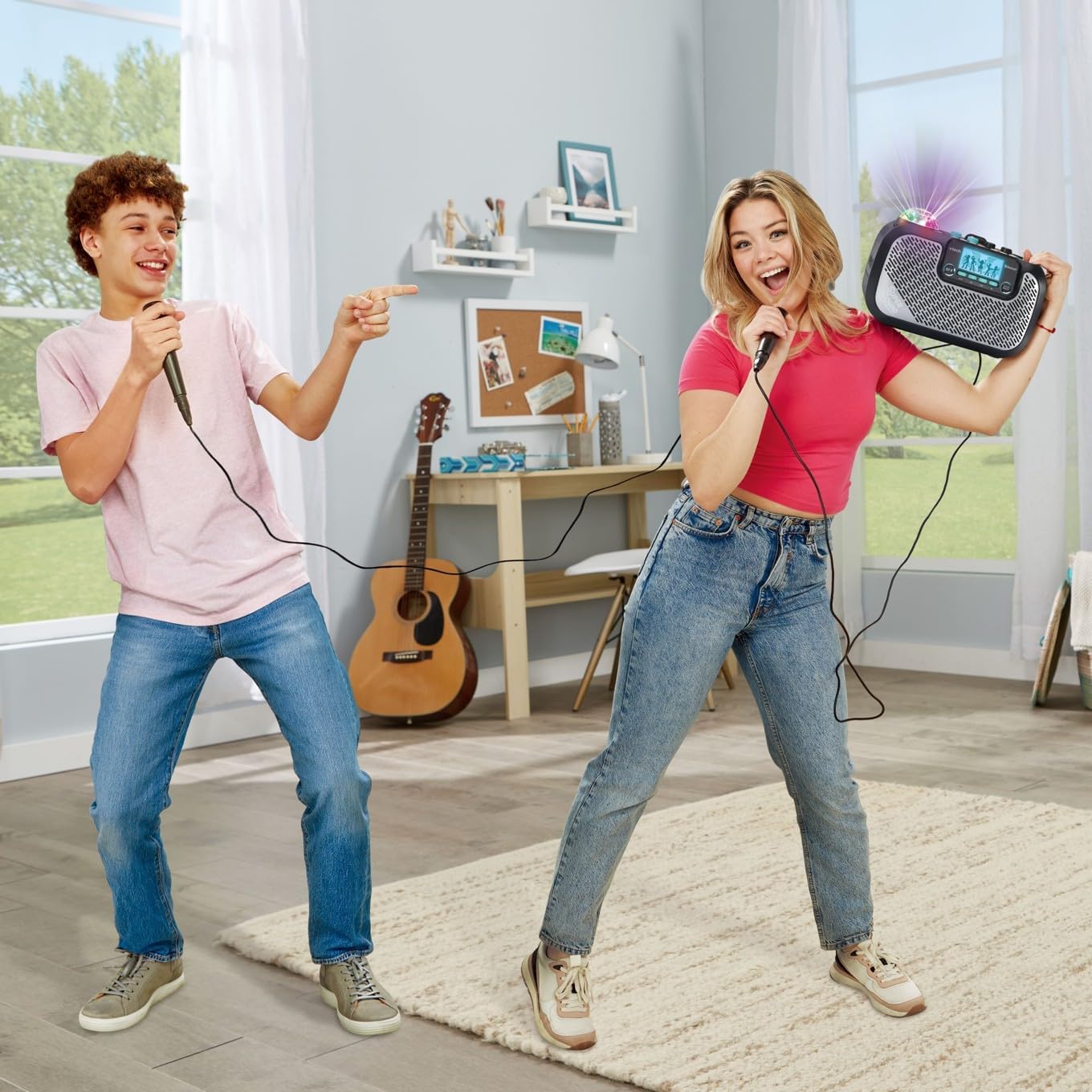
Image: Two individuals enjoying the VTech Super Sound Karaoke machine, demonstrating the use of microphones and the visual effect of the integrated party lights during a performance.
การซ่อมบำรุง
การทำความสะอาด
To maintain the appearance and functionality of your karaoke system:
- ตรวจสอบให้แน่ใจว่าปิดเครื่องและถอดปลั๊กออกก่อนทำความสะอาด
- เช็ดพื้นผิวภายนอกด้วยผ้าแห้งนุ่ม
- ห้ามใช้สารทำความสะอาดที่มีฤทธิ์กัดกร่อน ตัวทำละลาย หรือสารเคมีรุนแรง เพราะอาจทำให้สารเคลือบเสียหายได้
- หลีกเลี่ยงไม่ให้ความชื้นเข้าไปในช่องเปิดหรือพอร์ตต่างๆ
พื้นที่จัดเก็บ
When not in use, store the karaoke system in a cool, dry place, away from direct sunlight and extreme temperatures. Disconnect all cables and microphones before storing.
การแก้ไขปัญหา
If you encounter issues with your VTech Super Sound Karaoke system, refer to the following common problems and solutions:
| ปัญหา | สาเหตุที่เป็นไปได้ | สารละลาย |
|---|---|---|
| ไม่มีไฟฟ้า | ไม่ได้เชื่อมต่ออะแดปเตอร์ไฟหรือเต้ารับไฟฟ้าชำรุด | ตรวจสอบให้แน่ใจว่าอะแดปเตอร์ไฟฟ้าเสียบเข้ากับเครื่องอย่างแน่นหนาและมีเต้ารับไฟฟ้าที่ใช้งานได้ |
| ไม่มีเสียงออกจากลำโพง | Master volume too low; incorrect audio source selected; external device volume too low. | Increase Master Volume. Verify the correct audio source (Bluetooth, Line In, Micro SD, Radio) is selected. Check volume on connected external device. |
| ไม่มีเสียงจากไมโครโฟน | Microphones not connected properly; Mic volume knobs too low. | Ensure microphones are fully plugged into their respective jacks. Increase Mic 1 and Mic 2 volume knobs. |
| ปัญหาการจับคู่บลูทูธ | หน่วยไม่ได้อยู่ในโหมดจับคู่; อุปกรณ์อยู่ไกลเกินไป; มีสัญญาณรบกวน | Press the Bluetooth button to enter pairing mode. Ensure your device's Bluetooth is on and within range. Try restarting both devices. |
| Static on FM Radio | สัญญาณอ่อน; มีสัญญาณรบกวน | Reposition the unit to improve reception. Try a different station. |
ข้อมูลจำเพาะ
| คุณสมบัติ | รายละเอียด |
|---|---|
| หมายเลขรุ่น | 80-547480 |
| น้ำหนักสินค้า | 5.1 ปอนด์ (ประมาณ 2.3 กก.) |
| ขนาดสินค้า | 10.47 x 6.5 x 8.5 นิ้ว (26.6 x 16.5 x 21.6 ซม.) |
| แหล่งพลังงาน | Plug In Electric |
| เล่มที่tage | 1.1E+2 โวลต์ (กระแสสลับ) |
| ประเภทของขั้วต่อ | 3.5 mm Jack (Aux In), microSD card slot, Bluetooth |
| อุปกรณ์ที่รองรับ | Smartphone, Tablet, Speaker, Headphone |
| คุณสมบัติพิเศษ | AM/FM Radio, Adjustable Microphone Sensitivity, Portable, Party Lights, Voice Effects |
| ส่วนประกอบที่รวมอยู่ | Microphone (x2), Power Adapter, User Manual |
การรับประกันและการสนับสนุน
For warranty information and customer support, please refer to the documentation included with your product at the time of purchase or visit the official VTech webไซต์ โปรดเก็บใบเสร็จรับเงินไว้เป็นหลักฐานการซื้อสำหรับการเรียกร้องการรับประกัน


