การแนะนำ
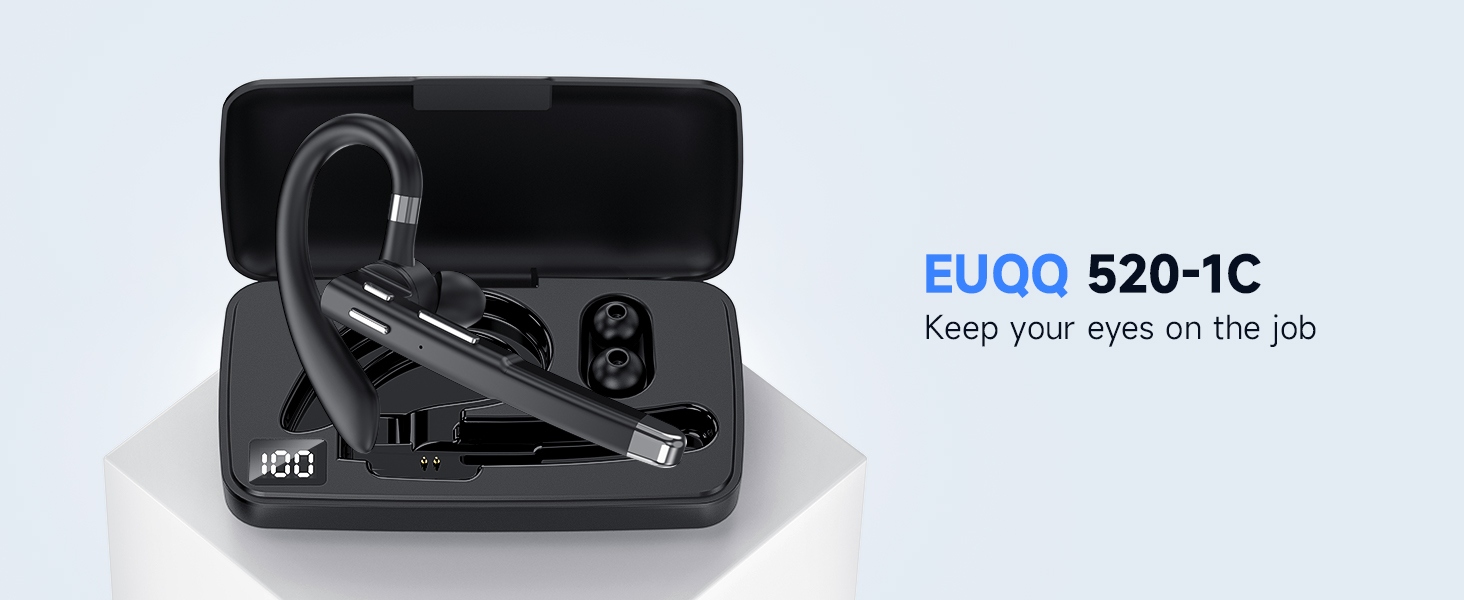
Thank you for choosing the EUQQ Bluetooth Headset Model 520-1-B. This manual provides detailed instructions on how to set up, operate, and maintain your headset to ensure optimal performance and a clear communication experience. Please read this manual thoroughly before using the device.

Image: The EUQQ Bluetooth Headset Model 520-1-B, a sleek black wireless earpiece with an ear hook design.
เนื้อหาแพ็คเกจ
ตรวจสอบให้แน่ใจว่ามีรายการทั้งหมดอยู่ในบรรจุภัณฑ์:
- 1 x EUQQ Headset
- 1 x เคสชาร์จ
- สายชาร์จ 1 x USB-C
- 3 x Different Size Eartips (S/M/L)
- 1 x คู่มือผู้ใช้ (เอกสารนี้)
ภาพ: โอเวอร์view of the EUQQ Bluetooth Headset package contents, including the headset, charging case, USB-C cable, eartips, and user manual.
การตั้งค่า
1. การชาร์จชุดหูฟัง
Before first use, fully charge the headset. Connect the provided USB-C charging cable to the headset's charging port and a compatible USB power source. The charging indicator will show the charging status.
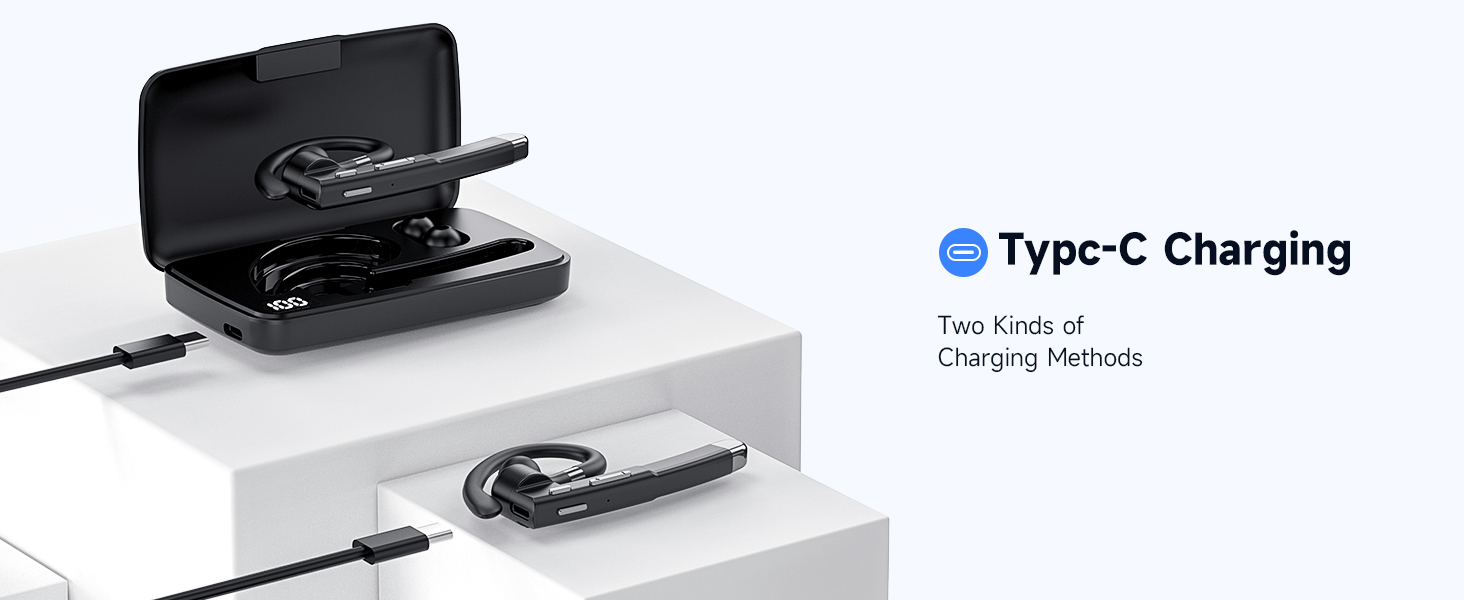
Image: Illustration of the Type-C charging port on the headset and the charging case, demonstrating two methods of charging.
2. การเปิด/ปิดเครื่อง
- เปิดเครื่อง: Press and hold the Multi-function Button for approximately 3 seconds until the indicator light flashes.
- หมดแรง: Press and hold the Multi-function Button for approximately 5 seconds until the indicator light turns off.
3. การจับคู่บลูทู ธ
- ตรวจสอบว่าชุดหูฟังปิดอยู่
- Press and hold the Multi-function Button for about 5-7 seconds until the indicator light flashes red and blue alternately, indicating pairing mode.
- บนอุปกรณ์ของคุณ (สมาร์ทโฟน แท็บเล็ต คอมพิวเตอร์) เปิดใช้งาน Bluetooth และค้นหาอุปกรณ์ที่มีอยู่
- Select "EUQQ 520-1B" from the list of found devices.
- เมื่อเชื่อมต่อเสร็จแล้ว ไฟแสดงสถานะจะกะพริบเป็นสีน้ำเงินช้าๆ
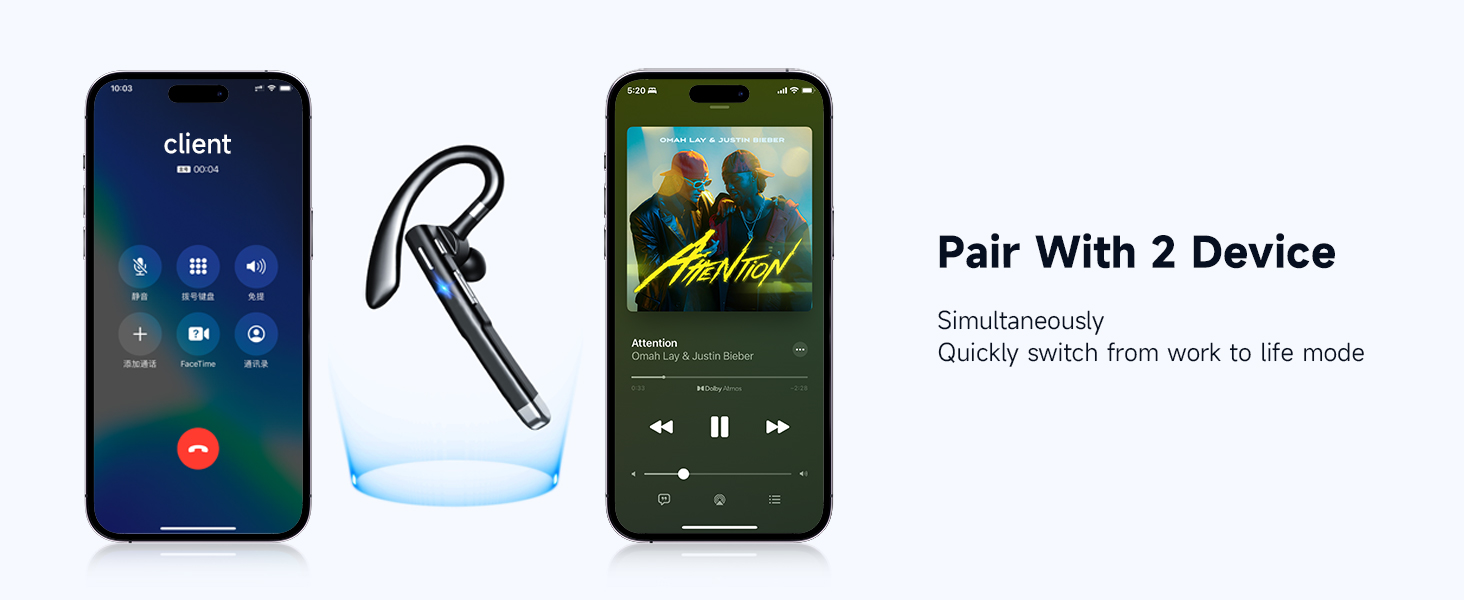
Image: A smartphone screen showing Bluetooth settings with the EUQQ headset listed as connected, demonstrating the one-step pairing process.
The headset supports simultaneous connection to two devices. After connecting to the first device, disable Bluetooth on the first device, pair with the second device, then re-enable Bluetooth on the first device. The headset should connect to both.

Image: The EUQQ Bluetooth Headset positioned between two smartphones, illustrating its ability to connect to two devices concurrently for seamless switching.
4. การสวมชุดหูฟัง
The headset is designed for comfort and can be worn on either the left or right ear. Adjust the ear hook for a secure and comfortable fit. Choose the appropriate ear tip size (S/M/L) for optimal sound and comfort.

Image: Diagrams showing the headset's ear hook rotating 270 degrees and the microphone arm rotating 360 degrees, allowing it to be worn on either the right or left ear. Different ear tip sizes (S, M, L) are also shown.
คำแนะนำการใช้งาน
การควบคุมชุดหูฟัง
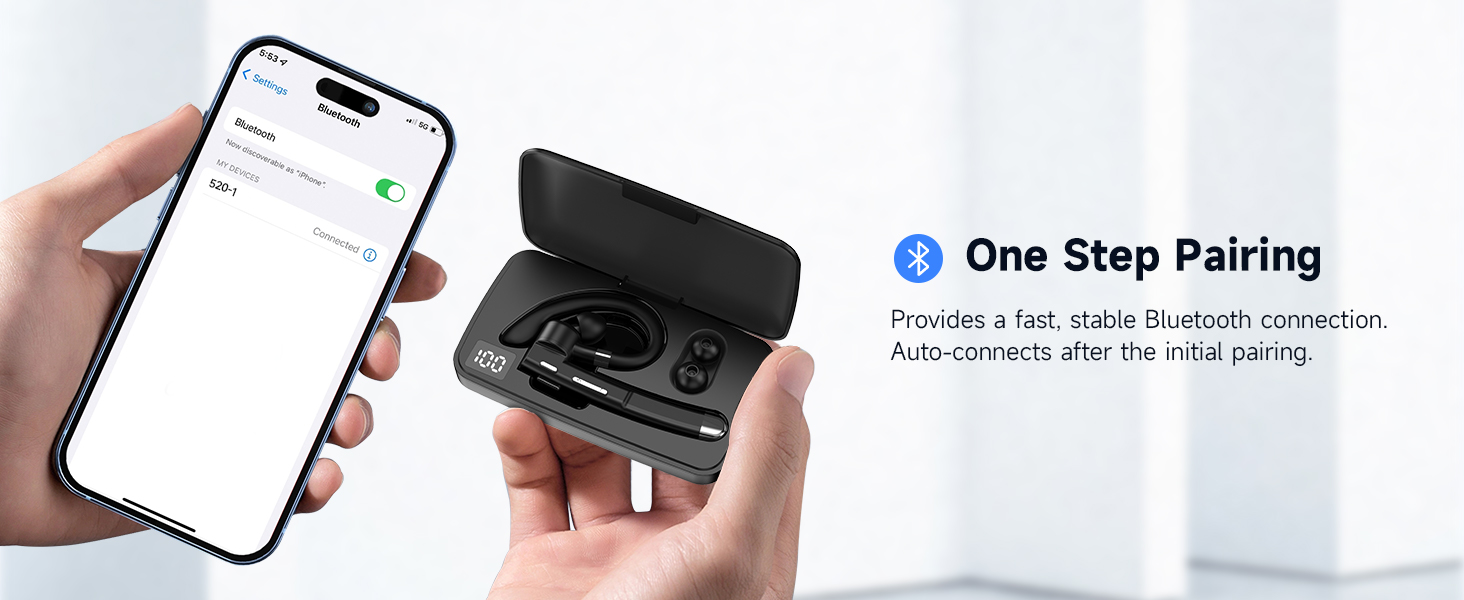
Image: A detailed diagram of the EUQQ Bluetooth Headset highlighting its buttons and their corresponding functions for music playback, call management, volume, and voice assistant activation.
- เล่น/หยุดชั่วคราว: แตะปุ่มมัลติฟังก์ชั่นหนึ่งครั้ง
- รับ/วางสาย: Tap the Multi-function Button once during an incoming call or active call.
- ปฏิเสธสาย: Tap the Multi-function Button twice during an incoming call.
- ปรับระดับเสียงขึ้น: Tap the Volume + button once.
- ลดเสียงลง: Tap the Volume - button once.
- เพลงถัดไป: Long press the Volume + button.
- เพลงก่อนหน้า: Long press the Volume - button.
- เปิดใช้งานผู้ช่วยเสียง (Siri): Press the Multi-function Button for 1 second.
- ปิดเสียง/เปิดเสียงไมโครโฟน: Press and hold the Mute button (often integrated with volume or a dedicated button) during a call.

Image: A person using the EUQQ Bluetooth Headset while on a video call at a desk, demonstrating the one-button mute function for privacy.
Call Management and Noise Reduction
The headset features advanced ENC (Environmental Noise Cancellation) technology and multiple built-in microphones to ensure clear conversations by reducing background noise. This is particularly useful in noisy environments like offices or while driving.

Image: A man wearing the EUQQ Bluetooth Headset while driving a truck, with a phone screen showing an active call, illustrating the effectiveness of the 4 built-in microphones and noise cancellation in noisy environments.
การซ่อมบำรุง
- การทำความสะอาด: ใช้ผ้าแห้งนุ่มๆ เช็ดทำความสะอาดหูฟัง หลีกเลี่ยงการใช้สารเคมีรุนแรงหรือวัสดุที่มีฤทธิ์กัดกร่อน
- พื้นที่จัดเก็บ: Store the headset in a cool, dry place away from direct sunlight and extreme temperatures. When not in use for extended periods, store it in its charging case.
- การดูแลแบตเตอรี่ เพื่อยืดอายุการใช้งานแบตเตอรี่ ควรหลีกเลี่ยงการใช้หูฟังจนหมดบ่อย ชาร์จหูฟังเป็นประจำ แม้จะไม่ได้ใช้งานอย่างต่อเนื่องก็ตาม
การแก้ไขปัญหา
| ปัญหา | สารละลาย |
|---|---|
| หูฟังไม่สามารถเปิดเครื่องได้ | ตรวจสอบให้แน่ใจว่าหูฟังชาร์จไฟเต็มแล้ว เชื่อมต่อกับแหล่งจ่ายไฟโดยใช้สาย USB-C |
| ไม่สามารถจับคู่กับอุปกรณ์ได้ |
|
| ไม่มีเสียงหรือเสียงเบา |
|
| คุณภาพการโทรไม่ดีหรือมีสัญญาณรบกวน |
|
| แบตเตอรี่มีอายุสั้น |
|
ข้อมูลจำเพาะ
| คุณสมบัติ | รายละเอียด |
|---|---|
| ชื่อรุ่น | ปปป-520 |
| หมายเลขรุ่นสินค้า | 520-1-B |
| เทคโนโลยีการเชื่อมต่อ | ไร้สาย (Bluetooth) |
| เวอร์ชันบลูทูธ | 5.3 |
| ช่วงบลูทูธ | 15 เมตร (49 ฟุต) |
| อายุการใช้งานแบตเตอรี่ | สูงสุด 24 ชั่วโมง (เวลาสนทนา) |
| พอร์ตชาร์จ | ยูเอสบี-ซี |
| การควบคุมเสียงรบกวน | ระบบตัดเสียงรบกวนแบบแอคทีฟ (ENC) |
| ไมโครโฟน | Built-in (4 microphones for ENC) |
| รูปทรงของหูฟัง | ตะขอ |
| น้ำหนัก | 0.4 ออนซ์ (ประมาณ 11.3 กรัม) |
| อุปกรณ์ที่รองรับ | Cellphones, Desktops, Tablets, Television |
| ระดับความต้านทานต่อน้ำ | กันน้ำ |
| ช่วงความถี่ | 20 เฮิรตซ์ - 20,000 เฮิรตซ์ |
| ขนาดไดร์เวอร์เสียง | 16.3 มิลลิเมตร |
| ยูพีซี | 762304992602 |
การรับประกันและการสนับสนุน
For warranty information and customer support, please refer to the documentation included with your purchase or contact the seller directly. Keep your purchase receipt as proof of purchase for any warranty claims.


